
6downloads
1this week
FreeCommercial
0reviews
Screenshots
About Hyperduck
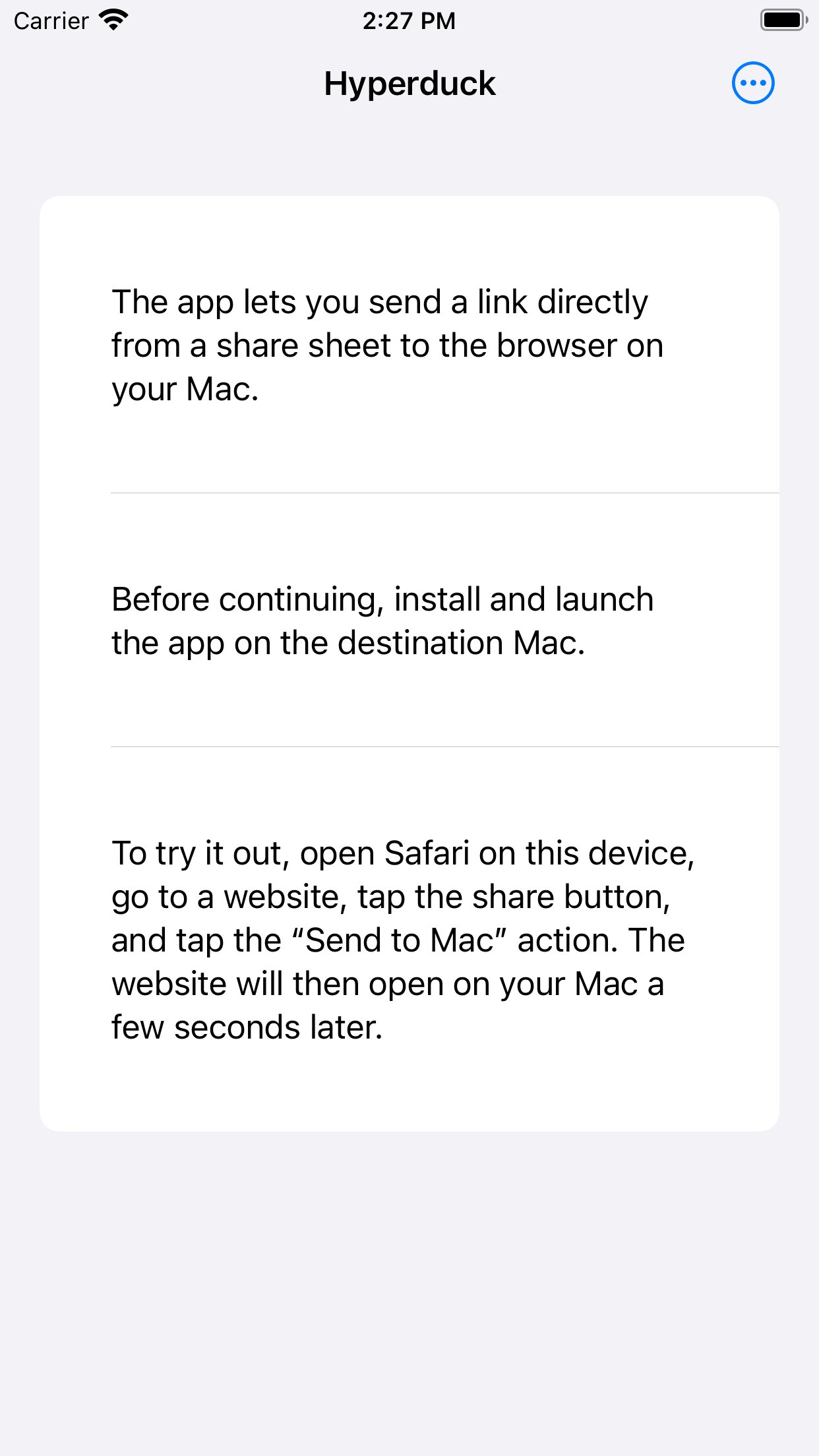
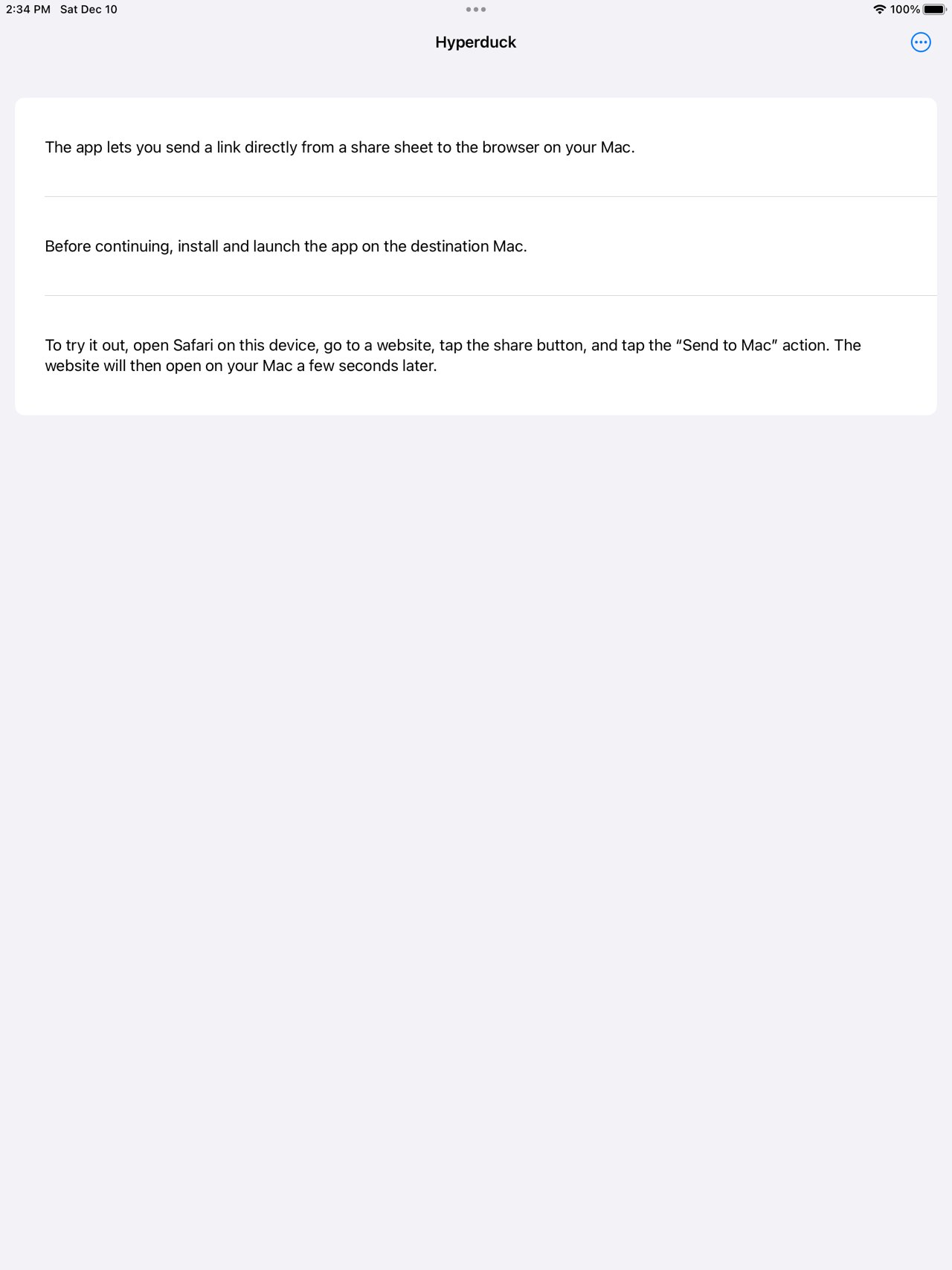
Quickly send a link from your iOS device to your Mac.
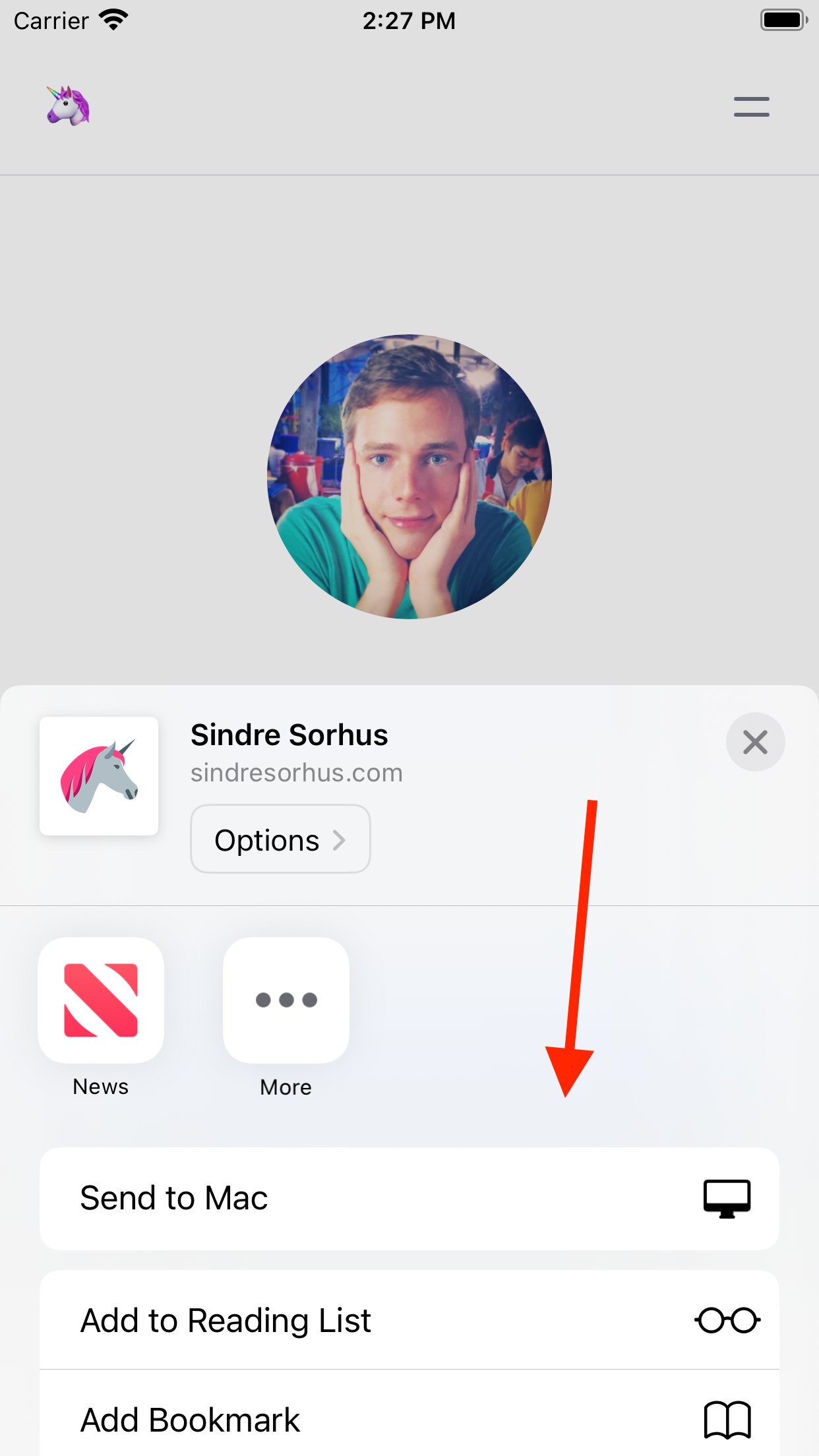
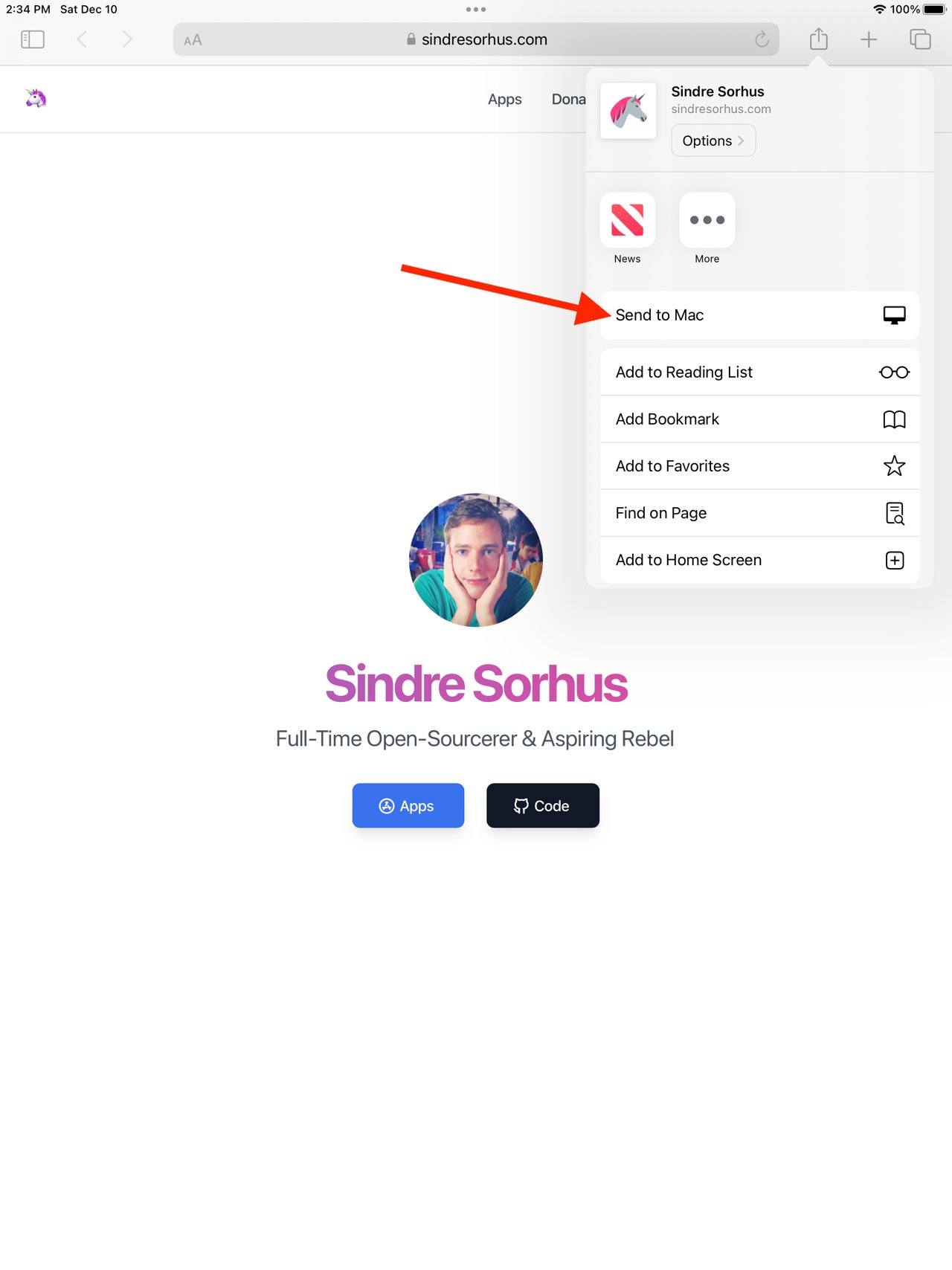
It provides a "Send to Mac" button in the share sheet of any app that provides a URL.
For example, share a link from Safari on your iPhone or iPad and have it open in the default browser on your Mac.
You can send a link even if your iOS device and/or Mac are offline. The link will be sent and received the next time the devices are online. The link will never be lost. The devices do not need to be on the same network.
Your iOS device and Mac must have iCloud enabled and be signed into the same Apple ID account.
My personal use-case is that I often discover cool stuff when I check Twitter on the go and I want to dig deeper into it later on my Mac. I have tried Instapaper, Pocket, Safari Reading List, iCloud Tabs, and more. The problem with them all is that I forget to check them.
You can even use this app to trigger shortcuts on your Mac from your iOS device. See the website for more info.
Sends to one Mac only. Install the macOS app on the single Mac you want to receive links on. If you install it on multiple Macs, iCloud may deliver a link to any of them, unpredictably.
Note: Because of an iOS bug, you have to restart your device for the Shortcuts actions to show up.
Note: Links will not be sent when low power mode is enabled as background syncing is disabled then. They will be sent the next time you open the app.
? FAQ
? How is it better than AirDrop?
- Works when your Mac is offline
- Works when you are not on the same network as your Mac
- Much faster
- Opens links on your Mac in the background
? How is it better than iCloud Tabs?
- Works in any app with a share sheet, not just Safari
- Links are opened as tabs in your browser so you cannot miss them
- No need to spend time looking for the link in a long list of links
- Supports any browser on your Mac
- You don't need to keep the tab open on your iOS device for it to be available on your Mac
? How is it better than Safari Reading List?
- Links are opened right in your browser so you cannot miss them
- No need to spend time looking for the link in a long list of links
- Supports any browser on your Mac
? Can you support multiple Macs?
No. I would like to keep the app simple.
? Privacy
The app uses iCloud syncing to securely send links from your iOS device to your Mac. The app developer will not see the links you share. The app does not collect any personal data and does not have any tracking.
? Support
You can contact me through the feedback button in the app.
License: Commercial
It provides a "Send to Mac" button in the share sheet of any app that provides a URL.
For example, share a link from Safari on your iPhone or iPad and have it open in the default browser on your Mac.
You can send a link even if your iOS device and/or Mac are offline. The link will be sent and received the next time the devices are online. The link will never be lost. The devices do not need to be on the same network.
Your iOS device and Mac must have iCloud enabled and be signed into the same Apple ID account.
My personal use-case is that I often discover cool stuff when I check Twitter on the go and I want to dig deeper into it later on my Mac. I have tried Instapaper, Pocket, Safari Reading List, iCloud Tabs, and more. The problem with them all is that I forget to check them.
You can even use this app to trigger shortcuts on your Mac from your iOS device. See the website for more info.
Sends to one Mac only. Install the macOS app on the single Mac you want to receive links on. If you install it on multiple Macs, iCloud may deliver a link to any of them, unpredictably.
Note: Because of an iOS bug, you have to restart your device for the Shortcuts actions to show up.
Note: Links will not be sent when low power mode is enabled as background syncing is disabled then. They will be sent the next time you open the app.
? FAQ
? How is it better than AirDrop?
- Works when your Mac is offline
- Works when you are not on the same network as your Mac
- Much faster
- Opens links on your Mac in the background
? How is it better than iCloud Tabs?
- Works in any app with a share sheet, not just Safari
- Links are opened as tabs in your browser so you cannot miss them
- No need to spend time looking for the link in a long list of links
- Supports any browser on your Mac
- You don't need to keep the tab open on your iOS device for it to be available on your Mac
? How is it better than Safari Reading List?
- Links are opened right in your browser so you cannot miss them
- No need to spend time looking for the link in a long list of links
- Supports any browser on your Mac
? Can you support multiple Macs?
No. I would like to keep the app simple.
? Privacy
The app uses iCloud syncing to securely send links from your iOS device to your Mac. The app developer will not see the links you share. The app does not collect any personal data and does not have any tracking.
? Support
You can contact me through the feedback button in the app.
License: Commercial
| Release info | New Release on Apr 07, 2026 |
|---|---|
| Release notes | - The app now requires iOS 26. |
| Listing data | App Store |
Reviews
No reviews yet. Be the first to review Hyperduck.
Used Hyperduck? Tell other visitors what you thought.
Log in to write a reviewOther products by this publisher
- "No Distractions" for YouTube 4.10 ----
- #Bible 11.6 "Incredible App - My sister shared this app with me a few weeks ago and it is truly incredible.
- #filmphotography 1.4.2 So, you decided to shoot on film?
- $quirrel 1.5.1 $quirrel Budget & Finance helps you plan each paycheck, track spending, manage debt, and see what is safe to spend before the next payday.
- % Percentage Calculator Pro 1.41 This is the Pro version of % Percentage Calculator.
Most viewed iOS Productivity
-
1
 WordPress 27.4
Manage or create your WordPress blog or website right from your iOS device: create and edit posts and pages, upload your favorite photos and videos, view stats and reply to comments.
- 2 Voice Translator - Alive 1.6 Translation app that turns your iPhone into an interpreter instantly.
-
3
 Claude by Anthropic 1.261109.19
Meet Claude, your AI problem solver and thinking partner.
- 4 "No Distractions" for YouTube 4.10 ----
- 5 (beat) for iOS 0.5.10 An elegant Fountain screenwriting app, created by a screenwriter for screenwriters.
-
6
 DeepSeek 2.7.5
Experience seamless interaction with DeepSeek's official AI assistant for free!
-
7
 Life360 26.43.0
Whether at home, online, or on the move, our comprehensive family safety features bring peace of mind to your loved ones AND help safeguard your personal belongings.
-
8
 WristMemo 2.0
WristMemo turns your Apple Watch into an all-day voice recorder.
-
9
 Howbout 16.7.0
The shared calendar for friends, couples, and family
-
10
 Plot Digitizer 1.4.1
Plot Digitizer is an app to extract numerical data from plot images.
Most downloaded iOS Productivity
- 1 Voice Translator - Alive 1.6 Translation app that turns your iPhone into an interpreter instantly.
-
2
DeepSeek 2.7.5
Experience seamless interaction with DeepSeek's official AI assistant for free!
-
3
 SessionsAI 1.2.1
Sessions AI is a private AI workspace that runs entirely on your iPhone, iPad, or Mac.
-
4
 Voices AI 1.16.15
Discover Voices, the premier voice transformation app designed exclusively for iOS.
-
5
 Block Distracting Websites 1.11
"It's a great way to save time, and stop browsing Reddit when you should be doing coursework."
-
6
Plot Digitizer 1.4.1
Plot Digitizer is an app to extract numerical data from plot images.
-
7
 Google Docs 1.2026.45104
Create, edit, and collaborate on online documents with the Google Docs app.
-
8
 Pixy Mood Tracker 1.110.0
Track your mood, one pixel at a time.
-
9
 VPN 2.61.0
VPN - Super Unlimited Proxy is a free VPN and proxy app for iPhone, iPad, Mac and Apple Vision Pro.
-
10
 MyHyundai with Bluelink 5.4.5
The MyHyundai app makes getting information about your Hyundai vehicle easier than ever.