
HTML Previewer 1.9.0
Open received HTML and ZIP reports, read Markdown notes, inspect JSON or YAML, and view Mermaid diagrams, CSV tables, and SVG images on iPhone and iPad.
Download
9.18 MB
25downloads
0this week
FreeCommercial
0reviews
Screenshots
About HTML Previewer
Open received HTML and ZIP reports, read Markdown notes, inspect JSON or YAML, and view Mermaid diagrams, CSV tables, and SVG images on iPhone and iPad. Files are processed on your device.
Read the content, keep the formatting
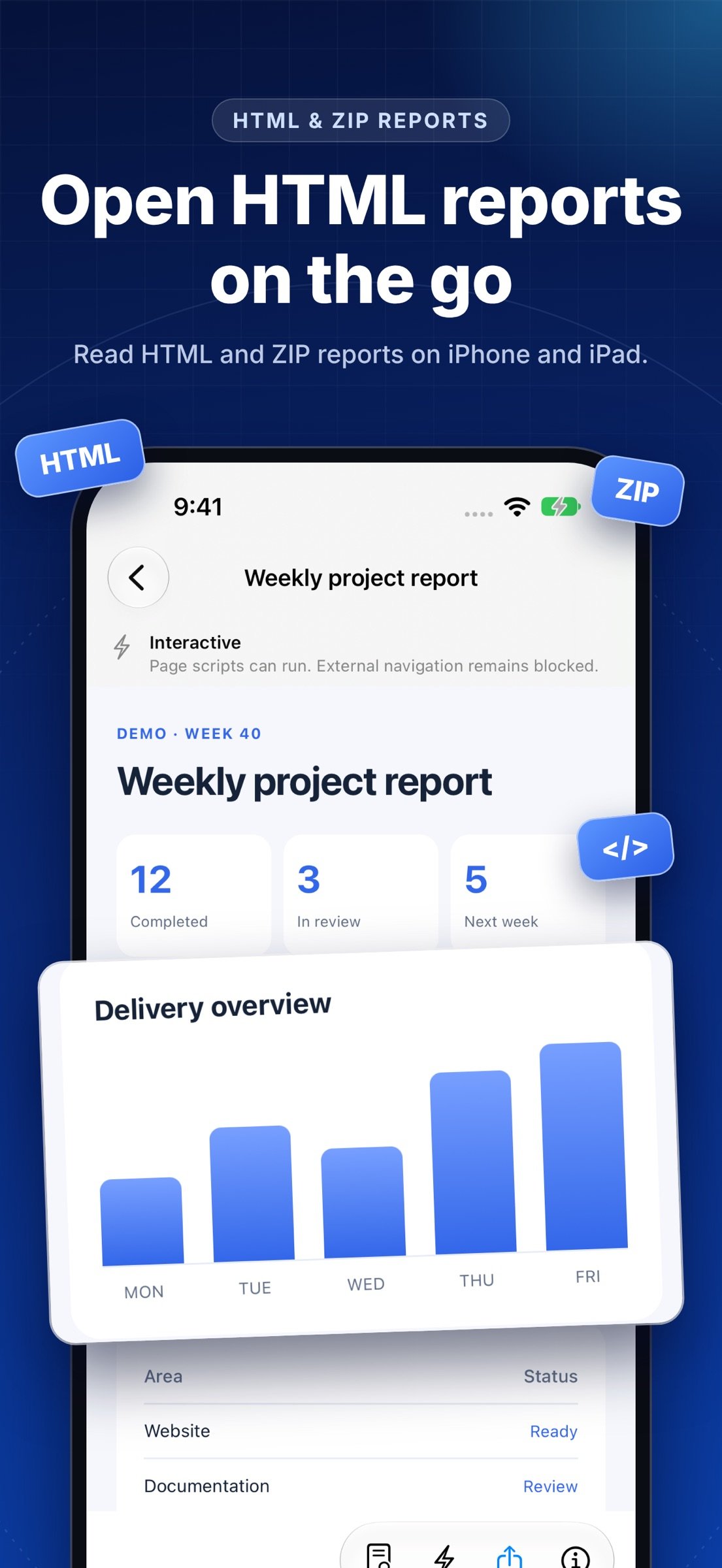
- View HTML layouts, graphics, and animations.
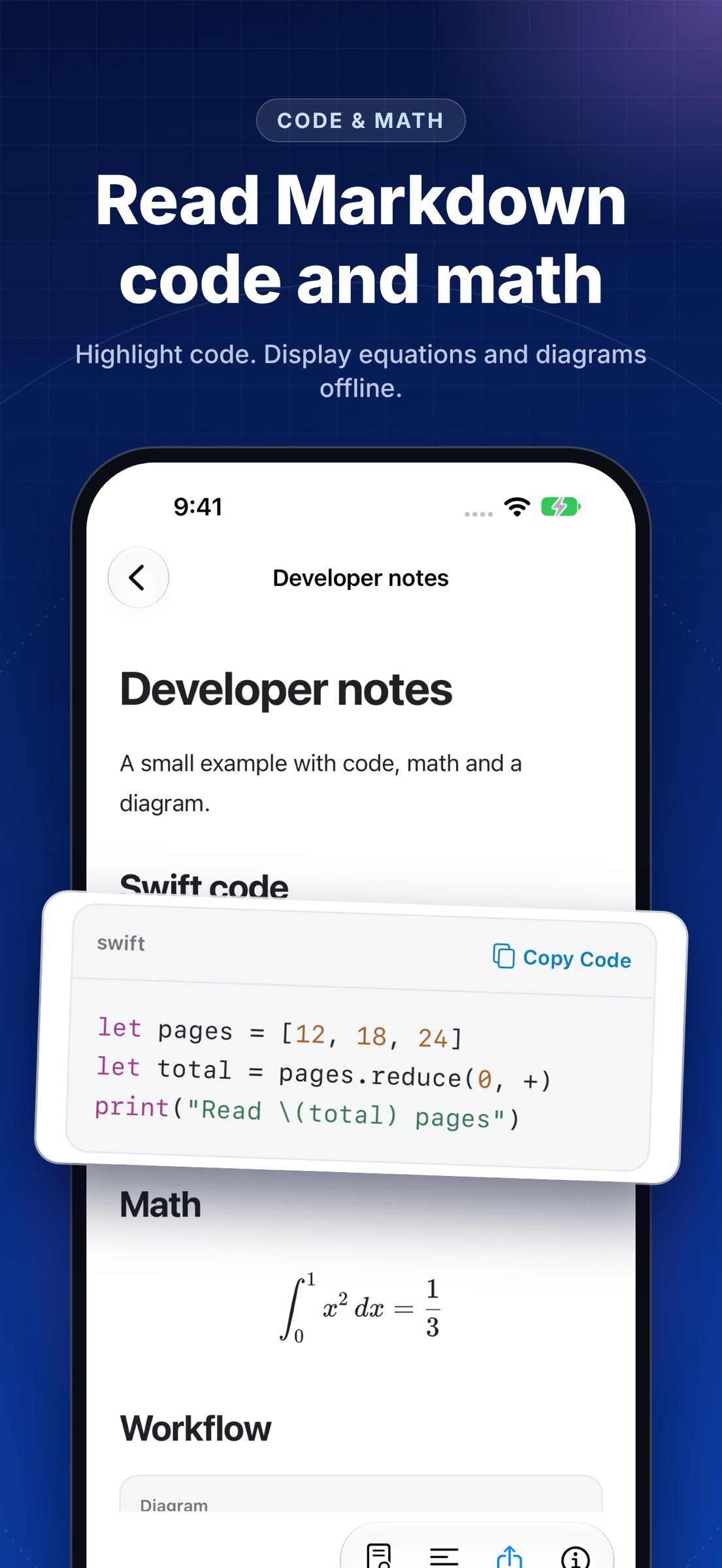
- Read Markdown tables and highlighted code, with one-tap code copying.
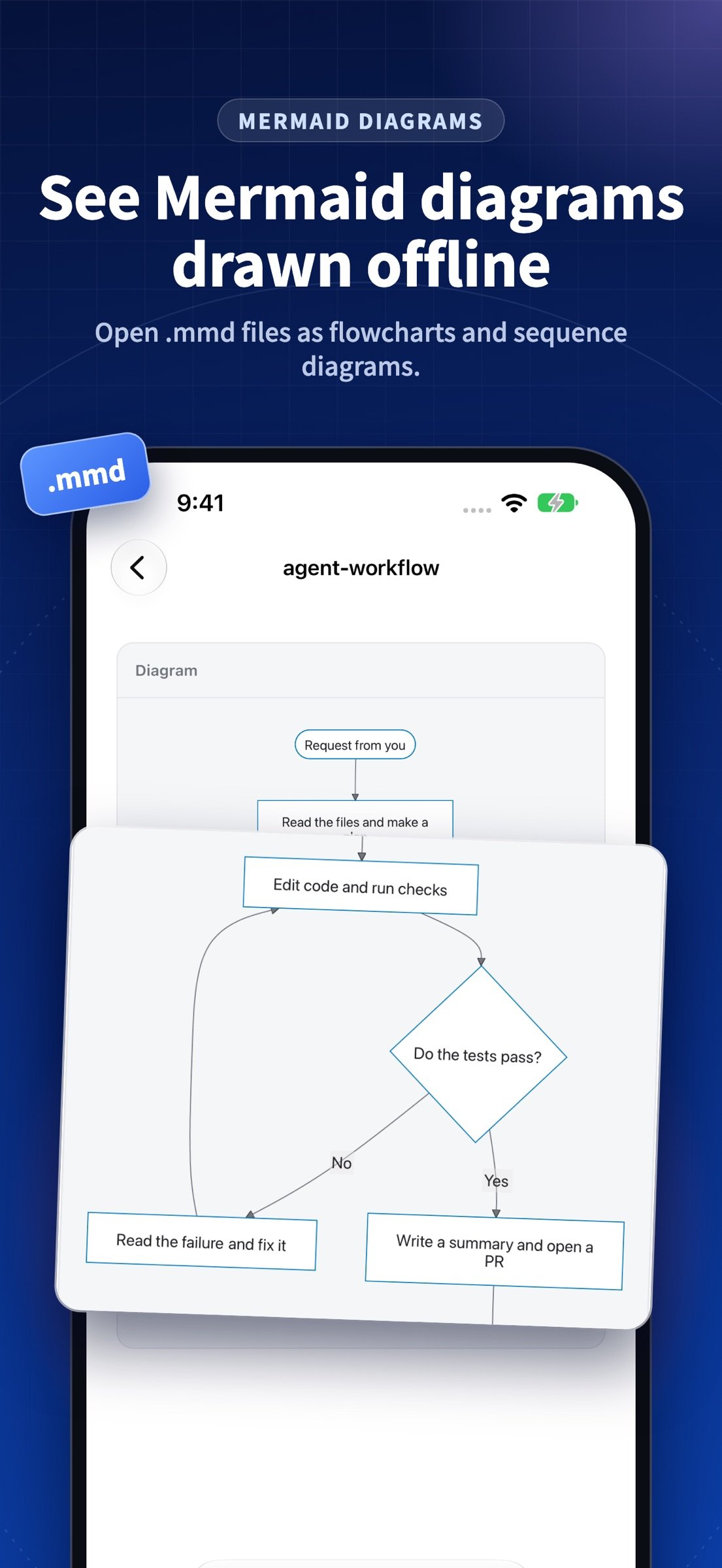
- Display Markdown math equations and Mermaid diagrams offline.
- Browse HTML and Markdown pages inside ZIP reports with local CSS and image assets.
- Search within HTML and Markdown, navigate headings, adjust reading appearance, and reopen at your saved reading position.
Inspect JSON and YAML
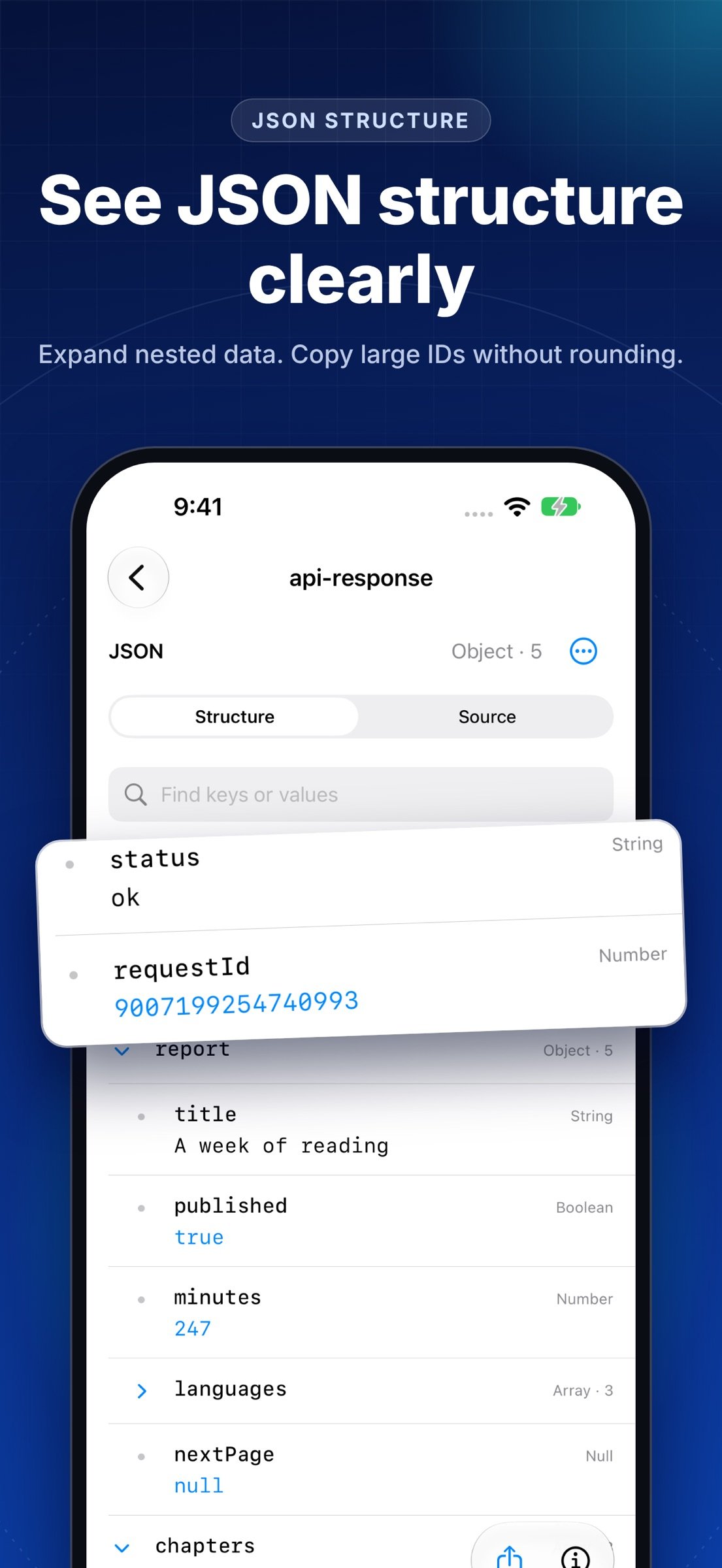
- Expand nested objects and arrays, search fields and values, and check highlighted source with line numbers.
- Copy values or field paths and jump to the corresponding source line.
- View and copy large JSON numeric IDs without rounding their digits.
- Locate syntax errors by line and column. YAML also supports multiple documents.
Diagrams, tables, and images
- Open .mmd and .mermaid files as flowcharts, sequence diagrams, and other Mermaid diagrams, drawn offline.
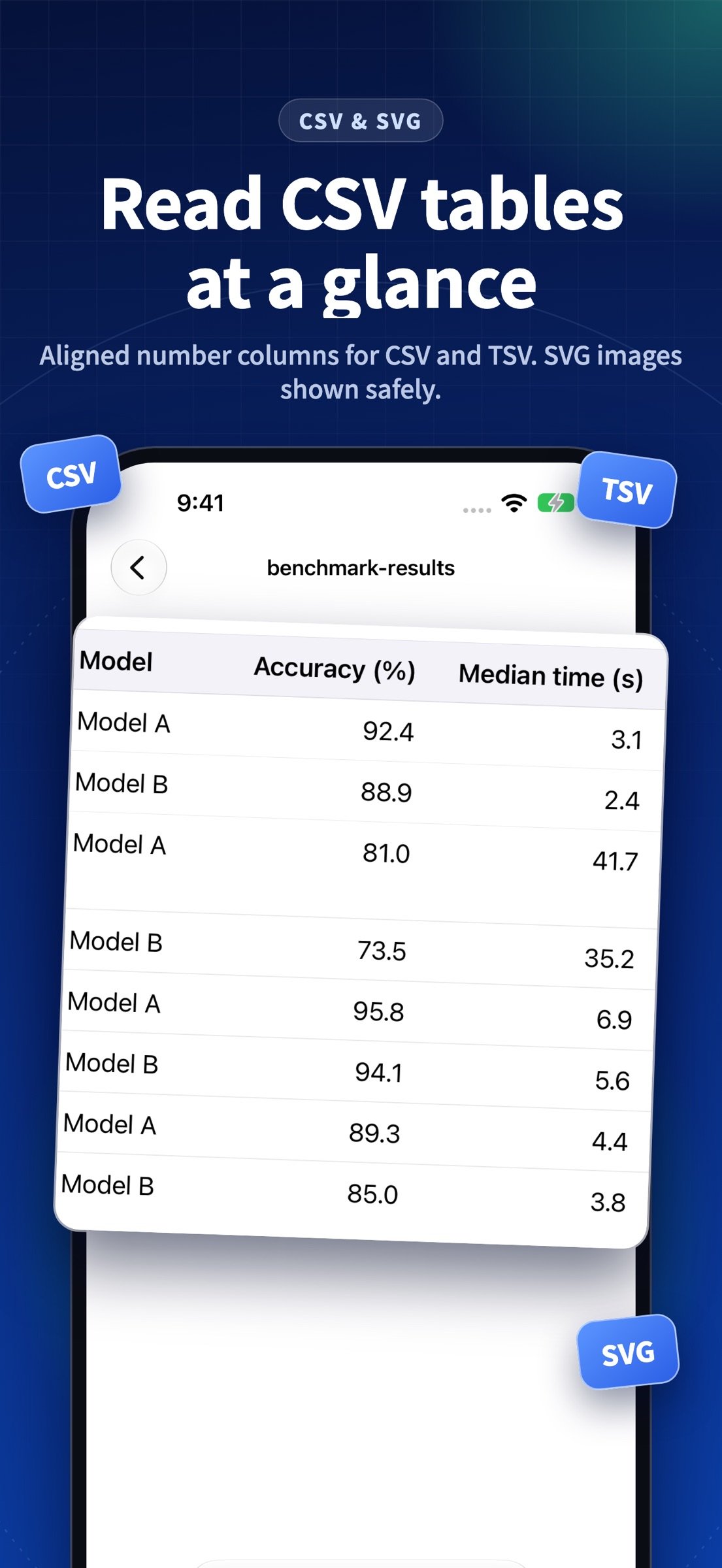
- Read CSV and TSV files as tables with aligned number columns. The delimiter is detected automatically.
- View SVG images safely: scripts, links, and remote resources inside the SVG are not loaded.
- Switch any of these to raw text to read or copy the source.
Import, organize, and share
- Open files from Files, Mail, AirDrop, messaging apps, cloud drives, or other apps. Open/share menu availability depends on iOS and the source app.
- Select multiple documents or ZIP packages. Update duplicates, keep both copies, or skip individual files, then review import results.
- Paste HTML, Markdown, JSON, or YAML text to create a local preview.
- Find saved files by filename, pin frequent documents, and rename display titles.
- Share original files or complete ZIP packages. Export HTML and Markdown previews as PDF.
- Try the built-in HTML, Markdown, JSON, YAML, Mermaid, CSV, SVG, and ZIP samples.
Supported extensions: .html, .htm, .md, .markdown, .json, .yaml, .yml, .mmd, .mermaid, .csv, .tsv, .svg, and .zip. JSON and YAML previews are read-only and share the original file. JSONC comments and trailing commas are not supported. PDF export is available for HTML and Markdown.
Privacy and purchase
Files are processed on device; the app does not upload your files. No account or ads. Paid download with no subscription or in-app purchase.
New HTML files, including HTML inside ZIP packages, open in Interactive mode with page JavaScript and external resources enabled. The HTML content can make network requests. Select Safe Preview to block page scripts and external HTTP/HTTPS resources. External navigation and form navigation remain blocked in both modes. Saved preview choices are preserved when reopening files.
License: Commercial
| Release info | Update on Nov 23, 2026 |
|---|---|
| Release notes | - New: open Mermaid diagram files (.mmd, .mermaid), drawn offline. - New: read CSV and TSV files as tables with aligned number columns. - New: view SVG images safely, with scripts and remote resources blocked. - Try the new Mermaid, CSV, and SVG samples in the library. - Files continue to be processed and stored locally on your device. |
| Listing data | App Store |
Reviews
No reviews yet. Be the first to review HTML Previewer.
Used HTML Previewer? Tell other visitors what you thought.
Log in to write a reviewOther products by this publisher
- "No Distractions" for YouTube 4.10 ----
- #Bible 11.6.1 "Incredible App - My sister shared this app with me a few weeks ago and it is truly incredible.
- #filmphotography 1.4.2 So, you decided to shoot on film?
- #LookBusy Fake Calendar Events 1.0.6 Look Busy scans your work calendar for open time slots and fills them with realistic-looking (but secretly fake) work events.
- #Small Talk Is Canceled 1.0.2 #Small Talk Is Canceled — Conversations That Matter
Most viewed iOS Productivity
-
1
 WordPress 27.5
Manage or create your WordPress blog or website right from your iOS device: create and edit posts and pages, upload your favorite photos and videos, view stats and reply to comments.
- 2 Voice Translator - Alive 1.6 Translation app that turns your iPhone into an interpreter instantly.
-
3
 Life360 26.45.0
Whether at home, online, or on the move, our comprehensive family safety features bring peace of mind to your loved ones AND help safeguard your personal belongings.
-
4
 Claude by Anthropic 1.261123.51
Meet Claude, your AI problem solver and thinking partner.
-
5
 WristMemo 2.0
WristMemo turns your Apple Watch into an all-day voice recorder.
- 6 "No Distractions" for YouTube 4.10 ----
-
7
 Colicine 1.3.0
Have you ever been there—
-
8
 Cue by Manus 26.19.6
Cue has its own identity and can use the apps you authorize to help with everyday tasks, online and in person.
-
9
 DeepSeek 2.10.0
Experience seamless interaction with DeepSeek's official AI assistant for free!
- 10 (beat) for iOS 0.5.10 An elegant Fountain screenwriting app, created by a screenwriter for screenwriters.
Most downloaded iOS Productivity
- 1 Voice Translator - Alive 1.6 Translation app that turns your iPhone into an interpreter instantly.
-
2
 SessionsAI 1.2.1
Sessions AI is a private AI workspace that runs entirely on your iPhone, iPad, or Mac.
-
3
DeepSeek 2.10.0
Experience seamless interaction with DeepSeek's official AI assistant for free!
-
4
 Voices AI 1.16.18
Discover Voices, the premier voice transformation app designed exclusively for iOS.
-
5
 Block Distracting Websites 1.11
"It's a great way to save time, and stop browsing Reddit when you should be doing coursework."
-
6
 Google Docs 1.2026.47103
Create, edit, and collaborate on online documents with the Google Docs app.
-
7
 Plot Digitizer 1.4.1
Plot Digitizer is an app to extract numerical data from plot images.
-
8
 MyHyundai with Bluelink 5.4.6
The MyHyundai app makes getting information about your Hyundai vehicle easier than ever.
-
9
 Pixy Mood Tracker 1.110.0
Track your mood, one pixel at a time.
-
10
 Minder 1.4
Minder turns your phone into a pair of eyes that watch you work.