0downloads
0this week
FreeFreeware
0reviews
Screenshots
About HiWall
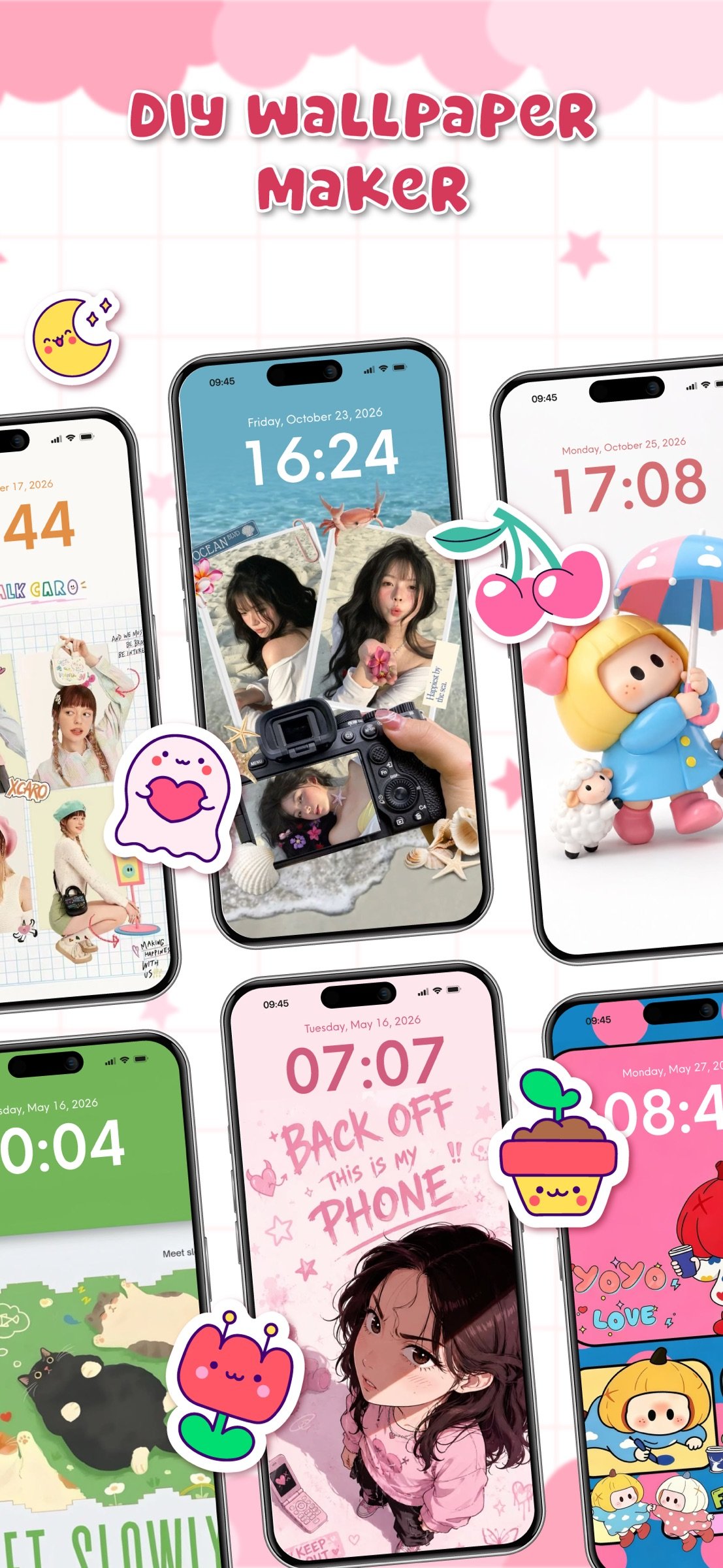
Turn memories into a design that feels like you. HiWall: DIY Wallpaper Maker brings photos, stickers, and personal details together in one creative space. Choose a template or blank canvas to build a custom wallpaper that reflects your mood and style.
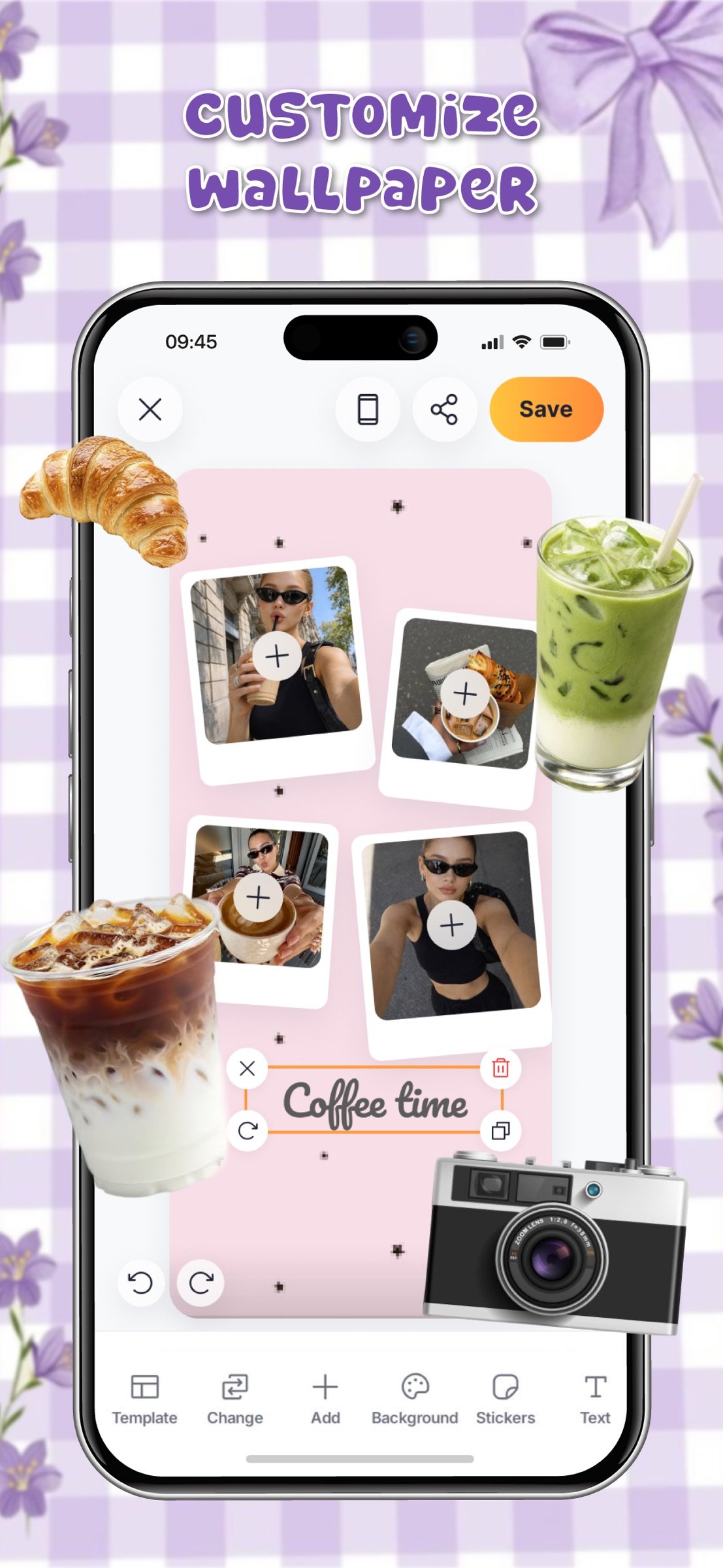
Make a wallpaper with easy-to-use tools. The wallpaper editor lets you arrange pictures and edit elements. Explore these options:
• Choose Template – Switch layouts while keeping your selected photos.
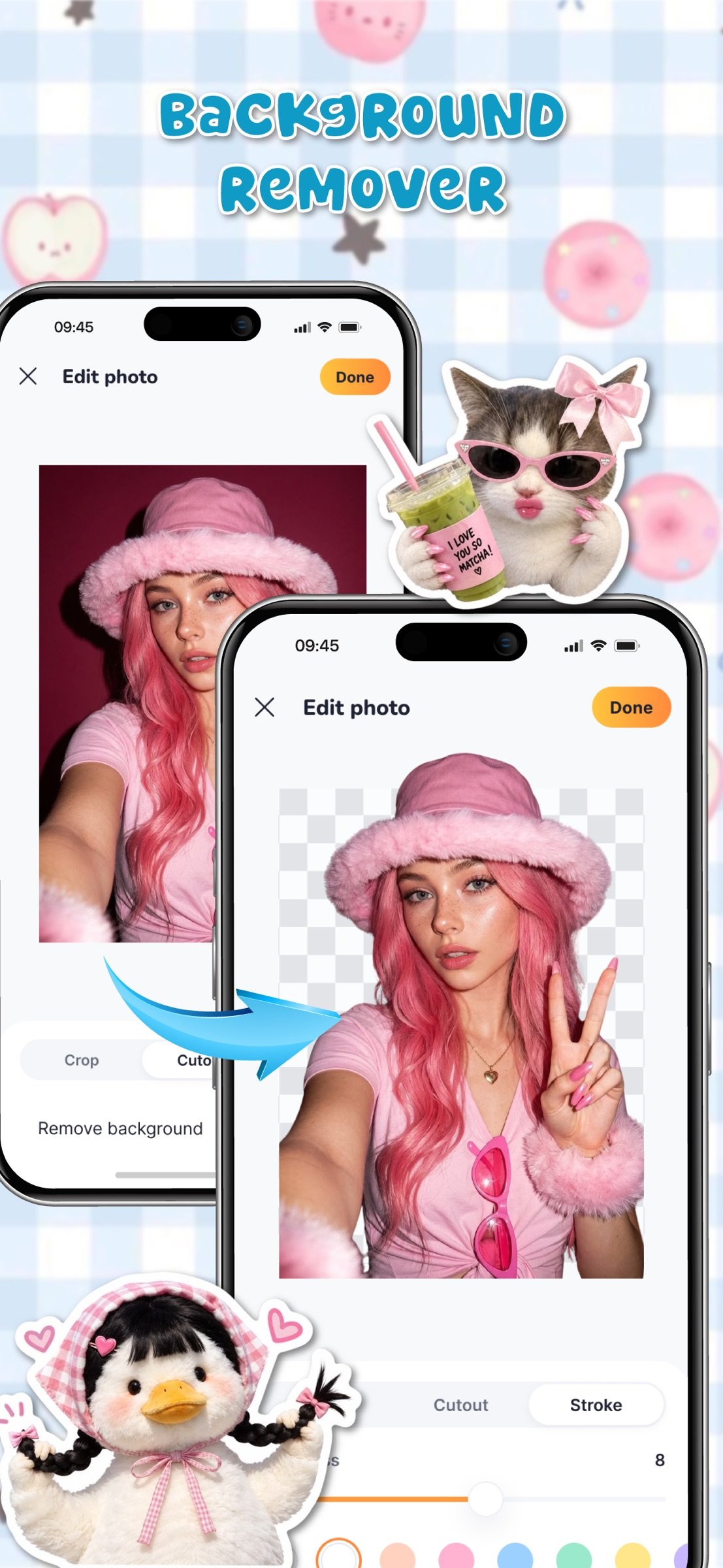
• Change Photos – Replace images individually or fill several frames with Batch.
• Change Background – Pick solid colors or picture backgrounds with the background changer.
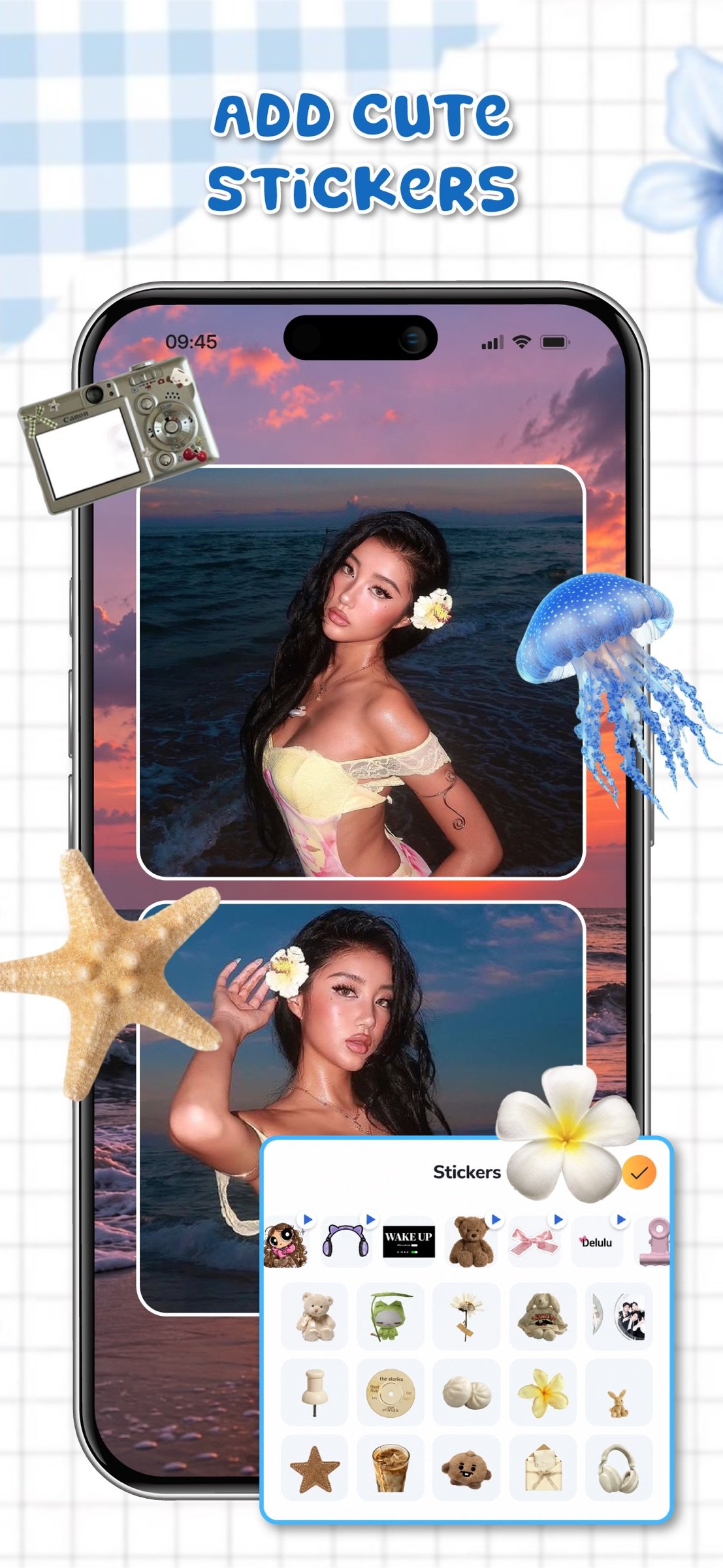
• Add Stickers – Decorate your canvas and find recently used stickers.
• Calendar – Add a monthly calendar to your design.
Drag, zoom, rotate, copy, or delete layers with Undo and Redo.
- Photo Collage & Creative Editing
Bring friends, pets, travel, and everyday moments into a photo collage. The photo collage maker lets you add images to frames and arrange them into a personal layout. Try collage maker tools to reposition pictures, or explore the wallpaper collage maker for a multi-photo design.
- Initials & Design Inspiration
Make an initial design with your letter, a partner's, or a friend's. Choose a font and color, or create a DIY theme with decorative stickers. Explore available stickers, backgrounds, and fonts to customize wallpaper elements or create wallpapers from scratch.
- Preview, Save & Return
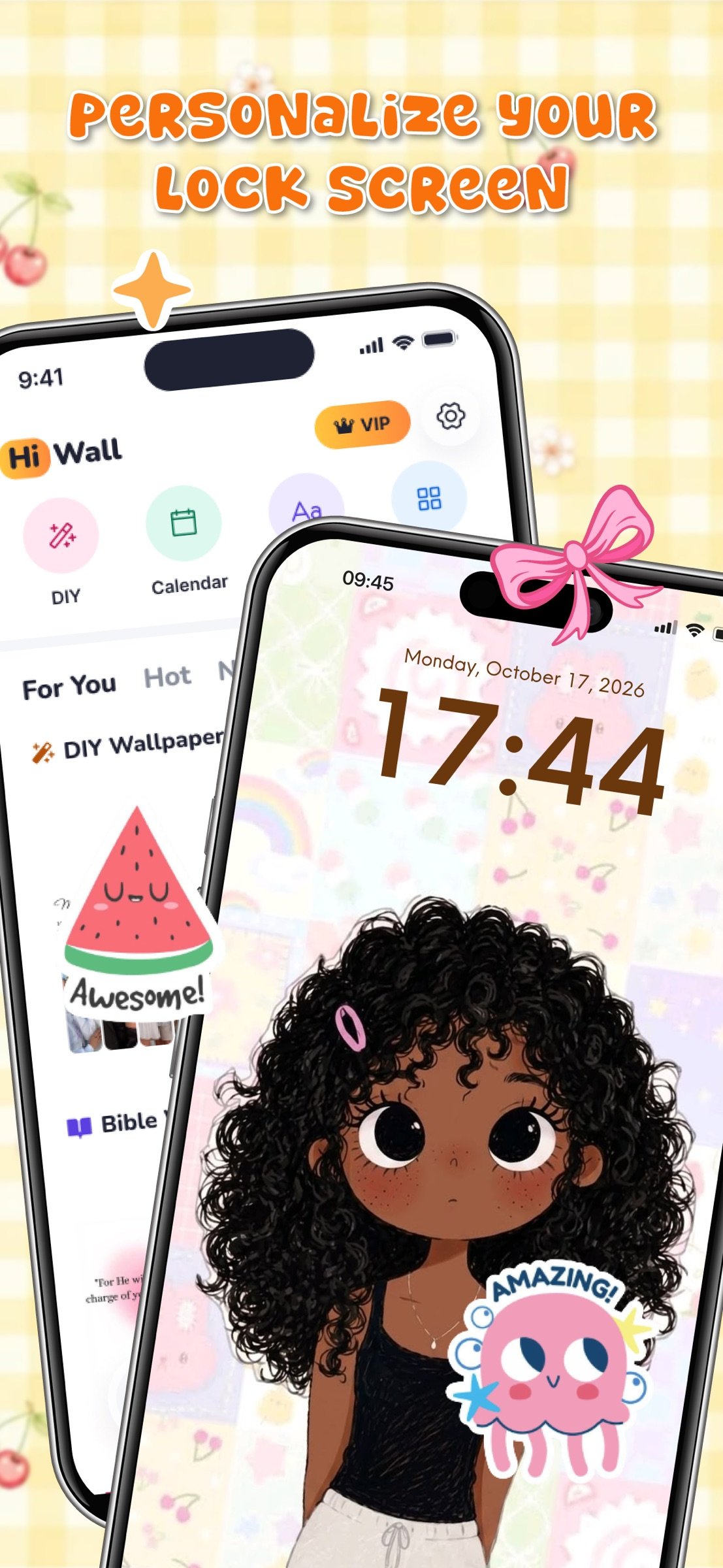
Preview your design on a home or lock screen, then save, share, or apply it to Home, Lock, or both. Gallery keeps your saved designs and drafts together, so you can return to unfinished ideas.
[Why choose HiWall?]
• Create designs with simple tools.
• Explore templates for different moods.
• Move, resize, and arrange elements.
• Add your photos, stickers, and colors.
• Combine favorite memories in one design.
• Choose colors or images for backgrounds.
• Preview your design before applying.
• Revisit saved designs and drafts anytime.
Ready to refresh your screen? Open HiWall and turn your ideas into a design that feels yours.
Privacy policy: [link removed]
Term of sevice: [link removed]
License: Free
Make a wallpaper with easy-to-use tools. The wallpaper editor lets you arrange pictures and edit elements. Explore these options:
• Choose Template – Switch layouts while keeping your selected photos.
• Change Photos – Replace images individually or fill several frames with Batch.
• Change Background – Pick solid colors or picture backgrounds with the background changer.
• Add Stickers – Decorate your canvas and find recently used stickers.
• Calendar – Add a monthly calendar to your design.
Drag, zoom, rotate, copy, or delete layers with Undo and Redo.
- Photo Collage & Creative Editing
Bring friends, pets, travel, and everyday moments into a photo collage. The photo collage maker lets you add images to frames and arrange them into a personal layout. Try collage maker tools to reposition pictures, or explore the wallpaper collage maker for a multi-photo design.
- Initials & Design Inspiration
Make an initial design with your letter, a partner's, or a friend's. Choose a font and color, or create a DIY theme with decorative stickers. Explore available stickers, backgrounds, and fonts to customize wallpaper elements or create wallpapers from scratch.
- Preview, Save & Return
Preview your design on a home or lock screen, then save, share, or apply it to Home, Lock, or both. Gallery keeps your saved designs and drafts together, so you can return to unfinished ideas.
[Why choose HiWall?]
• Create designs with simple tools.
• Explore templates for different moods.
• Move, resize, and arrange elements.
• Add your photos, stickers, and colors.
• Combine favorite memories in one design.
• Choose colors or images for backgrounds.
• Preview your design before applying.
• Revisit saved designs and drafts anytime.
Ready to refresh your screen? Open HiWall and turn your ideas into a design that feels yours.
Privacy policy: [link removed]
Term of sevice: [link removed]
License: Free
| Release info | Update on Nov 22, 2026 |
|---|---|
| Release notes | - Fix bugs. - Improve performance. |
| Listing data | App Store |
Reviews
No reviews yet. Be the first to review HiWall.
Used HiWall? Tell other visitors what you thought.
Log in to write a reviewOther products by this publisher
- "No Distractions" for YouTube 4.10 ----
- #Bible 11.6.1 "Incredible App - My sister shared this app with me a few weeks ago and it is truly incredible.
- #filmphotography 1.4.2 So, you decided to shoot on film?
- #LookBusy Fake Calendar Events 1.0.6 Look Busy scans your work calendar for open time slots and fills them with realistic-looking (but secretly fake) work events.
- #Small Talk Is Canceled 1.0.2 #Small Talk Is Canceled — Conversations That Matter
Most viewed iOS Photo & Video
-
1
 ShortDiShow 2.0
Drama Quest Island — An offline interactive short-drama adventure.
-
2
 Face Witness 1.0.3
FaceWitness lets you create a face by putting together individual features.
-
3
 Infuse 8.5.10
Infuse: Enterprise provides the same great features as the standard version of Infuse and includes permanent access to all Pro features via a traditional paid app.
-
4
 AI Video Generator 2.0.3
Vixel – AI Video Generator
-
5
 OPlayer 4.8
Play all your videos directly without having to convert them!
- 6 #filmphotography 1.4.2 So, you decided to shoot on film?
-
7
 CapCut 20.2.0
CapCut offers easy-to-use video editing functions, in-APP fonts and effects, advanced features such as keyframe animation, smooth slow-motion, chroma key, and stabilization, to help you capture and snip moments.
-
8
 Necrometer II 1.3
Necrometer II is a paranormal investigation companion designed for ghost hunters and researchers.
-
9
 Ai Photo 1.1.2
AI Photo Retouch – BG Eraser
-
10
 Analog Radio 3.0
The iPhone and iPad devices don't have the FM/AM radio antenna installed.
Most downloaded iOS Photo & Video
-
1
 DJI Fly 1.21.18
DJI Fly is designed to help pilots fly drones with ease.
-
2
Infuse 8.5.10
Infuse: Enterprise provides the same great features as the standard version of Infuse and includes permanent access to all Pro features via a traditional paid app.
-
3
 TurboCollage Automatic 1.2.4
#1 Easy automatic photo collage maker for iPhone & iPad.
-
4
Analog Radio 3.0
The iPhone and iPad devices don't have the FM/AM radio antenna installed.
-
5
 ReelyGo 1.1.42
ReelyGo: Your Daily Drama Escape
-
6
 Rozeta Sequencer Suite 1.3.16
Rozeta is a suite of MIDI sequencers and controllers that lets you explore a new, freeform approach to sequencing and controlling mobile music apps.
-
7
 AGAIN. Rehearsal Notes 2.0.1
AGAIN. is the rehearsal app that remembers why the band stopped — and, new in Version 2, who said what in a writing session or a table read.
-
8
 Pop Dot Comics 1.48
Create a comic worthy of the Sunday newspaper or your favorite pulp-fiction cover.
-
9
 Sun Scout 1.5.0
If your work or play requires sunlight, Sun Scout is built for you.
-
10
 Treblo 1.6.6
Make songs with the world's best AI music model.