Exif Thumbnail Adder 1.0.1
Add thumbnail in the EXIF tag of JPEG picture not having one (batch processing)
Download
24.60 MB
27downloads
1this week
FreeFreeware
0reviews
Screenshots
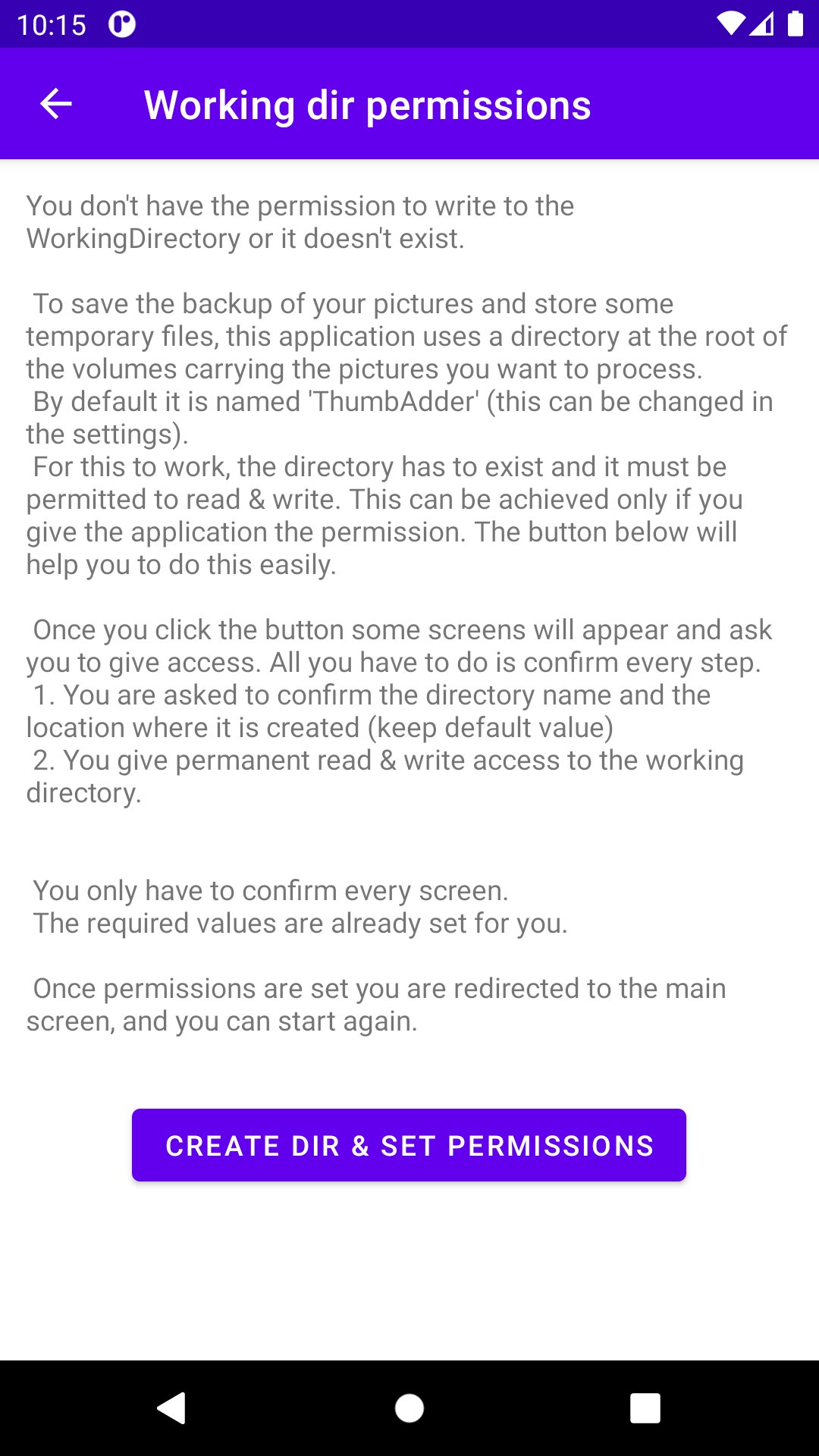
About Exif Thumbnail Adder
This application for android devices searches for pictures (JPEG) on your device and adds a thumbnail if they don't have one yet. Thumbnails are added to the EXIF metadata structure.
It is designed to work from android Oreo (android 8, SDK 26).
Please report issues here: [link removed]
For more information, some known facts and how you may contribute, refer to the [project homepage][1].
Rationale
On some smartphones, when wanting to import pictures to Windows (or any device/operating system supporting MTP or PTP protocols), I noticed the pictures may not display a thumbnail in the import wizard (whether through the Photos app, or through the Windows Explorer import feature).
There are two possible reasons for that behaviour. First, the thumbnail is not present in the picture, usually because the app that created the picture didn't add a thumbnail. Second, there is a thumbnail but it is ignored because some EXIF tags are missing.
Features
- Add thumbnail to pictures (JPEG) that don't yet have one
- Lanczos algorithm to downsample picture thanks to [FFmpeg's swscale library][2] for best results.
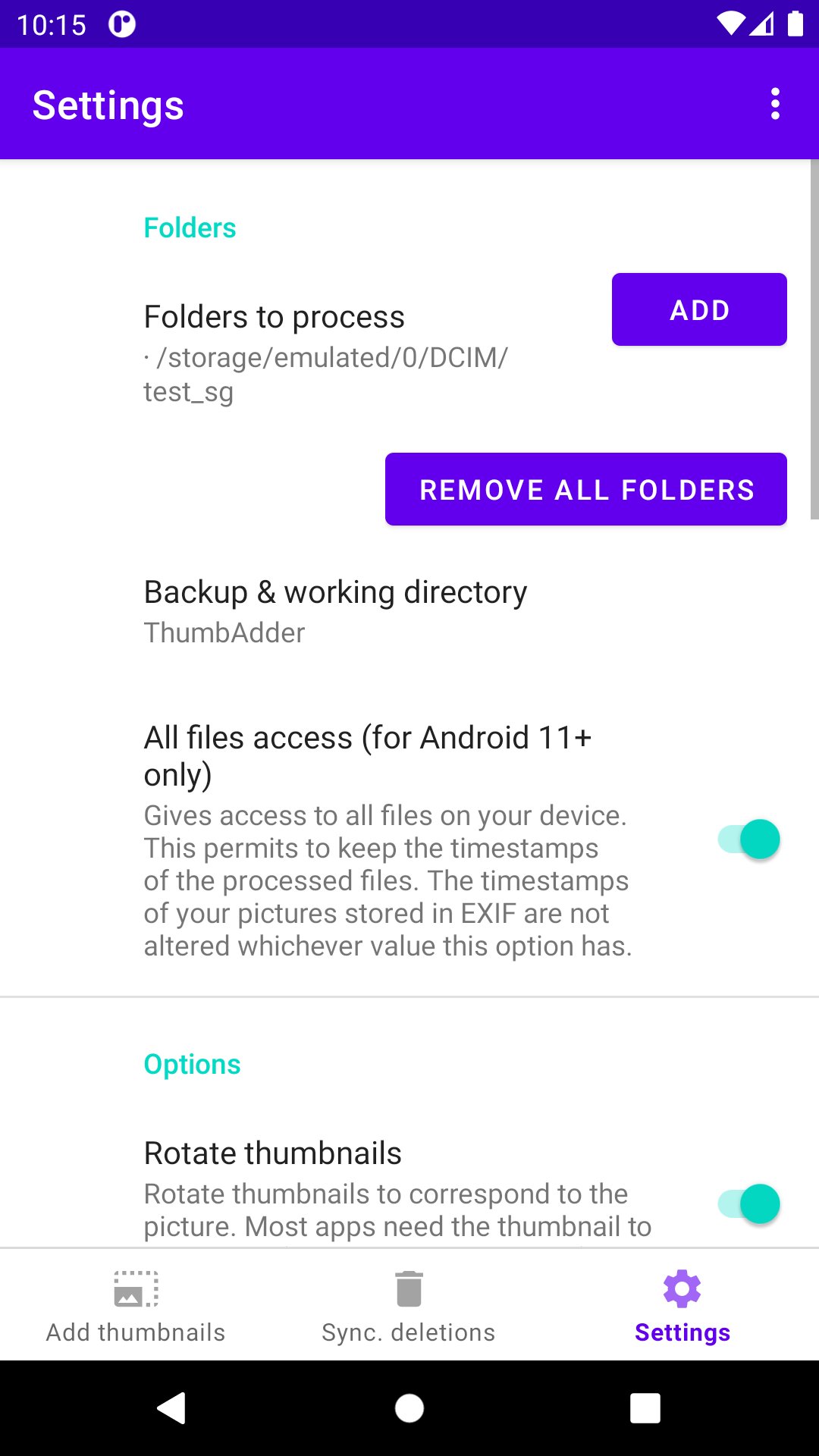
- Select one or more folders to scan from any storage (internal, SDCard...). For example DCIM, Pictures...
- Exclude one subdirectory from selected directories
- Preserve timestamps of the pictures
- Processing log
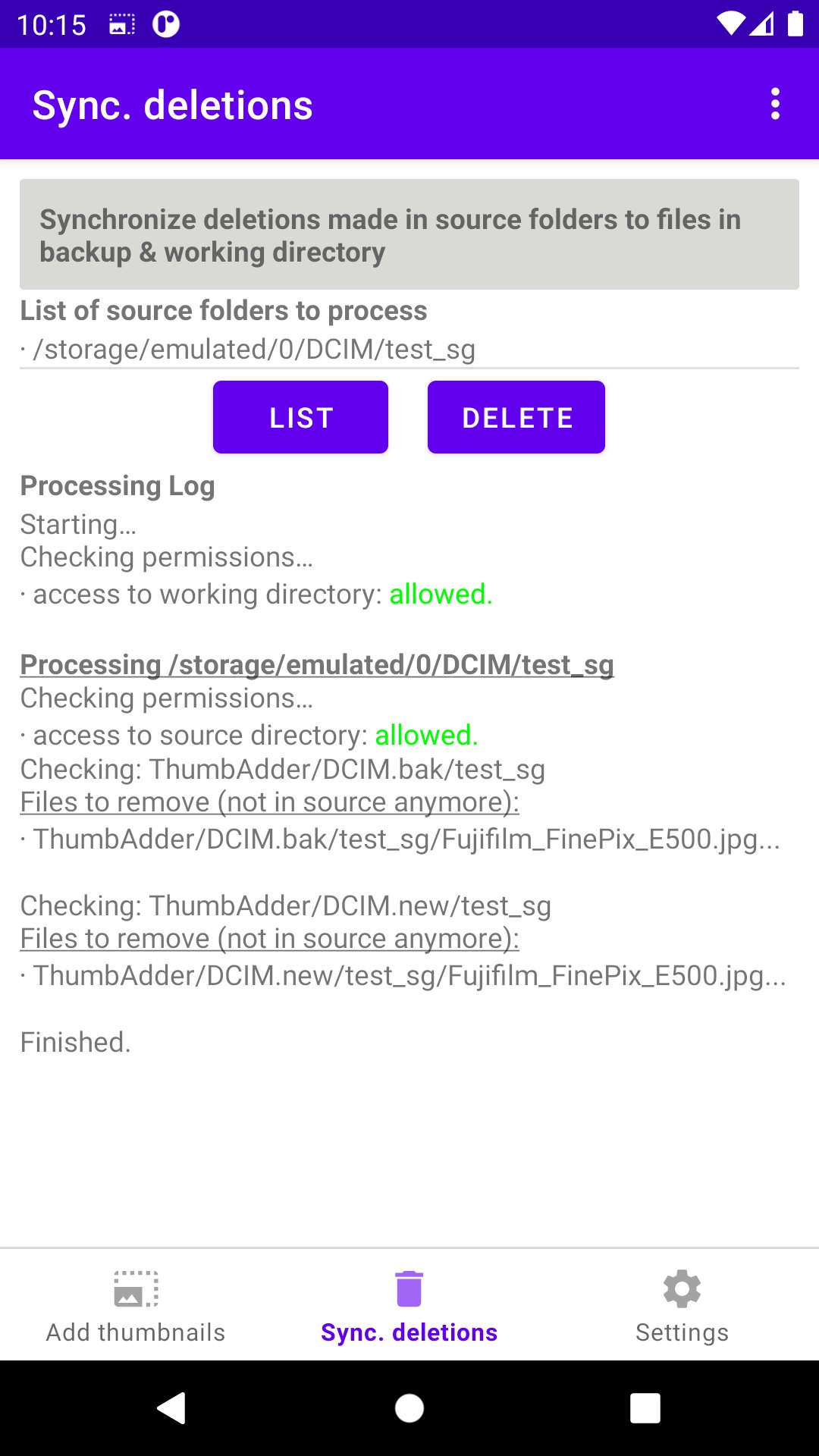
- Synchronize deleted files in the source directory to the backup and working directory (so that you don't keep in the backup folder pictures you don't have anymore in the source folder)
- Conservative default options (backup pictures, skip corrupt files)
- Install app on internal storage or external storage
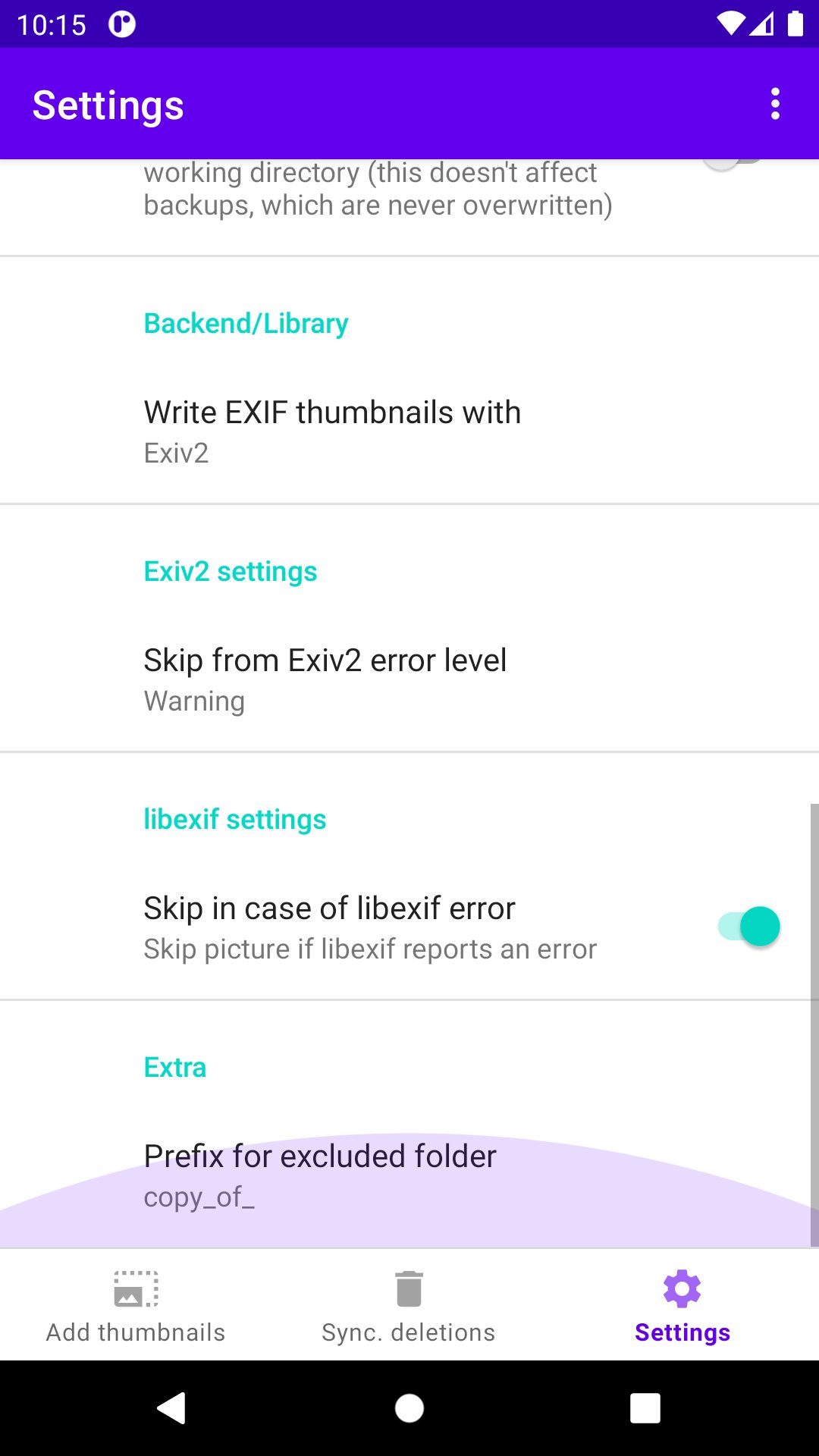
- Default EXIF library: [Exiv2][3].
- Alternative libraries: Android-Exif-Extended, libexif, pixymeta-android. See known facts on project page to learn more on benefits and drawbacks of each library.
- Settings:
- Rotate the thumbnail
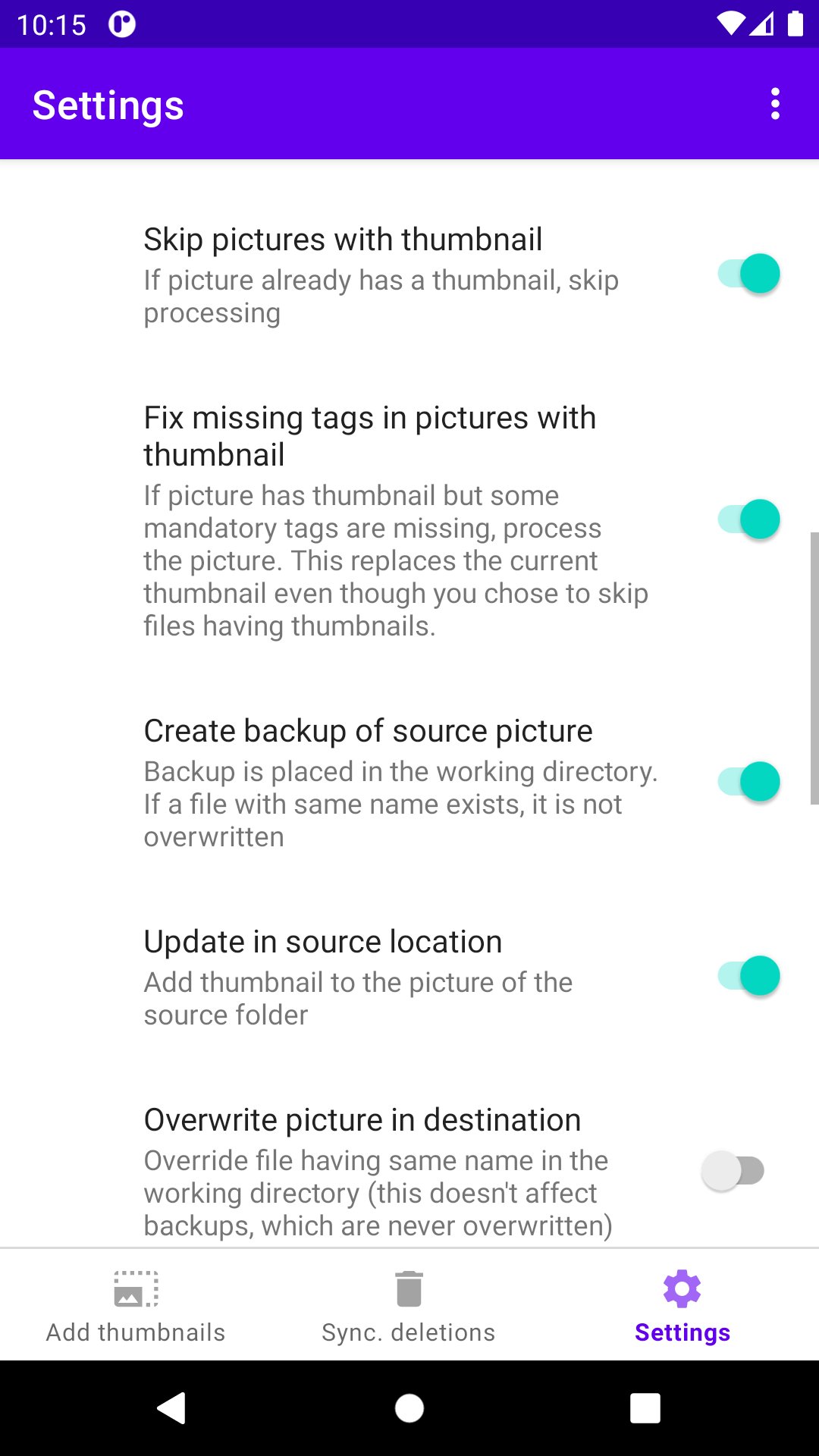
- Replace existing thumbnail
- Backup of original pictures (backup is never overwritten by the app once created if you choose to add the thumbnail to the input file in its initial location)
- Skip pictures having malformed metadata (this can be disabled to process also files having corrupt tags)
- Replace picture in place or write new picture to another directory
Requested permissions
- WRITE_EXTERNAL_STORAGE, READ_EXTERNAL_STORAGE, READ_MEDIA_IMAGES
- MANAGE_EXTERNAL_STORAGE
- ACCESS_MEDIA_LOCATION
- POST_NOTIFICATIONS
- get more details on the project homepage
Installation
- Prerequisites: minimum android Oreo (android 8, SDK 26). App was tested up to Android 11.
- Download it through F-Droid app [here][4]
- Download the APK from the [release page][5]
License
GPL-3.0 (see "COPYING" file on project homepage)
URLs
- [1]: [link removed]
- [2]: [link removed]
- [3]: [link removed]
- [4]: [link removed]
- [5]: [link removed]
License: GPL-3.0-or-later
| Release info | New Release on May 24, 2025 |
|---|---|
| Release notes | 1.0.1 - Add support for Android 15 (& set targetSdk to 35) & update toolchain - exiv2: update to 0.28.5 & expat to 2.7.1 - libexif: update to 0.6.25 - update all gradle dependencies to latest version (except ExifInterface) - Note: if you run on AOSP or on devices without Google apps, you may loose the GPS information inside your files (at least on emulator image for Android 13). See project homepage for more information. |
| Listing data | F-Droid |
Reviews
No reviews yet. Be the first to review Exif Thumbnail Adder.
Used Exif Thumbnail Adder? Tell other visitors what you thought.
Log in to write a reviewOther products by this publisher
- "No Distractions" for YouTube 4.10 ----
- #Bible 11.6.1 "Incredible App - My sister shared this app with me a few weeks ago and it is truly incredible.
- #filmphotography 1.4.2 So, you decided to shoot on film?
- #LookBusy Fake Calendar Events 1.0.6 Look Busy scans your work calendar for open time slots and fills them with realistic-looking (but secretly fake) work events.
- #Small Talk Is Canceled 1.0.2 #Small Talk Is Canceled — Conversations That Matter
Most viewed Android Graphics
-
1
 Kompact Image Compressor 2.2.1
Offline image editor, compressor, resizer and converter.
-
2
 Materializr 1.7.7
Maker 3D CAD - the middle ground between Tinkercad and FreeCAD
-
3
 LBalance 1.0
LBalance is a clinometer or balance app offering different Layouts.
-
4
 ComfyChair 0.9.6
Native Android client for ComfyUI - generate AI images and videos on mobile
-
5
 Slideshow Wallpaper 1.2.5
A Live Wallpaper showing a slideshow of user-selected images
-
6
 MakeACopy 4.9.2
Privacy-focused document scanner with OCR and PDF export
- 7 Camera Folder 1.0.3 Allows all jpg apps to take a photo from the camera and process it.
- 8 Exif Thumbnail Adder 1.0.1 Add thumbnail in the EXIF tag of JPEG picture not having one (batch processing)
-
9
 Open Stable Diffusion 1.12
An app for generating images using AI
- 10 Frame Extractor 1.1 Extract high-resolution frames from any video with millisecond precision.
Most downloaded Android Graphics
-
1
Slideshow Wallpaper 1.2.5
A Live Wallpaper showing a slideshow of user-selected images
-
2
 Pixiv-MultiPlatform 1.8.8
Third-party Pixiv client
-
3
 Souvenirs 3.1.0
Make photo albums and share them on Nextcloud. Support for image, sound, video,
-
4
 Renamite 0.3.17
Motion / vector animation editor
-
5
 Metadata Remover 3.0.0
Protect your privacy by removing metadata from your photos!
-
6
ComfyChair 0.9.6
Native Android client for ComfyUI - generate AI images and videos on mobile
-
7
 MetaJammer 0.6.0
Scramble, fake, or strip metadata from media files for total privacy.
-
8
 PiPixiv 2.6.0
Third-party Pixiv Client
-
9
Open Stable Diffusion 1.12
An app for generating images using AI
-
10
Materializr 1.7.7
Maker 3D CAD - the middle ground between Tinkercad and FreeCAD