
Epson iPrint 7.14.0
Print, scan, and share directly from your iPhone®, iPad®, or iPod® Touch.
Download
33.47 MB
11downloads
2this week
FreeFreeware
0reviews
Screenshots
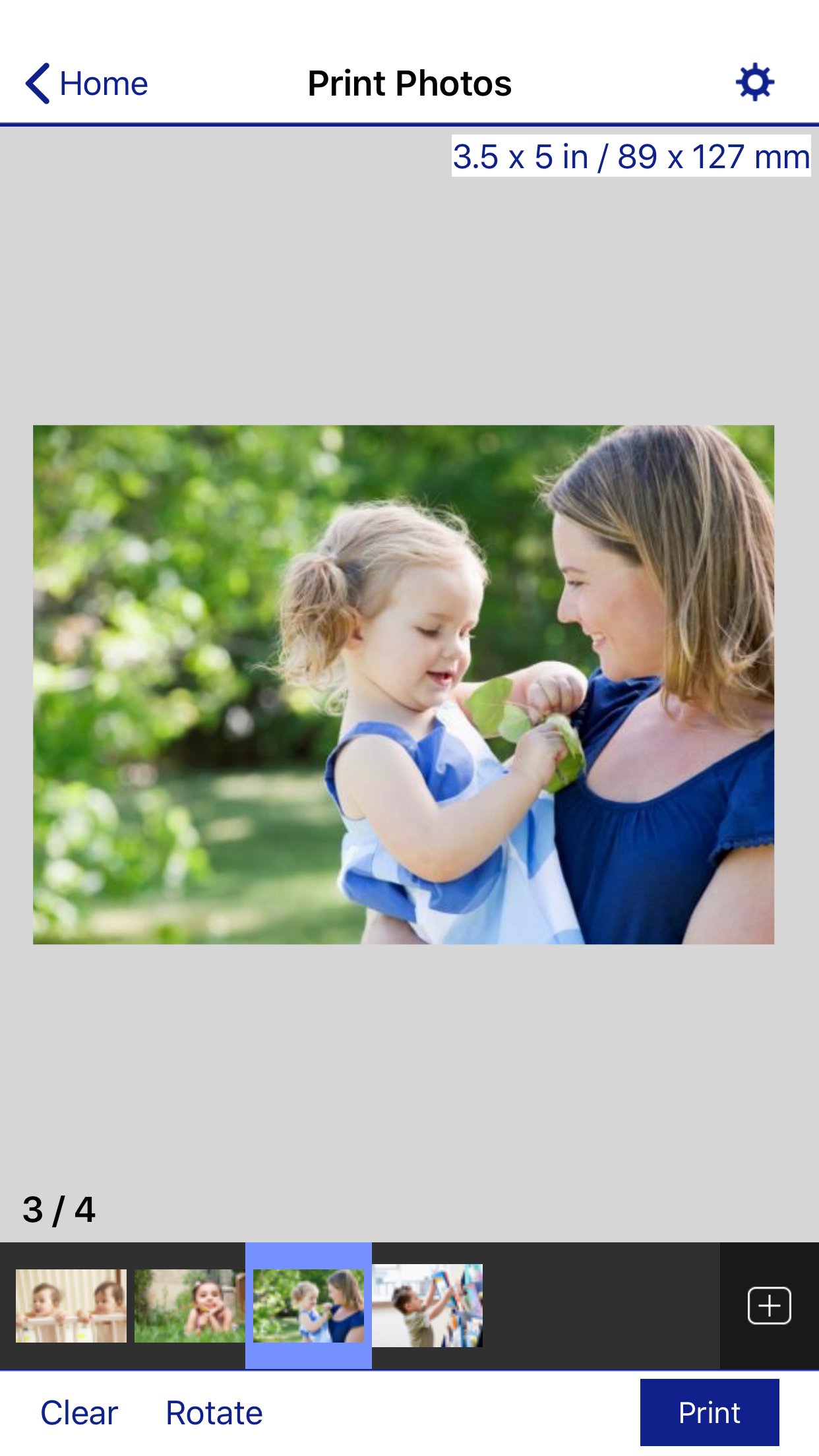
About Epson iPrint
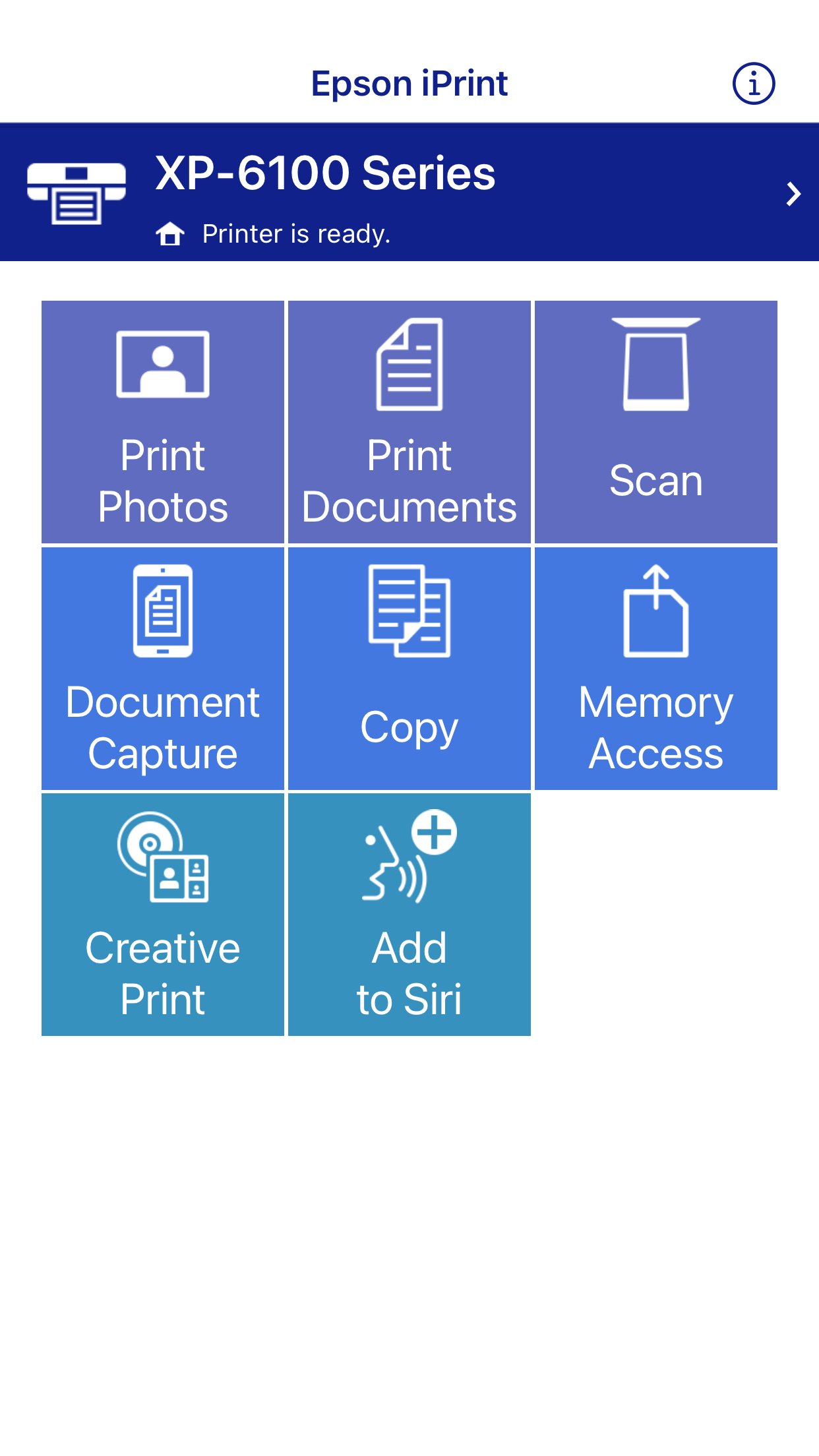
Print, scan, and share directly from your iPhone®, iPad®, or iPod® Touch. Print photos, emails, webpages and files including Microsoft® Word, Excel®, PowerPoint® and PDF documents.
Epson iPrint makes printing easy and convenient whether your printer is in the next room or across the world.
Key Features
• Print, scan, and share directly from your iPhone, iPod Touch or iPad
• Print from anywhere in the world to email-enabled Epson printers using remote print functionality
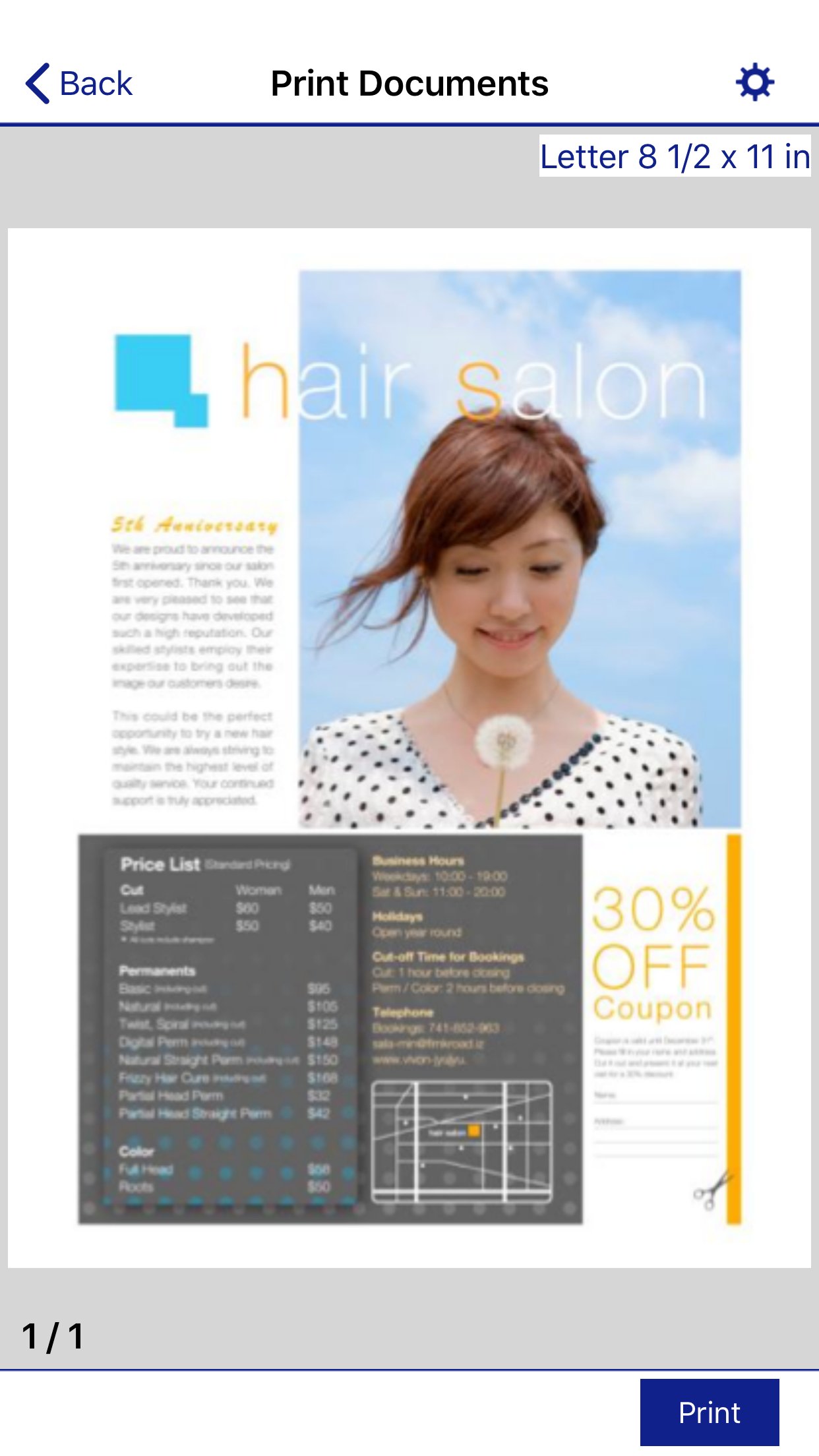
• Print photos, PDFs and Microsoft Office documents such as Word, Excel and PowerPoint
• Print stored files and email attachments
• Capture a document with your device camera, format, enhance, then save, ready to print
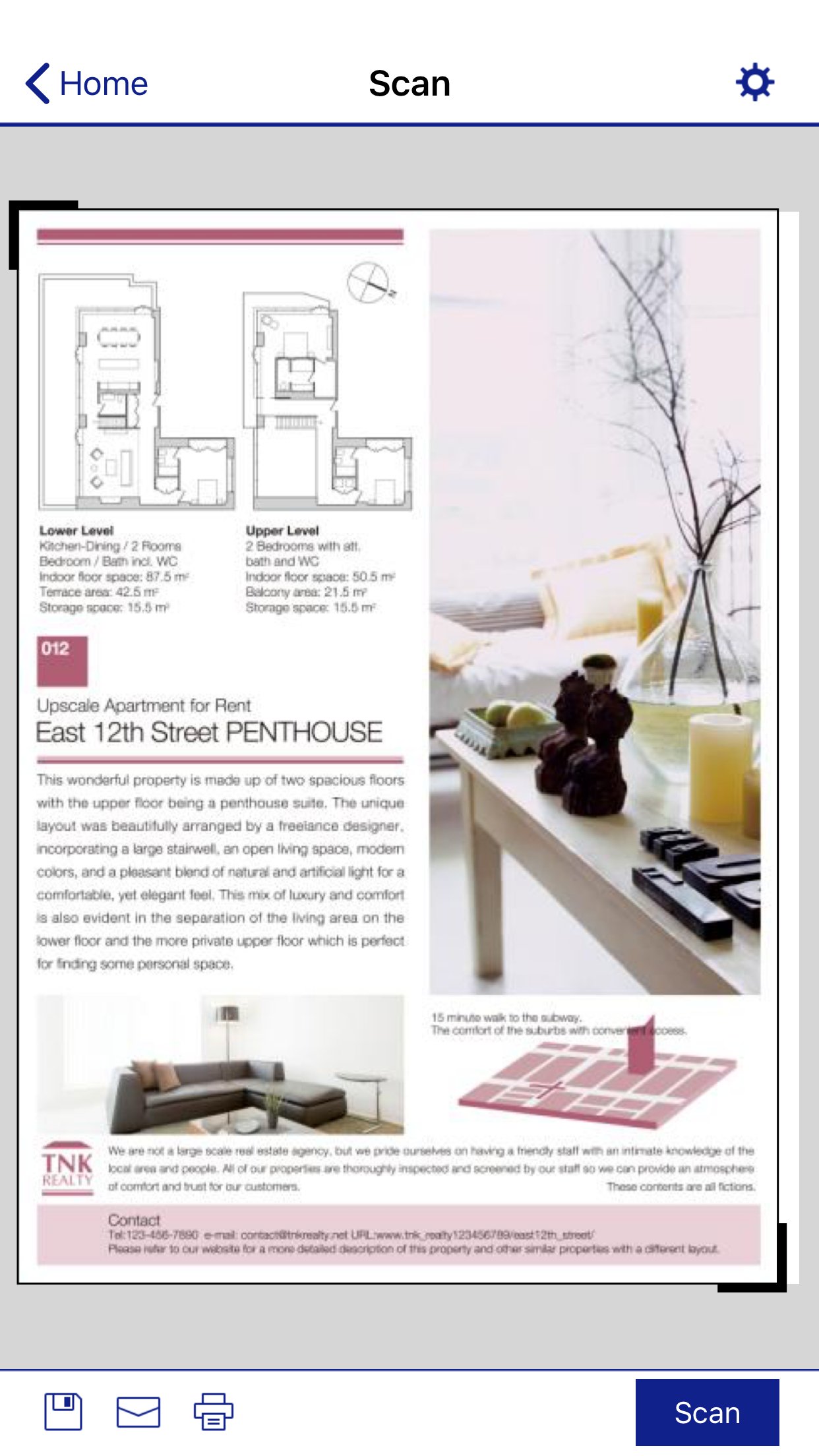
• Scan from your Epson all-in-one and share your file (save to your device, send via email or save online)
• Copy documents and photos using your mobile device and a nearby Epson printer
• Transfer files between your device and an SD card or USB drive via an Epson printer
• Check your printer's status and ink levels
• Print within a complex network environment using manual IP printer setup
• Get help with a built-in FAQ section
Advanced Features
• Print high quality photos with automatic backlight and color cast correction
• Choose and print multiple photos
• Print your email attachments and stored files
• Configure your print options including paper size and type, number of copies, page range and one- or two-sided printing
• Print with and without borders
• Switch between color or monochrome printing
• Choose from different scanning resolutions and image types
• Optimize print quality
• Buy ink and supplies for your printer
• Setup & register to Epson Connect
• Manage remote printers
Printers Supported
See the following website for supported printers.
[link removed]
To use iPrint with a Wi-Fi connection, you must allow the app to use your device's location services.
This allows iPrint to search for wireless networks; your location data is not collected.
License: Free
Epson iPrint makes printing easy and convenient whether your printer is in the next room or across the world.
Key Features
• Print, scan, and share directly from your iPhone, iPod Touch or iPad
• Print from anywhere in the world to email-enabled Epson printers using remote print functionality
• Print photos, PDFs and Microsoft Office documents such as Word, Excel and PowerPoint
• Print stored files and email attachments
• Capture a document with your device camera, format, enhance, then save, ready to print
• Scan from your Epson all-in-one and share your file (save to your device, send via email or save online)
• Copy documents and photos using your mobile device and a nearby Epson printer
• Transfer files between your device and an SD card or USB drive via an Epson printer
• Check your printer's status and ink levels
• Print within a complex network environment using manual IP printer setup
• Get help with a built-in FAQ section
Advanced Features
• Print high quality photos with automatic backlight and color cast correction
• Choose and print multiple photos
• Print your email attachments and stored files
• Configure your print options including paper size and type, number of copies, page range and one- or two-sided printing
• Print with and without borders
• Switch between color or monochrome printing
• Choose from different scanning resolutions and image types
• Optimize print quality
• Buy ink and supplies for your printer
• Setup & register to Epson Connect
• Manage remote printers
Printers Supported
See the following website for supported printers.
[link removed]
To use iPrint with a Wi-Fi connection, you must allow the app to use your device's location services.
This allows iPrint to search for wireless networks; your location data is not collected.
License: Free
| Release info | New Release on Apr 05, 2026 |
|---|---|
| Release notes | Fixed minor bugs |
| Listing data | App Store |
Reviews
No reviews yet. Be the first to review Epson iPrint.
Used Epson iPrint? Tell other visitors what you thought.
Log in to write a reviewOther products by this publisher
- "No Distractions" for YouTube 4.10 ----
- #Bible 11.6 "Incredible App - My sister shared this app with me a few weeks ago and it is truly incredible.
- #filmphotography 1.4.2 So, you decided to shoot on film?
- $quirrel 1.5.1 $quirrel Budget & Finance helps you plan each paycheck, track spending, manage debt, and see what is safe to spend before the next payday.
- % Percentage Calculator Pro 1.41 This is the Pro version of % Percentage Calculator.
Most viewed iOS Photo & Video
-
1
 ShortDiShow 2.0
Drama Quest Island — An offline interactive short-drama adventure.
-
2
 Infuse 8.5.10
Infuse: Enterprise provides the same great features as the standard version of Infuse and includes permanent access to all Pro features via a traditional paid app.
-
3
 AI Video Generator 2.0.2
Vixel – AI Video Generator
-
4
 OPlayer 4.8
Play all your videos directly without having to convert them!
-
5
 Necrometer II 1.2
Necrometer II is a paranormal investigation companion designed for ghost hunters and researchers.
-
6
 CapCut 20.1.0
CapCut offers easy-to-use video editing functions, in-APP fonts and effects, advanced features such as keyframe animation, smooth slow-motion, chroma key, and stabilization, to help you capture and snip moments.
-
7
 Ai Photo 1.1.2
AI Photo Retouch – BG Eraser
-
8
 Treblo 1.6.0
Make songs with the world's best AI music model.
-
9
 TouchSiren Delta 3.1
--------------------------------------------------------------
-
10
 CNU 3.0.12
CNU?????????????????????,???????????????
Most downloaded iOS Photo & Video
-
1
Infuse 8.5.10
Infuse: Enterprise provides the same great features as the standard version of Infuse and includes permanent access to all Pro features via a traditional paid app.
-
2
 DJI Fly 1.21.18
DJI Fly is designed to help pilots fly drones with ease.
-
3
 Analog Radio 3.0
The iPhone and iPad devices don't have the FM/AM radio antenna installed.
-
4
 TurboCollage Automatic 1.2.4
#1 Easy automatic photo collage maker for iPhone & iPad.
-
5
 ReelyGo 1.1.42
ReelyGo: Your Daily Drama Escape
-
6
 AGAIN. Rehearsal Notes 2.0.1
AGAIN. is the rehearsal app that remembers why the band stopped — and, new in Version 2, who said what in a writing session or a table read.
-
7
 Rozeta Sequencer Suite 1.3.16
Rozeta is a suite of MIDI sequencers and controllers that lets you explore a new, freeform approach to sequencing and controlling mobile music apps.
-
8
Treblo 1.6.0
Make songs with the world's best AI music model.
-
9
 Pop Dot Comics 1.48
Create a comic worthy of the Sunday newspaper or your favorite pulp-fiction cover.
-
10
 SSS IPTV, Simple, Smart Super 1.0.2
An Easiest way to watch TV Online or Movies or Series, Bring your Own list M3u,