
20downloads
0this week
FreeFreeware
0reviews
Screenshots
About Drawsy
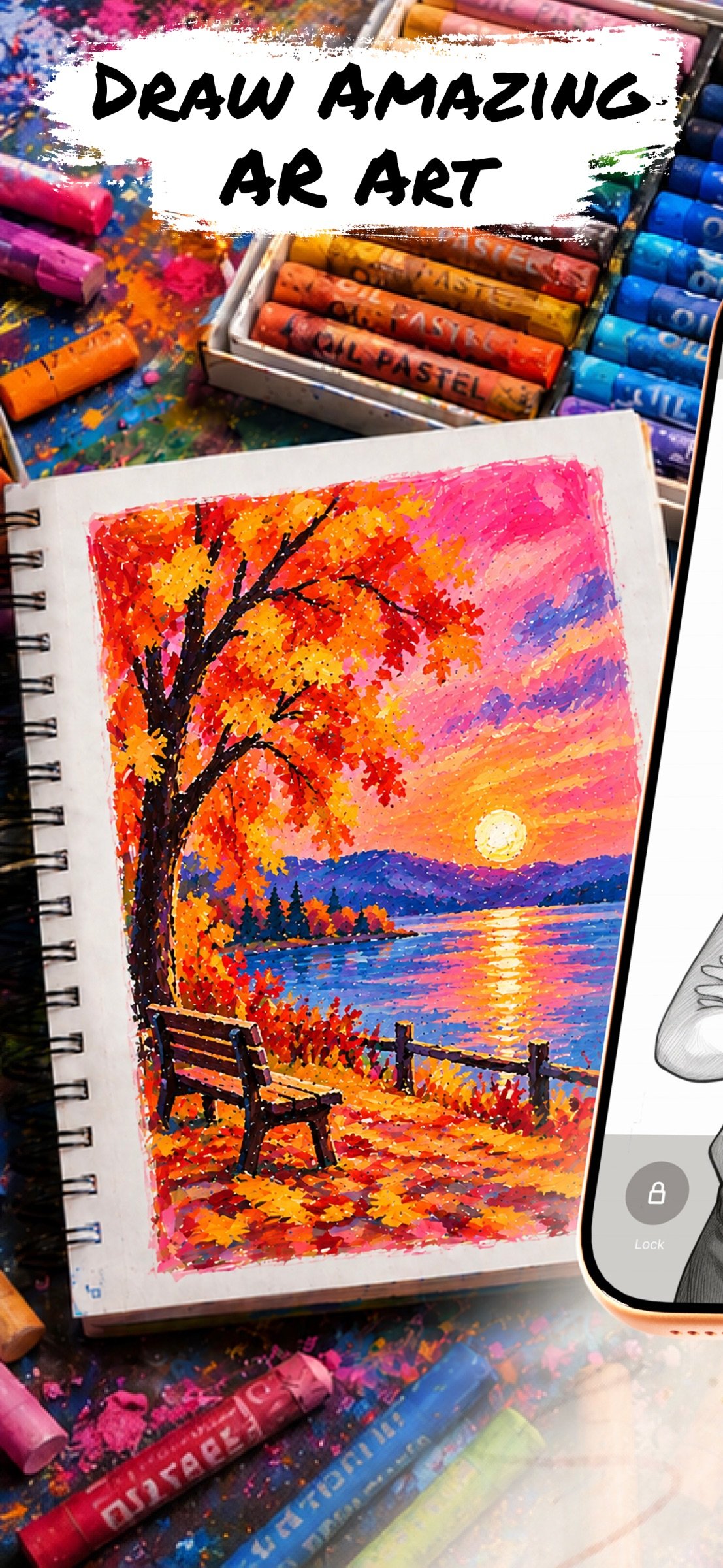
Bring Your Imagination to Life with Drawsy: AR Draw for Sketching!
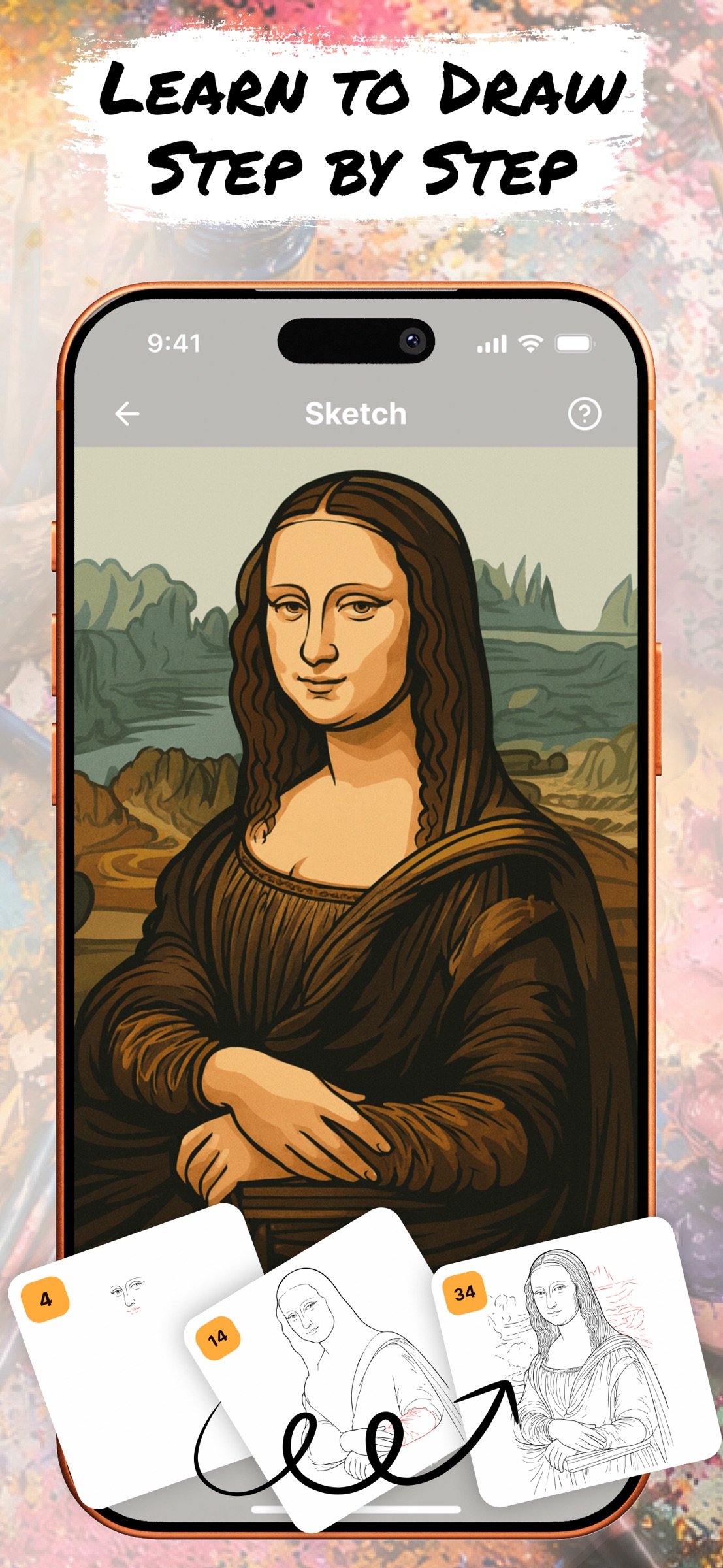
Our art AR Drawing app turns your iPhone into a virtual projector that helps you simply draw with precision. Here’s exactly how the process works:
1. Select an Image
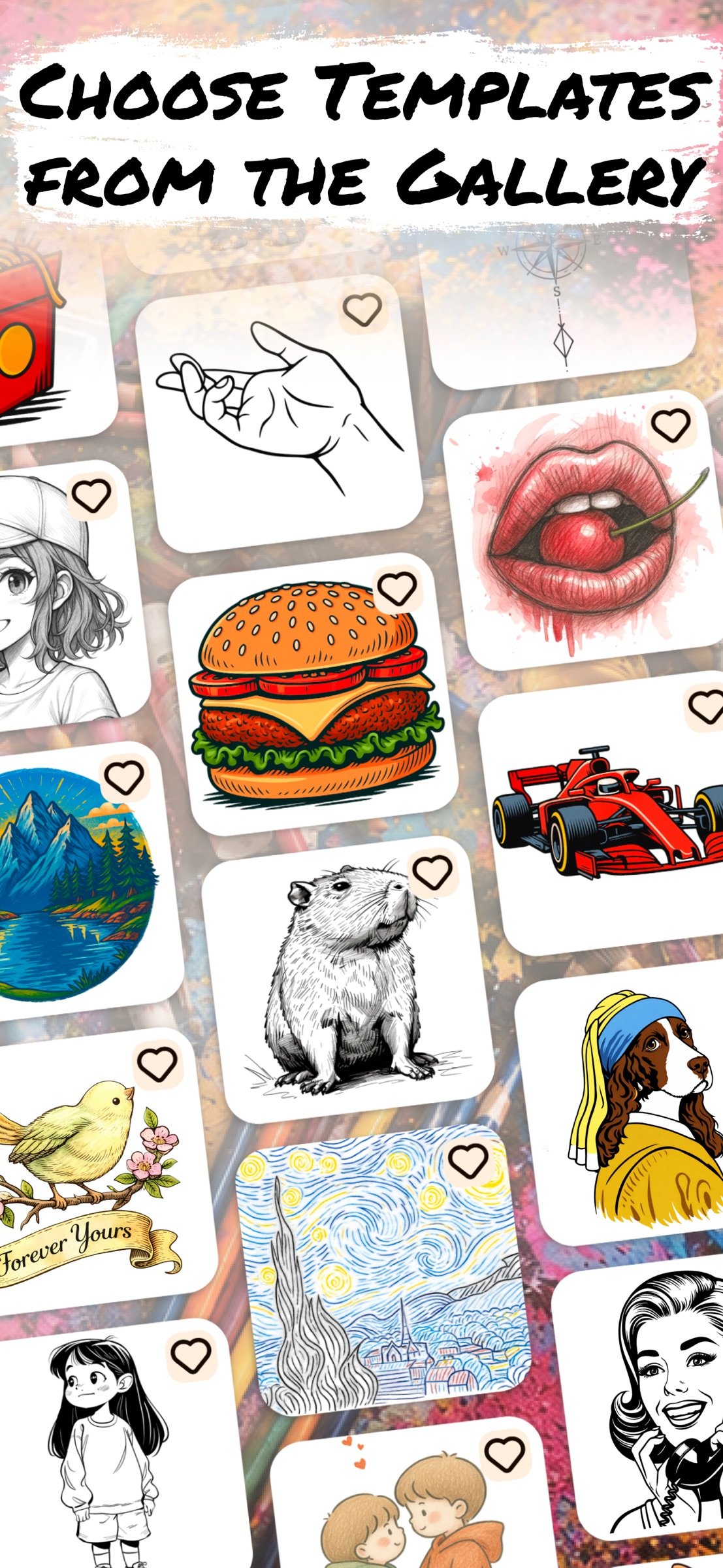
Start by choosing an sketch from the app’s built-in gallery — like a cartoon character, animal, flower.
2. Position Your Paper
Place a blank sheet of paper on a flat surface (like a desk or table) in a well-lit environment. Make sure your phone can see the entire sheet.
3. Activate AR Mode
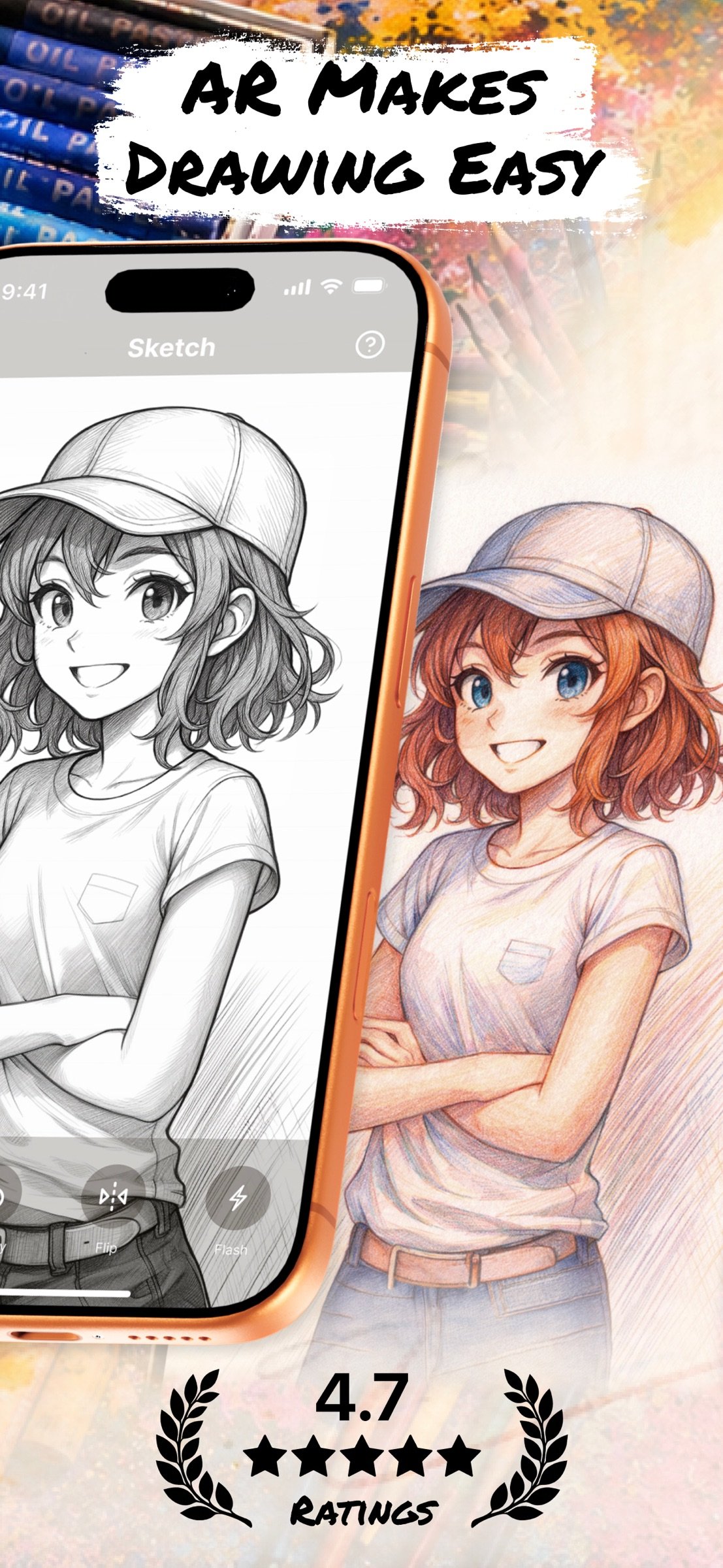
Open the image in AR mode. Your phone will use its camera to detect the paper and overlay the image directly on top of it through the screen.
4. Adjust the View
Move your phone until the image is perfectly aligned with the paper. You can resize or rotate the image using your fingers to make sure it fits exactly the way you want.
5. Start Tracing the sketch
Now, simply look at your phone screen while keeping your pencil on the paper. The image appears “on the paper” in your screen view, allowing you to trace the lines precisely. It feels like you’re copying a transparent image that’s floating above your paper — but with total control!
6. Finish & Save
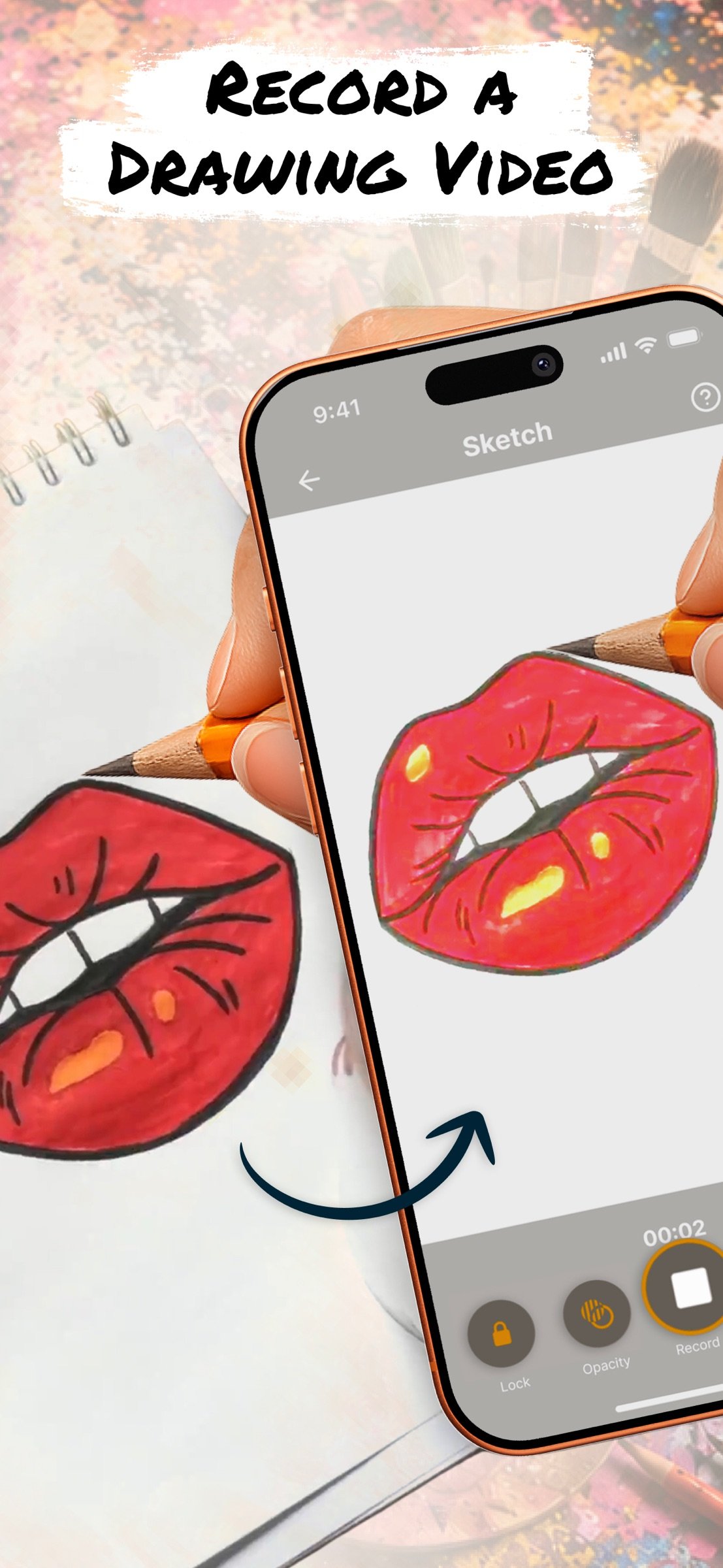
Once your outline is done, you can finish the drawing with your own style — add colors, shading, or extra details. If you want, you can record a video of your drawing process, as well as take a photo of your finished work and save or share it directly from the app.
Why It’s So Effective
Traditional tracing requires light tables or printed guides. With AR Drawing, you trace using your eyes and hands guided by real-time AR projection — no special tools, no printing, no setup. Just your iphone, a pencil, and paper.
Discover a fun new way to sketch and paint using Augmented Reality. Whether you’re a beginner or a pro, simply AR Draw App helps you trace anything with precision and ease.
Our app also lets you record your drawing process. Share the video with friends and show off your skills!
Subscription Information:
Unlock the full experience of Drawsy with a subscription.
- Payment will be charged to your iTunes account at confirmation of purchase.
- Subscriptions automatically renew unless canceled at least 24 hours before the end of the current period.
- Renewal charges will apply within 24 hours prior to the end of the current period, indicating the cost of the renewal.
- Manage or cancel subscriptions in your account settings after purchase.
- Free trial periods will be canceled when your subscription is activated.
- If your subscription is not canceled before the end of the free trial period, your subscription will be activated for the selected period and your account will be charged automatically.
Terms and Conditions: [link removed]
Privacy Policy: [link removed]
Our art AR Drawing app turns your iPhone into a virtual projector that helps you simply draw with precision. Here’s exactly how the process works:
1. Select an Image
Start by choosing an sketch from the app’s built-in gallery — like a cartoon character, animal, flower.
2. Position Your Paper
Place a blank sheet of paper on a flat surface (like a desk or table) in a well-lit environment. Make sure your phone can see the entire sheet.
3. Activate AR Mode
Open the image in AR mode. Your phone will use its camera to detect the paper and overlay the image directly on top of it through the screen.
4. Adjust the View
Move your phone until the image is perfectly aligned with the paper. You can resize or rotate the image using your fingers to make sure it fits exactly the way you want.
5. Start Tracing the sketch
Now, simply look at your phone screen while keeping your pencil on the paper. The image appears “on the paper” in your screen view, allowing you to trace the lines precisely. It feels like you’re copying a transparent image that’s floating above your paper — but with total control!
6. Finish & Save
Once your outline is done, you can finish the drawing with your own style — add colors, shading, or extra details. If you want, you can record a video of your drawing process, as well as take a photo of your finished work and save or share it directly from the app.
Why It’s So Effective
Traditional tracing requires light tables or printed guides. With AR Drawing, you trace using your eyes and hands guided by real-time AR projection — no special tools, no printing, no setup. Just your iphone, a pencil, and paper.
Discover a fun new way to sketch and paint using Augmented Reality. Whether you’re a beginner or a pro, simply AR Draw App helps you trace anything with precision and ease.
Our app also lets you record your drawing process. Share the video with friends and show off your skills!
Subscription Information:
Unlock the full experience of Drawsy with a subscription.
- Payment will be charged to your iTunes account at confirmation of purchase.
- Subscriptions automatically renew unless canceled at least 24 hours before the end of the current period.
- Renewal charges will apply within 24 hours prior to the end of the current period, indicating the cost of the renewal.
- Manage or cancel subscriptions in your account settings after purchase.
- Free trial periods will be canceled when your subscription is activated.
- If your subscription is not canceled before the end of the free trial period, your subscription will be activated for the selected period and your account will be charged automatically.
Terms and Conditions: [link removed]
Privacy Policy: [link removed]
| Release info | New Release on Sep 22, 2026 |
|---|---|
| Release notes | Drawsy Update! Introducing new content for drawing, sketching, and coloring! |
| Listing data | App Store |
Reviews
No reviews yet. Be the first to review Drawsy.
Used Drawsy? Tell other visitors what you thought.
Log in to write a reviewOther products by this publisher
- "No Distractions" for YouTube 4.10 ----
- #Bible 11.6 "Incredible App - My sister shared this app with me a few weeks ago and it is truly incredible.
- #filmphotography 1.4.2 So, you decided to shoot on film?
- $quirrel 1.5.1 $quirrel Budget & Finance helps you plan each paycheck, track spending, manage debt, and see what is safe to spend before the next payday.
- % Percentage Calculator Pro 1.41 This is the Pro version of % Percentage Calculator.
Most viewed iOS Photo & Video
-
1
 ShortDiShow 2.0
Drama Quest Island — An offline interactive short-drama adventure.
-
2
 Infuse 8.5.10
Infuse: Enterprise provides the same great features as the standard version of Infuse and includes permanent access to all Pro features via a traditional paid app.
-
3
 AI Video Generator 2.0.3
Vixel – AI Video Generator
-
4
 OPlayer 4.8
Play all your videos directly without having to convert them!
-
5
 Necrometer II 1.2
Necrometer II is a paranormal investigation companion designed for ghost hunters and researchers.
-
6
 CapCut 20.1.0
CapCut offers easy-to-use video editing functions, in-APP fonts and effects, advanced features such as keyframe animation, smooth slow-motion, chroma key, and stabilization, to help you capture and snip moments.
-
7
 Ai Photo 1.1.2
AI Photo Retouch – BG Eraser
- 8 #filmphotography 1.4.2 So, you decided to shoot on film?
-
9
 Treblo 1.6.5
Make songs with the world's best AI music model.
-
10
 Pop Dot Comics 1.48
Create a comic worthy of the Sunday newspaper or your favorite pulp-fiction cover.
Most downloaded iOS Photo & Video
-
1
Infuse 8.5.10
Infuse: Enterprise provides the same great features as the standard version of Infuse and includes permanent access to all Pro features via a traditional paid app.
-
2
 DJI Fly 1.21.18
DJI Fly is designed to help pilots fly drones with ease.
-
3
 Analog Radio 3.0
The iPhone and iPad devices don't have the FM/AM radio antenna installed.
-
4
 TurboCollage Automatic 1.2.4
#1 Easy automatic photo collage maker for iPhone & iPad.
-
5
 Rozeta Sequencer Suite 1.3.16
Rozeta is a suite of MIDI sequencers and controllers that lets you explore a new, freeform approach to sequencing and controlling mobile music apps.
-
6
 ReelyGo 1.1.42
ReelyGo: Your Daily Drama Escape
-
7
Treblo 1.6.5
Make songs with the world's best AI music model.
-
8
Pop Dot Comics 1.48
Create a comic worthy of the Sunday newspaper or your favorite pulp-fiction cover.
-
9
 AGAIN. Rehearsal Notes 2.0.1
AGAIN. is the rehearsal app that remembers why the band stopped — and, new in Version 2, who said what in a writing session or a table read.
-
10
 Sun Scout 1.5.0
If your work or play requires sunlight, Sun Scout is built for you.