1downloads
1this week
FreeCommercial
0reviews
Screenshots
About DoodleYak
Make a beautiful mess.
DoodleYak is a playful drawing and painting studio for all ages. Whether you're making your first doodle, exploring colors and patterns, or building a detailed illustration, there's room to follow your imagination.
Draw on iPhone, iPad or a compatible Apple silicon Mac. Start with a blank canvas, explore a colorful background, or bring a coloring page to life. Experiment with expressive brushes and make something your own.
A TOOLBOX FULL OF POSSIBILITIES
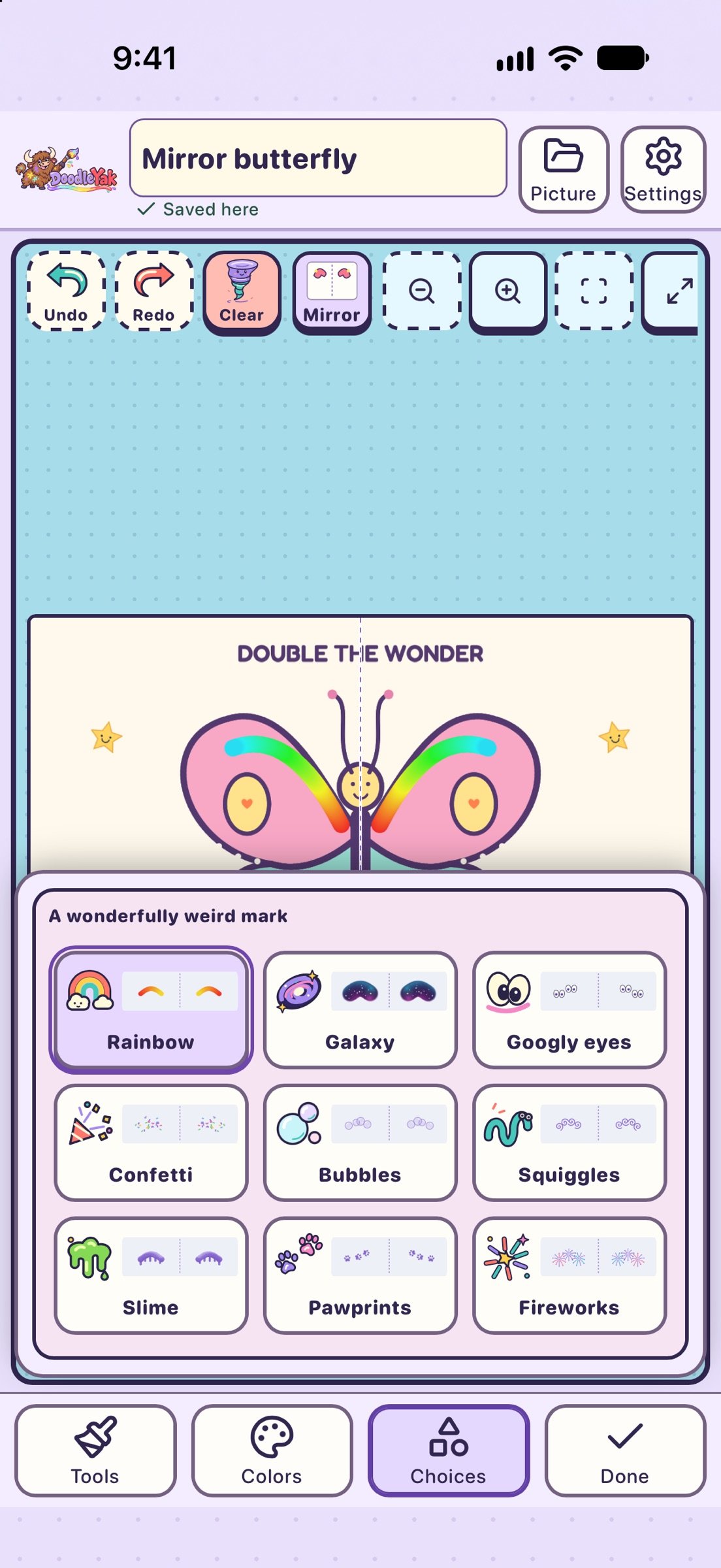
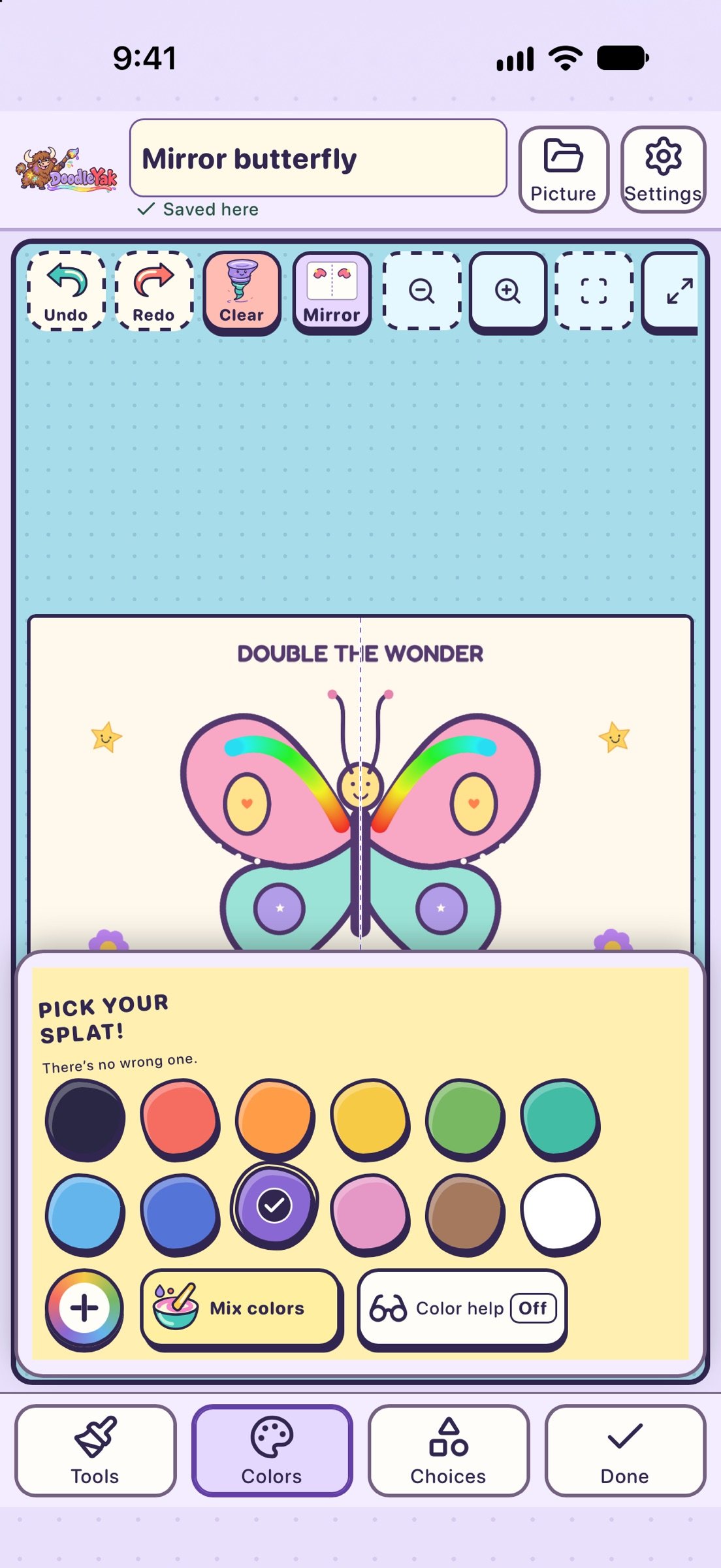
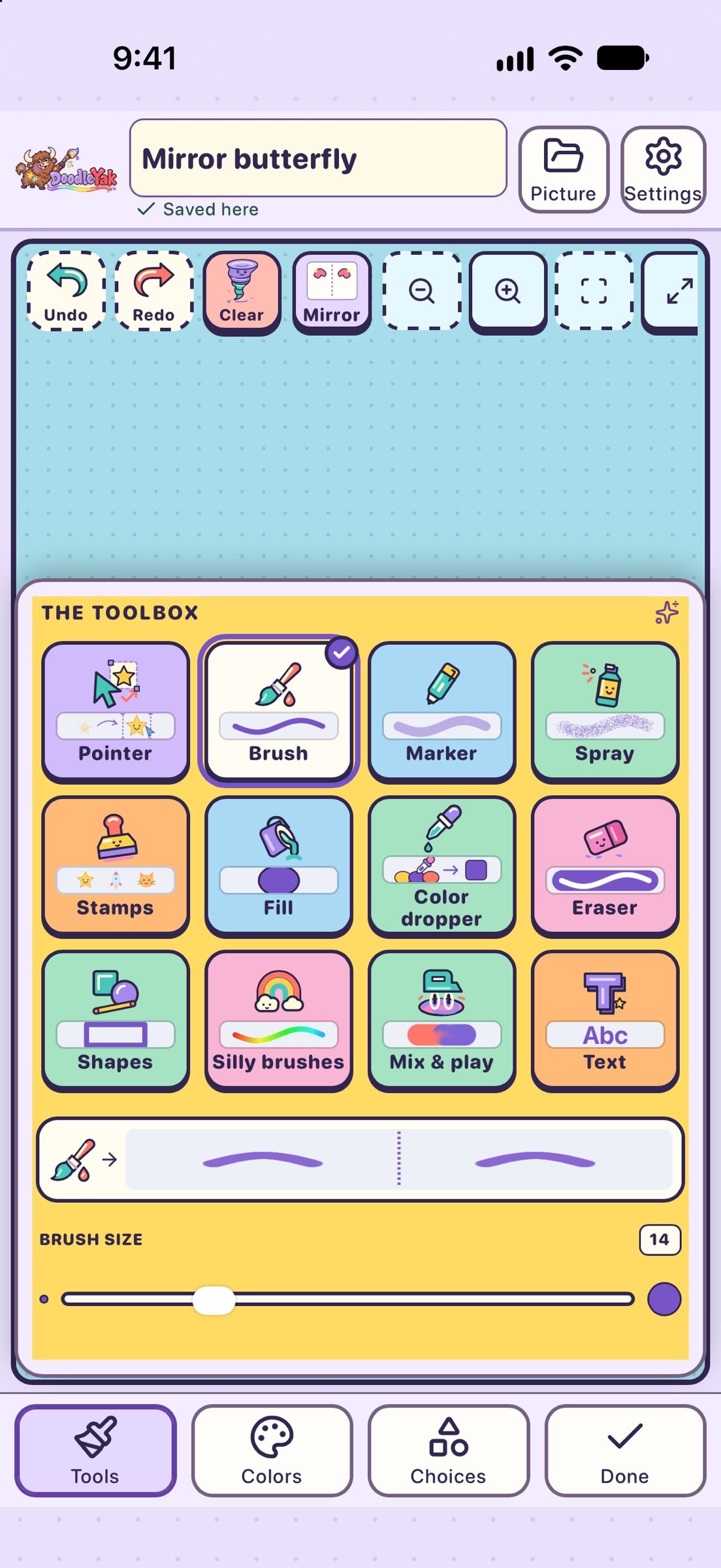
Paint with brushes, markers and spray. Try rainbow and galaxy trails, add stamps, shapes and text, or use Mix & play to swirl your colors. Picture buttons and tool previews help you see what each tool does.
DRAW BOTH SIDES AT ONCE
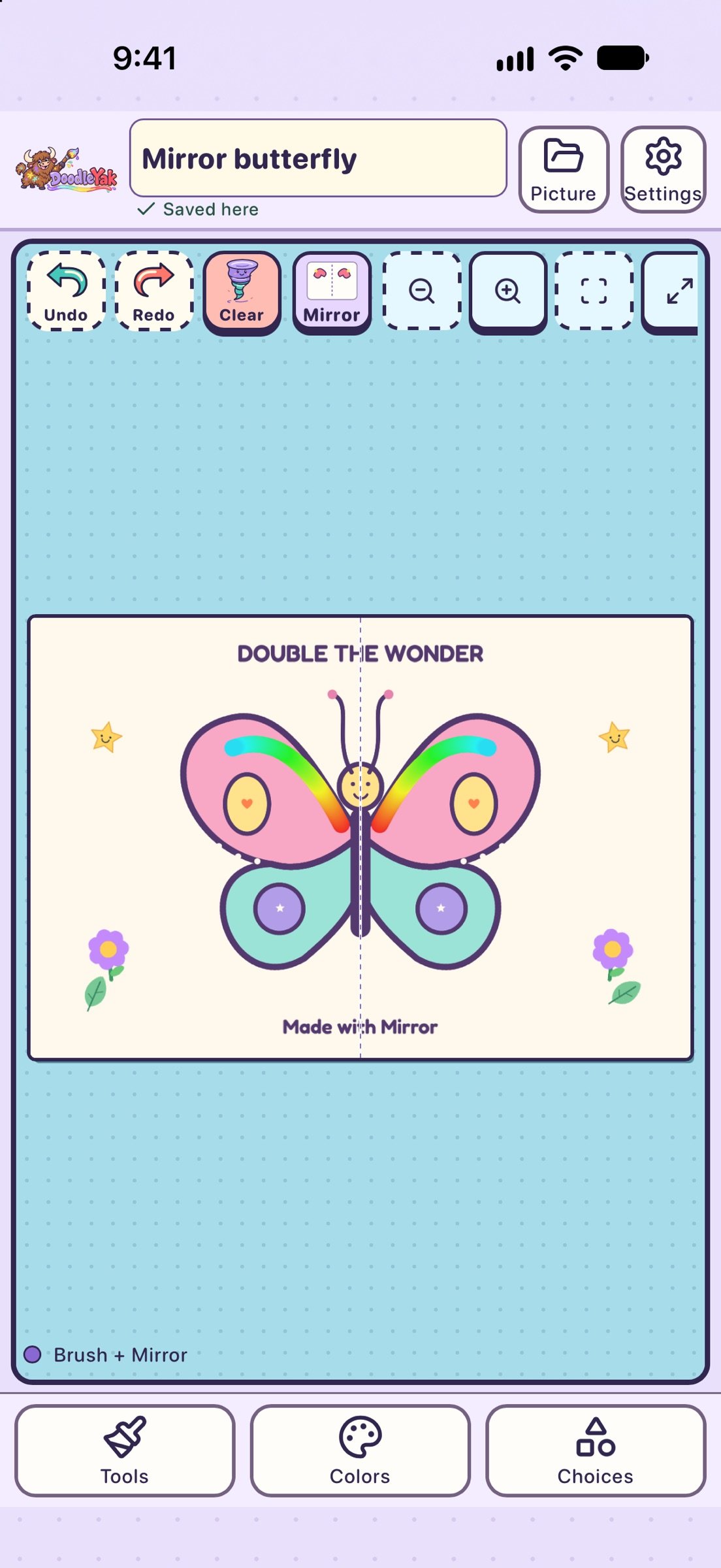
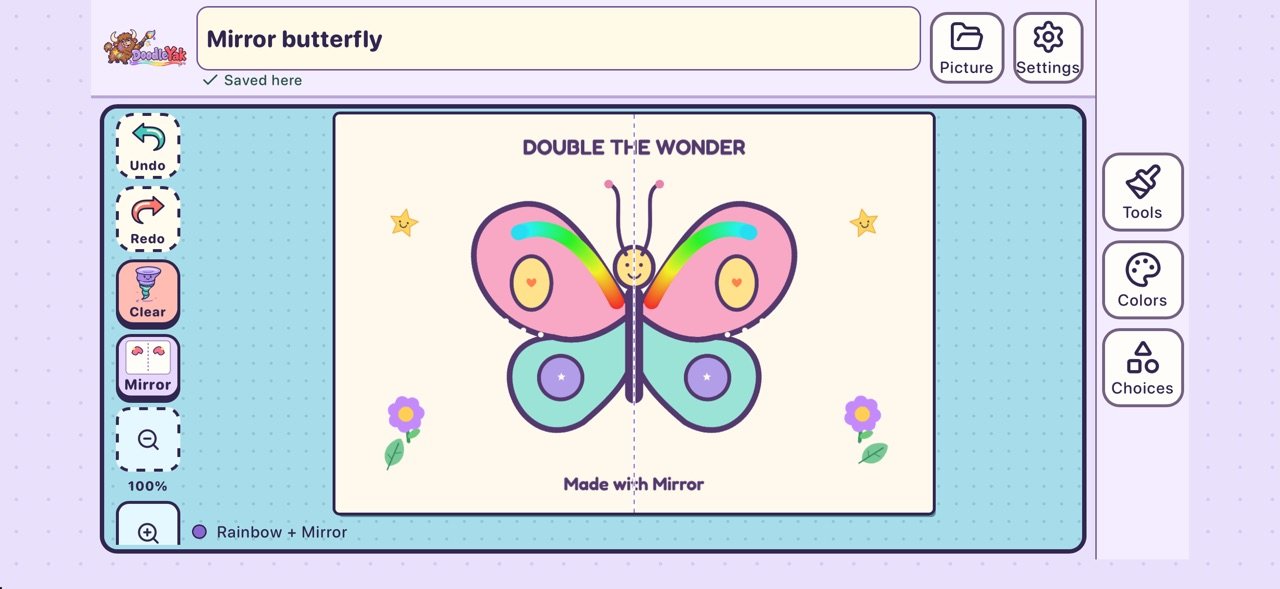
Mirror your marks left to right, top to bottom, or in four directions. Create symmetrical patterns, characters, decorative designs and more.
MAKE IT YOUR OWN
Move, resize and rotate stamps, shapes and text. Mix custom colors and keep favorites in your palette. Choose from 10 backgrounds and 10 coloring pages, or import a picture of your own. Lock a page to protect it while you paint and mix.
ROOM TO CREATE ON EVERY SCREEN
On iPhone, open Tools, Colors and Choices when you need them, leaving more room for your picture. On iPhone Duo, the workspace adapts to the cover and inner displays as you fold or rotate.
Draw with your finger, or use Apple Pencil on a compatible device. On iPad, supported brushes respond to pressure from a pressure-sensitive Pencil. Apple Pencil (USB-C) uses the selected brush width. Pencil-only drawing and palm rejection are available when using Pencil.
On compatible Apple silicon Macs, draw with a mouse or trackpad and choose an interface size that feels comfortable. Controls start at 150%, with clearer labels and options from 100% to 200%.
KEEP YOUR CREATIONS
Save pictures in My art on your device. Export a PNG, print with the system print dialog, or save an editable .doodleyak file to continue later or transfer to another device. File transfers are manual; artwork does not automatically sync.
YOUR COMFORT, YOUR CHOICE
Choose System, Light or Dark appearance. Reduce motion and use color names and picture cues to help choose colors.
CREATE WITHOUT DISTRACTIONS
The drawing studio works offline, with no account, advertising, subscriptions or in-app purchases. Artwork stays on your device unless you choose to export, share or print it.
Questions? Visit doodleyak.com/support.
License: Commercial
| Release info | New Release on Nov 22, 2026 |
|---|---|
| Release notes | DoodleYak now fits in your pocket. • Draw on iPhone with Tools, Colors and Choices that open when you need them. • On iPhone Duo, keep creating as you fold, unfold or rotate. The workspace makes use of available space around the camera and status area. • Text dialogs fit above the phone keyboard. • On compatible Apple silicon Macs, choose 100%, 125%, 150% or 200% interface size. The default is 150%, with clearer, more readable labels. • Mouse and trackpad drawing on Mac stays available even if Pencil-only drawing was previously enabled. Your artwork stays on your device. Use editable .doodleyak files to move pictures between devices. |
| Listing data | App Store |
Reviews
No reviews yet. Be the first to review DoodleYak.
Used DoodleYak? Tell other visitors what you thought.
Log in to write a reviewOther products by this publisher
- "No Distractions" for YouTube 4.10 ----
- #Bible 11.6.1 "Incredible App - My sister shared this app with me a few weeks ago and it is truly incredible.
- #filmphotography 1.4.2 So, you decided to shoot on film?
- #LookBusy Fake Calendar Events 1.0.6 Look Busy scans your work calendar for open time slots and fills them with realistic-looking (but secretly fake) work events.
- #Small Talk Is Canceled 1.0.2 #Small Talk Is Canceled — Conversations That Matter
Most viewed iOS Photo & Video
-
1
 Restore Old Photos 1.1.0
Bring old family photos back to life, privately on your iPhone or iPad.
-
2
 ShortDiShow 2.0
Drama Quest Island — An offline interactive short-drama adventure.
-
3
 Face Witness 1.0.4
FaceWitness lets you create a face by putting together individual features.
-
4
 Infuse 8.5.11
Infuse: Enterprise provides the same great features as the standard version of Infuse and includes permanent access to all Pro features via a traditional paid app.
-
5
 AI Video Generator 2.0.3
Vixel – AI Video Generator
- 6 #filmphotography 1.4.2 So, you decided to shoot on film?
-
7
 CapCut 20.3.0
CapCut is an all-in-one video editing solution that offers essential editing features, creative effects, AI tools, filters, stickers, and fonts, and a wide range of video templates to empower users to easily create incredible videos regardless of th…
-
8
 OPlayer 4.8
Play all your videos directly without having to convert them!
-
9
 Ai Photo 1.2.0
AI Photo Retouch – BG Eraser
-
10
 Necrometer II 1.3
Necrometer II is a paranormal investigation companion designed for ghost hunters and researchers.
Most downloaded iOS Photo & Video
-
1
 DJI Fly 1.21.18
DJI Fly is designed to help pilots fly drones with ease.
-
2
Infuse 8.5.11
Infuse: Enterprise provides the same great features as the standard version of Infuse and includes permanent access to all Pro features via a traditional paid app.
-
3
 TurboCollage Automatic 1.2.4
#1 Easy automatic photo collage maker for iPhone & iPad.
-
4
 ReelyGo 1.1.60
ReelyGo: Your Daily Drama Escape
-
5
 Analog Radio 3.0
The iPhone and iPad devices don't have the FM/AM radio antenna installed.
-
6
 Rozeta Sequencer Suite 1.3.16
Rozeta is a suite of MIDI sequencers and controllers that lets you explore a new, freeform approach to sequencing and controlling mobile music apps.
-
7
 AGAIN. Rehearsal Notes 2.0.1
AGAIN. is the rehearsal app that remembers why the band stopped — and, new in Version 2, who said what in a writing session or a table read.
-
8
 Pop Dot Comics 1.48
Create a comic worthy of the Sunday newspaper or your favorite pulp-fiction cover.
-
9
 Local AI Art Private Diffusion 1.6
If you are the kind of person who values privacy and wants to keep your generated images private, our software is the perfect solution for you.
-
10
 Treblo 1.6.6
Make songs with the world's best AI music model.