
23downloads
0this week
FreeFreeware
0reviews
Screenshots
About Dazzl
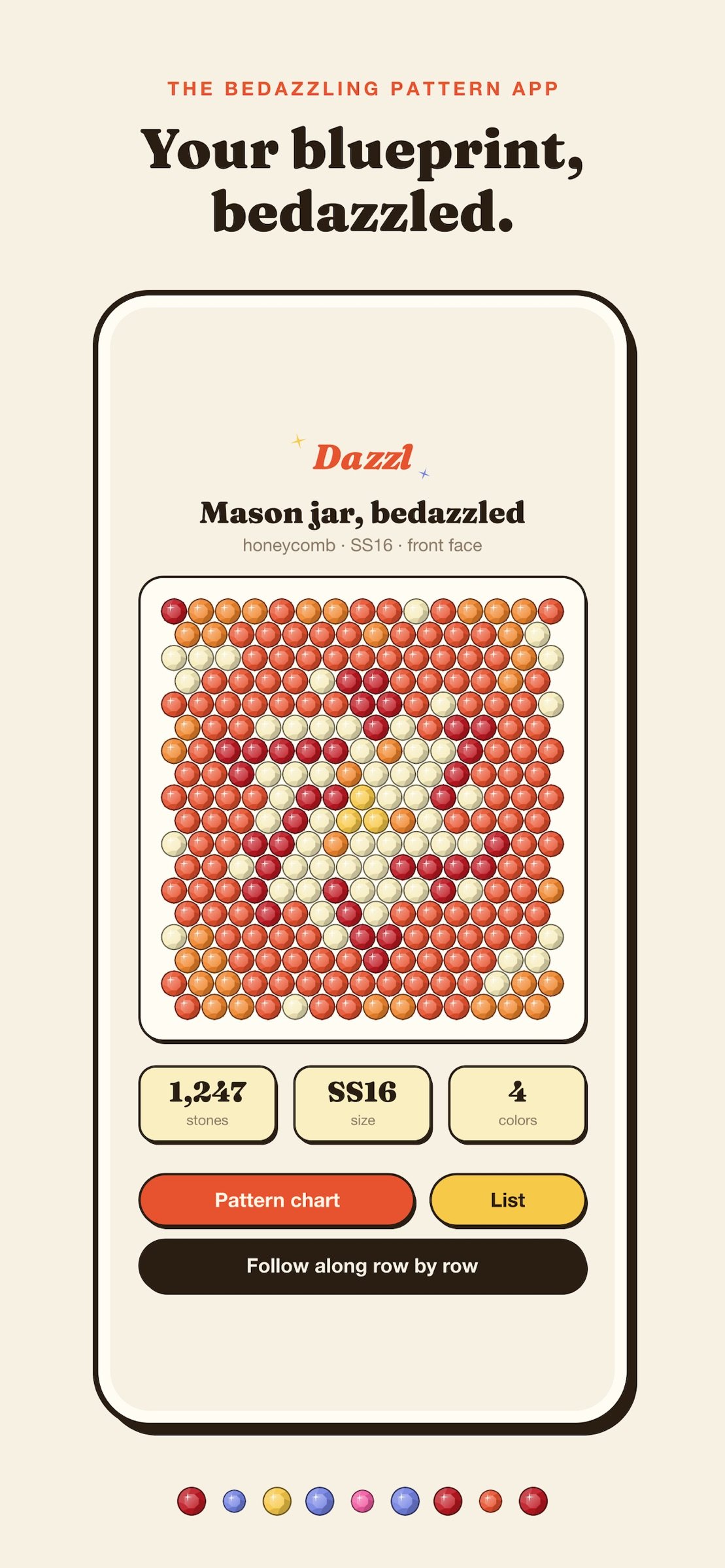
Your blueprint, bedazzled.
Dazzl helps plan rhinestone projects before a single stone goes down. Photograph the area you want to cover, choose your stone size, colors, and design, then get a visual plan and row-by-row guide.
HOW IT WORKS
• Capture it: take a project photo with Dazzl's in-app camera or choose one from your library.
• Measure it: plan a Flat face or straight Cylinder. On supported iPhones, camera depth can measure supported surfaces from the photo. Card, coin, ruler, and manual sizing are available when camera measurement is not suitable.
• Avoid bad guesses: unsuitable, tapered, transparent, or ambiguous objects are refused instead of receiving an unreliable measurement.
• Pick your stones: choose the actual millimeter diameter and spacing. For cylinders, choose a full wrap or front-half plan. Calibrated on-screen matching is approximate, and SS sizes vary by brand.
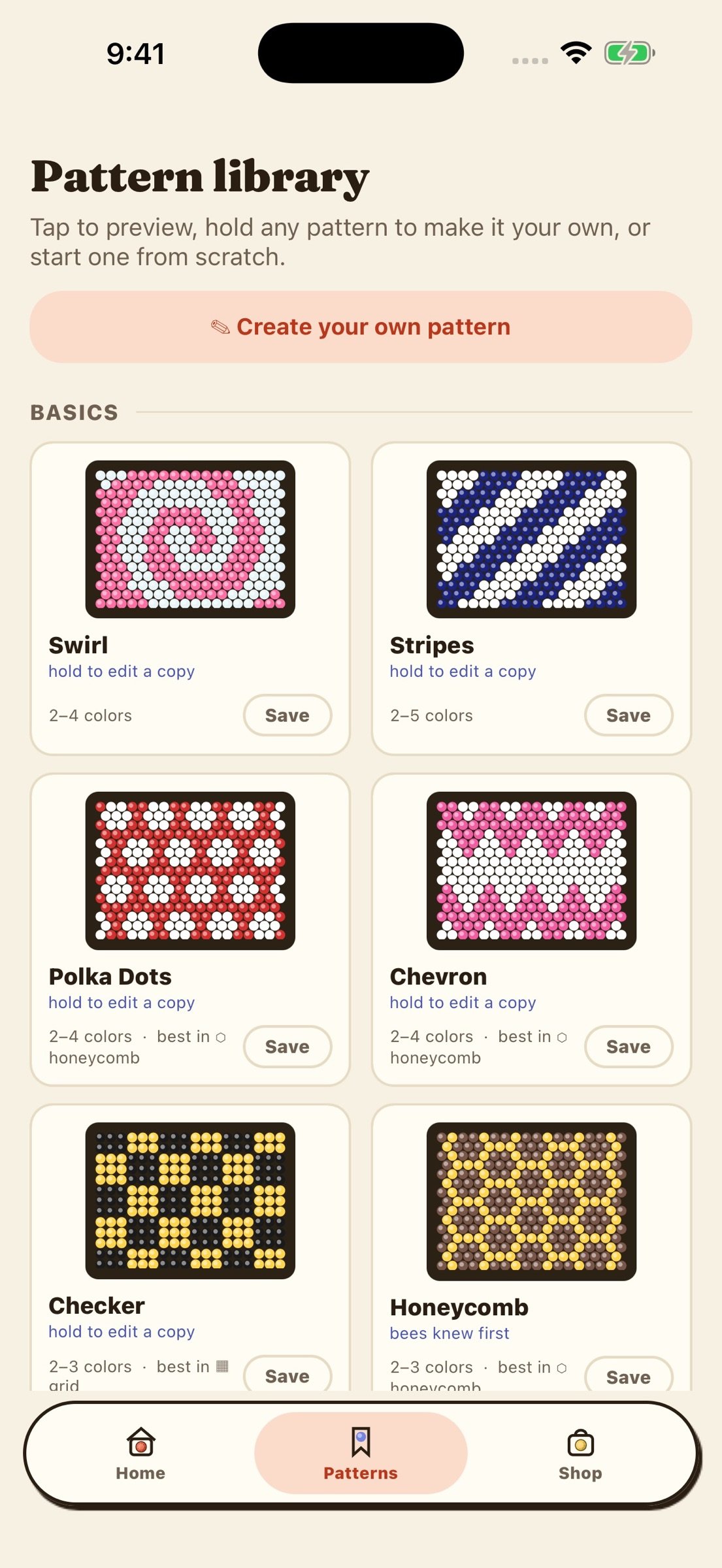
• Pick a design: use built-in patterns, create your own, or turn a picture into stones with live zoom, crop, and color adjustments.
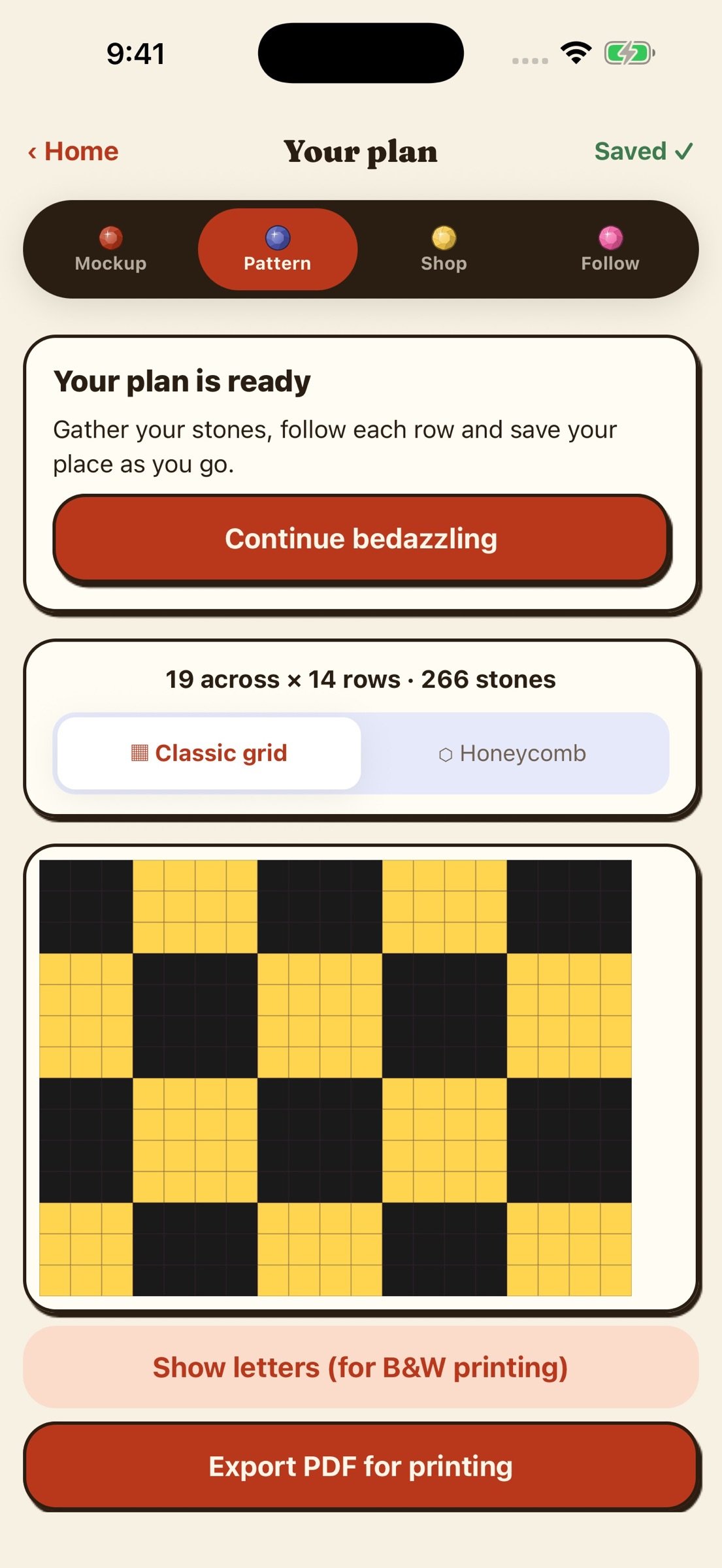
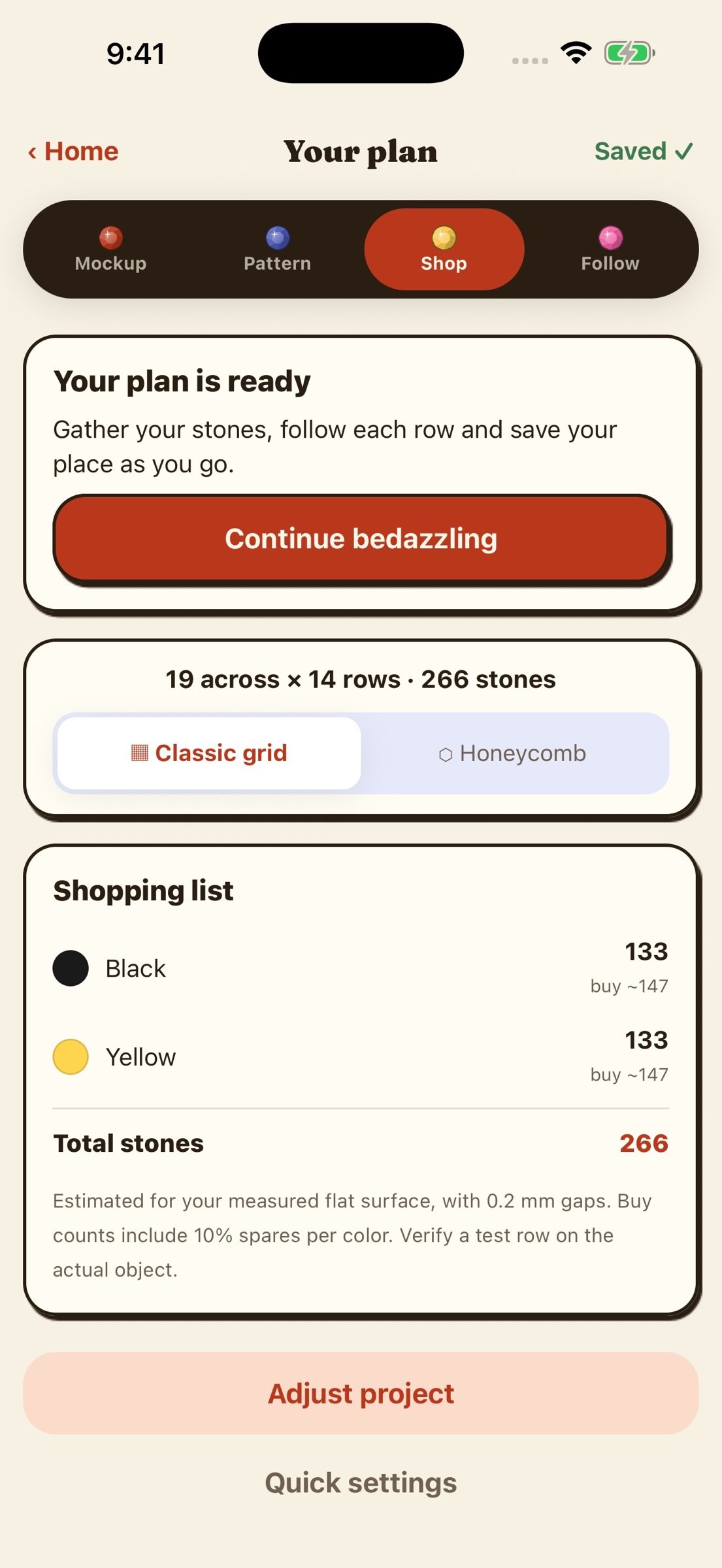
• Get the plan: review a faceted-gem mockup, printable row-by-row chart, and shopping list with planned quantities by color and adjustable spares. Check a test row on the real object before purchasing; dimensions and surface shape affect fit.
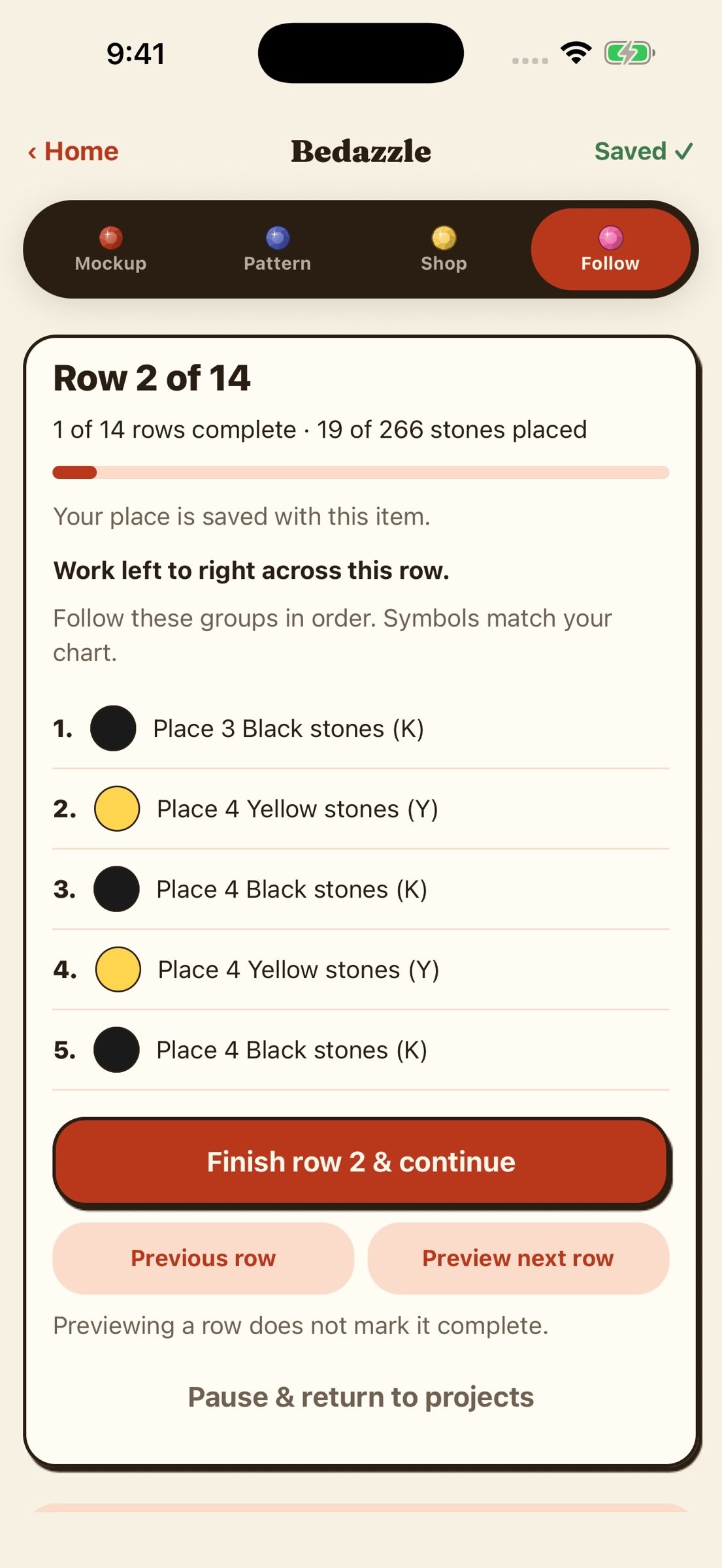
• Start bedazzling: prepare your workspace, follow each row's ordered stone colors and counts, mark rows complete, pause, and resume each saved item where you left off.
MADE FOR CRAFTERS
Save favorite patterns to your library. Finished projects live on your home screen like journal entries. Build custom palettes once and use them everywhere.
PRIVATE BY DESIGN
Photo processing runs on your phone. No account, automatic uploads, or analytics. You choose whether to share a finished PDF.
TRY IT FREE
Start with a 3-day free trial, then $1/month in the US, or pay $20 once for life. The subscription is charged to your Apple Account and renews automatically unless canceled at least 24 hours before the end of the current period. Manage or cancel anytime in Settings.
Terms of Use: [link removed]
Privacy Policy: [link removed]
Dazzl helps plan rhinestone projects before a single stone goes down. Photograph the area you want to cover, choose your stone size, colors, and design, then get a visual plan and row-by-row guide.
HOW IT WORKS
• Capture it: take a project photo with Dazzl's in-app camera or choose one from your library.
• Measure it: plan a Flat face or straight Cylinder. On supported iPhones, camera depth can measure supported surfaces from the photo. Card, coin, ruler, and manual sizing are available when camera measurement is not suitable.
• Avoid bad guesses: unsuitable, tapered, transparent, or ambiguous objects are refused instead of receiving an unreliable measurement.
• Pick your stones: choose the actual millimeter diameter and spacing. For cylinders, choose a full wrap or front-half plan. Calibrated on-screen matching is approximate, and SS sizes vary by brand.
• Pick a design: use built-in patterns, create your own, or turn a picture into stones with live zoom, crop, and color adjustments.
• Get the plan: review a faceted-gem mockup, printable row-by-row chart, and shopping list with planned quantities by color and adjustable spares. Check a test row on the real object before purchasing; dimensions and surface shape affect fit.
• Start bedazzling: prepare your workspace, follow each row's ordered stone colors and counts, mark rows complete, pause, and resume each saved item where you left off.
MADE FOR CRAFTERS
Save favorite patterns to your library. Finished projects live on your home screen like journal entries. Build custom palettes once and use them everywhere.
PRIVATE BY DESIGN
Photo processing runs on your phone. No account, automatic uploads, or analytics. You choose whether to share a finished PDF.
TRY IT FREE
Start with a 3-day free trial, then $1/month in the US, or pay $20 once for life. The subscription is charged to your Apple Account and renews automatically unless canceled at least 24 hours before the end of the current period. Manage or cancel anytime in Settings.
Terms of Use: [link removed]
Privacy Policy: [link removed]
| Release info | Update on Nov 11, 2026 |
|---|---|
| Release notes | Dazzl is now free to download. Try everything free for 3 days, then $1/month in the US, or pay $20 once for life. Already bought Dazzl? Nothing changes. It's yours, free, for life. |
| Listing data | App Store |
Reviews
No reviews yet. Be the first to review Dazzl.
Used Dazzl? Tell other visitors what you thought.
Log in to write a reviewOther products by this publisher
- "No Distractions" for YouTube 4.10 ----
- #Bible 11.6 "Incredible App - My sister shared this app with me a few weeks ago and it is truly incredible.
- #filmphotography 1.4.2 So, you decided to shoot on film?
- $quirrel 1.5.1 $quirrel Budget & Finance helps you plan each paycheck, track spending, manage debt, and see what is safe to spend before the next payday.
- % Percentage Calculator Pro 1.41 This is the Pro version of % Percentage Calculator.
Most viewed iOS Photo & Video
-
1
 ShortDiShow 2.0
Drama Quest Island — An offline interactive short-drama adventure.
-
2
 Infuse 8.5.10
Infuse: Enterprise provides the same great features as the standard version of Infuse and includes permanent access to all Pro features via a traditional paid app.
-
3
 AI Video Generator 2.0.3
Vixel – AI Video Generator
-
4
 OPlayer 4.8
Play all your videos directly without having to convert them!
-
5
 Necrometer II 1.2
Necrometer II is a paranormal investigation companion designed for ghost hunters and researchers.
-
6
 CapCut 20.1.0
CapCut offers easy-to-use video editing functions, in-APP fonts and effects, advanced features such as keyframe animation, smooth slow-motion, chroma key, and stabilization, to help you capture and snip moments.
-
7
 Ai Photo 1.1.2
AI Photo Retouch – BG Eraser
- 8 #filmphotography 1.4.2 So, you decided to shoot on film?
-
9
 Treblo 1.6.5
Make songs with the world's best AI music model.
-
10
 Pop Dot Comics 1.48
Create a comic worthy of the Sunday newspaper or your favorite pulp-fiction cover.
Most downloaded iOS Photo & Video
-
1
Infuse 8.5.10
Infuse: Enterprise provides the same great features as the standard version of Infuse and includes permanent access to all Pro features via a traditional paid app.
-
2
 DJI Fly 1.21.18
DJI Fly is designed to help pilots fly drones with ease.
-
3
 Analog Radio 3.0
The iPhone and iPad devices don't have the FM/AM radio antenna installed.
-
4
 TurboCollage Automatic 1.2.4
#1 Easy automatic photo collage maker for iPhone & iPad.
-
5
 Rozeta Sequencer Suite 1.3.16
Rozeta is a suite of MIDI sequencers and controllers that lets you explore a new, freeform approach to sequencing and controlling mobile music apps.
-
6
 ReelyGo 1.1.42
ReelyGo: Your Daily Drama Escape
-
7
Treblo 1.6.5
Make songs with the world's best AI music model.
-
8
Pop Dot Comics 1.48
Create a comic worthy of the Sunday newspaper or your favorite pulp-fiction cover.
-
9
 AGAIN. Rehearsal Notes 2.0.1
AGAIN. is the rehearsal app that remembers why the band stopped — and, new in Version 2, who said what in a writing session or a table read.
-
10
 SSS IPTV, Simple, Smart Super 1.0.2
An Easiest way to watch TV Online or Movies or Series, Bring your Own list M3u,