
Conduit 4.3.1
Conduit is a native mobile client for Open WebUI, direct model endpoints, and self-hosted agents.
Download
109.04 MB
13downloads
3this week
FreeCommercial
0reviews
Screenshots

About Conduit
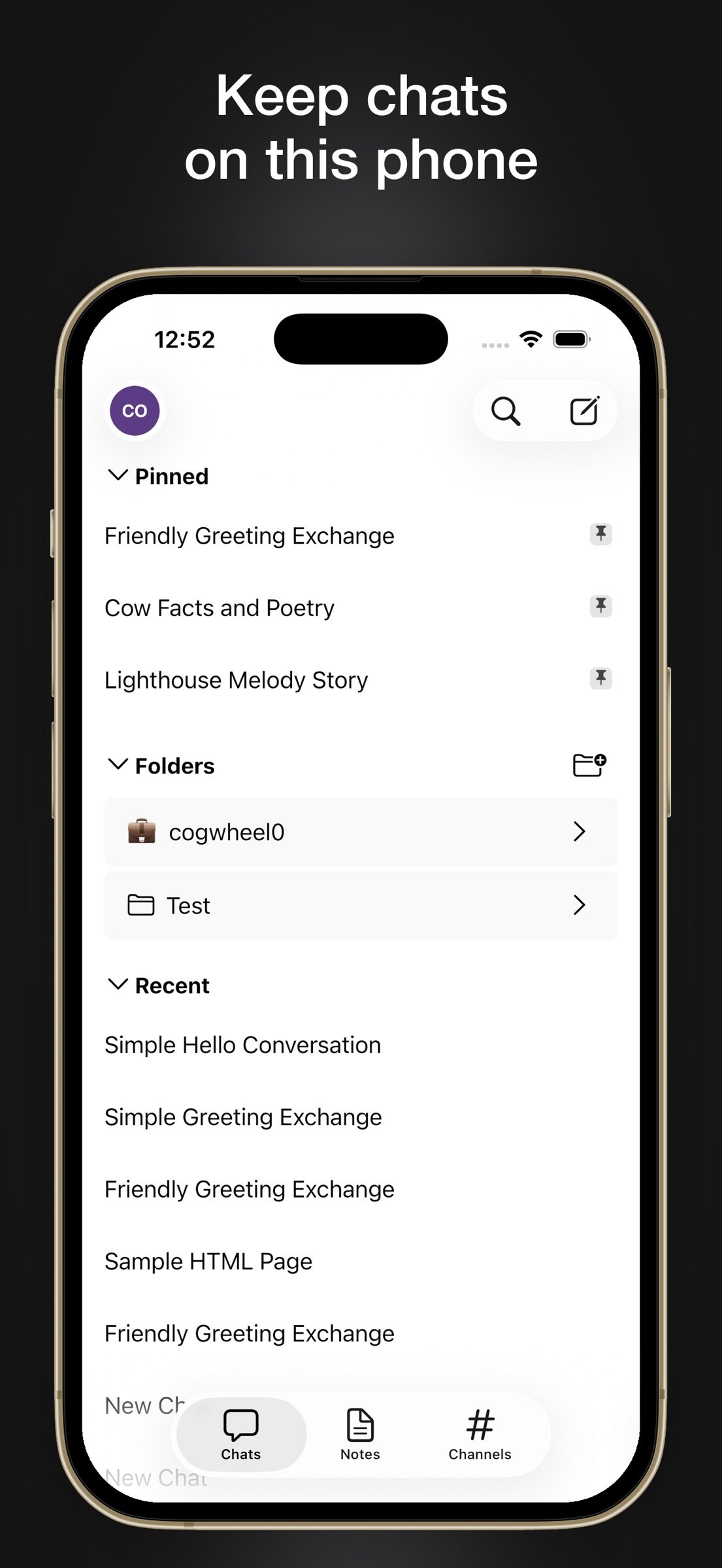
Conduit is a native mobile client for Open WebUI, direct model endpoints, and self-hosted agents. Your chats live on your device first. Nothing routes through a backend the maintainer operates.
Three ways to connect
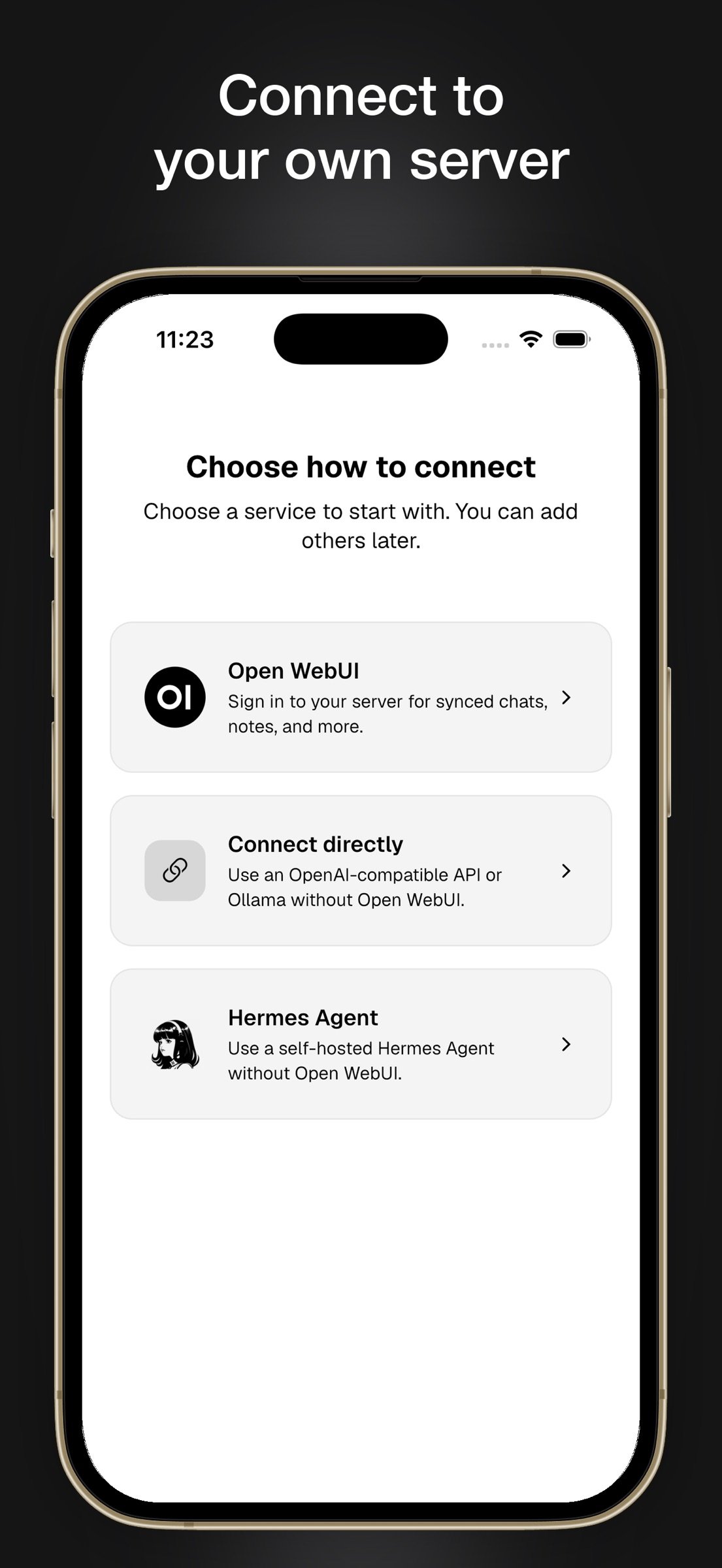
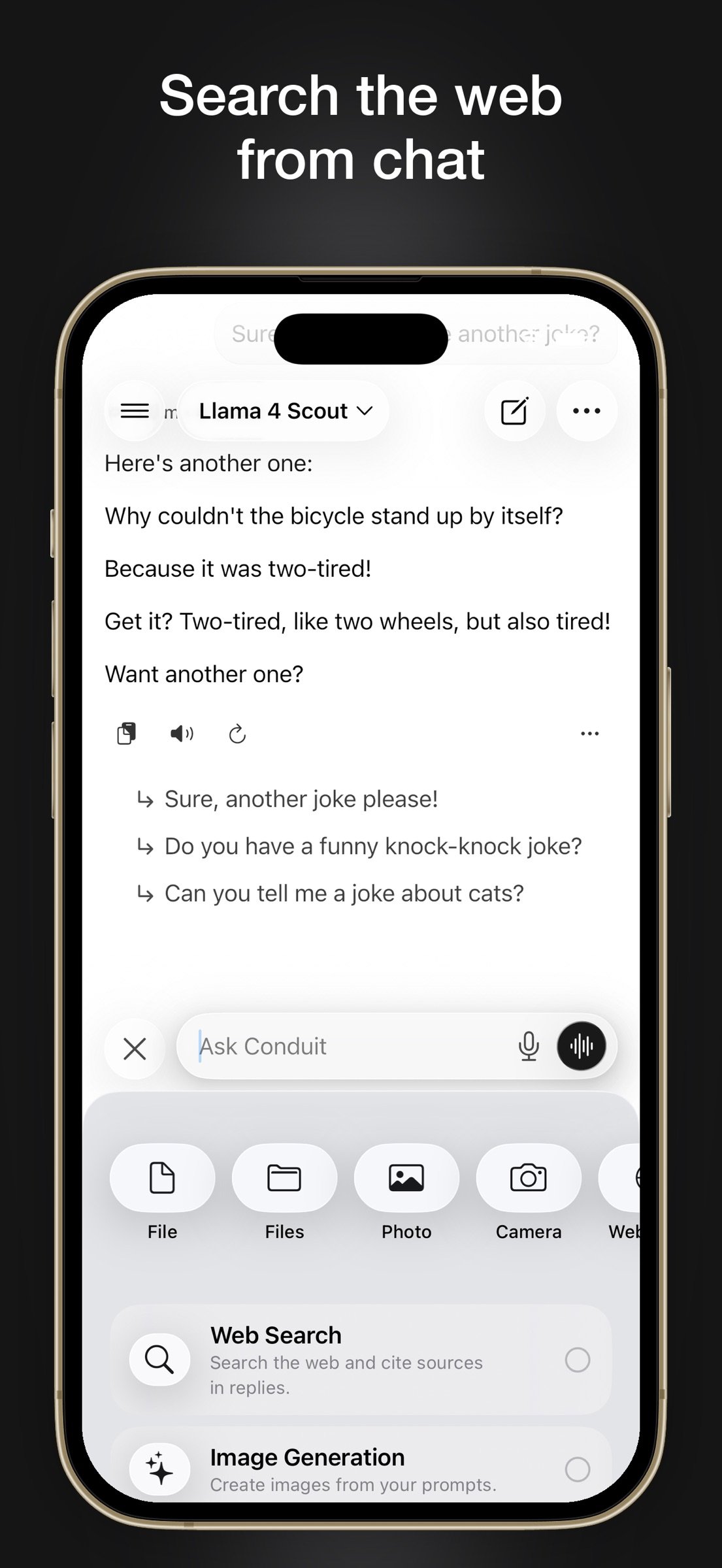
- Open WebUI — your self-hosted server with chats, folders, notes, channels, workspace, tools, web search, and image generation
- Direct — OpenAI-compatible APIs, Ollama, OpenRouter, and local endpoints. No Open WebUI account required
- Hermes — your self-hosted agent with live tools, approvals for sensitive steps, and scheduled work
Built for mobile
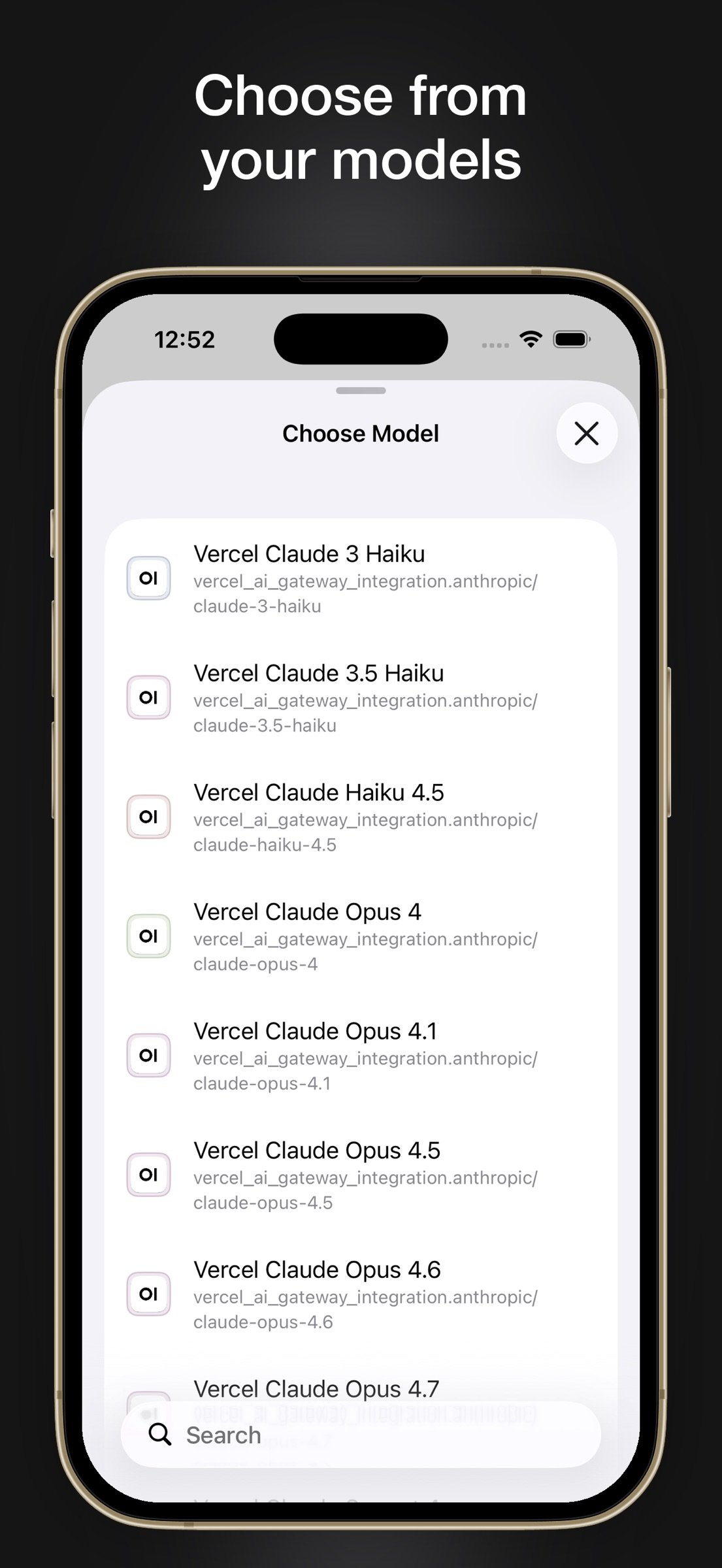
- Real-time streaming chat with model selection, temporary chats, search, and folders
- File, image, audio, and clipboard uploads for multimodal prompts
- Voice input, voice-call mode, share sheet, quick actions, home screen widgets, and Shortcuts
- Rich rendering for Markdown, code, LaTeX, Mermaid, Chart.js, citations, reasoning, and tool calls
- Notes, saved prompts, channels, terminal, and other features when your server supports them
Built for real deployments
- Sign in with username/password, LDAP, JWT, OAuth/SSO, reverse-proxy flows, and custom HTTP headers
- Credentials stored securely in Keychain
- No ads, no analytics SDKs, and no developer-operated relay server
Important
- Conduit does not host models or provide an AI service. You connect to servers and providers you control.
- Available features depend on what you connect to.
- Conduit is open source and is not officially affiliated with Open WebUI or Hermes.
License: Commercial
Three ways to connect
- Open WebUI — your self-hosted server with chats, folders, notes, channels, workspace, tools, web search, and image generation
- Direct — OpenAI-compatible APIs, Ollama, OpenRouter, and local endpoints. No Open WebUI account required
- Hermes — your self-hosted agent with live tools, approvals for sensitive steps, and scheduled work
Built for mobile
- Real-time streaming chat with model selection, temporary chats, search, and folders
- File, image, audio, and clipboard uploads for multimodal prompts
- Voice input, voice-call mode, share sheet, quick actions, home screen widgets, and Shortcuts
- Rich rendering for Markdown, code, LaTeX, Mermaid, Chart.js, citations, reasoning, and tool calls
- Notes, saved prompts, channels, terminal, and other features when your server supports them
Built for real deployments
- Sign in with username/password, LDAP, JWT, OAuth/SSO, reverse-proxy flows, and custom HTTP headers
- Credentials stored securely in Keychain
- No ads, no analytics SDKs, and no developer-operated relay server
Important
- Conduit does not host models or provide an AI service. You connect to servers and providers you control.
- Available features depend on what you connect to.
- Conduit is open source and is not officially affiliated with Open WebUI or Hermes.
License: Commercial
| Release info | Update on Nov 11, 2026 |
|---|---|
| Release notes | Highlights • LibreChat (Beta) becomes Conduit's fourth backend: sign in, chat with its model specs, agents and models, and keep its history in the Chats tab. • Hermes 0.23 works over the Desktop Gateway, a gateway's own Webapp listener and the API server, and gets Rooms, chat pinning and hiding, Context & Usage, error cards and background-work controls. • Open WebUI 0.13.3 is supported, with its terminals' coding agents offered as models and a full-screen Computer viewer for a terminal's desktop and browser. • iOS 26 uses many more of the system's own controls, and voice and read-aloud float on Liquid Glass islands. LibreChat (Beta) • Add a LibreChat server from the backend chooser or the LibreChat tab in the account sheet. Sign in with email and password or LDAP, two-step verification by code or backup code, or the server's single sign-on buttons. (#943, #953) • Switch between LibreChat and Open WebUI accounts in Accounts. Open WebUI accounts keep their session and data while LibreChat is in use. (#945–#948) • LibreChat chats fill the Chats tab, stay in sync and searchable, and can be read offline. Rename, pin, archive and delete work offline and reach the server later. (#949, #952) • The model picker lists the server's model specs, agents and each endpoint's models under foldable sections. Send, stream, stop and regenerate. A reply keeps running while another chat is open. (#950, #954) • Attach files, photos and camera shots. Turn on web search, code interpreter, file search and MCP servers. Answer tool approvals and questions, and insert prompts from the LibreChat prompt library with /. (#951, #955) • Share links, Branch into new chat, Duplicate Chat, memories in Personalization, and the server's speech engines. (#956) • Controls that only feed Open WebUI requests are hidden for LibreChat models. Hermes Hermes 0.23 • Desktop Gateway: approvals, clarifications, sudo and secret prompts show again on Hermes 0.22 and later. The Toolsets page and MCP reloads work… |
| Listing data | App Store |
Reviews
No reviews yet. Be the first to review Conduit.
Used Conduit? Tell other visitors what you thought.
Log in to write a reviewOther products by this publisher
- "No Distractions" for YouTube 4.10 ----
- #Bible 11.6 "Incredible App - My sister shared this app with me a few weeks ago and it is truly incredible.
- #filmphotography 1.4.2 So, you decided to shoot on film?
- $quirrel 1.5.1 $quirrel Budget & Finance helps you plan each paycheck, track spending, manage debt, and see what is safe to spend before the next payday.
- % Percentage Calculator Pro 1.41 This is the Pro version of % Percentage Calculator.
Most viewed iOS Productivity
-
1
 WordPress 27.4
Manage or create your WordPress blog or website right from your iOS device: create and edit posts and pages, upload your favorite photos and videos, view stats and reply to comments.
- 2 Voice Translator - Alive 1.6 Translation app that turns your iPhone into an interpreter instantly.
-
3
 Claude by Anthropic 1.261109.19
Meet Claude, your AI problem solver and thinking partner.
- 4 "No Distractions" for YouTube 4.10 ----
- 5 (beat) for iOS 0.5.10 An elegant Fountain screenwriting app, created by a screenwriter for screenwriters.
-
6
 DeepSeek 2.7.5
Experience seamless interaction with DeepSeek's official AI assistant for free!
-
7
 Life360 26.43.0
Whether at home, online, or on the move, our comprehensive family safety features bring peace of mind to your loved ones AND help safeguard your personal belongings.
-
8
 WristMemo 2.0
WristMemo turns your Apple Watch into an all-day voice recorder.
-
9
 Howbout 16.7.0
The shared calendar for friends, couples, and family
-
10
 Plot Digitizer 1.4.1
Plot Digitizer is an app to extract numerical data from plot images.
Most downloaded iOS Productivity
- 1 Voice Translator - Alive 1.6 Translation app that turns your iPhone into an interpreter instantly.
-
2
DeepSeek 2.7.5
Experience seamless interaction with DeepSeek's official AI assistant for free!
-
3
 SessionsAI 1.2.1
Sessions AI is a private AI workspace that runs entirely on your iPhone, iPad, or Mac.
-
4
 Voices AI 1.16.15
Discover Voices, the premier voice transformation app designed exclusively for iOS.
-
5
 Block Distracting Websites 1.11
"It's a great way to save time, and stop browsing Reddit when you should be doing coursework."
-
6
Plot Digitizer 1.4.1
Plot Digitizer is an app to extract numerical data from plot images.
-
7
 Google Docs 1.2026.45104
Create, edit, and collaborate on online documents with the Google Docs app.
-
8
 Pixy Mood Tracker 1.110.0
Track your mood, one pixel at a time.
-
9
 VPN 2.61.0
VPN - Super Unlimited Proxy is a free VPN and proxy app for iPhone, iPad, Mac and Apple Vision Pro.
-
10
 MyHyundai with Bluelink 5.4.5
The MyHyundai app makes getting information about your Hyundai vehicle easier than ever.