Command App 6.6.7
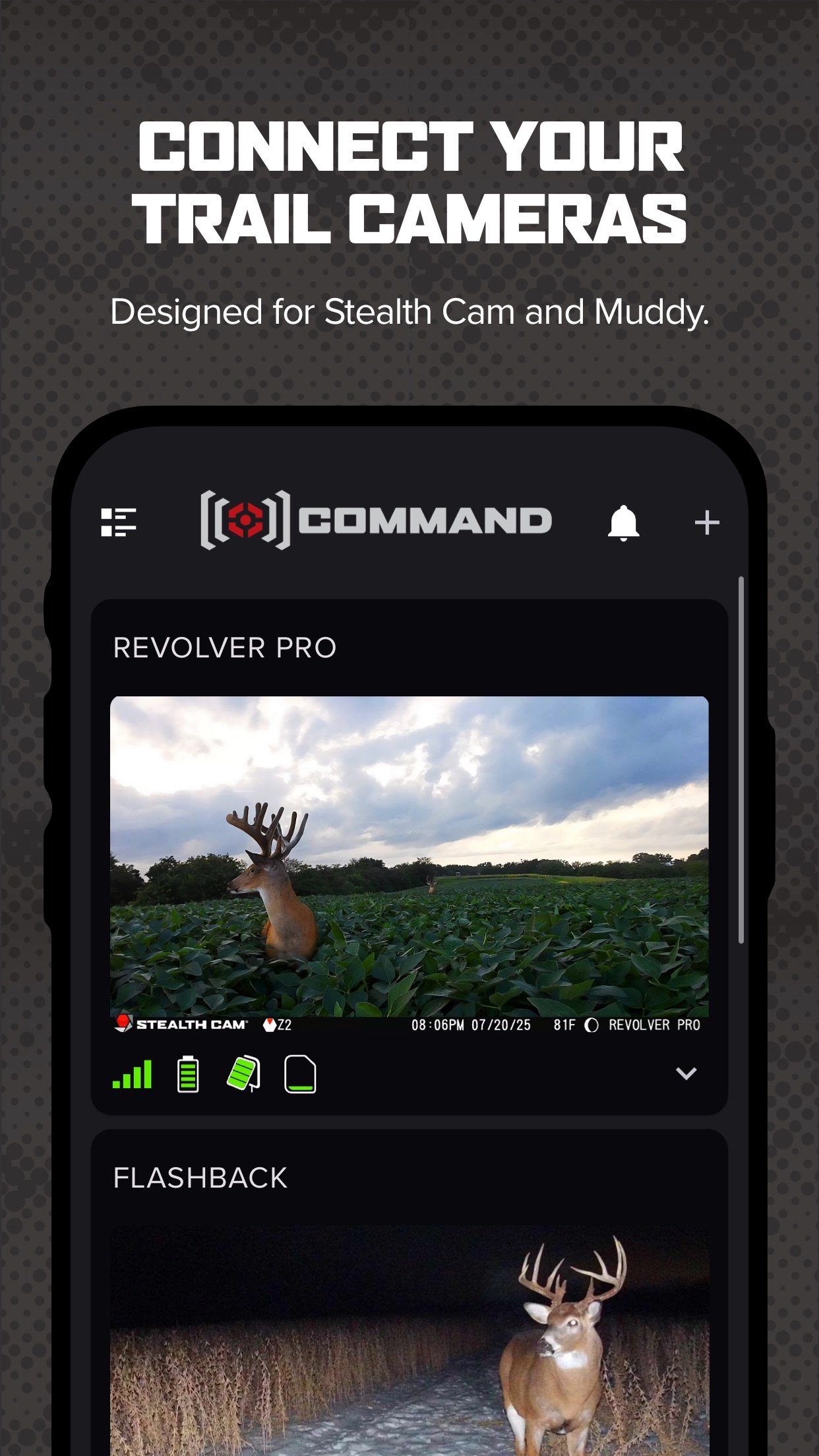
Manage your Stealth Cam and Muddy cellular trail cameras with Command.
Download
286.96 MB
16downloads
2this week
FreeFreeware
0reviews
Screenshots
About Command App
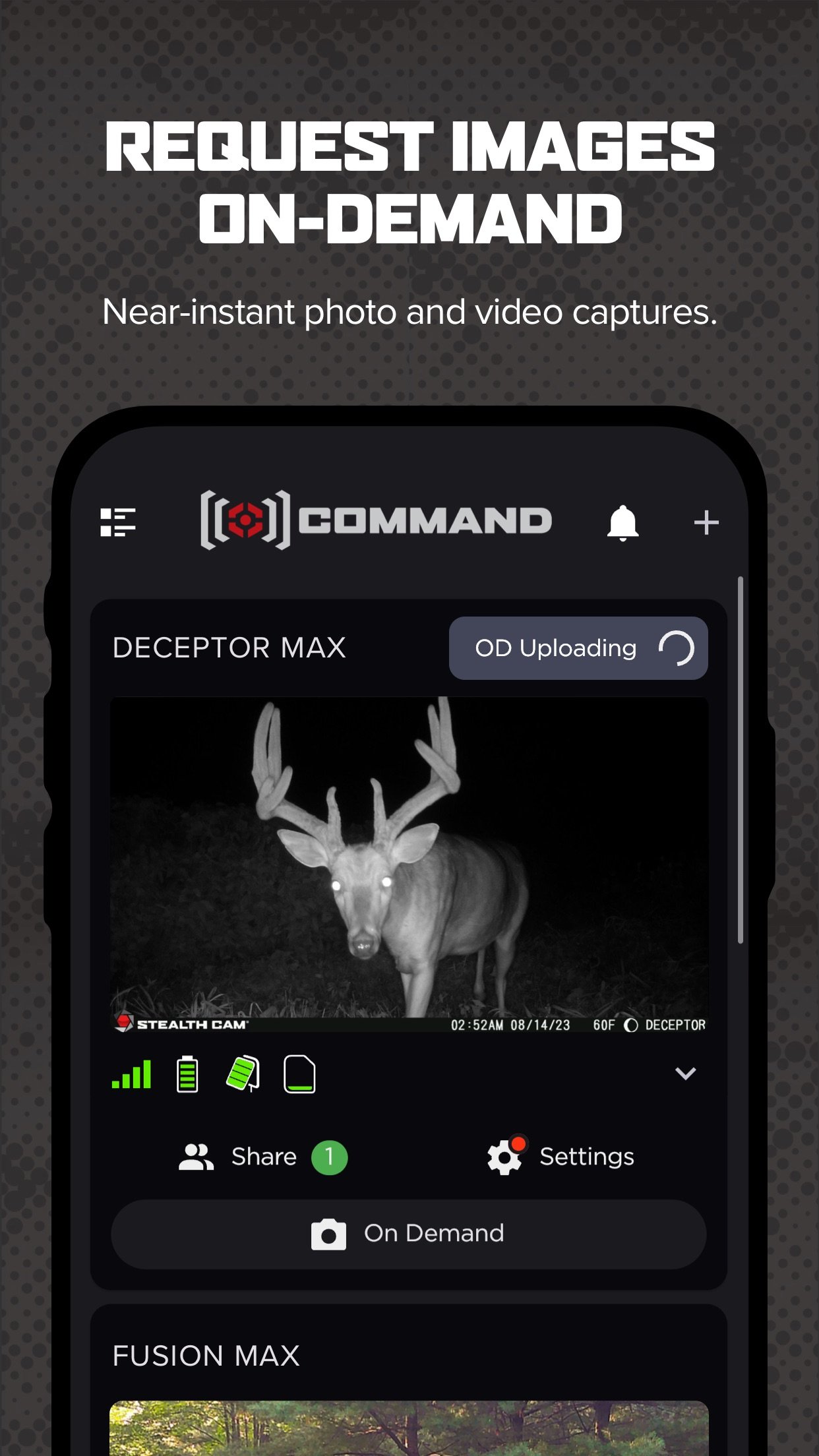
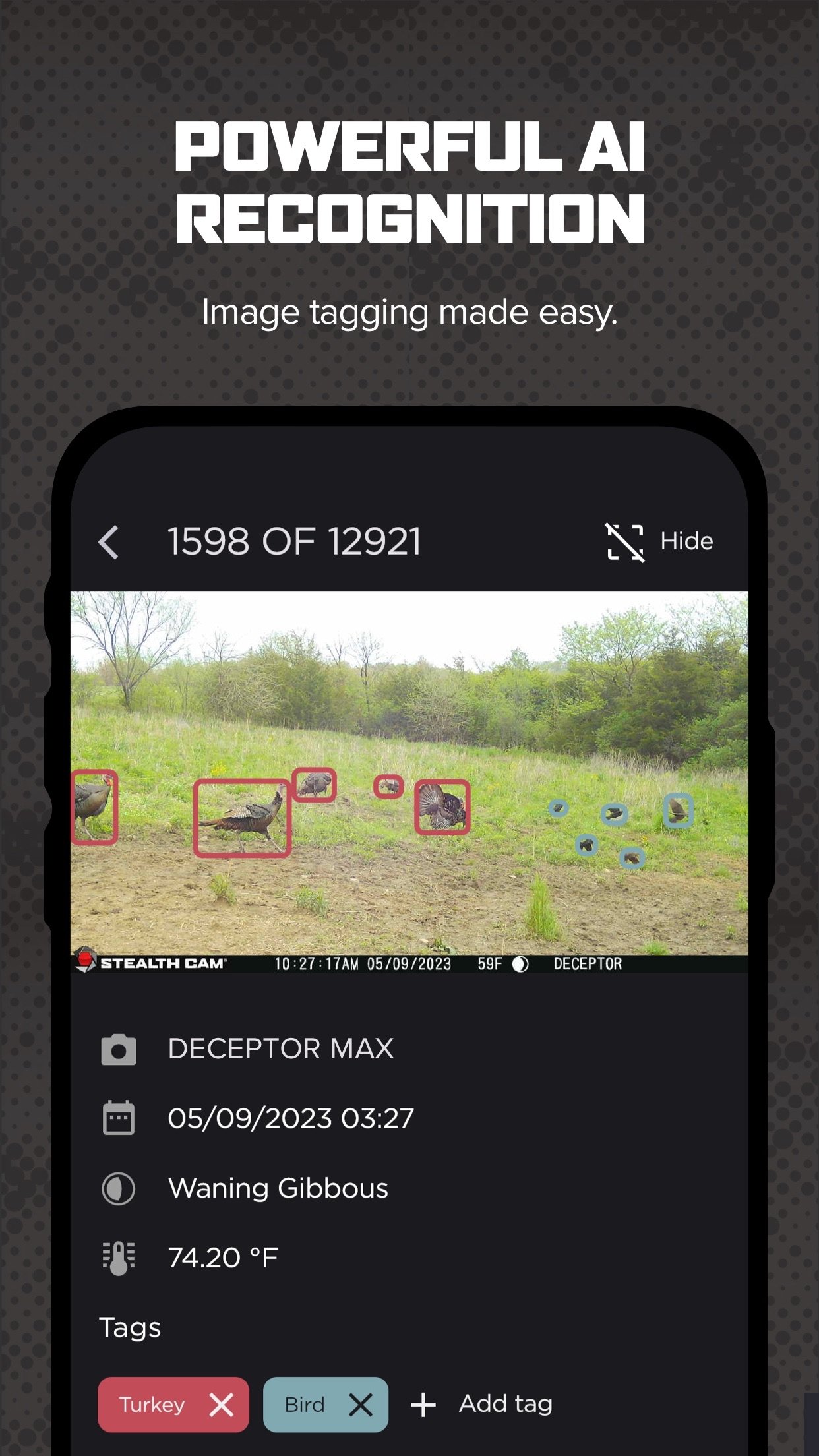
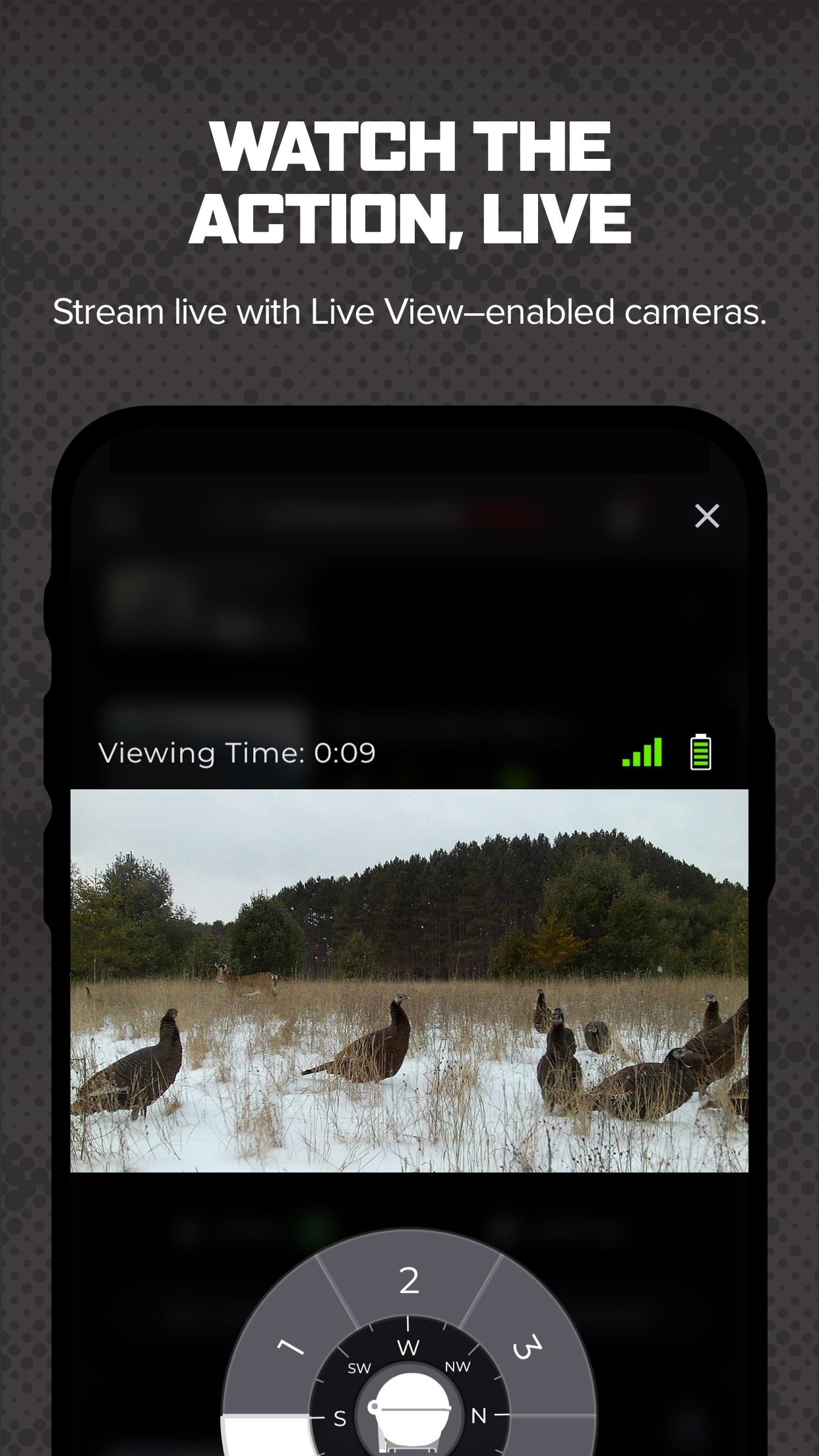
Manage your Stealth Cam and Muddy cellular trail cameras with Command. View, share, analyze, and configure your trail cameras with ease. Combine AI subject recognition with weather and solunar data to spot patterns and game movement like never before. Request near-instant high-definition photos and videos from your camera with On-Demand, or activate Live View for a real-time streaming experience with high-definition video and audio on compatible cameras.
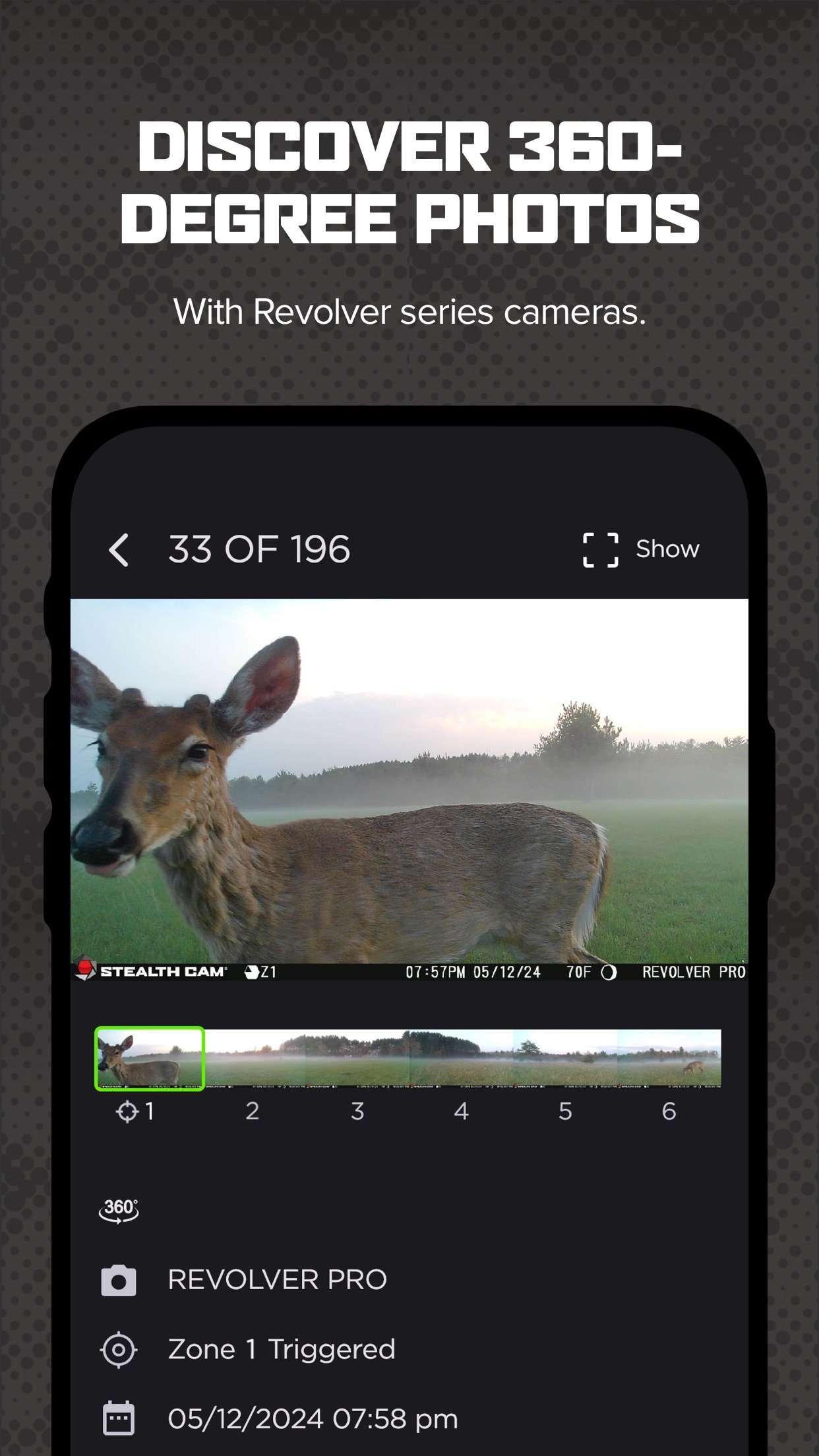
Experience the new features of Command with support for the Revolver and Revolver Pro 360-degree cellular trail cameras, including panoramic 360 and 180 photo review directly within the app. Enjoy advanced mapping capabilities with new maps such as property lines and hunting land maps, enhancing your scouting and planning efforts like never before. Command is your go-to tool for the ultimate scouting and hunting experience.
? COMMAND Features ?
? Quick camera setup and activation through Command
? Access and monitor all your Stealth Cam and Muddy cellular trail cameras
? Manage your cellular data plans and billing in the app
? View panoramic 360 and 180-degree images from new Revolver series cameras
? Request On-Demand HD photos and videos with the press of a button
? Activate Live View with real-time HD video and audio streaming on compatible cameras
? AI-driven or manual tagging of images
? Download, review, save, and share high-definition photos and videos
? Advanced mapping layers with the ability to manage cameras and settings from the mapping screen
? Set transmission times: instant, instant group, hourly, twice or once a day
? Create camera groups for enhanced organization and filtering
? Share view-only access to your cameras with other Command users
? Advanced filtering of images by AI tags, weather, solunar, and time of day
? Night-time colorization for IR flash photos
? Receive push notifications for new photos
? Integrate with HuntStand and DeerCast hunting apps
? Getting Started with COMMAND ?
1. Download Command to your device
2. Create an account, or login if you have an account
3. Add a camera by pressing the "+" button in the top right corner
4. Scan the QR code inside your camera and follow the instructions
5. Upon successful connection, your camera is ready to deploy
License: Free
| Release info | Update on Nov 12, 2026 |
|---|---|
| Release notes | A few performance improvements to keep Command running smoothly through peak rut. |
| Listing data | App Store |
Reviews
No reviews yet. Be the first to review Command App.
Used Command App? Tell other visitors what you thought.
Log in to write a reviewOther products by this publisher
- "No Distractions" for YouTube 4.10 ----
- #Bible 11.6.1 "Incredible App - My sister shared this app with me a few weeks ago and it is truly incredible.
- #filmphotography 1.4.2 So, you decided to shoot on film?
- #LookBusy Fake Calendar Events 1.0.6 Look Busy scans your work calendar for open time slots and fills them with realistic-looking (but secretly fake) work events.
- #Small Talk Is Canceled 1.0.2 #Small Talk Is Canceled — Conversations That Matter
Most viewed iOS Photo & Video
-
1
 ShortDiShow 2.0
Drama Quest Island — An offline interactive short-drama adventure.
-
2
 Face Witness 1.0.4
FaceWitness lets you create a face by putting together individual features.
-
3
 Infuse 8.5.10
Infuse: Enterprise provides the same great features as the standard version of Infuse and includes permanent access to all Pro features via a traditional paid app.
-
4
 AI Video Generator 2.0.3
Vixel – AI Video Generator
- 5 #filmphotography 1.4.2 So, you decided to shoot on film?
-
6
 OPlayer 4.8
Play all your videos directly without having to convert them!
-
7
 CapCut 20.2.0
CapCut offers easy-to-use video editing functions, in-APP fonts and effects, advanced features such as keyframe animation, smooth slow-motion, chroma key, and stabilization, to help you capture and snip moments.
-
8
 Necrometer II 1.3
Necrometer II is a paranormal investigation companion designed for ghost hunters and researchers.
-
9
 Ai Photo 1.1.2
AI Photo Retouch – BG Eraser
-
10
 Analog Radio 3.0
The iPhone and iPad devices don't have the FM/AM radio antenna installed.
Most downloaded iOS Photo & Video
-
1
 DJI Fly 1.21.18
DJI Fly is designed to help pilots fly drones with ease.
-
2
Infuse 8.5.10
Infuse: Enterprise provides the same great features as the standard version of Infuse and includes permanent access to all Pro features via a traditional paid app.
-
3
 TurboCollage Automatic 1.2.4
#1 Easy automatic photo collage maker for iPhone & iPad.
-
4
 ReelyGo 1.1.60
ReelyGo: Your Daily Drama Escape
-
5
Analog Radio 3.0
The iPhone and iPad devices don't have the FM/AM radio antenna installed.
-
6
 Rozeta Sequencer Suite 1.3.16
Rozeta is a suite of MIDI sequencers and controllers that lets you explore a new, freeform approach to sequencing and controlling mobile music apps.
-
7
 AGAIN. Rehearsal Notes 2.0.1
AGAIN. is the rehearsal app that remembers why the band stopped — and, new in Version 2, who said what in a writing session or a table read.
-
8
 Pop Dot Comics 1.48
Create a comic worthy of the Sunday newspaper or your favorite pulp-fiction cover.
-
9
 Treblo 1.6.6
Make songs with the world's best AI music model.
-
10
 Sun Scout 1.5.0
If your work or play requires sunlight, Sun Scout is built for you.