
Coloring Watch 7.2.1
****Featured by Apple in "Must-Have Apple Watch Apps" and "Our Favorite Apple Watch Apps" collections****
Download
82.61 MB
14downloads
1this week
FreeCommercial
0reviews
Screenshots
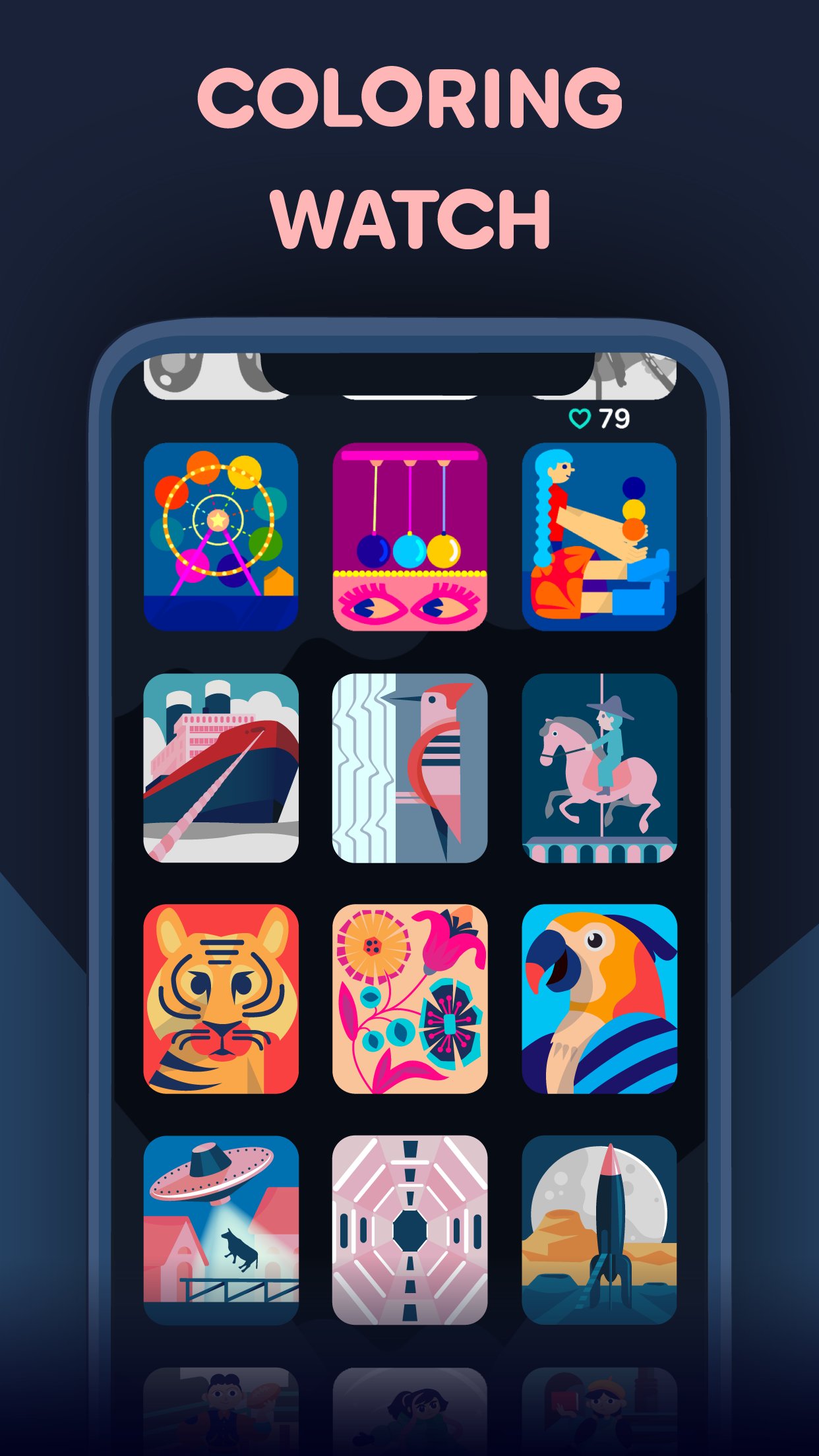
About Coloring Watch
****Featured by Apple in "Must-Have Apple Watch Apps" and "Our Favorite Apple Watch Apps" collections****
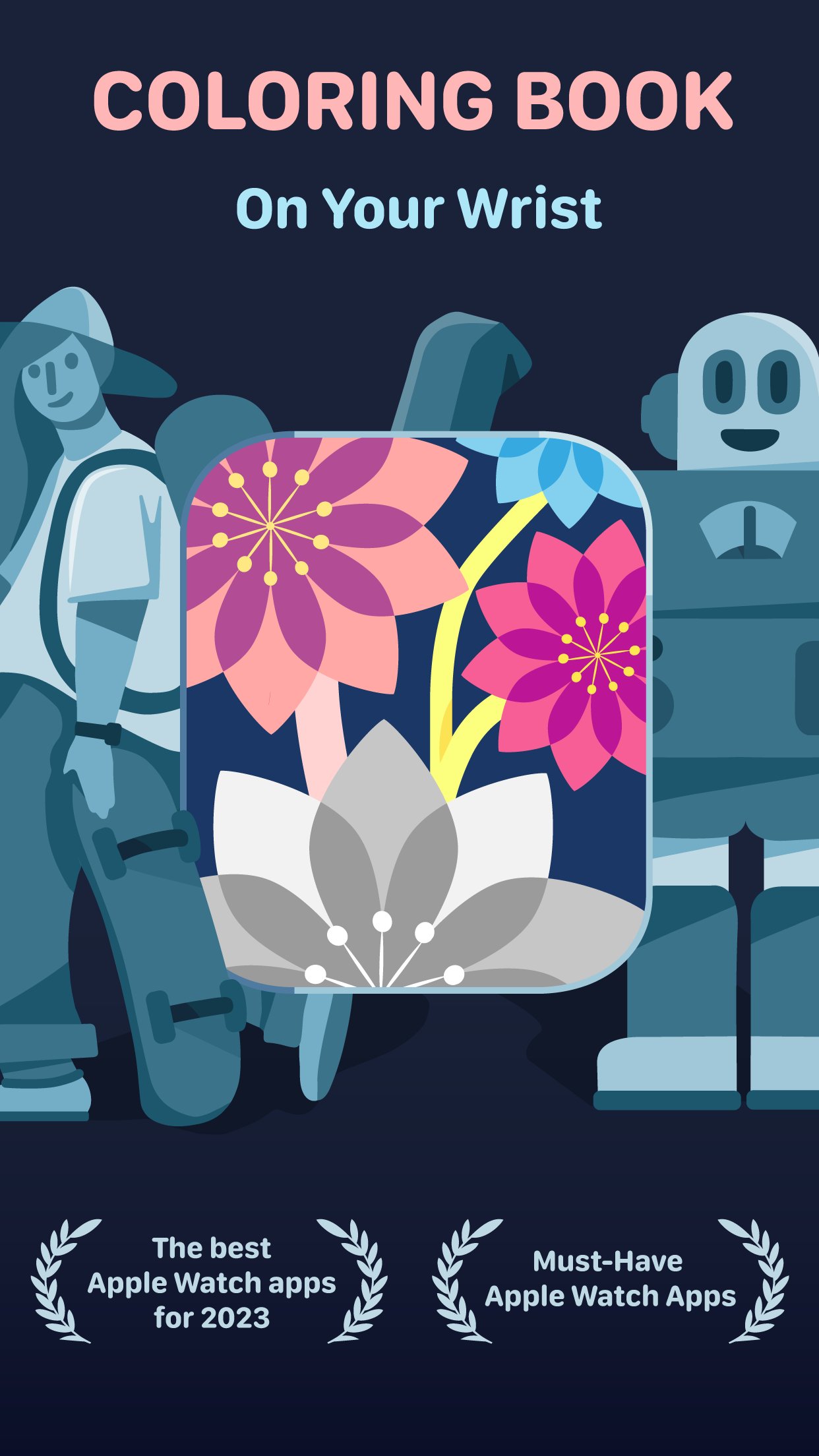
Coloring is a great way to calm down and relieve stress. Experience the relaxing effects of coloring directly on your Apple Watch and iPhone. Originally designed exclusively for Apple Watch, Coloring Watch gives you a full coloring experience on your Apple Watch. Latest update brings this totally unique coloring app also on your iPhone! Now you can use both devices, Watch and Phone to color over 200 images.
***MAIN FEATURES***
**One-time payment - No in-app purchases - All image updates for free**
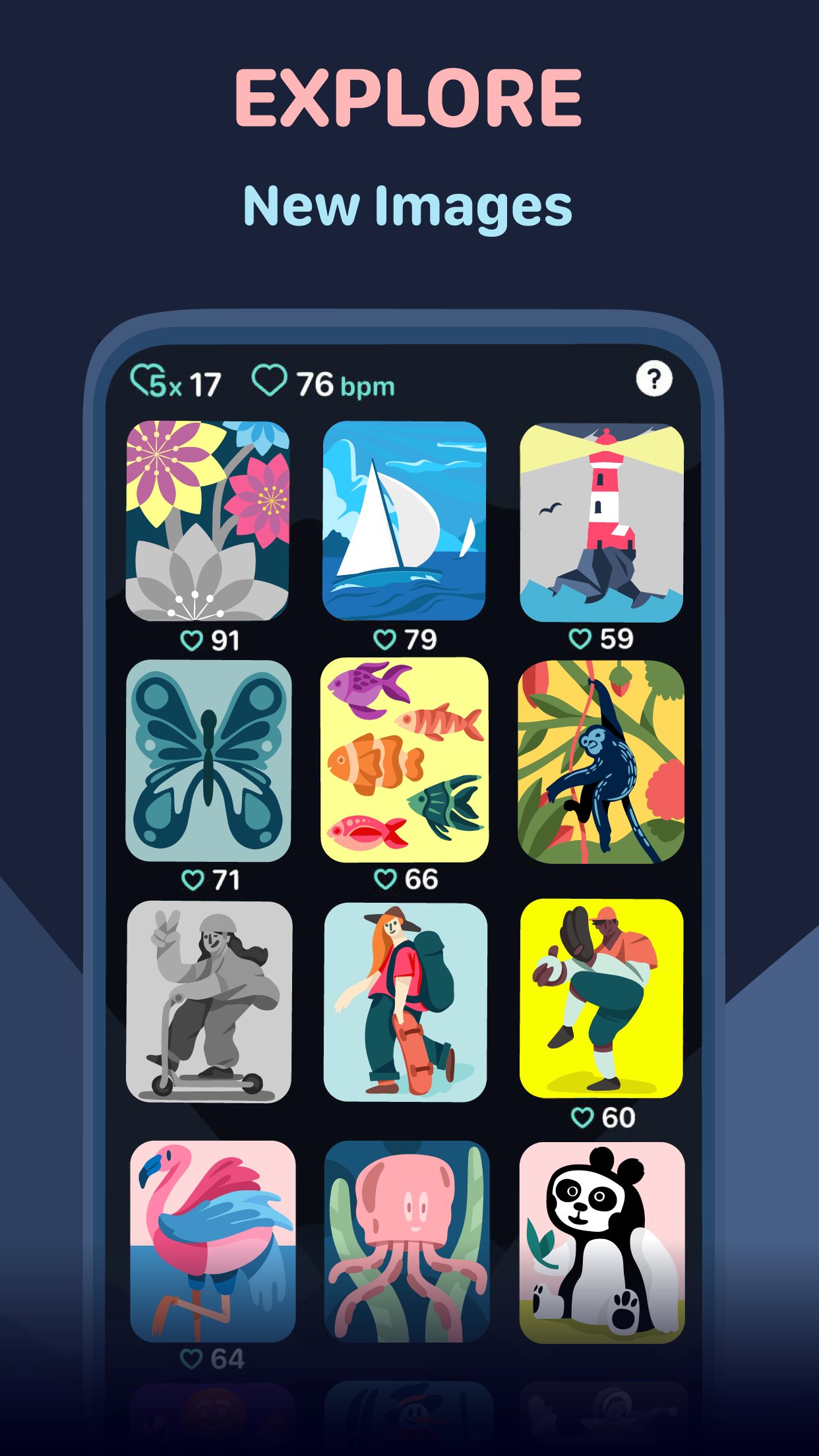
**Color over 200+ images on your Apple Watch and iPhone**
-Animated and still images
-100 colors to choose from
-New image updates for free
-Create your personal "favorites" gallery on your Phone
**Your progress is automatically stored and you can continue your coloring anytime on Apple Watch and iPhone**
**Share your creations and create unique Watch Faces**
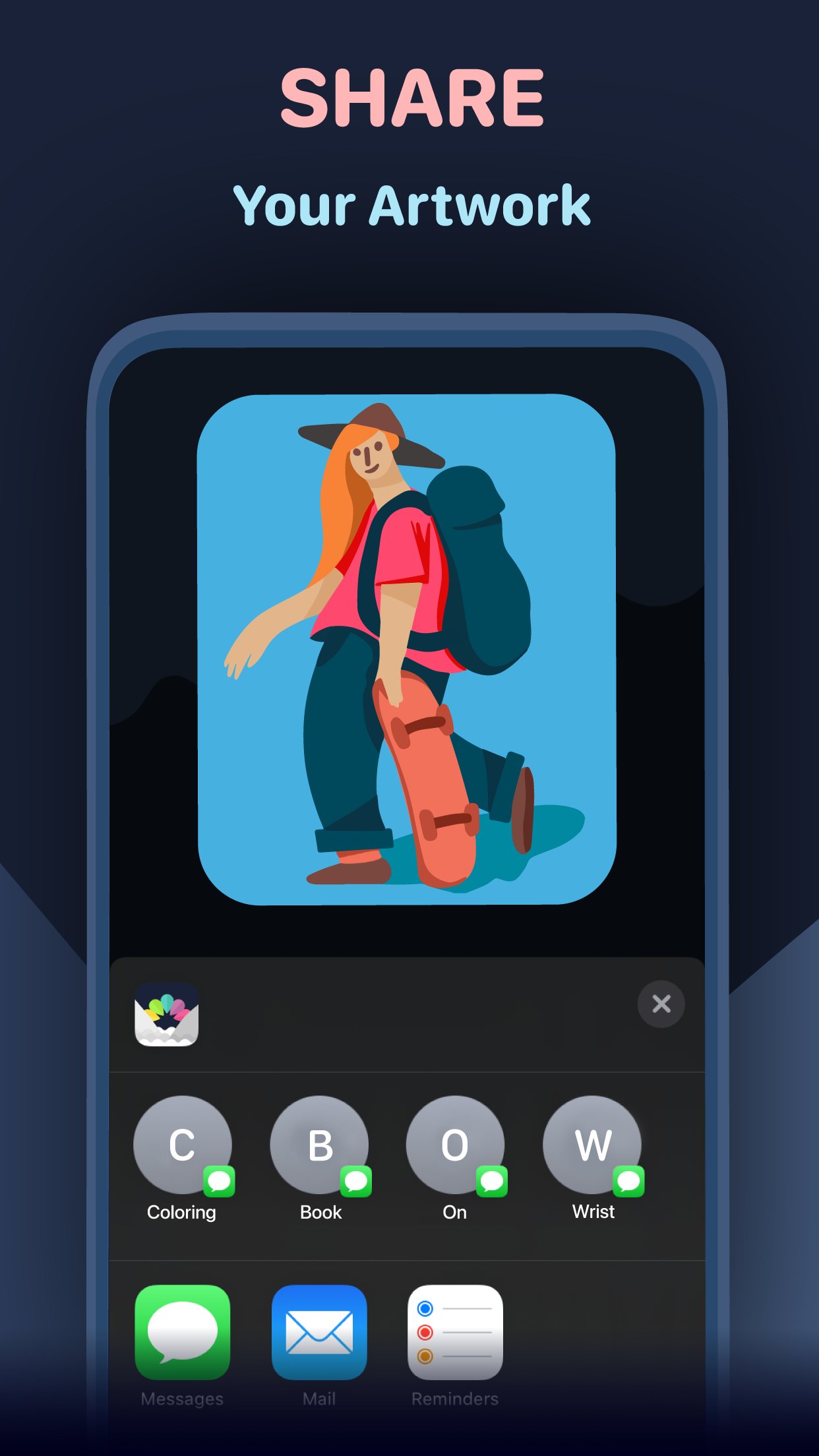
-Tap image on your iPhone and open the menu to share your creations to the world
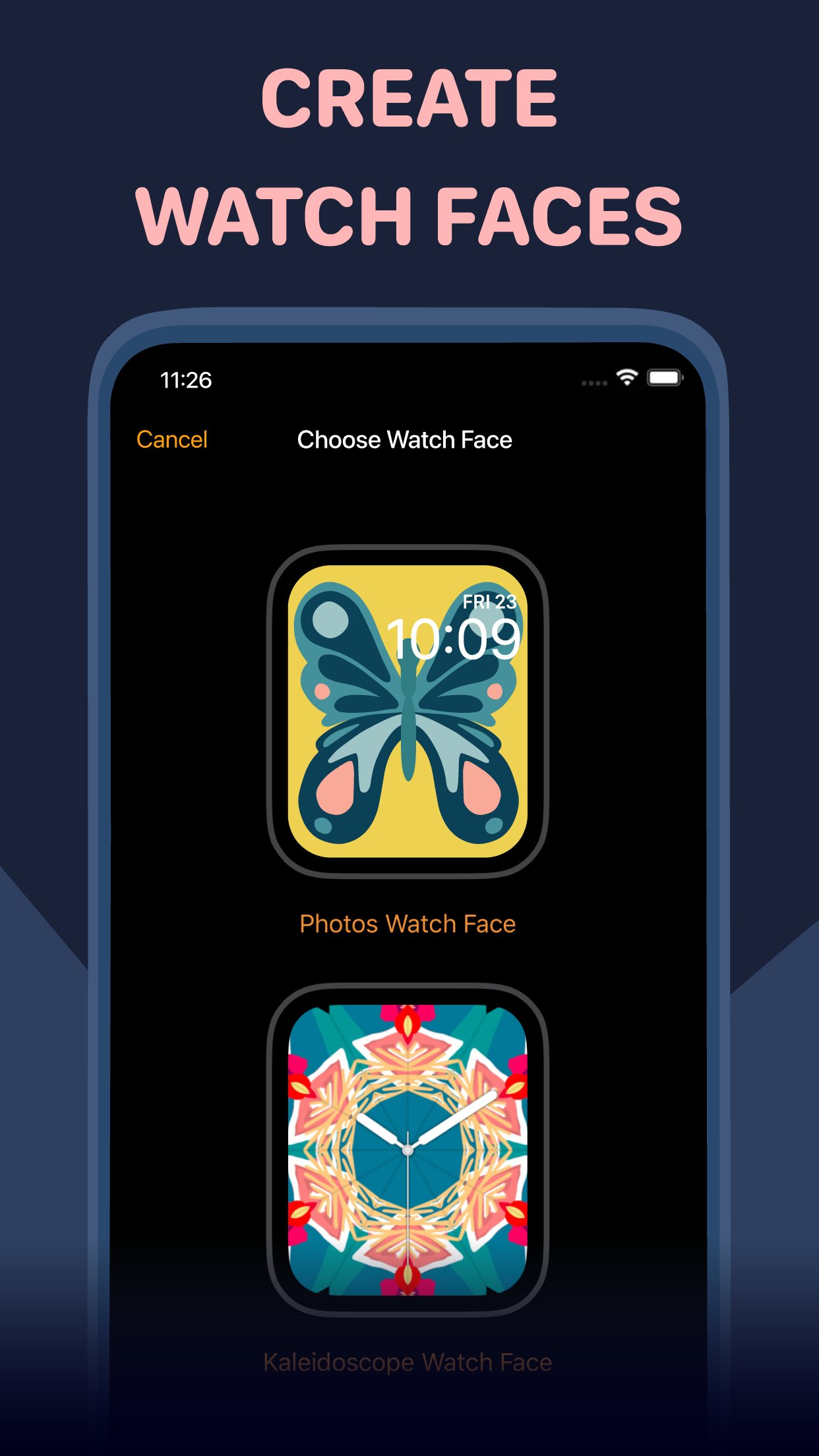
-Share menu also contains a “Create Watch Face” button that lets you create unique Watch Faces on your Apple Watch
-Set your favorite coloring image as a complication on the following watch faces: Infograph, Infograph Modular, Meridian, California, Modular Compact and X-Large
-Please note that the supported complications are only available on Series 4 and later device
**Choose the Phone Coloring Mode**
-You can choose between 2 modes:
-Watch-like mode: Image parts are selected linearly. Tap RIGHT side of the image to select the NEXT part / LEFT side to select the PREVIOUS part
-Direct Tap mode: Tap the part of the image you want to color
**Accessibility for all - Voice Control support**
-Turn on the Voice Control mode in the Coloring Watch settings and you're able to color images with voice commands.
-NOTE: Voice control must also be enabled in your phone settings: Settings > Accessibility > Voice Control
**Mindful Minutes (OPTIONAL FEATURE)**
-You are able to track your heart rate during coloring by starting a 5 minute Coloring Session on your Apple Watch
-After completing Coloring Sessions, examine changes in your heart rate during the session
-Coloring Sessions can be started by opening the app menu on Watch (swipe to open the menu)
-Coloring Sessions are stored as Mindful Minutes into HealthKit and contribute to your Mindful Minutes in your Health app
-Coloring Session requires access to your HealthKit
***Privacy***
-In order to start optional Coloring Sessions that track your heart rate, Coloring Watch needs access to your Heart Rate and Mindful Minutes data in HealthKit
-Your personal data used by Coloring Watch is only stored and used locally on your devices and is never shared with third parties
***What to do if Coloring Watch does not appear on your Apple Watch***
-Download Coloring Watch directly from the App Store on your Apple Watch
If you have any questions we will happily help you:
contact@coloringwatch.com
HAPPY COLORING!
License: Commercial
| Release info | New Release on Jun 14, 2026 |
|---|---|
| Release notes | - New Image |
| Listing data | App Store |
Reviews
No reviews yet. Be the first to review Coloring Watch.
Used Coloring Watch? Tell other visitors what you thought.
Log in to write a reviewOther products by this publisher
- "No Distractions" for YouTube 4.10 ----
- #Bible 11.6.1 "Incredible App - My sister shared this app with me a few weeks ago and it is truly incredible.
- #filmphotography 1.4.2 So, you decided to shoot on film?
- #LookBusy Fake Calendar Events 1.0.6 Look Busy scans your work calendar for open time slots and fills them with realistic-looking (but secretly fake) work events.
- #Small Talk Is Canceled 1.0.2 #Small Talk Is Canceled — Conversations That Matter
Most viewed iOS Photo & Video
-
1
 ShortDiShow 2.0
Drama Quest Island — An offline interactive short-drama adventure.
-
2
 Face Witness 1.0.4
FaceWitness lets you create a face by putting together individual features.
-
3
 Infuse 8.5.10
Infuse: Enterprise provides the same great features as the standard version of Infuse and includes permanent access to all Pro features via a traditional paid app.
-
4
 AI Video Generator 2.0.3
Vixel – AI Video Generator
- 5 #filmphotography 1.4.2 So, you decided to shoot on film?
-
6
 OPlayer 4.8
Play all your videos directly without having to convert them!
-
7
 CapCut 20.2.0
CapCut offers easy-to-use video editing functions, in-APP fonts and effects, advanced features such as keyframe animation, smooth slow-motion, chroma key, and stabilization, to help you capture and snip moments.
-
8
 Necrometer II 1.3
Necrometer II is a paranormal investigation companion designed for ghost hunters and researchers.
-
9
 Ai Photo 1.1.2
AI Photo Retouch – BG Eraser
-
10
 Analog Radio 3.0
The iPhone and iPad devices don't have the FM/AM radio antenna installed.
Most downloaded iOS Photo & Video
-
1
 DJI Fly 1.21.18
DJI Fly is designed to help pilots fly drones with ease.
-
2
Infuse 8.5.10
Infuse: Enterprise provides the same great features as the standard version of Infuse and includes permanent access to all Pro features via a traditional paid app.
-
3
 TurboCollage Automatic 1.2.4
#1 Easy automatic photo collage maker for iPhone & iPad.
-
4
 ReelyGo 1.1.60
ReelyGo: Your Daily Drama Escape
-
5
Analog Radio 3.0
The iPhone and iPad devices don't have the FM/AM radio antenna installed.
-
6
 Rozeta Sequencer Suite 1.3.16
Rozeta is a suite of MIDI sequencers and controllers that lets you explore a new, freeform approach to sequencing and controlling mobile music apps.
-
7
 AGAIN. Rehearsal Notes 2.0.1
AGAIN. is the rehearsal app that remembers why the band stopped — and, new in Version 2, who said what in a writing session or a table read.
-
8
 Pop Dot Comics 1.48
Create a comic worthy of the Sunday newspaper or your favorite pulp-fiction cover.
-
9
 Treblo 1.6.6
Make songs with the world's best AI music model.
-
10
 Sun Scout 1.5.0
If your work or play requires sunlight, Sun Scout is built for you.