
Clap Back 1.1.0
Not sure how to respond to an awkward text, rude message, or tricky email?
Download
5.75 MB
13downloads
1this week
FreeCommercial
0reviews
Screenshots
About Clap Back
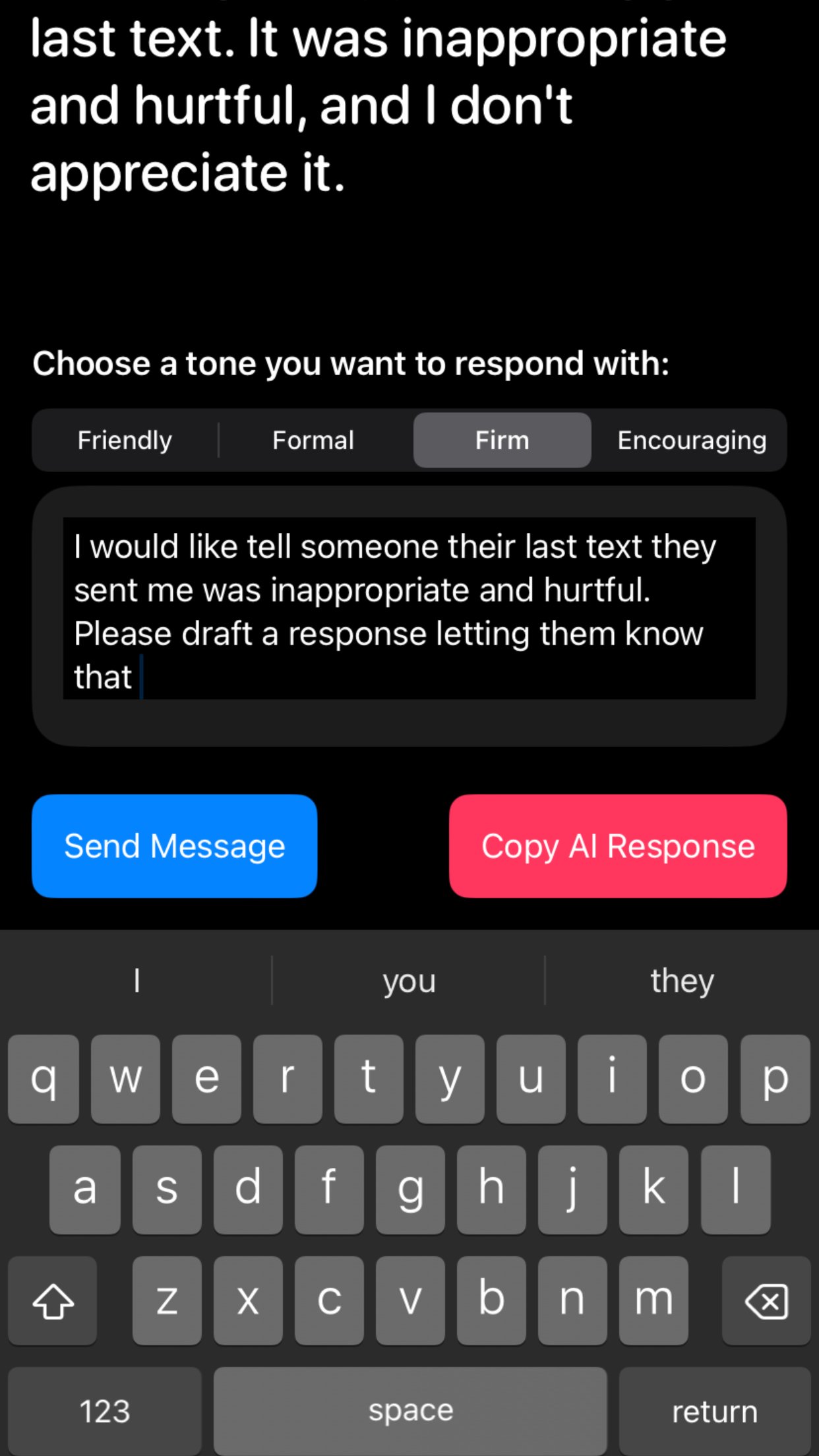
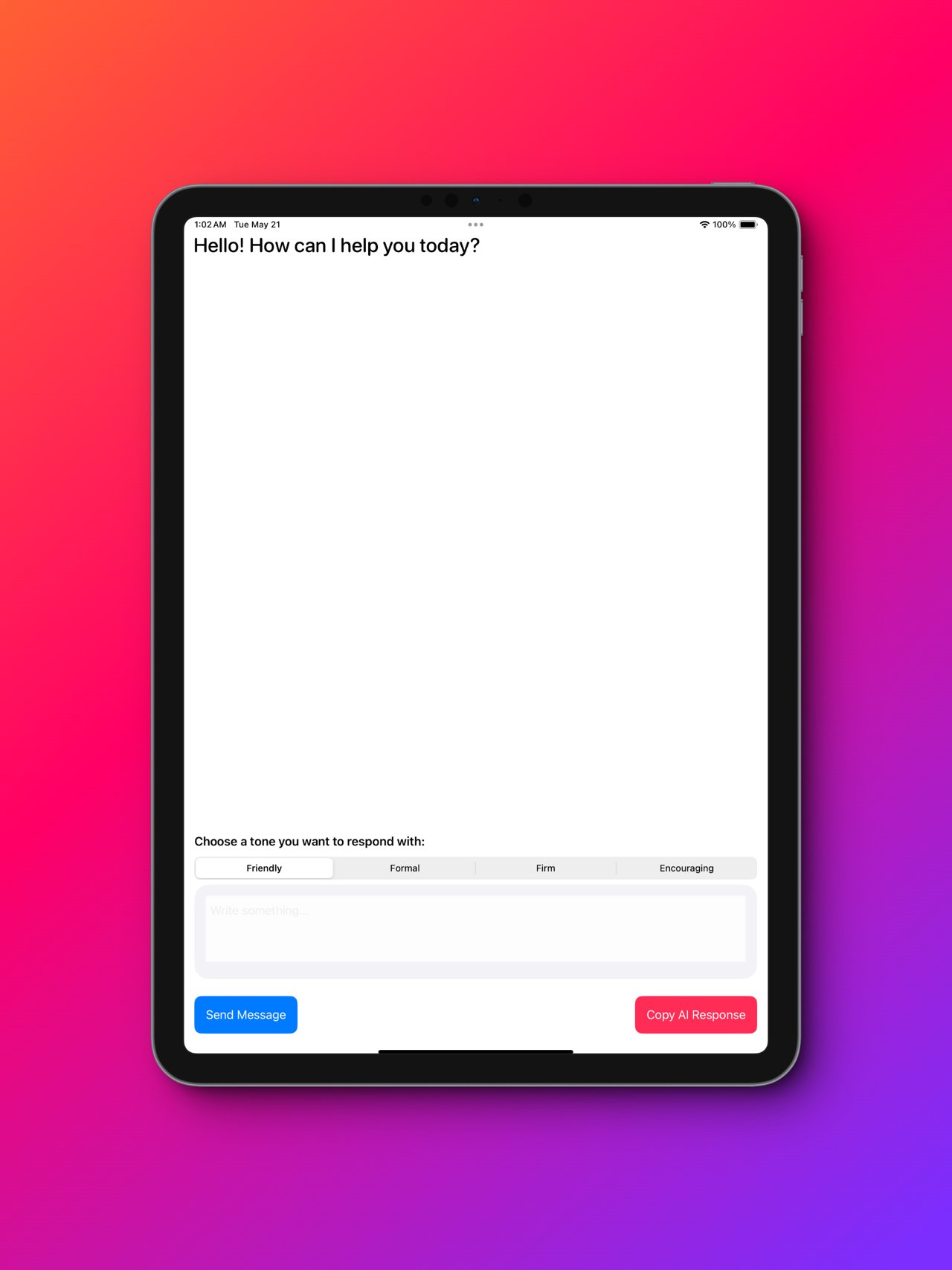
Not sure how to respond to an awkward text, rude message, or tricky email? Clap Back helps you find the right words without overthinking it.
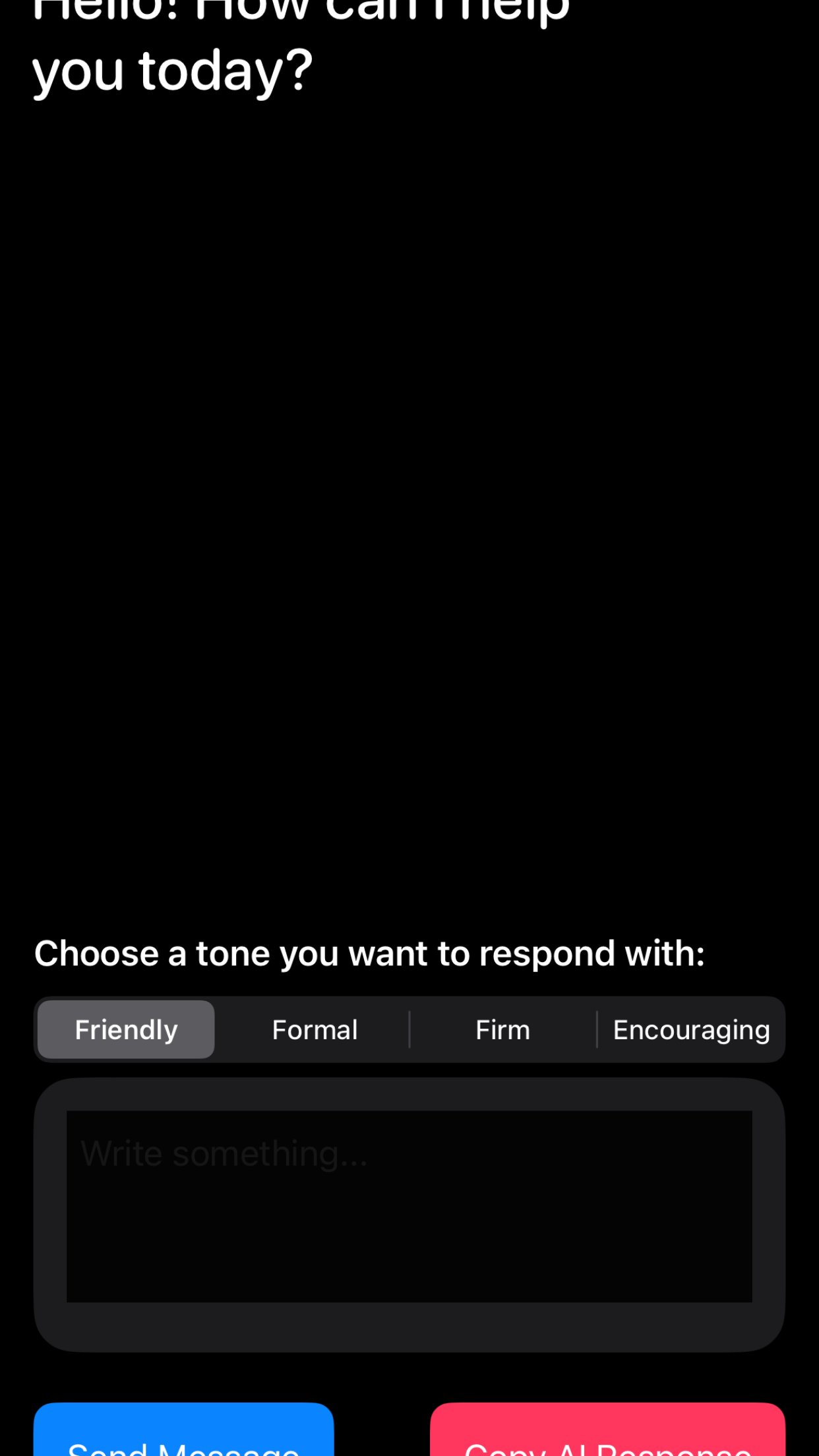
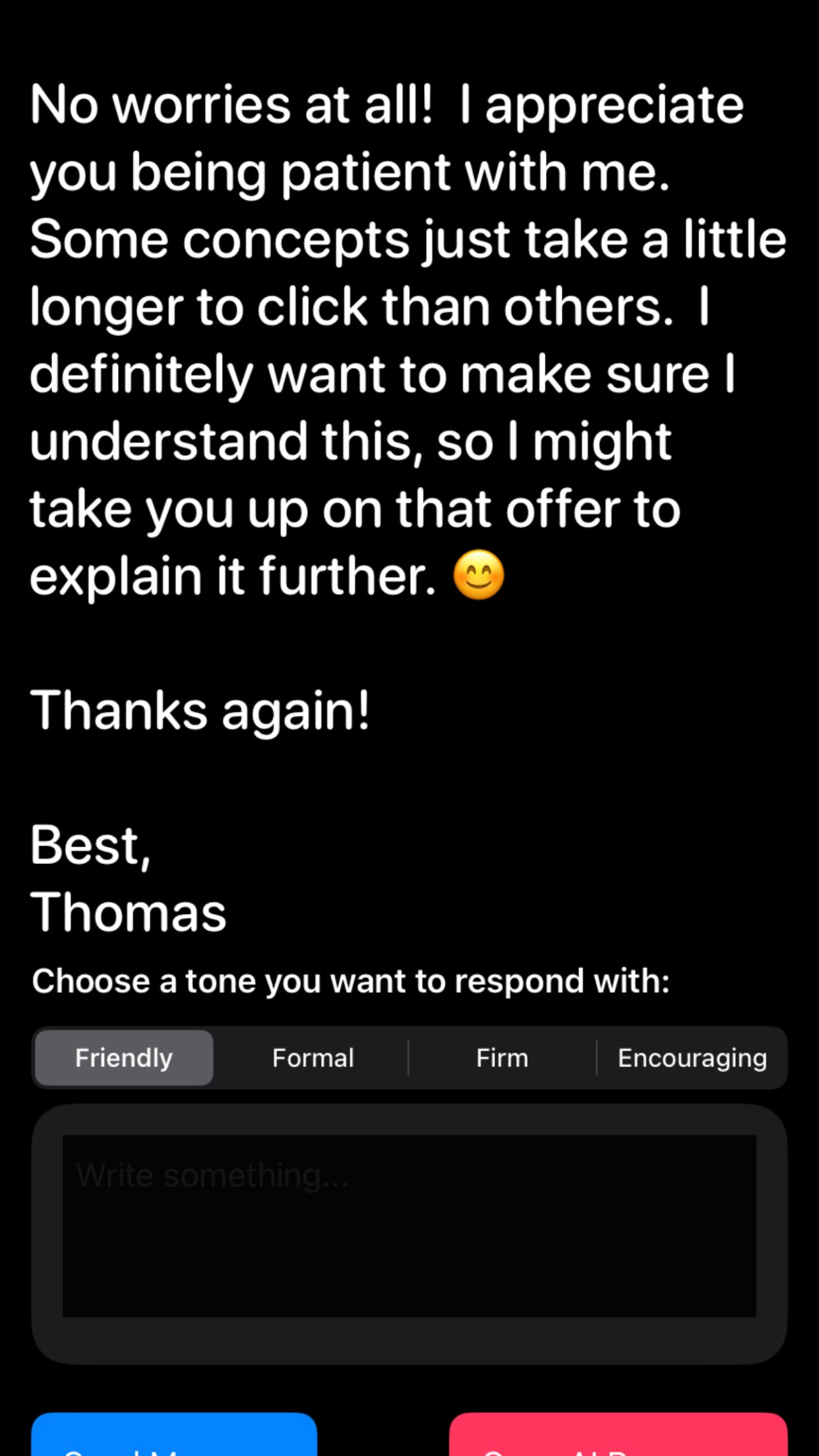
Paste the message you received, choose the tone you want, and let Clap Back create a response you can actually use. Whether you want to sound friendly, professional, direct, or a little more confident, you stay in control of the final reply.
Want something more specific? Add extra context, choose a shorter or longer response, or format it for a text message or email.
With Clap Back, you can:
• Generate thoughtful replies in seconds
• Choose the tone and length of your response
• Add context for more accurate suggestions
• Create replies for texts or emails
• Save your favorite replies directly on your device
• See the original message alongside saved replies
• Copy or share responses through Messages, Mail, and other apps
• Enjoy a polished experience in light mode and dark mode
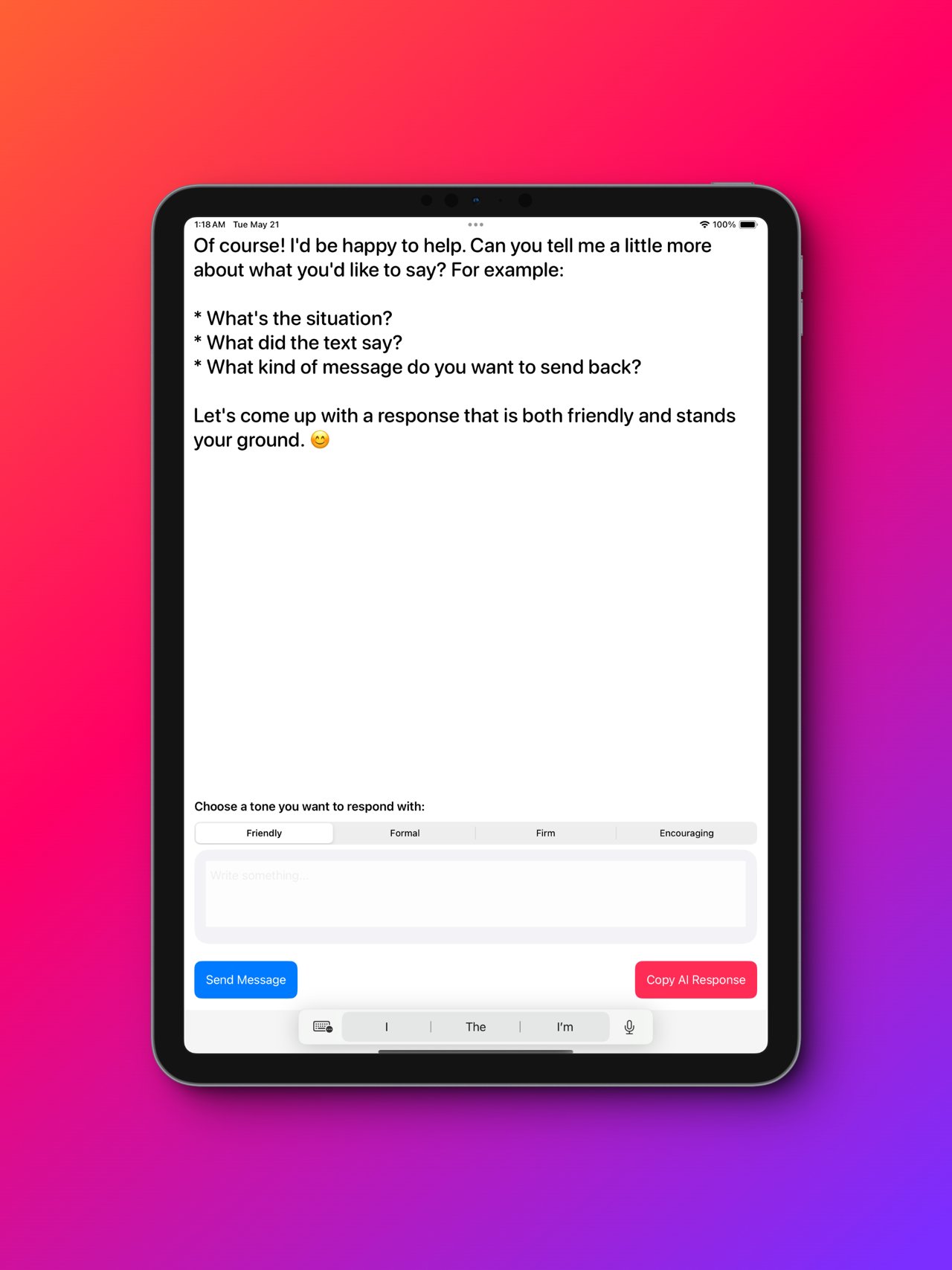
• Use the app comfortably on iPhone and iPad
Your saved replies stay locally on your device. Messages are only sent to the AI service when you choose to generate a response, and the app explains this before you begin.
From uncomfortable conversations to everyday messages, Clap Back helps you respond clearly and move on.
License: Commercial
| Release info | New Release on Aug 18, 2026 |
|---|---|
| Release notes | Clap Back just got a major update. • A completely refreshed design for light mode and dark mode • More control over every reply, including tone, length, format, and added context • Save replies locally and view the original message they were created for • Share replies through Messages, Mail, and your favorite apps • New onboarding and helpful tips to make getting started easier • Improved layouts and support for iPad • Smoother animations and transitions throughout the app • Clearer privacy information and controls • Improved AI response reliability and error handling • Easier access to support when you need help This update makes Clap Back faster, easier to use, and much more personal. |
| Listing data | App Store |
Reviews
No reviews yet. Be the first to review Clap Back.
Used Clap Back? Tell other visitors what you thought.
Log in to write a reviewOther products by this publisher
- "No Distractions" for YouTube 4.10 ----
- #Bible 11.6.1 "Incredible App - My sister shared this app with me a few weeks ago and it is truly incredible.
- #filmphotography 1.4.2 So, you decided to shoot on film?
- #LookBusy Fake Calendar Events 1.0.6 Look Busy scans your work calendar for open time slots and fills them with realistic-looking (but secretly fake) work events.
- #Small Talk Is Canceled 1.0.2 #Small Talk Is Canceled — Conversations That Matter
Most viewed iOS Productivity
-
1
 WordPress 27.4
Manage or create your WordPress blog or website right from your iOS device: create and edit posts and pages, upload your favorite photos and videos, view stats and reply to comments.
- 2 Voice Translator - Alive 1.6 Translation app that turns your iPhone into an interpreter instantly.
-
3
 Life360 26.44.0
Whether at home, online, or on the move, our comprehensive family safety features bring peace of mind to your loved ones AND help safeguard your personal belongings.
-
4
 Claude by Anthropic 1.261119.19
Meet Claude, your AI problem solver and thinking partner.
-
5
 WristMemo 2.0
WristMemo turns your Apple Watch into an all-day voice recorder.
- 6 "No Distractions" for YouTube 4.10 ----
-
7
 Colicine 1.3.0
Have you ever been there—
- 8 (beat) for iOS 0.5.10 An elegant Fountain screenwriting app, created by a screenwriter for screenwriters.
-
9
 DeepSeek 2.9.0
Experience seamless interaction with DeepSeek's official AI assistant for free!
-
10
 Howbout 16.8.0
The shared calendar for friends, couples, and family
Most downloaded iOS Productivity
- 1 Voice Translator - Alive 1.6 Translation app that turns your iPhone into an interpreter instantly.
-
2
 SessionsAI 1.2.1
Sessions AI is a private AI workspace that runs entirely on your iPhone, iPad, or Mac.
-
3
DeepSeek 2.9.0
Experience seamless interaction with DeepSeek's official AI assistant for free!
-
4
 Voices AI 1.16.15
Discover Voices, the premier voice transformation app designed exclusively for iOS.
-
5
 Block Distracting Websites 1.11
"It's a great way to save time, and stop browsing Reddit when you should be doing coursework."
-
6
 Plot Digitizer 1.4.1
Plot Digitizer is an app to extract numerical data from plot images.
-
7
 Google Docs 1.2026.47103
Create, edit, and collaborate on online documents with the Google Docs app.
-
8
 MyHyundai with Bluelink 5.4.6
The MyHyundai app makes getting information about your Hyundai vehicle easier than ever.
-
9
 Pixy Mood Tracker 1.110.0
Track your mood, one pixel at a time.
-
10
 Minder 1.4
Minder turns your phone into a pair of eyes that watch you work.