Circuit Planner 2.20
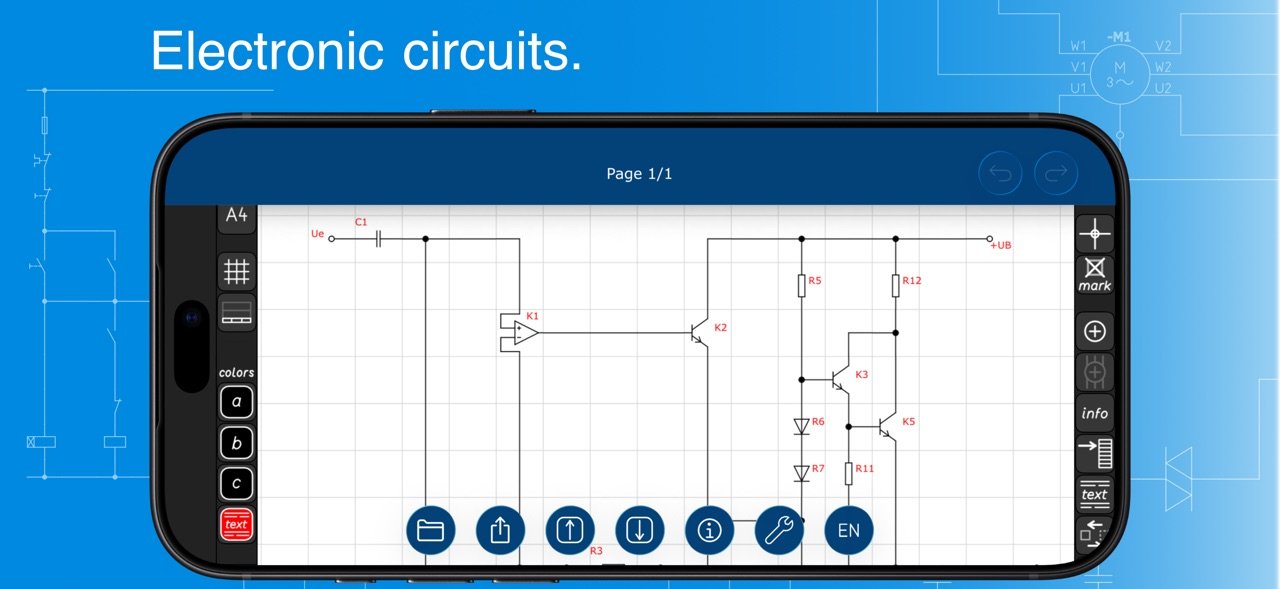
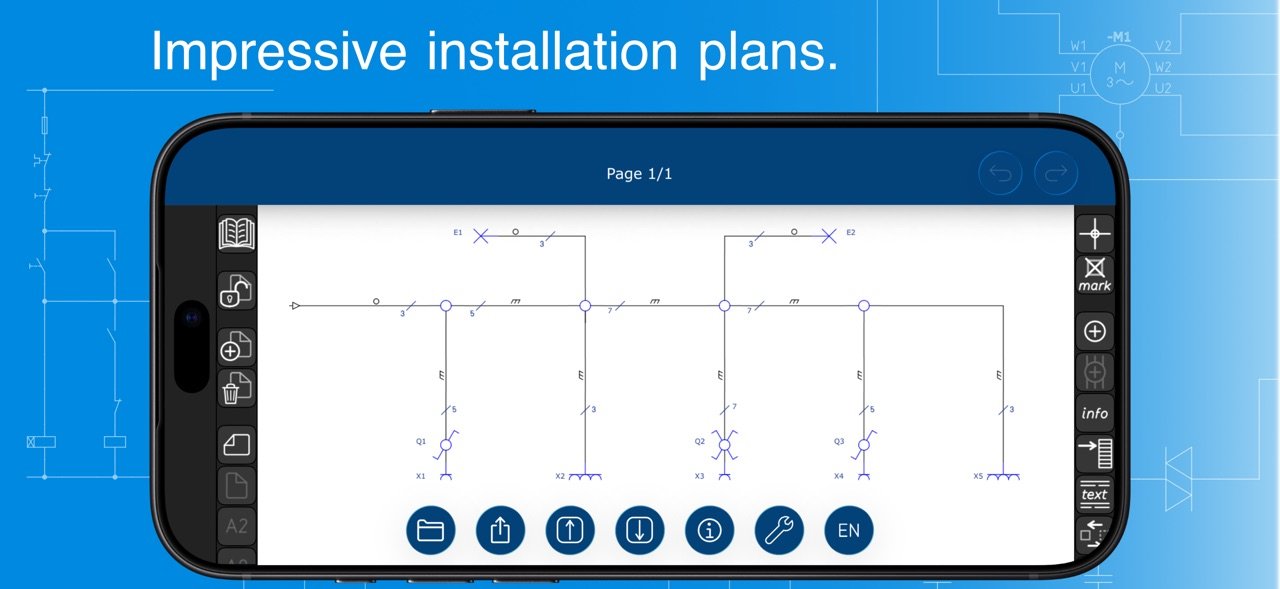
Circuit Planner is the intuitive and creative App to design IEC circuit diagrams for electrical engineering:
Download
9.65 MB
1downloads
1this week
FreeCommercial
0reviews
Screenshots
About Circuit Planner
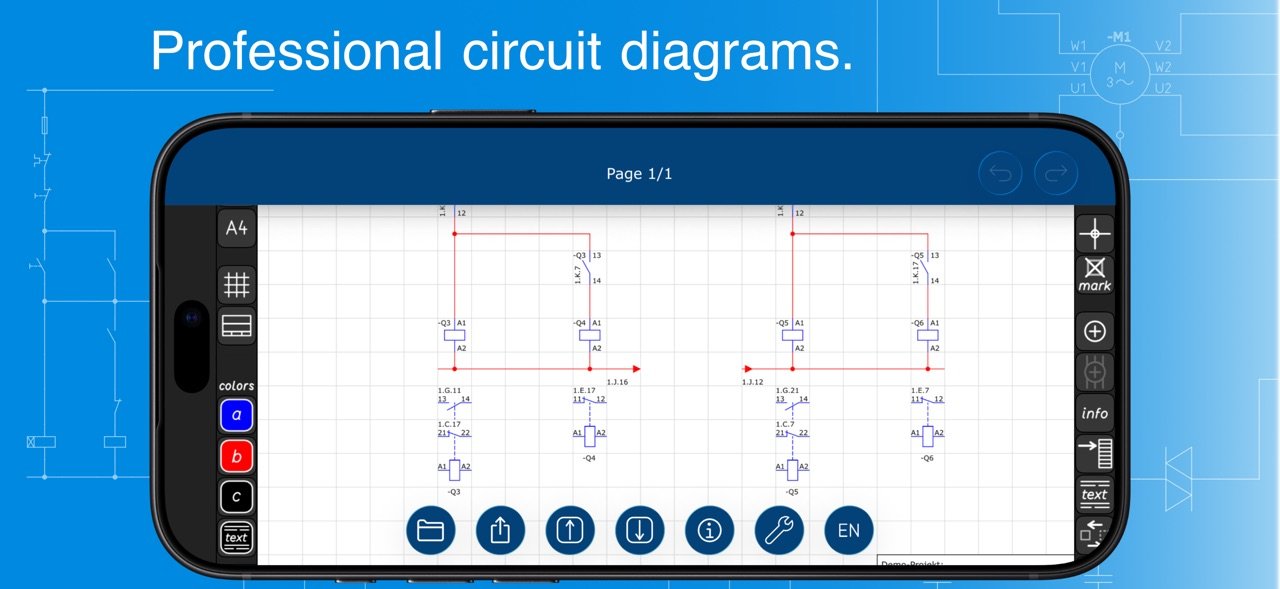
Circuit Planner is the intuitive and creative App to design IEC circuit diagrams for electrical engineering:
• Uncomplicated handling and fast results close the gap between conventional drawing programs and complex CAD applications.
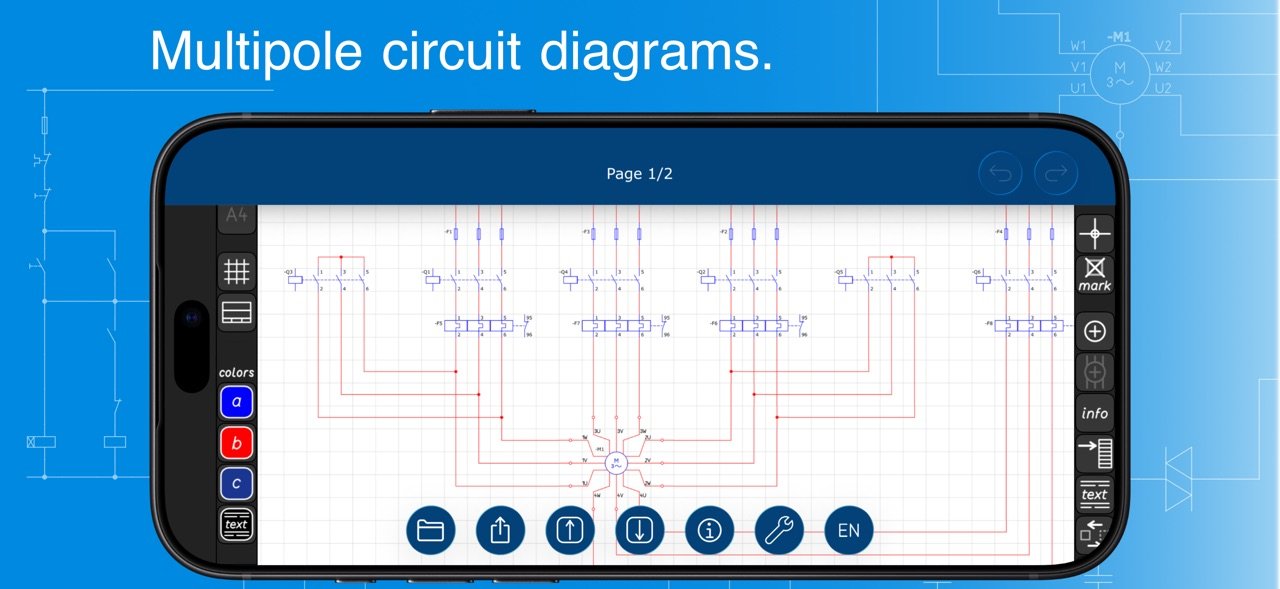
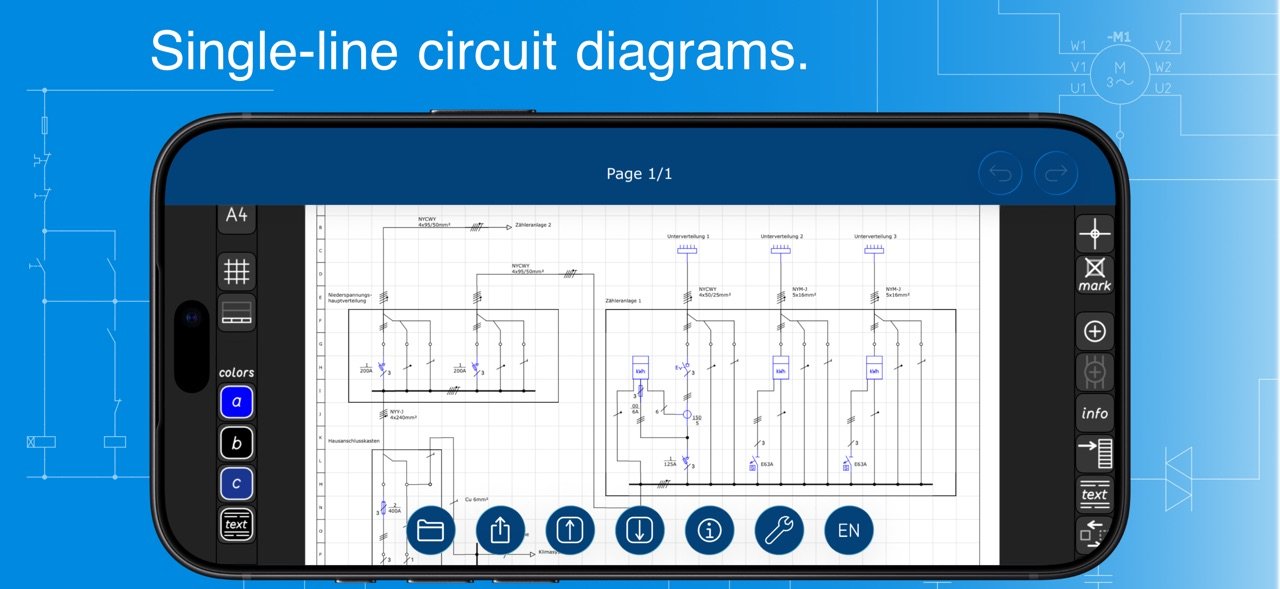
• Numerous circuit diagram symbols, divided into categories, cover a wide range of applications in absolutely high-quality visualization.
• All planning results can be exported in pdf format and printed out if required.
The features in detail:
• User-friendly, uncomplicated application for creating circuit diagrams for electrical engineering
• 1070 integrated objects such as IEC circuit diagram symbols, text fields and geometries
• Detailed IEC circuit diagram symbols, stored in categories, such as batteries, brakes, capacitors, conductors/cables, connections/terminals, control technology, converters, cross-references, devices, digital technology, fuses, generators, inductors, installation plans, integrated circuits / ICs, light sources, measuring instruments, motors, optical fibre cables, overvoltage protection, photovoltaic, plugs/sockets, protective devices, relays/contactors, reporting/signal devices, resistors, semiconductors, starters, switches/contacts, terminal strips, transformers and voltage sources
• Reliable snap function for precise arrangement of objects on the drawing sheet
• The automatic connection system ensures the correct electrical connection to immediately adjacent circuit diagram symbols at the starting point and end point of conductors
• Automatically updated cross-references
• Circuit diagrams in A4, A3 and A2 formats, each in landscape or portrait format with up to 20 drawing sheets
• Drawing sheets with title block in two sizes for project details, date and name
• Drawing sheets with column and row labelling and optional drawing grid
• Print and export function for the circuit diagram in pdf format
• Export and import options for scpData - project files
• Clear and understandable explanations on how to use
• Demo projects from the fields of energy technology, control technology and electronics
• Save, load and sort function for project files
• Automatic backup of project data when closing the application
• App language: English and German
Circuit Planner - A professional tool without annoying adverts, requires no internet connection and no in-app purchases.
License: Commercial
| Release info | New Release on Oct 22, 2026 |
|---|---|
| Release notes | Our app is now ready for the iPhone Duo! Enjoy full compatibility with the latest device and use Circuit Planner even more flexibly – be creative, plan, and develop, no matter where you are. |
| Listing data | App Store |
Reviews
No reviews yet. Be the first to review Circuit Planner.
Used Circuit Planner? Tell other visitors what you thought.
Log in to write a reviewOther products by this publisher
- "No Distractions" for YouTube 4.10 ----
- #Bible 11.6.1 "Incredible App - My sister shared this app with me a few weeks ago and it is truly incredible.
- #filmphotography 1.4.2 So, you decided to shoot on film?
- #LookBusy Fake Calendar Events 1.0.6 Look Busy scans your work calendar for open time slots and fills them with realistic-looking (but secretly fake) work events.
- #Small Talk Is Canceled 1.0.2 #Small Talk Is Canceled — Conversations That Matter
Most viewed iOS Productivity
-
1
 WordPress 27.5
Manage or create your WordPress blog or website right from your iOS device: create and edit posts and pages, upload your favorite photos and videos, view stats and reply to comments.
- 2 Voice Translator - Alive 1.6 Translation app that turns your iPhone into an interpreter instantly.
-
3
 Life360 26.45.0
Whether at home, online, or on the move, our comprehensive family safety features bring peace of mind to your loved ones AND help safeguard your personal belongings.
-
4
 Claude by Anthropic 1.261123.51
Meet Claude, your AI problem solver and thinking partner.
-
5
 WristMemo 2.0
WristMemo turns your Apple Watch into an all-day voice recorder.
- 6 "No Distractions" for YouTube 4.10 ----
-
7
 Colicine 1.3.0
Have you ever been there—
- 8 (beat) for iOS 0.5.10 An elegant Fountain screenwriting app, created by a screenwriter for screenwriters.
-
9
 Howbout 16.8.0
The shared calendar for friends, couples, and family
-
10
 DeepSeek 2.9.0
Experience seamless interaction with DeepSeek's official AI assistant for free!
Most downloaded iOS Productivity
- 1 Voice Translator - Alive 1.6 Translation app that turns your iPhone into an interpreter instantly.
-
2
 SessionsAI 1.2.1
Sessions AI is a private AI workspace that runs entirely on your iPhone, iPad, or Mac.
-
3
DeepSeek 2.9.0
Experience seamless interaction with DeepSeek's official AI assistant for free!
-
4
 Voices AI 1.16.18
Discover Voices, the premier voice transformation app designed exclusively for iOS.
-
5
 Block Distracting Websites 1.11
"It's a great way to save time, and stop browsing Reddit when you should be doing coursework."
-
6
 Google Docs 1.2026.47103
Create, edit, and collaborate on online documents with the Google Docs app.
-
7
 Plot Digitizer 1.4.1
Plot Digitizer is an app to extract numerical data from plot images.
-
8
 MyHyundai with Bluelink 5.4.6
The MyHyundai app makes getting information about your Hyundai vehicle easier than ever.
-
9
 Pixy Mood Tracker 1.110.0
Track your mood, one pixel at a time.
-
10
 Minder 1.4
Minder turns your phone into a pair of eyes that watch you work.