Circuit Laboratory 9.0.0
Circuit Lab is an electronic circuit analysis tool based on the modified node analysis method.
Download
127.72 MB
12downloads
2this week
FreeCommercial
0reviews
Screenshots
About Circuit Laboratory
Circuit Lab is an electronic circuit analysis tool based on the modified node analysis method.
Four kind of analysis may be conducted:
- DC: linear and non linear circuits with continuous voltage and current sources;
- AC: linear e non linear circuits with sinusoidal voltage and current sources;
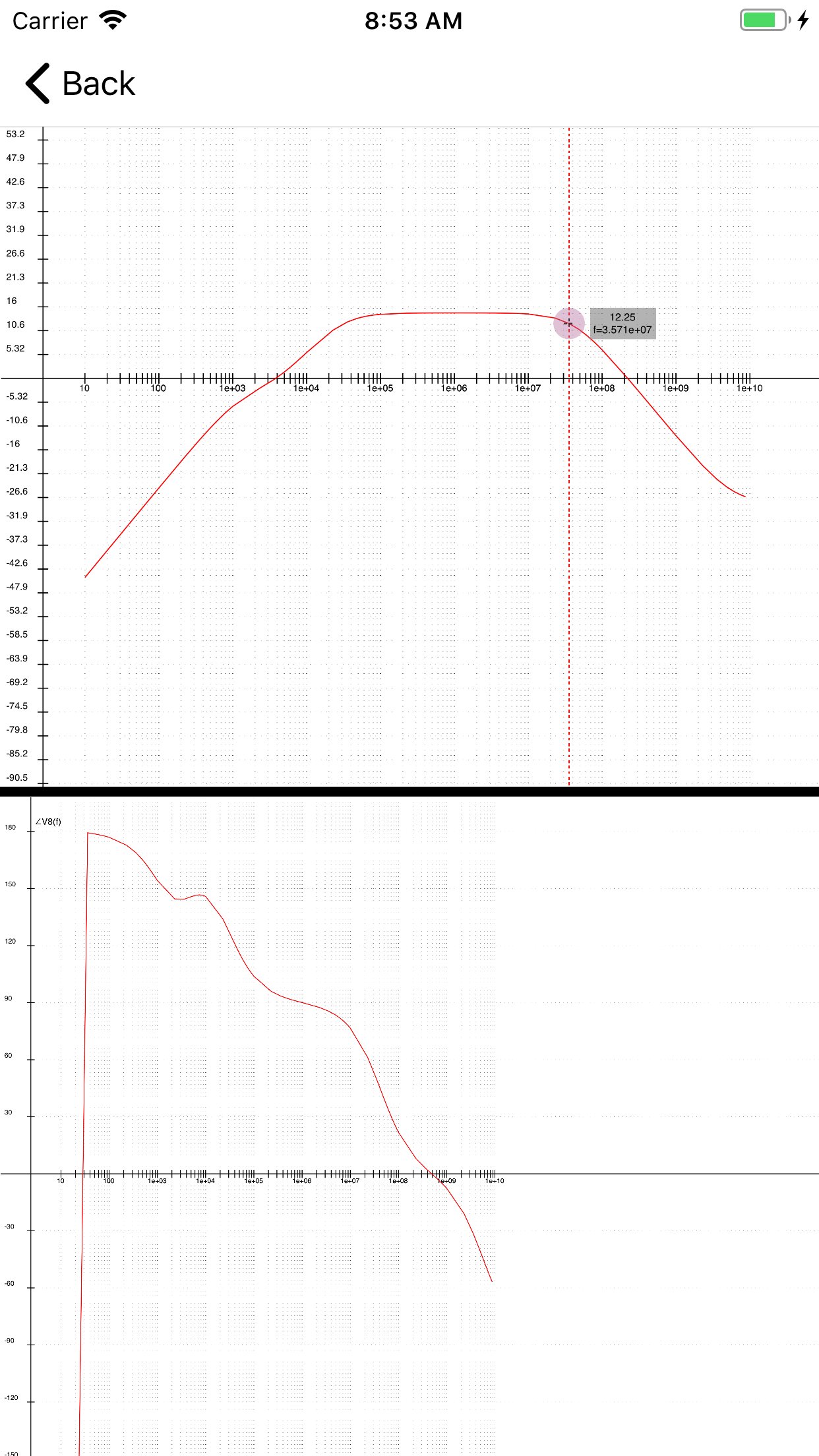
- Multifrequency AC Analysis: linear and non linear circuits with sinusoidal voltage and current sources. It allows to analyze the circuit behavior in a range of frequencies. Useful to study the bandwidth of the circuit;
- Transient: linear and non linear circuits, with sinusoidal and pulse voltage sources (available as In App Purchases).
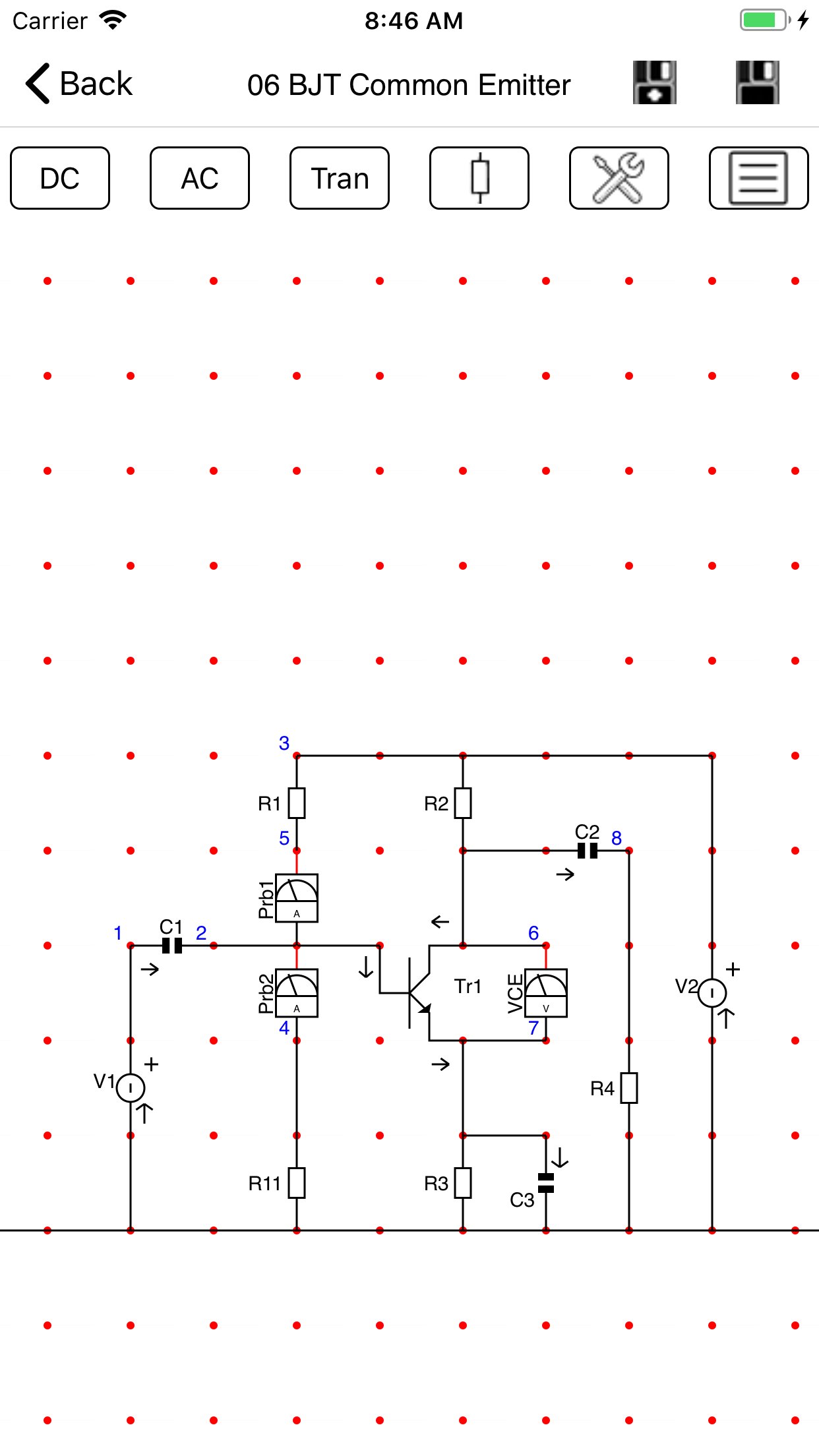
User can graphically draw the circuit and then the circuit can be analyzed.
Circuit may be controlled by means of the following gestures:
- Drag: to move the circuit into the desired position
- Tap on a component: to modify the component's parameters
- Pinch: to zoom in and out
- Double Finger Double Tap: to reset position and zoom level to the original values
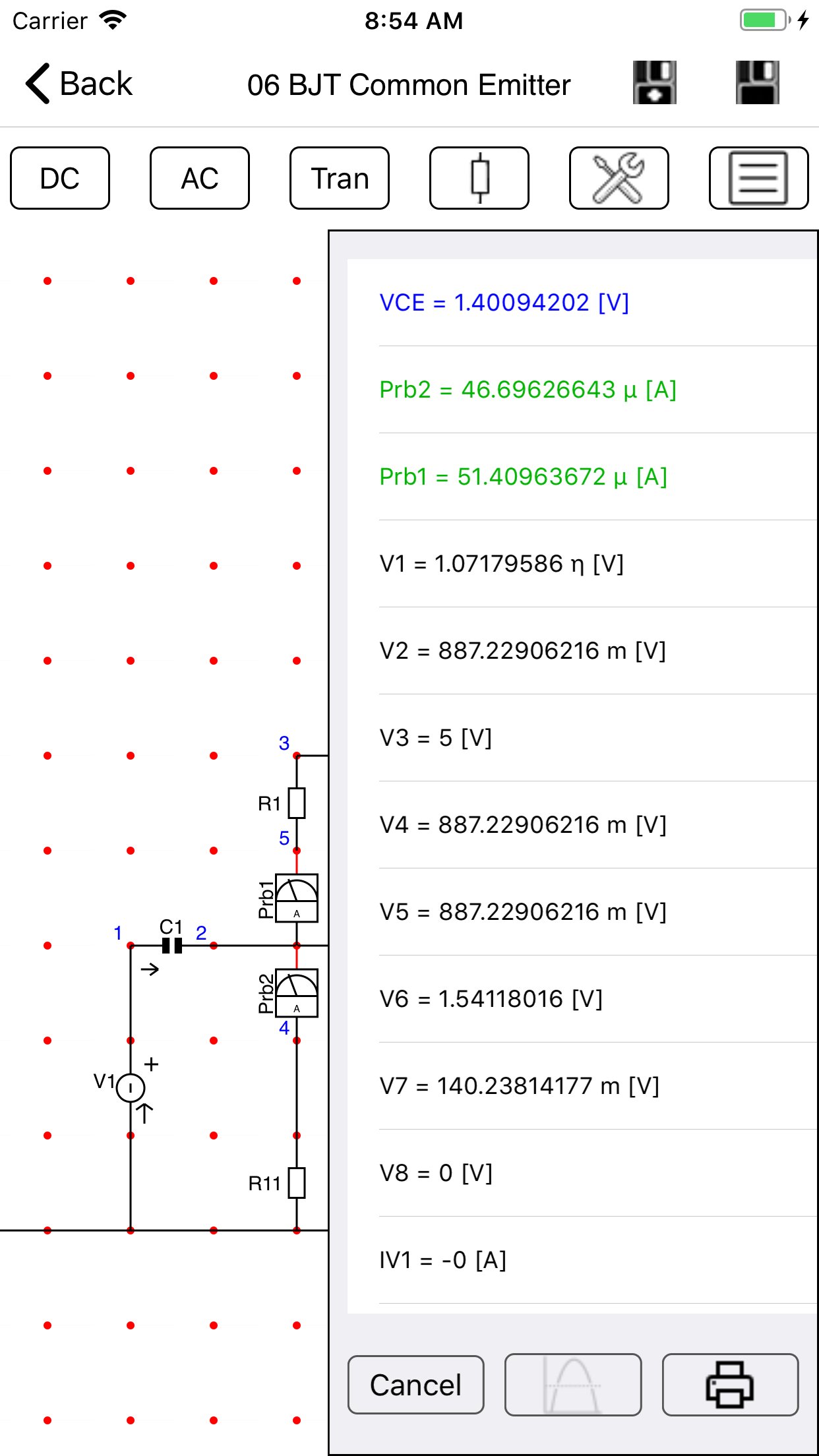
Tapping DC button, user gets voltage at each circuit's node.
Tapping AC button, user gets voltage phasors at each circuit node or the bode graph of the voltage at each circuit node (see BJT 16 - Common Emitter).
Phasor graphs may be controlled by means of the following gesture:
- Drag: to move the graph into the desired position
- Pinch: to zoom in and out
- Double Finger Double Tap: to reset position and zoom level to the original values
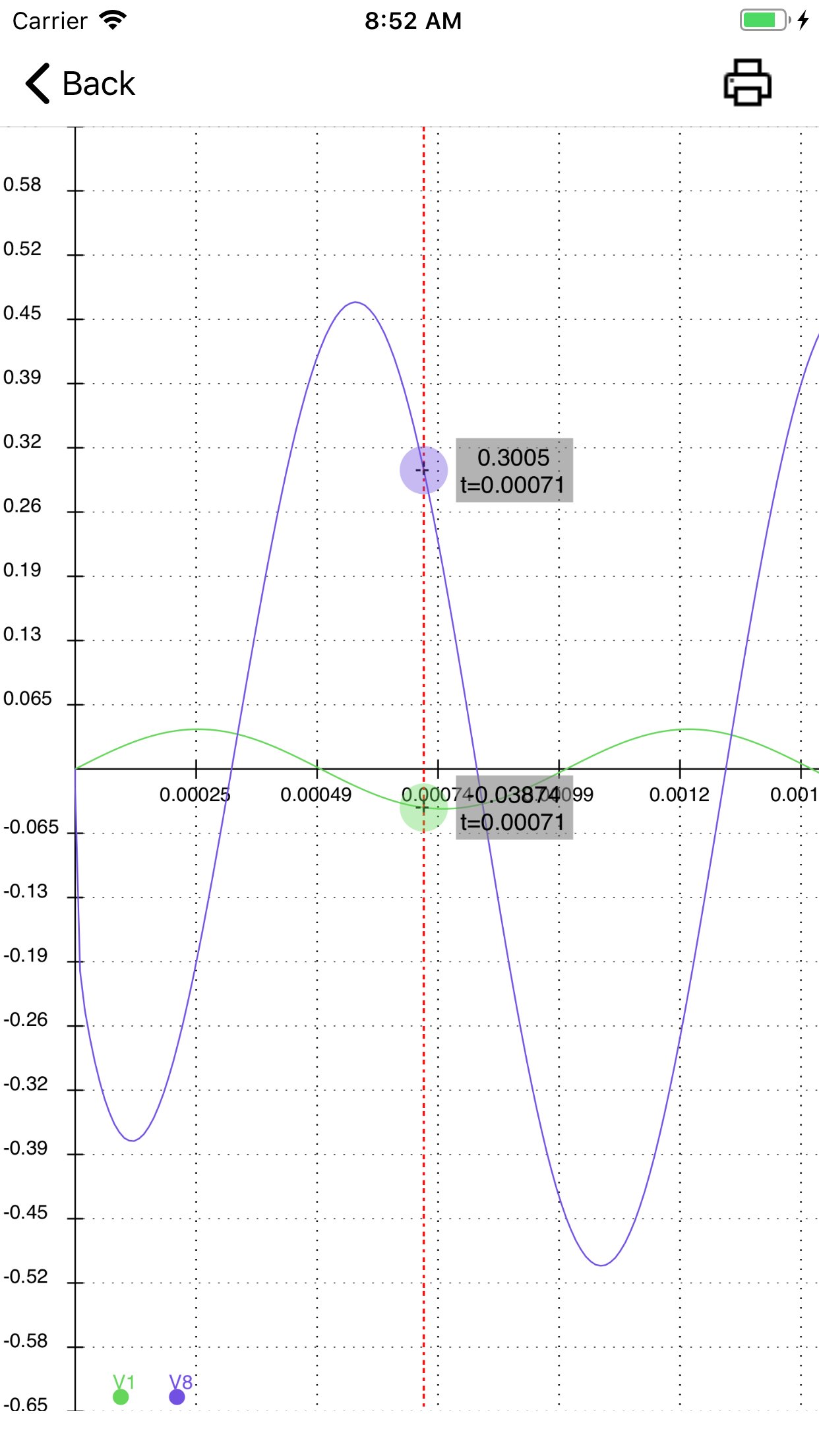
Pressing Transient button, user can analyze circuit's behavior during time and get graphs of voltages and currents function of time.
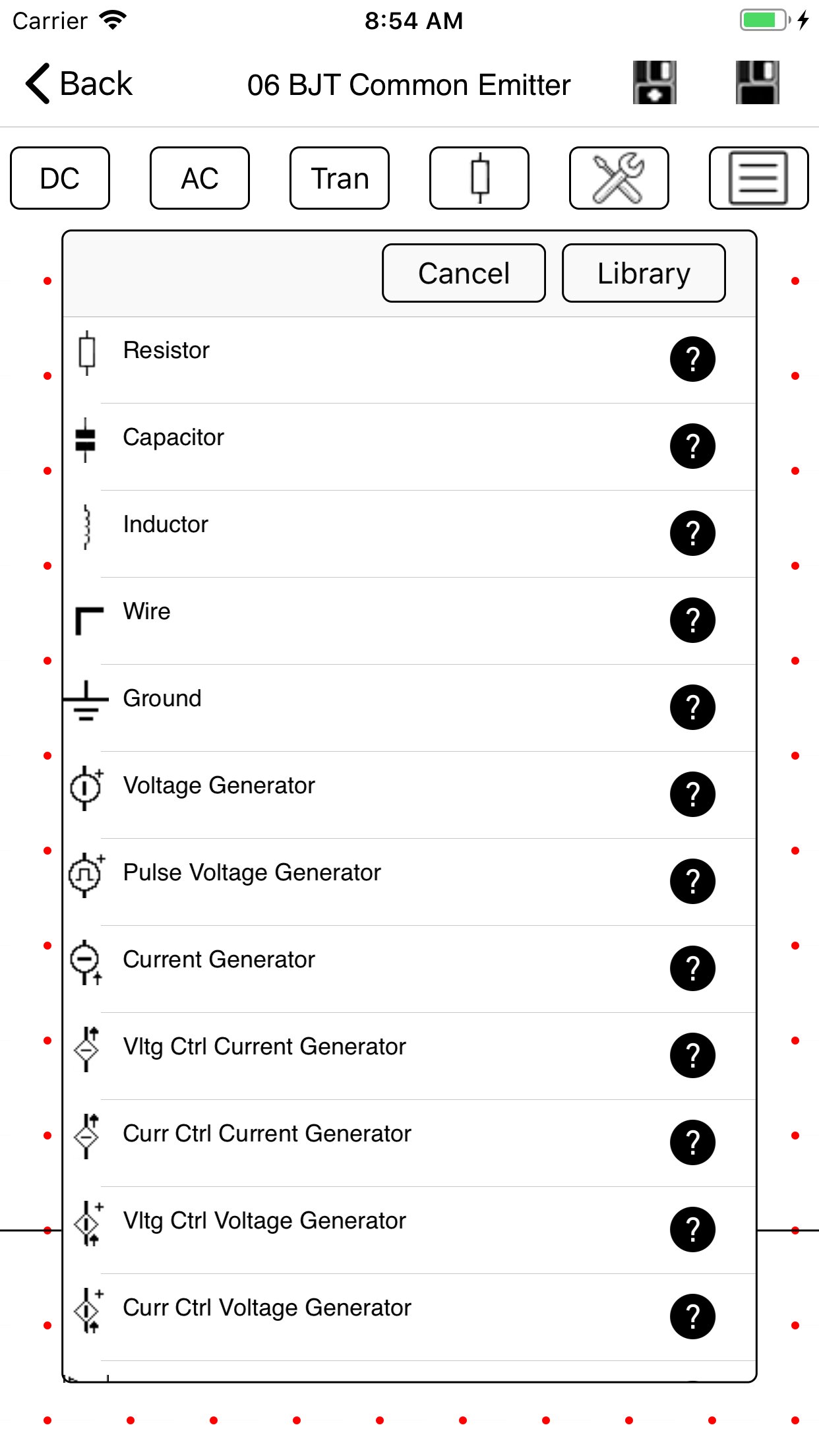
Each circuit can contain:
- Resistors
- Capacitors
- Inductors
- Mutual Coupled Inductors
- Independent sinusoidal voltage generators
- Independent pulse voltage generators
- Independent sinusoidal current generators
- Controlled voltage generators
- Controlled current generators
- Operation Amplifier
- Diodes
- Zener Diodes
- Bjt NPN and PNP
- Channel-N and Channel-P JFet
- Channel-N and Channel-P Mosfet
For each component, a short video is available to demonstrate how to insert it into the circuit and edit it's characteristics.
Circuits may be easily stored and reused.
User can print:
- Circuits and component's list
- Transient Analysis graphs
Circuits can be easily shared through iCloud, by mail in the internal format so that can be reused by other users (on iPad too) and in PDF format.
Visit my site for video tutorials and details about operational amplifier's internal model and diode's internal model.
License: Commercial
| Release info | New Release on Jun 23, 2026 |
|---|---|
| Release notes | Bug Fixing and performance improvements |
| Listing data | App Store |
Reviews
No reviews yet. Be the first to review Circuit Laboratory.
Used Circuit Laboratory? Tell other visitors what you thought.
Log in to write a reviewOther products by this publisher
- "No Distractions" for YouTube 4.10 ----
- #Bible 11.6.1 "Incredible App - My sister shared this app with me a few weeks ago and it is truly incredible.
- #filmphotography 1.4.2 So, you decided to shoot on film?
- #LookBusy Fake Calendar Events 1.0.6 Look Busy scans your work calendar for open time slots and fills them with realistic-looking (but secretly fake) work events.
- #Small Talk Is Canceled 1.0.2 #Small Talk Is Canceled — Conversations That Matter
Most viewed iOS Productivity
-
1
 WordPress 27.4
Manage or create your WordPress blog or website right from your iOS device: create and edit posts and pages, upload your favorite photos and videos, view stats and reply to comments.
- 2 Voice Translator - Alive 1.6 Translation app that turns your iPhone into an interpreter instantly.
-
3
 Life360 26.44.0
Whether at home, online, or on the move, our comprehensive family safety features bring peace of mind to your loved ones AND help safeguard your personal belongings.
-
4
 Claude by Anthropic 1.261119.19
Meet Claude, your AI problem solver and thinking partner.
-
5
 WristMemo 2.0
WristMemo turns your Apple Watch into an all-day voice recorder.
- 6 "No Distractions" for YouTube 4.10 ----
-
7
 Colicine 1.3.0
Have you ever been there—
- 8 (beat) for iOS 0.5.10 An elegant Fountain screenwriting app, created by a screenwriter for screenwriters.
-
9
 DeepSeek 2.9.0
Experience seamless interaction with DeepSeek's official AI assistant for free!
-
10
 Howbout 16.8.0
The shared calendar for friends, couples, and family
Most downloaded iOS Productivity
- 1 Voice Translator - Alive 1.6 Translation app that turns your iPhone into an interpreter instantly.
-
2
 SessionsAI 1.2.1
Sessions AI is a private AI workspace that runs entirely on your iPhone, iPad, or Mac.
-
3
DeepSeek 2.9.0
Experience seamless interaction with DeepSeek's official AI assistant for free!
-
4
 Voices AI 1.16.15
Discover Voices, the premier voice transformation app designed exclusively for iOS.
-
5
 Block Distracting Websites 1.11
"It's a great way to save time, and stop browsing Reddit when you should be doing coursework."
-
6
 Plot Digitizer 1.4.1
Plot Digitizer is an app to extract numerical data from plot images.
-
7
 Google Docs 1.2026.47103
Create, edit, and collaborate on online documents with the Google Docs app.
-
8
 MyHyundai with Bluelink 5.4.6
The MyHyundai app makes getting information about your Hyundai vehicle easier than ever.
-
9
 Pixy Mood Tracker 1.110.0
Track your mood, one pixel at a time.
-
10
 Minder 1.4
Minder turns your phone into a pair of eyes that watch you work.