
20downloads
0this week
FreeCommercial
0reviews
Screenshots
About Cinescope
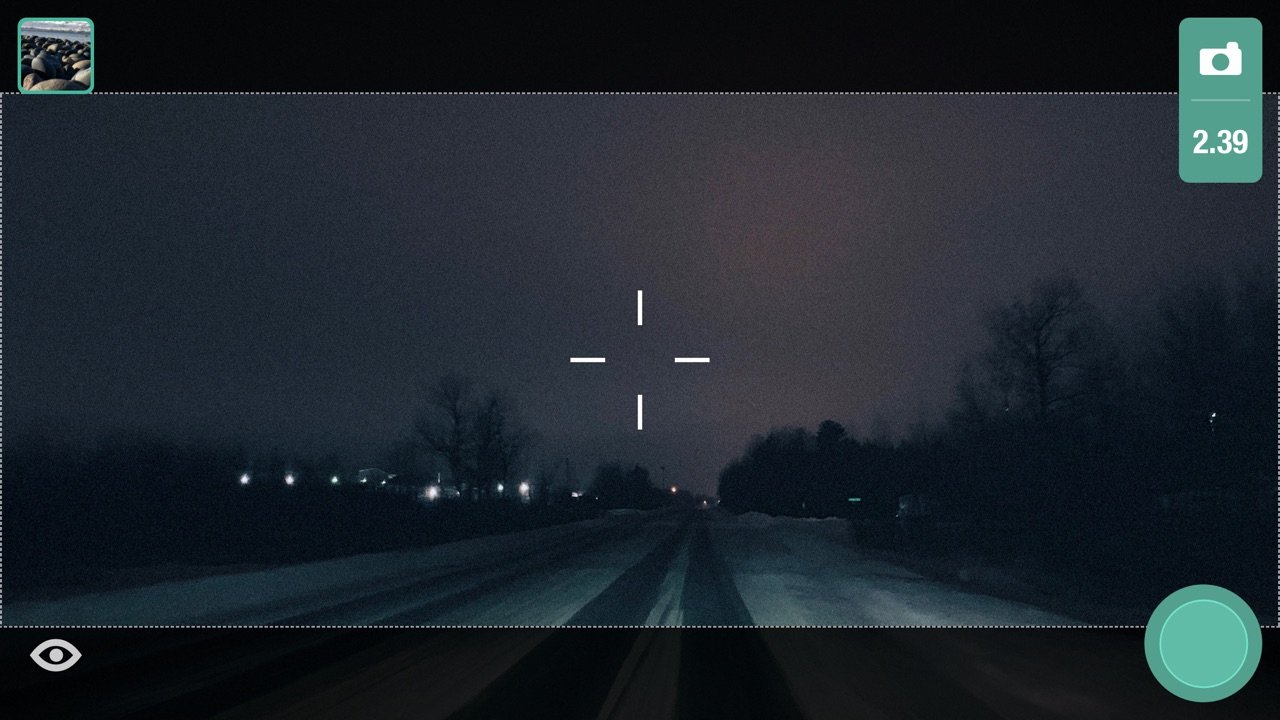
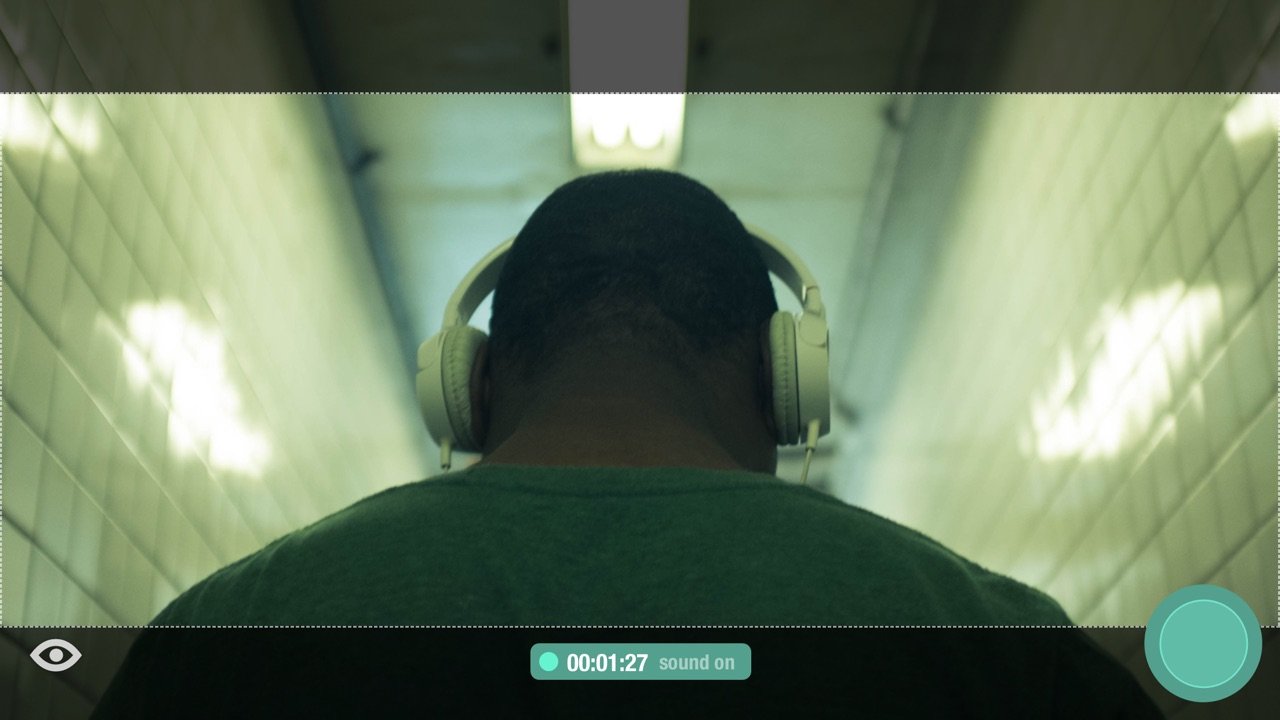
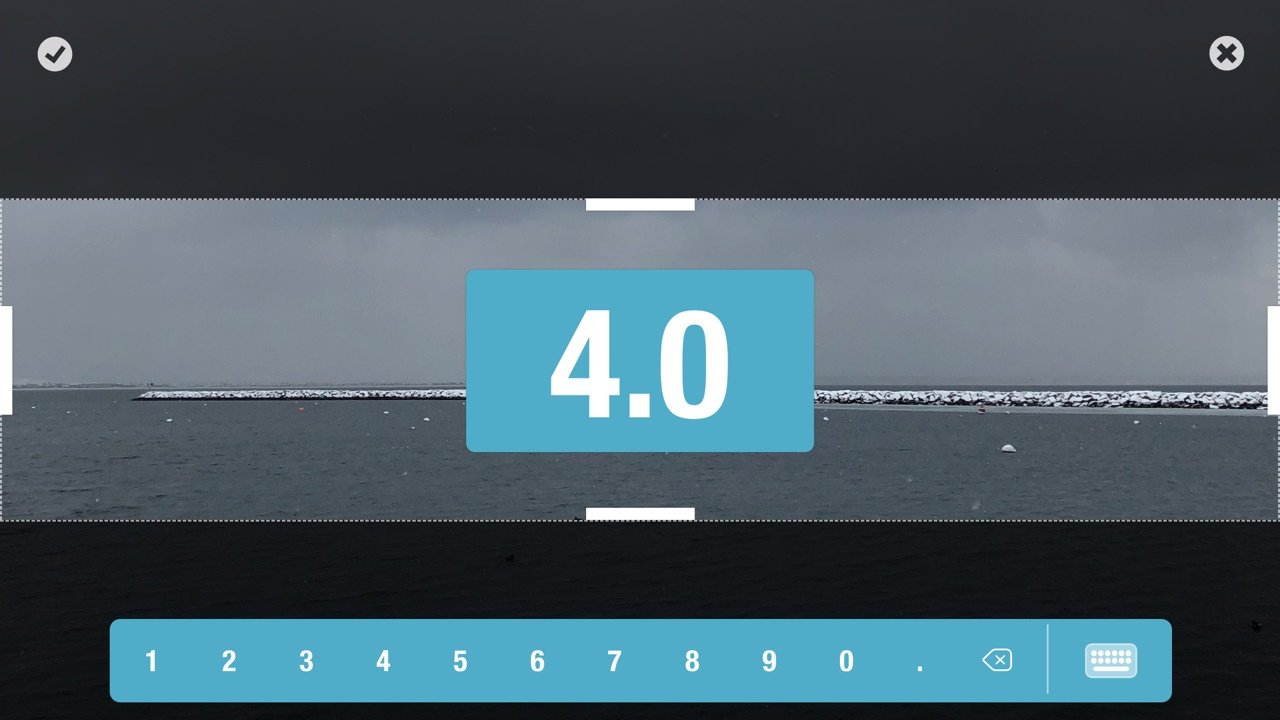
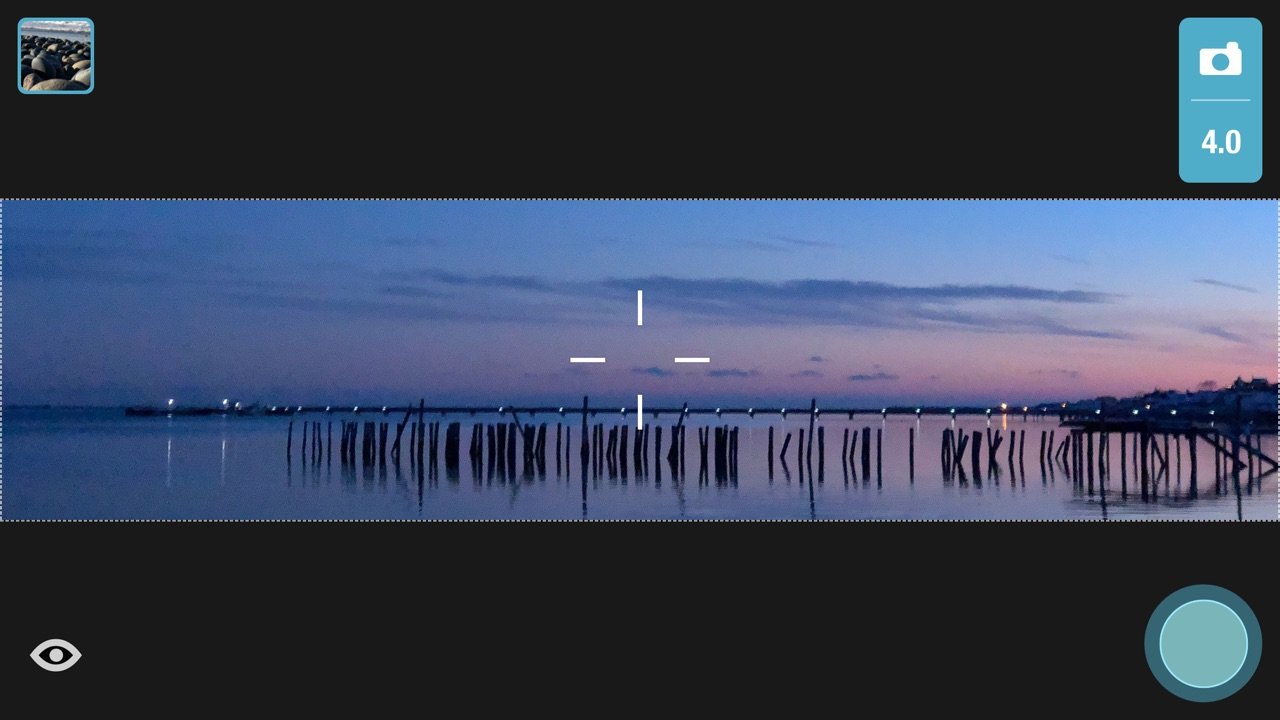
Cinescope version 2.5 is a filmmaker's best friend. Capture your vision with industry-standard aspect ratios, or create and save your own. Swipe the screen using one or two fingers to quickly tweak focus, exposure, tint, and temperature to create the perfect atmospheric mood. Shoot high resolution video in various aspect ratios and at various frame rates. Crop your media or optimize for Instagram with mattes colors based on the color palette of your image.
All the features available in Cinescope:
Photos
• Save in either compressed (JPEG) or uncompressed (TIFF*) format
• Store RAW information (DNG*)
Videos
• Capture in resolutions supported by your device
• Pause and resume while shooting
• Take a photo while shooting
• Capture at 60, 30, 24 fps (based on selected resolution)
• Capture with video stabilization (for resolutions that support it)
Slow Motion
• Capture in various resolutions and frame rates, including 240fps
• Pause and resume while shooting
• Capture with video stabilization (for resolutions that support it)
Aspect Ratios
• Capture using industry-standard aspect ratios
• Create and save your own custom aspect ratios
Live Filter
• Capture in low, medium, and high-contrast black & white
• Capture in various preset color levels
Manual camera adjustment controls
• Exposure: Single-finger vertical swipe
• Focus: Single-finger horizontal swipe
• Temperature: Two-finger vertical swipe
• Tint: Two-finger horizontal swipe
• Zoom: Pinch
• Auto-adjust and fix to point of interest: Tap screen
• Shake (or tap Lock Icon) to return to manual control
Library
• Format media for Instagram with additional color matte options
• Crop your photos and videos
Other
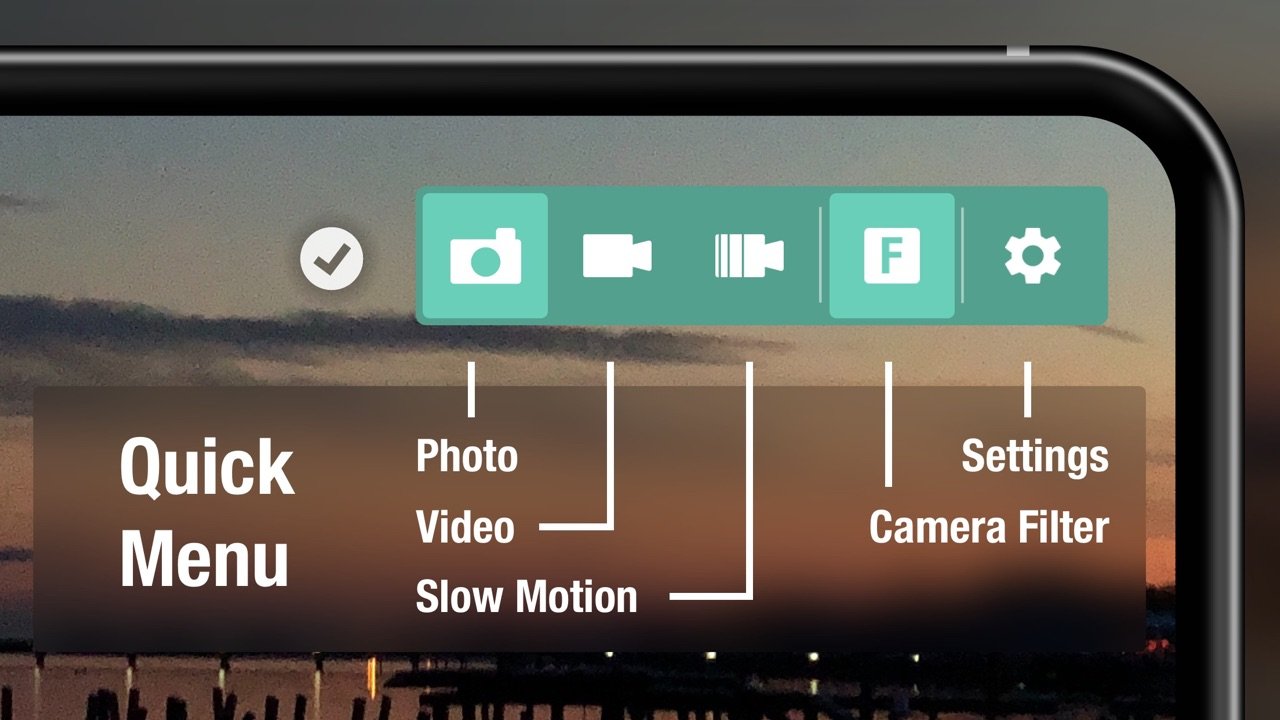
• Swipe left or right on the Camera Function button to quickly move between photo, video, and slow-motion
• Swipe left or right on the Aspect Ratio button to quickly change aspect ratios
• Shoot in either landscape or portrait mode using any lens supported by your device
• Four theme colors, manual control sensitivity adjustment, and alignment grid
*Note: iOS does not natively handle TIFF or RAW files. Use an application like Image Capture to pull these formats directly from your device.
License: Commercial
All the features available in Cinescope:
Photos
• Save in either compressed (JPEG) or uncompressed (TIFF*) format
• Store RAW information (DNG*)
Videos
• Capture in resolutions supported by your device
• Pause and resume while shooting
• Take a photo while shooting
• Capture at 60, 30, 24 fps (based on selected resolution)
• Capture with video stabilization (for resolutions that support it)
Slow Motion
• Capture in various resolutions and frame rates, including 240fps
• Pause and resume while shooting
• Capture with video stabilization (for resolutions that support it)
Aspect Ratios
• Capture using industry-standard aspect ratios
• Create and save your own custom aspect ratios
Live Filter
• Capture in low, medium, and high-contrast black & white
• Capture in various preset color levels
Manual camera adjustment controls
• Exposure: Single-finger vertical swipe
• Focus: Single-finger horizontal swipe
• Temperature: Two-finger vertical swipe
• Tint: Two-finger horizontal swipe
• Zoom: Pinch
• Auto-adjust and fix to point of interest: Tap screen
• Shake (or tap Lock Icon) to return to manual control
Library
• Format media for Instagram with additional color matte options
• Crop your photos and videos
Other
• Swipe left or right on the Camera Function button to quickly move between photo, video, and slow-motion
• Swipe left or right on the Aspect Ratio button to quickly change aspect ratios
• Shoot in either landscape or portrait mode using any lens supported by your device
• Four theme colors, manual control sensitivity adjustment, and alignment grid
*Note: iOS does not natively handle TIFF or RAW files. Use an application like Image Capture to pull these formats directly from your device.
License: Commercial
| Release info | New Release on Feb 28, 2021 |
|---|---|
| Release notes | - If an error is encountered when capturing video the app will attempt to save the in-progress footage. - Minor bug fixes and stability improvements Thanks for your continued support of Cinescope. Please send feature requests and bug reports to info@cinescopeapp.com and hashtag your photos with #cinescopeapp! |
| Listing data | App Store |
Reviews
No reviews yet. Be the first to review Cinescope.
Used Cinescope? Tell other visitors what you thought.
Log in to write a reviewOther products by this publisher
- "No Distractions" for YouTube 4.10 ----
- #Bible 11.6 "Incredible App - My sister shared this app with me a few weeks ago and it is truly incredible.
- #filmphotography 1.4.2 So, you decided to shoot on film?
- $quirrel 1.5.1 $quirrel Budget & Finance helps you plan each paycheck, track spending, manage debt, and see what is safe to spend before the next payday.
- % Percentage Calculator Pro 1.41 This is the Pro version of % Percentage Calculator.
Most viewed iOS Photo & Video
-
1
 ShortDiShow 2.0
Drama Quest Island — An offline interactive short-drama adventure.
-
2
 Infuse 8.5.10
Infuse: Enterprise provides the same great features as the standard version of Infuse and includes permanent access to all Pro features via a traditional paid app.
-
3
 AI Video Generator 2.0.2
Vixel – AI Video Generator
-
4
 OPlayer 4.8
Play all your videos directly without having to convert them!
-
5
 Necrometer II 1.2
Necrometer II is a paranormal investigation companion designed for ghost hunters and researchers.
-
6
 CapCut 20.1.0
CapCut offers easy-to-use video editing functions, in-APP fonts and effects, advanced features such as keyframe animation, smooth slow-motion, chroma key, and stabilization, to help you capture and snip moments.
-
7
 Ai Photo 1.1.2
AI Photo Retouch – BG Eraser
- 8 #filmphotography 1.4.2 So, you decided to shoot on film?
-
9
 Treblo 1.6.5
Make songs with the world's best AI music model.
-
10
 Pop Dot Comics 1.48
Create a comic worthy of the Sunday newspaper or your favorite pulp-fiction cover.
Most downloaded iOS Photo & Video
-
1
Infuse 8.5.10
Infuse: Enterprise provides the same great features as the standard version of Infuse and includes permanent access to all Pro features via a traditional paid app.
-
2
 DJI Fly 1.21.18
DJI Fly is designed to help pilots fly drones with ease.
-
3
 Analog Radio 3.0
The iPhone and iPad devices don't have the FM/AM radio antenna installed.
-
4
 TurboCollage Automatic 1.2.4
#1 Easy automatic photo collage maker for iPhone & iPad.
-
5
 ReelyGo 1.1.42
ReelyGo: Your Daily Drama Escape
-
6
Treblo 1.6.5
Make songs with the world's best AI music model.
-
7
 Rozeta Sequencer Suite 1.3.16
Rozeta is a suite of MIDI sequencers and controllers that lets you explore a new, freeform approach to sequencing and controlling mobile music apps.
-
8
 AGAIN. Rehearsal Notes 2.0.1
AGAIN. is the rehearsal app that remembers why the band stopped — and, new in Version 2, who said what in a writing session or a table read.
-
9
Pop Dot Comics 1.48
Create a comic worthy of the Sunday newspaper or your favorite pulp-fiction cover.
-
10
 SSS IPTV, Simple, Smart Super 1.0.2
An Easiest way to watch TV Online or Movies or Series, Bring your Own list M3u,