
Celtic Sounds MIDI Module 3.0.1
Celtic Sounds is a fully transposable MIDI sound module with seven traditional Irish and Scottish musical instruments:
Download
173.35 MB
1downloads
1this week
FreeCommercial
0reviews
Screenshots
About Celtic Sounds MIDI Module
Celtic Sounds is a fully transposable MIDI sound module with seven traditional Irish and Scottish musical instruments:
High-D Tin Whistle
Wooden Flute
Uilleann Pipes Chanter, Drones, and Baritone/Tenor Regulator Pairs
Anglo Concertina
Button Accordion
Great Highland Bagpipes Chanter and Drones
Scottish Smallpipes Chanter and Drones
Every note on the instruments have been individually to provide a very authentic sound.
The app is a CoreMIDI Sound Module for use with CoreMIDI file players and other CoreMIDI controller apps.
You may also play the sounds using a MIDI keyboard or other MIDI controller attached to the device using a MIDI interface connected to the Lightning port.
The app also works as an Audiobus 2 source module and is compatible with Audiobus 3. Inter-App Audio support is provided by Audiobus.
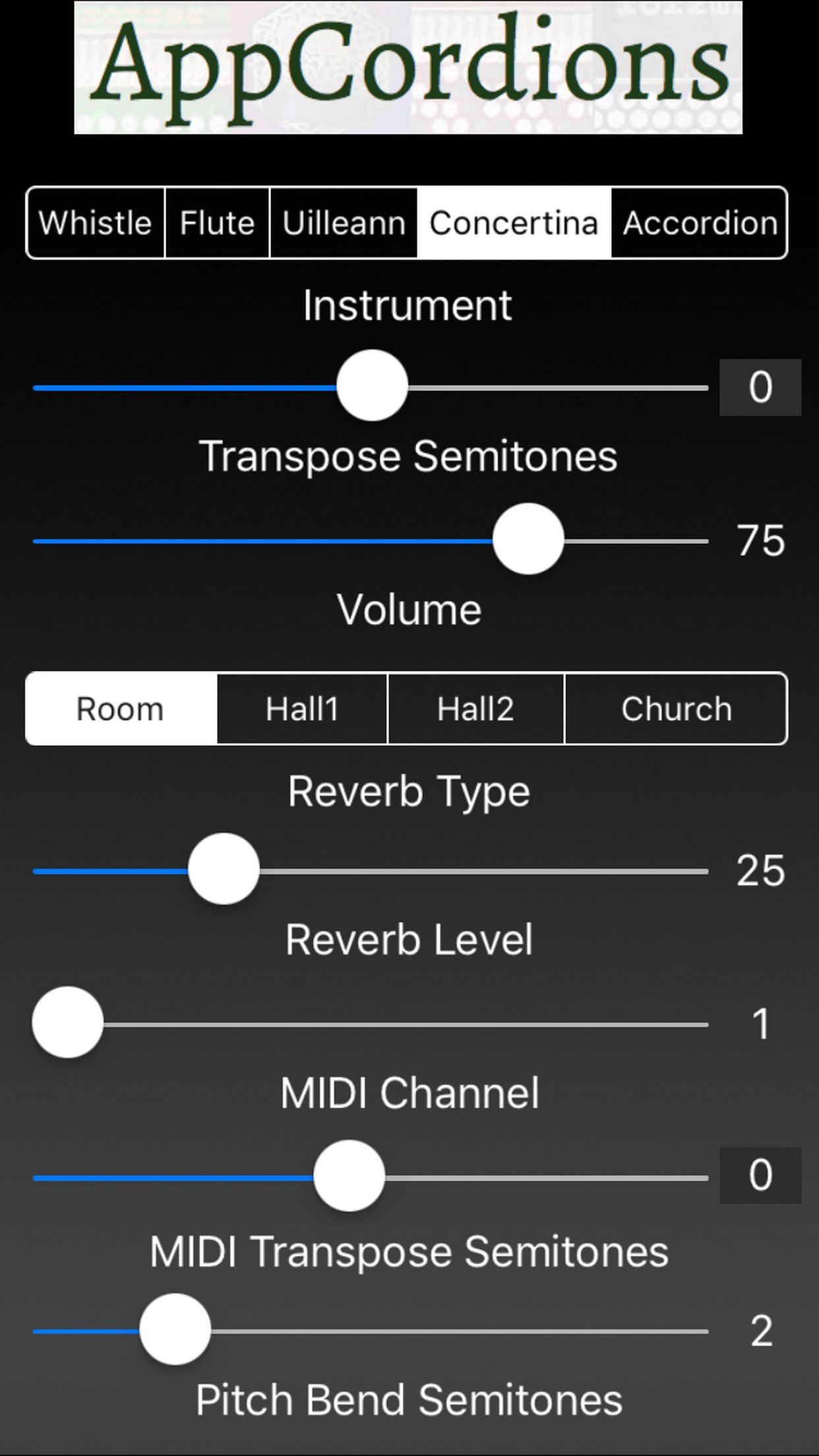
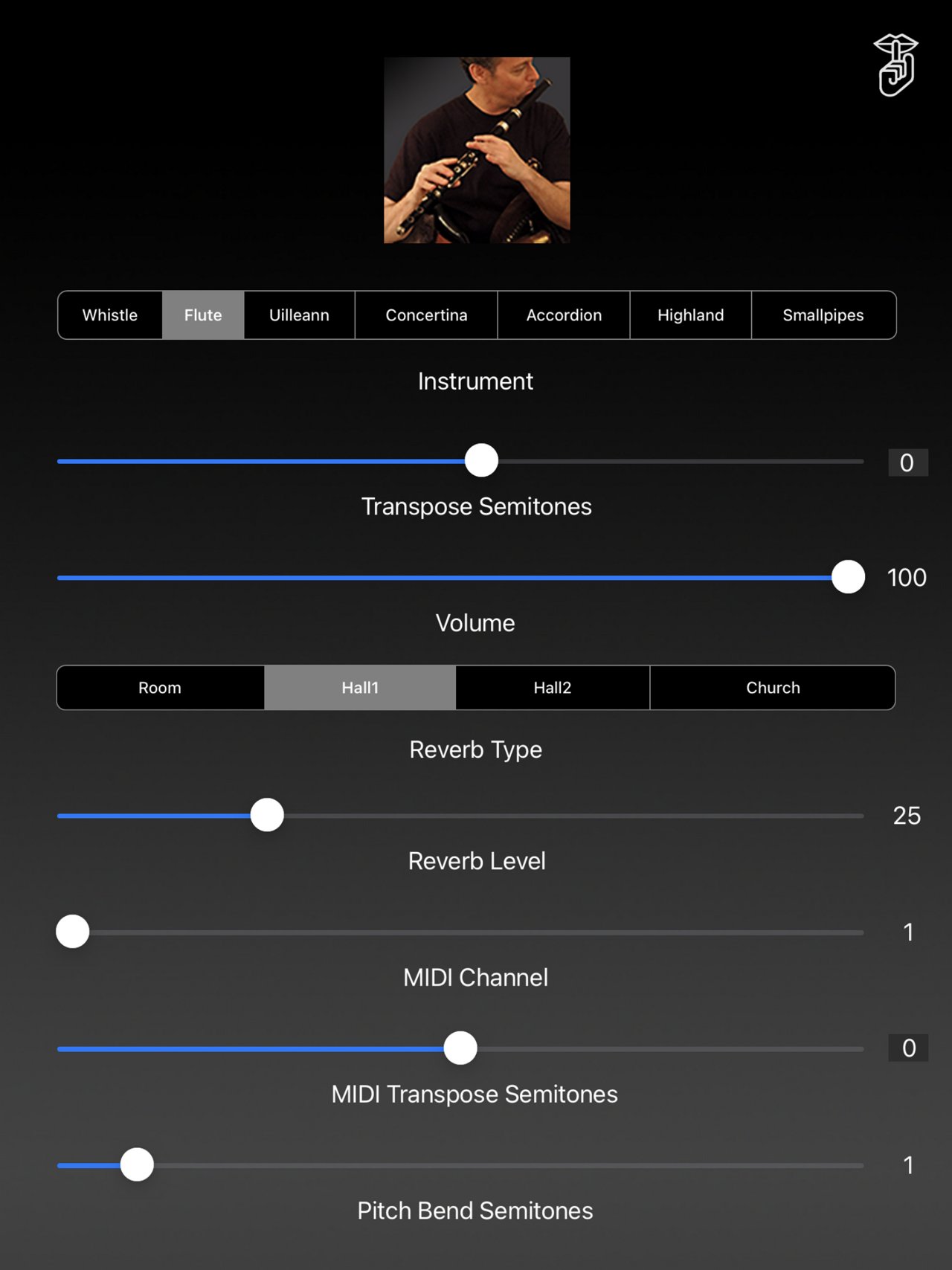
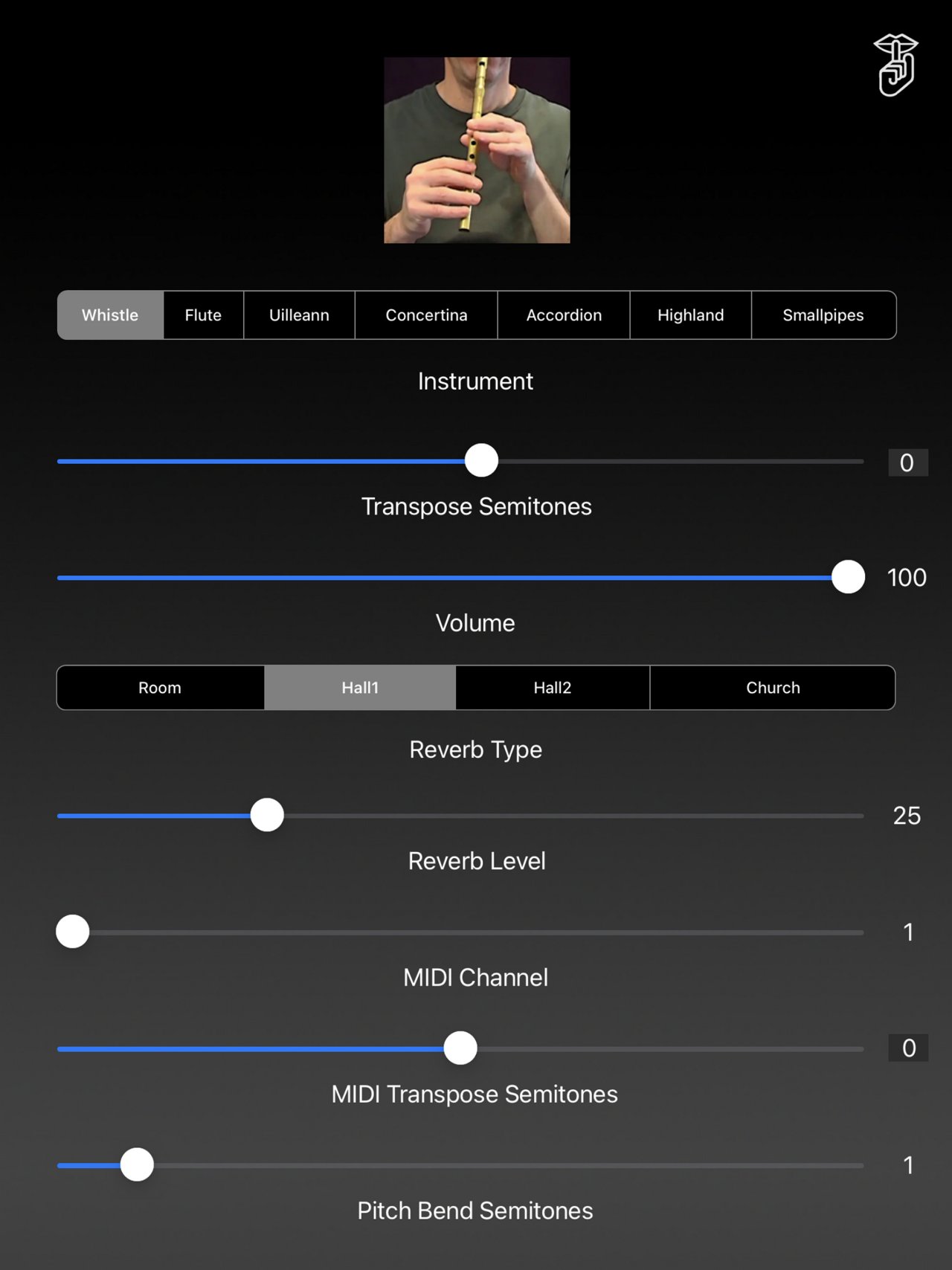
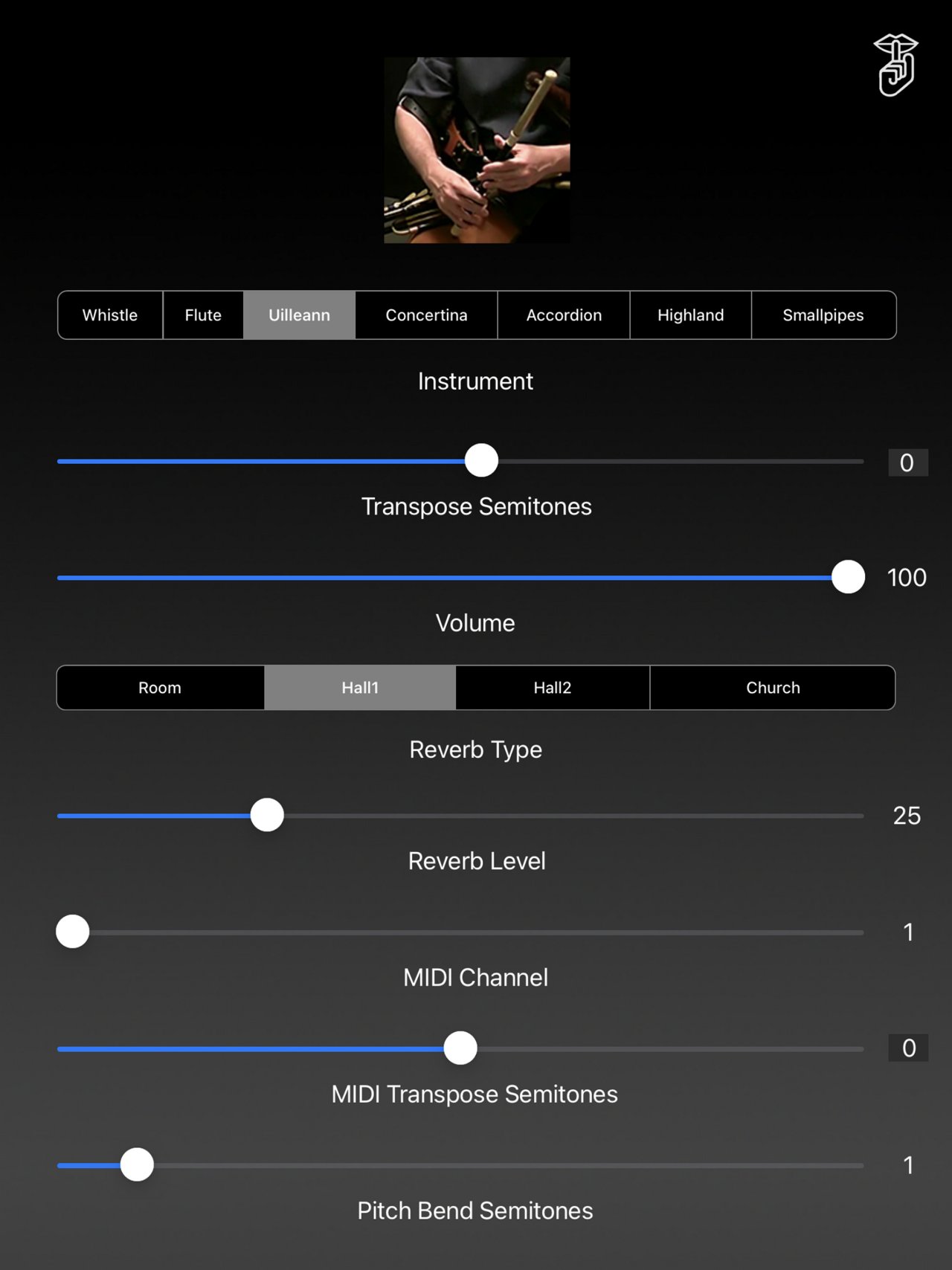
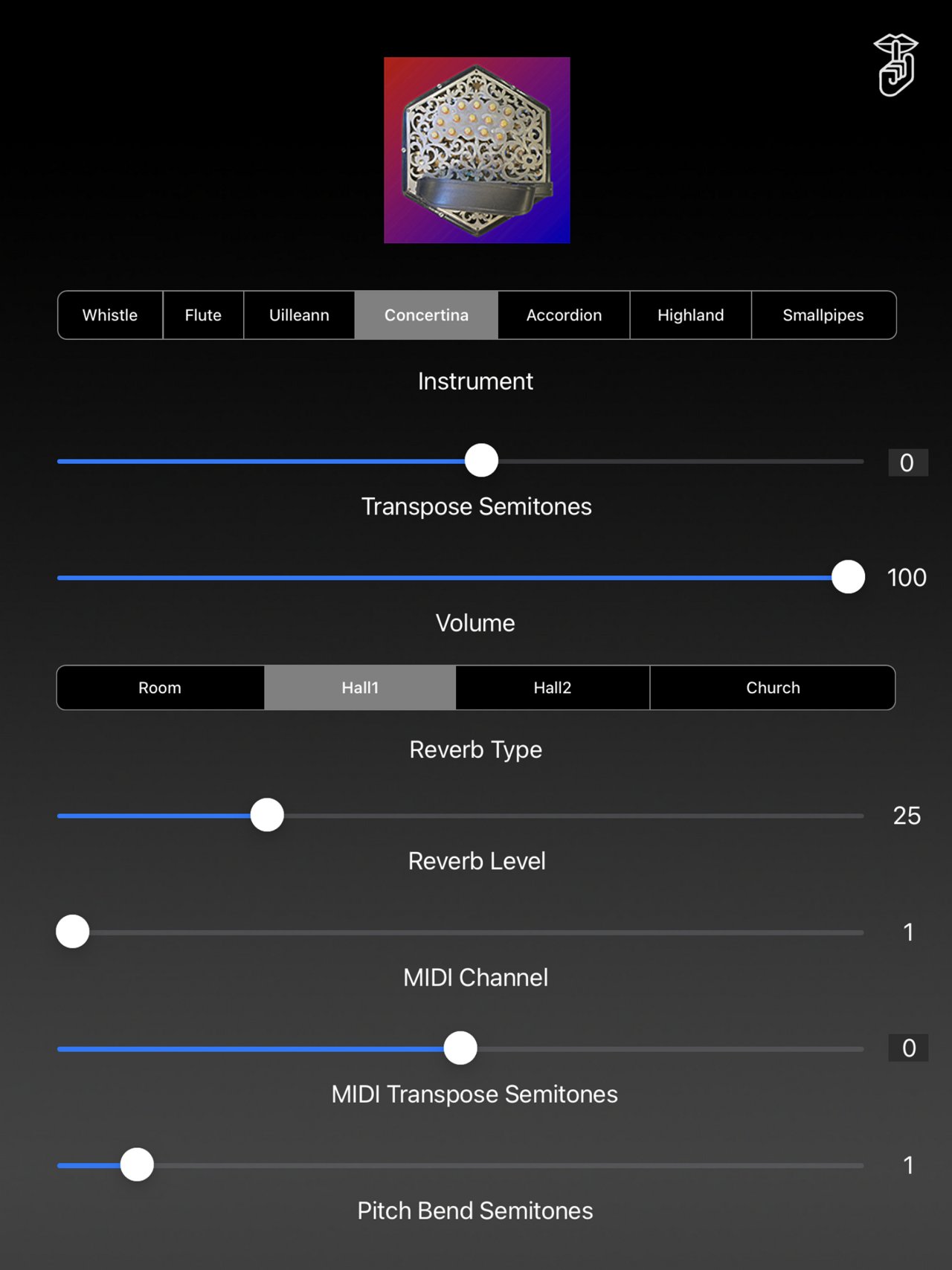
Using the controls, set your instrument, transposition, volume, reverb style, reverb level, MIDI channel, and MIDI pitch bend values.
Use the "Transpose Semitones" slider to shift the entire instrument up or down up to one octave in semitone increments.
This setting shifts the pitch of the sound but does not change the MIDI note numbers the app responds to.
Touch the number to the right of the "Transpose Semitones" slider to reset the transposition to zero semitones.
Choose your reverb style and level from four options: Room, Hall1, Hall2, or Church
If you have a MIDI "stuck note" touch the "Shhh" button at the top right to stop all sounds.
The app responds to both MIDI note-on velocity and pitch bend messages on the selected MIDI channel.
Set the maximum pitch bend response using the "Pitch Bend Semitones". Default is two semitones.
The MIDI note ranges of the instruments are:
High-D Tin Whistle - D3 (62) - D5 (86)
Wooden Flute - D3 (62) - D5 (86)
Anglo Concertina - C2 (48) - A5 (93)
Button Accordion - G2 (53) - E5 (88)
Highland Pipes - A3 (68) - Bb4 (82)
Smallpipes - A3 (68) - Bb4 (82)
When playing the Uilleann Pipes instrument, the following special MIDI notes, starting on C1 (36) are used for the drone and regulator sounds:
Single regulator notes:
C1 (36) - Bass regulator G
C#1 (37) - Bass regulator A
D1 (38) - Bass regulator B
D#1 (39) - Bass regulator C
E1 (40) - Baritone regulator D
F1 (41) - Baritone regulator F#
F#1 (42) - Baritone regulator G
G1 (43) - Baritone regulator A
G#1 (44) - Tenor regulator F#
A1 (45) - Tenor regulator G
A#1 (46) - Tenor regulator A
B1 (47) - Tenor regulator B
C2 (48) - Tenor regulator C
Drones:
D2 (50) - Lynch Drones
D#2(51) - Crowley Drones
Regulator pairs:
E2 (52) - D/F# Baritone/Tenor Regulator Pair
F2 (53) - D/G Baritone/Tenor Regulator Pair
F#2 (54) - F#/A Baritone/Tenor Regulator Pair
G2 (55) - G/B Baritone/Tenor Regulator Pair
G#2 (56) - G/C Baritone/Tenor Regulator Pair
A2 (57) - A/C Baritone/Tenor Regulator Pair
Uilleann Pipes drones key triggers (D2 and D#2) are "latching" . The drones start on the first press of the trigger key, stop on the second.
The Uilleann Pipes chanter notes start at D3 (62) and go to D5 (86)
When playing the Great Highland Bagpipes and Smallpipes instruments, the drones, are triggered on receipt of D#2 (51) and are latching.
The drones start on the first press of the trigger key, stop on the second.
When playing the bagpipes instruments, any pitch bend messages received only effect the chanter notes, not the drones or regulators.
The bagpipes instruments are setup for the default WARBL GHB controller note mapping for notes and drone switch.
MIDI Transpose Control for use with MIDI Chanters and other MIDI controllers:
Use the "MIDI Transpose Semitones" slider to shift the incoming MIDI note messages up or down up to one octave in semitone increments.
This is useful for MIDI chanters or other controllers that have a fixed message range.
Touch the number to the right of the "MIDI Transpose Semitones" slider to reset the MIDI transposition to zero semitones.
License: Commercial
| Release info | New Release on Oct 29, 2022 |
|---|---|
| Release notes | New instruments: Great Highland Bagpipes Scottish Smallpipes New display of the currently selected instrument at the top of the screen. For the bagpipes instruments, you may touch the instrument display to toggle the drones on and off. To quiet any "stuck" notes, touch the new "Shh" icon on the upper right of the screen. Bug fixes: The drones now follow the semitone pitch shift control value. |
| Listing data | App Store |
Reviews
No reviews yet. Be the first to review Celtic Sounds MIDI Module.
Used Celtic Sounds MIDI Module? Tell other visitors what you thought.
Log in to write a reviewOther products by this publisher
- "No Distractions" for YouTube 4.10 ----
- #Bible 11.6.1 "Incredible App - My sister shared this app with me a few weeks ago and it is truly incredible.
- #filmphotography 1.4.2 So, you decided to shoot on film?
- #LookBusy Fake Calendar Events 1.0.6 Look Busy scans your work calendar for open time slots and fills them with realistic-looking (but secretly fake) work events.
- #Small Talk Is Canceled 1.0.2 #Small Talk Is Canceled — Conversations That Matter
Most viewed iOS Photo & Video
-
1
 ShortDiShow 2.0
Drama Quest Island — An offline interactive short-drama adventure.
-
2
 Face Witness 1.0.3
FaceWitness lets you create a face by putting together individual features.
-
3
 Infuse 8.5.10
Infuse: Enterprise provides the same great features as the standard version of Infuse and includes permanent access to all Pro features via a traditional paid app.
-
4
 AI Video Generator 2.0.3
Vixel – AI Video Generator
-
5
 OPlayer 4.8
Play all your videos directly without having to convert them!
- 6 #filmphotography 1.4.2 So, you decided to shoot on film?
-
7
 CapCut 20.2.0
CapCut offers easy-to-use video editing functions, in-APP fonts and effects, advanced features such as keyframe animation, smooth slow-motion, chroma key, and stabilization, to help you capture and snip moments.
-
8
 Necrometer II 1.3
Necrometer II is a paranormal investigation companion designed for ghost hunters and researchers.
-
9
 Ai Photo 1.1.2
AI Photo Retouch – BG Eraser
-
10
 Analog Radio 3.0
The iPhone and iPad devices don't have the FM/AM radio antenna installed.
Most downloaded iOS Photo & Video
-
1
 DJI Fly 1.21.18
DJI Fly is designed to help pilots fly drones with ease.
-
2
Infuse 8.5.10
Infuse: Enterprise provides the same great features as the standard version of Infuse and includes permanent access to all Pro features via a traditional paid app.
-
3
 TurboCollage Automatic 1.2.4
#1 Easy automatic photo collage maker for iPhone & iPad.
-
4
 ReelyGo 1.1.42
ReelyGo: Your Daily Drama Escape
-
5
Analog Radio 3.0
The iPhone and iPad devices don't have the FM/AM radio antenna installed.
-
6
 Rozeta Sequencer Suite 1.3.16
Rozeta is a suite of MIDI sequencers and controllers that lets you explore a new, freeform approach to sequencing and controlling mobile music apps.
-
7
 AGAIN. Rehearsal Notes 2.0.1
AGAIN. is the rehearsal app that remembers why the band stopped — and, new in Version 2, who said what in a writing session or a table read.
-
8
 Pop Dot Comics 1.48
Create a comic worthy of the Sunday newspaper or your favorite pulp-fiction cover.
-
9
 Treblo 1.6.6
Make songs with the world's best AI music model.
-
10
 Sun Scout 1.5.0
If your work or play requires sunlight, Sun Scout is built for you.