11downloads
0this week
FreeCommercial
0reviews
Screenshots
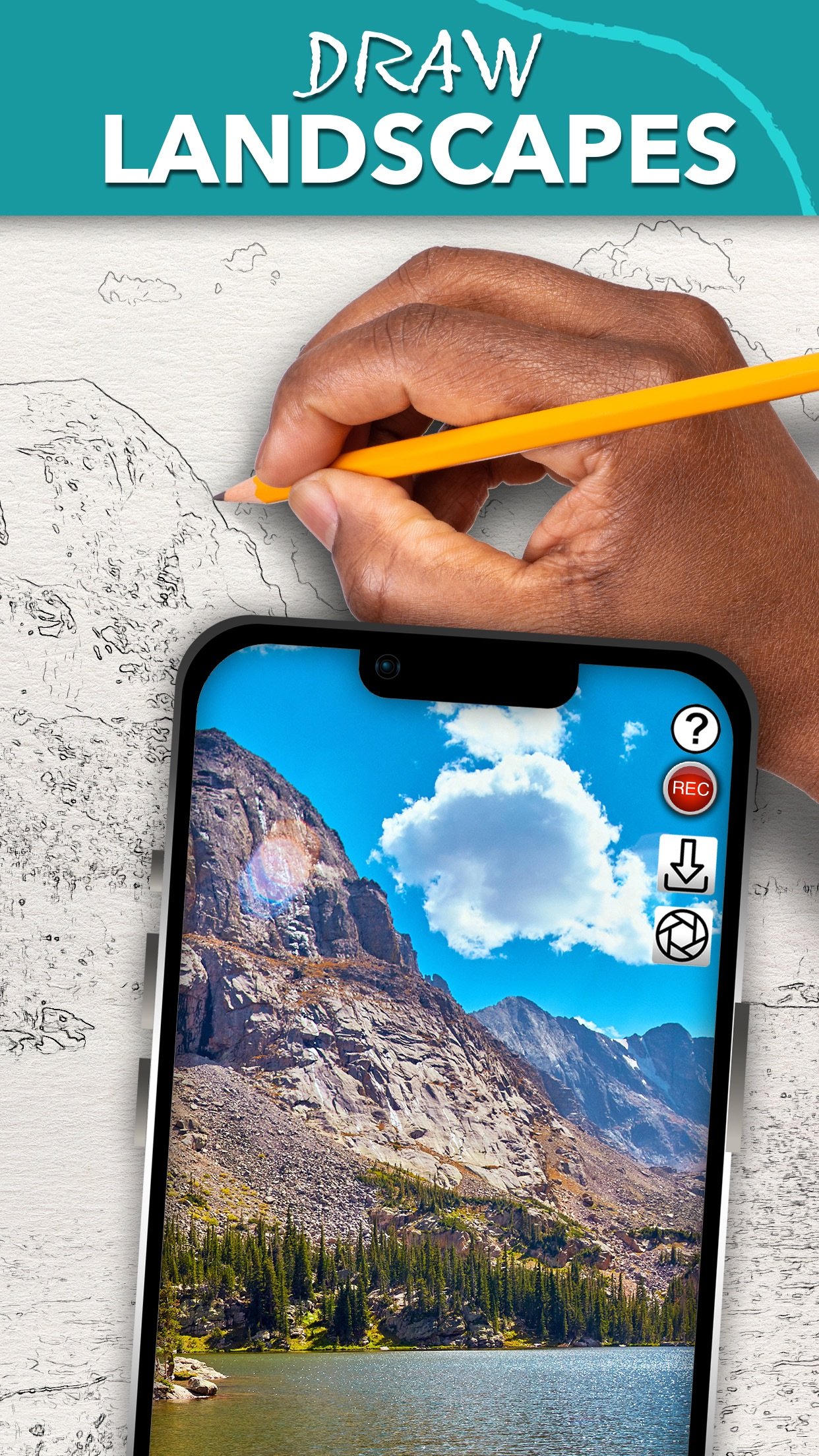
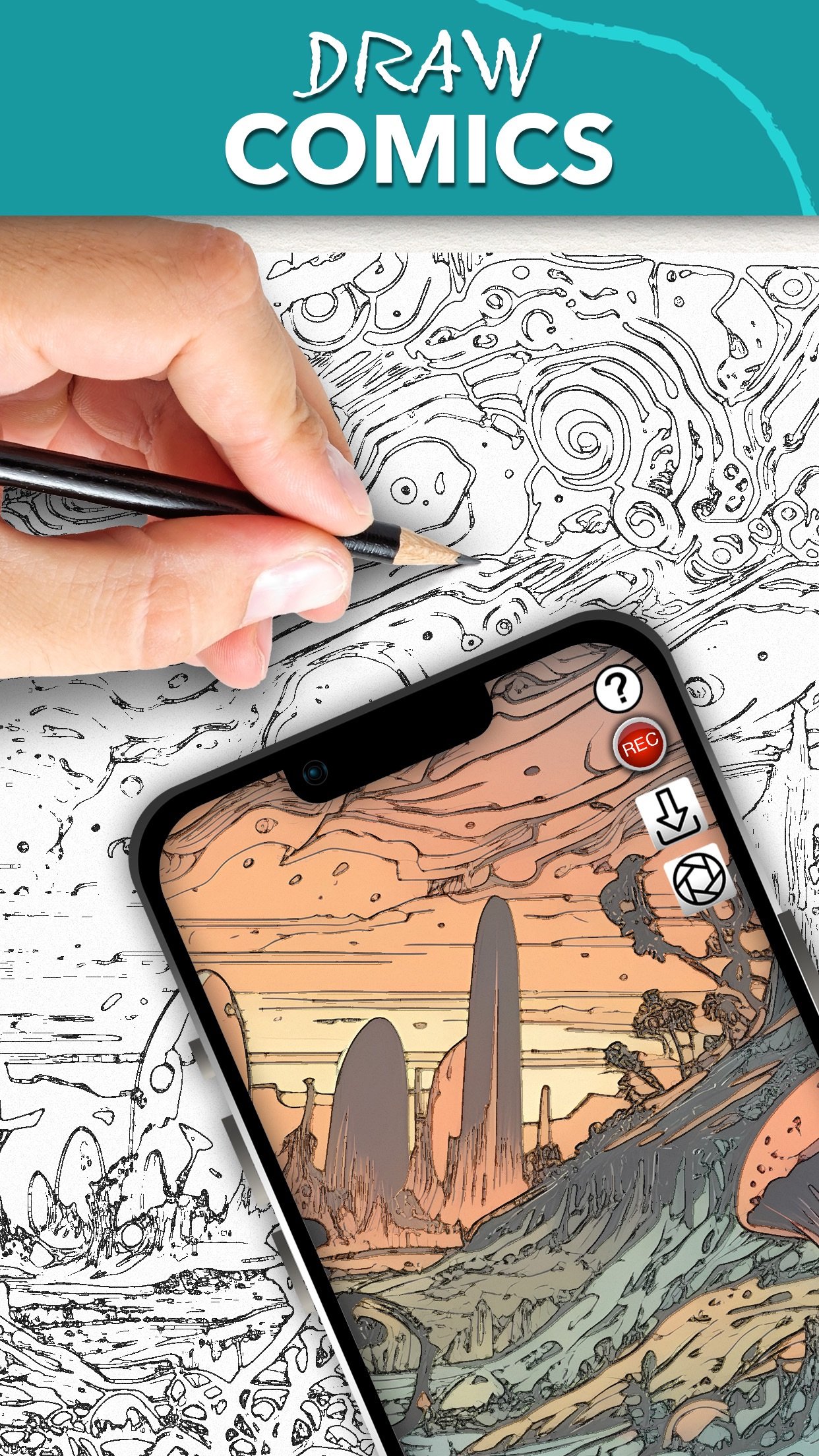
About Camera Lucida™
Draw Like a Pro with Camera Lucida™: AR Drawing
One-Time Purchase: No subscriptions! Buy it once and use on your devices.
Enhance Your Art Skills: Whether you're sketching with a pencil or painting with a brush, Camera Lucida™ helps you become a better artist.
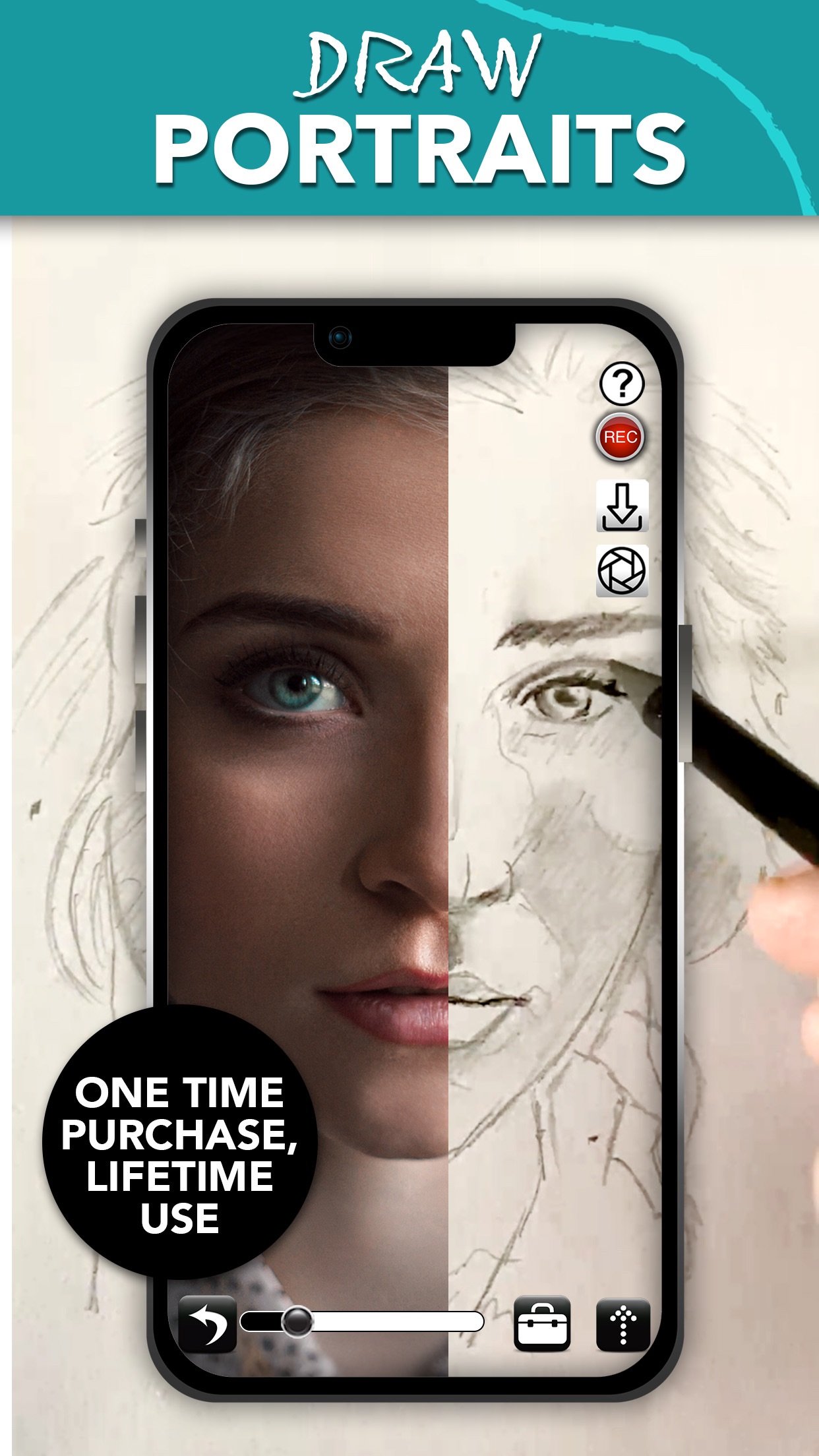
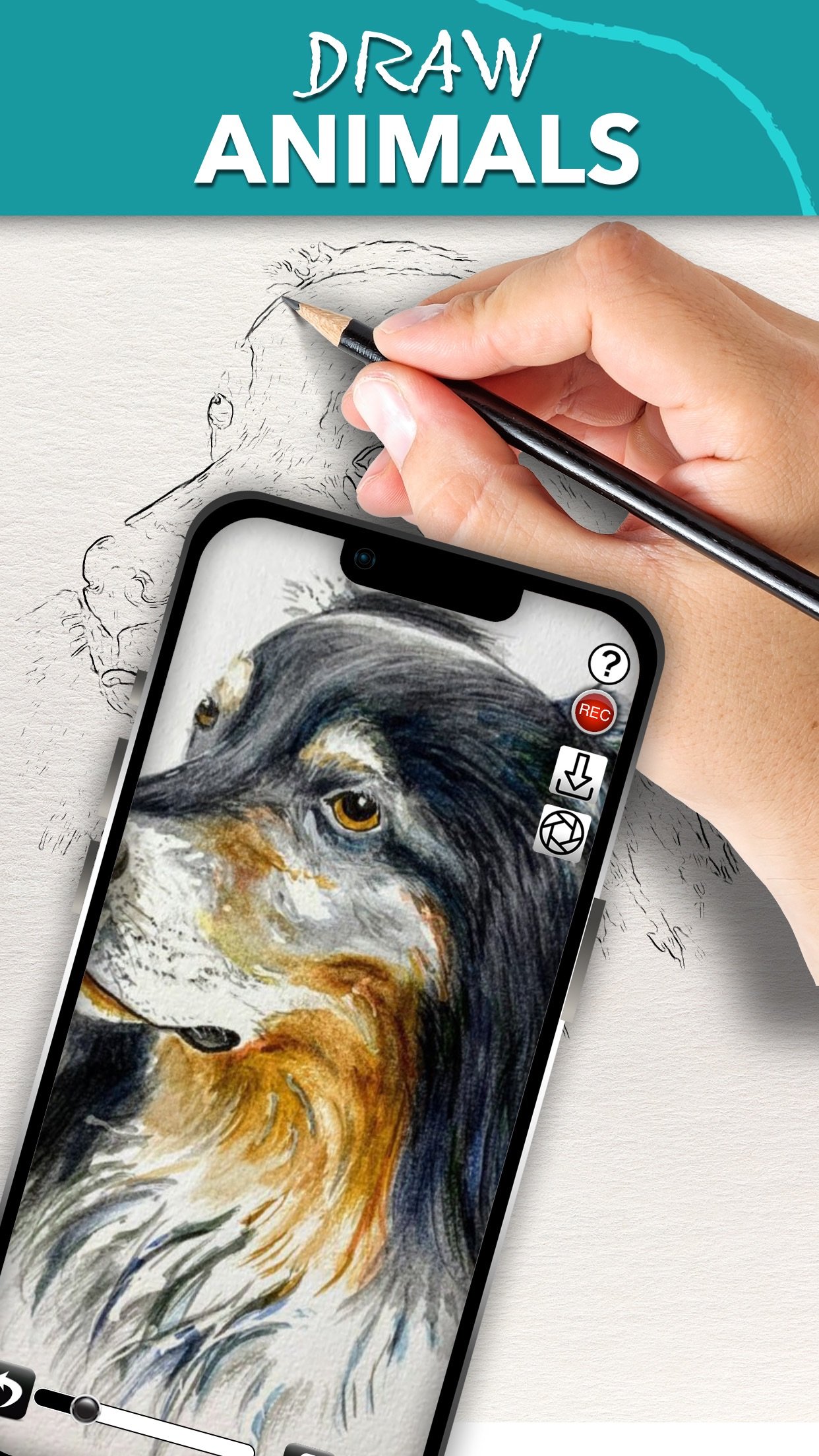
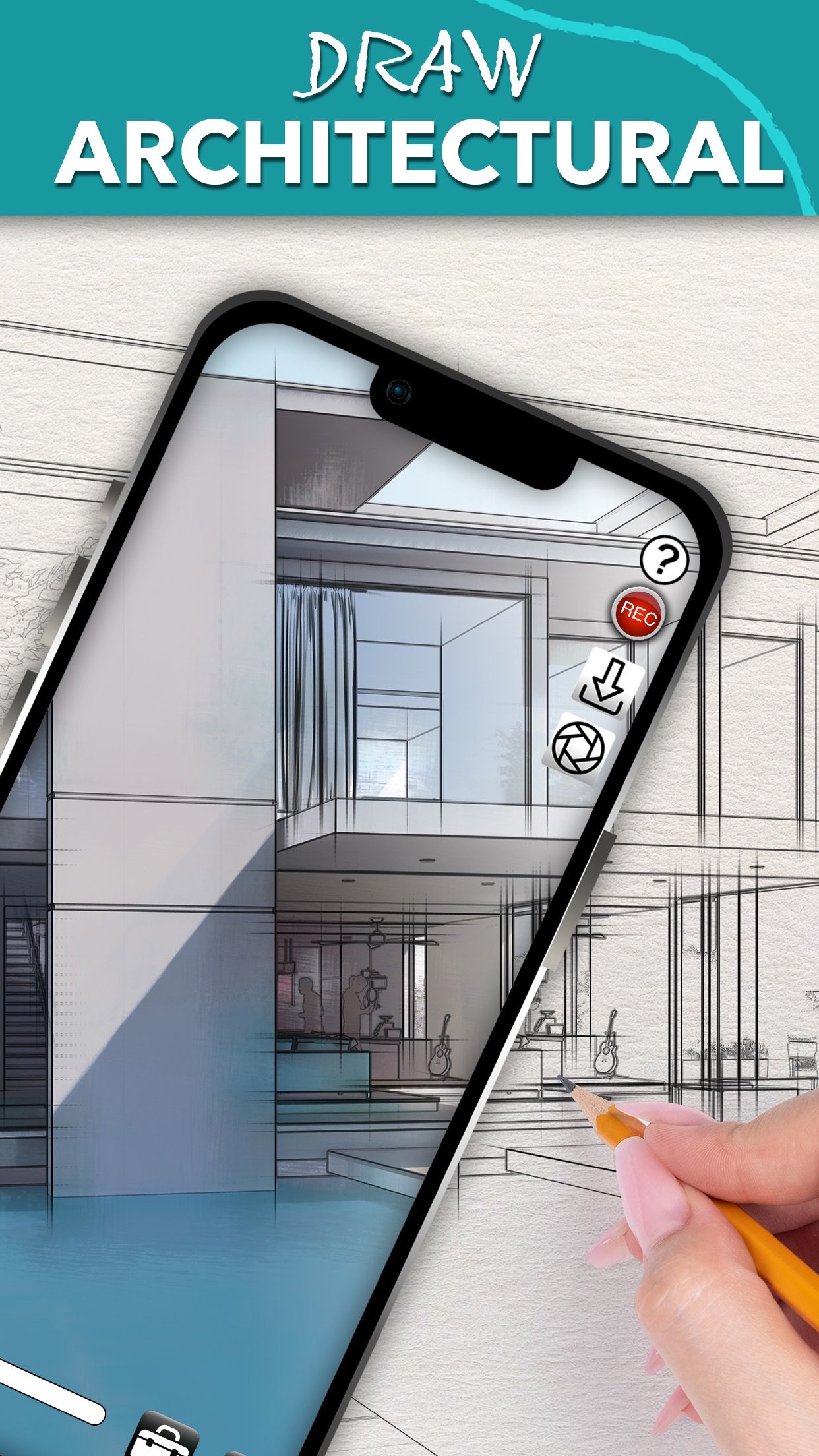
Unmatched Functionality: With 12+ years of development, Camera Lucida™ offers features that no competitor can match. Create stunning physical art using your iPhone or iPad's camera. Simply point your device at your drawing surface, and watch the screen to see your reference image superimposed over your work. It's more versatile than a light table, better than a projector, and easier to use than a traditional Camera Lucida™.
How It Works: Place your iPhone or iPad between your eyes and your drawing surface. The app shows a virtual image on your screen, guiding your hand as you draw. This clever method makes it easy and fun to create detailed art.
Top Features:
• Buy it once for lifetime use.
• Advanced Image Filters: See with an artist's eye.
• Zoom in Lock: For ultra detailed drawing.
• Session Save & Restore: Automatically realign your camera, sketch, and reference image.
• Full Color Palette Control: Use your own paints, markers, and more.
• Camera Adjustments: Use your device camera and adjust for different setups manually or with an in-app purchase to auto-adjust.
• Time-Lapsed Recordings: Share your drawing process on social media.
• Advanced Tools: Vertical split screen sliders, timed image fading, and more.
• Video Tutorials: Watch tutorials within the app or on YouTube.
• Comprehensive User Manual: Accessible from within the app.
• Reliable Customer Support: Plus, an active user community for inspiration.
• External USB Camera Support: For USB-C equipped iPads running iOS 17.
Easy Setup: Secure your iPhone or iPad above your drawing surface using common household items like a stack of books or a vase. Tutorials are included to help you get started.
Contact: For any questions or support, email cameralucida@bigidesign.com.
License: Commercial
| Release info | New Release on Jul 05, 2024 |
|---|---|
| Release notes | The professional choice for assisted drawing! Version 17.1 has been recompiled to take advantage of the newest iOS 17 features, and some minor graphic designs have been updated including a new app icon. |
| Listing data | App Store |
Reviews
No reviews yet. Be the first to review Camera Lucida™.
Used Camera Lucida™? Tell other visitors what you thought.
Log in to write a reviewOther products by this publisher
- "No Distractions" for YouTube 4.10 ----
- #Bible 11.6.1 "Incredible App - My sister shared this app with me a few weeks ago and it is truly incredible.
- #filmphotography 1.4.2 So, you decided to shoot on film?
- #LookBusy Fake Calendar Events 1.0.6 Look Busy scans your work calendar for open time slots and fills them with realistic-looking (but secretly fake) work events.
- #Small Talk Is Canceled 1.0.2 #Small Talk Is Canceled — Conversations That Matter
Most viewed iOS Photo & Video
-
1
 ShortDiShow 2.0
Drama Quest Island — An offline interactive short-drama adventure.
-
2
 Face Witness 1.0.3
FaceWitness lets you create a face by putting together individual features.
-
3
 Infuse 8.5.10
Infuse: Enterprise provides the same great features as the standard version of Infuse and includes permanent access to all Pro features via a traditional paid app.
-
4
 AI Video Generator 2.0.3
Vixel – AI Video Generator
-
5
 OPlayer 4.8
Play all your videos directly without having to convert them!
- 6 #filmphotography 1.4.2 So, you decided to shoot on film?
-
7
 CapCut 20.2.0
CapCut offers easy-to-use video editing functions, in-APP fonts and effects, advanced features such as keyframe animation, smooth slow-motion, chroma key, and stabilization, to help you capture and snip moments.
-
8
 Necrometer II 1.3
Necrometer II is a paranormal investigation companion designed for ghost hunters and researchers.
-
9
 Ai Photo 1.1.2
AI Photo Retouch – BG Eraser
-
10
 Analog Radio 3.0
The iPhone and iPad devices don't have the FM/AM radio antenna installed.
Most downloaded iOS Photo & Video
-
1
 DJI Fly 1.21.18
DJI Fly is designed to help pilots fly drones with ease.
-
2
Infuse 8.5.10
Infuse: Enterprise provides the same great features as the standard version of Infuse and includes permanent access to all Pro features via a traditional paid app.
-
3
 TurboCollage Automatic 1.2.4
#1 Easy automatic photo collage maker for iPhone & iPad.
-
4
 ReelyGo 1.1.42
ReelyGo: Your Daily Drama Escape
-
5
Analog Radio 3.0
The iPhone and iPad devices don't have the FM/AM radio antenna installed.
-
6
 Rozeta Sequencer Suite 1.3.16
Rozeta is a suite of MIDI sequencers and controllers that lets you explore a new, freeform approach to sequencing and controlling mobile music apps.
-
7
 Pop Dot Comics 1.48
Create a comic worthy of the Sunday newspaper or your favorite pulp-fiction cover.
-
8
 AGAIN. Rehearsal Notes 2.0.1
AGAIN. is the rehearsal app that remembers why the band stopped — and, new in Version 2, who said what in a writing session or a table read.
-
9
 Sun Scout 1.5.0
If your work or play requires sunlight, Sun Scout is built for you.
-
10
 Treblo 1.6.6
Make songs with the world's best AI music model.