
Calendar Widget 6.2
Thanks to this application (and the other Widget apps from PacoLabs), you can now customize the Home screen and the Today view of your device, by adding custom widgets for some specific purposes.
Download
12.95 MB
12downloads
2this week
FreeCommercial
0reviews
Screenshots
About Calendar Widget
Thanks to this application (and the other Widget apps from PacoLabs), you can now customize the Home screen and the Today view of your device, by adding custom widgets for some specific purposes.
From anywhere in your device, you'll have access to your own information and actions.
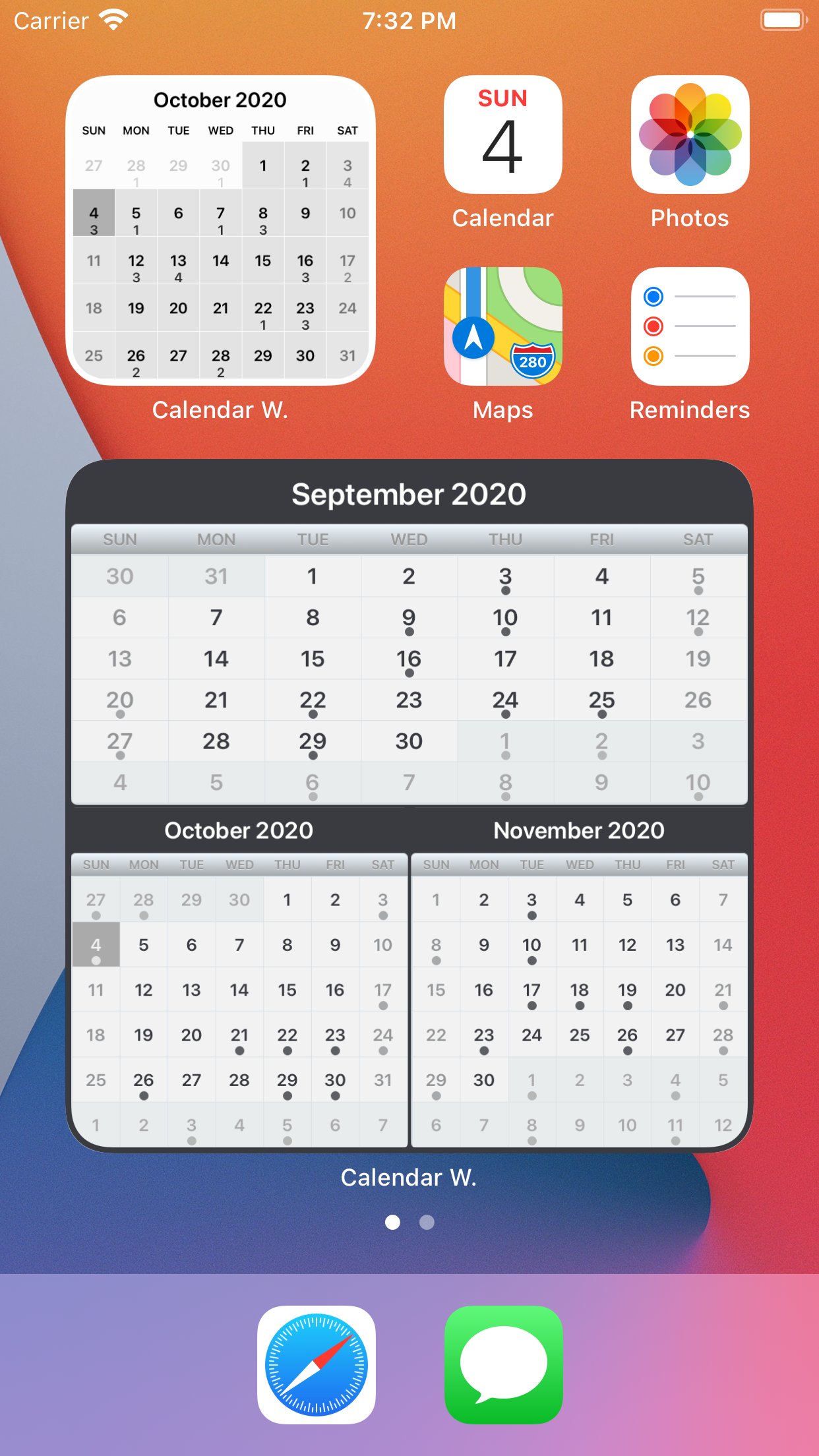
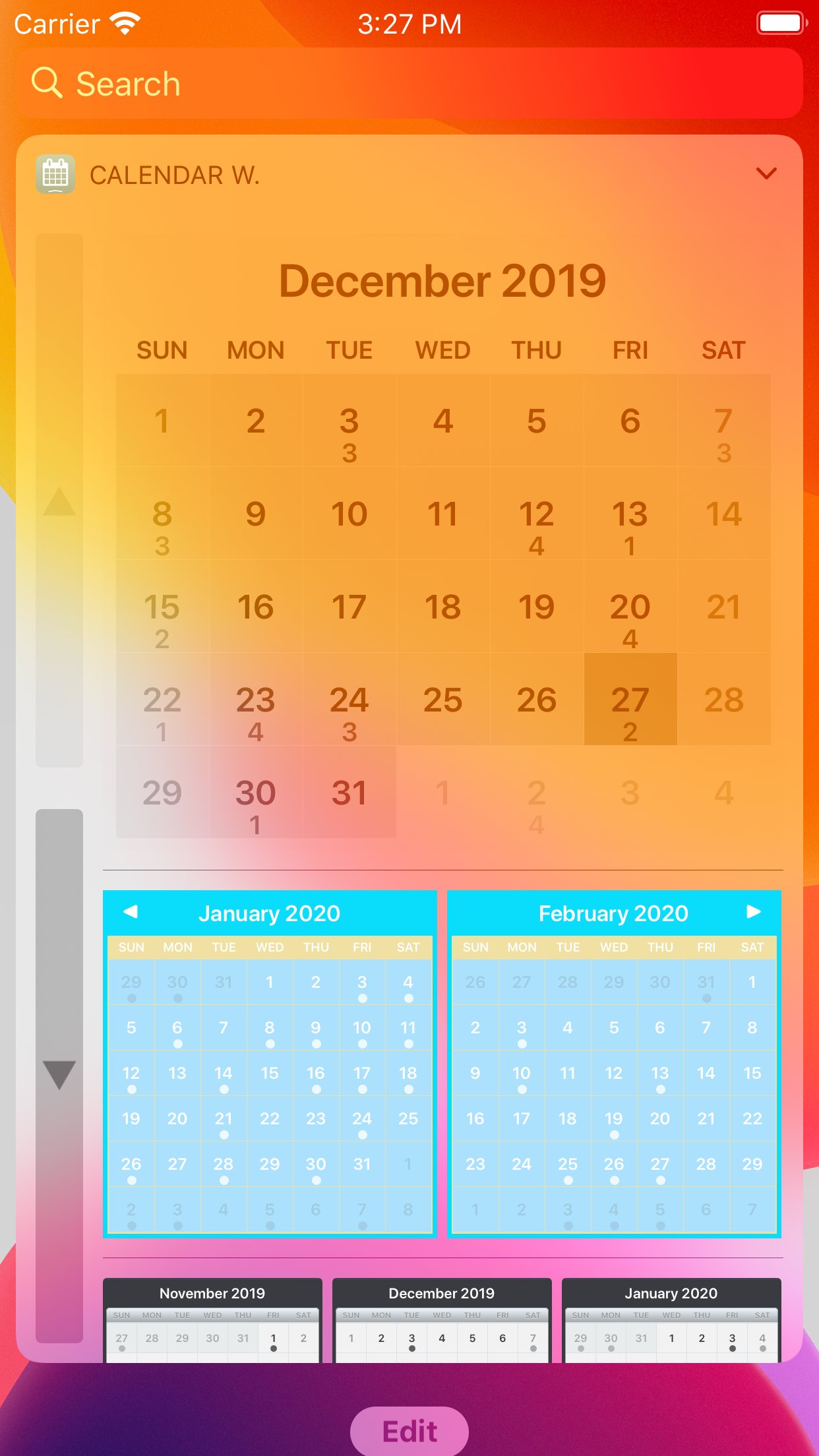
Each Calendar widget allows to view one or more calendars.
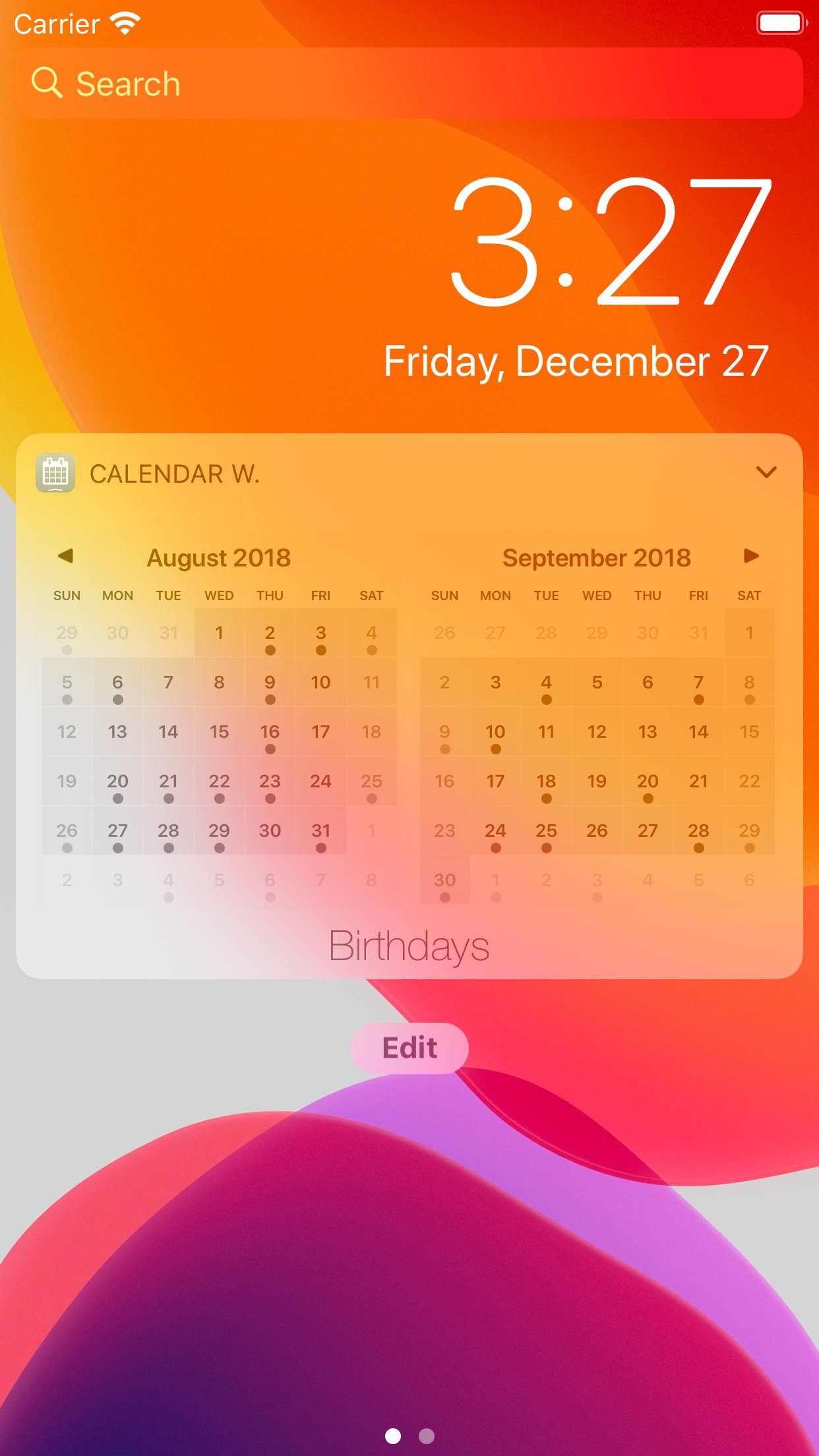
Now you can quickly have an overview of the full month, view your busy days and even create or update some events.
Those calendars can display the current or some specific months.
The displayed months can be manually changed while viewing the widget.
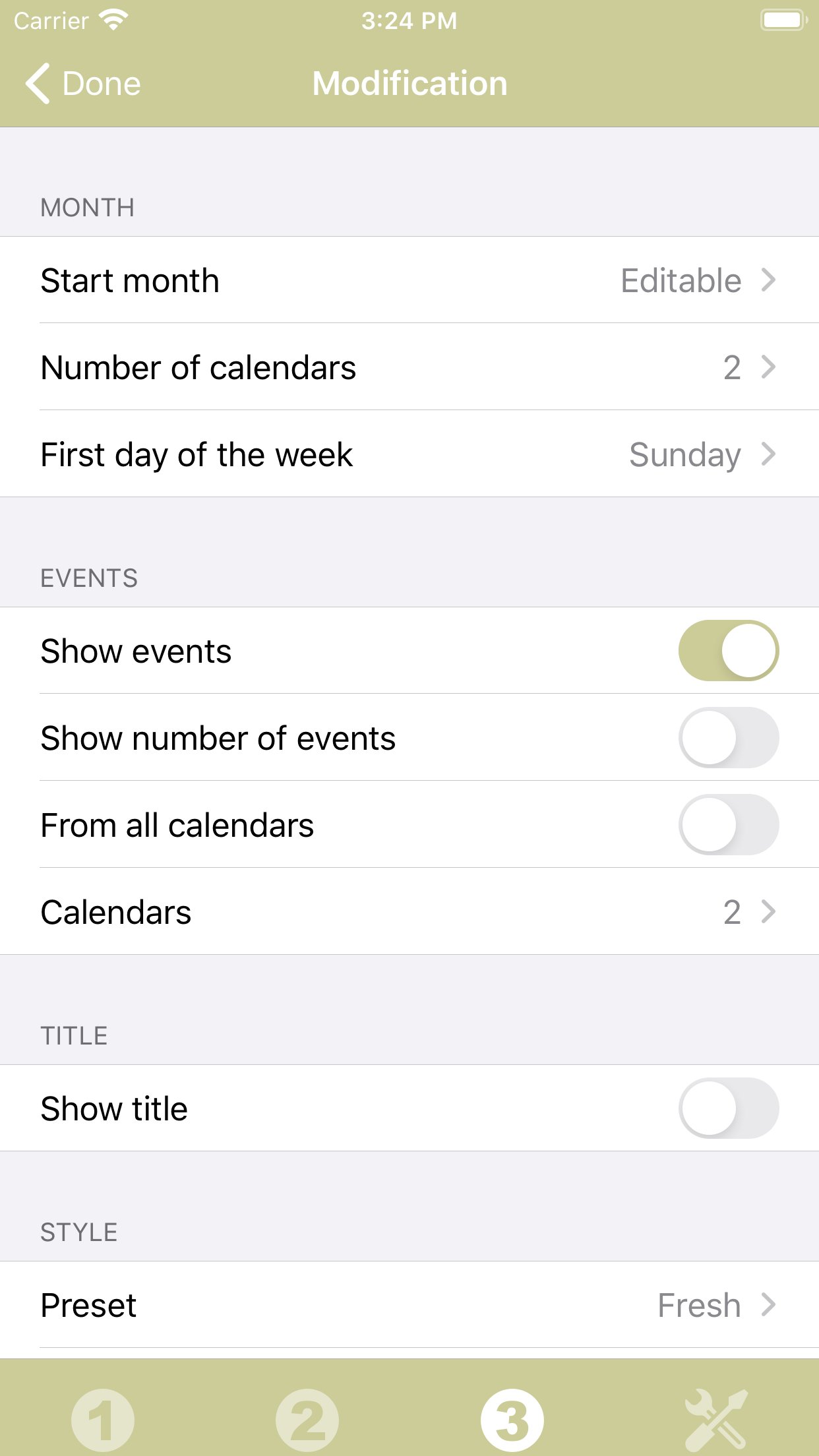
The look can be customized.
The events from the system calendar application can be viewed and edited.
It is also possible to add some new events.
Those Widgets are compatible with the new iOS 14 Home Screen Widgets.
The application is really easy to use and is adapted to the fresh look of your device.
Dark mode of iOS13 is supported.
In Today view:
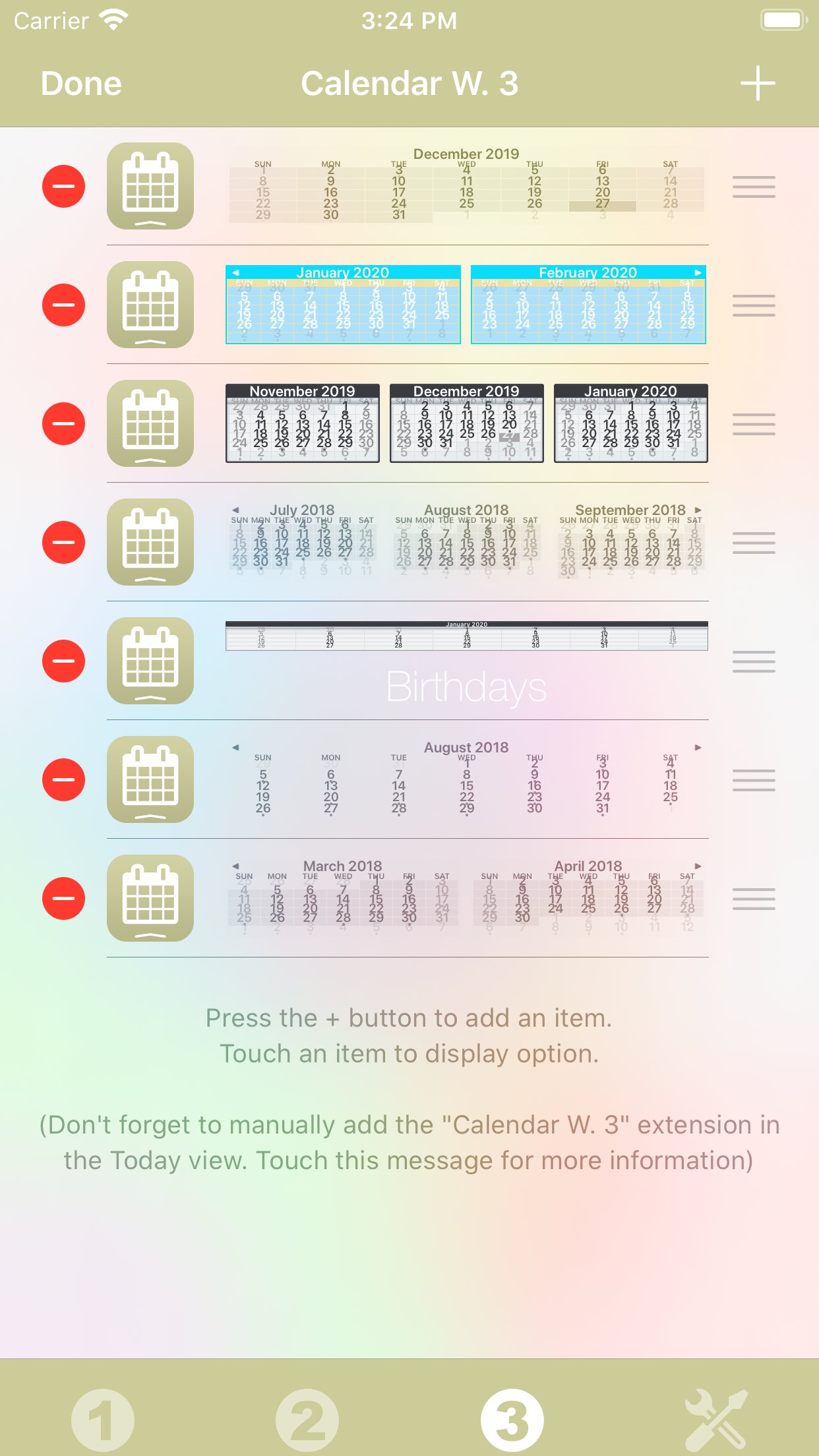
You can add as many widgets as you want and they will be displayed in up to 3 different lists. Those same lists will be available in the Today view and in the application (although it is possible, if you want, to hide some widgets in the Today view).
To avoid overloading the Today view, when too many widgets are displayed, an intuitive control will allow you to navigate from one widget to another.
Even if the main purpose of the app is to view the widgets in the Today view, it can also be very handy to view them directly in the application (a long press on a widget in the Today view will open it directly in the main application).
License: Commercial
| Release info | New Release on Jul 02, 2025 |
|---|---|
| Release notes | * Ability to select the system font in the font picker. * Minor fixes and improvements. |
| Listing data | App Store |
Reviews
No reviews yet. Be the first to review Calendar Widget.
Used Calendar Widget? Tell other visitors what you thought.
Log in to write a reviewOther products by this publisher
- "No Distractions" for YouTube 4.10 ----
- #Bible 11.6.1 "Incredible App - My sister shared this app with me a few weeks ago and it is truly incredible.
- #filmphotography 1.4.2 So, you decided to shoot on film?
- #LookBusy Fake Calendar Events 1.0.6 Look Busy scans your work calendar for open time slots and fills them with realistic-looking (but secretly fake) work events.
- #Small Talk Is Canceled 1.0.2 #Small Talk Is Canceled — Conversations That Matter
Most viewed iOS Productivity
-
1
 WordPress 27.4
Manage or create your WordPress blog or website right from your iOS device: create and edit posts and pages, upload your favorite photos and videos, view stats and reply to comments.
- 2 Voice Translator - Alive 1.6 Translation app that turns your iPhone into an interpreter instantly.
-
3
 Life360 26.44.0
Whether at home, online, or on the move, our comprehensive family safety features bring peace of mind to your loved ones AND help safeguard your personal belongings.
-
4
 Claude by Anthropic 1.261119.19
Meet Claude, your AI problem solver and thinking partner.
-
5
 WristMemo 2.0
WristMemo turns your Apple Watch into an all-day voice recorder.
- 6 "No Distractions" for YouTube 4.10 ----
-
7
 Colicine 1.3.0
Have you ever been there—
- 8 (beat) for iOS 0.5.10 An elegant Fountain screenwriting app, created by a screenwriter for screenwriters.
-
9
 DeepSeek 2.9.0
Experience seamless interaction with DeepSeek's official AI assistant for free!
-
10
 Howbout 16.8.0
The shared calendar for friends, couples, and family
Most downloaded iOS Productivity
- 1 Voice Translator - Alive 1.6 Translation app that turns your iPhone into an interpreter instantly.
-
2
 SessionsAI 1.2.1
Sessions AI is a private AI workspace that runs entirely on your iPhone, iPad, or Mac.
-
3
DeepSeek 2.9.0
Experience seamless interaction with DeepSeek's official AI assistant for free!
-
4
 Voices AI 1.16.15
Discover Voices, the premier voice transformation app designed exclusively for iOS.
-
5
 Block Distracting Websites 1.11
"It's a great way to save time, and stop browsing Reddit when you should be doing coursework."
-
6
 Plot Digitizer 1.4.1
Plot Digitizer is an app to extract numerical data from plot images.
-
7
 Google Docs 1.2026.47103
Create, edit, and collaborate on online documents with the Google Docs app.
-
8
 MyHyundai with Bluelink 5.4.6
The MyHyundai app makes getting information about your Hyundai vehicle easier than ever.
-
9
 Pixy Mood Tracker 1.110.0
Track your mood, one pixel at a time.
-
10
 Minder 1.4
Minder turns your phone into a pair of eyes that watch you work.