16downloads
1this week
FreeCommercial
0reviews
Screenshots

About Calendar Mirror
Some calendars you can see but cannot reshare. A subscribed work schedule. A read-only team feed. An account that is not yours.
Calendar Mirror makes an editable copy of one calendar inside another calendar you own — one direction only, so the original is never touched. Because the copy lives in your own account, it reaches your other devices on its own.
PICK TWO CALENDARS
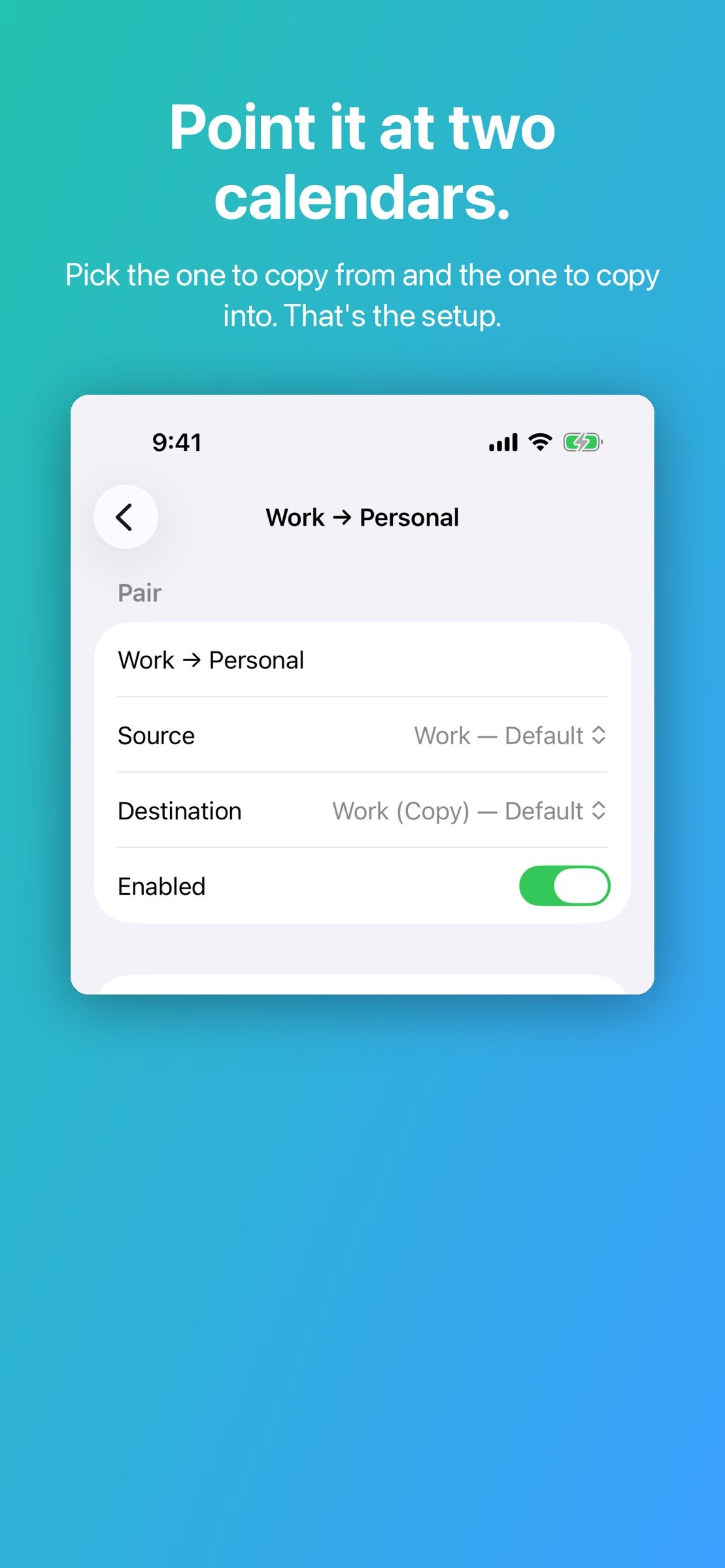
Choose the calendar to copy from and the one to copy into. Add as many pairs as you like; two can share a destination, and anything you add by hand is left alone. Repeating and all-day events, and moved occurrences, all come across.
CHOOSE HOW MUCH CROSSES OVER
Each pair decides: a full copy; titles and locations only; or "Busy" blocks that show your time and nothing else. Put a label in front of copied titles — "[Work] Standup", or "[Work] Busy" — and carry the meeting link into the copy's notes so a mirrored meeting is one you can join.
CHOOSE WHICH EVENTS
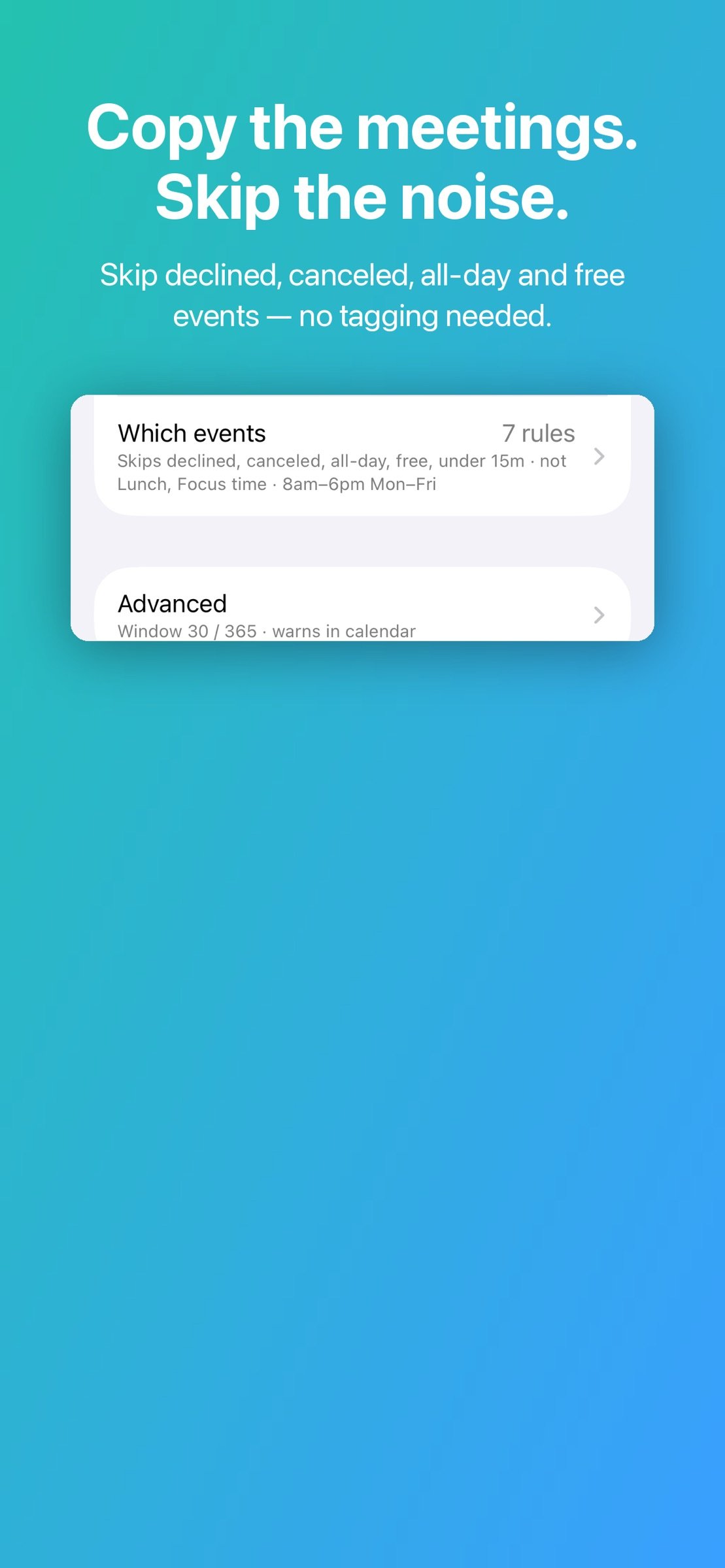
A pair can skip meetings you declined or have not answered, events the organizer canceled, all-day events and anything marked free, anything shorter or longer than you like, titles containing words you choose, and anything outside a window of the day on the weekdays you pick. Or tag one event at a time: #nomirror, #private, #public in its notes.
IT TELLS YOU WHEN SOMETHING BREAKS
A healthy pair is silent. If one stops syncing, an all-day warning appears in the destination calendar itself, and clears the moment the pair recovers.
ON IPHONE AND IPAD
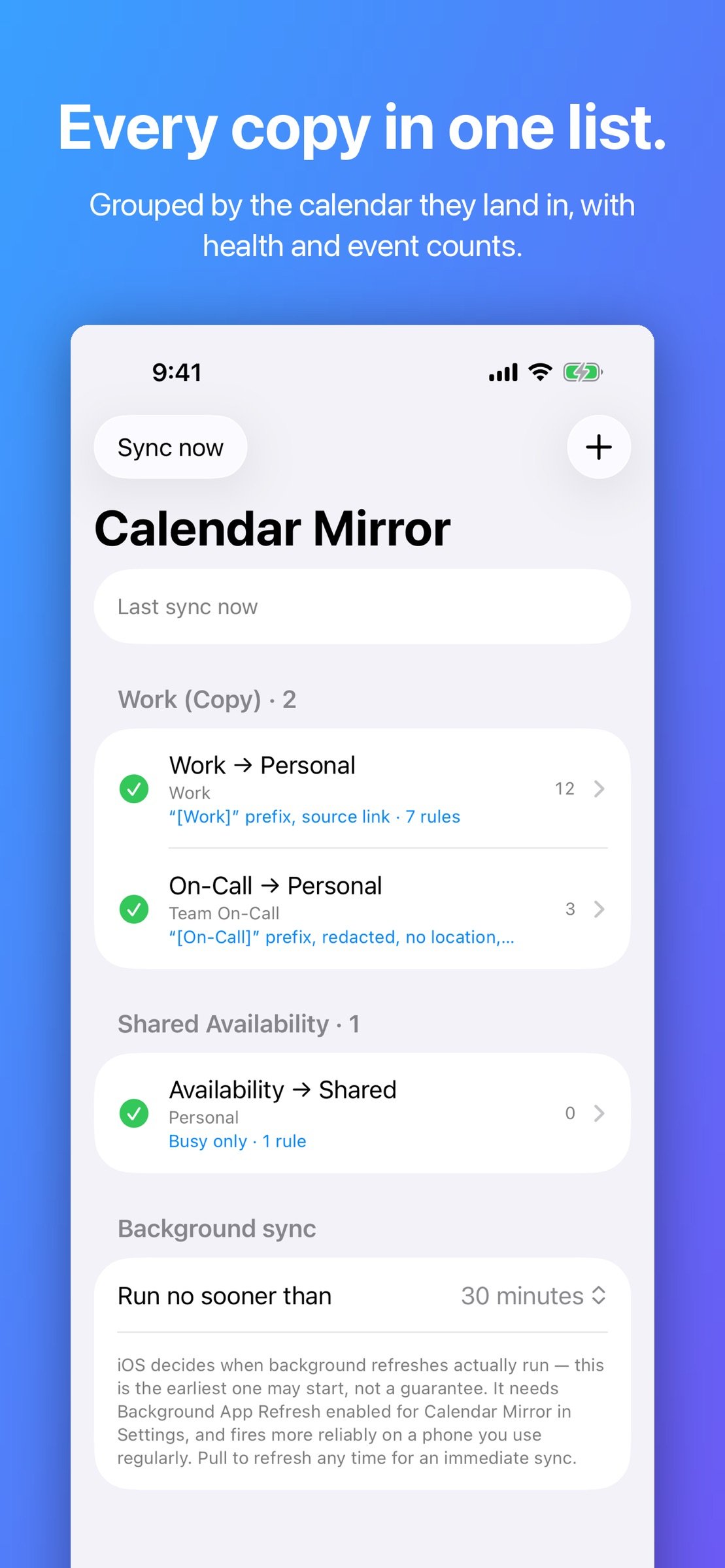
Every pair in one list, with its health and event count. Pull down to sync now. Background refreshes run at the interval you choose, when iOS allows — treat it as the earliest a sync may start, not a guarantee.
SEND TIMES
"When are you free?" One tap gives you your next three free times as a line of text — "Tue 2–2:30pm, Wed 10–10:30am or Thu 3–3:30pm MDT" — worked out on your device from the calendars you chose, ready to paste into Messages, Mail or Slack. Also a Shortcuts action and a Siri phrase. Nothing leaves your device.
ASKWHEN.ME — A SEPARATE PRODUCT YOU CAN TURN ON
Off by default; until you turn it on, the app makes no network request of any kind. AskWhen.me is a subscription with its own server: a page at askwhen.me/yourpage where people can ask you for a time.
A request page, not a booking page. Your device works out which times to offer and sends only those — never your calendar, your events, your address, or your name beyond the label you choose. Someone picks a time and says who they are; the request comes to your device, and nothing lands in your calendar until you accept. Your device re-checks the time against your real calendar first.
Send times can carry a personal link: it opens your page once, for a week, and because you sent it there is no email confirmation — if the time is still clear, your device accepts it for you and they get the calendar file.
Free for 90 days, then $19.99 a year; your own name on askwhen.me, or your own domain, are upgrades. Payment is Apple's. The privacy page says what the server holds, and for how long.
WHAT IT DOES NOT DO
• No scheduling links unless you turn on AskWhen.me, a separate subscription.
• No unified calendar view — it makes copies; your calendar app shows them.
• No team, admin or SSO features. It is a single-person utility.
• Attendees are never copied: Apple's calendar framework cannot set guests.
• It cannot sync a calendar your device cannot already see.
PRIVACY
No account. No analytics, no tracking, no telemetry, no ads. No server, and no network request, until you turn on AskWhen.me — and its server never sees your calendar either. Once a copy lands in iCloud, Google or Exchange, that provider stores it under their policies.
Open source under the MIT licence. One purchase covers iPhone, iPad and Mac. Terms of Use: [link removed]
License: Commercial
| Release info | New Release on Oct 01, 2026 |
|---|---|
| Release notes | Fixes. • Rename a calendar and its mirrors keep working. With two calendars of the same name, copies go to the one you picked. • Copies into a calendar kept only on this device are no longer rewritten on every sync. • If a calendar refuses a copy, the mirror says so instead of showing as healthy. • If AskWhen.me no longer has your page, the app stops showing it as live. |
| Listing data | App Store |
Reviews
No reviews yet. Be the first to review Calendar Mirror.
Used Calendar Mirror? Tell other visitors what you thought.
Log in to write a reviewOther products by this publisher
- "No Distractions" for YouTube 4.10 ----
- #Bible 11.6.1 "Incredible App - My sister shared this app with me a few weeks ago and it is truly incredible.
- #filmphotography 1.4.2 So, you decided to shoot on film?
- #LookBusy Fake Calendar Events 1.0.6 Look Busy scans your work calendar for open time slots and fills them with realistic-looking (but secretly fake) work events.
- #Small Talk Is Canceled 1.0.2 #Small Talk Is Canceled — Conversations That Matter
Most viewed iOS Productivity
-
1
 WordPress 27.4
Manage or create your WordPress blog or website right from your iOS device: create and edit posts and pages, upload your favorite photos and videos, view stats and reply to comments.
- 2 Voice Translator - Alive 1.6 Translation app that turns your iPhone into an interpreter instantly.
-
3
 Life360 26.44.0
Whether at home, online, or on the move, our comprehensive family safety features bring peace of mind to your loved ones AND help safeguard your personal belongings.
-
4
 Claude by Anthropic 1.261119.19
Meet Claude, your AI problem solver and thinking partner.
-
5
 WristMemo 2.0
WristMemo turns your Apple Watch into an all-day voice recorder.
- 6 "No Distractions" for YouTube 4.10 ----
-
7
 Colicine 1.3.0
Have you ever been there—
- 8 (beat) for iOS 0.5.10 An elegant Fountain screenwriting app, created by a screenwriter for screenwriters.
-
9
 DeepSeek 2.9.0
Experience seamless interaction with DeepSeek's official AI assistant for free!
-
10
 Howbout 16.8.0
The shared calendar for friends, couples, and family
Most downloaded iOS Productivity
- 1 Voice Translator - Alive 1.6 Translation app that turns your iPhone into an interpreter instantly.
-
2
 SessionsAI 1.2.1
Sessions AI is a private AI workspace that runs entirely on your iPhone, iPad, or Mac.
-
3
DeepSeek 2.9.0
Experience seamless interaction with DeepSeek's official AI assistant for free!
-
4
 Voices AI 1.16.15
Discover Voices, the premier voice transformation app designed exclusively for iOS.
-
5
 Block Distracting Websites 1.11
"It's a great way to save time, and stop browsing Reddit when you should be doing coursework."
-
6
 Plot Digitizer 1.4.1
Plot Digitizer is an app to extract numerical data from plot images.
-
7
 Google Docs 1.2026.47103
Create, edit, and collaborate on online documents with the Google Docs app.
-
8
 MyHyundai with Bluelink 5.4.6
The MyHyundai app makes getting information about your Hyundai vehicle easier than ever.
-
9
 Pixy Mood Tracker 1.110.0
Track your mood, one pixel at a time.
-
10
 Minder 1.4
Minder turns your phone into a pair of eyes that watch you work.