Brushes 4.3.0
Brushes 4 is the latest iteration of the app that started the iPhone and iPad painting revolution.
Download
12.55 MB
14downloads
1this week
FreeCommercial
0reviews
Screenshots
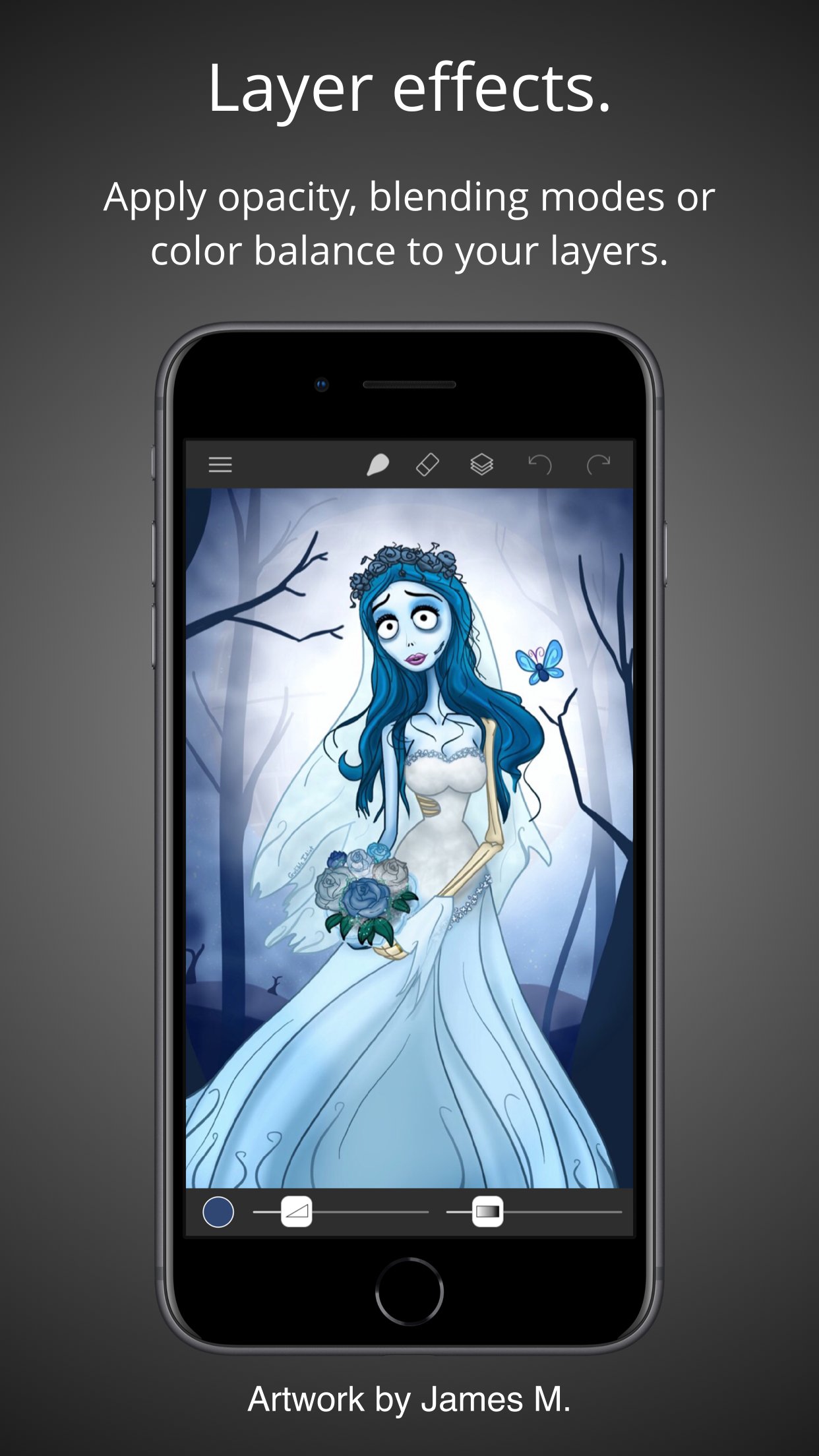
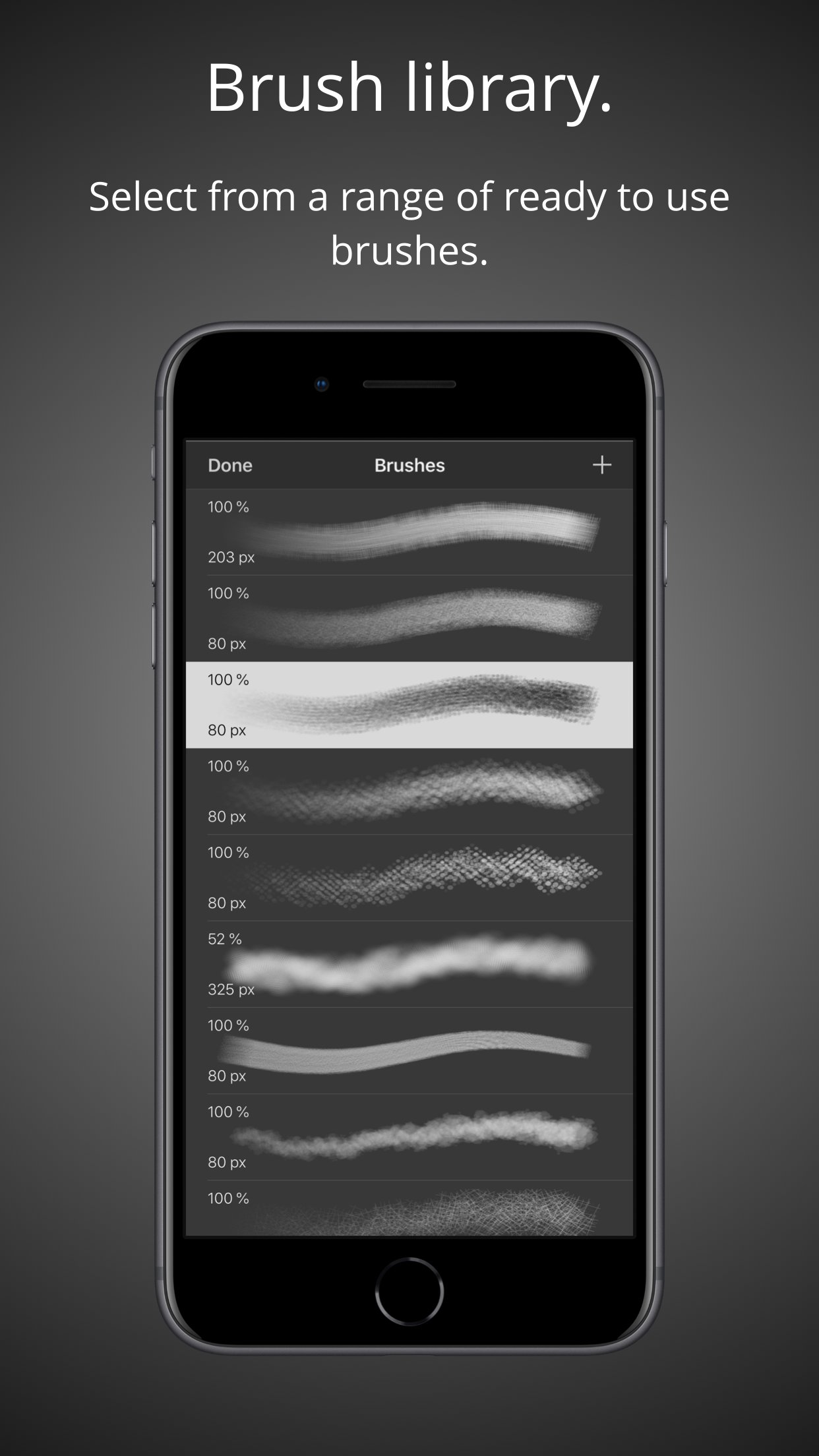
About Brushes
Brushes 4 is the latest iteration of the app that started the iPhone and iPad painting revolution. Redesigned with a clean and modern user interface, Brushes supports iPhone and iPad with optimisation for the iPhone X, iPhone XS, iPhone Pro and iPad with Apple Pencil.
• Highlights:
- Clean and modern user interface with light and dark modes.
- Files based painting gallery.
- New canvas interface.
- Apple Pencil support with pressure curve.
– Unlimited undo and redo.
- Continuous auto-save.
- Cloud Drive import and export.
• Parameterized Brushes:
- Selection of ready to use brushes with customisable settings.
- Create your own custom brushes from millions of permutations.
- Generate random brushes for inspiration.
- Dynamic adjustment of brush size and opacity.
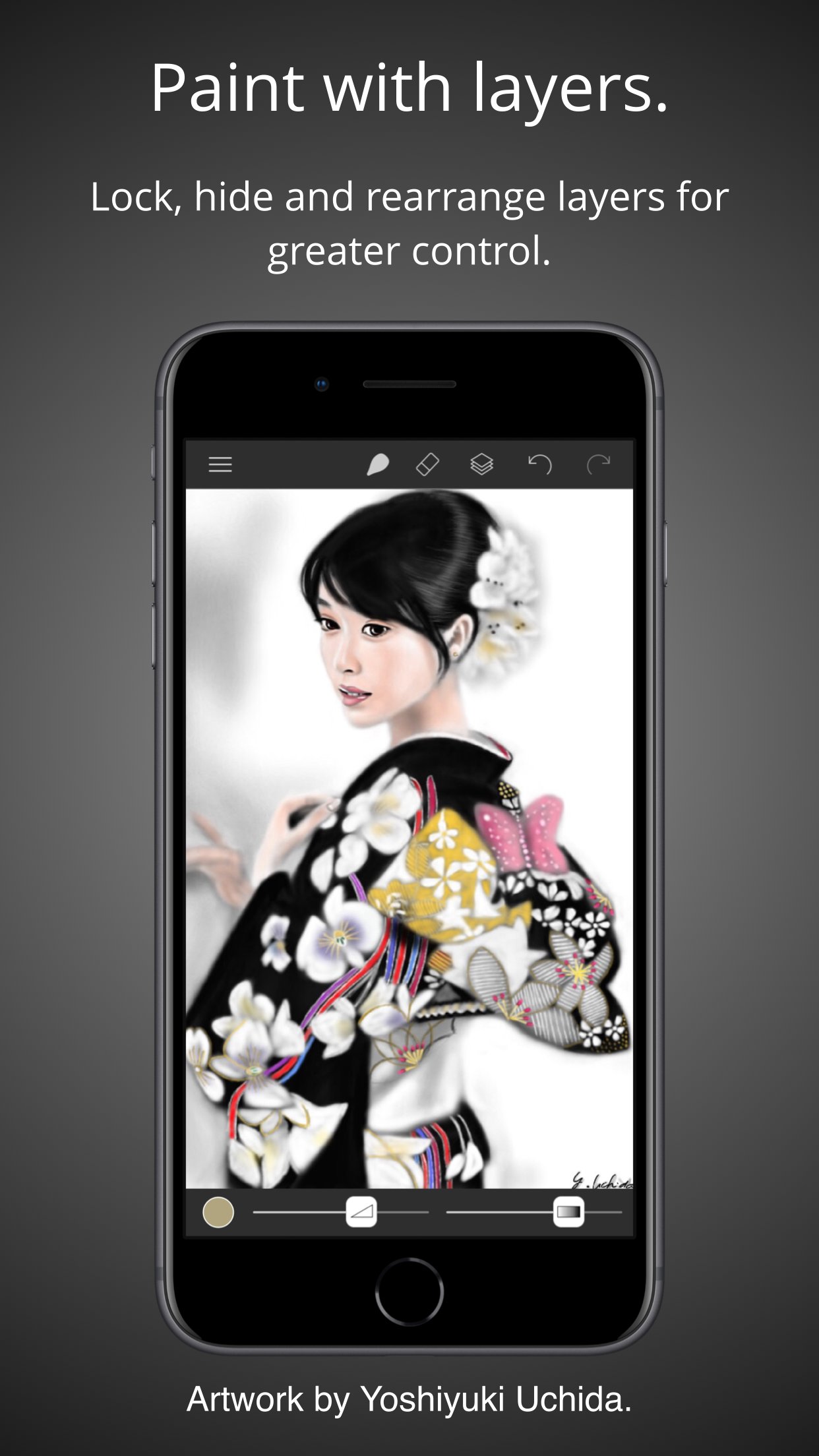
• Layers:
- Layer your artwork for greater control.
– Lock and hide layers.
– Use alpha lock to only paint where pixels already exist.
– Adjust individual layer opacity.
– Duplicate, rearrange and merge layers.
– Apply layer blending modes: normal, multiply, screen, exclude.
- Color fill any layer.
– Invert layer color and desaturate.
– Flip and arbitrarily transform layers.
– Adjust the color balance per layer.
– Adjust layer hue, saturation and brightness.
• Colors:
- Colour picker with hue ring and saturation square.
- Store and recall your favourite colors in swatches.
- Sample painting colors with the eyedropper tool.
• Apple Pencil:
- Intuitive and powerful pressure curve to match your style.
- Configurable realtime pressure based adjustment of brush size and opacity.
• Creation:
- Preset canvas sizes for paper, photographs, iPhone and iPad screens, film and television displays.
- Custom canvas size.
• Import, export and sharing:
- Import images directly from your camera roll.
- Import PNG and JPEG images from cloud services.
- Export your paintings for sharing or importing into other apps as PNG and JPEG to all cloud storage services or as photos directly to your camera roll.
- Compatible with paintings created by Brushes 3 and Brushes Redux.
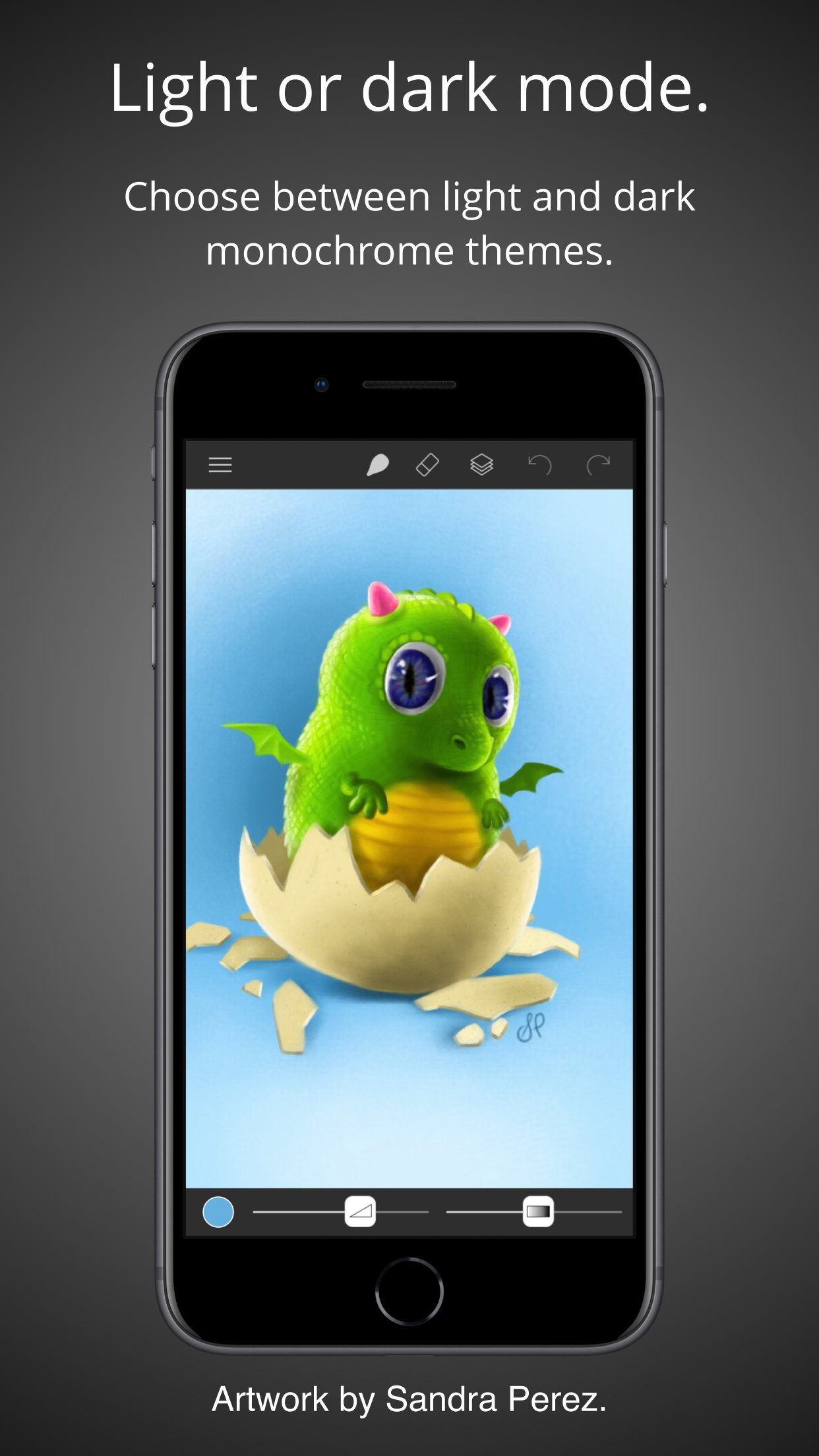
• Light and dark appearances:
- Choose between light and dark monochrome appearances, or current system setting.
- Minimal use of user interface color so that tints in the user interface do not distract from or influence your artwork color choices.
Acknowledgements.
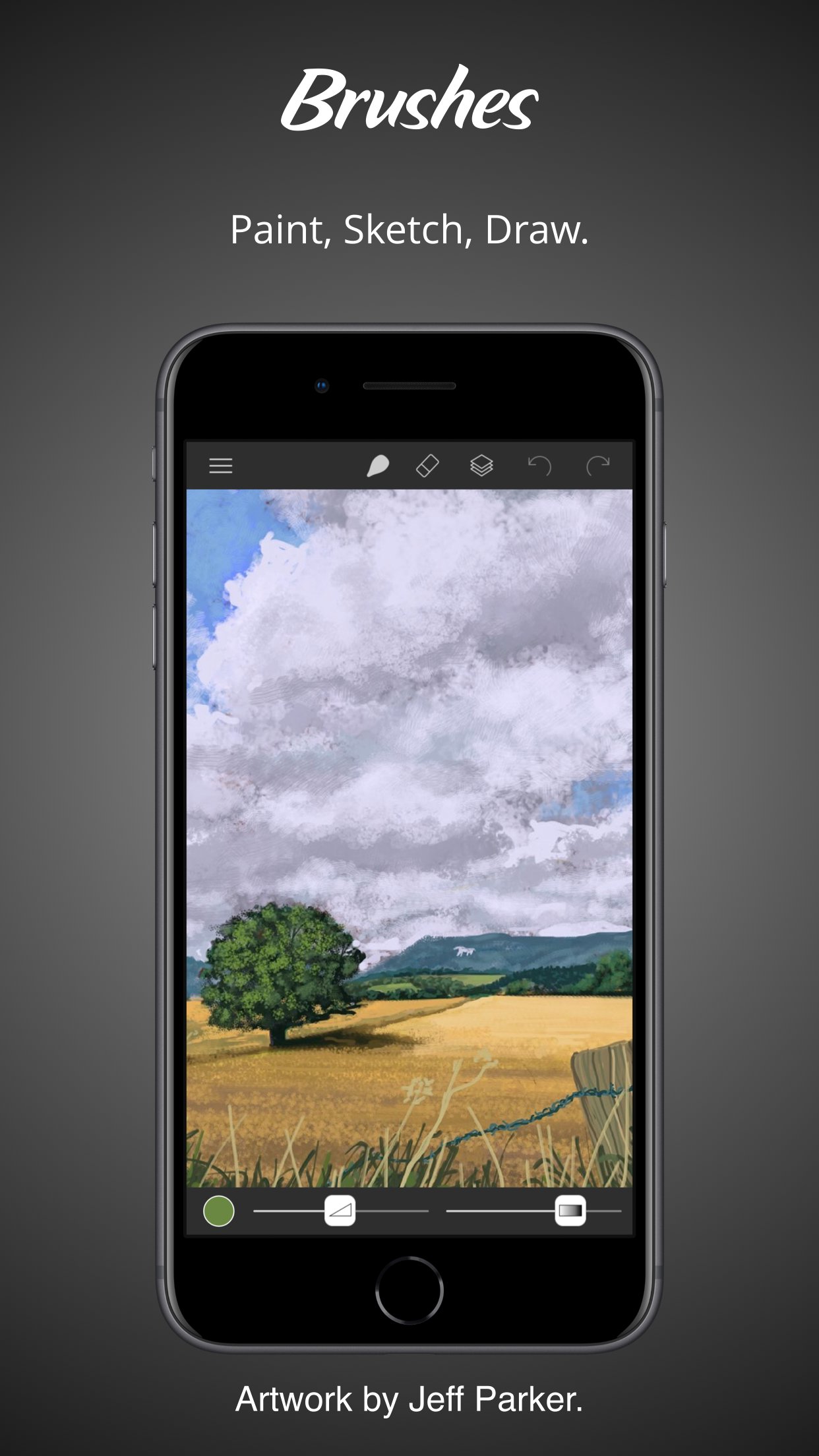
Thank you to Angela Ali, Jason M., Jeff Parker, Sandra Perez and Yoshiyuki Uchida for contributing artwork to the App Store screenshots. Please visit our website to see more of their artwork and for links to their portfolios.
History.
Brushes was originally created by Steve Sprang for iPhone in 2009 and for iPad in 2010. His last version, Brushes 3 was released in 2012, but was removed from the App Store in 2015. I took over development to modernise and support an app that has continued to be enjoyed by so many artists.
License: Commercial
| Release info | Update on Oct 23, 2026 |
|---|---|
| Release notes | Optimised for iPhone Duo. |
| Listing data | App Store |
Reviews
No reviews yet. Be the first to review Brushes.
Used Brushes? Tell other visitors what you thought.
Log in to write a reviewOther products by this publisher
- "No Distractions" for YouTube 4.10 ----
- #Bible 11.6.1 "Incredible App - My sister shared this app with me a few weeks ago and it is truly incredible.
- #filmphotography 1.4.2 So, you decided to shoot on film?
- #LookBusy Fake Calendar Events 1.0.6 Look Busy scans your work calendar for open time slots and fills them with realistic-looking (but secretly fake) work events.
- #Small Talk Is Canceled 1.0.2 #Small Talk Is Canceled — Conversations That Matter
Most viewed iOS Photo & Video
-
1
 Restore Old Photos 1.1.0
Bring old family photos back to life, privately on your iPhone or iPad.
-
2
 Infrared Developer 1.2
Infrared Developer is a photo editor built for infrared photography.
-
3
 ShortDiShow 2.0
Drama Quest Island — An offline interactive short-drama adventure.
-
4
 Face Witness 1.0.4
FaceWitness lets you create a face by putting together individual features.
-
5
 makeART Coloring Book 1.0
Color something beautiful.
-
6
 Infuse 8.5.11
Infuse: Enterprise provides the same great features as the standard version of Infuse and includes permanent access to all Pro features via a traditional paid app.
-
7
 AI Video Generator 2.0.3
Vixel – AI Video Generator
-
8
 OPlayer 4.8
Play all your videos directly without having to convert them!
- 9 #filmphotography 1.4.2 So, you decided to shoot on film?
-
10
 CapCut 20.3.0
CapCut is an all-in-one video editing solution that offers essential editing features, creative effects, AI tools, filters, stickers, and fonts, and a wide range of video templates to empower users to easily create incredible videos regardless of th…
Most downloaded iOS Photo & Video
-
1
 DJI Fly 1.21.18
DJI Fly is designed to help pilots fly drones with ease.
-
2
Infuse 8.5.11
Infuse: Enterprise provides the same great features as the standard version of Infuse and includes permanent access to all Pro features via a traditional paid app.
-
3
 ReelyGo 1.1.60
ReelyGo: Your Daily Drama Escape
-
4
 Analog Radio 3.0
The iPhone and iPad devices don't have the FM/AM radio antenna installed.
-
5
 TurboCollage Automatic 1.2.4
#1 Easy automatic photo collage maker for iPhone & iPad.
-
6
 Rozeta Sequencer Suite 1.3.16
Rozeta is a suite of MIDI sequencers and controllers that lets you explore a new, freeform approach to sequencing and controlling mobile music apps.
-
7
 Treblo 1.6.7
Make songs with the world's best AI music model.
-
8
 Pop Dot Comics 1.48
Create a comic worthy of the Sunday newspaper or your favorite pulp-fiction cover.
-
9
 Sun Scout 1.5.0
If your work or play requires sunlight, Sun Scout is built for you.
-
10
 AGAIN. Rehearsal Notes 2.0.1
AGAIN. is the rehearsal app that remembers why the band stopped — and, new in Version 2, who said what in a writing session or a table read.