Boon 2.23.8
Boon: AI Logo Maker app lets you create a stunning logo for your business or Company in seconds on your iPhone, iPod, and iPad, even if you have no design skills.
Download
931.37 MB
21downloads
7this week
FreeFreeware
0reviews
Screenshots
About Boon
Boon: AI Logo Maker app lets you create a stunning logo for your business or Company in seconds on your iPhone, iPod, and iPad, even if you have no design skills.
— as featured on Product Hunt
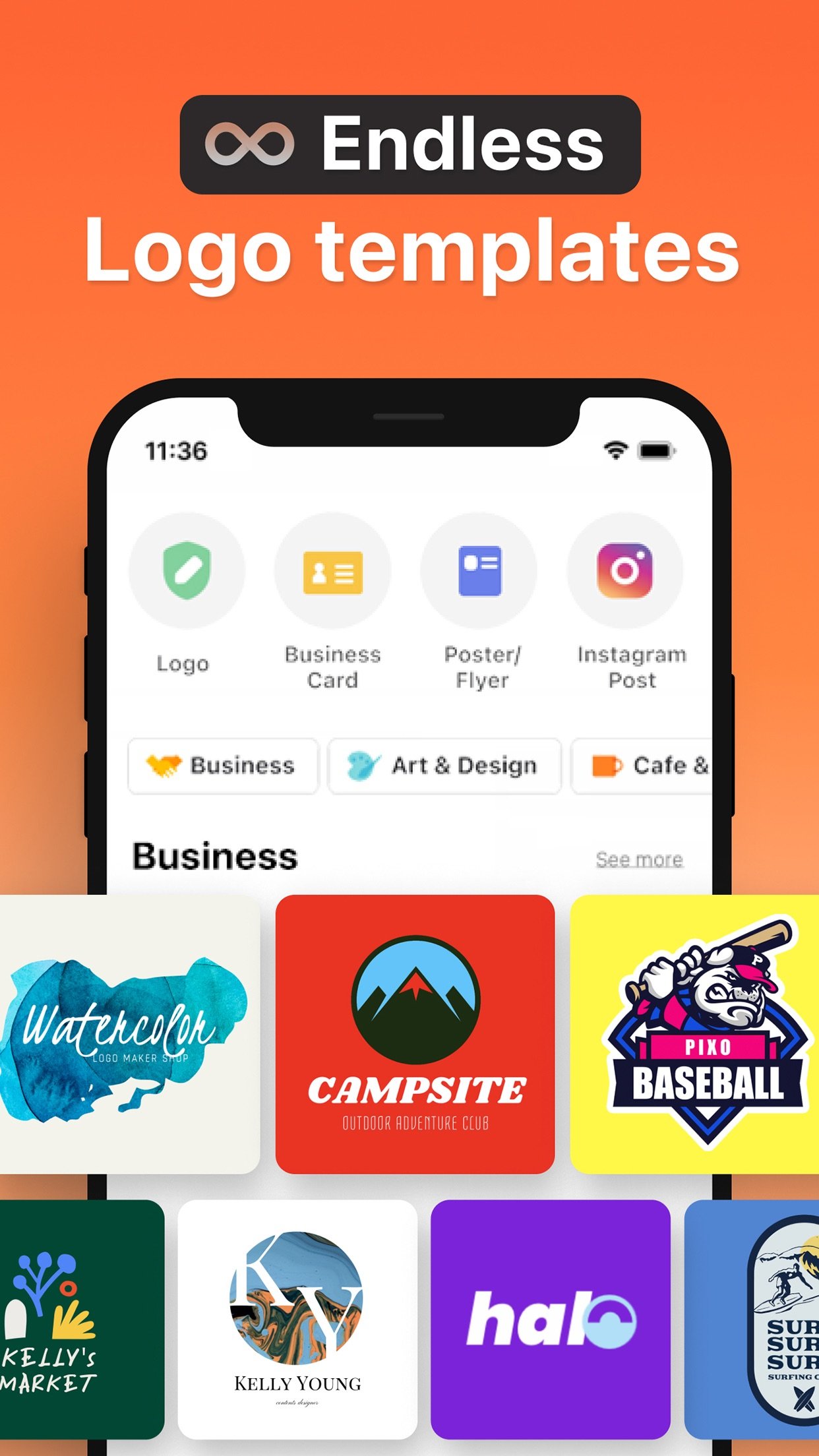
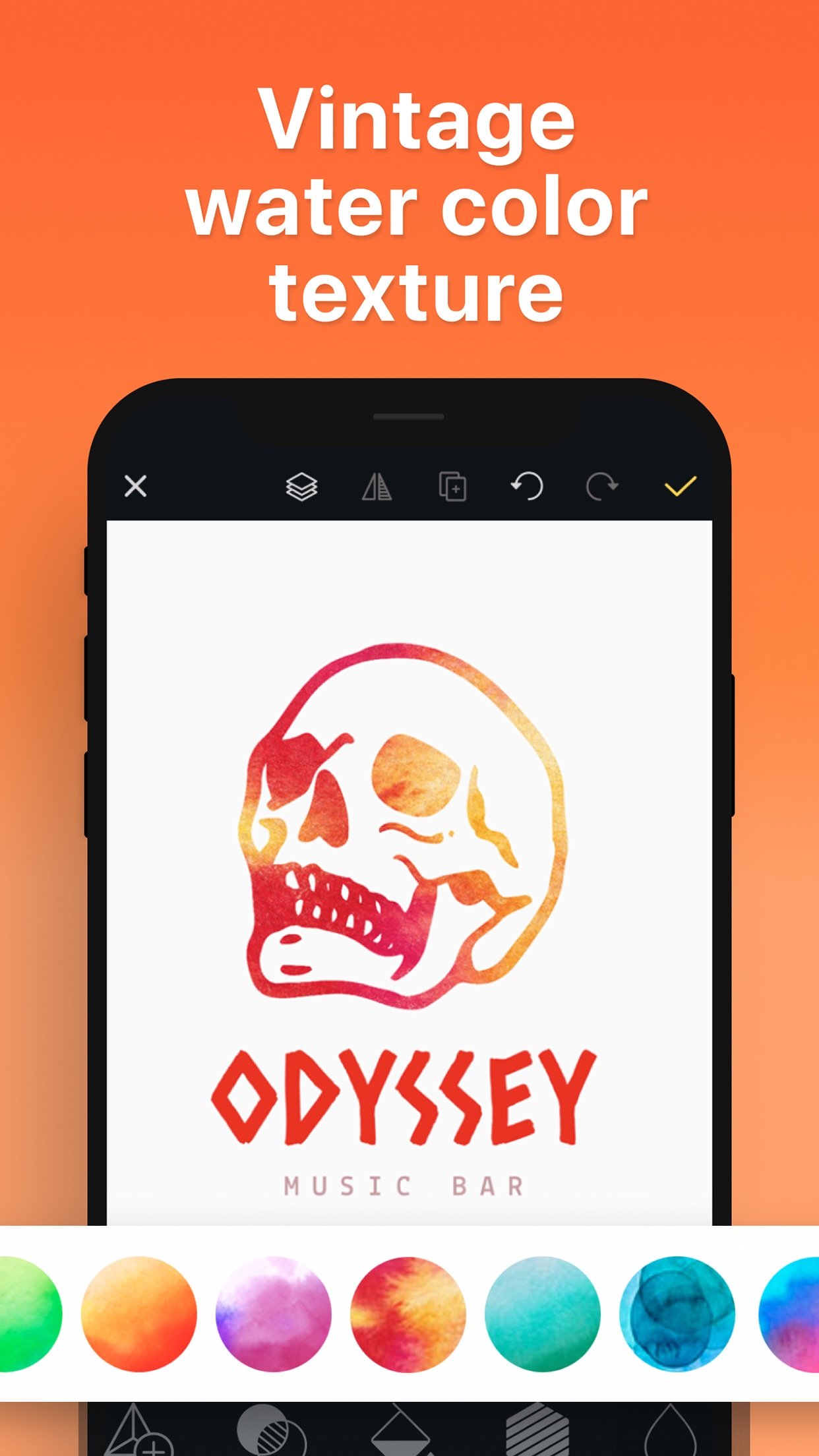
Logo design work doesn’t get simpler than this. Simply choose from over 10K+ customizable logo templates created by professional designers. Then edit your chosen design using more than 6,000 font, symbol, and background design resources.
The best part is that you don’t have to start anything from scratch, so you don’t need any design experience. Just pick a template and get creative!
• 10K+ PRE-MADE LOGO TEMPLATES
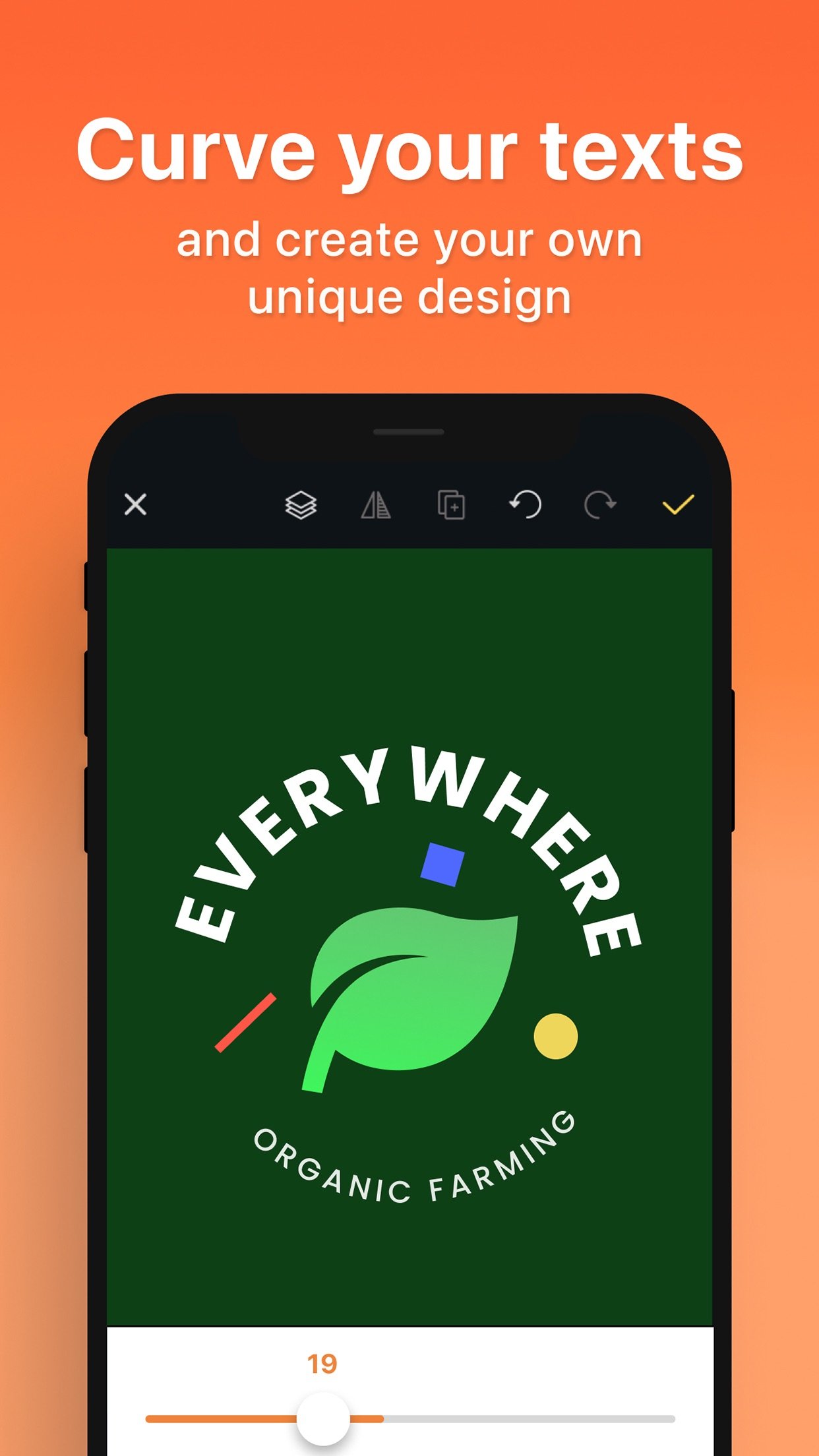
Logo Maker Shop includes a variety of beautiful logo designs, from simple ones to more elaborate combinations. The logo collection has 13 categories for ease of use: Basic, Badge, Iconic, Letter-based, Round, Initial-based, Vintage, Doodle, Animal, Abstract, Colorful, Handwriting, and Cutie. Every element of each logo design is fully adjustable, allowing you to make unique, fully customized logos in minutes.
• 6,000+ DESIGN RESOURCES
Logo Maker Shop has over 6,000 design resources, including fonts, symbols, shapes, icons, and backgrounds. Each resource has been carefully chosen and crafted to give you the ability to create superb logos that stand out from the crowd.
• EDIT YOUR LOGOS ANYTIME, ANYWHERE
Logo Maker Shop is a Universal (iPhone/iPad) app with iCloud support. Whenever you feel inspired, just open the app and tweak your logo. It will be shared between your devices using iCloud.
• AUTO-SAVE FEATURE
Lost your latest logo work? Not with Logo Maker Shop! The app auto-saves your edits and allows you to load your latest work when you re-launch the app.
• HIGH-RESOLUTION EXPORT
Save and share your logos as PNG or JPEG images. Transparent PNG images can be saved up to 4096 x 4096 resolution.
• MOCKUP Visioning
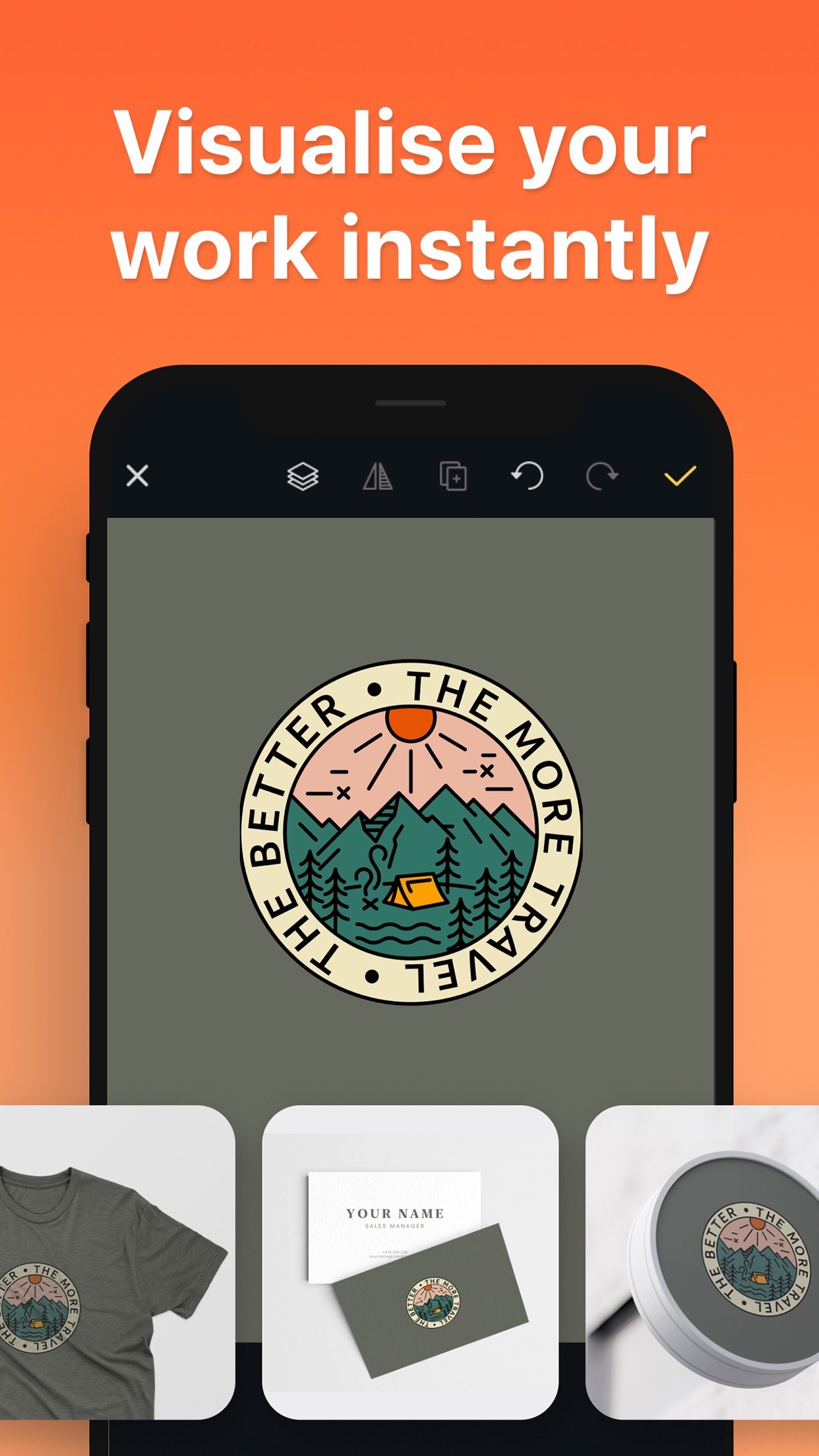
Bring your designs to life and visualize them directly on several media outlets. This includes business cards, signboards, stationary, apparel, etc. The mockups are also downloadable as PDF for you to keep as a reference later on.
• CUT OUT
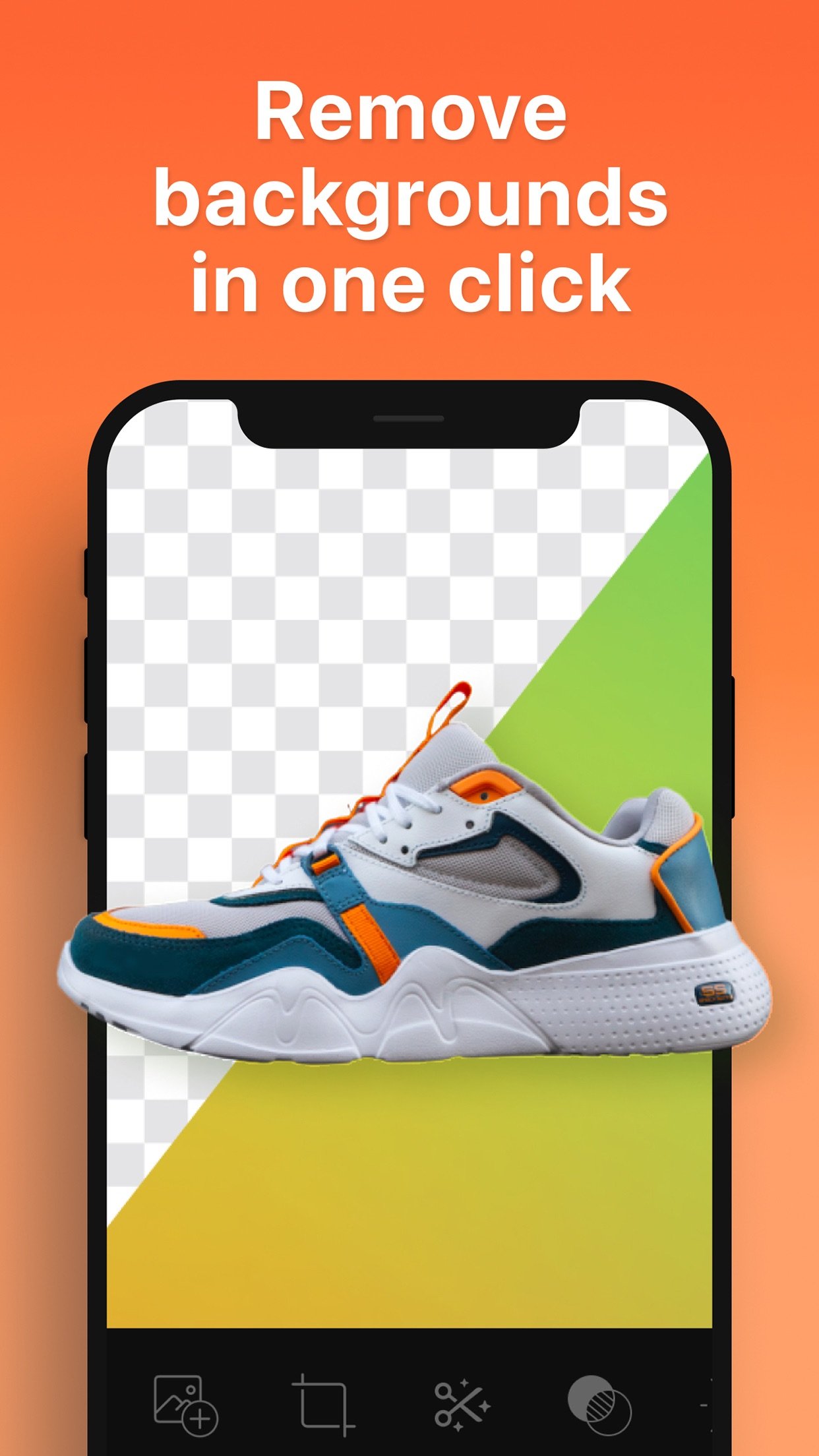
Seamlessly remove the background of any image in one click and apply it to your designs. You can create professional branding templates in seconds.
• MY ASSETS
Use your own assets and elements in any design, and keep them in “My Assets” for a later use!
***
Some features may require in-app purchases.
Instagram: @logomakeshop
Website: [link removed]
[ Support: support@pixo.co ]
----
SUBSCRIPTION PRICING & TERMS
Logo Maker Shop is free to download. Pro Subscription gives you unlimited access to our premium content and features.
- Logo Maker Shop offers four auto-renewing subscription options: $4.99 weekly, $12.99 monthly, $39.99 every 6 months, and $39.99 annually
- These prices are for United States customers. Pricing in other countries may vary, and actual charges may be converted to your local currency depending on the country of residence.
- Payment will be charged to your iTunes Account at confirmation of your subscription
- Subscription automatically renews unless auto-renew is turned off at least 24-hours before the end of the current period
- The account will be charged for renewal within 24-hours prior to the end of the current period, and at the cost of the chosen package
- Any unused portion of a free trial period, if offered, will be forfeited when the user purchases a subscription to that publication, where applicable.
- Your subscription automatically renews unless you turn if off in Account Settings 24+ hours before the end of the billing period.
- You can turn off auto-renew at any time from your iTunes account settings, but refunds will not be provided for any unused portion of the term.
- Alternatively, there is a "Manage Subscription" menu option in the App Settings menu.
Read our terms and conditions at [link removed]
Read our privacy policy at [link removed]
[ Support: support@pixo.co ]
— as featured on Product Hunt
Logo design work doesn’t get simpler than this. Simply choose from over 10K+ customizable logo templates created by professional designers. Then edit your chosen design using more than 6,000 font, symbol, and background design resources.
The best part is that you don’t have to start anything from scratch, so you don’t need any design experience. Just pick a template and get creative!
• 10K+ PRE-MADE LOGO TEMPLATES
Logo Maker Shop includes a variety of beautiful logo designs, from simple ones to more elaborate combinations. The logo collection has 13 categories for ease of use: Basic, Badge, Iconic, Letter-based, Round, Initial-based, Vintage, Doodle, Animal, Abstract, Colorful, Handwriting, and Cutie. Every element of each logo design is fully adjustable, allowing you to make unique, fully customized logos in minutes.
• 6,000+ DESIGN RESOURCES
Logo Maker Shop has over 6,000 design resources, including fonts, symbols, shapes, icons, and backgrounds. Each resource has been carefully chosen and crafted to give you the ability to create superb logos that stand out from the crowd.
• EDIT YOUR LOGOS ANYTIME, ANYWHERE
Logo Maker Shop is a Universal (iPhone/iPad) app with iCloud support. Whenever you feel inspired, just open the app and tweak your logo. It will be shared between your devices using iCloud.
• AUTO-SAVE FEATURE
Lost your latest logo work? Not with Logo Maker Shop! The app auto-saves your edits and allows you to load your latest work when you re-launch the app.
• HIGH-RESOLUTION EXPORT
Save and share your logos as PNG or JPEG images. Transparent PNG images can be saved up to 4096 x 4096 resolution.
• MOCKUP Visioning
Bring your designs to life and visualize them directly on several media outlets. This includes business cards, signboards, stationary, apparel, etc. The mockups are also downloadable as PDF for you to keep as a reference later on.
• CUT OUT
Seamlessly remove the background of any image in one click and apply it to your designs. You can create professional branding templates in seconds.
• MY ASSETS
Use your own assets and elements in any design, and keep them in “My Assets” for a later use!
***
Some features may require in-app purchases.
Instagram: @logomakeshop
Website: [link removed]
[ Support: support@pixo.co ]
----
SUBSCRIPTION PRICING & TERMS
Logo Maker Shop is free to download. Pro Subscription gives you unlimited access to our premium content and features.
- Logo Maker Shop offers four auto-renewing subscription options: $4.99 weekly, $12.99 monthly, $39.99 every 6 months, and $39.99 annually
- These prices are for United States customers. Pricing in other countries may vary, and actual charges may be converted to your local currency depending on the country of residence.
- Payment will be charged to your iTunes Account at confirmation of your subscription
- Subscription automatically renews unless auto-renew is turned off at least 24-hours before the end of the current period
- The account will be charged for renewal within 24-hours prior to the end of the current period, and at the cost of the chosen package
- Any unused portion of a free trial period, if offered, will be forfeited when the user purchases a subscription to that publication, where applicable.
- Your subscription automatically renews unless you turn if off in Account Settings 24+ hours before the end of the billing period.
- You can turn off auto-renew at any time from your iTunes account settings, but refunds will not be provided for any unused portion of the term.
- Alternatively, there is a "Manage Subscription" menu option in the App Settings menu.
Read our terms and conditions at [link removed]
Read our privacy policy at [link removed]
[ Support: support@pixo.co ]
| Release info | Update on Oct 19, 2026 |
|---|---|
| Release notes | What's New • Meet the new AI Agent, designed to help you create logos more intelligently and efficiently. • Improved AI logo creation to better reflect your brand's style and intent. • Create stunning AI product images for your store, social media, and ads. • Minor bug fixes and stability improvements. |
| Listing data | App Store |
Reviews
No reviews yet. Be the first to review Boon.
Used Boon? Tell other visitors what you thought.
Log in to write a reviewOther products by this publisher
- "No Distractions" for YouTube 4.10 ----
- #Bible 11.6 "Incredible App - My sister shared this app with me a few weeks ago and it is truly incredible.
- #filmphotography 1.4.2 So, you decided to shoot on film?
- $quirrel 1.5.1 $quirrel Budget & Finance helps you plan each paycheck, track spending, manage debt, and see what is safe to spend before the next payday.
- % Percentage Calculator Pro 1.41 This is the Pro version of % Percentage Calculator.
Most viewed iOS Photo & Video
-
1
 ShortDiShow 2.0
Drama Quest Island — An offline interactive short-drama adventure.
-
2
 Infuse 8.5.10
Infuse: Enterprise provides the same great features as the standard version of Infuse and includes permanent access to all Pro features via a traditional paid app.
-
3
 AI Video Generator 2.0.2
Vixel – AI Video Generator
-
4
 OPlayer 4.8
Play all your videos directly without having to convert them!
-
5
 Necrometer II 1.2
Necrometer II is a paranormal investigation companion designed for ghost hunters and researchers.
-
6
 CapCut 20.1.0
CapCut offers easy-to-use video editing functions, in-APP fonts and effects, advanced features such as keyframe animation, smooth slow-motion, chroma key, and stabilization, to help you capture and snip moments.
-
7
 Ai Photo 1.1.2
AI Photo Retouch – BG Eraser
- 8 #filmphotography 1.4.2 So, you decided to shoot on film?
-
9
 Treblo 1.6.0
Make songs with the world's best AI music model.
-
10
 Pop Dot Comics 1.48
Create a comic worthy of the Sunday newspaper or your favorite pulp-fiction cover.
Most downloaded iOS Photo & Video
-
1
Infuse 8.5.10
Infuse: Enterprise provides the same great features as the standard version of Infuse and includes permanent access to all Pro features via a traditional paid app.
-
2
 DJI Fly 1.21.18
DJI Fly is designed to help pilots fly drones with ease.
-
3
 Analog Radio 3.0
The iPhone and iPad devices don't have the FM/AM radio antenna installed.
-
4
 TurboCollage Automatic 1.2.4
#1 Easy automatic photo collage maker for iPhone & iPad.
-
5
Treblo 1.6.0
Make songs with the world's best AI music model.
-
6
 ReelyGo 1.1.42
ReelyGo: Your Daily Drama Escape
-
7
 Rozeta Sequencer Suite 1.3.16
Rozeta is a suite of MIDI sequencers and controllers that lets you explore a new, freeform approach to sequencing and controlling mobile music apps.
-
8
 AGAIN. Rehearsal Notes 2.0.1
AGAIN. is the rehearsal app that remembers why the band stopped — and, new in Version 2, who said what in a writing session or a table read.
-
9
Pop Dot Comics 1.48
Create a comic worthy of the Sunday newspaper or your favorite pulp-fiction cover.
-
10
 SSS IPTV, Simple, Smart Super 1.0.2
An Easiest way to watch TV Online or Movies or Series, Bring your Own list M3u,