5downloads
0this week
FreeCommercial
0reviews
Screenshots
About BlockyTime
BlockyTime, A simple time logger no need to tap Start/Stop.
### App Store Featured of 2016 in China ###
### Top 10 Productivity apps in China ###
Everybody has his own demand on tracking time, but most people can't persist on it for long time because the traditional time-tracking App is way too professional, and it costs too much energy to use a stopwatch.
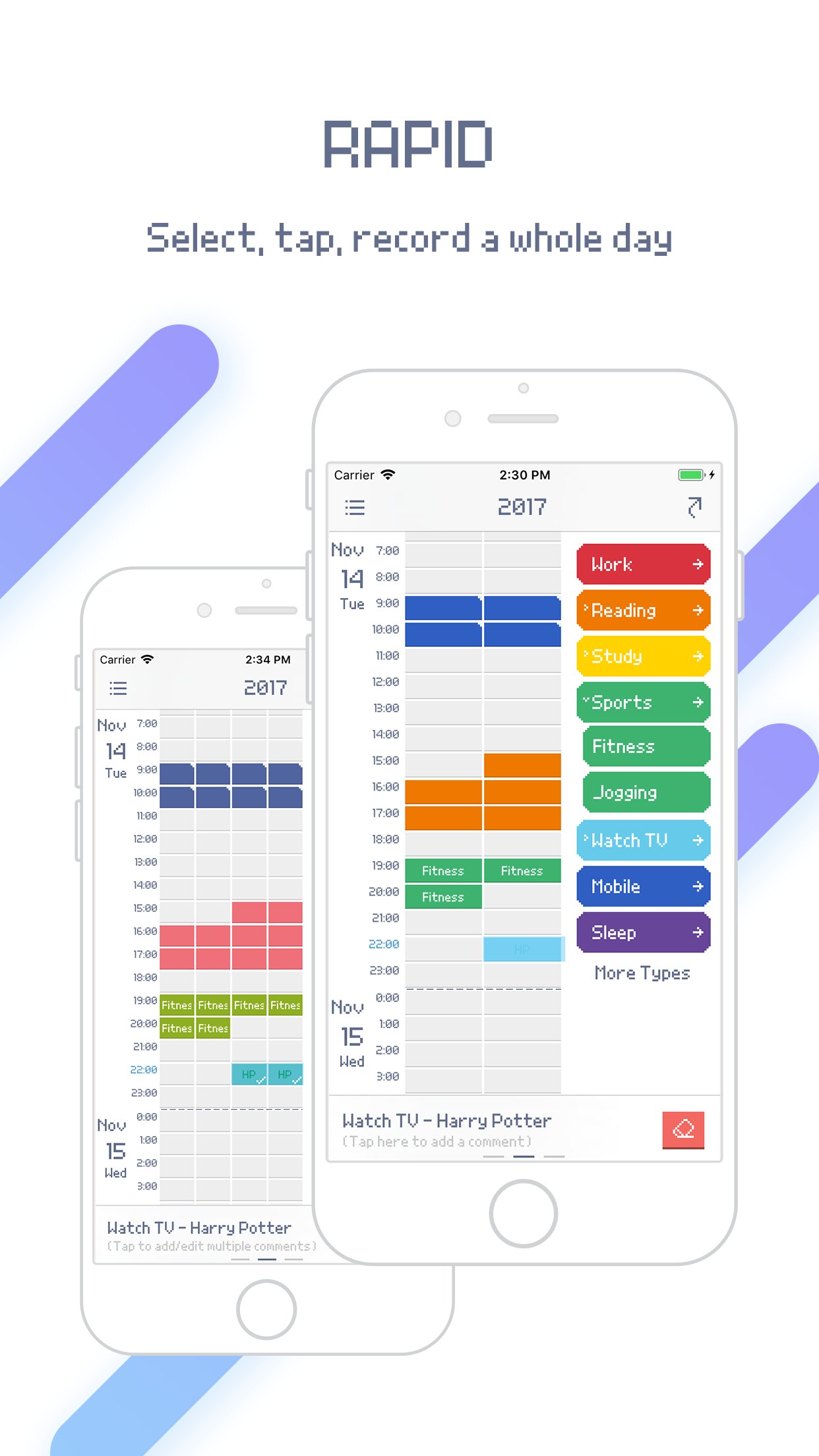
BlockyTime is very different from traditional time-tracking App, it never needs to tap "Start/Stop". Months of research of users experience made us to work out a better tracking method which is more suitable for people's thinking. No worries to forget to start or stop stopwatch, just take a few seconds in leisure time, like playing game, select, tap, a whole day is tracked.
When tracking time no longer has pressure but becomes relaxing, it solves the persistence problem easily. Even people don't has huge perseverance can be good at time management.
[Features]
• Super easy and rapid method to track time spending on every event
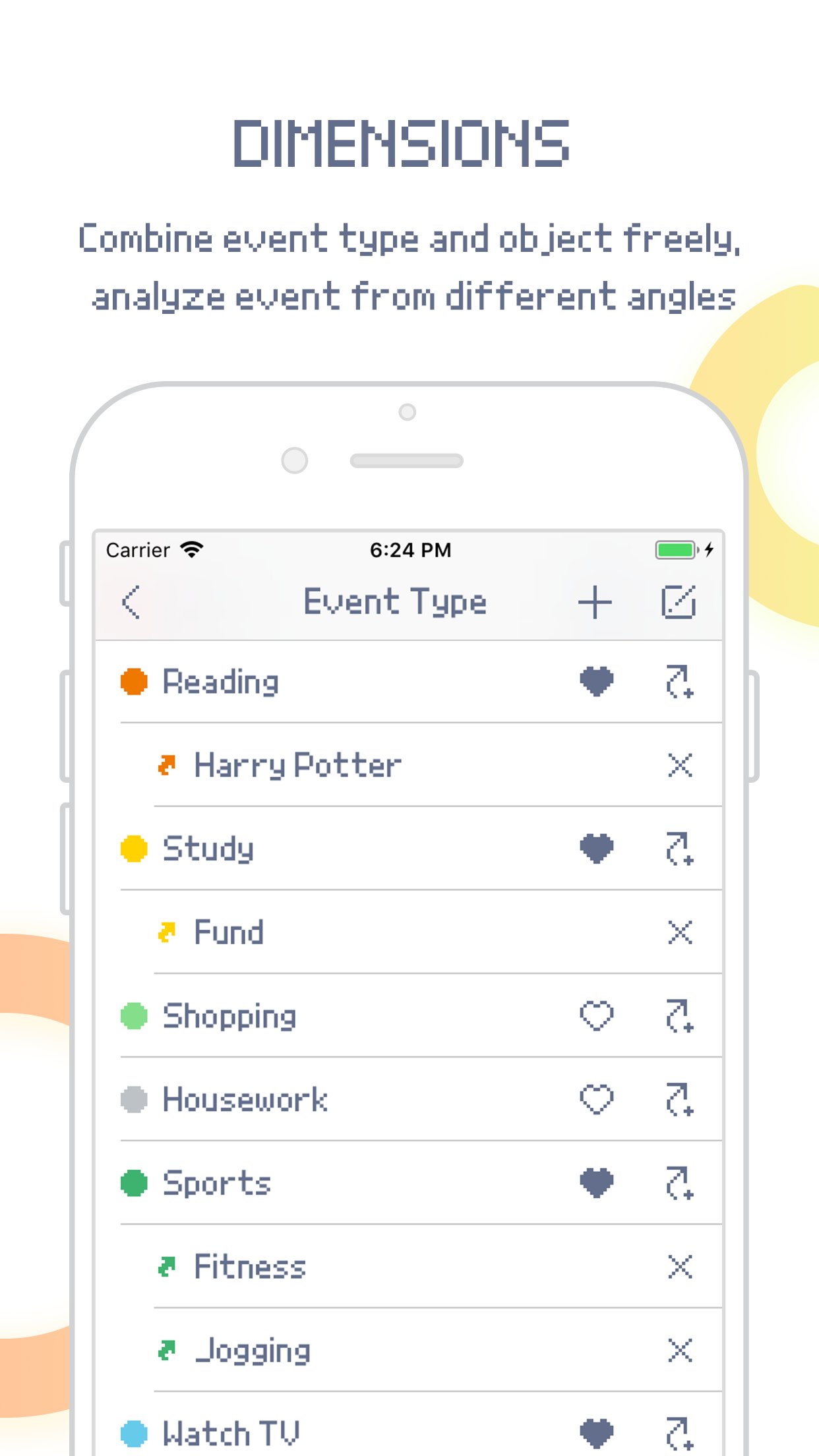
• Custom classification of event
Not only by event type (eg. work, rest), but also by specific details (eg. Game, music), also by priorities (such as four quadrants)
• Unique link of event and object, analyze event from different angle
• Comment, record details of event like writing a diary
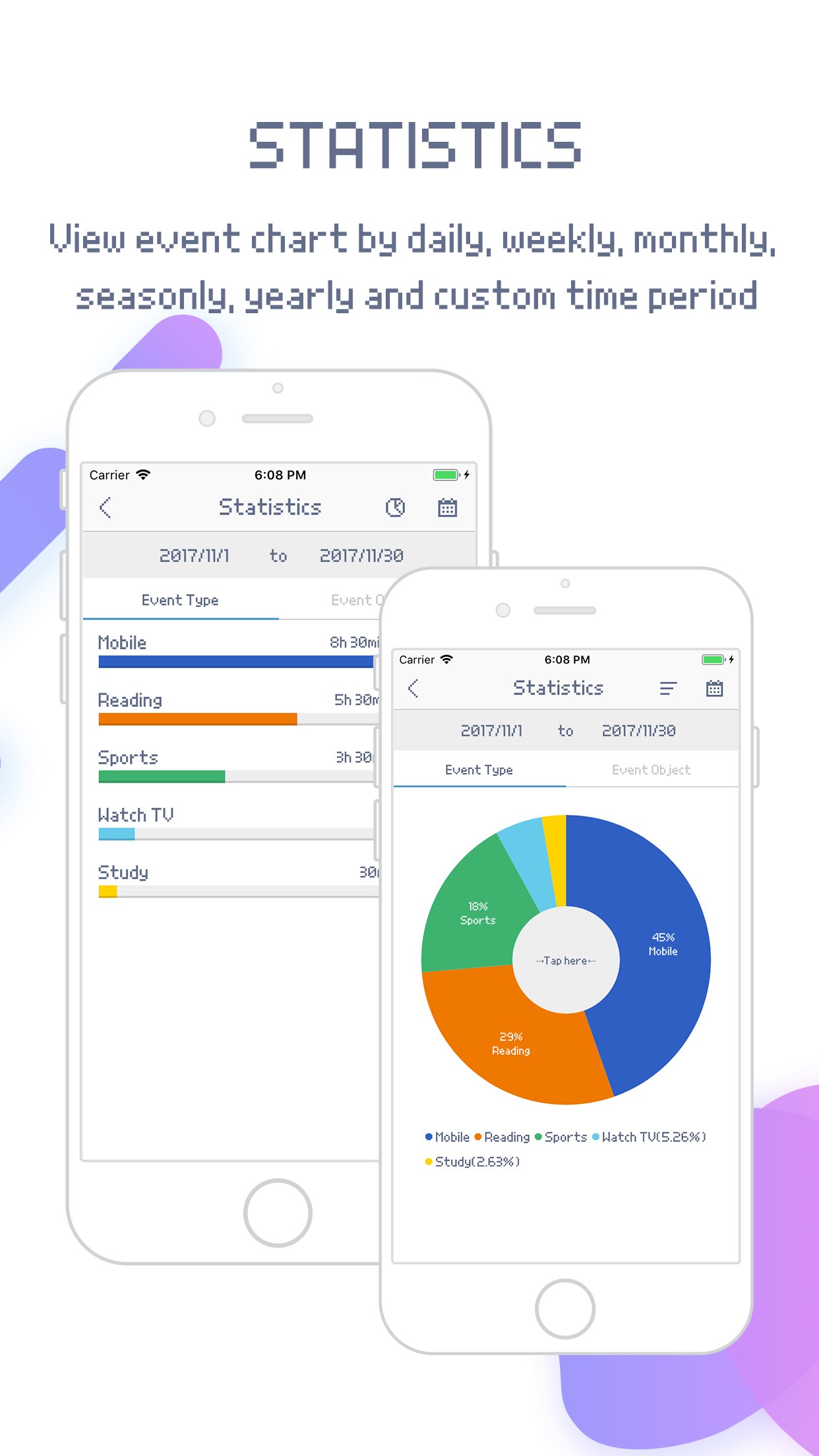
• Statistics, analyze time occupation by pie or bar chart
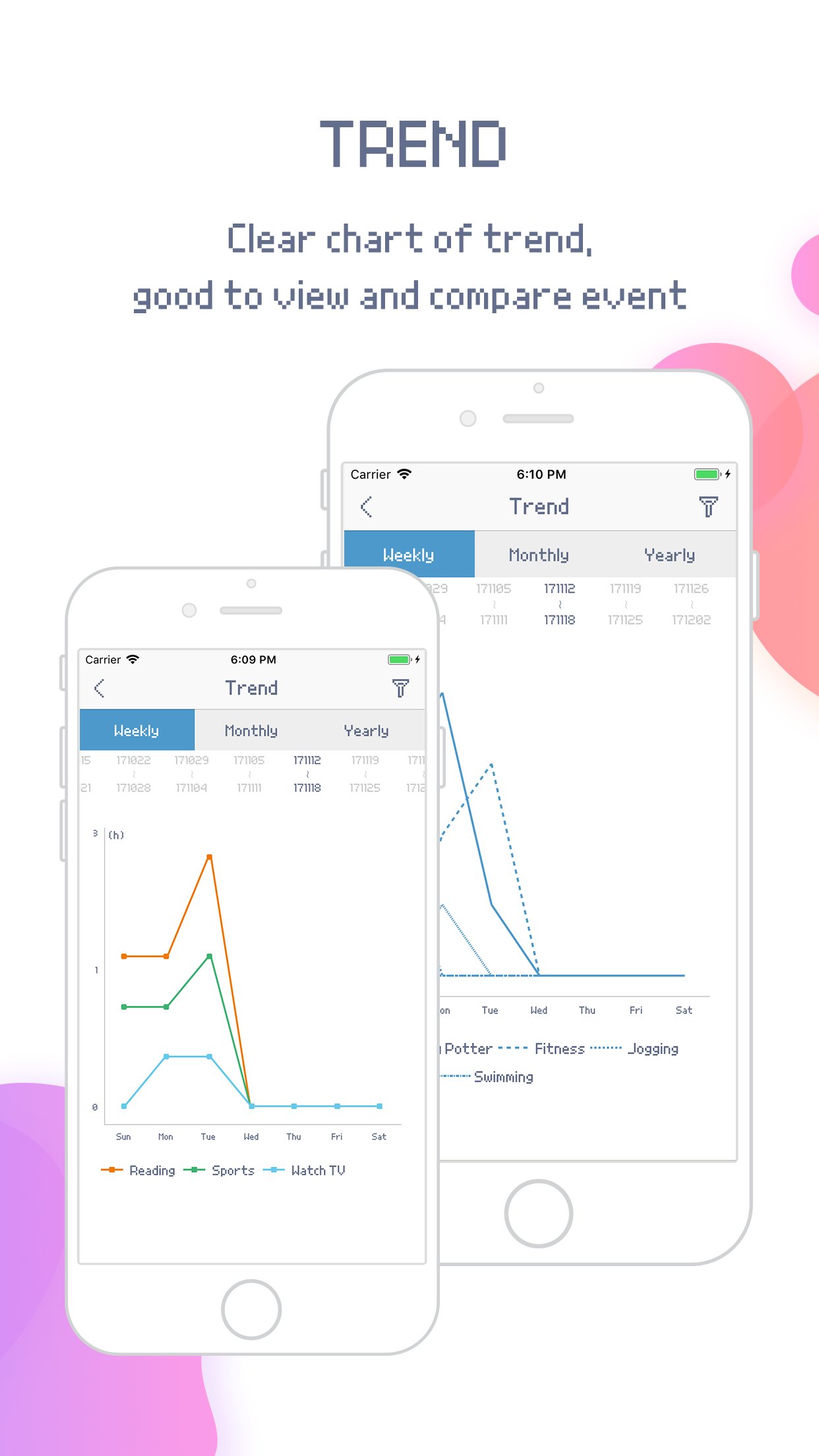
• Trend, check and compare events time spending in line chart by day or month
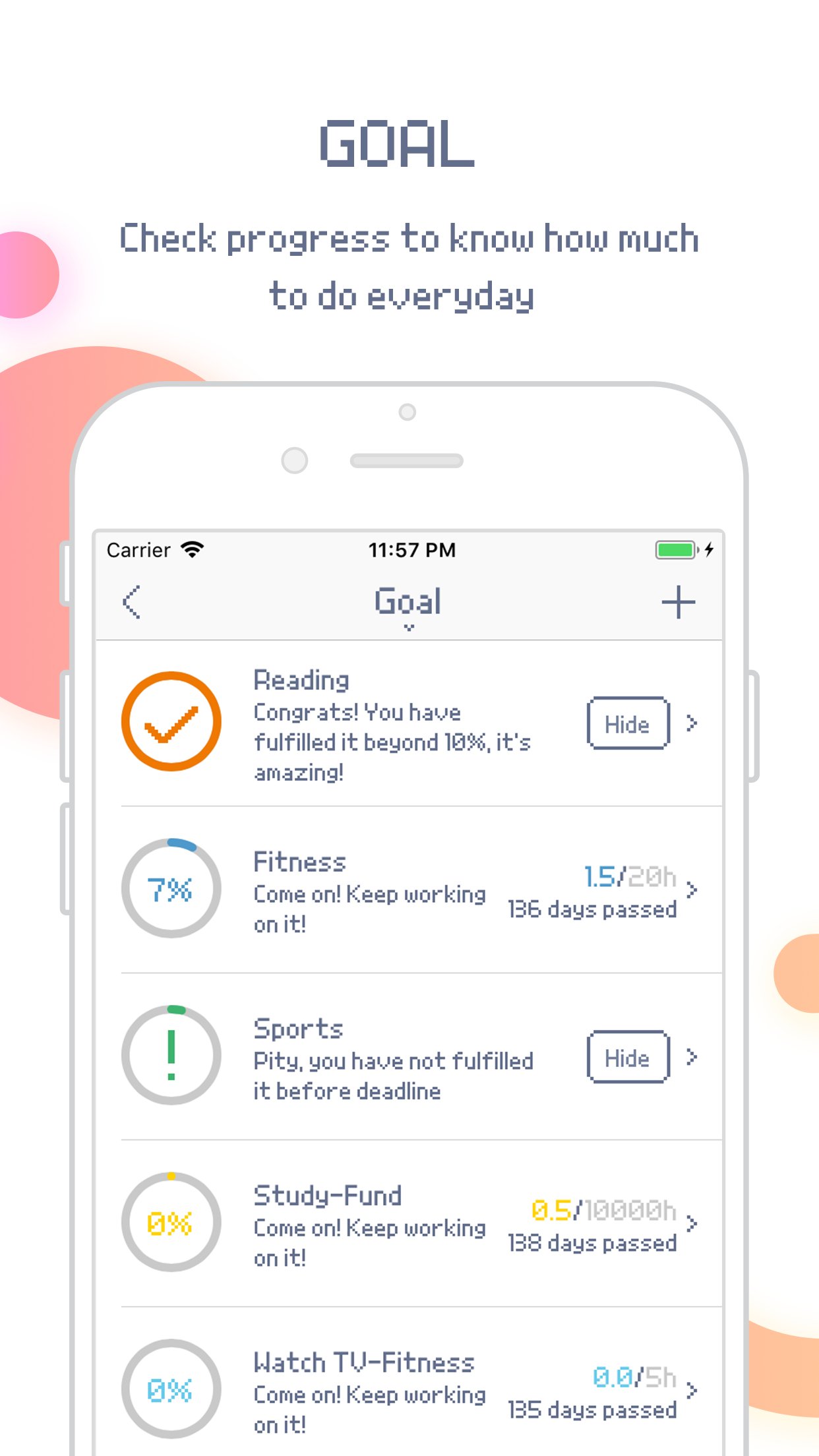
• Goal, such as reach 10000h in 5 years on drawing
• Backup data to iCloud or computer, never lose it
• Selected color themes, and colorblind mode is added
[Suitable for]
• Students
Track time spending on subjects, analyze it and make a better study plan
• Researchers
Track time spending on research, analyze and make a more efficient research plan
• Managers
Who have many projects to do and needs to know time spending on every project
• People with part-time jobs
Track time on every work and analyze earnings
• Salespeople
Record time and frequency of contacting clients
• New moms and dads
Get to know baby's regular life and make a plan to rest
• People haven't know the value of time
Keep tracking time for a while, the statistics will shock you
• People want to analyze time and make him better
• People want to know what costs time
• People are not satisfied with current situation, want to learn how to manage time and improve himself
[Q & A]
Q: Why named "BlockyTime"?
A: Though time is continuous, for rapid tracking, we separate time into blocks by half an hour at the expense of accuracy. This period not only meets the need of statistics, but also is convenient for people to remember event.
Q: Why make 30 minutes a block? This is not accurate.
A: Statistics is meaningful only when people persist for a long time. Look at statistics in week or month, 30 minutes a blocks hardly make negative effects on analysis. Compared to spending more energy to make it accurate, track time quicker, take advantage of saved time on other things makes it better.
Q: I have OCD, inaccuracy makes me uncomfortable.
A: Just stand back and think about it, if you pursue the accuracy, after every time of record, should you add an event called "Tracking time"? Then it takes some time to track this one, so you have to record again, and then, endless loop…
Never spend much time on tracking time, this is truly using time effectively.
[Users' comments]
“The most time-saving tool ever”
“It makes me not to spend time on recording, reveals the essence of tracking. I must rate this truly efficient app”
“One of my favourite time management/tracking apps!”
“Very easy to use and intuitive”
“Easiest time tracking tool I ever used”
“Milestone app of time tracking” -- zhihu.com
If you like this app, just take one minute to rate it, we'll appreciate it!
[Contact me]
Got some ideas in your mind? Let’s get in touch! Say hello to hi@anniapp.com
Or follow us on:
Twitter: @anniApp_com
Instagram: @anniApp_com
License: Commercial
| Release info | New Release on Apr 24, 2026 |
|---|---|
| Release notes | * Fix animation residue on timeline mark or erase + Timeline can be narrowed to enter "Compare Mode" + Settings page contents are searchable + Multi-select: long-press bottom bar can keep selected blocks + "How long time ago" on bottom bar can be set to not display + Bottom bar also shows duration when a block with content is selected + Calendar year/month can be tapped for quick switch + Mark or erase animation can respond with different vibrations ^ Speed up mark animation ^ iCloud backups will paginate when there are many ones |
| Listing data | App Store |
Reviews
No reviews yet. Be the first to review BlockyTime.
Used BlockyTime? Tell other visitors what you thought.
Log in to write a reviewOther products by this publisher
- "No Distractions" for YouTube 4.10 ----
- #Bible 11.6.1 "Incredible App - My sister shared this app with me a few weeks ago and it is truly incredible.
- #filmphotography 1.4.2 So, you decided to shoot on film?
- #LookBusy Fake Calendar Events 1.0.6 Look Busy scans your work calendar for open time slots and fills them with realistic-looking (but secretly fake) work events.
- #Small Talk Is Canceled 1.0.2 #Small Talk Is Canceled — Conversations That Matter
Most viewed iOS Productivity
-
1
 WordPress 27.4
Manage or create your WordPress blog or website right from your iOS device: create and edit posts and pages, upload your favorite photos and videos, view stats and reply to comments.
- 2 Voice Translator - Alive 1.6 Translation app that turns your iPhone into an interpreter instantly.
-
3
 Life360 26.45.0
Whether at home, online, or on the move, our comprehensive family safety features bring peace of mind to your loved ones AND help safeguard your personal belongings.
-
4
 Claude by Anthropic 1.261119.19
Meet Claude, your AI problem solver and thinking partner.
-
5
 WristMemo 2.0
WristMemo turns your Apple Watch into an all-day voice recorder.
- 6 "No Distractions" for YouTube 4.10 ----
-
7
 Colicine 1.3.0
Have you ever been there—
- 8 (beat) for iOS 0.5.10 An elegant Fountain screenwriting app, created by a screenwriter for screenwriters.
-
9
 DeepSeek 2.9.0
Experience seamless interaction with DeepSeek's official AI assistant for free!
-
10
 Howbout 16.8.0
The shared calendar for friends, couples, and family
Most downloaded iOS Productivity
- 1 Voice Translator - Alive 1.6 Translation app that turns your iPhone into an interpreter instantly.
-
2
 SessionsAI 1.2.1
Sessions AI is a private AI workspace that runs entirely on your iPhone, iPad, or Mac.
-
3
DeepSeek 2.9.0
Experience seamless interaction with DeepSeek's official AI assistant for free!
-
4
 Voices AI 1.16.17
Discover Voices, the premier voice transformation app designed exclusively for iOS.
-
5
 Block Distracting Websites 1.11
"It's a great way to save time, and stop browsing Reddit when you should be doing coursework."
-
6
 Plot Digitizer 1.4.1
Plot Digitizer is an app to extract numerical data from plot images.
-
7
 Google Docs 1.2026.47103
Create, edit, and collaborate on online documents with the Google Docs app.
-
8
 MyHyundai with Bluelink 5.4.6
The MyHyundai app makes getting information about your Hyundai vehicle easier than ever.
-
9
 Pixy Mood Tracker 1.110.0
Track your mood, one pixel at a time.
-
10
 Minder 1.4
Minder turns your phone into a pair of eyes that watch you work.