
Before and After Pro Slider 3.2.4
Important: please read the app's description before acquiring the app.
Download
76.30 MB
17downloads
2this week
FreeCommercial
0reviews
Screenshots
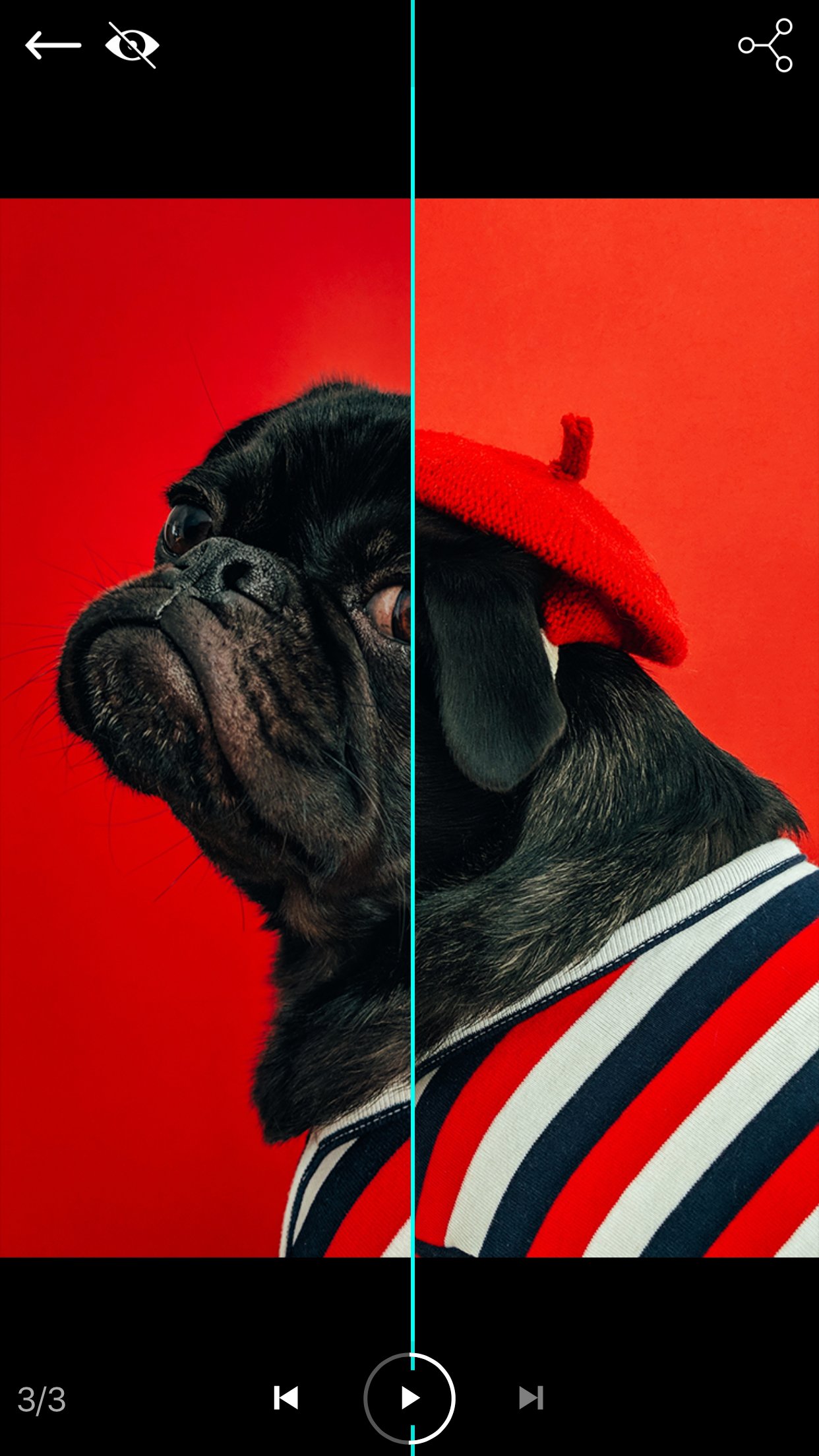
About Before and After Pro Slider
Important: please read the app's description before acquiring the app.
The manual sliding functionality is only available inside the app (you will not be able to drag the slider after sharing the slideshow video on a social platform).
The app is compatible with iPhone 5s, iPad 5th gen, iPad Mini 2nd gen or newer devices.
Try before you buy: look for Before and After Photo Compare
Main features of Before and After Pro Slider:
- no ads
- easy to use with detailed How To Use screen
- English and Russian language support
- the settings and slides are automatically saved and will be used when you start the app again
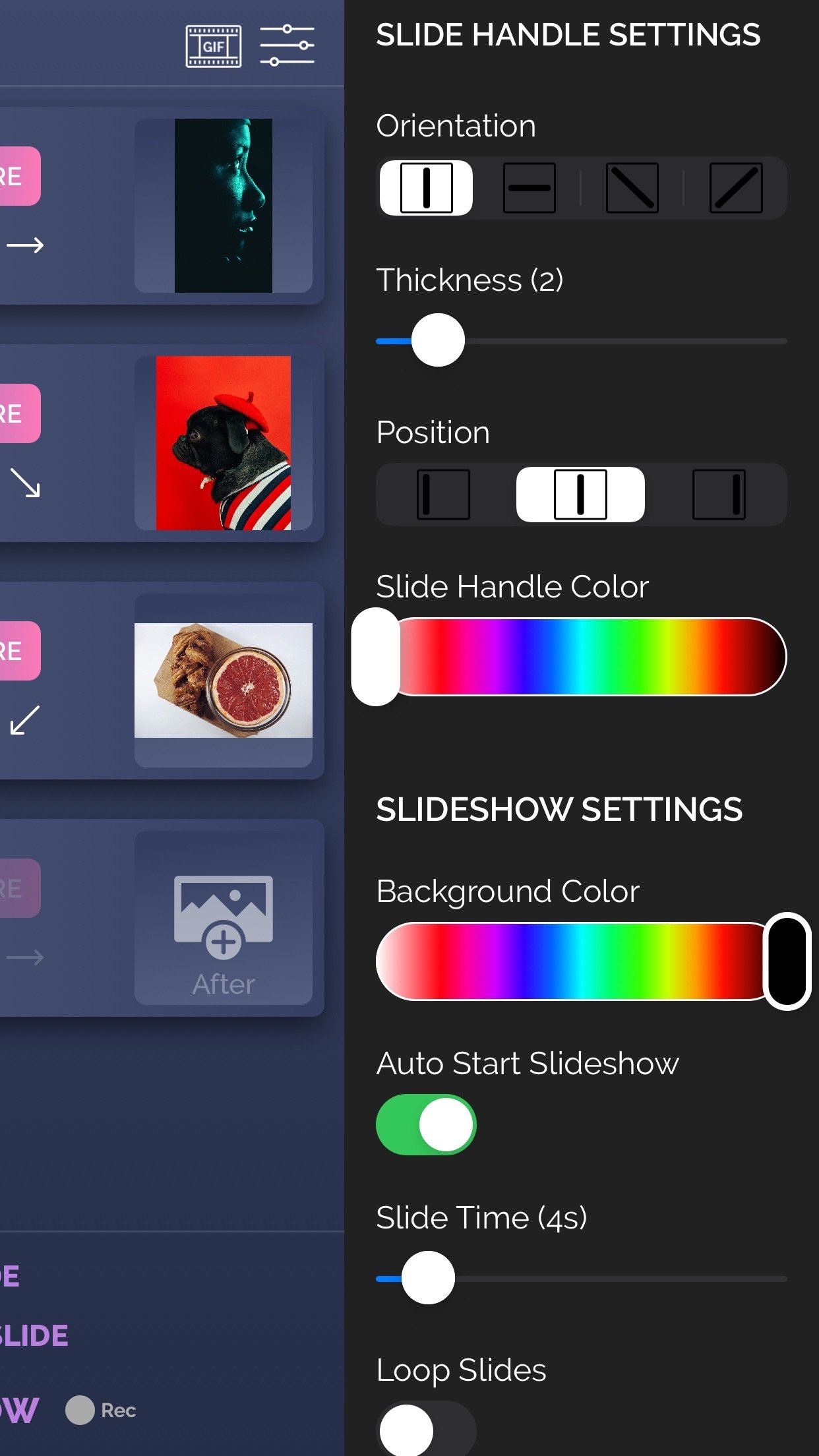
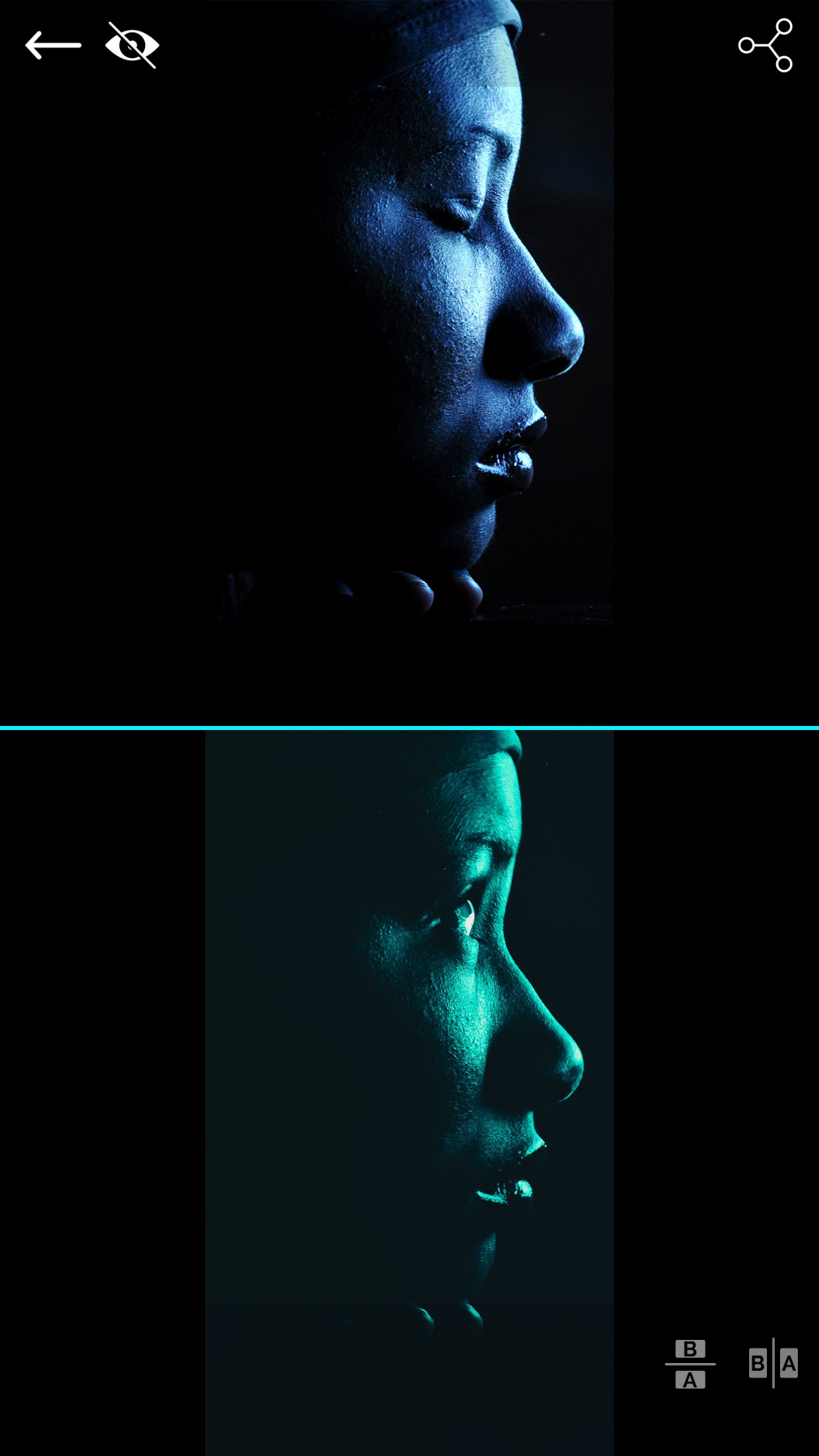
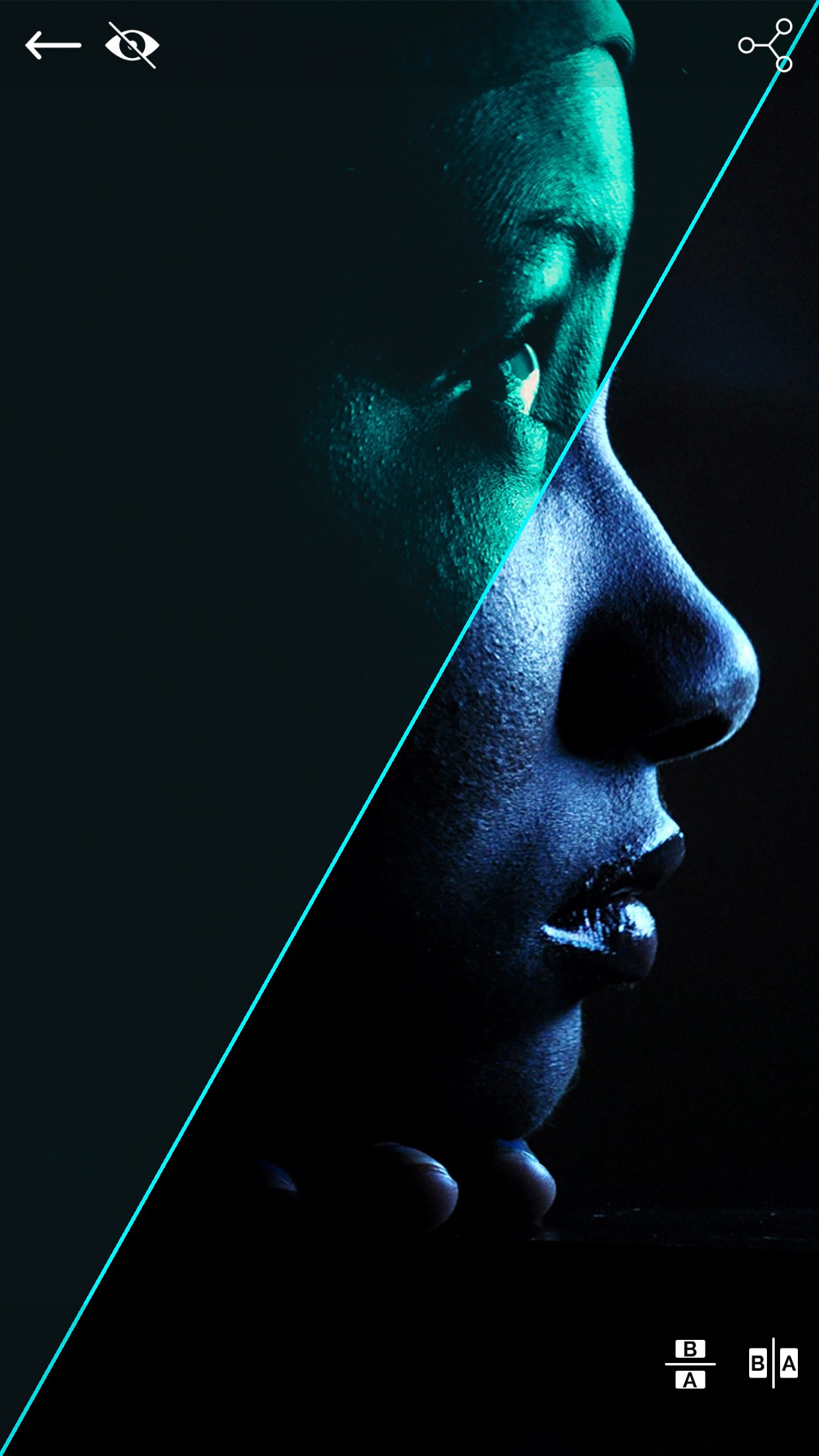
- 2 Image Compare mode where you can manually drag the slider (vertically, horizontally, oblique or reverted oblique). In this screen you can access the Side by Side mode by pressing the button in the bottom right corner
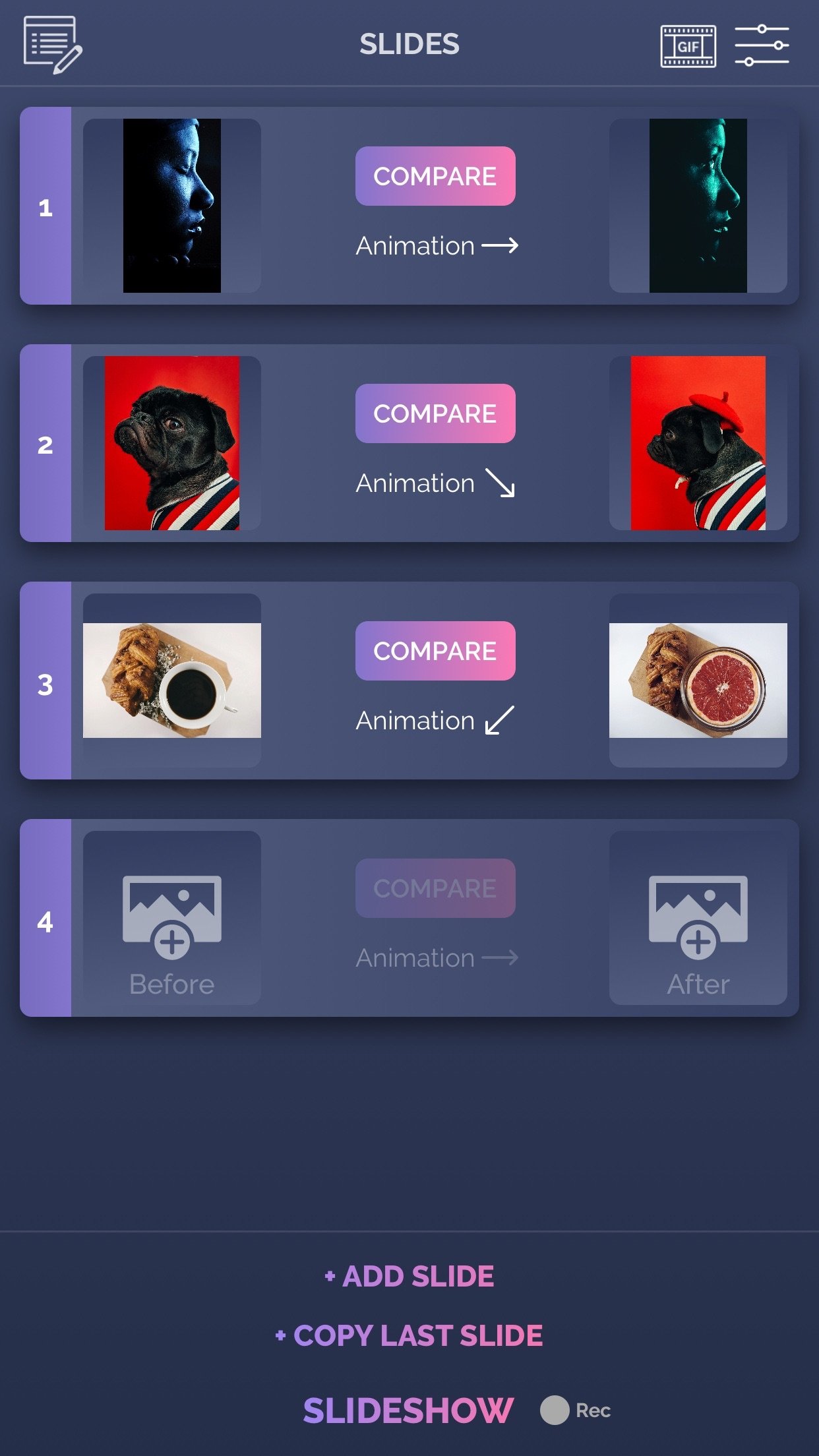
- Slideshow mode where you can present your before/after slides (30 max) in an animated way. The reveal animation will run by itself for each slide.
- you can preview the existing before/after image when taking a new picture
- you can control the direction of each slide in the slideshow and also you can duplicate the last slide
- you can record the slideshow and then trim it before saving or sharing it.
- you can convert your recorded slideshow (or any other video) to an animated GIF
- ability to save/share a snapshot of the current slide. Only a screenshot will be saved/shared, so you won't have the slider functionality when you perform this operation.The recording feature is built into iOS and it can behave strangely sometimes, so please be aware of this. If you experience issues, a device restart is required.
How to use:
- tap on the before/after image slots to load the images from the Library (or take a new one with the camera). You can load both before/after images at the same time (if both slots are open). Optionally, you can load a logo (for best results, use a png image with transparency) that will be shown in one of the corners when you are in Slideshow mode
- modify the slide handle/slideshow settings to match your needs
- once both images are loaded, tap on the Compare button and drag the slider with your finger
- to create Slideshow, the before and after images for the current slide must be present (valid only for the first slide). Once the images are loaded and you altered to settings to match your preferenes, tap on the Slideshow button and watch it run automatically. To add a new slide, tap on the Add Slide button at the bottom of the screen and then add images to it. You can edit the slides order by going into the Edit mode (top left button)
- to add background music to the Slideshow, from the side menu, tap the Pick Song button and load a song from your device's library. Next time you press the Slideshow button, the song will play.
- to hide the top and bottom control bars in 2 Image Compare/Slideshow mode, tap on the eye icon in the top right corner. To show them again, double tap or long press on the device's screen
- To record, activate the Rec button and then press the Slideshow button. The recording will stop once the slideshow is finished, and you will be presented with the resulting video. From there you will be able to trim it before saving/sharing it.
- To export a slideshow recording to GIF, then press the GIF button in the top right corner, load the slideshow video, trim it (20 seconds maximum), then press EXPORT GIF button and then save/share it.
The app is suitable for those who want to compare the before and after images (to see weight loss or diet/fitness program results, makeup or aesthetic transformation etc) or to impress their friends/bosses/clients with the work they've done, by presenting them the stages of their work in a cool way.
If you're having trouble loading images, try turning on the User Regular Image Picker switch in the side menu settings.
Enjoy this app and don't forget to contact us through the app's contact form if you have something to say!
License: Commercial
| Release info | New Release on Jun 19, 2023 |
|---|---|
| Release notes | iOS Fixes |
| Listing data | App Store |
Reviews
No reviews yet. Be the first to review Before and After Pro Slider.
Used Before and After Pro Slider? Tell other visitors what you thought.
Log in to write a reviewOther products by this publisher
- "No Distractions" for YouTube 4.10 ----
- #Bible 11.6.1 "Incredible App - My sister shared this app with me a few weeks ago and it is truly incredible.
- #filmphotography 1.4.2 So, you decided to shoot on film?
- #LookBusy Fake Calendar Events 1.0.6 Look Busy scans your work calendar for open time slots and fills them with realistic-looking (but secretly fake) work events.
- #Small Talk Is Canceled 1.0.2 #Small Talk Is Canceled — Conversations That Matter
Most viewed iOS Photo & Video
-
1
 Restore Old Photos 1.1.0
Bring old family photos back to life, privately on your iPhone or iPad.
-
2
 Infrared Developer 1.2
Infrared Developer is a photo editor built for infrared photography.
-
3
 Face Witness 1.0.4
FaceWitness lets you create a face by putting together individual features.
-
4
 ShortDiShow 2.0
Drama Quest Island — An offline interactive short-drama adventure.
-
5
 makeART Coloring Book 1.0
Color something beautiful.
-
6
 Infuse 8.5.11
Infuse: Enterprise provides the same great features as the standard version of Infuse and includes permanent access to all Pro features via a traditional paid app.
-
7
 AI Video Generator 2.0.3
Vixel – AI Video Generator
-
8
 Mixbook 5.10.1
Mixbook is a photo book app, rated #1 by Wirecutter and Digital Camera World, that turns the photos on your iPhone into curated Stories and prints them as premium photo books, photo albums, and magazines-style books.
-
9
 OPlayer 4.8
Play all your videos directly without having to convert them!
- 10 #filmphotography 1.4.2 So, you decided to shoot on film?
Most downloaded iOS Photo & Video
-
1
 DJI Fly 1.21.18
DJI Fly is designed to help pilots fly drones with ease.
-
2
Infuse 8.5.11
Infuse: Enterprise provides the same great features as the standard version of Infuse and includes permanent access to all Pro features via a traditional paid app.
-
3
 ReelyGo 1.1.60
ReelyGo: Your Daily Drama Escape
-
4
 Analog Radio 3.0
The iPhone and iPad devices don't have the FM/AM radio antenna installed.
-
5
 TurboCollage Automatic 1.2.4
#1 Easy automatic photo collage maker for iPhone & iPad.
-
6
 Rozeta Sequencer Suite 1.3.16
Rozeta is a suite of MIDI sequencers and controllers that lets you explore a new, freeform approach to sequencing and controlling mobile music apps.
-
7
 Treblo 1.6.7
Make songs with the world's best AI music model.
-
8
 Sun Scout 1.5.0
If your work or play requires sunlight, Sun Scout is built for you.
-
9
 Local AI Art Private Diffusion 1.6
If you are the kind of person who values privacy and wants to keep your generated images private, our software is the perfect solution for you.
-
10
 AGAIN. Rehearsal Notes 2.0.1
AGAIN. is the rehearsal app that remembers why the band stopped — and, new in Version 2, who said what in a writing session or a table read.