
Beastcam 1.24
Beastcam makes it easier than ever to capture the best possible photos and videos on your iPhone.
Download
35.36 MB
15downloads
0this week
FreeCommercial
0reviews
Screenshots
About Beastcam
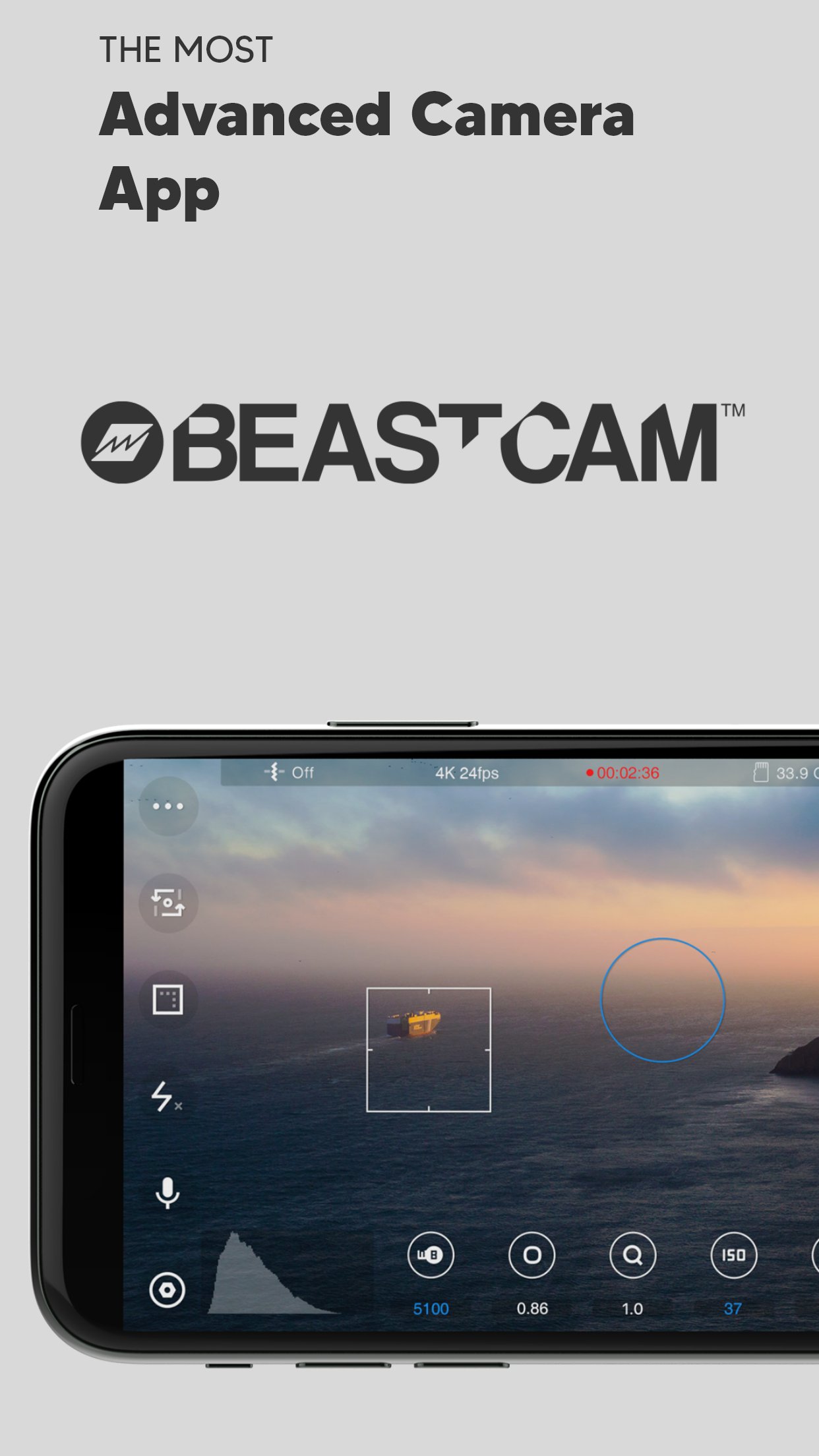
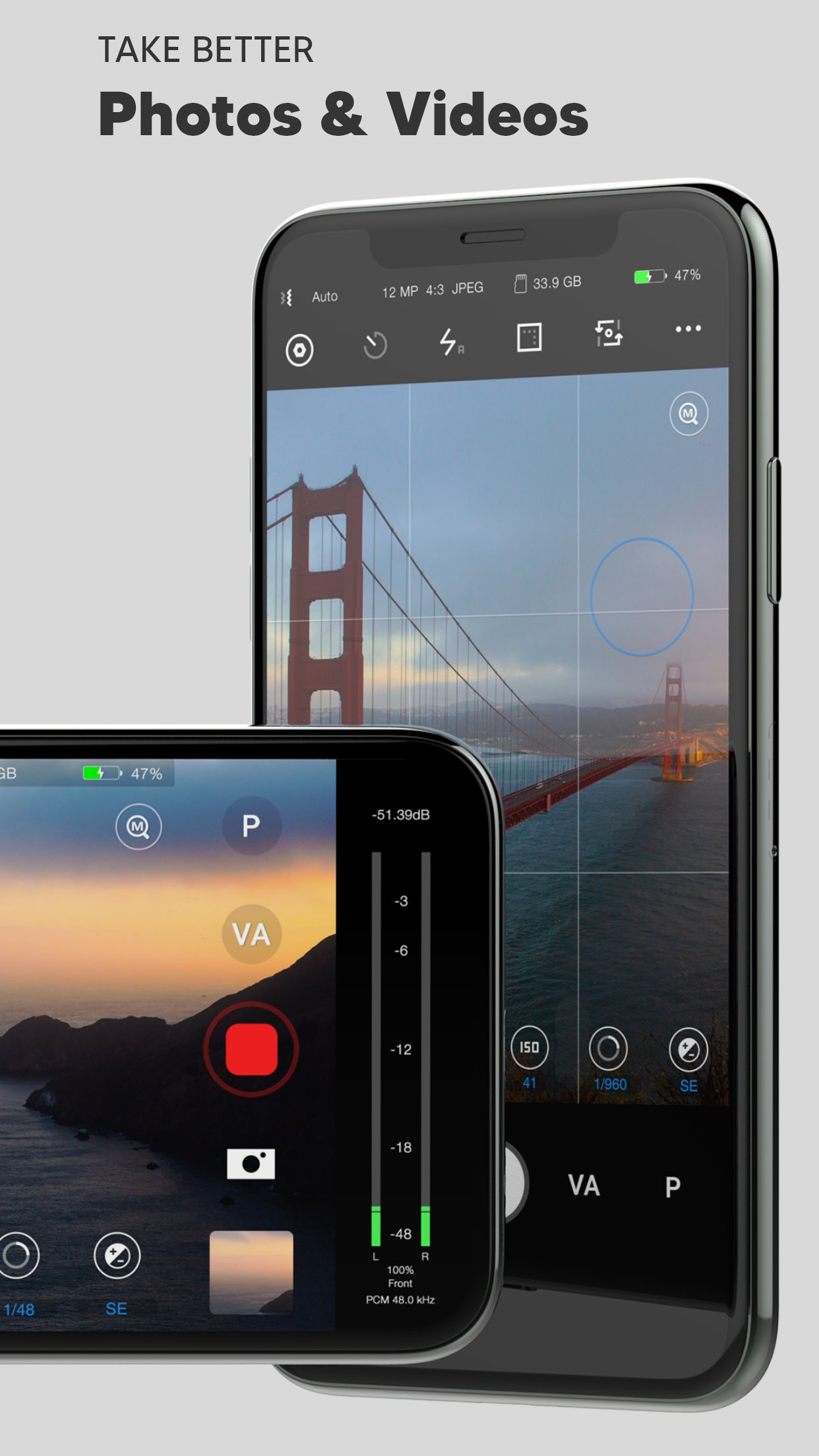
Beastcam makes it easier than ever to capture the best possible photos and videos on your iPhone. It’s fast and easy-to-use, but powerful and customizable as a professional camera when you need it.
We believe Beastcam is the most intuitive and advanced camera app ever created for capturing life’s special moments, expanding the capabilities of your iPhone camera to its fullest potential, and taking your #iPhoneography to the next level!
*Complete control
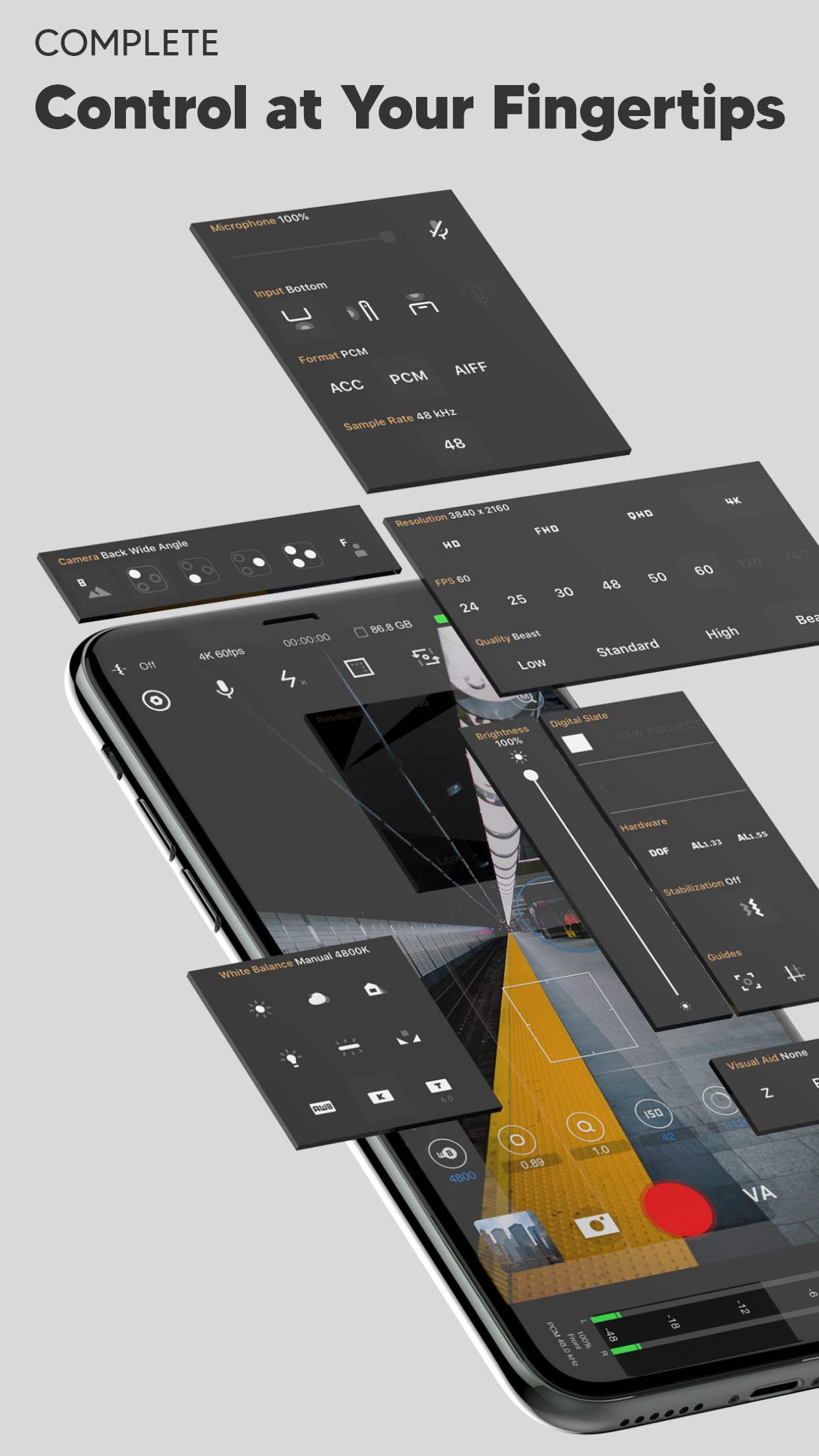
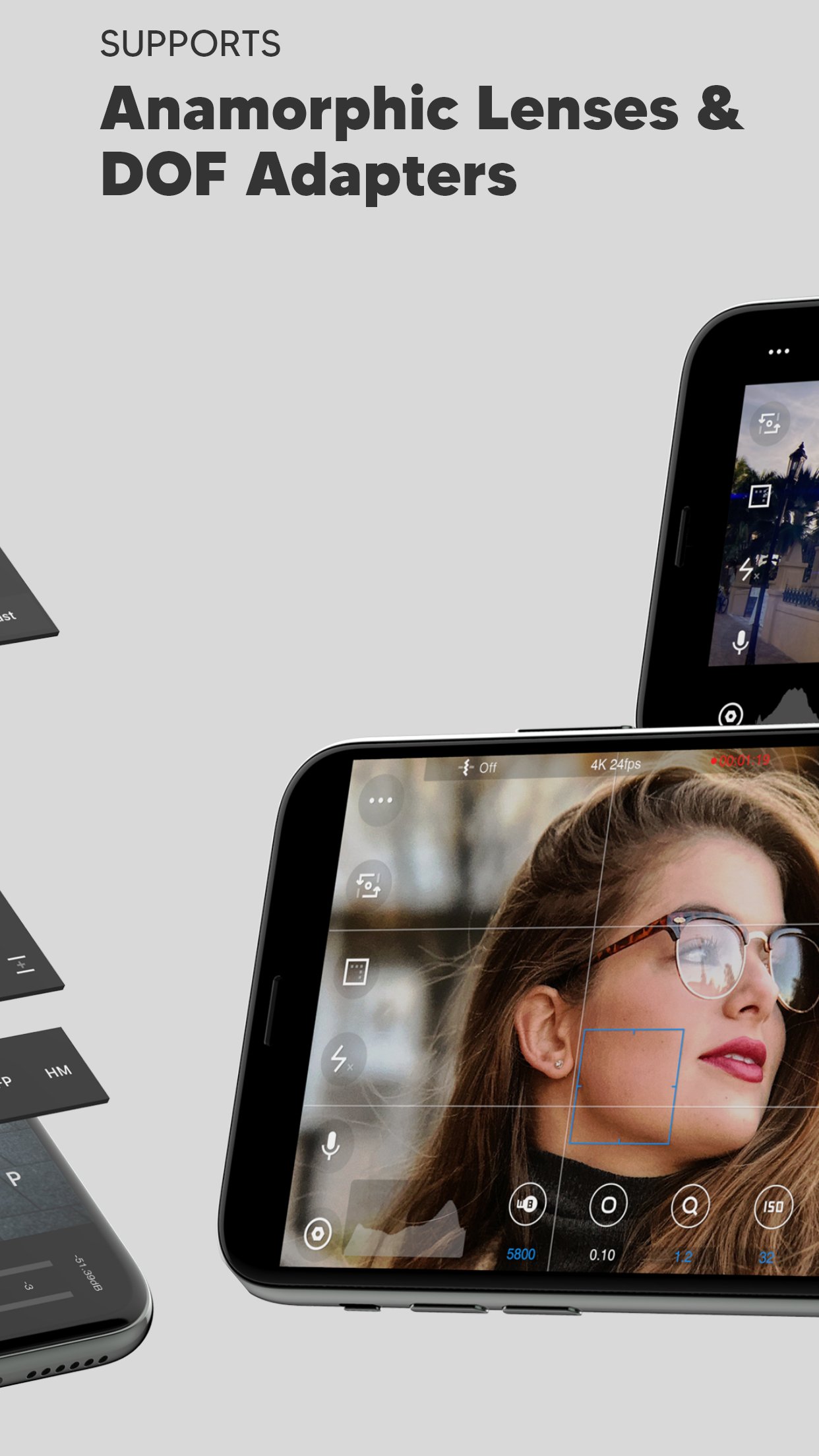
Easily set, fine-tune, and lock the most important settings you need in seconds, such as focus, exposure, zoom, white balance, and more using Beastcam’s intuitive design, quick-access buttons, precise value sliders, focus, and exposure reticles. All are available with a single tap on the home screen.
*Hardware support
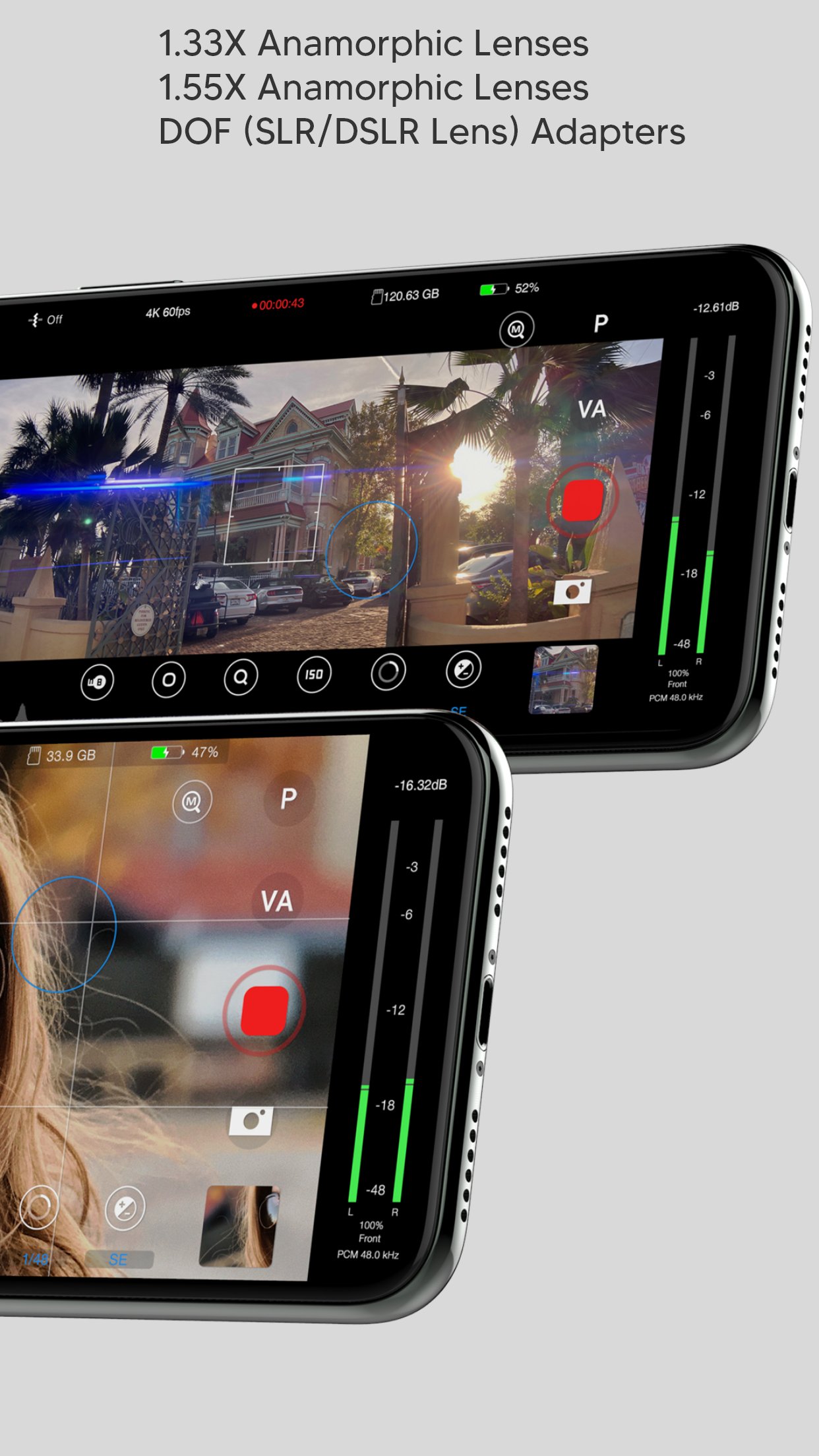
Enhance your creativity with built-in support for DOF adapters, 1.33X & 1.55X anamorphic lenses in both photo and video mode. Improve your sound quality with external microphones and dial in the perfect settings for your environment, such as gain, audio format, sample rates.
*Advanced presets
Speed up and organize your workflow with shareable presets for every available setting.
Save time setting up your camera with unlimited customizable presets for all available settings that can be applied at any time. Perfect for multi-phone setups, DOF Adapters, 1.33X & 1.55X anamorphic lenses, and other commonly used settings like frame rate, resolution, etc.
*File management
Save time finding your files by creating projects and scenes that auto-generate readable file names based on the project name, scene name and take # and prioritize your best footage (or delete your worst) with a single tap as soon as you’ve finished recording, or later in the built-in gallery. Conveniently manage and share all of your organized photos and videos with the built-in gallery.
-SSD recording support on iPhone 15 and 16 Pro Series
# Features
- Set and lock focus and exposure with reticles
- Precisely adjust white balance, focus, zoom, and exposure settings right from the home screen
- Analyze your shots accurately: focus peaking, false colors, zebras, and histogram
- Take steadier shots with standard or cinematic image stabilization
- De-squeeze footage to 2.39:1 for 1.33X anamorphic lenses and 2.76:1 for 1.55X anamorphic lenses
- Rotate orientation for DOF lens adapters
- quick zoom, perfect for manual focus
- Switch between any of your iPhone cameras
- Monitor audio levels, microphone type, format, and sample rate right on the home screen
- Compose your shots with 1:1, 2.39:1, and 2.76:1 aspect ratio guides and grids
- Show/hide all of the menus from your home screen
- Built-in flash/torch control
- Create projects and scenes that auto-generate easy-to-read folder and file names based on the project name, scene name, take #
- Prioritize your best footage (or delete your worst) with a single tap as soon as you’ve finished recording or later in the gallery
- View, rename, move, share, or delete files with the built-in gallery
- Custom local presets for white balance, zoom, and focus
- Create shareable global presets for all available settings (video mode only)
- Custom settings/rules for a fresh start
- Easily adjust exposure, focus, zoom with gesture controls
# Video
- 4K 3840x2160, QHD 2560x1440, FHD 1920x1080 or HD 1280x720 resolutions
- 24, 25, 30, 48, 50, 60, 120, or 240 FPS options
- Bit rates: Low, Standard, High, Beast (up to 160 Mbit/s)
- 10-bit Dolby Vision HDR
- 10-bit SDR
- ProRes (+Apple Log on iPhone 15, 16, and 17 Pro Series)
Note: Some resolution and FPS options are not available on older iPhone models. The bit rate may vary depending on the resolution, FPS, and scene of your video
# Audio
- ACC, PCM, AIFF audio formats
- 44.1kHz and 48kHz audio sample rates (device-dependent)
- Supports built-in and external microphones
- Control gain for external microphones
#Photo
- JPEG, HEIF, RAW, file formats
- 1:1 , 4:3, 3:2, and 16:9 aspect ratios
License: Commercial
We believe Beastcam is the most intuitive and advanced camera app ever created for capturing life’s special moments, expanding the capabilities of your iPhone camera to its fullest potential, and taking your #iPhoneography to the next level!
*Complete control
Easily set, fine-tune, and lock the most important settings you need in seconds, such as focus, exposure, zoom, white balance, and more using Beastcam’s intuitive design, quick-access buttons, precise value sliders, focus, and exposure reticles. All are available with a single tap on the home screen.
*Hardware support
Enhance your creativity with built-in support for DOF adapters, 1.33X & 1.55X anamorphic lenses in both photo and video mode. Improve your sound quality with external microphones and dial in the perfect settings for your environment, such as gain, audio format, sample rates.
*Advanced presets
Speed up and organize your workflow with shareable presets for every available setting.
Save time setting up your camera with unlimited customizable presets for all available settings that can be applied at any time. Perfect for multi-phone setups, DOF Adapters, 1.33X & 1.55X anamorphic lenses, and other commonly used settings like frame rate, resolution, etc.
*File management
Save time finding your files by creating projects and scenes that auto-generate readable file names based on the project name, scene name and take # and prioritize your best footage (or delete your worst) with a single tap as soon as you’ve finished recording, or later in the built-in gallery. Conveniently manage and share all of your organized photos and videos with the built-in gallery.
-SSD recording support on iPhone 15 and 16 Pro Series
# Features
- Set and lock focus and exposure with reticles
- Precisely adjust white balance, focus, zoom, and exposure settings right from the home screen
- Analyze your shots accurately: focus peaking, false colors, zebras, and histogram
- Take steadier shots with standard or cinematic image stabilization
- De-squeeze footage to 2.39:1 for 1.33X anamorphic lenses and 2.76:1 for 1.55X anamorphic lenses
- Rotate orientation for DOF lens adapters
- quick zoom, perfect for manual focus
- Switch between any of your iPhone cameras
- Monitor audio levels, microphone type, format, and sample rate right on the home screen
- Compose your shots with 1:1, 2.39:1, and 2.76:1 aspect ratio guides and grids
- Show/hide all of the menus from your home screen
- Built-in flash/torch control
- Create projects and scenes that auto-generate easy-to-read folder and file names based on the project name, scene name, take #
- Prioritize your best footage (or delete your worst) with a single tap as soon as you’ve finished recording or later in the gallery
- View, rename, move, share, or delete files with the built-in gallery
- Custom local presets for white balance, zoom, and focus
- Create shareable global presets for all available settings (video mode only)
- Custom settings/rules for a fresh start
- Easily adjust exposure, focus, zoom with gesture controls
# Video
- 4K 3840x2160, QHD 2560x1440, FHD 1920x1080 or HD 1280x720 resolutions
- 24, 25, 30, 48, 50, 60, 120, or 240 FPS options
- Bit rates: Low, Standard, High, Beast (up to 160 Mbit/s)
- 10-bit Dolby Vision HDR
- 10-bit SDR
- ProRes (+Apple Log on iPhone 15, 16, and 17 Pro Series)
Note: Some resolution and FPS options are not available on older iPhone models. The bit rate may vary depending on the resolution, FPS, and scene of your video
# Audio
- ACC, PCM, AIFF audio formats
- 44.1kHz and 48kHz audio sample rates (device-dependent)
- Supports built-in and external microphones
- Control gain for external microphones
#Photo
- JPEG, HEIF, RAW, file formats
- 1:1 , 4:3, 3:2, and 16:9 aspect ratios
License: Commercial
| Release info | New Release on Nov 19, 2025 |
|---|---|
| Release notes | Optimized for iPhone 17 Pro Series. - Updated camera selection menu to display correct camera options. - Added a 2X zoom button in the UI for the main 24mm camera and the 100mm telephoto camera. - Added ProRes and ProRes Apple Log support. New LUT Menu: - Apply LUTs for preview (recording with LUT coming soon). - Adjust LUT intensity. - Mark your favorite LUTs for quick access in a dedicated tab. - Real-time anamorphic de-squeeze is enabled at all resolutions and formats. - Improved stability and minor bug fixes. We are working on new Apple ProRes RAW integration and more flexible format selection options. Your patience is greatly appreciated. If you have any feedback, please email us at info@beastgrip.com |
| Listing data | App Store |
Reviews
No reviews yet. Be the first to review Beastcam.
Used Beastcam? Tell other visitors what you thought.
Log in to write a reviewOther products by this publisher
- "No Distractions" for YouTube 4.10 ----
- #Bible 11.6 "Incredible App - My sister shared this app with me a few weeks ago and it is truly incredible.
- #filmphotography 1.4.2 So, you decided to shoot on film?
- $quirrel 1.5.1 $quirrel Budget & Finance helps you plan each paycheck, track spending, manage debt, and see what is safe to spend before the next payday.
- % Percentage Calculator Pro 1.41 This is the Pro version of % Percentage Calculator.
Most viewed iOS Photo & Video
-
1
 ShortDiShow 2.0
Drama Quest Island — An offline interactive short-drama adventure.
-
2
 Infuse 8.5.10
Infuse: Enterprise provides the same great features as the standard version of Infuse and includes permanent access to all Pro features via a traditional paid app.
-
3
 AI Video Generator 2.0.2
Vixel – AI Video Generator
-
4
 OPlayer 4.8
Play all your videos directly without having to convert them!
-
5
 Necrometer II 1.2
Necrometer II is a paranormal investigation companion designed for ghost hunters and researchers.
-
6
 CapCut 20.1.0
CapCut offers easy-to-use video editing functions, in-APP fonts and effects, advanced features such as keyframe animation, smooth slow-motion, chroma key, and stabilization, to help you capture and snip moments.
-
7
 Ai Photo 1.1.2
AI Photo Retouch – BG Eraser
- 8 #filmphotography 1.4.2 So, you decided to shoot on film?
-
9
 Treblo 1.6.5
Make songs with the world's best AI music model.
-
10
 Pop Dot Comics 1.48
Create a comic worthy of the Sunday newspaper or your favorite pulp-fiction cover.
Most downloaded iOS Photo & Video
-
1
Infuse 8.5.10
Infuse: Enterprise provides the same great features as the standard version of Infuse and includes permanent access to all Pro features via a traditional paid app.
-
2
 DJI Fly 1.21.18
DJI Fly is designed to help pilots fly drones with ease.
-
3
 Analog Radio 3.0
The iPhone and iPad devices don't have the FM/AM radio antenna installed.
-
4
 TurboCollage Automatic 1.2.4
#1 Easy automatic photo collage maker for iPhone & iPad.
-
5
 ReelyGo 1.1.42
ReelyGo: Your Daily Drama Escape
-
6
Treblo 1.6.5
Make songs with the world's best AI music model.
-
7
 Rozeta Sequencer Suite 1.3.16
Rozeta is a suite of MIDI sequencers and controllers that lets you explore a new, freeform approach to sequencing and controlling mobile music apps.
-
8
 AGAIN. Rehearsal Notes 2.0.1
AGAIN. is the rehearsal app that remembers why the band stopped — and, new in Version 2, who said what in a writing session or a table read.
-
9
Pop Dot Comics 1.48
Create a comic worthy of the Sunday newspaper or your favorite pulp-fiction cover.
-
10
 SSS IPTV, Simple, Smart Super 1.0.2
An Easiest way to watch TV Online or Movies or Series, Bring your Own list M3u,