
Auto Clicker™ 1.0.2
Auto Clicker: Automatic Tap+ is a productivity app designed to automate repetitive touch actions with customizable timing controls and precise automation settings.
Download
41.36 MB
36downloads
4this week
FreeFreeware
0reviews
Screenshots
About Auto Clicker™
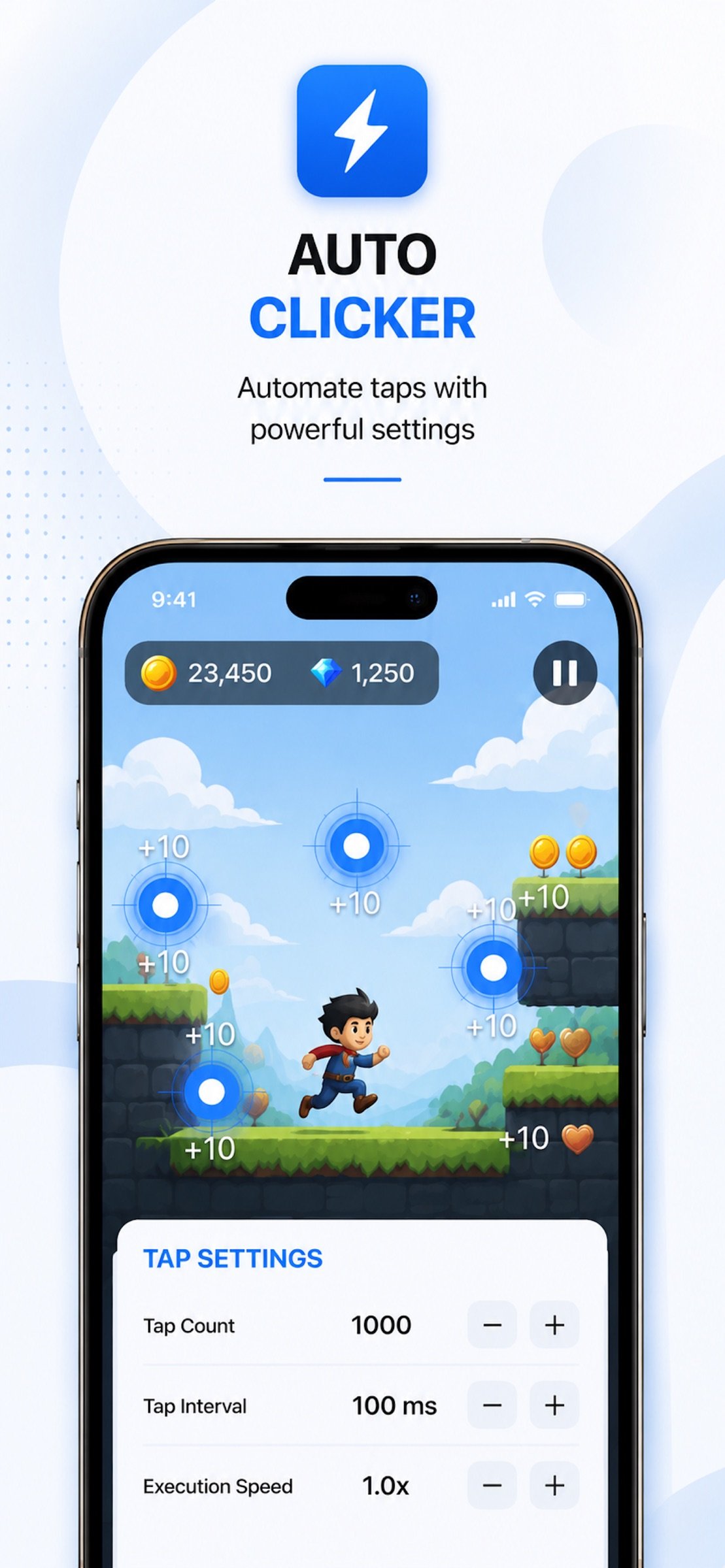
Auto Clicker: Automatic Tap+ is a productivity app designed to automate repetitive touch actions with customizable timing controls and precise automation settings. Configure tap count, tap interval, and execution speed to create consistent tap sessions through a simple and intuitive interface.
Designed for productivity, accessibility, and repetitive workflows, the app helps simplify routine touch interactions while keeping all processing local on your device. No account is required, and your settings are automatically saved for future sessions.
Key Features
• Auto Clicker with customizable tap count, interval, and speed.
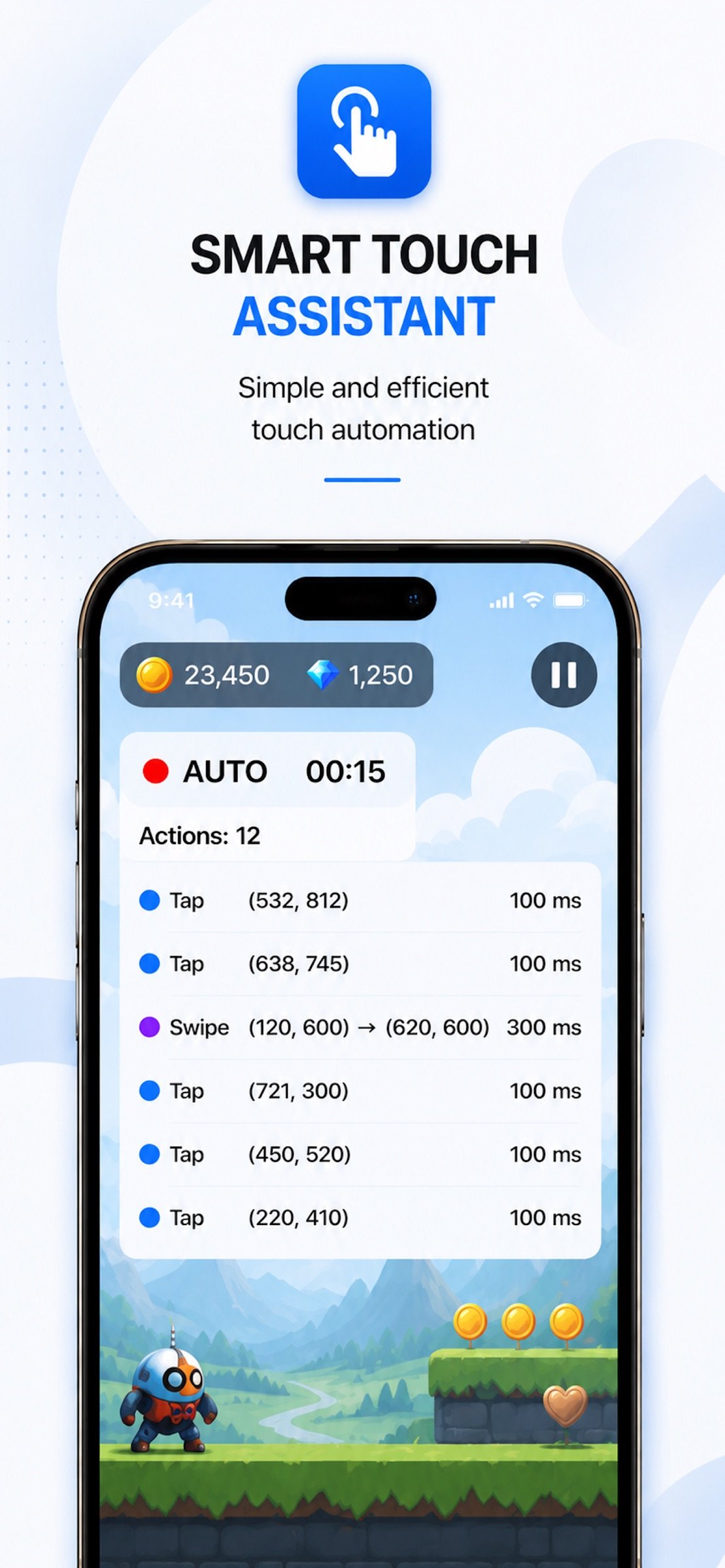
• Smart Touch Assistant for simple and efficient automation.
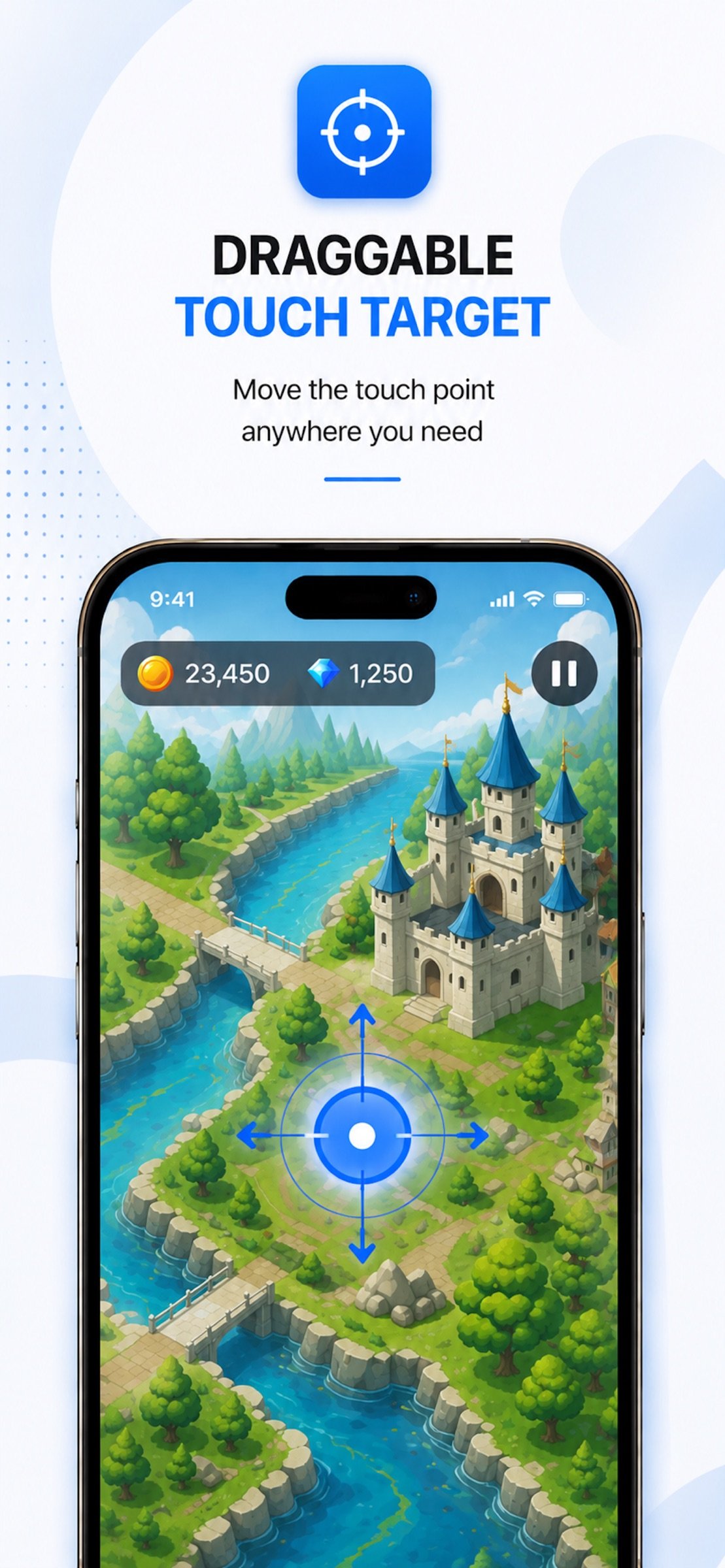
• Draggable touch target for accurate positioning.
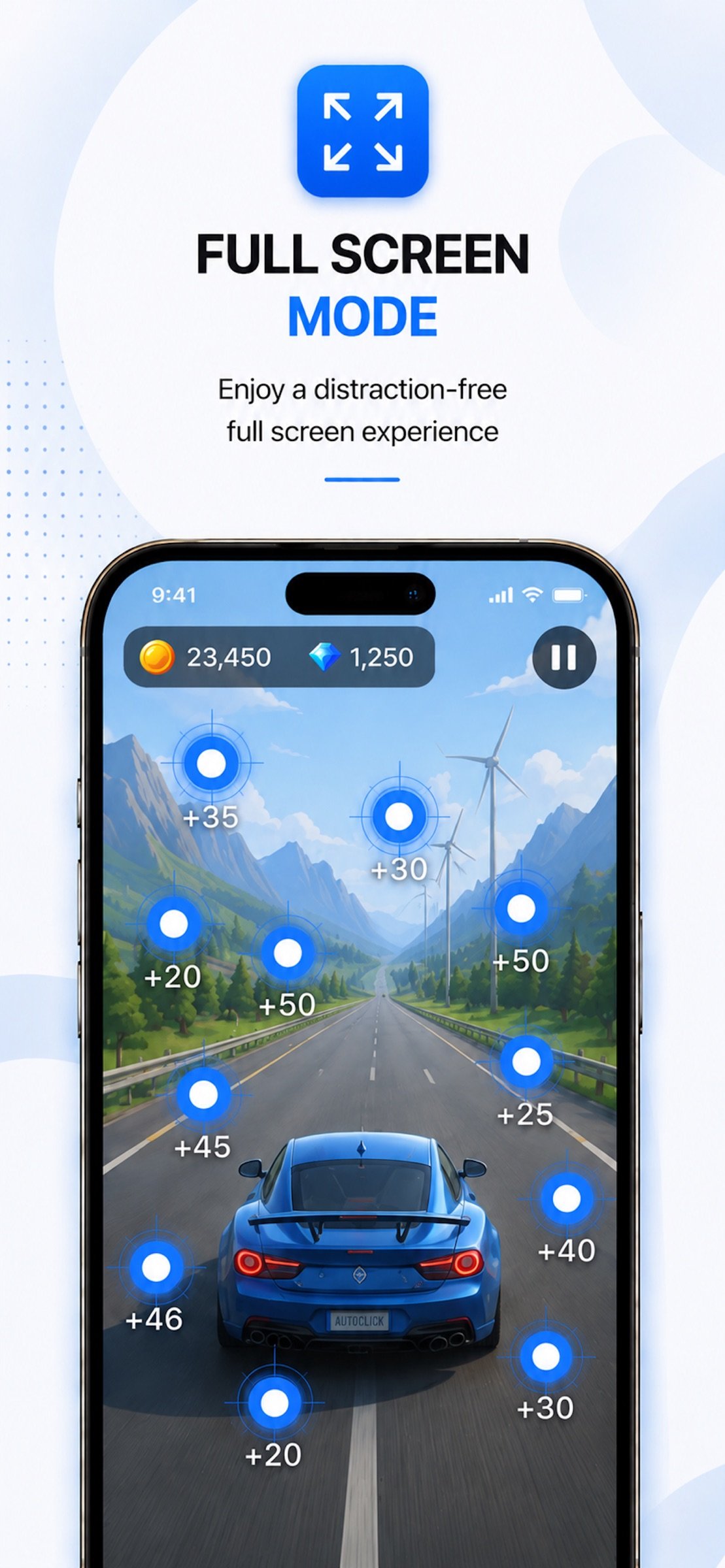
• Full Screen Mode for a distraction-free experience.
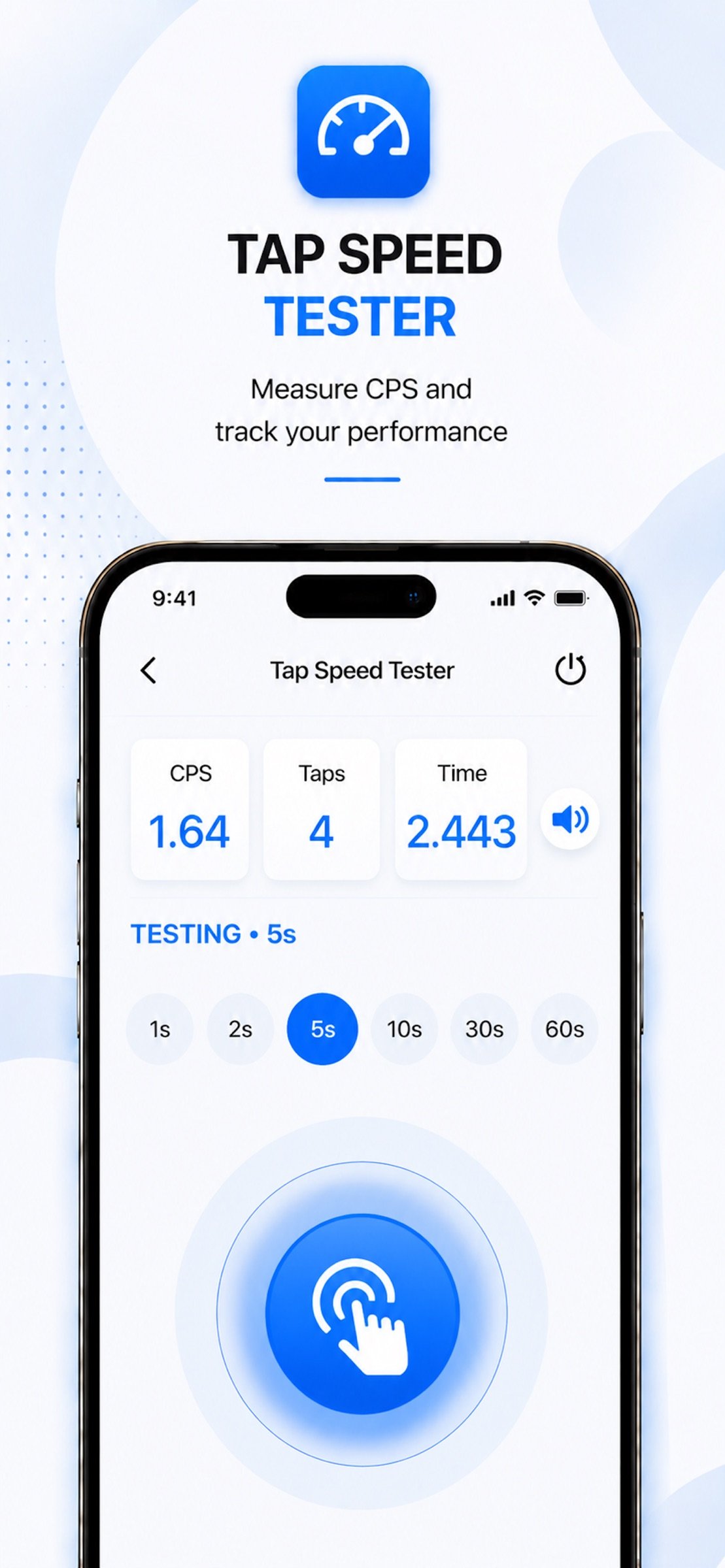
• Tap Speed Tester with CPS measurement and score tracking.
• Saved preferences stored locally on your device.
• Optimized for iPhone and iPad.
• Fast, responsive, and fully on-device.
Important Notice
Auto Clicker works only inside the application’s integrated browser. It does not control other applications, games, system functions, device settings, background processes, or the iOS Home Screen. All touch automation is performed exclusively within the application.
Integrated Browser
The application includes a built-in browser where touch automation can be performed. Position the touch target, configure automation settings, and start automation directly within the browser. The integrated browser supports address navigation, back and forward controls, refresh, and Full Screen Mode.
Premium
The free version includes Tap Speed Tester and basic application features.
Premium unlocks the complete Auto Clicker experience, including:
• Integrated Browser
• Unlimited automation sessions
• Advanced tap controls
• Extended customization options
Premium is available as Weekly, Monthly, Yearly, and Lifetime In-App Purchases. Premium purchases unlock additional functionality within the application only. No external content, online services, or server-based features are included.
Subscription Information
Payment will be charged to your Apple ID account at confirmation of purchase. Subscriptions renew automatically unless canceled at least 24 hours before the end of the current billing period. You can manage or cancel subscriptions at any time through Apple Account Settings. Lifetime Purchase is a one-time purchase and does not renew. Purchases are non-refundable except where required by Apple policy or applicable law.
Privacy
The application does not collect, store, transmit, or share personal information. No registration or login is required. All settings remain stored locally on your device. No backend servers, cloud synchronization, analytics, tracking technologies, or server-side storage are used.
Privacy Policy: [link removed]
Terms of Use: [link removed]
End User License Agreement: [link removed]
| Release info | New Release on Aug 24, 2026 |
|---|---|
| Release notes | - Bug fixes and performance improvements. |
| Listing data | App Store |
Reviews
No reviews yet. Be the first to review Auto Clicker™.
Used Auto Clicker™? Tell other visitors what you thought.
Log in to write a reviewOther products by this publisher
- "No Distractions" for YouTube 4.10 ----
- #Bible 11.6.1 "Incredible App - My sister shared this app with me a few weeks ago and it is truly incredible.
- #filmphotography 1.4.2 So, you decided to shoot on film?
- #LookBusy Fake Calendar Events 1.0.6 Look Busy scans your work calendar for open time slots and fills them with realistic-looking (but secretly fake) work events.
- #Small Talk Is Canceled 1.0.2 #Small Talk Is Canceled — Conversations That Matter
Most viewed iOS Productivity
-
1
 WordPress 27.5
Manage or create your WordPress blog or website right from your iOS device: create and edit posts and pages, upload your favorite photos and videos, view stats and reply to comments.
- 2 Voice Translator - Alive 1.6 Translation app that turns your iPhone into an interpreter instantly.
-
3
 Life360 26.45.0
Whether at home, online, or on the move, our comprehensive family safety features bring peace of mind to your loved ones AND help safeguard your personal belongings.
-
4
 Claude by Anthropic 1.261123.51
Meet Claude, your AI problem solver and thinking partner.
- 5 "No Distractions" for YouTube 4.10 ----
-
6
 WristMemo 2.0
WristMemo turns your Apple Watch into an all-day voice recorder.
-
7
 Colicine 1.3.0
Have you ever been there—
- 8 (beat) for iOS 0.5.10 An elegant Fountain screenwriting app, created by a screenwriter for screenwriters.
-
9
 DeepSeek 2.9.0
Experience seamless interaction with DeepSeek's official AI assistant for free!
-
10
 Howbout 16.8.0
The shared calendar for friends, couples, and family
Most downloaded iOS Productivity
- 1 Voice Translator - Alive 1.6 Translation app that turns your iPhone into an interpreter instantly.
-
2
 SessionsAI 1.2.1
Sessions AI is a private AI workspace that runs entirely on your iPhone, iPad, or Mac.
-
3
DeepSeek 2.9.0
Experience seamless interaction with DeepSeek's official AI assistant for free!
-
4
 Voices AI 1.16.18
Discover Voices, the premier voice transformation app designed exclusively for iOS.
-
5
 Block Distracting Websites 1.11
"It's a great way to save time, and stop browsing Reddit when you should be doing coursework."
-
6
 Google Docs 1.2026.47103
Create, edit, and collaborate on online documents with the Google Docs app.
-
7
 Plot Digitizer 1.4.1
Plot Digitizer is an app to extract numerical data from plot images.
-
8
 MyHyundai with Bluelink 5.4.6
The MyHyundai app makes getting information about your Hyundai vehicle easier than ever.
-
9
 Pixy Mood Tracker 1.110.0
Track your mood, one pixel at a time.
-
10
 Minder 1.4
Minder turns your phone into a pair of eyes that watch you work.