
ATLauncher 3.4.42.0
A launcher for Minecraft which integrates multiple different modpacks to allow you to download and install modpacks easily and quickly
14downloads
0this week
FreeFreeware
0reviews
Screenshots
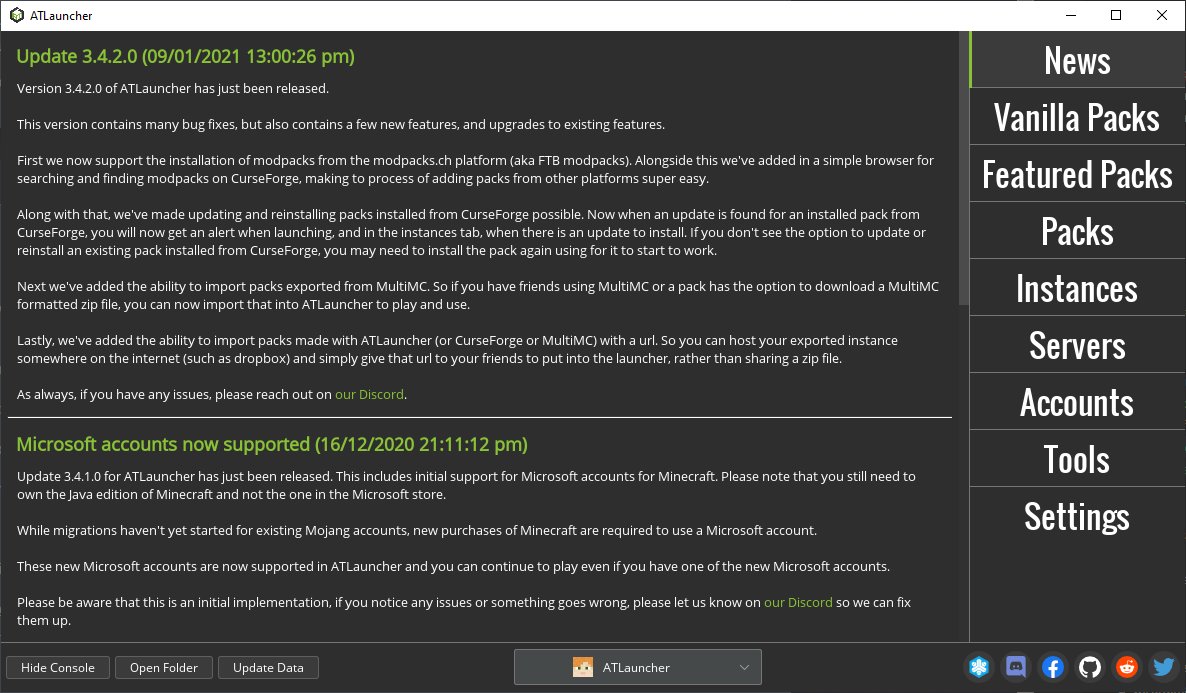
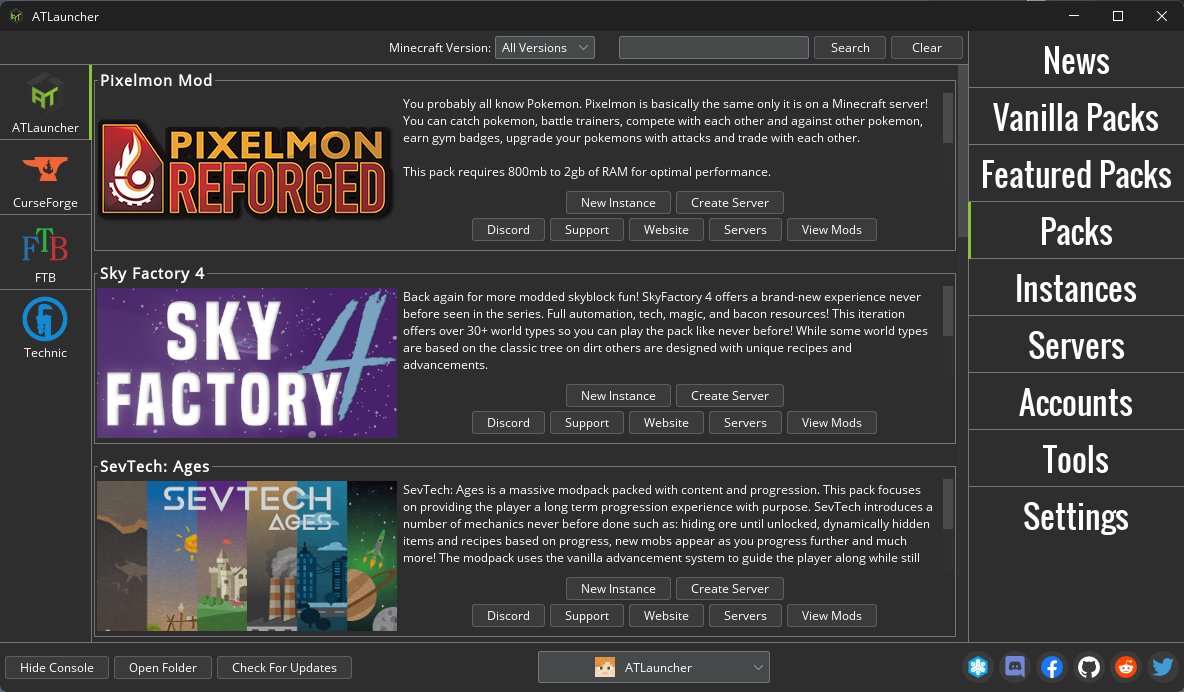
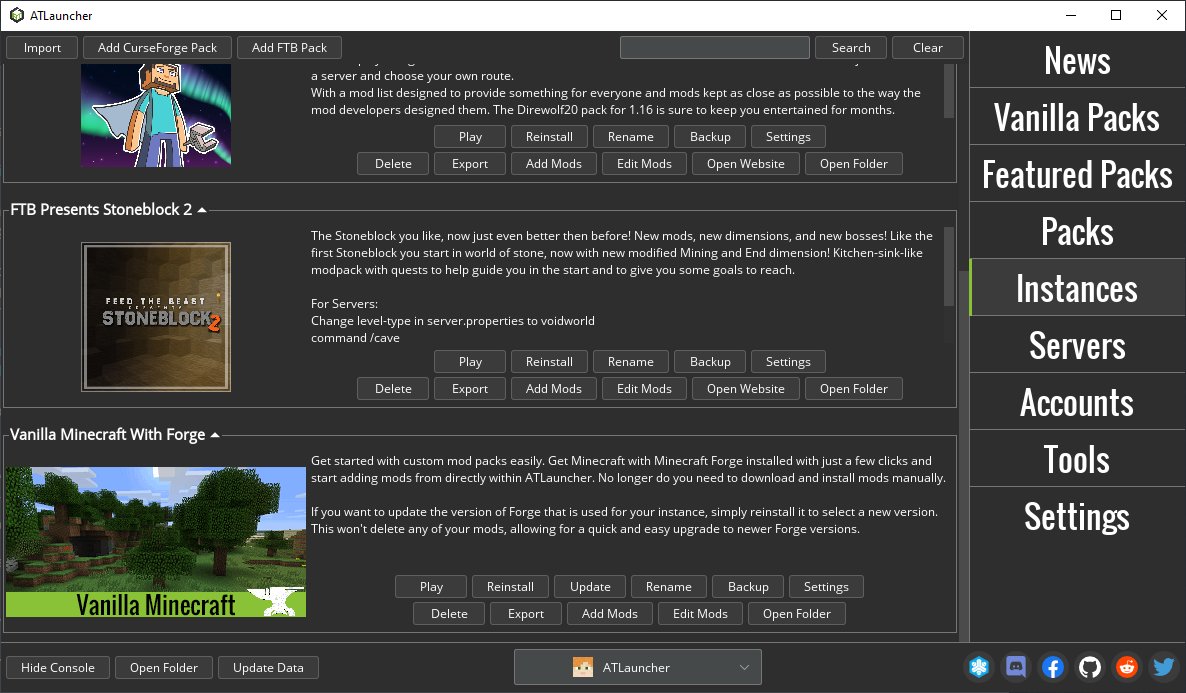
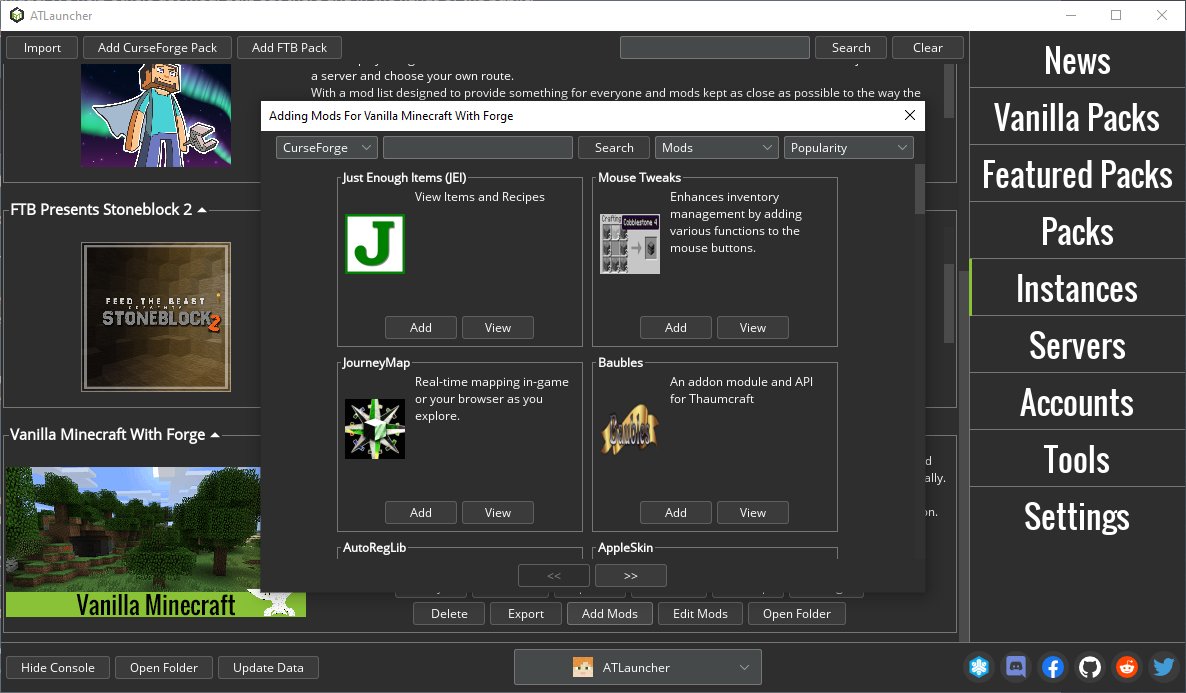
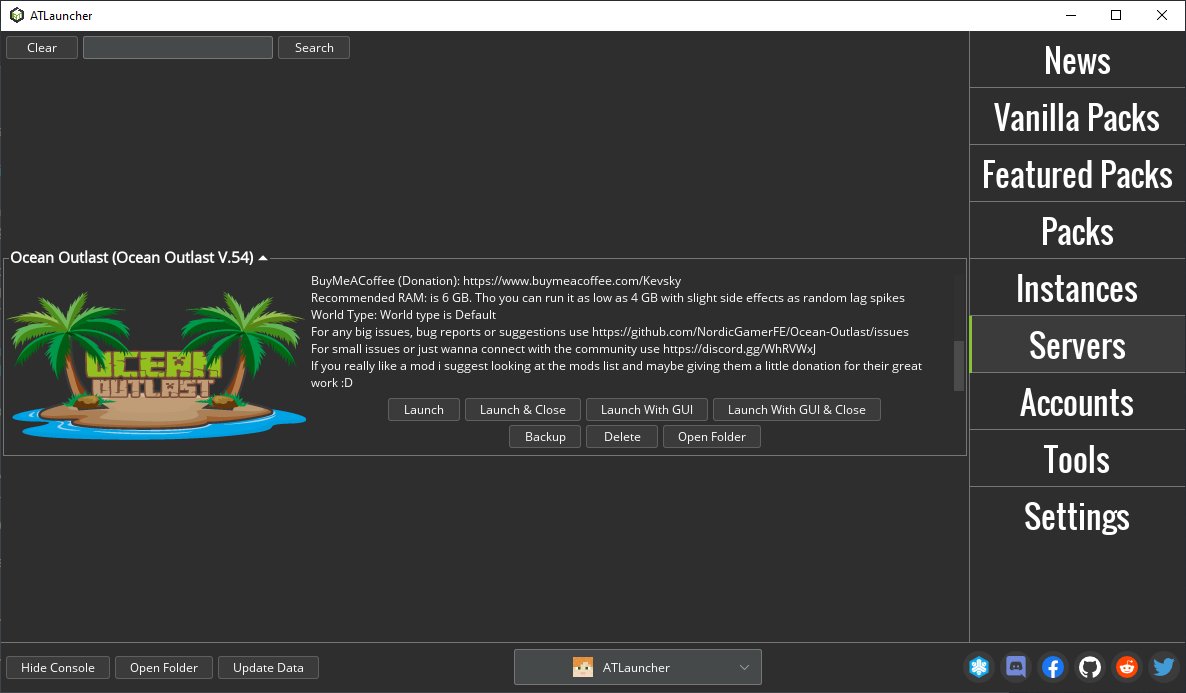
About ATLauncher
ATLauncher is a launcher for Minecraft which integrates multiple different modpacks to allow
you to download and install modpacks easily and quickly.
ATLauncher has a few nice features including:
• Allows quick and easy install of modpacks, no more messing around trying to install mods
• A range of different packs, and more being added all the time
• Multiple instances. Install a pack as many times as you like without messing up a previous
install
• Multiple accounts allow you to login as different users from the one install
• Private instances. This allows you to only install instances under your account so people
can't mess up your worlds
• 1 click backup of your saves
• Easy server creation from within the Launcher
• Install packs from CurseForge and FTB
• Mod management for instances, including auto download and installation of mods, maps and
resource packs from CurseForge and Modrinth
• Support for both Mojang and Microsoft accounts
• More features always being added
Below is the steps to run this flatpak in a custom directory
• Open Flatseal
• Select ATLauncher on the left
• Scroll down to "Filesystem", "Other files"
• Add a new entry via the icon with a "folder" and "plus" sign
• Input the path you want to let ATLauncher run in. IE `/home/name/Games/ATLauncher`
• Scroll down to "Environment", "Variables"
• Click the "plus" sign to add a new entry
• Write down an enviroment variable, IE `CUSTOM_DIR=/home/name/Games/ATLauncher`
• Run ATLauncher
• Notice that ATLauncher is now working using CUSTOM_DIR
License: GPL-3.0
you to download and install modpacks easily and quickly.
ATLauncher has a few nice features including:
• Allows quick and easy install of modpacks, no more messing around trying to install mods
• A range of different packs, and more being added all the time
• Multiple instances. Install a pack as many times as you like without messing up a previous
install
• Multiple accounts allow you to login as different users from the one install
• Private instances. This allows you to only install instances under your account so people
can't mess up your worlds
• 1 click backup of your saves
• Easy server creation from within the Launcher
• Install packs from CurseForge and FTB
• Mod management for instances, including auto download and installation of mods, maps and
resource packs from CurseForge and Modrinth
• Support for both Mojang and Microsoft accounts
• More features always being added
Below is the steps to run this flatpak in a custom directory
• Open Flatseal
• Select ATLauncher on the left
• Scroll down to "Filesystem", "Other files"
• Add a new entry via the icon with a "folder" and "plus" sign
• Input the path you want to let ATLauncher run in. IE `/home/name/Games/ATLauncher`
• Scroll down to "Environment", "Variables"
• Click the "plus" sign to add a new entry
• Write down an enviroment variable, IE `CUSTOM_DIR=/home/name/Games/ATLauncher`
• Run ATLauncher
• Notice that ATLauncher is now working using CUSTOM_DIR
License: GPL-3.0
| Release info | Update on Nov 17, 2026 |
|---|---|
| Related tags | game Minecraft |
| Listing data | Flathub |
Reviews
No reviews yet. Be the first to review ATLauncher.
Used ATLauncher? Tell other visitors what you thought.
Log in to write a reviewOther products by this publisher
- "No Distractions" for YouTube 4.10 ----
- #Bible 11.6.1 "Incredible App - My sister shared this app with me a few weeks ago and it is truly incredible.
- #filmphotography 1.4.2 So, you decided to shoot on film?
- #LookBusy Fake Calendar Events 1.0.6 Look Busy scans your work calendar for open time slots and fills them with realistic-looking (but secretly fake) work events.
- #Small Talk Is Canceled 1.0.2 #Small Talk Is Canceled — Conversations That Matter
Most viewed Linux Games
-
1
 Lander 0.7.2
Lunar Lander style arcade game
-
2
 Modrinth App 0.23.1
Play modded Minecraft with ease
-
3
 Pocket Sync 7.2.1
A GUI to do stuff with the Analogue Pocket
-
4
 Dhewm 3 1.5.5
Dhewm 3 is a Doom 3 GPL source port
-
5
 X Minecraft Launcher 0.73.1
Play and manage Minecraft
- 6 Julius 1.8.0 Julius is an open source re-implementation of Caesar III
-
7
 AdwSteamGtk 0.9.1
Give Steam the Adwaita treatment
-
8
 Goverlay 1.9.4
Configure gaming overlays
-
9
 Pully 0.2.2
Draw a single line through every square of a puzzle grid
-
10
 Legacy Launcher 1.40.3
Play Minecraft in your own world!
Most downloaded Linux Games
-
1
 Ricochlime 1.14.0
Satisfying monster shooter
- 2 The Unofficial Homestuck Collection 2.8.1 Offline collection of Homestuck and its related works
-
3
Pocket Sync 7.2.1
A GUI to do stuff with the Analogue Pocket
-
4
 JClic 0.3.2.18
Educational activities and games for school students and educators
-
5
 Threadbare 0.2.4
Rebuild an unraveling world
-
6
 Quetoo 1.0.145
A free first person shooter for Mac, PC and Linux
- 7 Makou Reactor 2.2.0 A Field Editor for Final Fantasy VII
-
8
 Pandora Launcher 6.0.0
A balanced, easy to use, and powerful modern Minecraft launcher
-
9
Modrinth App 0.23.1
Play modded Minecraft with ease
- 10 Eternal Lands 1.9.7.0-4 A free to play, graphical MMORPG