
11downloads
1this week
FreeCommercial
0reviews
Screenshots
About ArtTracer
ArtTracer — Camera Overlay for Drawing & Tracing
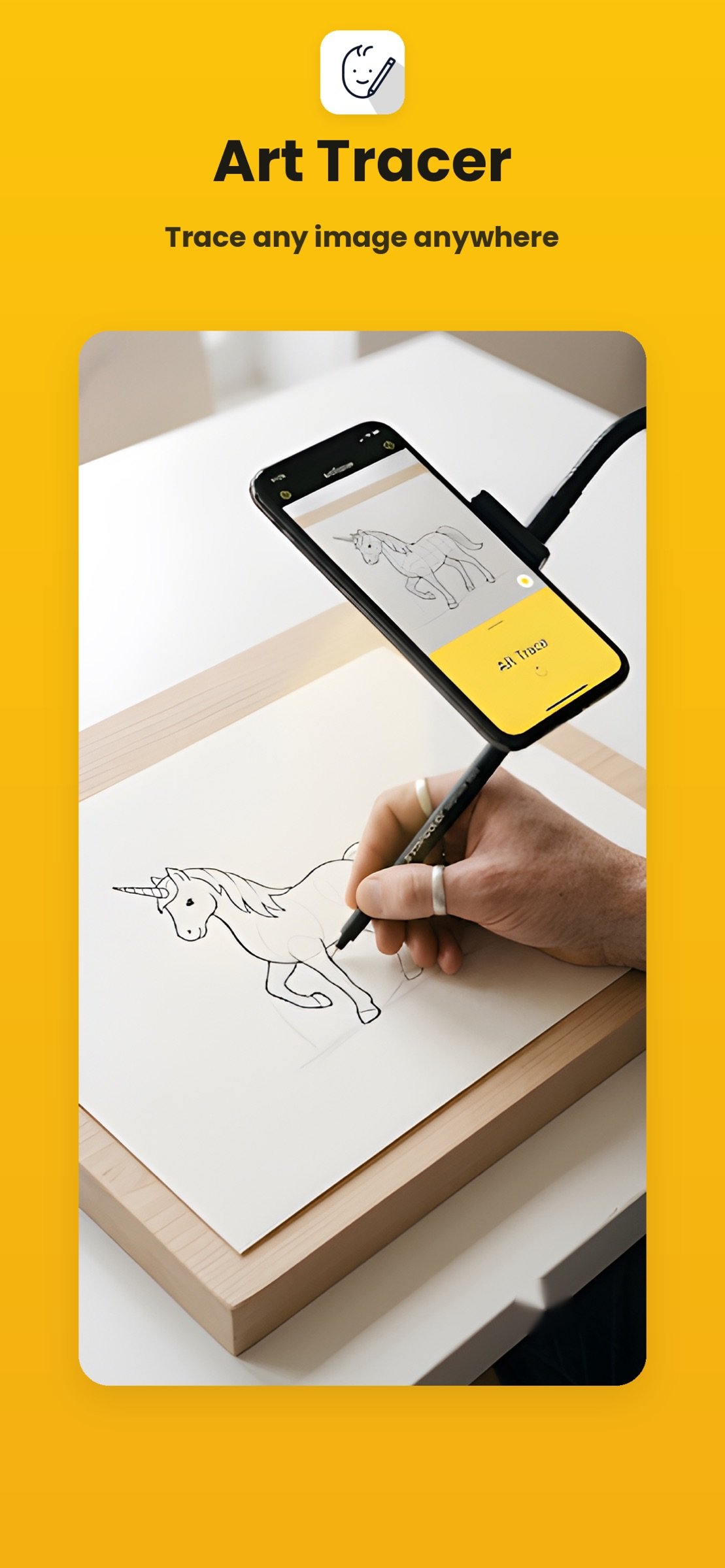
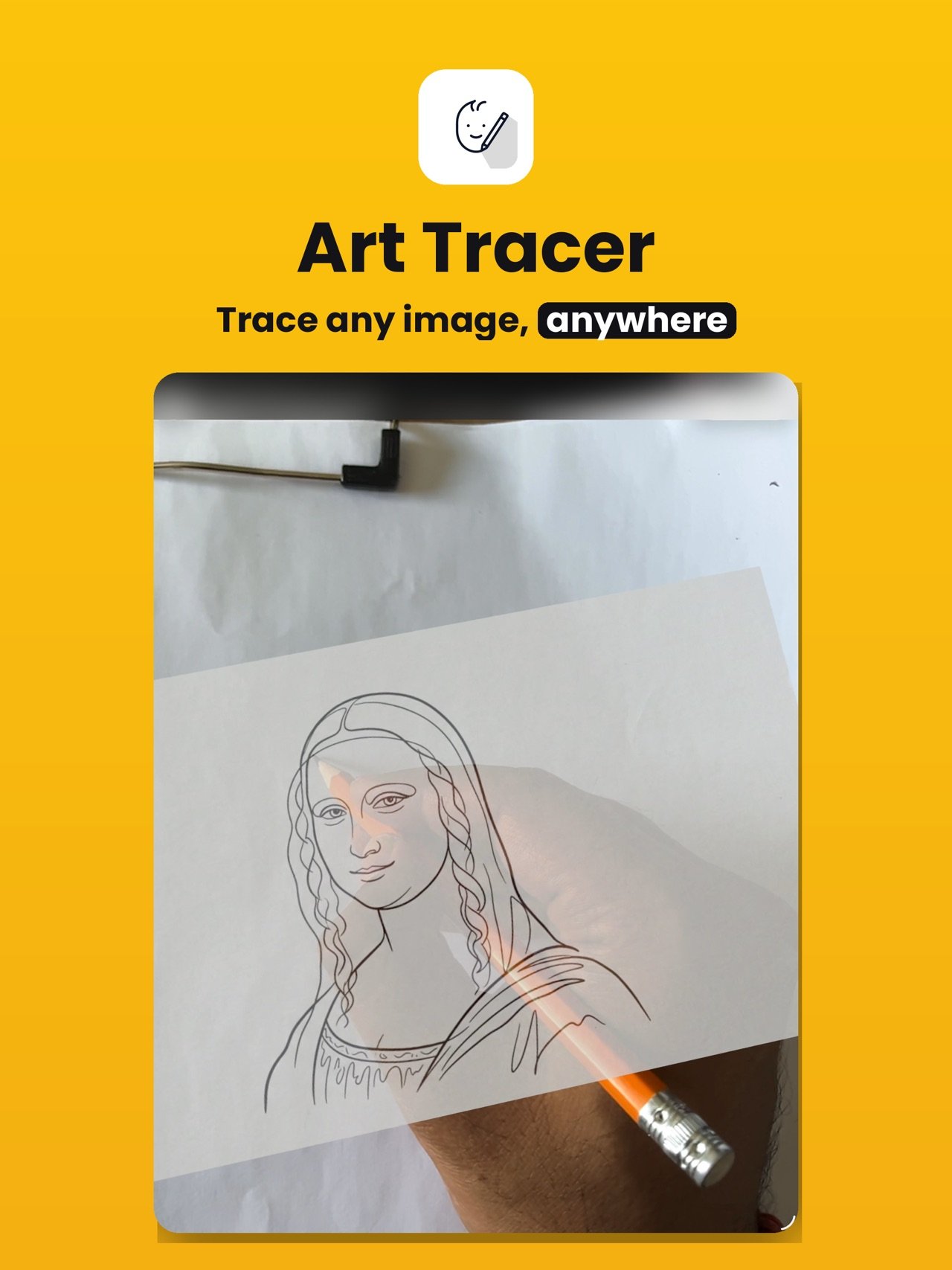
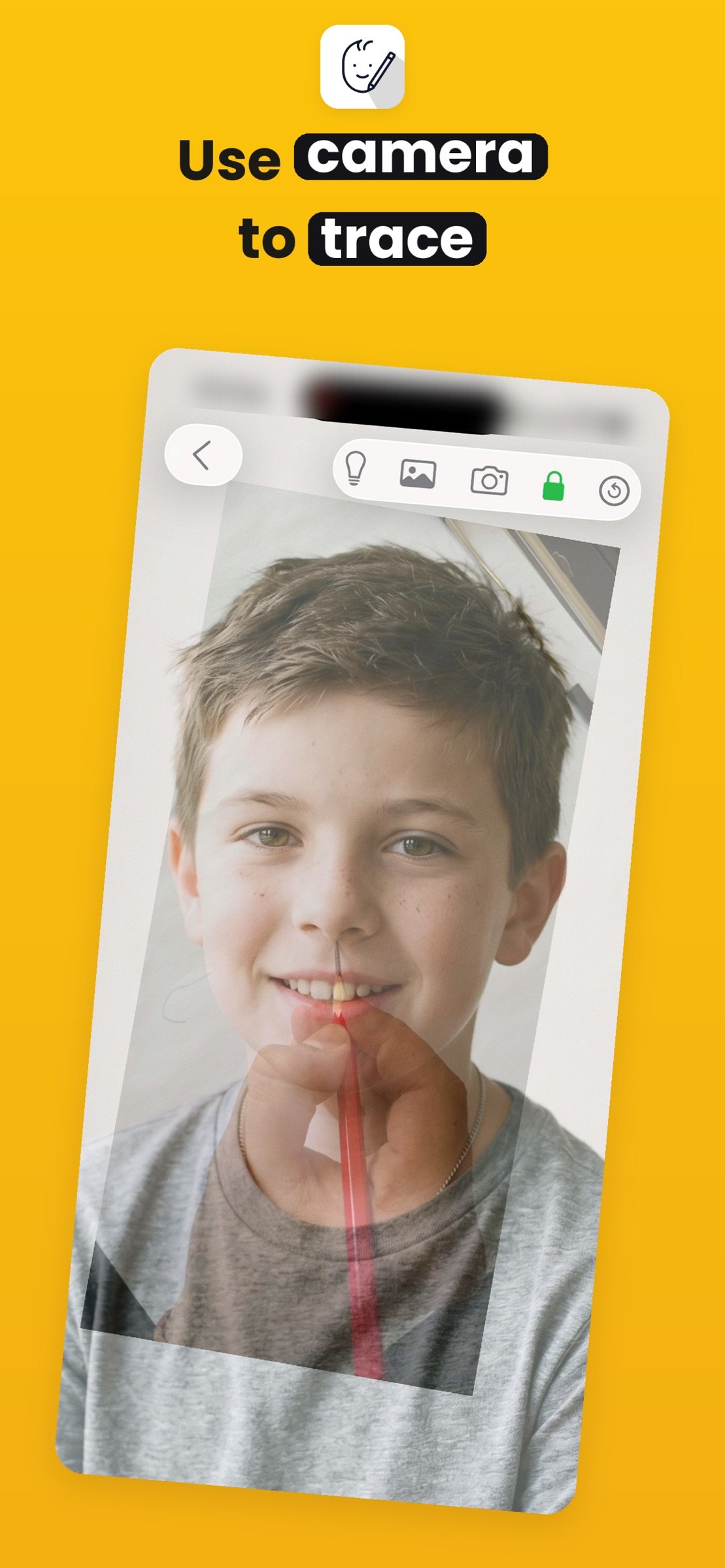
Turn your iPhone or iPad into a powerful tracing tool. ArtTracer overlays any
image onto your live camera feed, letting you trace directly onto paper,
canvas, wood, walls, or any surface.
Whether you're a beginner learning to draw, an artist scaling up a design, a
crafter transferring patterns, or a muralist projecting layouts — ArtTracer helps
you work faster and more accurately. No projector needed, no printing, no
complicated setup.
HOW IT WORKS
1. Choose an image from your Photo Library or Files
2. Tracer overlays it on your camera feed in real-time
3. Adjust opacity, scale, and position to fit perfectly
4. Trace onto your surface with confidence
TWO TRACING MODES
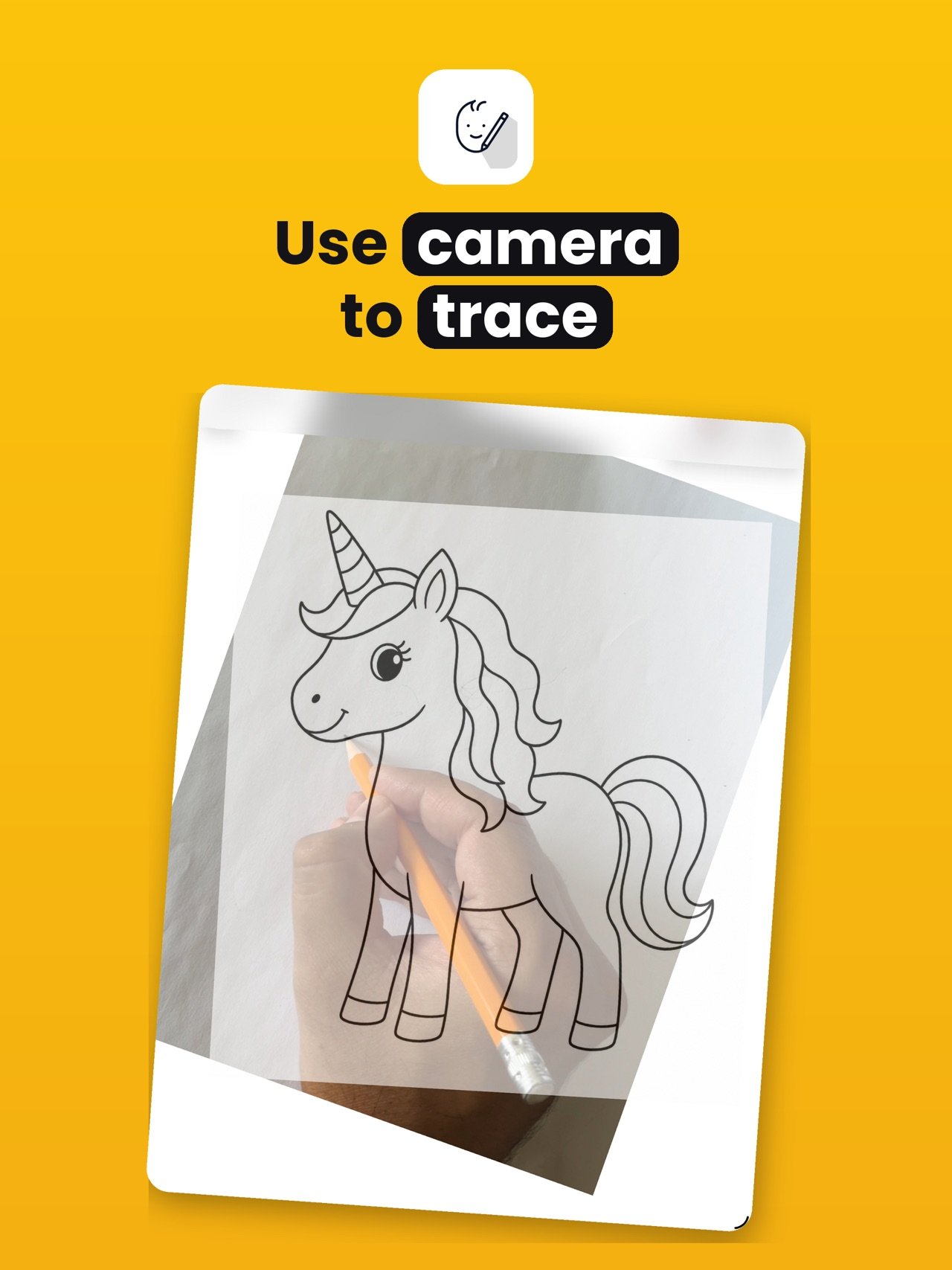
Normal Mode — Your image floats over the live camera feed. Pinch to resize,
drag to reposition, rotate to angle it. Adjust opacity to see both the
reference and your surface. Control the image or camera layer independently.
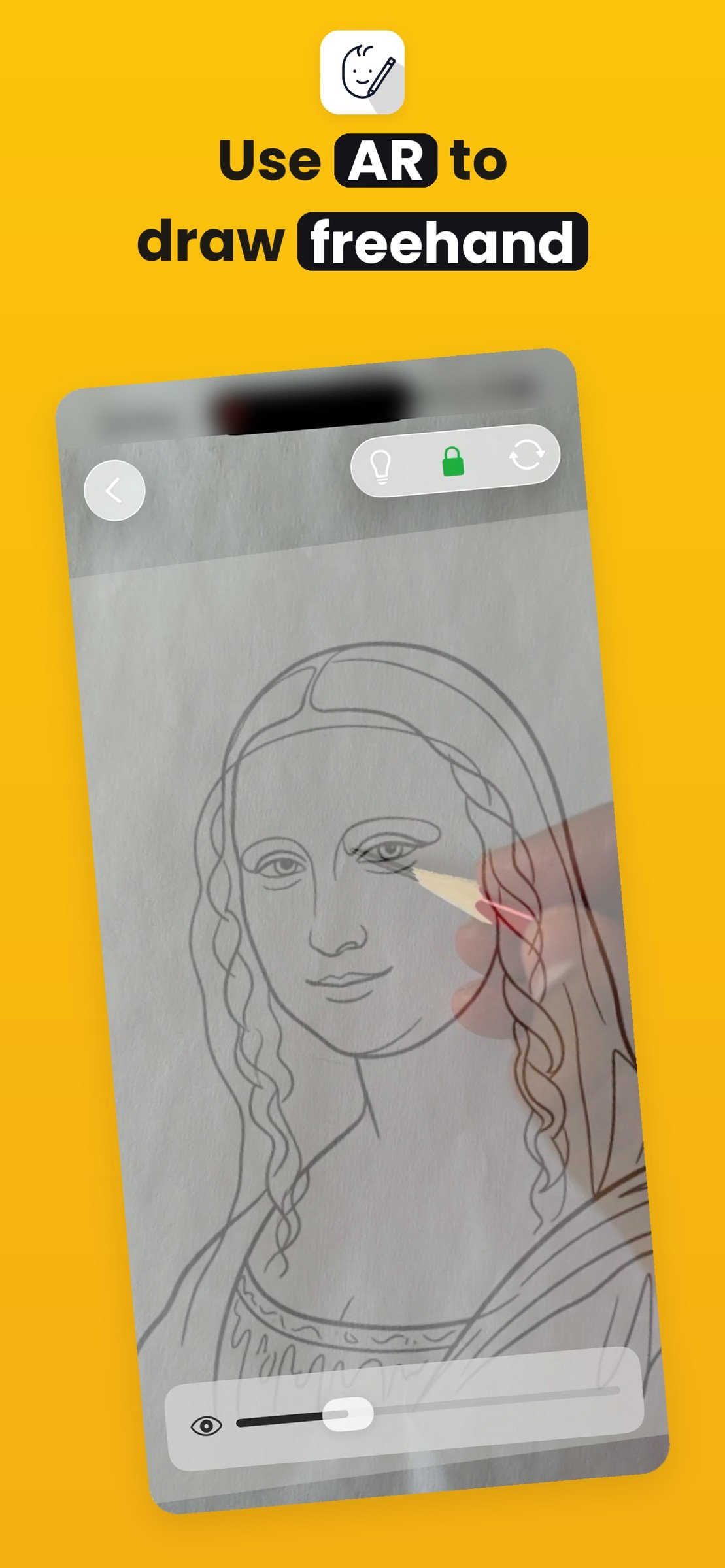
AR Mode — Place your image onto a real surface using augmented reality. Scale
it, lock it in place, and trace with the image anchored in 3D space. Perfect
for larger surfaces where the reference needs to stay fixed as you move.
GESTURE CONTROLS
Pinch to scale, drag to reposition, two-finger rotate, and use the opacity
slider to go from subtle to bold. Every gesture feels natural on both iPhone
and iPad.
BUILT FOR iPHONE & iPAD
Fully optimized for every screen size. iPad gives you a larger working view,
while iPhone keeps things portable. Adaptive layouts ensure everything looks
right — no stretched elements, no wasted space.
PERFECT FOR
- Drawing & sketching — trace references to learn proportions
- Lettering & calligraphy — transfer designs onto paper
- Crafts & DIY — project patterns onto fabric, wood, or other materials
- Murals & wall art — scale designs onto large surfaces
- Tattoo stencils, cake decorating, pumpkin carving, embroidery, woodworking,
and more
FEATURES
- Real-time camera overlay with adjustable opacity
- AR surface tracking with image placement
- Pinch, drag, and rotate gestures
- Independent image and camera layer control
- Lock mode to prevent accidental changes
- Flashlight toggle for low-light tracing
- Smart saved images gallery sorted by recency
- One-tap resume for your last session
- Import from Photo Library or Files
- No account, no subscriptions, no ads
PRIVACY
Everything stays on your device. No cloud uploads, no tracking, no analytics.
Camera access is used solely for the live viewfinder — nothing is recorded.
Download Tracer and start bringing your creative ideas to life.
License: Commercial
Turn your iPhone or iPad into a powerful tracing tool. ArtTracer overlays any
image onto your live camera feed, letting you trace directly onto paper,
canvas, wood, walls, or any surface.
Whether you're a beginner learning to draw, an artist scaling up a design, a
crafter transferring patterns, or a muralist projecting layouts — ArtTracer helps
you work faster and more accurately. No projector needed, no printing, no
complicated setup.
HOW IT WORKS
1. Choose an image from your Photo Library or Files
2. Tracer overlays it on your camera feed in real-time
3. Adjust opacity, scale, and position to fit perfectly
4. Trace onto your surface with confidence
TWO TRACING MODES
Normal Mode — Your image floats over the live camera feed. Pinch to resize,
drag to reposition, rotate to angle it. Adjust opacity to see both the
reference and your surface. Control the image or camera layer independently.
AR Mode — Place your image onto a real surface using augmented reality. Scale
it, lock it in place, and trace with the image anchored in 3D space. Perfect
for larger surfaces where the reference needs to stay fixed as you move.
GESTURE CONTROLS
Pinch to scale, drag to reposition, two-finger rotate, and use the opacity
slider to go from subtle to bold. Every gesture feels natural on both iPhone
and iPad.
BUILT FOR iPHONE & iPAD
Fully optimized for every screen size. iPad gives you a larger working view,
while iPhone keeps things portable. Adaptive layouts ensure everything looks
right — no stretched elements, no wasted space.
PERFECT FOR
- Drawing & sketching — trace references to learn proportions
- Lettering & calligraphy — transfer designs onto paper
- Crafts & DIY — project patterns onto fabric, wood, or other materials
- Murals & wall art — scale designs onto large surfaces
- Tattoo stencils, cake decorating, pumpkin carving, embroidery, woodworking,
and more
FEATURES
- Real-time camera overlay with adjustable opacity
- AR surface tracking with image placement
- Pinch, drag, and rotate gestures
- Independent image and camera layer control
- Lock mode to prevent accidental changes
- Flashlight toggle for low-light tracing
- Smart saved images gallery sorted by recency
- One-tap resume for your last session
- Import from Photo Library or Files
- No account, no subscriptions, no ads
PRIVACY
Everything stays on your device. No cloud uploads, no tracking, no analytics.
Camera access is used solely for the live viewfinder — nothing is recorded.
Download Tracer and start bringing your creative ideas to life.
License: Commercial
| Release info | New Release on Aug 03, 2026 |
|---|---|
| Listing data | App Store |
Reviews
No reviews yet. Be the first to review ArtTracer.
Used ArtTracer? Tell other visitors what you thought.
Log in to write a reviewOther products by this publisher
- "No Distractions" for YouTube 4.10 ----
- #Bible 11.6.1 "Incredible App - My sister shared this app with me a few weeks ago and it is truly incredible.
- #filmphotography 1.4.2 So, you decided to shoot on film?
- $quirrel 1.5.1 $quirrel Budget & Finance helps you plan each paycheck, track spending, manage debt, and see what is safe to spend before the next payday.
- % Percentage Calculator Pro 1.41 This is the Pro version of % Percentage Calculator.
Most viewed iOS Photo & Video
-
1
 ShortDiShow 2.0
Drama Quest Island — An offline interactive short-drama adventure.
-
2
 Infuse 8.5.10
Infuse: Enterprise provides the same great features as the standard version of Infuse and includes permanent access to all Pro features via a traditional paid app.
-
3
 AI Video Generator 2.0.3
Vixel – AI Video Generator
-
4
 OPlayer 4.8
Play all your videos directly without having to convert them!
-
5
 CapCut 20.2.0
CapCut offers easy-to-use video editing functions, in-APP fonts and effects, advanced features such as keyframe animation, smooth slow-motion, chroma key, and stabilization, to help you capture and snip moments.
-
6
 Necrometer II 1.2
Necrometer II is a paranormal investigation companion designed for ghost hunters and researchers.
-
7
 Ai Photo 1.1.2
AI Photo Retouch – BG Eraser
- 8 #filmphotography 1.4.2 So, you decided to shoot on film?
-
9
 Analog Radio 3.0
The iPhone and iPad devices don't have the FM/AM radio antenna installed.
-
10
 Pop Dot Comics 1.48
Create a comic worthy of the Sunday newspaper or your favorite pulp-fiction cover.
Most downloaded iOS Photo & Video
-
1
 DJI Fly 1.21.18
DJI Fly is designed to help pilots fly drones with ease.
-
2
Infuse 8.5.10
Infuse: Enterprise provides the same great features as the standard version of Infuse and includes permanent access to all Pro features via a traditional paid app.
-
3
Analog Radio 3.0
The iPhone and iPad devices don't have the FM/AM radio antenna installed.
-
4
 TurboCollage Automatic 1.2.4
#1 Easy automatic photo collage maker for iPhone & iPad.
-
5
 ReelyGo 1.1.42
ReelyGo: Your Daily Drama Escape
-
6
 Rozeta Sequencer Suite 1.3.16
Rozeta is a suite of MIDI sequencers and controllers that lets you explore a new, freeform approach to sequencing and controlling mobile music apps.
-
7
 Treblo 1.6.6
Make songs with the world's best AI music model.
-
8
Pop Dot Comics 1.48
Create a comic worthy of the Sunday newspaper or your favorite pulp-fiction cover.
-
9
 AGAIN. Rehearsal Notes 2.0.1
AGAIN. is the rehearsal app that remembers why the band stopped — and, new in Version 2, who said what in a writing session or a table read.
-
10
 Sun Scout 1.5.0
If your work or play requires sunlight, Sun Scout is built for you.