AR Projector Tracing & Drawing 1.4
AR Drawing - Sketches is perfect for anyone looking to improve their sketching or drawing skills.
Download
243.46 MB
9downloads
1this week
FreeFreeware
0reviews
Screenshots
About AR Projector Tracing & Drawing
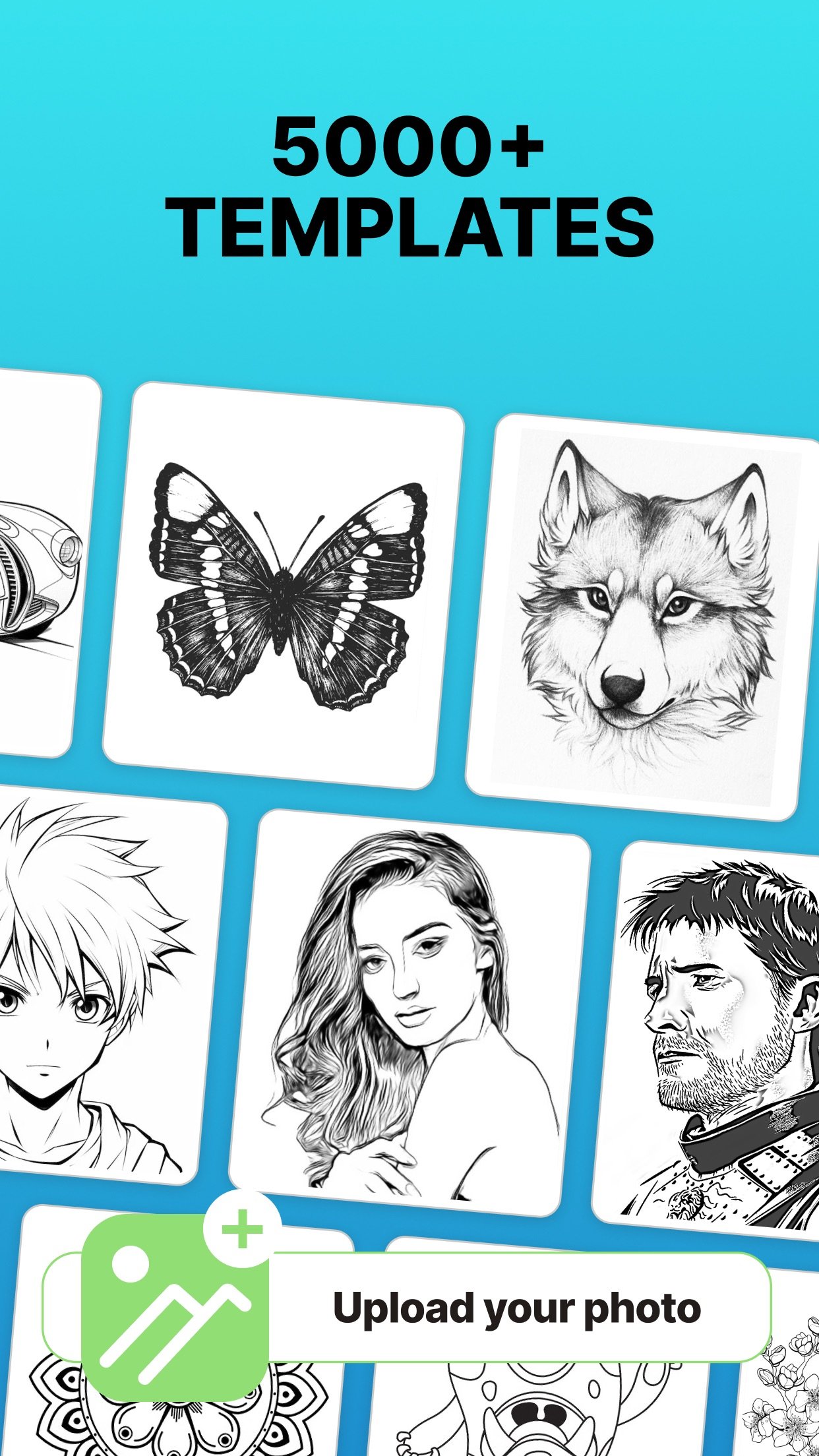
AR Drawing - Sketches is perfect for anyone looking to improve their sketching or drawing skills. Downloaded by over 1.5 Million users all over the world, the app stands out for its simplicity and ease of use, providing a practical way to trace and recreate any image.
Whether you're an experienced artist aiming to sharpen your techniques or a beginner hoping to produce better drawings, this app has something for you.
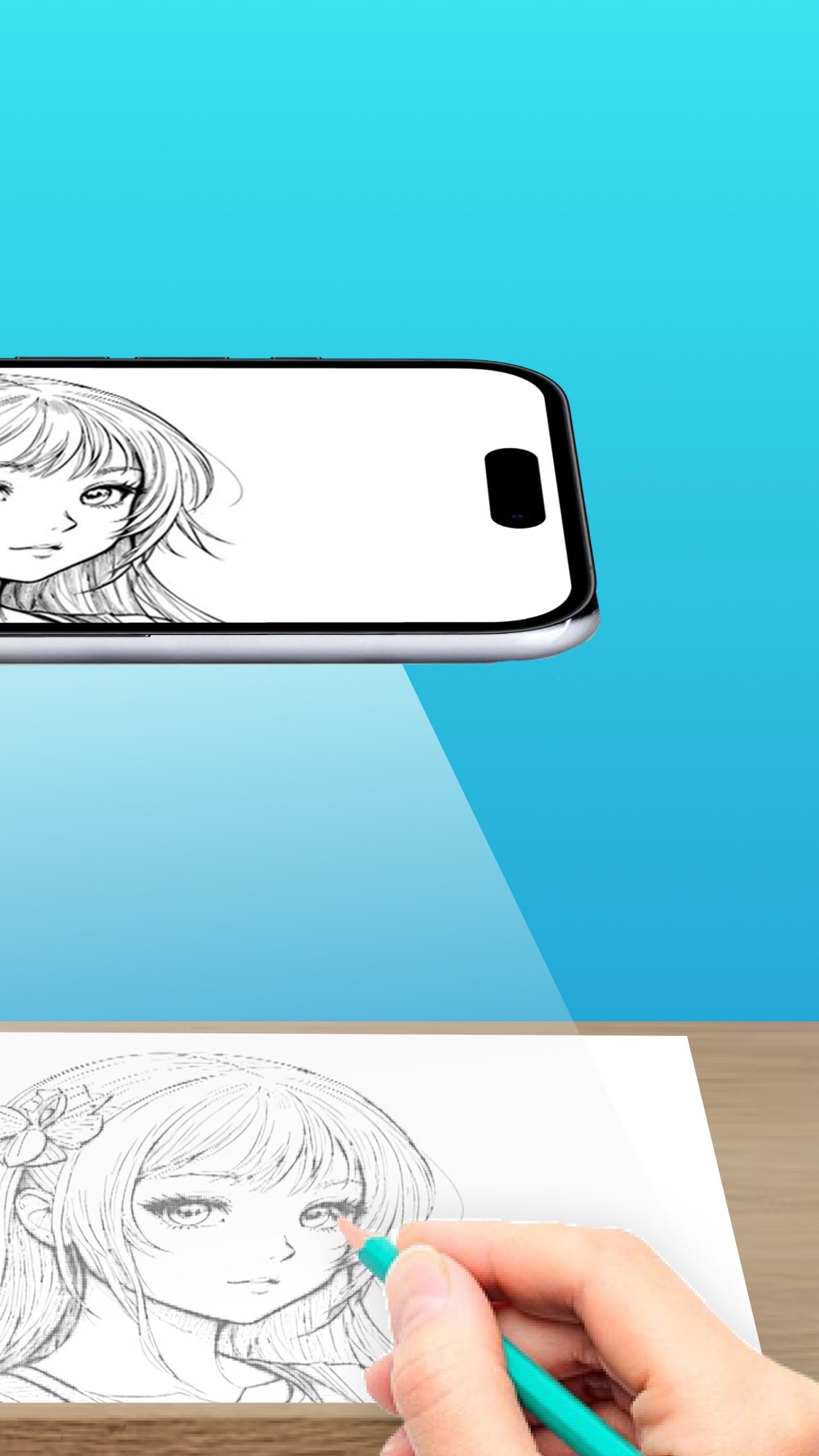
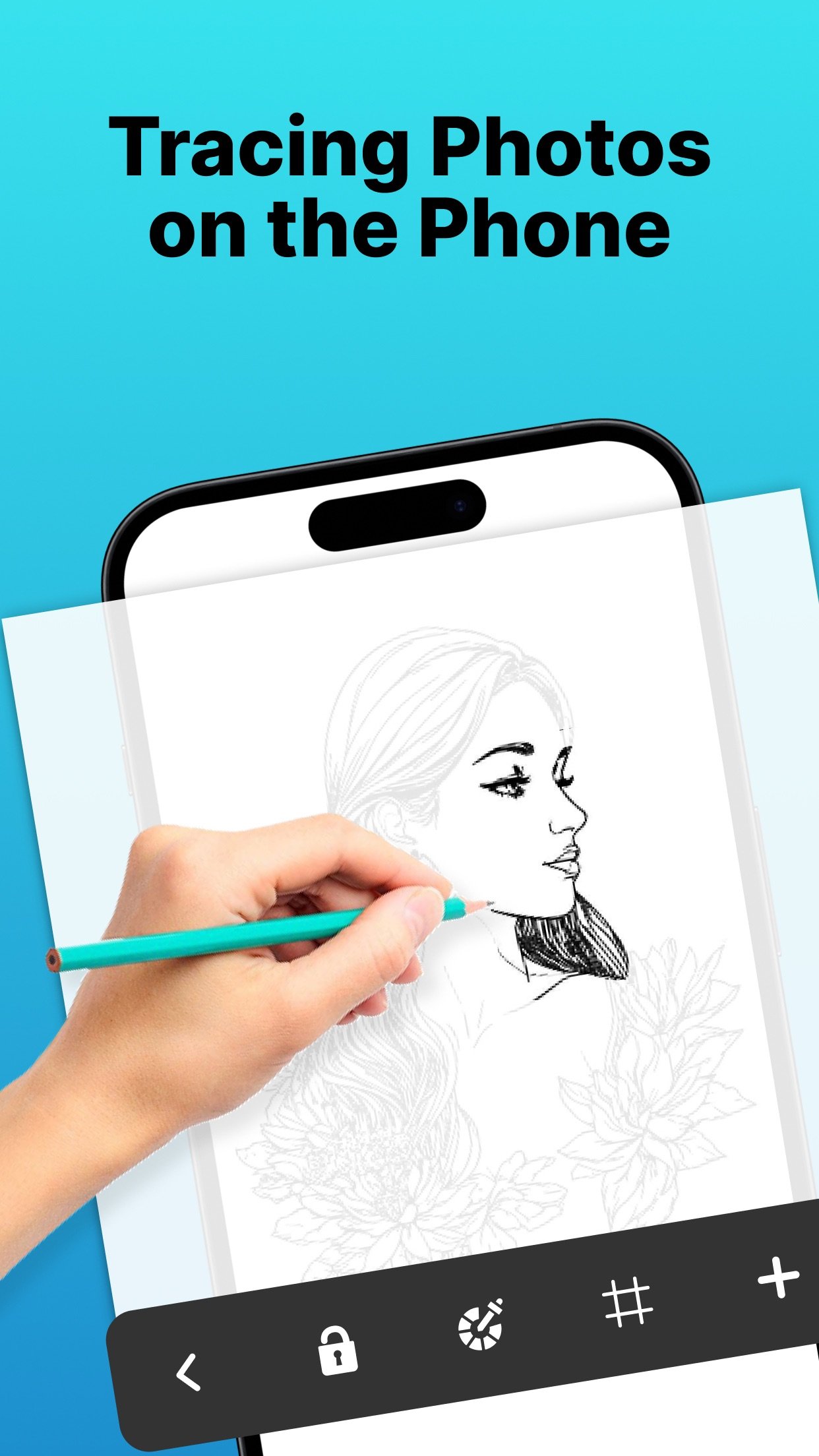
AR Drawing - Sketches preserves the original outlines of your image and overlays them on your drawing surface, guiding your hand and making the tracing process much easier.
You can also access drawing lessons designed to help you grow step by step, track your progress through various milestones, and find inspiration from a curated selection of images and artwork.
Key Features:
- Image Projector with AR Anchor Tool: Overlay any image onto your drawing surface using your device’s camera and anchor it precisely with AR technology. This ensures image stability and helps guide your hand as you draw.
- Light Table: Turn your phone into a virtual light table to trace images directly from the screen—ideal for sketching on paper.
- Digital Drawing: Use intuitive sketch tools to draw directly on your device, perfect for quick concept art or practicing anywhere.
- Drawing Lessons: Learn and improve your drawing skills through lessons suitable for all skill levels.
- Progress Tracking: Set goals and unlock milestones to stay motivated and see how far you've come.
- Inspiration Hub: Explore curated content to spark your creativity and try new styles.
How to Get Started:
1. Upload a high-quality image or choose one from the gallery.
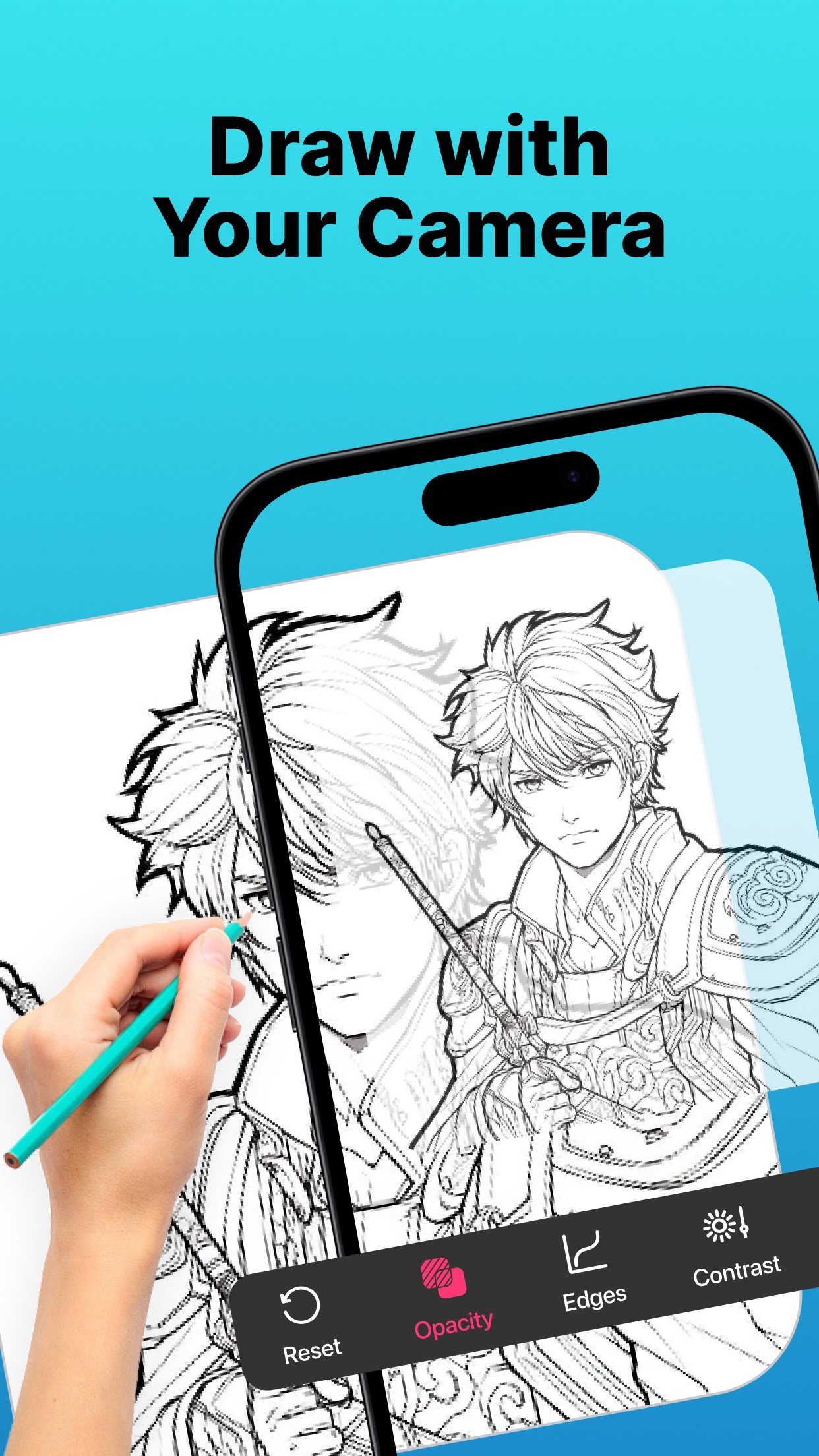
2. Adjust the image’s transparency and contrast to make it easier to trace.
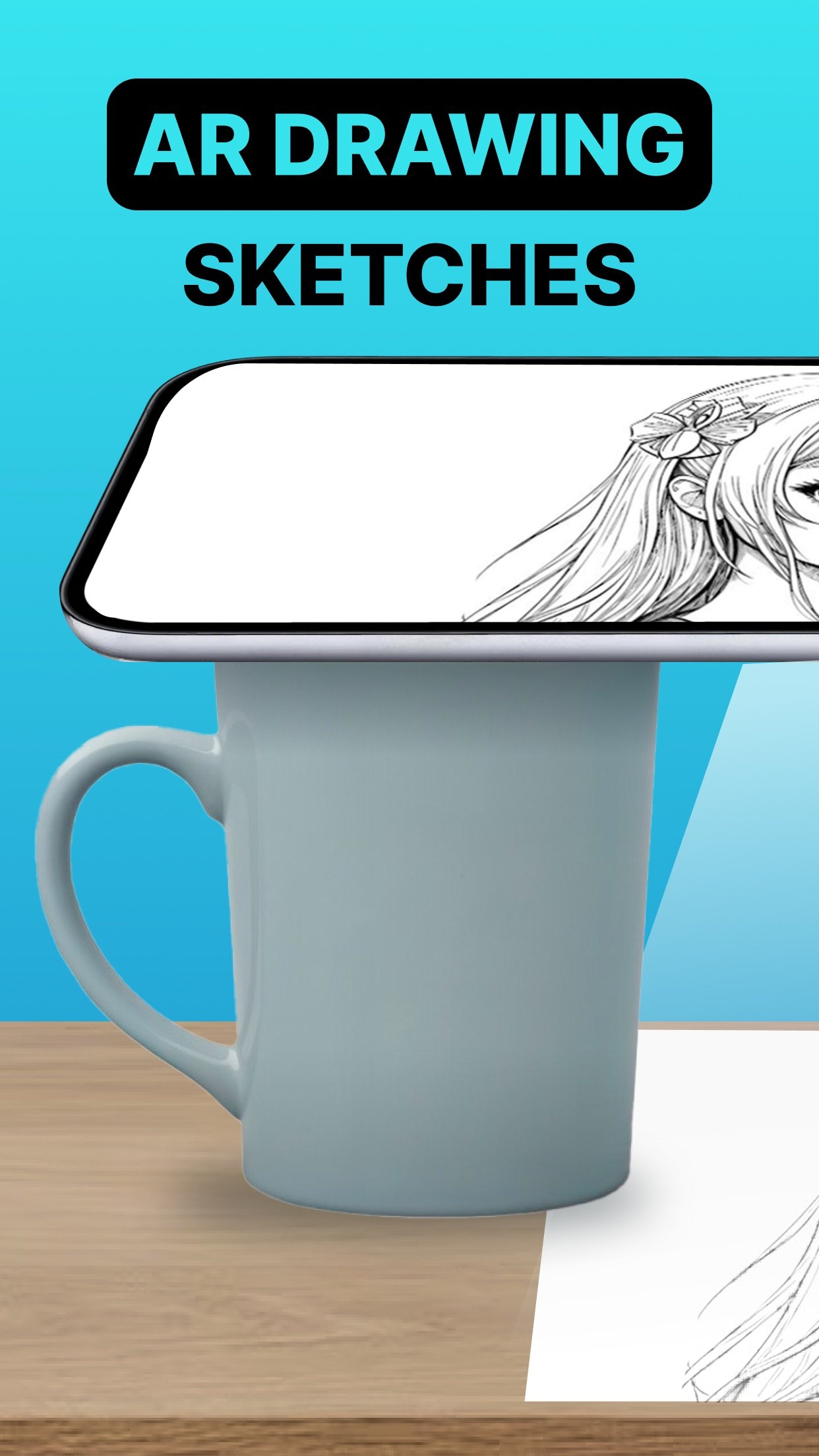
3. Secure your phone above your paper using a tripod or even a cup.
4. Start drawing and create your own masterpiece.
Subscription Details:
Unlock premium features with a subscription:
- Duration: Weekly or Yearly
- Payment will be charged to your iTunes Account upon confirmation of purchase
- You can manage your subscription and disable auto-renewal in your Account Settings
- Subscriptions renew automatically unless auto-renew is turned off at least 24 hours before the end of the current period
- Renewal charges will be applied within 24 hours prior to the end of the current period
- If you cancel, your subscription remains active until the end of the current period. No refunds will be issued
- Any unused portion of a free trial (if offered) will be forfeited once a subscription is purchased
Terms of Use: [link removed]
Whether you're an experienced artist aiming to sharpen your techniques or a beginner hoping to produce better drawings, this app has something for you.
AR Drawing - Sketches preserves the original outlines of your image and overlays them on your drawing surface, guiding your hand and making the tracing process much easier.
You can also access drawing lessons designed to help you grow step by step, track your progress through various milestones, and find inspiration from a curated selection of images and artwork.
Key Features:
- Image Projector with AR Anchor Tool: Overlay any image onto your drawing surface using your device’s camera and anchor it precisely with AR technology. This ensures image stability and helps guide your hand as you draw.
- Light Table: Turn your phone into a virtual light table to trace images directly from the screen—ideal for sketching on paper.
- Digital Drawing: Use intuitive sketch tools to draw directly on your device, perfect for quick concept art or practicing anywhere.
- Drawing Lessons: Learn and improve your drawing skills through lessons suitable for all skill levels.
- Progress Tracking: Set goals and unlock milestones to stay motivated and see how far you've come.
- Inspiration Hub: Explore curated content to spark your creativity and try new styles.
How to Get Started:
1. Upload a high-quality image or choose one from the gallery.
2. Adjust the image’s transparency and contrast to make it easier to trace.
3. Secure your phone above your paper using a tripod or even a cup.
4. Start drawing and create your own masterpiece.
Subscription Details:
Unlock premium features with a subscription:
- Duration: Weekly or Yearly
- Payment will be charged to your iTunes Account upon confirmation of purchase
- You can manage your subscription and disable auto-renewal in your Account Settings
- Subscriptions renew automatically unless auto-renew is turned off at least 24 hours before the end of the current period
- Renewal charges will be applied within 24 hours prior to the end of the current period
- If you cancel, your subscription remains active until the end of the current period. No refunds will be issued
- Any unused portion of a free trial (if offered) will be forfeited once a subscription is purchased
Terms of Use: [link removed]
| Release info | New Release on Feb 09, 2026 |
|---|---|
| Release notes | Explore the new Valentine's Day-themed coloring books! |
| Listing data | App Store |
Reviews
No reviews yet. Be the first to review AR Projector Tracing & Drawing.
Used AR Projector Tracing & Drawing? Tell other visitors what you thought.
Log in to write a reviewOther products by this publisher
- "No Distractions" for YouTube 4.10 ----
- #Bible 11.6 "Incredible App - My sister shared this app with me a few weeks ago and it is truly incredible.
- #filmphotography 1.4.2 So, you decided to shoot on film?
- $quirrel 1.5.1 $quirrel Budget & Finance helps you plan each paycheck, track spending, manage debt, and see what is safe to spend before the next payday.
- % Percentage Calculator Pro 1.41 This is the Pro version of % Percentage Calculator.
Most viewed iOS Photo & Video
-
1
 ShortDiShow 2.0
Drama Quest Island — An offline interactive short-drama adventure.
-
2
 Infuse 8.5.10
Infuse: Enterprise provides the same great features as the standard version of Infuse and includes permanent access to all Pro features via a traditional paid app.
-
3
 AI Video Generator 2.0.2
Vixel – AI Video Generator
-
4
 OPlayer 4.8
Play all your videos directly without having to convert them!
-
5
 Necrometer II 1.2
Necrometer II is a paranormal investigation companion designed for ghost hunters and researchers.
-
6
 CapCut 20.1.0
CapCut offers easy-to-use video editing functions, in-APP fonts and effects, advanced features such as keyframe animation, smooth slow-motion, chroma key, and stabilization, to help you capture and snip moments.
-
7
 Ai Photo 1.1.2
AI Photo Retouch – BG Eraser
-
8
 Treblo 1.6.0
Make songs with the world's best AI music model.
-
9
 Pop Dot Comics 1.48
Create a comic worthy of the Sunday newspaper or your favorite pulp-fiction cover.
- 10 #filmphotography 1.4.2 So, you decided to shoot on film?
Most downloaded iOS Photo & Video
-
1
Infuse 8.5.10
Infuse: Enterprise provides the same great features as the standard version of Infuse and includes permanent access to all Pro features via a traditional paid app.
-
2
 DJI Fly 1.21.18
DJI Fly is designed to help pilots fly drones with ease.
-
3
 Analog Radio 3.0
The iPhone and iPad devices don't have the FM/AM radio antenna installed.
-
4
 TurboCollage Automatic 1.2.4
#1 Easy automatic photo collage maker for iPhone & iPad.
-
5
 ReelyGo 1.1.42
ReelyGo: Your Daily Drama Escape
-
6
Treblo 1.6.0
Make songs with the world's best AI music model.
-
7
 Rozeta Sequencer Suite 1.3.16
Rozeta is a suite of MIDI sequencers and controllers that lets you explore a new, freeform approach to sequencing and controlling mobile music apps.
-
8
 AGAIN. Rehearsal Notes 2.0.1
AGAIN. is the rehearsal app that remembers why the band stopped — and, new in Version 2, who said what in a writing session or a table read.
-
9
Pop Dot Comics 1.48
Create a comic worthy of the Sunday newspaper or your favorite pulp-fiction cover.
-
10
 SSS IPTV, Simple, Smart Super 1.0.2
An Easiest way to watch TV Online or Movies or Series, Bring your Own list M3u,