
10downloads
3this week
FreeFreeware
0reviews
Screenshots
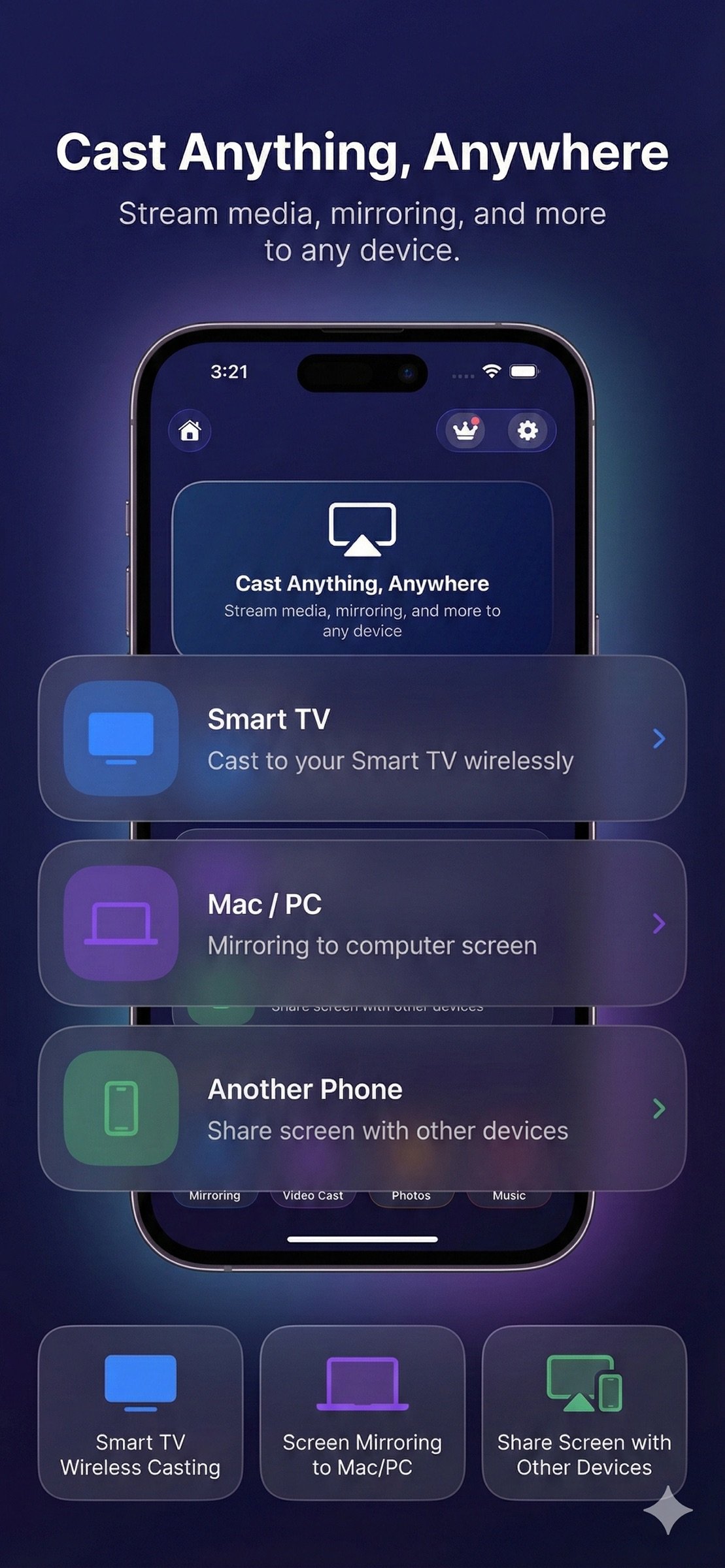
About AirPlay Cast
A Practical Way to Share Your Phone on Bigger Screens
This app is designed for people who want a straightforward and stable way to display phone content on larger screens at home or at work. Instead of complex setups or unnecessary features, the app focuses on reliable casting, smooth screen mirroring, and simple control across everyday devices.
Whether you’re watching videos, sharing personal moments, or presenting content, the app helps you move what’s on your phone to the screen everyone can see.
What You Can Do with the App
Cast Personal & Online Content
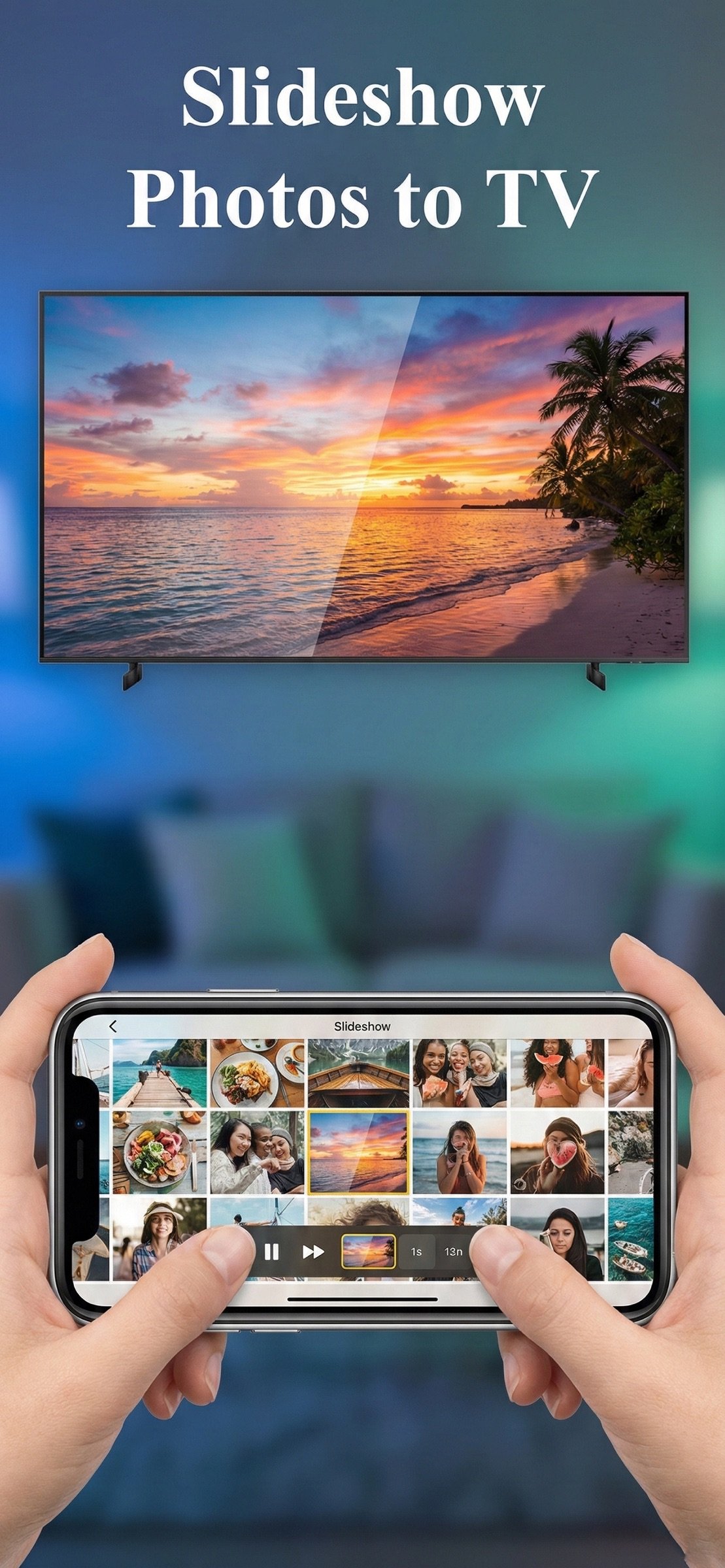
Easily display videos, photos, music, and web pages from your phone onto compatible TVs or computers. This is ideal for watching clips, browsing content, or enjoying personal media on a larger display.
Instant Screen Mirroring
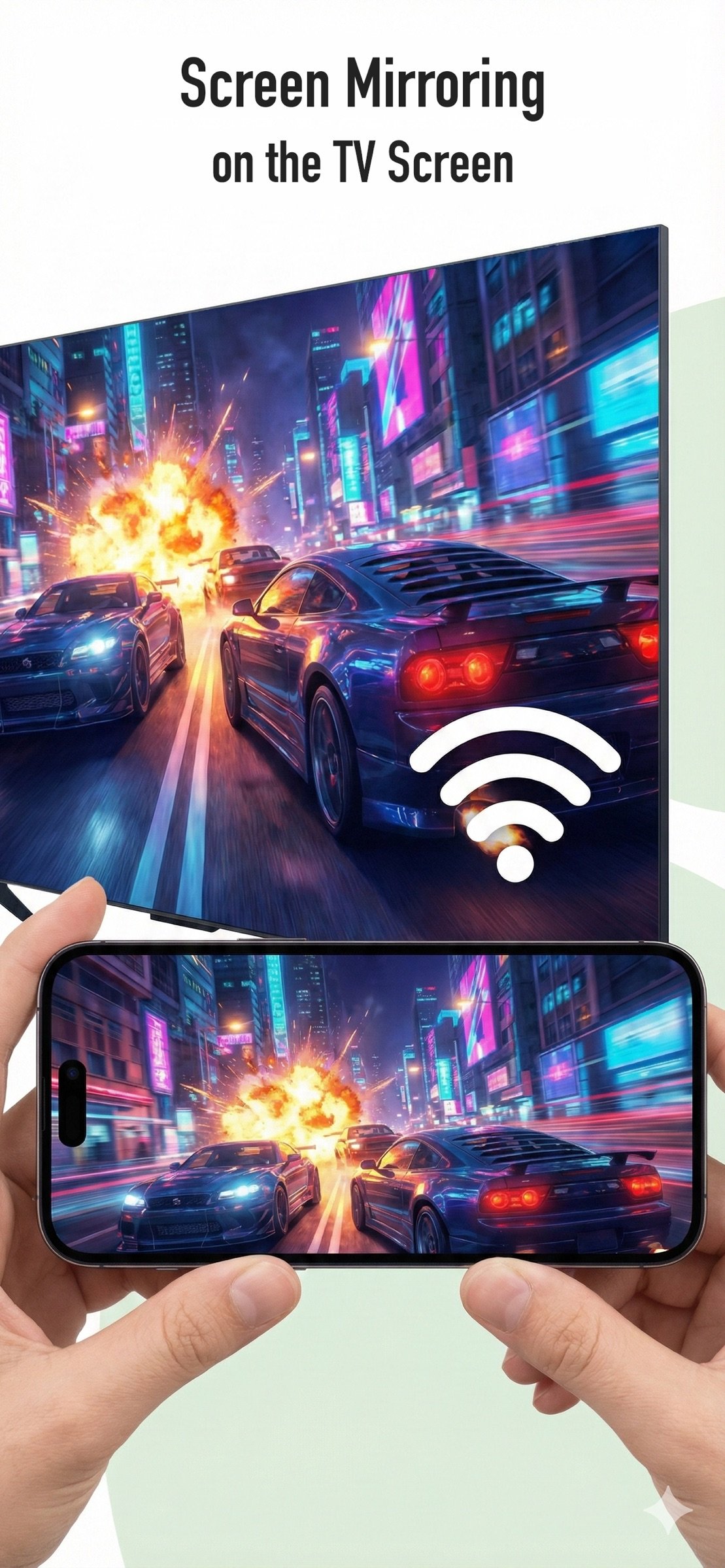
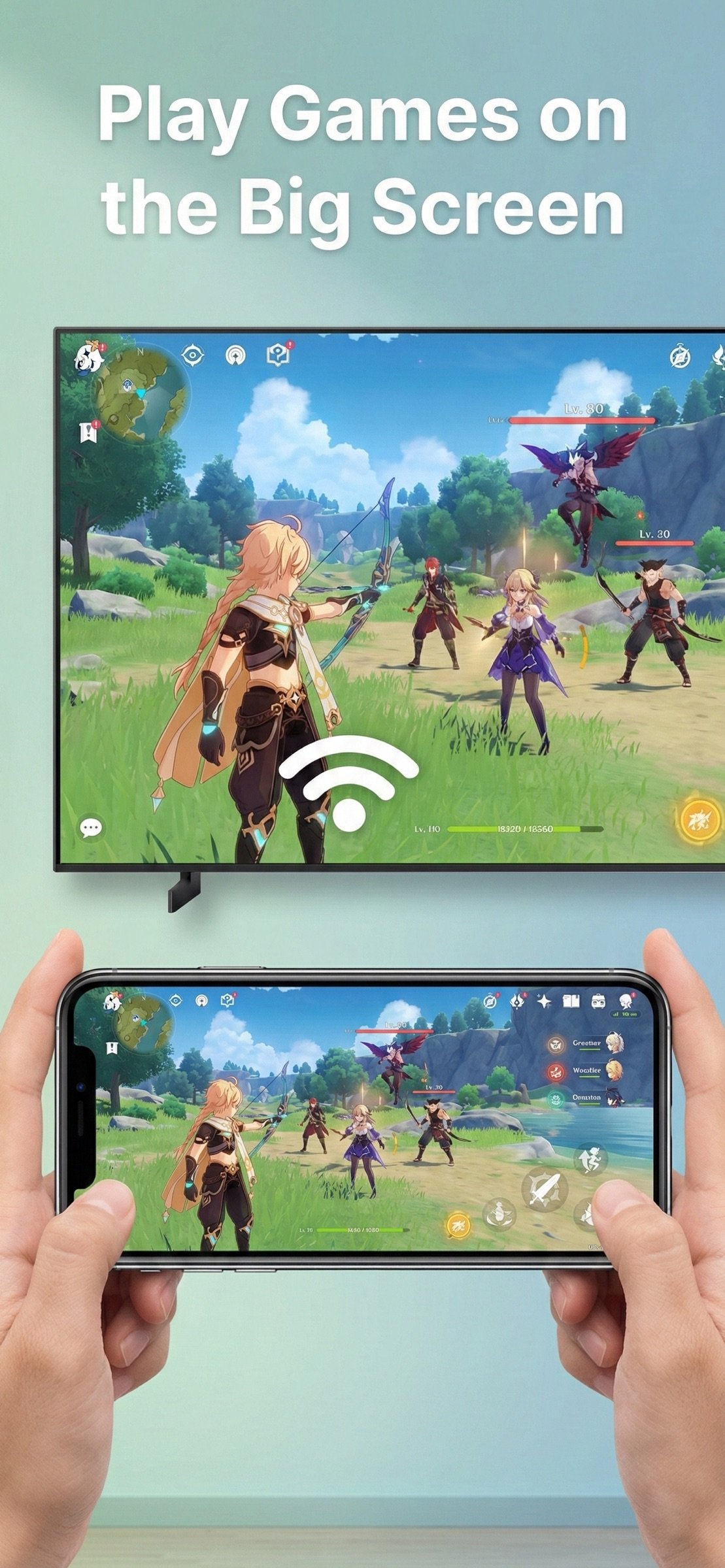
Mirror your phone screen in real time with minimal delay. Useful for mobile games, presentations, video calls, tutorials, or app demonstrations—exactly as they appear on your phone.
Phone-Based TV Control
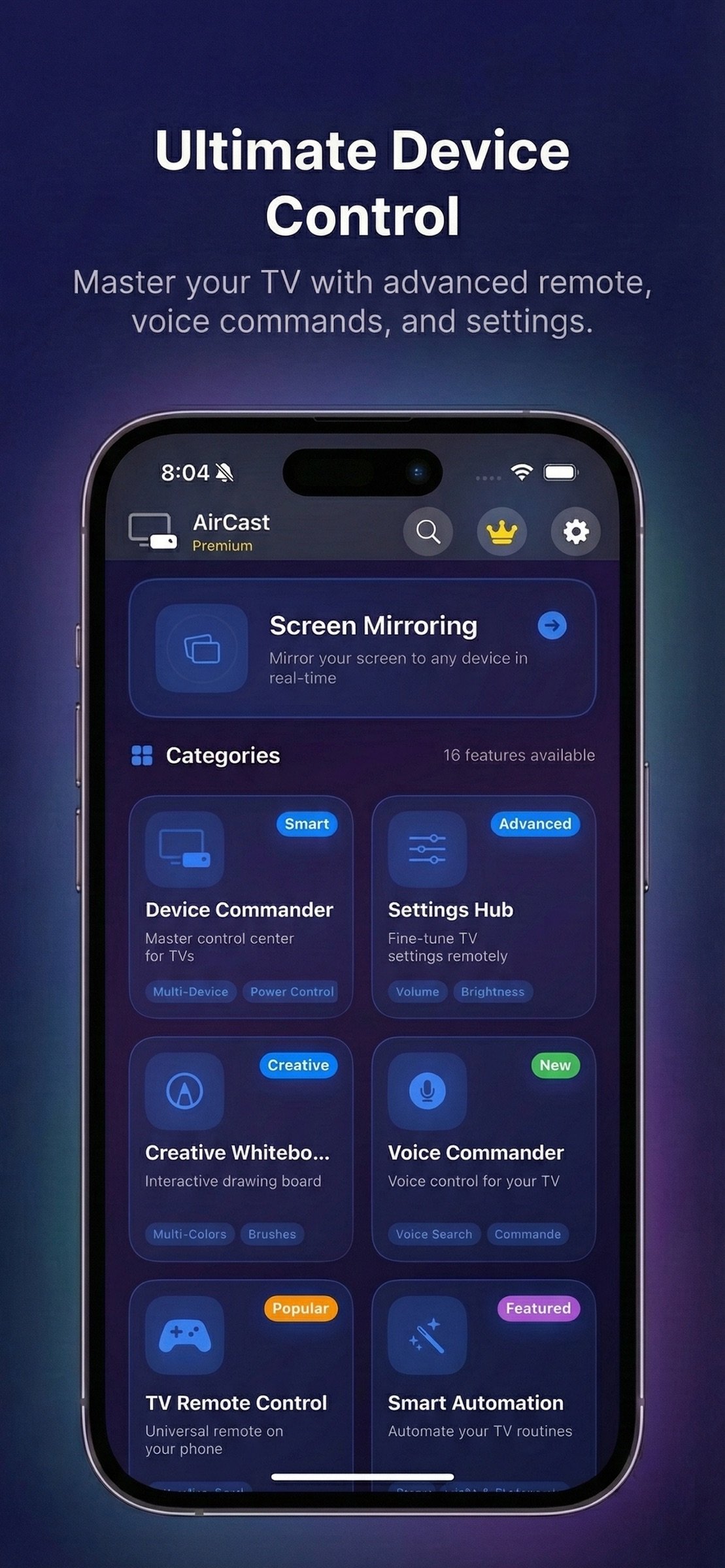
Use your phone as a convenient controller to manage playback, adjust volume, navigate apps, and switch content without relying on a physical remote.
Share Moments Together
Turn your TV into a shared viewing space for family photos, videos, and memories. Great for gatherings, holidays, or casual time at home.
Play Music Through TV Speakers
Send music directly from your phone to your TV for a fuller sound experience—perfect for background music, workouts, or relaxing evenings.
Designed for Everyday Use
• No cables required
• No extra hardware
• Works over the same Wi-Fi network
• Clean interface focused on core functionality
The app supports a wide range of modern TVs and streaming devices, making it adaptable to different home setups.
Who Is This App For?
• Users who want a simple and dependable casting solution
• Families sharing content on a single screen
• Gamers and presenters who need real-time mirroring
• Anyone who prefers control from their phone
Keep It Simple. Keep It Connected.
Share your screen. Show your content. Stay in control.
Download the app and use your TV the way you already use your phone.
Terms of Service: [link removed]
Privacy Policy: [link removed]
License: Free
This app is designed for people who want a straightforward and stable way to display phone content on larger screens at home or at work. Instead of complex setups or unnecessary features, the app focuses on reliable casting, smooth screen mirroring, and simple control across everyday devices.
Whether you’re watching videos, sharing personal moments, or presenting content, the app helps you move what’s on your phone to the screen everyone can see.
What You Can Do with the App
Cast Personal & Online Content
Easily display videos, photos, music, and web pages from your phone onto compatible TVs or computers. This is ideal for watching clips, browsing content, or enjoying personal media on a larger display.
Instant Screen Mirroring
Mirror your phone screen in real time with minimal delay. Useful for mobile games, presentations, video calls, tutorials, or app demonstrations—exactly as they appear on your phone.
Phone-Based TV Control
Use your phone as a convenient controller to manage playback, adjust volume, navigate apps, and switch content without relying on a physical remote.
Share Moments Together
Turn your TV into a shared viewing space for family photos, videos, and memories. Great for gatherings, holidays, or casual time at home.
Play Music Through TV Speakers
Send music directly from your phone to your TV for a fuller sound experience—perfect for background music, workouts, or relaxing evenings.
Designed for Everyday Use
• No cables required
• No extra hardware
• Works over the same Wi-Fi network
• Clean interface focused on core functionality
The app supports a wide range of modern TVs and streaming devices, making it adaptable to different home setups.
Who Is This App For?
• Users who want a simple and dependable casting solution
• Families sharing content on a single screen
• Gamers and presenters who need real-time mirroring
• Anyone who prefers control from their phone
Keep It Simple. Keep It Connected.
Share your screen. Show your content. Stay in control.
Download the app and use your TV the way you already use your phone.
Terms of Service: [link removed]
Privacy Policy: [link removed]
License: Free
| Release info | New Release on Jun 23, 2026 |
|---|---|
| Release notes | Enhance the user experience. |
| Listing data | App Store |
Reviews
No reviews yet. Be the first to review AirPlay Cast.
Used AirPlay Cast? Tell other visitors what you thought.
Log in to write a reviewOther products by this publisher
- "No Distractions" for YouTube 4.10 ----
- #Bible 11.6 "Incredible App - My sister shared this app with me a few weeks ago and it is truly incredible.
- #filmphotography 1.4.2 So, you decided to shoot on film?
- $quirrel 1.5.1 $quirrel Budget & Finance helps you plan each paycheck, track spending, manage debt, and see what is safe to spend before the next payday.
- % Percentage Calculator Pro 1.41 This is the Pro version of % Percentage Calculator.
Most viewed iOS Photo & Video
-
1
 ShortDiShow 2.0
Drama Quest Island — An offline interactive short-drama adventure.
-
2
 Infuse 8.5.10
Infuse: Enterprise provides the same great features as the standard version of Infuse and includes permanent access to all Pro features via a traditional paid app.
-
3
 AI Video Generator 2.0.2
Vixel – AI Video Generator
-
4
 OPlayer 4.8
Play all your videos directly without having to convert them!
-
5
 Necrometer II 1.2
Necrometer II is a paranormal investigation companion designed for ghost hunters and researchers.
-
6
 CapCut 20.1.0
CapCut offers easy-to-use video editing functions, in-APP fonts and effects, advanced features such as keyframe animation, smooth slow-motion, chroma key, and stabilization, to help you capture and snip moments.
-
7
 Ai Photo 1.1.2
AI Photo Retouch – BG Eraser
-
8
 Treblo 1.6.0
Make songs with the world's best AI music model.
-
9
 CNU 3.0.12
CNU?????????????????????,???????????????
-
10
 Pop Dot Comics 1.48
Create a comic worthy of the Sunday newspaper or your favorite pulp-fiction cover.
Most downloaded iOS Photo & Video
-
1
Infuse 8.5.10
Infuse: Enterprise provides the same great features as the standard version of Infuse and includes permanent access to all Pro features via a traditional paid app.
-
2
 DJI Fly 1.21.18
DJI Fly is designed to help pilots fly drones with ease.
-
3
 Analog Radio 3.0
The iPhone and iPad devices don't have the FM/AM radio antenna installed.
-
4
 TurboCollage Automatic 1.2.4
#1 Easy automatic photo collage maker for iPhone & iPad.
-
5
 ReelyGo 1.1.42
ReelyGo: Your Daily Drama Escape
-
6
 AGAIN. Rehearsal Notes 2.0.1
AGAIN. is the rehearsal app that remembers why the band stopped — and, new in Version 2, who said what in a writing session or a table read.
-
7
Treblo 1.6.0
Make songs with the world's best AI music model.
-
8
 Rozeta Sequencer Suite 1.3.16
Rozeta is a suite of MIDI sequencers and controllers that lets you explore a new, freeform approach to sequencing and controlling mobile music apps.
-
9
 SSS IPTV, Simple, Smart Super 1.0.2
An Easiest way to watch TV Online or Movies or Series, Bring your Own list M3u,
-
10
Pop Dot Comics 1.48
Create a comic worthy of the Sunday newspaper or your favorite pulp-fiction cover.