
Adobe Fresco 8.1.0
Adobe Fresco is a free, professional drawing and painting app made for everyone.
Download
971.21 MB
5downloads
1this week
FreeFreeware
0reviews
Screenshots
About Adobe Fresco
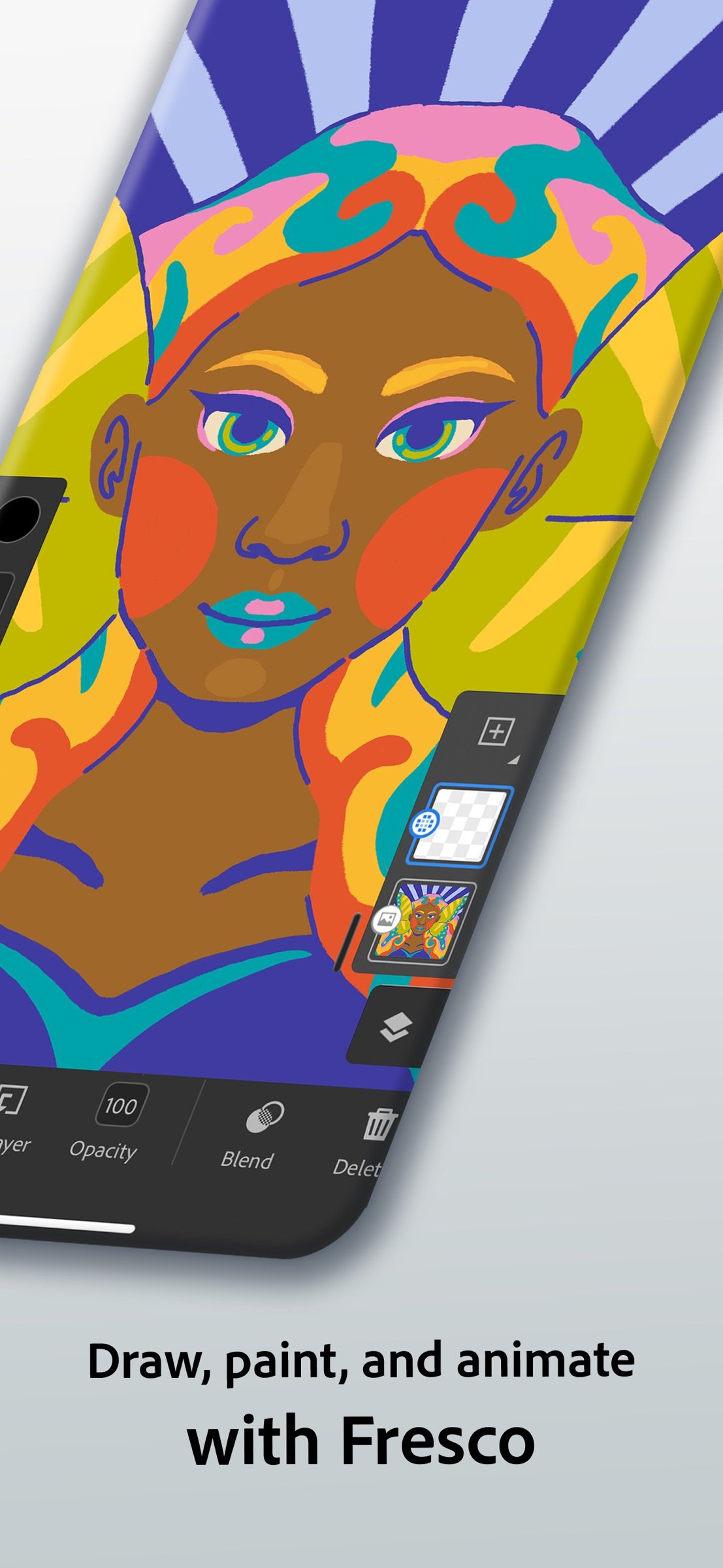
Adobe Fresco is a free, professional drawing and painting app made for everyone. Built for iPad and iPhone with Apple Pencil Pro compatibility, Fresco offers powerful features and thousands of brushes to help you create your next masterpiece.
CREATE & SHARE YOUR ARTWORK
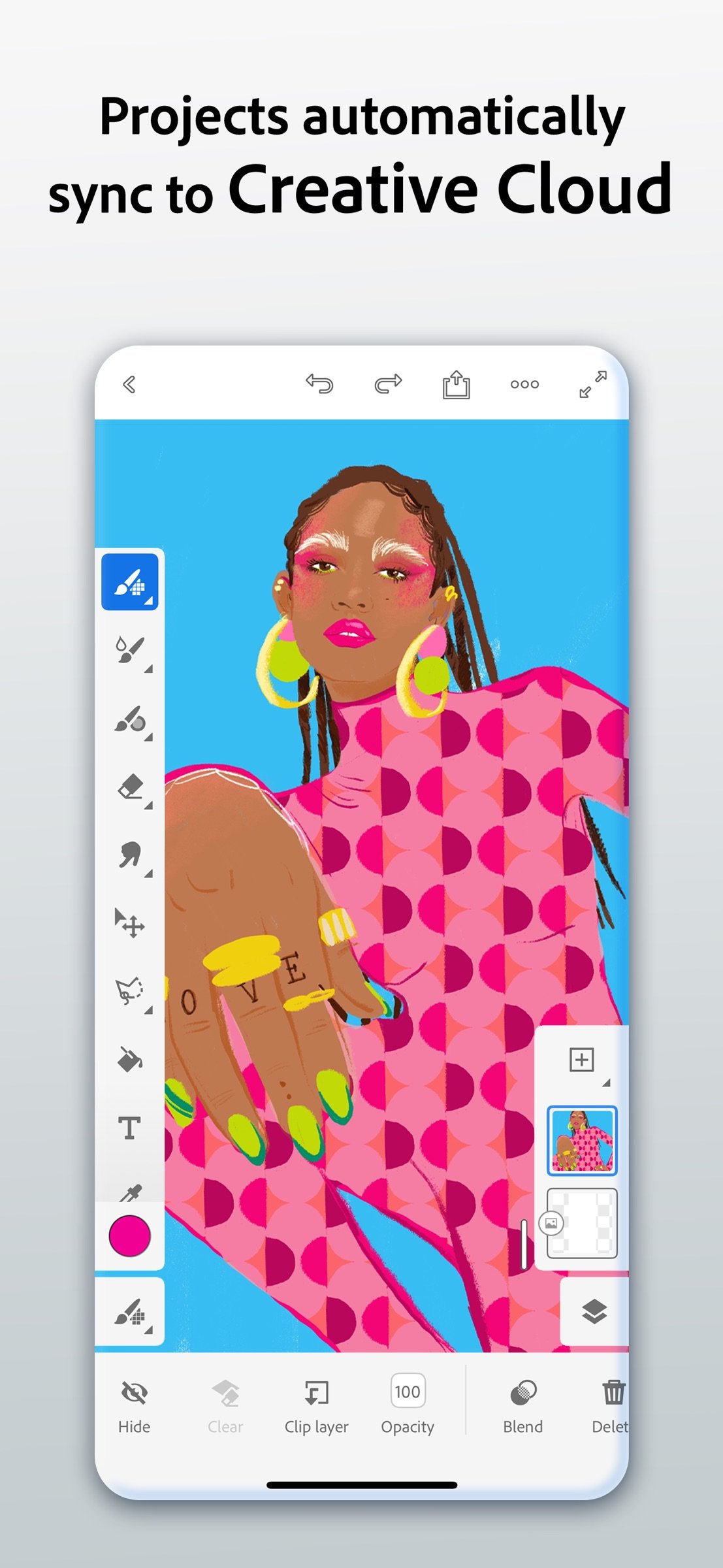
Take your artwork to the next level with Fresco’s suite of animation tools, visual effects, and expansive brush library. Perfect your artwork with unlimited layers, and easily export and share your work with multiple export presets, including process time-lapses. You can even mark your content as generative AI-free with Fresco’s Content Credentials feature.
QUICK ANIMATION TOOLS
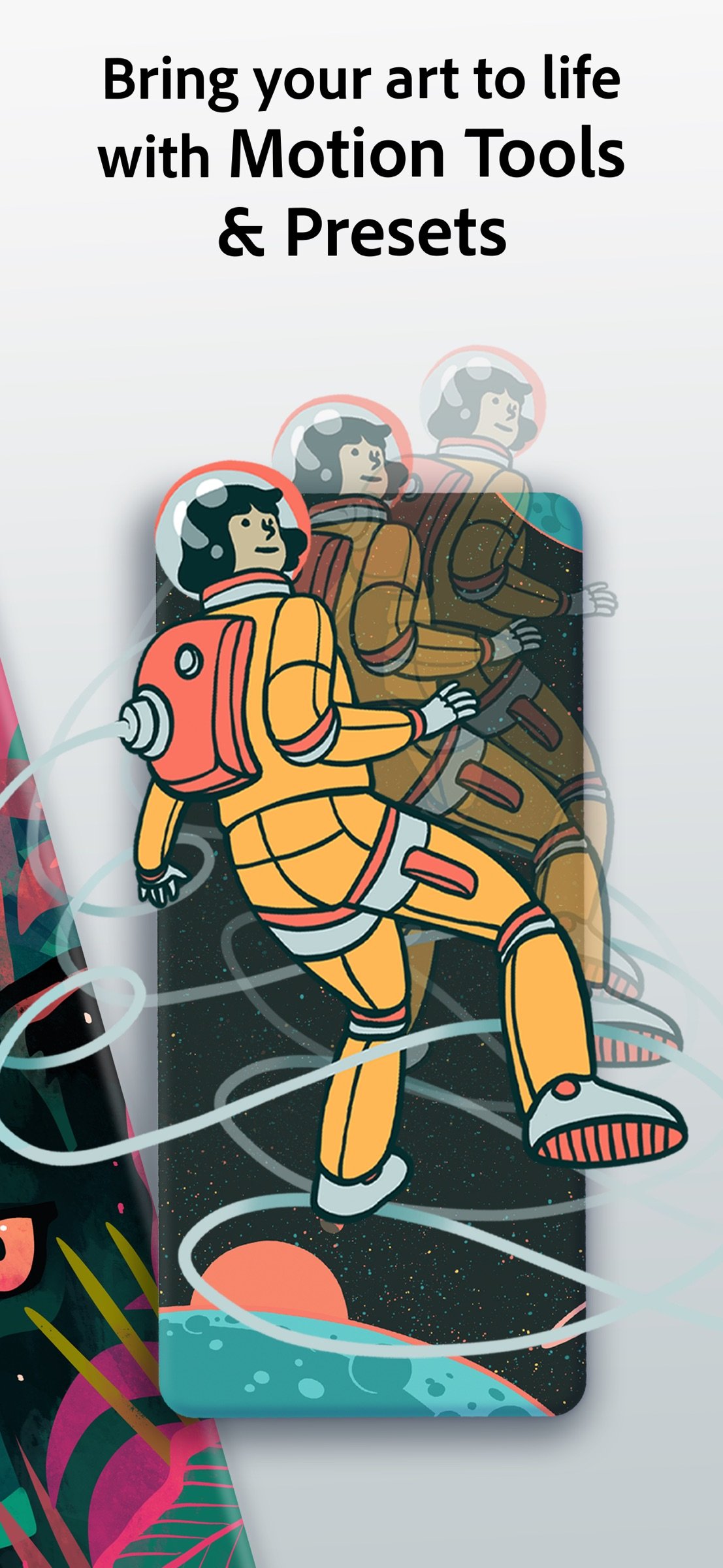
Animate your artwork with frame-by-frame animation and motion paths. Dynamic, easy-to-use features and a library of preset options let you add movement with just a tap. Easily export and share your creations as GIF and MP4 files.
THOUSANDS OF BRUSHES
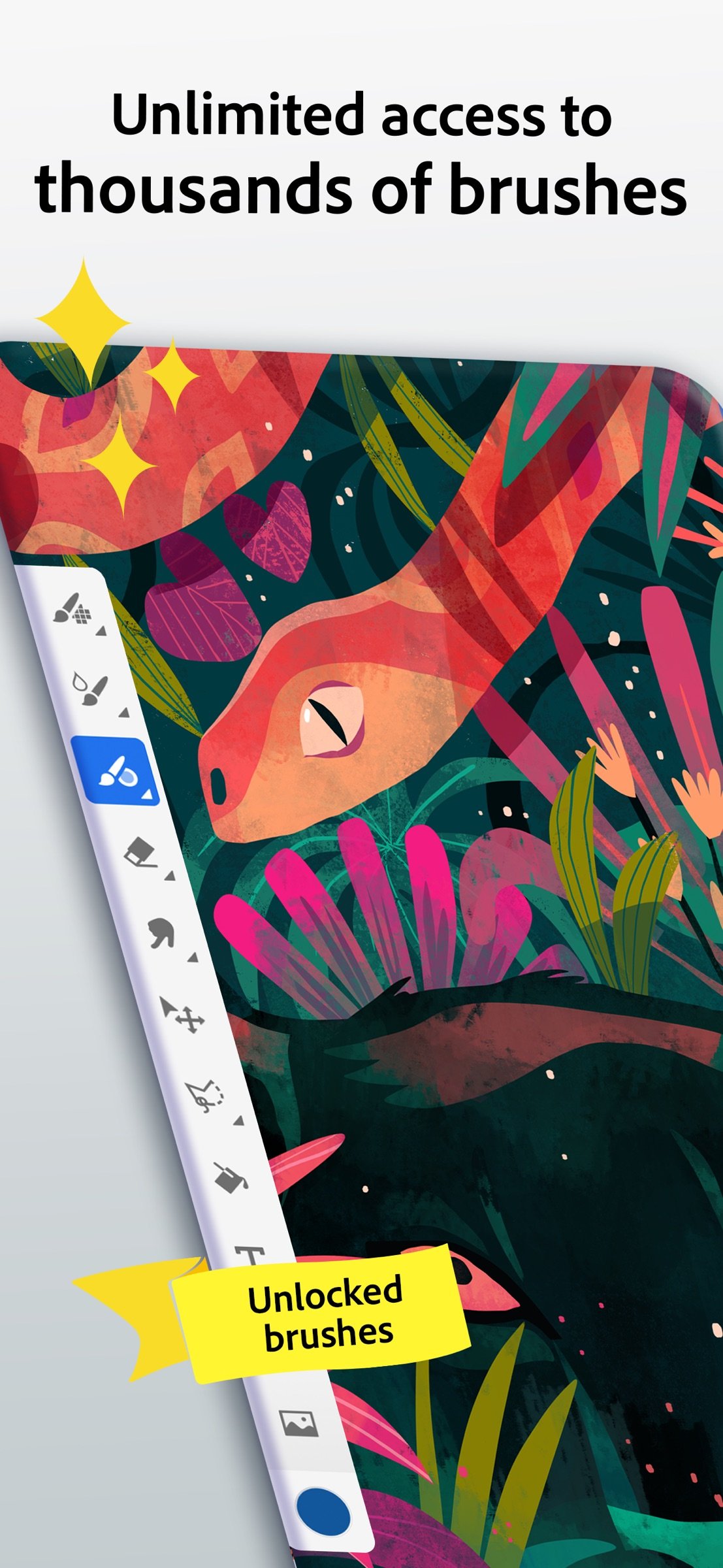
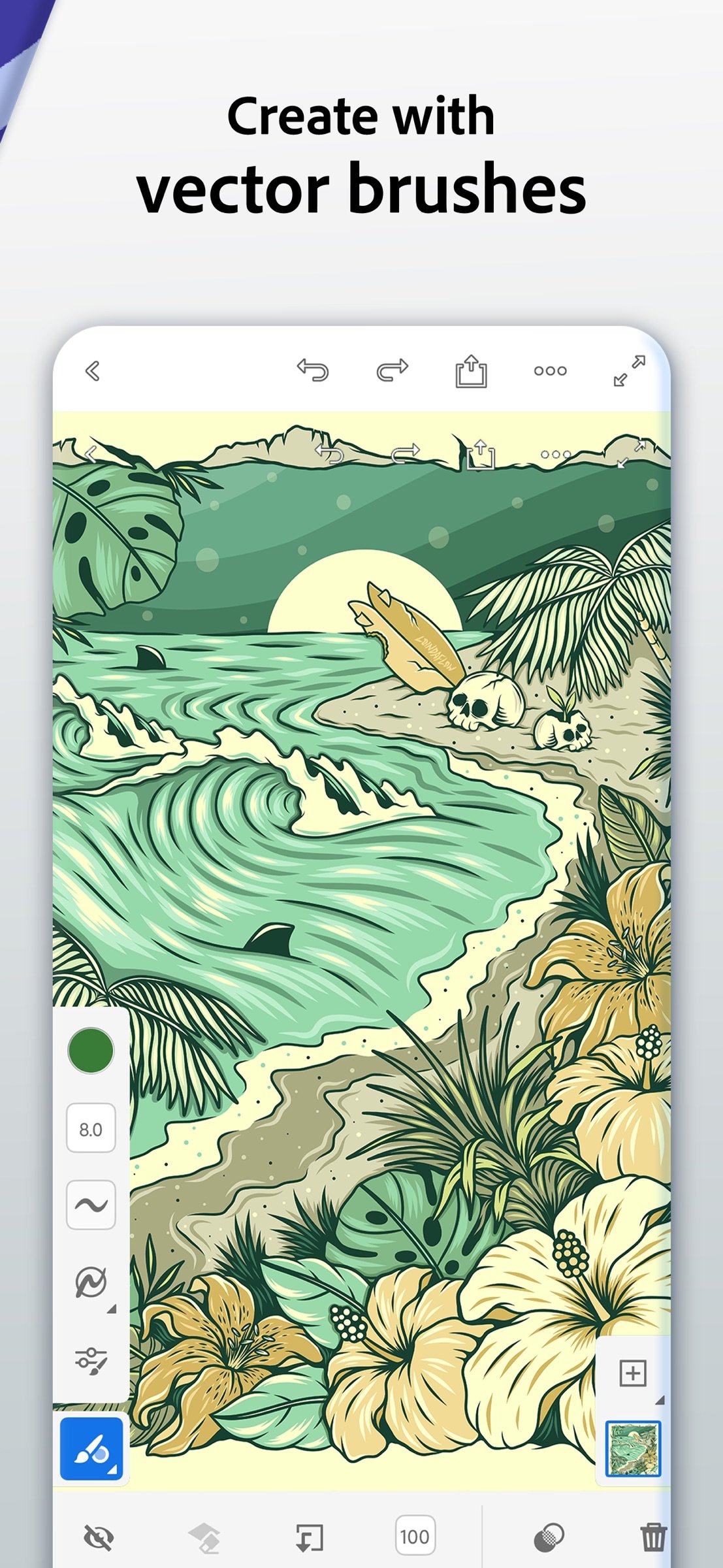
Make your masterpiece with our library of exclusive brush packs, completely free. Discover blendable raster brushes, realistic paints and pencils, and sharp, non-pixelating vector brushes. You can also easily import your favorite Photoshop brushes.
EASY TO USE
Fresco provides professional digital art tools at an accessible level. Easily create perfect shapes with Snap to Shape. Draw stunning symmetrical artwork with rotational and reflective symmetry guides. Apply effects from our library of Elements to enhance your artwork. Speed up and optimize your coloring with Paint Inside mode.
Fresco is the premier, professional digital art tool for artists of all levels. Download today and start creating for free.
OTHER FEATURES & TOOLS
• Color palettes – Fresco automatically creates a color palette when you import any artwork.
• Recolor your artwork — Photoshop-like adjustment layers allow you to easily test and apply changes to brightness, hue/saturation, and color balance.
• Text — Add stylish text to your artwork using Adobe’s expansive collection of free fonts.
• Multicolor swatches — Pick up the elements of any piece of artwork to paint with multiple colors at once using any pixel brush or Live Brush.
• Magic wand, liquify and free transform — Easily select your artwork with the magic wand tool and use liquify and other free transform tools to alter any object.
• Learn content — Strengthen your skills with step-by-step tutorials and built-in video tutorials.
• Drawing aids — Trace along the edges of a ruler, circle, square or polygon with a brush or fill inside or outside of a shape with the Fill tool.
• Guides & grids — Align your artwork easily and create perspective grids from an imported photo.
• Seamless integration with Photoshop and Illustrator — Open documents in either app without importing or exporting. Send your layered vector illustrations directly to Illustrator for desktop or iPad for finishing touches.
Terms & Conditions:
Your use of this application is governed by the Adobe General Terms of Use [link removed] and the Adobe Privacy Policy [link removed]
Do not sell or share my personal information: www.adobe.com/go/ca-rights-linkfree
CREATE & SHARE YOUR ARTWORK
Take your artwork to the next level with Fresco’s suite of animation tools, visual effects, and expansive brush library. Perfect your artwork with unlimited layers, and easily export and share your work with multiple export presets, including process time-lapses. You can even mark your content as generative AI-free with Fresco’s Content Credentials feature.
QUICK ANIMATION TOOLS
Animate your artwork with frame-by-frame animation and motion paths. Dynamic, easy-to-use features and a library of preset options let you add movement with just a tap. Easily export and share your creations as GIF and MP4 files.
THOUSANDS OF BRUSHES
Make your masterpiece with our library of exclusive brush packs, completely free. Discover blendable raster brushes, realistic paints and pencils, and sharp, non-pixelating vector brushes. You can also easily import your favorite Photoshop brushes.
EASY TO USE
Fresco provides professional digital art tools at an accessible level. Easily create perfect shapes with Snap to Shape. Draw stunning symmetrical artwork with rotational and reflective symmetry guides. Apply effects from our library of Elements to enhance your artwork. Speed up and optimize your coloring with Paint Inside mode.
Fresco is the premier, professional digital art tool for artists of all levels. Download today and start creating for free.
OTHER FEATURES & TOOLS
• Color palettes – Fresco automatically creates a color palette when you import any artwork.
• Recolor your artwork — Photoshop-like adjustment layers allow you to easily test and apply changes to brightness, hue/saturation, and color balance.
• Text — Add stylish text to your artwork using Adobe’s expansive collection of free fonts.
• Multicolor swatches — Pick up the elements of any piece of artwork to paint with multiple colors at once using any pixel brush or Live Brush.
• Magic wand, liquify and free transform — Easily select your artwork with the magic wand tool and use liquify and other free transform tools to alter any object.
• Learn content — Strengthen your skills with step-by-step tutorials and built-in video tutorials.
• Drawing aids — Trace along the edges of a ruler, circle, square or polygon with a brush or fill inside or outside of a shape with the Fill tool.
• Guides & grids — Align your artwork easily and create perspective grids from an imported photo.
• Seamless integration with Photoshop and Illustrator — Open documents in either app without importing or exporting. Send your layered vector illustrations directly to Illustrator for desktop or iPad for finishing touches.
Terms & Conditions:
Your use of this application is governed by the Adobe General Terms of Use [link removed] and the Adobe Privacy Policy [link removed]
Do not sell or share my personal information: www.adobe.com/go/ca-rights-linkfree
| Release info | Update on Nov 09, 2026 |
|---|---|
| Release notes | HAND DRAWN ANIMATIONS WITH BRUSH RECORD: Record your brush strokes in 30 frames-per-second! Export and add those animations to social media videos in Premiere Mobile! BRUSH PANEL IMPROVEMENTS: We’ve made finding and accessing your pixel, vector and live brushes simpler and easier! IMPROVEMENTS TO RECORD: We’ve made it easier and faster to record your brush strokes in Fresco. Simply enter record mode and start brushing to initiate the recording! |
| Listing data | App Store |
Reviews
No reviews yet. Be the first to review Adobe Fresco.
Used Adobe Fresco? Tell other visitors what you thought.
Log in to write a reviewOther products by this publisher
- "No Distractions" for YouTube 4.10 ----
- #Bible 11.6 "Incredible App - My sister shared this app with me a few weeks ago and it is truly incredible.
- #filmphotography 1.4.2 So, you decided to shoot on film?
- $quirrel 1.5.1 $quirrel Budget & Finance helps you plan each paycheck, track spending, manage debt, and see what is safe to spend before the next payday.
- % Percentage Calculator Pro 1.41 This is the Pro version of % Percentage Calculator.
Most viewed iOS Photo & Video
-
1
 ShortDiShow 2.0
Drama Quest Island — An offline interactive short-drama adventure.
-
2
 Infuse 8.5.10
Infuse: Enterprise provides the same great features as the standard version of Infuse and includes permanent access to all Pro features via a traditional paid app.
-
3
 AI Video Generator 2.0.3
Vixel – AI Video Generator
-
4
 OPlayer 4.8
Play all your videos directly without having to convert them!
-
5
 Necrometer II 1.2
Necrometer II is a paranormal investigation companion designed for ghost hunters and researchers.
-
6
 CapCut 20.1.0
CapCut offers easy-to-use video editing functions, in-APP fonts and effects, advanced features such as keyframe animation, smooth slow-motion, chroma key, and stabilization, to help you capture and snip moments.
- 7 #filmphotography 1.4.2 So, you decided to shoot on film?
-
8
 Ai Photo 1.1.2
AI Photo Retouch – BG Eraser
-
9
 Pop Dot Comics 1.48
Create a comic worthy of the Sunday newspaper or your favorite pulp-fiction cover.
-
10
 Analog Radio 3.0
The iPhone and iPad devices don't have the FM/AM radio antenna installed.
Most downloaded iOS Photo & Video
-
1
 DJI Fly 1.21.18
DJI Fly is designed to help pilots fly drones with ease.
-
2
Infuse 8.5.10
Infuse: Enterprise provides the same great features as the standard version of Infuse and includes permanent access to all Pro features via a traditional paid app.
-
3
Analog Radio 3.0
The iPhone and iPad devices don't have the FM/AM radio antenna installed.
-
4
 TurboCollage Automatic 1.2.4
#1 Easy automatic photo collage maker for iPhone & iPad.
-
5
 ReelyGo 1.1.42
ReelyGo: Your Daily Drama Escape
-
6
 Rozeta Sequencer Suite 1.3.16
Rozeta is a suite of MIDI sequencers and controllers that lets you explore a new, freeform approach to sequencing and controlling mobile music apps.
-
7
 Treblo 1.6.6
Make songs with the world's best AI music model.
-
8
Pop Dot Comics 1.48
Create a comic worthy of the Sunday newspaper or your favorite pulp-fiction cover.
-
9
 AGAIN. Rehearsal Notes 2.0.1
AGAIN. is the rehearsal app that remembers why the band stopped — and, new in Version 2, who said what in a writing session or a table read.
-
10
 Sun Scout 1.5.0
If your work or play requires sunlight, Sun Scout is built for you.