
ACDSee Pro 4.5.5
Capture, perfect, and share your photos with ACDSee Pro for iPhone.
Download
78.46 MB
17downloads
3this week
FreeCommercial
0reviews
Screenshots
About ACDSee Pro
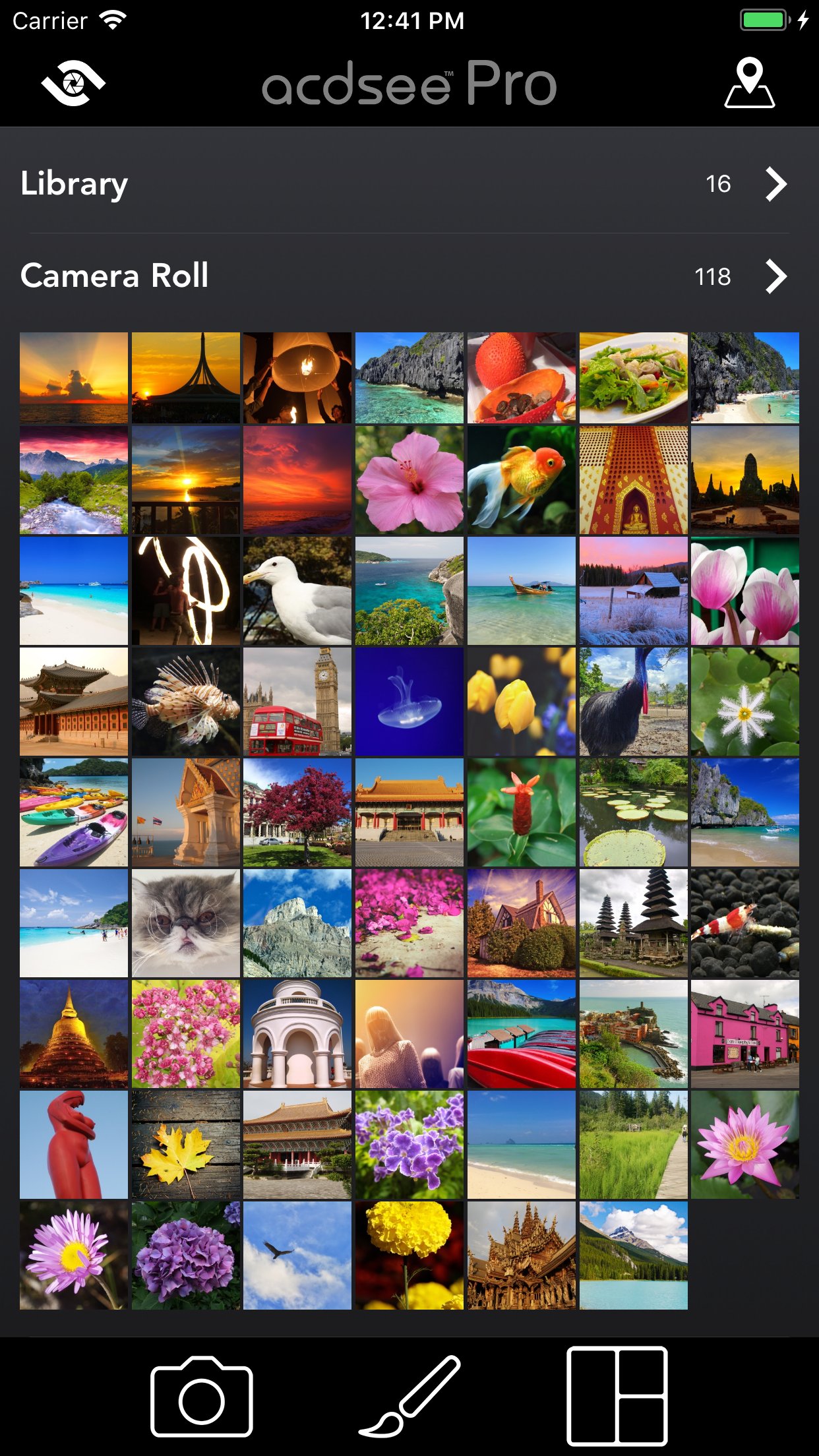
Capture, perfect, and share your photos with ACDSee Pro for iPhone. ACDSee Pro combines a professional-grade camera and photo editor with all the tools you need to produce stunning photographs.
Camera
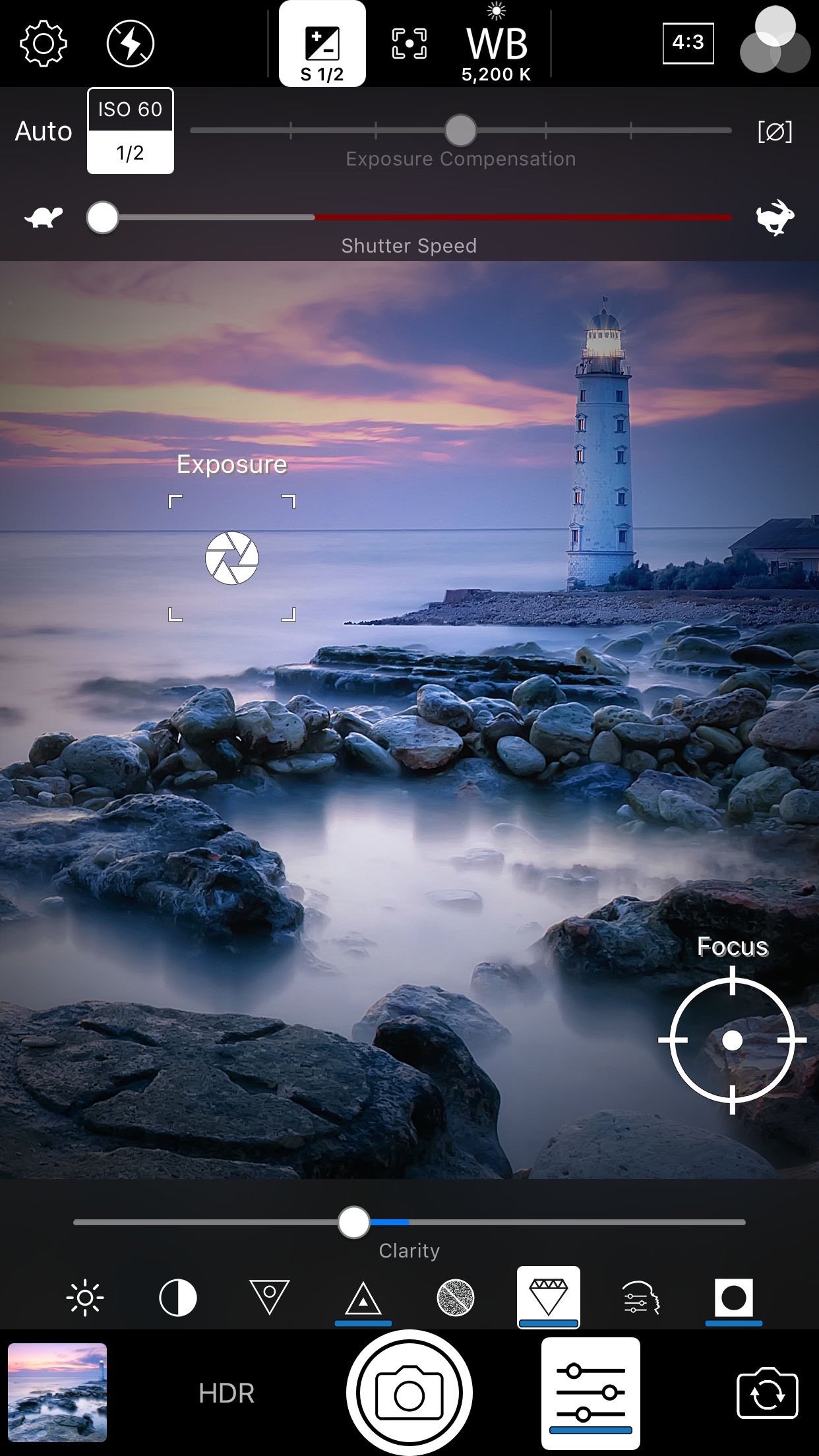
Harness the full power of your device's camera with specialized shooting modes, lossless RAW, TIFF and PNG support, manual controls for exposure/focus/white balance, real-time effects and adjustments, HDR & flash fusion, separate exposure and focus points, dual-axis level indicator, and more.
Edit
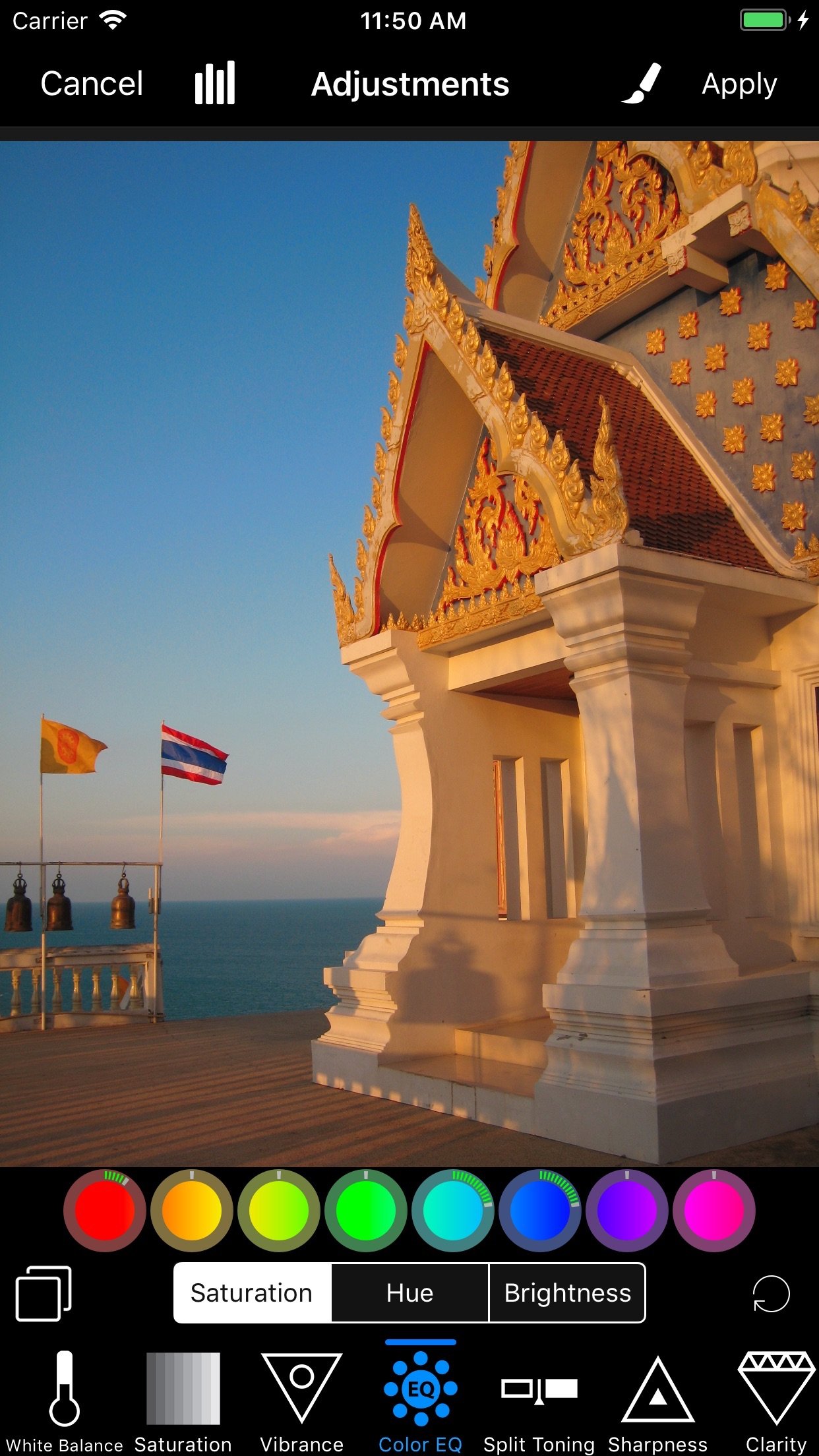
Perfect your photos with a powerful, nondestructive photo editor with RAW processing. Use gradients and brushing to selectively apply adjustments and special effects, including shadows & highlights, contrast, dehaze, white balance, saturation, vibrance, sharpness, split toning, and noise removal, and our one-of-a-kind Light EQ, Tone EQ, and Color EQ.
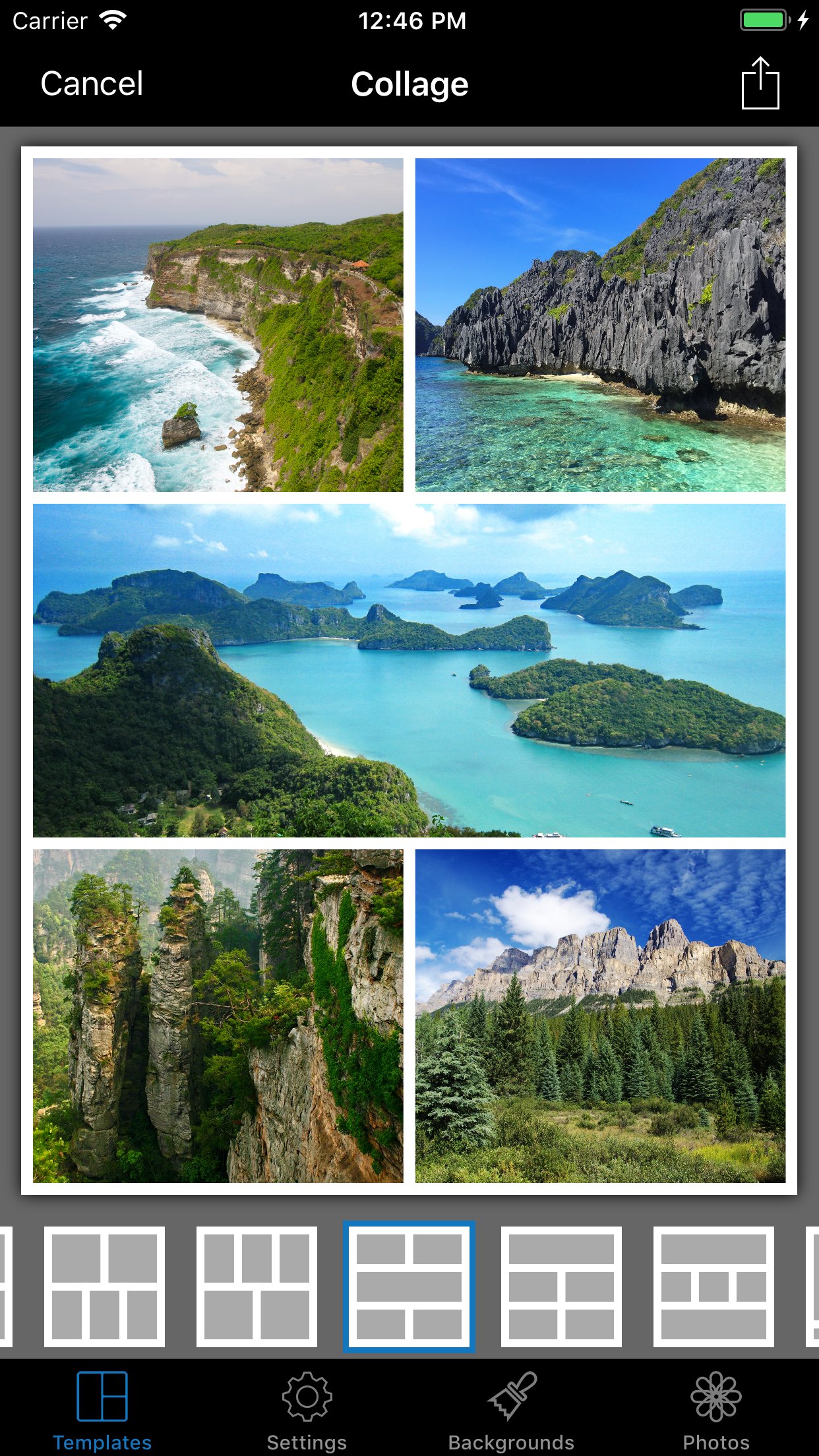
Collage
Convenient collage maker for sharing your memories. Quickly combine multiple photos into a single image for easy sharing. Choose from over 100 layouts.
—
CAMERA FEATURES
RAW Support
Shoot RAW on capable devices and write captured photos in DNG format.
Lossless TIFF/PNG
Write captured photos in lossless TIFF or PNG format, or choose one of three JPEG quality settings.
Manual Controls
Precisely control exposure, focus and white balance, including a custom white balance preset. Real-time overexposure and underexposure visualization.
Shutter Priority Mode
Set the shutter speed and ACDSee Camera Pro automatically chooses the ISO for proper exposure.
Selfie Mode
Look your best with skin smoothing and lightening, plus a front-facing torch/flash for low-light situations.
Real-time Effect Filters
Choose from 24 effects, including high-quality black & white, Orton, film grain, halftone, and various color tone filters.
Real-time Adjustments
See brightness, contrast, vibrance, sharpness, clarity, skin tune and vignette adjustments in real time and add additional noise reduction during capture.
Exposure Bracketing
Capture three exposures at once at different exposure levels.
HDR Fusion
Combine three shots taken at different exposures to create a single high-dynamic-range image, with manual override of composition parameters.
Flash Fusion
Combine a naturally-illuminated capture with a flash-illuminated capture.
Video Mode
Capture those special moments with video and apply filters and adjustments in real-time.
Flash Modes
Choose from six flash modes: Off, On, Auto, Torch, Torch & flash, and Flash Fusion. All modes work with either the rear-facing or the front-facing camera.
Focus and Exposure
Touch to select focus and exposure point. For more precise control, independently select focus and exposure points.
Lockable AF, AE and AWB
Independently lock focus, exposure, and white balance.
Cropping modes
Crop before you shoot to square, 4:3, 3:2, and 16:9 aspect ratios. Independent settings for front and rear cameras, still photo and video modes.
Level Indicator
Compose your shots with precise alignment using a dual-axis level indicator.
—
EDITOR FEATURES
Image adjustments, including:
- Shadows & Highlights
- Light EQ
- Exposure
- Dehaze
- Contrast
- Tone EQ
- Fill Light
- White Balance
- Saturation & Vibrance
- Color EQ
- Split Toning
- Sharpness
- Clarity
- Softness
- Denoise
- Skin Tune
Effects
Apply a variety of creative effects to your photos, including film, light leaks, halftone, and more.
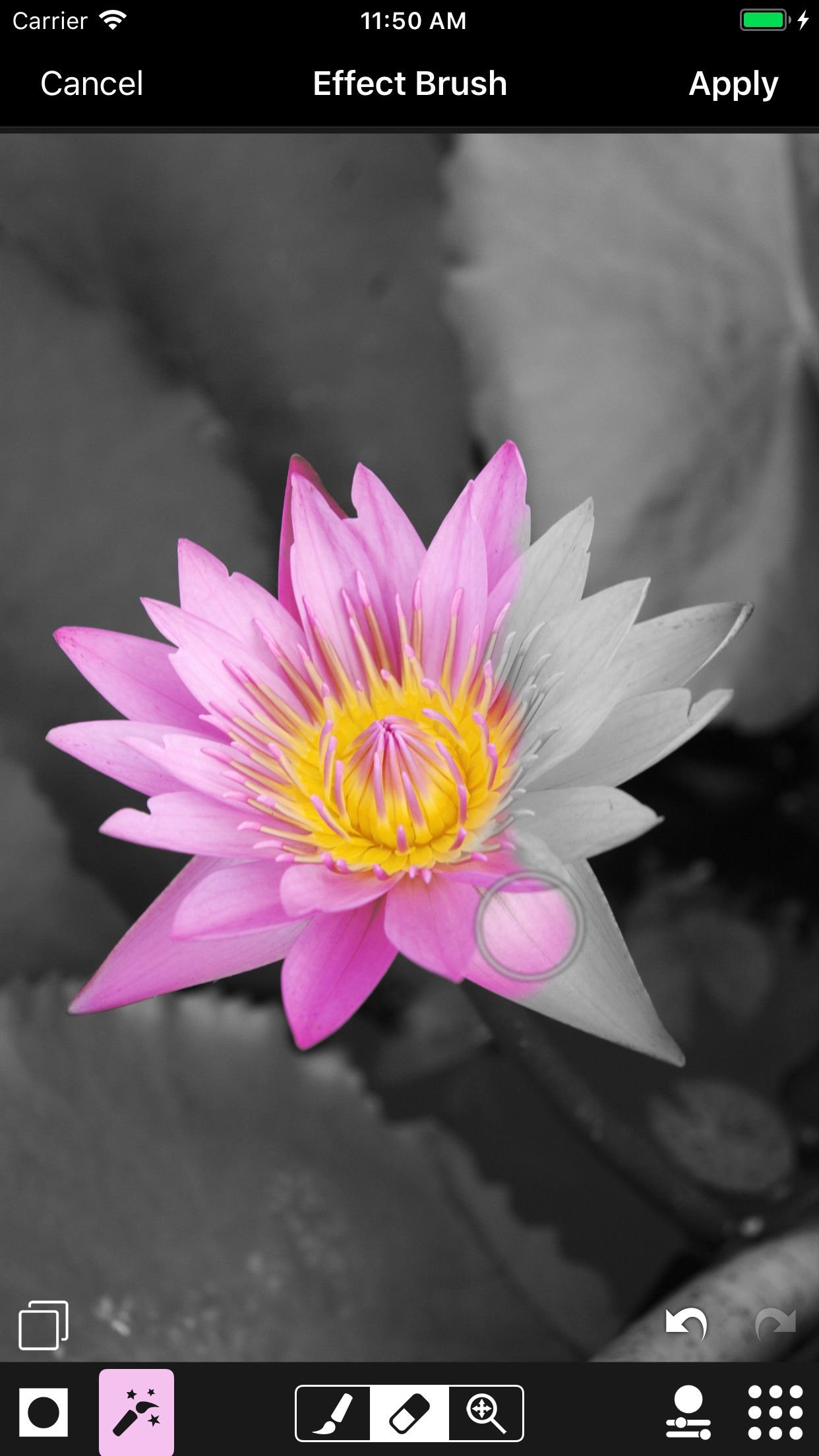
Use gradients and brushes to mask adjustments.
Focus
Bring your subject into focus. Simulate a shallow depth of field by blurring the background.
Vignette
Adds a vignette effect around the edges of your photo.
Geometry
Crop, rotate, straighten, and mirror your photo.
Filter Splash
Creatively splash on effects such as selective coloring to draw attention to your subject.
ACDSee is a trademark of ACD Systems International Inc. and may be registered in Canada, the United States, the European Union, Japan, or certain other jurisdictions.
License: Commercial
| Release info | New Release on Jun 04, 2026 |
|---|---|
| Release notes | Performance improvements and bug fixes. |
| Listing data | App Store |
Reviews
No reviews yet. Be the first to review ACDSee Pro.
Used ACDSee Pro? Tell other visitors what you thought.
Log in to write a reviewOther products by this publisher
- "No Distractions" for YouTube 4.10 ----
- #Bible 11.6.1 "Incredible App - My sister shared this app with me a few weeks ago and it is truly incredible.
- #filmphotography 1.4.2 So, you decided to shoot on film?
- #LookBusy Fake Calendar Events 1.0.6 Look Busy scans your work calendar for open time slots and fills them with realistic-looking (but secretly fake) work events.
- #Small Talk Is Canceled 1.0.2 #Small Talk Is Canceled — Conversations That Matter
Most viewed iOS Photo & Video
-
1
 Restore Old Photos 1.1.0
Bring old family photos back to life, privately on your iPhone or iPad.
-
2
 Infrared Developer 1.2
Infrared Developer is a photo editor built for infrared photography.
-
3
 Face Witness 1.0.4
FaceWitness lets you create a face by putting together individual features.
-
4
 ShortDiShow 2.0
Drama Quest Island — An offline interactive short-drama adventure.
-
5
 makeART Coloring Book 1.0
Color something beautiful.
-
6
 Infuse 8.5.11
Infuse: Enterprise provides the same great features as the standard version of Infuse and includes permanent access to all Pro features via a traditional paid app.
-
7
 Mixbook 5.10.1
Mixbook is a photo book app, rated #1 by Wirecutter and Digital Camera World, that turns the photos on your iPhone into curated Stories and prints them as premium photo books, photo albums, and magazines-style books.
-
8
 AI Video Generator 2.0.3
Vixel – AI Video Generator
-
9
 Silverphase 1.4.0
Silverphase is a film and darkroom printing simulator for iPhone and iPad.
-
10
 OPlayer 4.8
Play all your videos directly without having to convert them!
Most downloaded iOS Photo & Video
-
1
 DJI Fly 1.21.18
DJI Fly is designed to help pilots fly drones with ease.
-
2
Infuse 8.5.11
Infuse: Enterprise provides the same great features as the standard version of Infuse and includes permanent access to all Pro features via a traditional paid app.
-
3
 Analog Radio 3.0
The iPhone and iPad devices don't have the FM/AM radio antenna installed.
-
4
 ReelyGo 1.1.60
ReelyGo: Your Daily Drama Escape
-
5
 TurboCollage Automatic 1.2.4
#1 Easy automatic photo collage maker for iPhone & iPad.
-
6
 Local AI Art Private Diffusion 1.6
If you are the kind of person who values privacy and wants to keep your generated images private, our software is the perfect solution for you.
-
7
 Rozeta Sequencer Suite 1.3.16
Rozeta is a suite of MIDI sequencers and controllers that lets you explore a new, freeform approach to sequencing and controlling mobile music apps.
-
8
 Treblo 1.6.7
Make songs with the world's best AI music model.
-
9
 Sun Scout 1.5.0
If your work or play requires sunlight, Sun Scout is built for you.
-
10
 AGAIN. Rehearsal Notes 2.0.1
AGAIN. is the rehearsal app that remembers why the band stopped — and, new in Version 2, who said what in a writing session or a table read.