AccuScale 1.5.4
AccuScale turns your iPhone or iPad into a professional measurement tool for construction plans, architectural blueprints, and job-site photos.
Download
67.42 MB
3downloads
3this week
FreeCommercial
0reviews
Screenshots
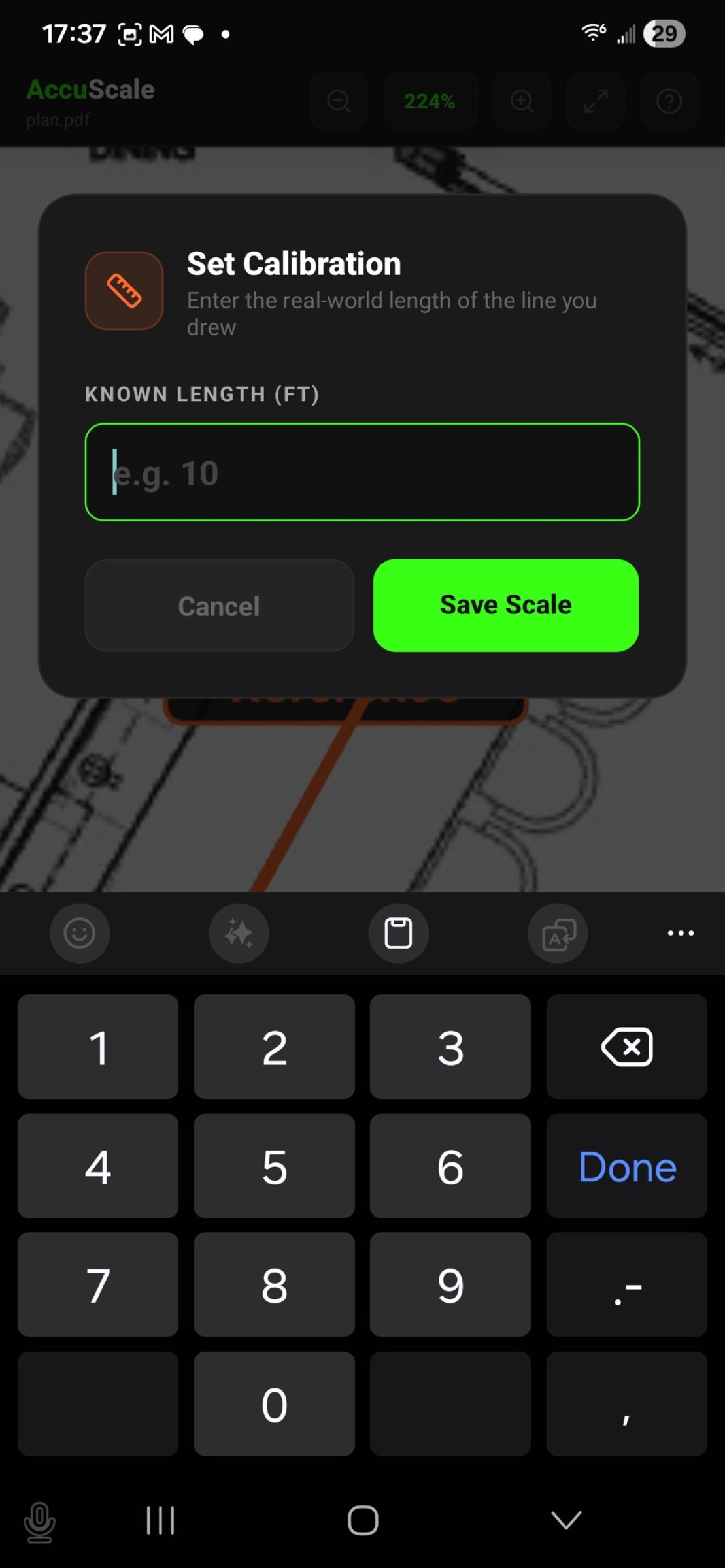
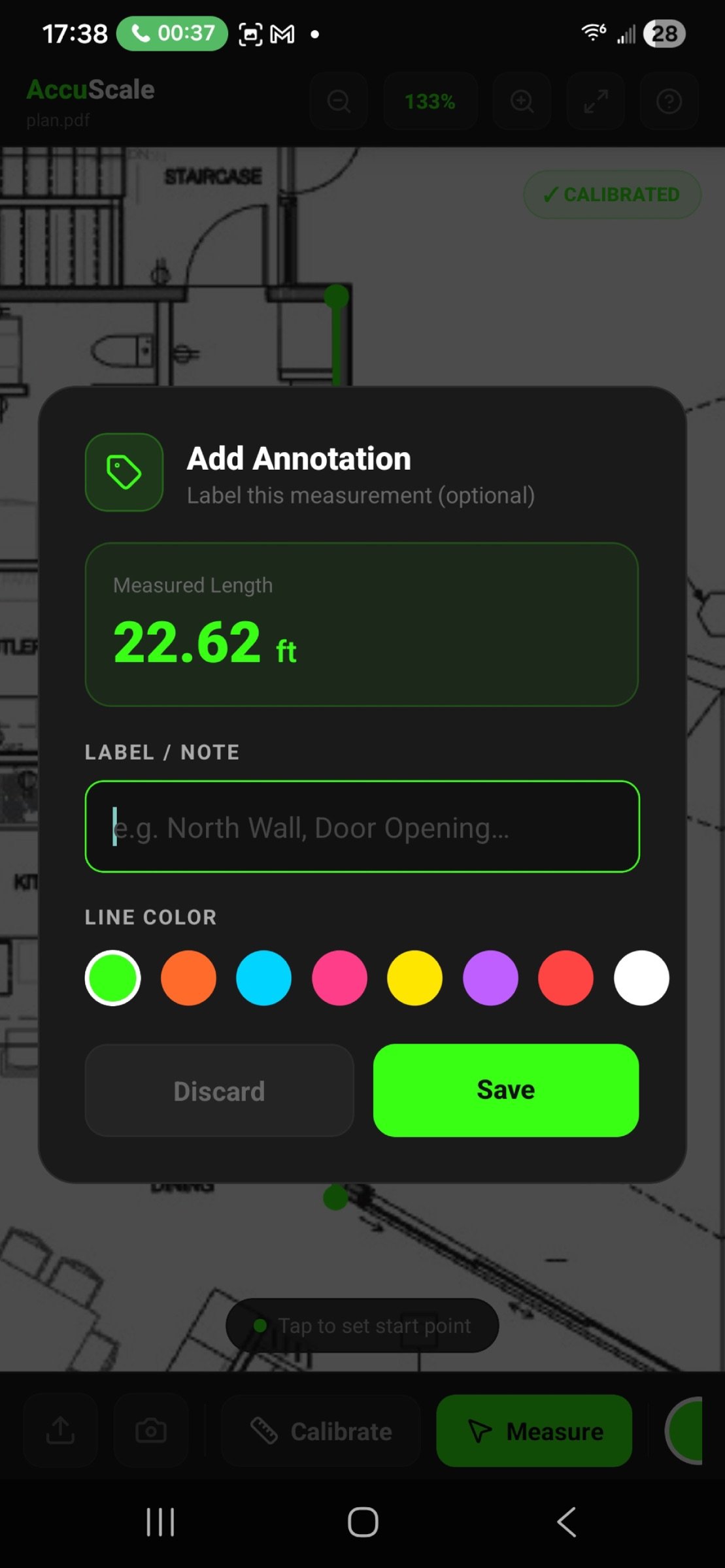
About AccuScale
AccuScale turns your iPhone or iPad into a professional measurement tool for construction plans, architectural blueprints, and job-site photos.
Whether you're a contractor verifying room dimensions, an architect reviewing drawings on-site, or a designer estimating material quantities — AccuScale delivers precise real-world measurements in seconds. No tape measure. No scale bar math. No guessing.
HOW IT WORKS:
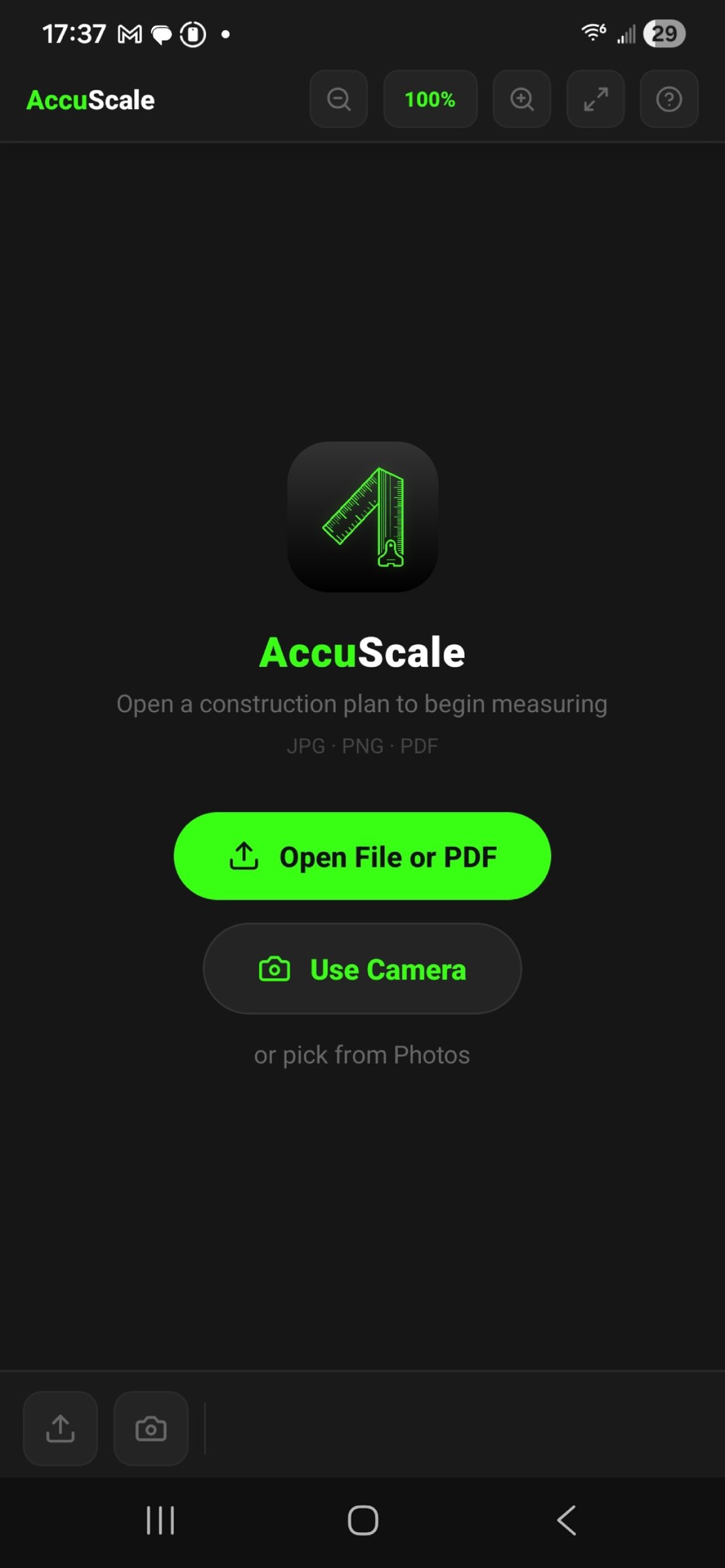
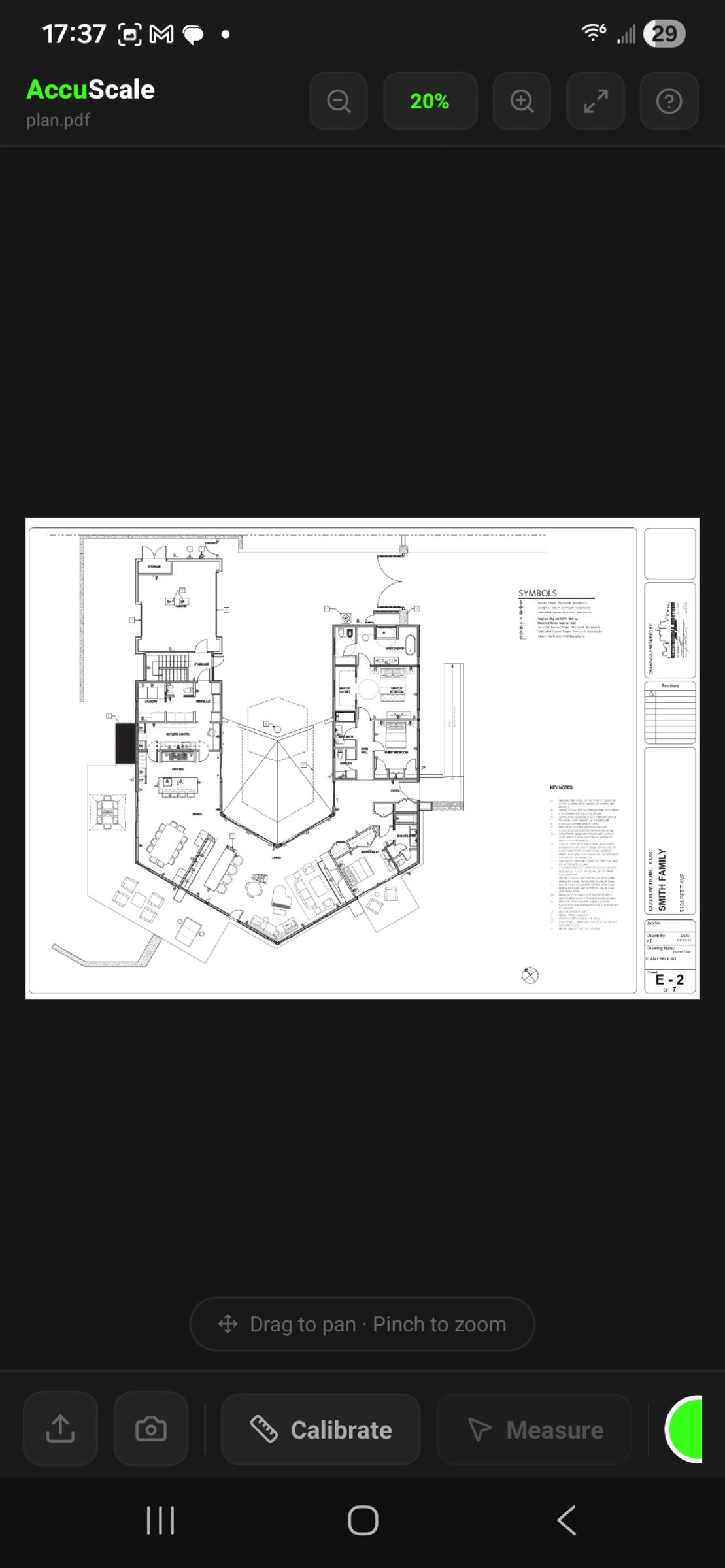
1. OPEN — Import any JPG, PNG, or multi-page PDF blueprint from your files, or photograph a physical plan with your camera.
2. CALIBRATE — Tap two points on any element with a known length (a door, a wall, a standard feature). Enter the real measurement and AccuScale locks in your scale.
3. MEASURE — Tap any two points on the plan. AccuScale instantly calculates and displays the true real-world distance.
4. ANNOTATE & EXPORT — Label each measurement, color-code by area or trade, and export a finished image with all lines and dimensions drawn directly on the plan.
KEY FEATURES:
MULTI-FORMAT SUPPORT
Open JPGs, PNGs, and multi-page PDFs. Navigate page by page through full blueprint sets.
PRECISION CALIBRATION
Calibrate against any known reference on the plan — no printed scale required. A clear CALIBRATED badge confirms you're ready to measure.
INSTANT REAL-WORLD MEASUREMENTS
Tap two points, get the answer. Every measurement is calculated automatically from your calibration.
FOUR UNIT MODES
Switch between feet, inches, meters, and centimetres at any time. All existing measurements convert automatically.
COLOR-CODED ANNOTATIONS
Organize measurements by room, trade, or category using 8+ color options and custom text labels.
FULL PDF BLUEPRINT SUPPORT
Open multi-page PDF documents and measure on any page. Pinch to zoom, pan to position.
ANNOTATED EXPORT
Export a composite image of your plan with all measurement lines and labels burned in — ready for reports, emails, or team sharing.
WORKS COMPLETELY OFFLINE
All calculations happen on your device. No account, no cloud, no internet connection required.
BUILT FOR:
• General contractors and subcontractors
• Architects and structural engineers
• Interior designers and space planners
• Property managers and real estate professionals
• Quantity surveyors and estimators
• Anyone measuring from plan documents
Download AccuScale and start measuring smarter.
License: Commercial
| Release info | New Release on Oct 30, 2026 |
|---|---|
| Release notes | Bug Fixes |
| Listing data | App Store |
Reviews
No reviews yet. Be the first to review AccuScale.
Used AccuScale? Tell other visitors what you thought.
Log in to write a reviewOther products by this publisher
- "No Distractions" for YouTube 4.10 ----
- #Bible 11.6.1 "Incredible App - My sister shared this app with me a few weeks ago and it is truly incredible.
- #filmphotography 1.4.2 So, you decided to shoot on film?
- #LookBusy Fake Calendar Events 1.0.6 Look Busy scans your work calendar for open time slots and fills them with realistic-looking (but secretly fake) work events.
- #Small Talk Is Canceled 1.0.2 #Small Talk Is Canceled — Conversations That Matter
Most viewed iOS Productivity
-
1
 WordPress 27.5
Manage or create your WordPress blog or website right from your iOS device: create and edit posts and pages, upload your favorite photos and videos, view stats and reply to comments.
- 2 Voice Translator - Alive 1.6 Translation app that turns your iPhone into an interpreter instantly.
-
3
 Life360 26.45.0
Whether at home, online, or on the move, our comprehensive family safety features bring peace of mind to your loved ones AND help safeguard your personal belongings.
-
4
 Claude by Anthropic 1.261123.51
Meet Claude, your AI problem solver and thinking partner.
- 5 "No Distractions" for YouTube 4.10 ----
-
6
 WristMemo 2.0
WristMemo turns your Apple Watch into an all-day voice recorder.
-
7
 Colicine 1.3.0
Have you ever been there—
- 8 (beat) for iOS 0.5.10 An elegant Fountain screenwriting app, created by a screenwriter for screenwriters.
-
9
 DeepSeek 2.9.0
Experience seamless interaction with DeepSeek's official AI assistant for free!
-
10
 Howbout 16.8.0
The shared calendar for friends, couples, and family
Most downloaded iOS Productivity
- 1 Voice Translator - Alive 1.6 Translation app that turns your iPhone into an interpreter instantly.
-
2
 SessionsAI 1.2.1
Sessions AI is a private AI workspace that runs entirely on your iPhone, iPad, or Mac.
-
3
DeepSeek 2.9.0
Experience seamless interaction with DeepSeek's official AI assistant for free!
-
4
 Voices AI 1.16.18
Discover Voices, the premier voice transformation app designed exclusively for iOS.
-
5
 Block Distracting Websites 1.11
"It's a great way to save time, and stop browsing Reddit when you should be doing coursework."
-
6
 Google Docs 1.2026.47103
Create, edit, and collaborate on online documents with the Google Docs app.
-
7
 Plot Digitizer 1.4.1
Plot Digitizer is an app to extract numerical data from plot images.
-
8
 MyHyundai with Bluelink 5.4.6
The MyHyundai app makes getting information about your Hyundai vehicle easier than ever.
-
9
 Pixy Mood Tracker 1.110.0
Track your mood, one pixel at a time.
-
10
 Minder 1.4
Minder turns your phone into a pair of eyes that watch you work.