
Tesla Robotaxi 26.11.0
Our Robotaxi vehicle lineup now includes Cybercab, our first purpose-built autonomous vehicle.
Download
234.79 MB
9downloads
1this week
FreeFreeware
0reviews
Screenshots

About Tesla Robotaxi
Our Robotaxi vehicle lineup now includes Cybercab, our first purpose-built autonomous vehicle. Designed for safety, accessibility and comfort, Cybercab is bringing autonomy to everyone and every ride. Schedule your next ride today to experience the future of autonomy for yourself—only available in the Robotaxi app.
Robotaxi combines our automated driving technology and vehicle hardware to create a safe and convenient driverless experience.
Getting Started
To get started, download the Robotaxi app and use your Tesla Account credentials to sign in. If you do not yet have a Tesla Account, you'll need to create a Tesla Account before you can sign into the Robotaxi app.
Before Your Ride
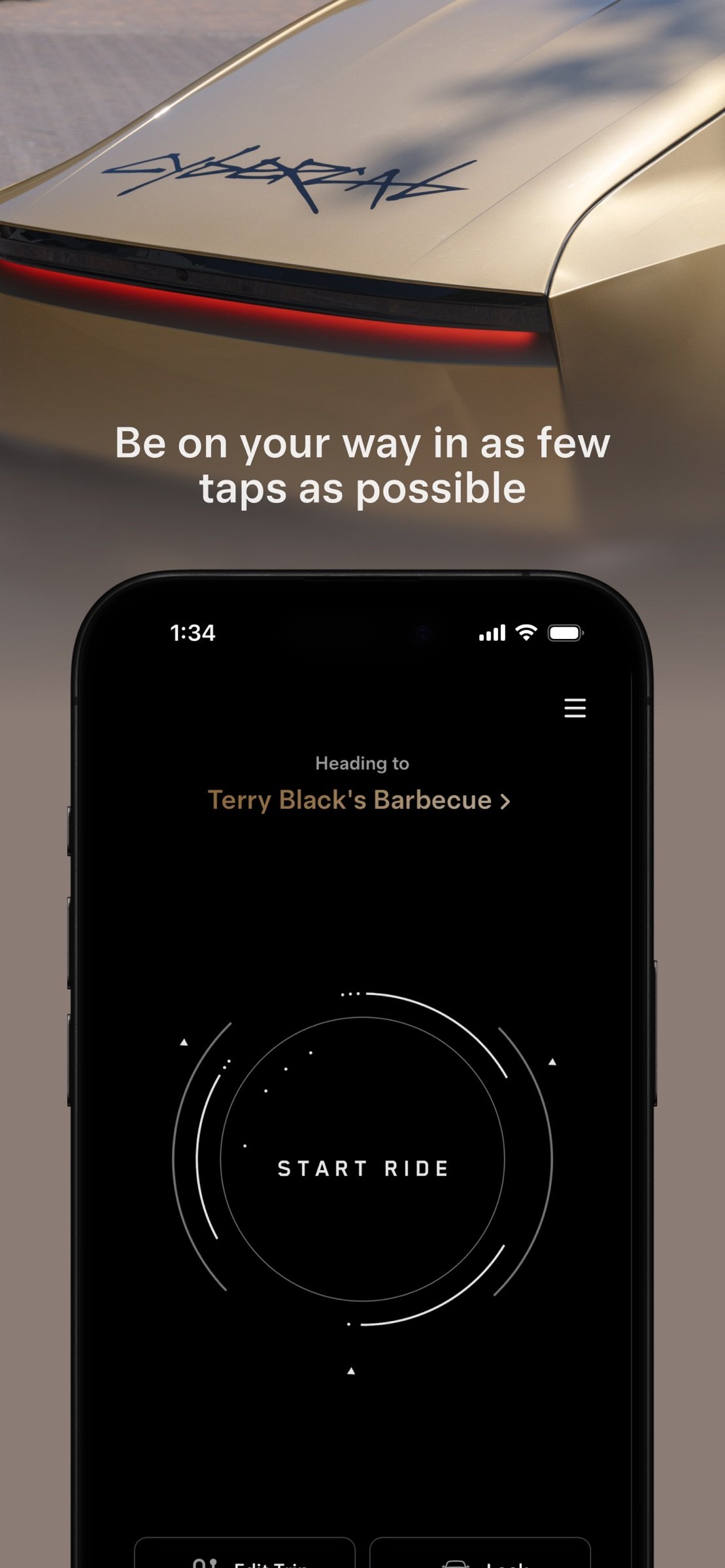
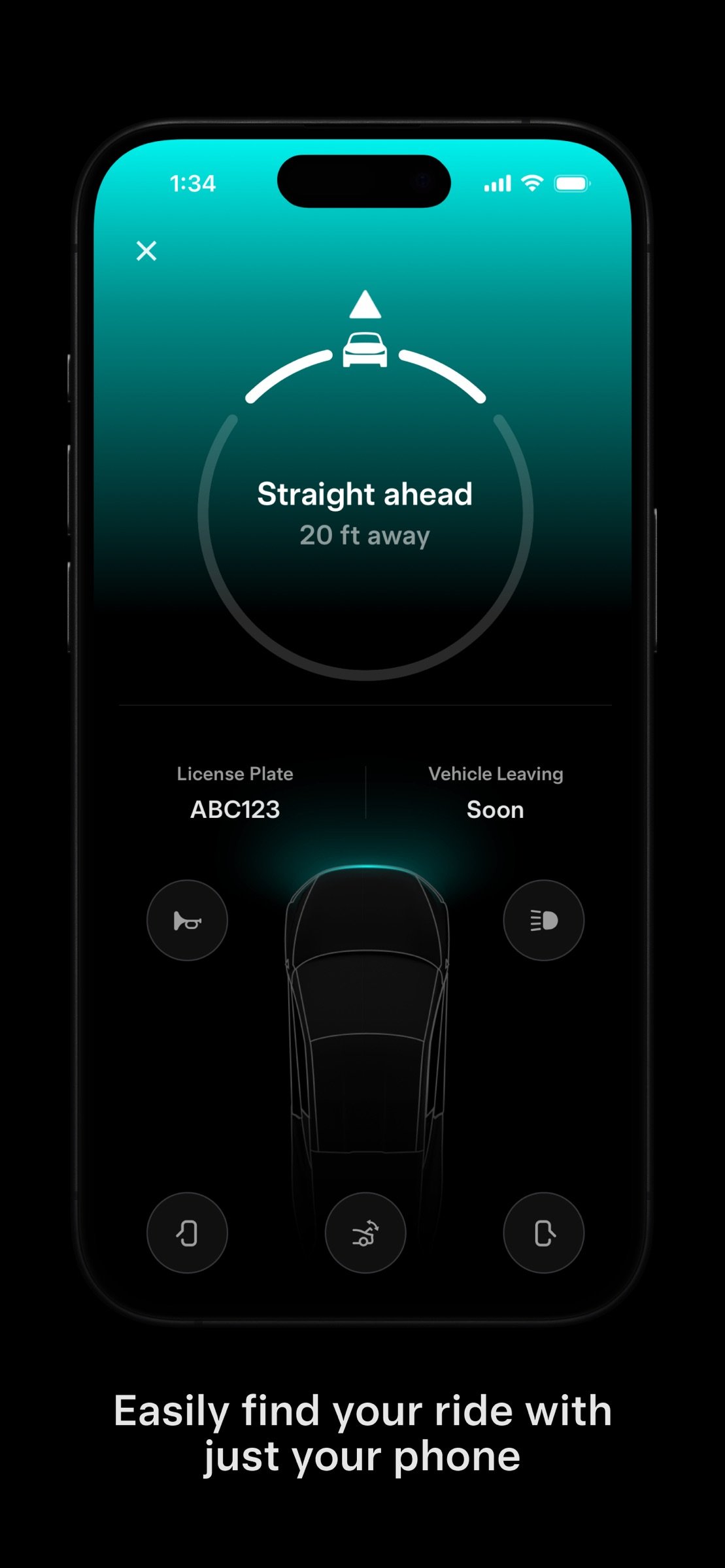
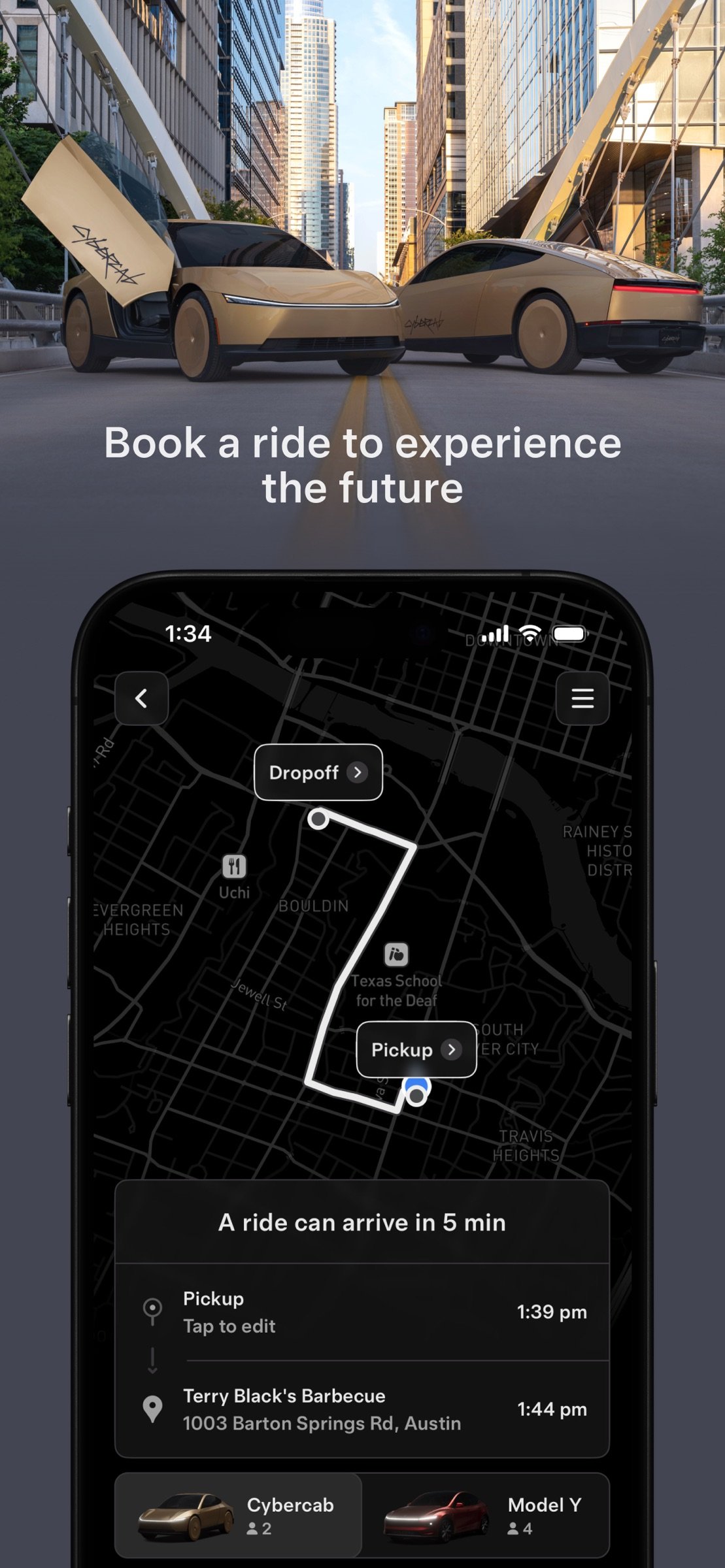
Ensure you are within the service area shown in the Robotaxi app and enter your destination. When confirming your ride, enter the number of riders joining you on your trip to ensure you are assigned the right vehicle. The app then shows the estimated ride fare and the estimated arrival time for your vehicle at your pickup location. Our Robotaxi fleet now includes both Model Y and Cybercab vehicles. Once your Robotaxi vehicle has arrived, confirm the license plate number with the one provided in the Robotaxi app. After confirming your vehicle, open the door, fasten your seatbelt and tap 'Start Ride' in the Robotaxi app or on the vehicle's touchscreen to begin your trip.
During Your Ride
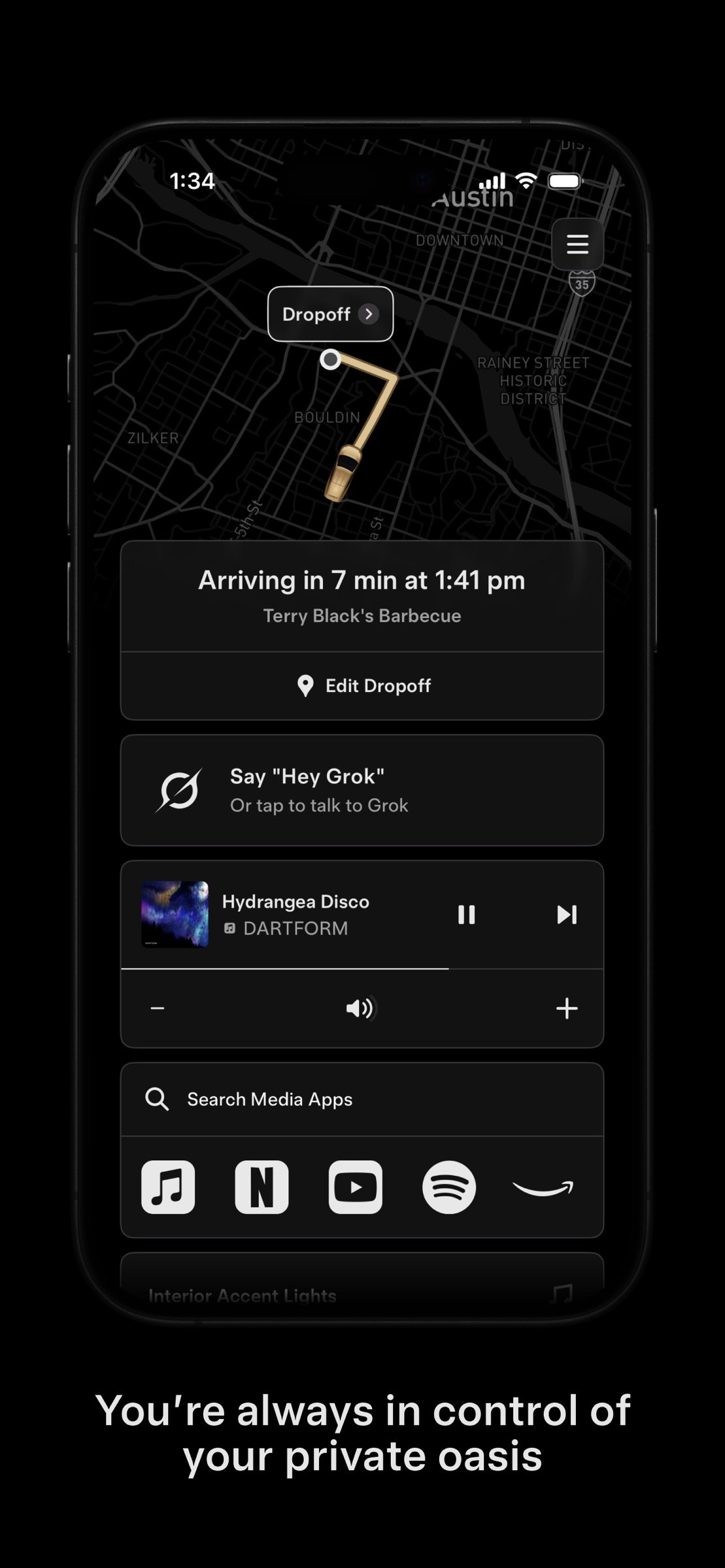
Customize your ride by selecting your climate settings, seat positioning, music preferences and more. Critical ride information will be available on the Robotaxi app and the vehicle's touchscreen, including monitoring your ride progress, changing your drop off location, and requesting support. You can always request the ride to pull over or stop, if needed.
After Your Ride
Once you arrive at your destination, gather your belongings, exit your vehicle, close all the doors, and provide feedback on your experience in the Robotaxi app.
Service Areas
Download the Robotaxi app to see a map of where service is available based on your location.
Don't see your location? Sign up at www.tesla.com/updates to be notified when the Robotaxi service is available in your area.
Pricing
We charge an affordable rate plus applicable taxes and fees for each ride within the available service area. Pricing is subject to change.
Accessibility
We are building an autonomous future that is accessible to all people. Our Robotaxi vehicles are designed to support various accessibility needs including space for service animals, screen reader capability and room to store some wheelchairs and other assistive devices. The Robotaxi app is currently available in over 25 languages, with more being added. In addition, your settings and preferences can be controlled entirely through the Robotaxi app and many vehicle controls can be controlled using voice commands, such as changing the cabin temperature or changing your destination.
Cybercab features a 21" touchscreen, plenty of leg room and additional trunk space to store foldable wheelchairs and other assistive devices, braille on the door handles and Pull Over button plus easy entry and exit with expansive butterfly doors. The seat height matches that of most wheelchairs and the bench-style seats make it easy to slide in and out.
While we do not offer wheelchair accessible vehicles (WAVs) at this time, riders needing a WAV will be referred to local third-party WAV providers in our app. Our team is constantly working with accessibility organizations and individuals who provide instrumental feedback in improving our products and service.
License: Free
Robotaxi combines our automated driving technology and vehicle hardware to create a safe and convenient driverless experience.
Getting Started
To get started, download the Robotaxi app and use your Tesla Account credentials to sign in. If you do not yet have a Tesla Account, you'll need to create a Tesla Account before you can sign into the Robotaxi app.
Before Your Ride
Ensure you are within the service area shown in the Robotaxi app and enter your destination. When confirming your ride, enter the number of riders joining you on your trip to ensure you are assigned the right vehicle. The app then shows the estimated ride fare and the estimated arrival time for your vehicle at your pickup location. Our Robotaxi fleet now includes both Model Y and Cybercab vehicles. Once your Robotaxi vehicle has arrived, confirm the license plate number with the one provided in the Robotaxi app. After confirming your vehicle, open the door, fasten your seatbelt and tap 'Start Ride' in the Robotaxi app or on the vehicle's touchscreen to begin your trip.
During Your Ride
Customize your ride by selecting your climate settings, seat positioning, music preferences and more. Critical ride information will be available on the Robotaxi app and the vehicle's touchscreen, including monitoring your ride progress, changing your drop off location, and requesting support. You can always request the ride to pull over or stop, if needed.
After Your Ride
Once you arrive at your destination, gather your belongings, exit your vehicle, close all the doors, and provide feedback on your experience in the Robotaxi app.
Service Areas
Download the Robotaxi app to see a map of where service is available based on your location.
Don't see your location? Sign up at www.tesla.com/updates to be notified when the Robotaxi service is available in your area.
Pricing
We charge an affordable rate plus applicable taxes and fees for each ride within the available service area. Pricing is subject to change.
Accessibility
We are building an autonomous future that is accessible to all people. Our Robotaxi vehicles are designed to support various accessibility needs including space for service animals, screen reader capability and room to store some wheelchairs and other assistive devices. The Robotaxi app is currently available in over 25 languages, with more being added. In addition, your settings and preferences can be controlled entirely through the Robotaxi app and many vehicle controls can be controlled using voice commands, such as changing the cabin temperature or changing your destination.
Cybercab features a 21" touchscreen, plenty of leg room and additional trunk space to store foldable wheelchairs and other assistive devices, braille on the door handles and Pull Over button plus easy entry and exit with expansive butterfly doors. The seat height matches that of most wheelchairs and the bench-style seats make it easy to slide in and out.
While we do not offer wheelchair accessible vehicles (WAVs) at this time, riders needing a WAV will be referred to local third-party WAV providers in our app. Our team is constantly working with accessibility organizations and individuals who provide instrumental feedback in improving our products and service.
License: Free
| Release info | Update on Nov 06, 2026 |
|---|---|
| Release notes | Minor fixes and improvements |
| Listing data | App Store |
Reviews
No reviews yet. Be the first to review Tesla Robotaxi.
Used Tesla Robotaxi? Tell other visitors what you thought.
Log in to write a reviewOther products by this publisher
- "No Distractions" for YouTube 4.10 ----
- #Bible 11.6 "Incredible App - My sister shared this app with me a few weeks ago and it is truly incredible.
- #filmphotography 1.4.2 So, you decided to shoot on film?
- $quirrel 1.5.1 $quirrel Budget & Finance helps you plan each paycheck, track spending, manage debt, and see what is safe to spend before the next payday.
- % Percentage Calculator Pro 1.41 This is the Pro version of % Percentage Calculator.
Most viewed iOS Navigation
-
1
 Compass App 1.0.5
Find your direction with style.
-
2
 CARFACE Car Widgets & Lyrics 1.2.0
Make every drive feel more personal with CarFace.
-
3
 iGlide Lite 2.9.66
NaviLogic iGlide - the Soaring Navigation app for iOS
-
4
 Open Road 1.2
Open Road is the one driving app for your iPhone.
-
5
 Turo 26.45.0
Turo is a better car rental app for travelers who want to rent a car without the rental counter.
-
6
 Kruger Birding by Firefinch 7.6.0
Go birding in South Africa's foremost birding spot: the world renowned Kruger National Park!
-
7
 Amtrak 6.1.8
Discover the convenience of traveling with Amtrak.
-
8
 Fly Delta 7.17.3
Welcome to Fly Delta, Delta’s award winning iOS app.
-
9
 Uber 3.747.10000
Join the millions of riders who trust Uber for their everyday travel needs.
-
10
 Lyft 2026.43.3
Get where you’re going with Lyft.
Most downloaded iOS Navigation
-
1
 Live Traffic 2.4
Navigate the globe with live traffic updates, satellite views, and location tools that make every journey clearer, smarter, and more confident from the very first tap.
-
2
 Peru’s Best 2.5
PERU’S BEST is the ideal travel guide to this extraordinary country.
-
3
 Grand Egyptian Museum (GEM) 0.1.060
You could call this a coincidence but the acronym of the Grand Egyptian Museum is an apt title for the GEM, which is truly one!
-
4
 Pocket Luach Deluxe 60058
Pocket Luach Deluxe is a Jewish calendar, zmanim, Siddur, Tehillim, and personal-event companion for iPhone, iPad, and Apple Watch.
-
5
 Outdoor Photography Magazine 7.2.10
Outdoor Photography is the magazine for photographers who are passionate about being out in wild places, seeing inspiring nature and having great adventures.
-
6
 Passeporté 1.3.2
Passeporté reads the NFC chip in your biometric passport or national eID card, verifies its authenticity, and stores the data securely on your device.
-
7
 Great Circle Map 1.7.5
A globe you can turn in any direction, including straight over the poles.
-
8
 UK Map 4.12
* Unlimited free map downloads based on Ordnance Survey® OpenData, at 1:25,000 and 1:10,000 scales, and now also paid map downloads at 1:50,000, 1:25,000 and 1:10,000 scales, just like the paper maps.
-
9
 Cell Phone Towers World Map 1.1.6
219 countres !! The world's largest Database of Cell & Net Towers
-
10
 Connecticut-Parks & Trails 1.0
App Feature