
Teleprompter for Business 11.4.3
Teleprompter for Business has all the same features as our top-rated 'Teleprompter for Video' app, with some critical differences for business customers or schools.
Download
156.16 MB
10downloads
5this week
FreeCommercial
0reviews
Screenshots
About Teleprompter for Business
Teleprompter for Business has all the same features as our top-rated 'Teleprompter for Video' app, with some critical differences for business customers or schools.
- It can be purchased as a one-off purchase, with no annual subscription charges or in-app purchases.
- It can be configured via an MDM (mobile device management) system, giving you control over how it's rolled out to staff.
Teleprompter for Business is perfect for business users who want to record professional 'talking head' videos.
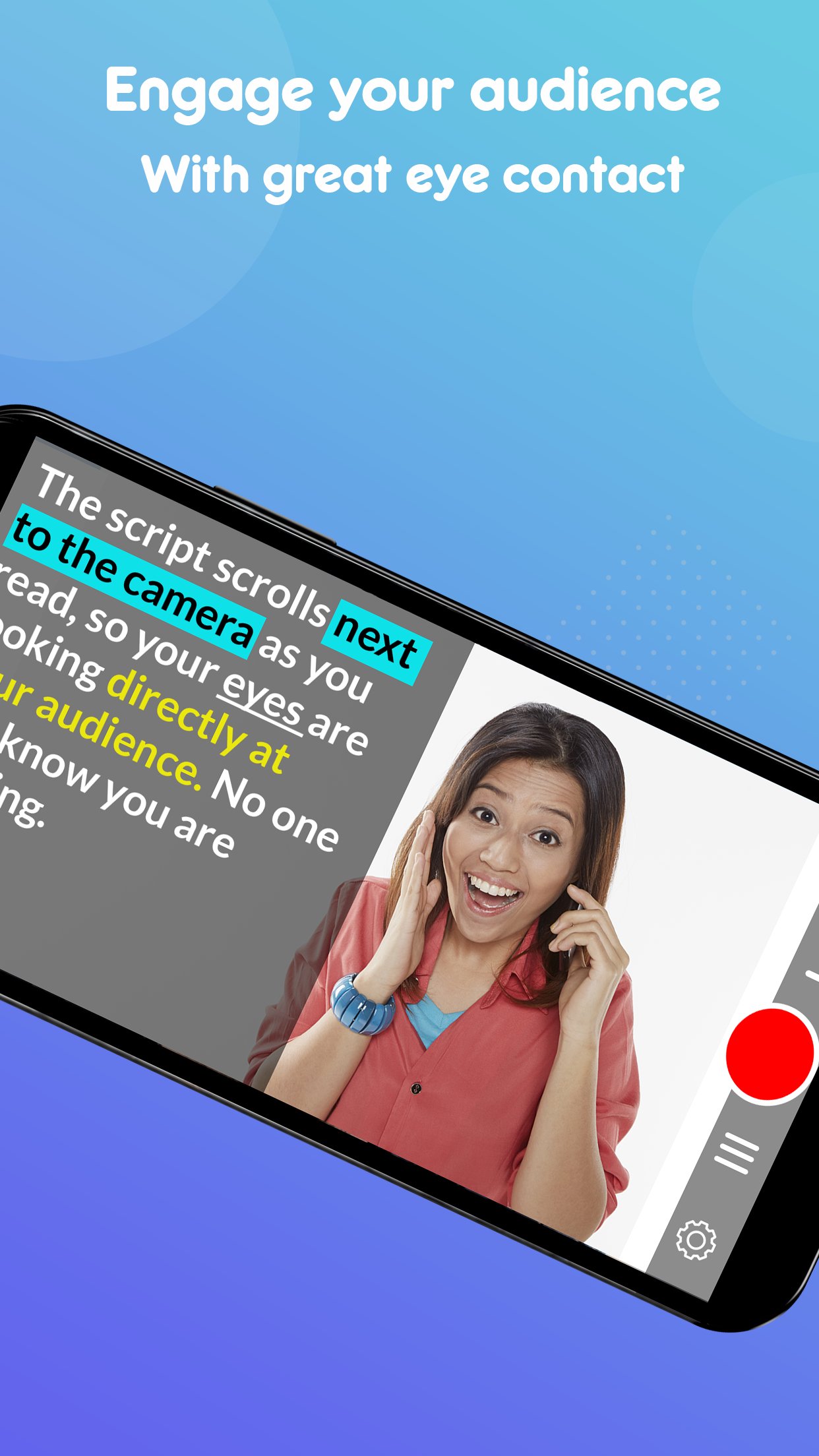
Plan your speech and then communicate it confidently whilst maintaining good eye contact with your audience.
Here's how it works...
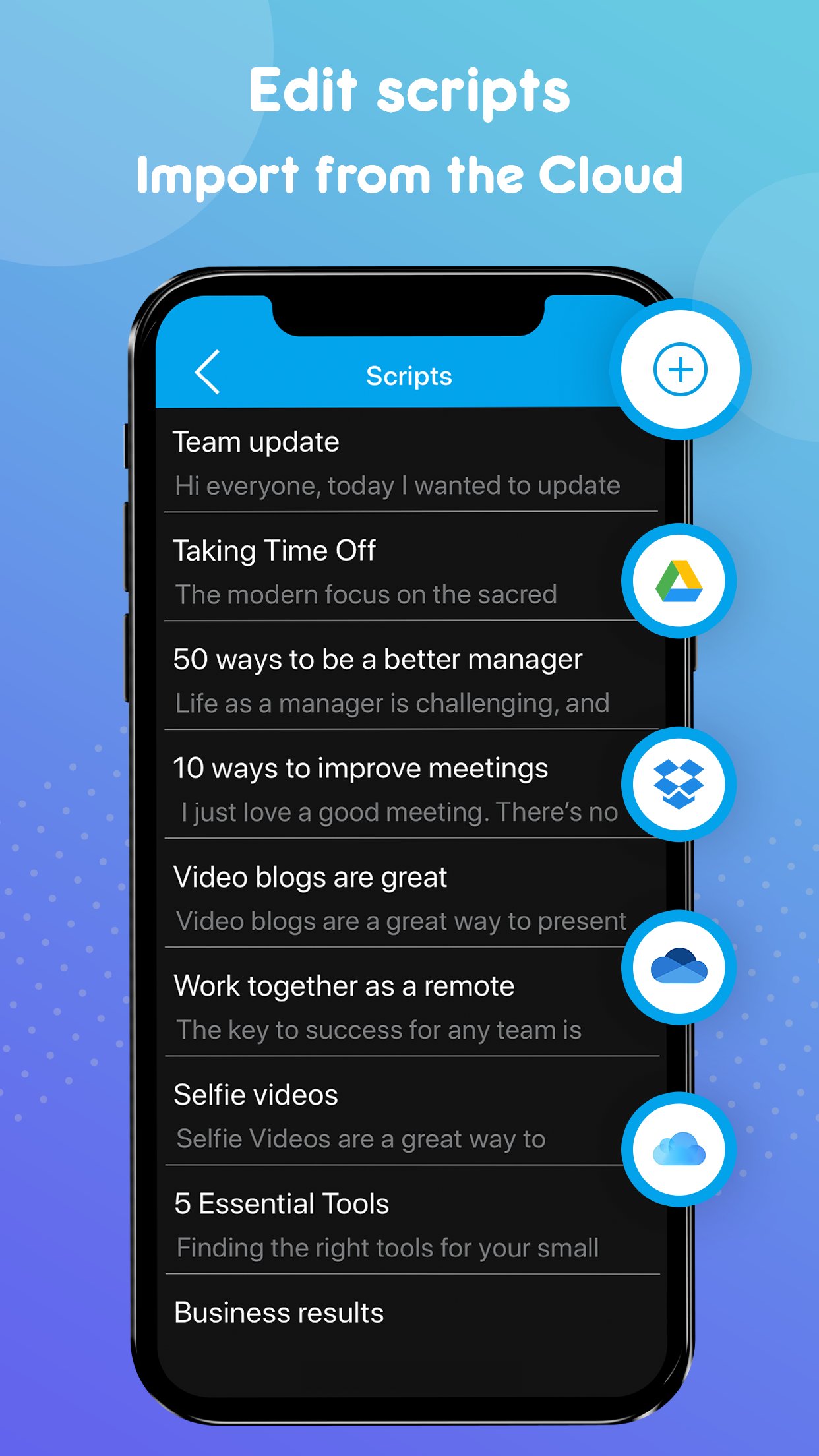
1. Write a script using your favourite editing tool and import it into the Teleprompter for Business app.
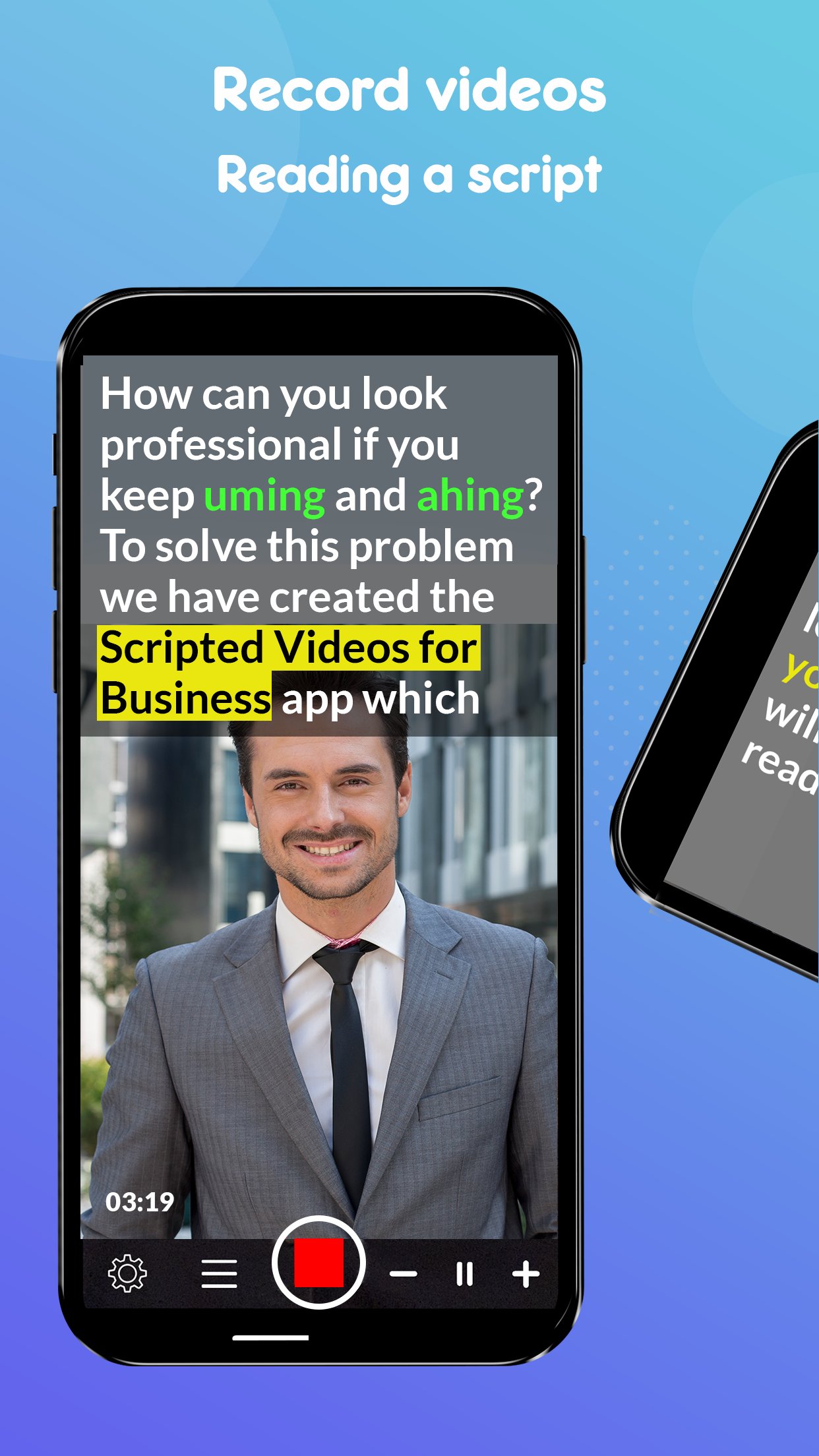
2. Press record, then read the script as it scrolls down the screen.
3. The script scrolls next to the camera lens, so you look like you're talking to your audience when you're actually reading.
This app will help you record better videos in less time, and make your presentation more confident and engaging.
Here are some of the features:
* Record videos in 4K and high definition using the front and rear-facing camera on supported devices.
* Record your video in landscape or portrait.
* Manage and share teleprompter scripts across different iOS devices.
* Import scripts from Dropbox, Google Drive, OneDrive or iCloud in .doc, .docx, .txt, .rtf, .pdf formats.
* Format scripts in Rich Text to make them easier to read.
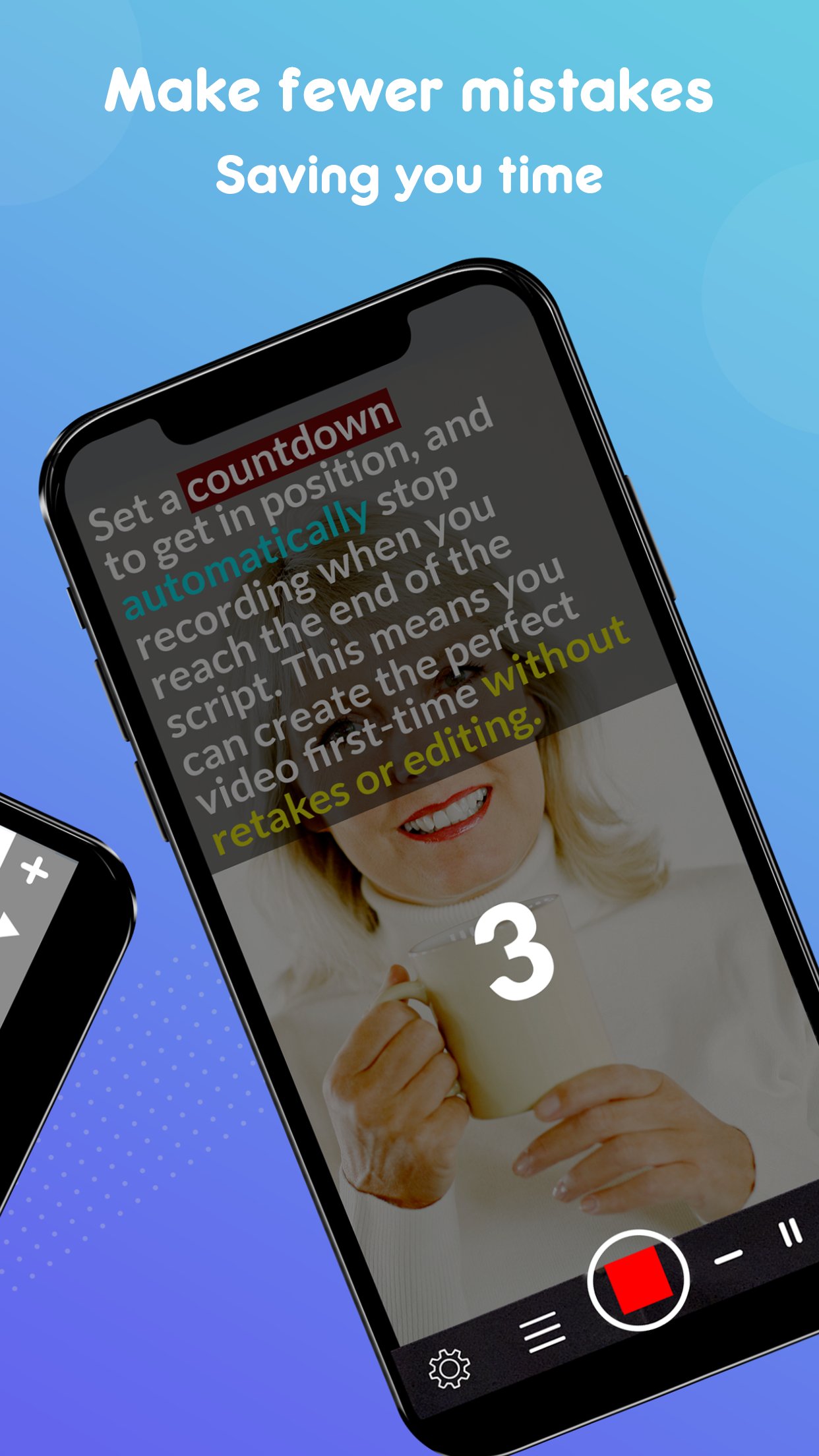
* Set a countdown to get into position, for pre-roll and to end recording automatically.
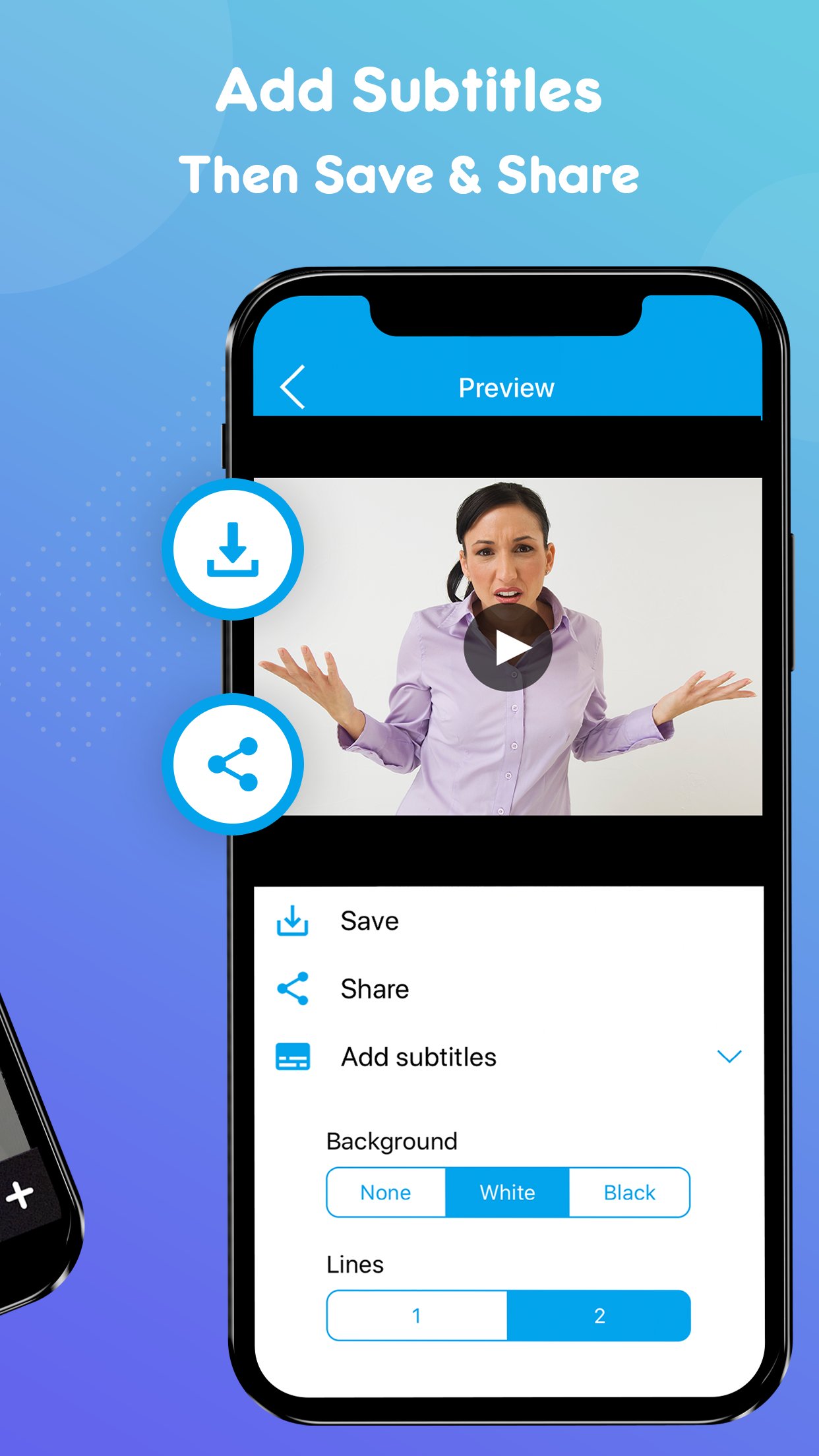
* Automatically add subtitles to your videos.
* Add a virtual background using the Green Screen (chroma key) filter
* Resize your video to landscape, portrait or square after recording.
* Control the app with a Bluetooth device. This includes starting and stopping recording and controlling the script scrolling.
* Tap and hold to lock the exposure and aperture, and pinch the screen to zoom. Add filters or blur the background.
* Use the floating mode to float the teleprompter over other apps.
* Mirror the script for use in a professional teleprompter rig.
* Display a 3x3 grid to help you position yourself.
* Adjust the font size and scrolling speed.
* Use your MDM software to configure the privacy settings for your staff
License: Commercial
| Release info | New Release on Sep 28, 2026 |
|---|---|
| Release notes | In this update, you can save and switch between multiple logos, enjoy a redesigned script editor with AI Rewrite and Effects in the Editing toolbar, and retake recordings with one tap. We’ve also added camera lens cleaning alerts and Apple DockKit support for automatic tracking with compatible stands and gimbals, improved Centre Stage on iPhone 17, made remote-control double taps more reliable, enhanced voice scrolling with external microphones, and fixed zoom differences between the preview and final video. Thanks for using the app! :) |
| Listing data | App Store |
Reviews
No reviews yet. Be the first to review Teleprompter for Business.
Used Teleprompter for Business? Tell other visitors what you thought.
Log in to write a reviewOther products by this publisher
- "No Distractions" for YouTube 4.10 ----
- #Bible 11.6.1 "Incredible App - My sister shared this app with me a few weeks ago and it is truly incredible.
- #filmphotography 1.4.2 So, you decided to shoot on film?
- #LookBusy Fake Calendar Events 1.0.6 Look Busy scans your work calendar for open time slots and fills them with realistic-looking (but secretly fake) work events.
- #Small Talk Is Canceled 1.0.2 #Small Talk Is Canceled — Conversations That Matter
Most viewed iOS Business
-
1
 Navy Federal Credit Union 2026.10.2
Bank easy with the Navy Federal mobile app!
-
2
 Paycom 8.0.16
If you or your company use Paycom’s HR and software, the Paycom app helps you manage everyday HR and payroll tasks in one place — like checking your schedule, requesting time off and reviewing your pay.
-
3
 Entrust Identity 26.4.0
The Entrust Identity mobile application is the new Entrust mobile platform for delivering strong identity credentials to both employee and consumer users.
- 4 % Percentage Calculator Pro 1.41 This is the Pro version of % Percentage Calculator.
-
5
 Intune Company Portal 5.2610.0
Microsoft Intune helps organizations manage access to corporate apps, data, and resources.
-
6
 ParkNYC Powered by Flowbird 2.2.1
Have you ever been late to an important meeting and you can’t find a parking spot?
-
7
 Budget-Beacon 1.5
Budget Beacon connects to your Apple Wallet to help you understand and manage your spending.
-
8
 Shopify 11.2646.0
Shopify: build your online store, sell anywhere, run your business
- 9 $quirrel 1.5.1 $quirrel Budget & Finance helps you plan each paycheck, track spending, manage debt, and see what is safe to spend before the next payday.
-
10
 MiniVAN Touch 9.4.7
miniVAN Touch is a mobile canvassing application that integrates with websites provided by NGP VAN.
Most downloaded iOS Business
-
1
ParkNYC Powered by Flowbird 2.2.1
Have you ever been late to an important meeting and you can’t find a parking spot?
-
2
Budget-Beacon 1.5
Budget Beacon connects to your Apple Wallet to help you understand and manage your spending.
-
3
 Rocket.Chat 4.78.1
Rocket.Chat Secure CommsOS™ is a communication platform that unifies messaging, voice, video, AI, and mission-critical applications—ensuring uncompromising security, compliance, and operational efficiency for governments, defense, and critical infra…
-
4
 Receivable Payment Ledger2026 1.1
Payment Ledger is a fully offline accounts receivable management tool for small businesses, shops, wholesalers, and salespeople who need to track customer debts and payment progress.
-
5
 Business Timesheet 6.0
Are you looking for timesheet to track the work hours spent on hourly, daily or weekly basis accurately?
-
6
 Simple Budget Envelopes 2.2.1
An incredibly simple app, perfect for keeping track of how much money remains in your budget.
-
7
 Cvent Events 2.9.0
Cvent Events is your place to easily plan out your event experience, find where you need to go next, network with other attendees, and learn more about sponsors and exhibitors.
-
8
 Vola 4.9.02
Vola is the only cash advance app built for Real-Time Payments (RTP).
-
9
 Power Apps 3.26112.10
Get Power Apps to conveniently access your work or school apps no matter where you are: at home, on the road, in the field, off-campus, at the airport, or at the beach – anywhere life takes you.
-
10
 Checkbook Pro 3.3.5
An easy & quick way to manage your daily finances, Checkbook Pro keeps track of your credit card charges, cash expenditures...etc.