
Summary 2.23.0
Summary AI makes meetings more productive by automatically recording, transcribing, and summarizing conversations.
Download
186.25 MB
8downloads
1this week
FreeFreeware
0reviews
Screenshots
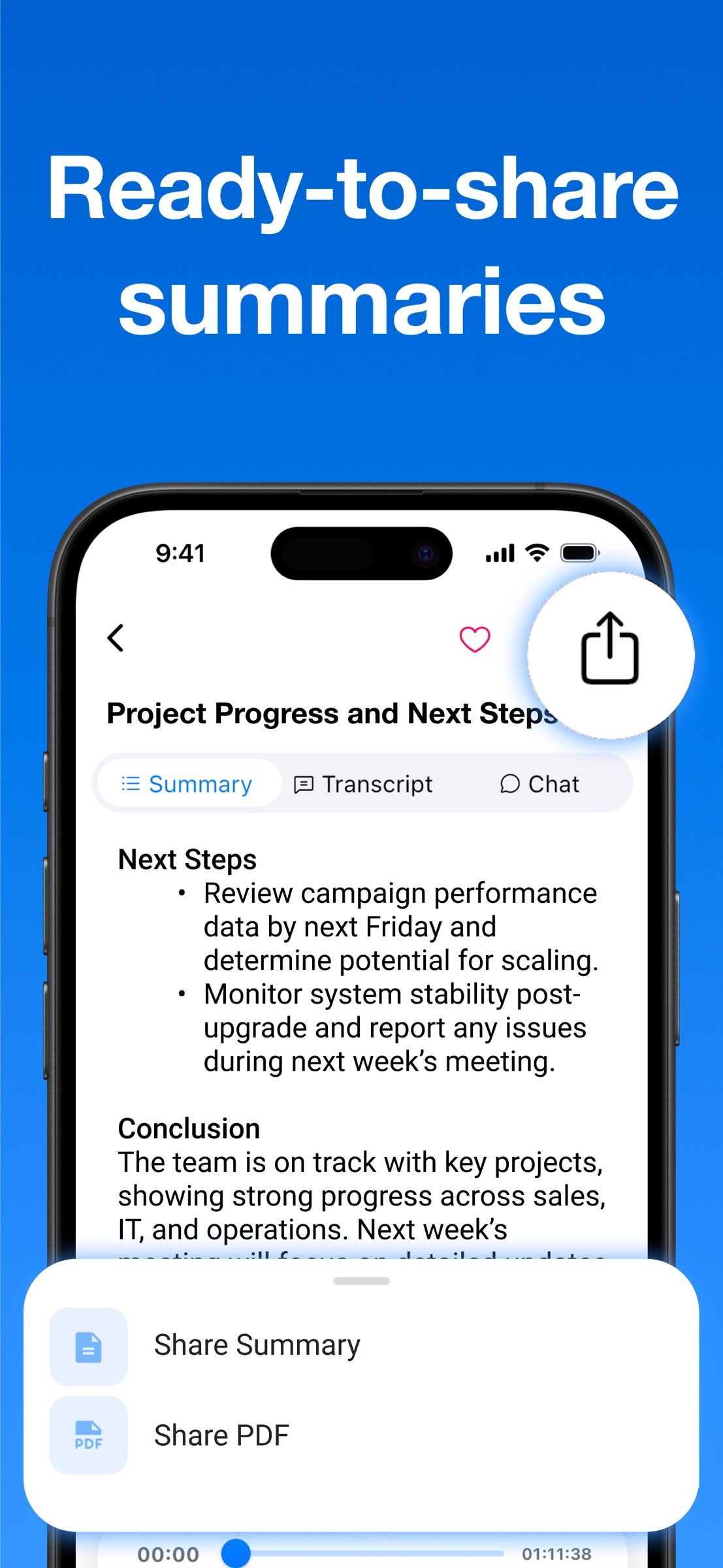
About Summary
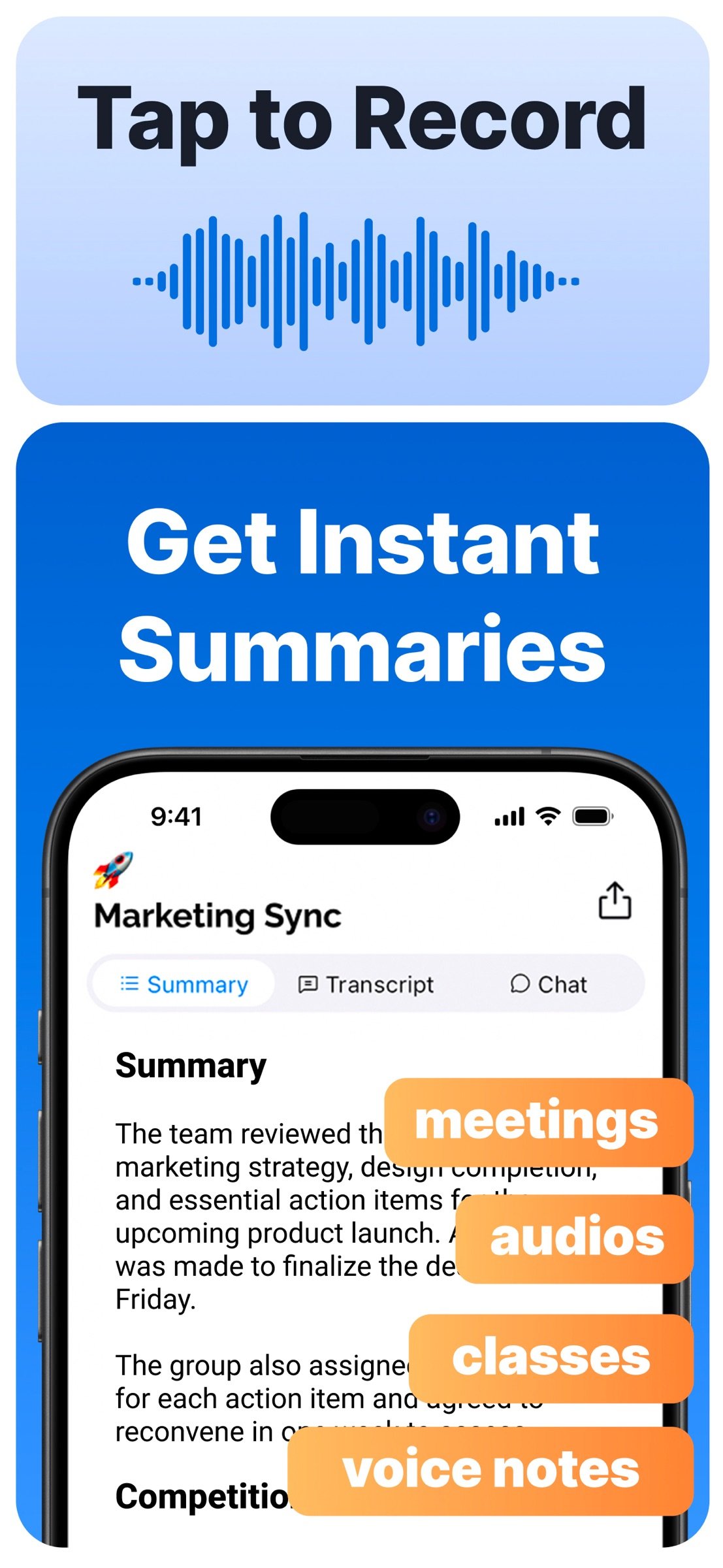
Summary AI makes meetings more productive by automatically recording, transcribing, and summarizing conversations. Whether it’s a business meeting, interview, classroom lecture, or podcast, Summary AI captures everything clearly so you can stay present and focus.
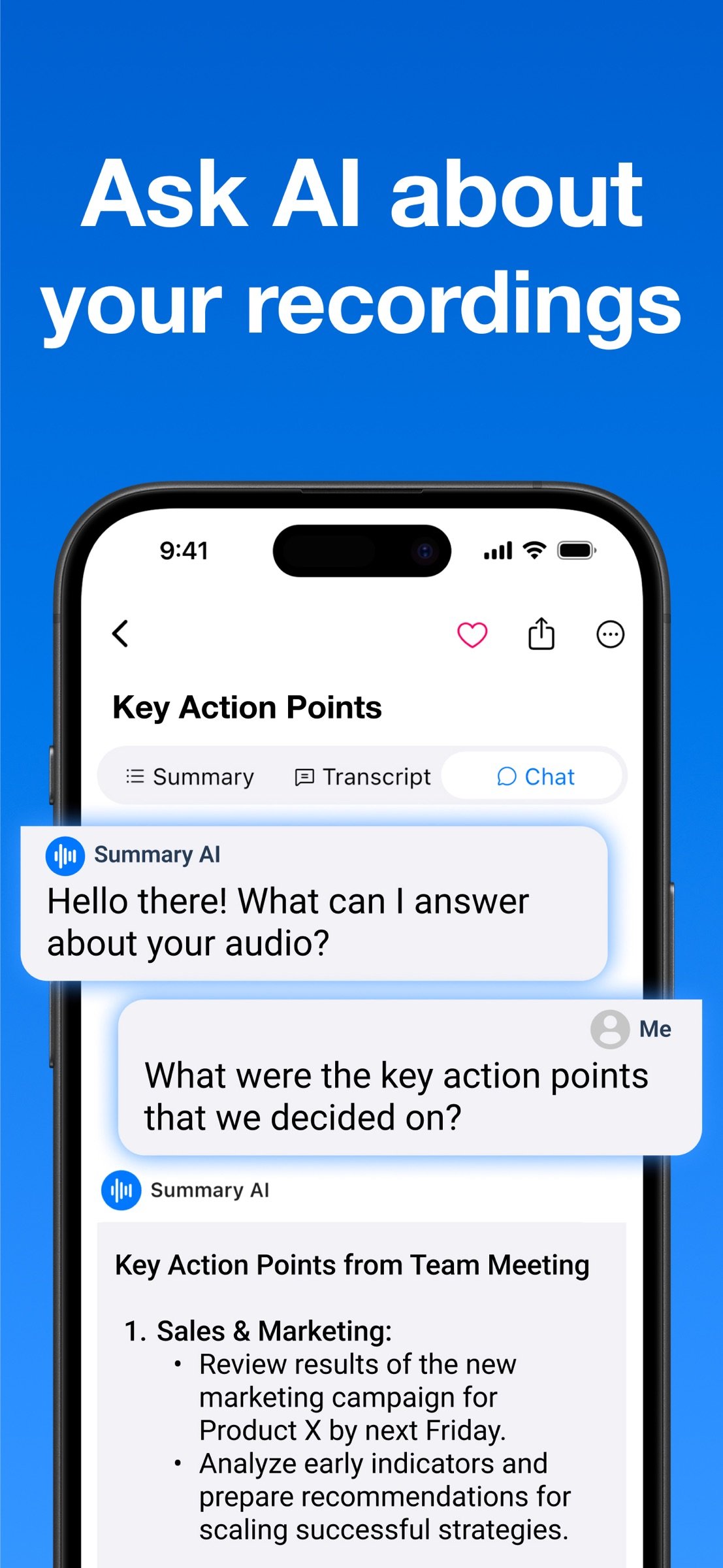
With one tap, the app records audio, generates accurate transcripts with speaker labels, and creates easy-to-read summaries. You can even ask questions like, “What were the key action items from the marketing strategy session?” and get instant answers, thanks to built-in AI.
Why Use Summary AI?
Take and share professional meeting notes effortlessly
Record and transcribe interviews, lectures, webinars, and podcasts
Generate captions for people with hearing impairments or quiet audio environments
Who Uses Summary AI?
Professionals: Capture meeting notes, action items, and client discussions
Students: Record and review lectures, study groups, and seminars
Journalists & Researchers: Transcribe interviews with precision
Everyone: From voice memos to webinars, it handles it all
Key Features
One-Tap Recording
Start recording instantly and stay focused. Summary AI takes care of the rest.
Unlimited Recording Time
Record as much as you need, no time limits, no interruptions.
Records in the Background or with Screen Locked
Keep recording while your phone is locked or you're using other apps. Perfect for discreet, uninterrupted sessions.
Accurate Transcription with Speaker Labels
Transcripts that make sense, clearly labeled, searchable, and easy to review.
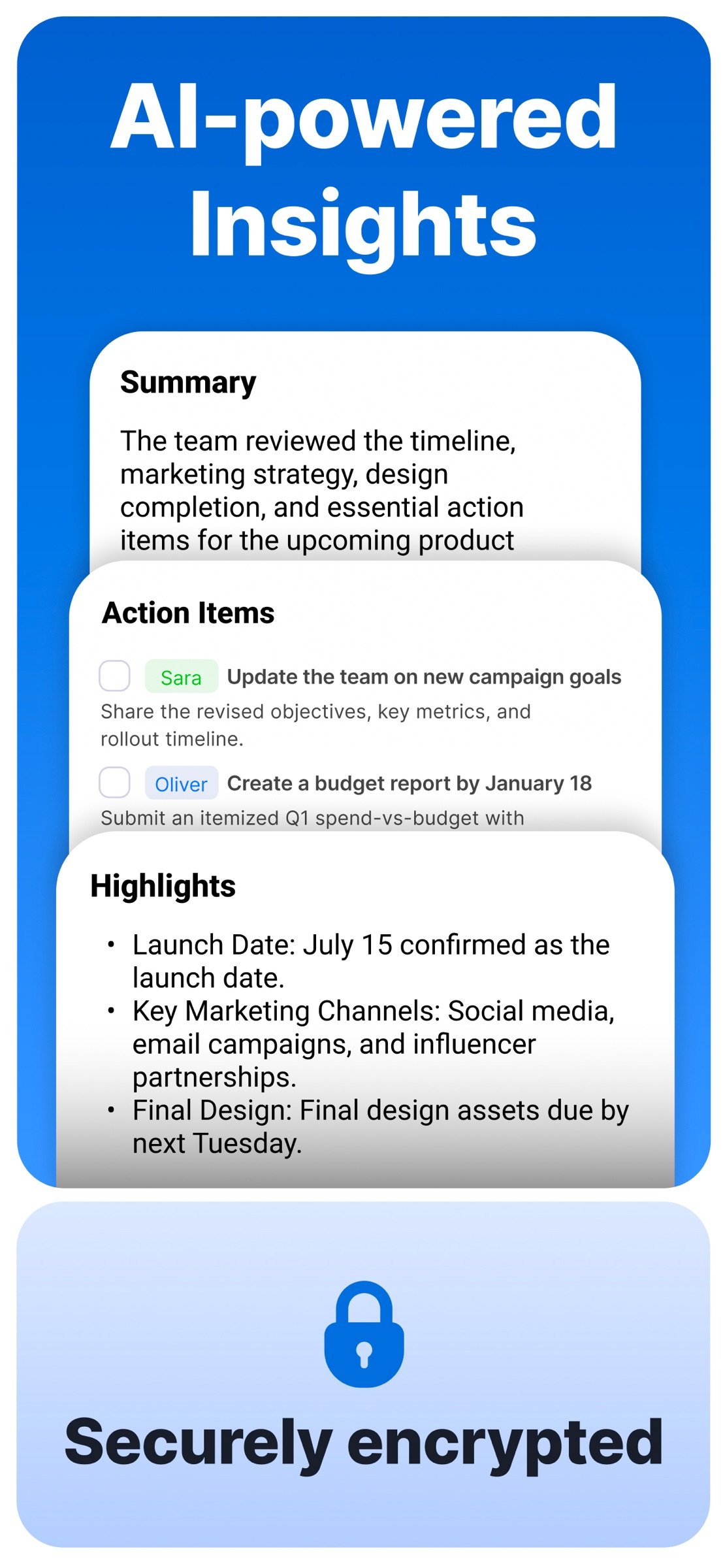
AI-Powered Summaries & Key Points
Don’t just get a transcript, get the big picture with bullet-pointed summaries.
Smart Search & Timestamp Jumping
Type a keyword, jump straight to that moment in the recording.
Ask Questions About the Conversation
Get instant answers from the AI like “Who was assigned the budget review?”
Automatic Punctuation, Capitalization & Line Breaks
Clean, easy-to-read transcripts without any manual formatting.
Boost Your Productivity
Save time reviewing meetings, just skim the summary
Stay present in conversations, not distracted by note-taking
Export notes to PDF, share with teams, or save for personal reference
Never lose a detail, everything is searchable
Your recordings and notes are private, always. Summary AI prioritizes security, and your data is never shared with third parties.
Privacy Policy: [link removed]
Terms of Use: [link removed]
License: Free
With one tap, the app records audio, generates accurate transcripts with speaker labels, and creates easy-to-read summaries. You can even ask questions like, “What were the key action items from the marketing strategy session?” and get instant answers, thanks to built-in AI.
Why Use Summary AI?
Take and share professional meeting notes effortlessly
Record and transcribe interviews, lectures, webinars, and podcasts
Generate captions for people with hearing impairments or quiet audio environments
Who Uses Summary AI?
Professionals: Capture meeting notes, action items, and client discussions
Students: Record and review lectures, study groups, and seminars
Journalists & Researchers: Transcribe interviews with precision
Everyone: From voice memos to webinars, it handles it all
Key Features
One-Tap Recording
Start recording instantly and stay focused. Summary AI takes care of the rest.
Unlimited Recording Time
Record as much as you need, no time limits, no interruptions.
Records in the Background or with Screen Locked
Keep recording while your phone is locked or you're using other apps. Perfect for discreet, uninterrupted sessions.
Accurate Transcription with Speaker Labels
Transcripts that make sense, clearly labeled, searchable, and easy to review.
AI-Powered Summaries & Key Points
Don’t just get a transcript, get the big picture with bullet-pointed summaries.
Smart Search & Timestamp Jumping
Type a keyword, jump straight to that moment in the recording.
Ask Questions About the Conversation
Get instant answers from the AI like “Who was assigned the budget review?”
Automatic Punctuation, Capitalization & Line Breaks
Clean, easy-to-read transcripts without any manual formatting.
Boost Your Productivity
Save time reviewing meetings, just skim the summary
Stay present in conversations, not distracted by note-taking
Export notes to PDF, share with teams, or save for personal reference
Never lose a detail, everything is searchable
Your recordings and notes are private, always. Summary AI prioritizes security, and your data is never shared with third parties.
Privacy Policy: [link removed]
Terms of Use: [link removed]
License: Free
| Release info | Update on Nov 09, 2026 |
|---|---|
| Release notes | Here are the new features of AI Summary: - UI/UX Improvements - General performance upgrades and bug fixes |
| Listing data | App Store |
Reviews
No reviews yet. Be the first to review Summary.
Used Summary? Tell other visitors what you thought.
Log in to write a reviewOther products by this publisher
- "No Distractions" for YouTube 4.10 ----
- #Bible 11.6 "Incredible App - My sister shared this app with me a few weeks ago and it is truly incredible.
- #filmphotography 1.4.2 So, you decided to shoot on film?
- $quirrel 1.5.1 $quirrel Budget & Finance helps you plan each paycheck, track spending, manage debt, and see what is safe to spend before the next payday.
- % Percentage Calculator Pro 1.41 This is the Pro version of % Percentage Calculator.
Most viewed iOS Productivity
-
1
 WordPress 27.4
Manage or create your WordPress blog or website right from your iOS device: create and edit posts and pages, upload your favorite photos and videos, view stats and reply to comments.
- 2 Voice Translator - Alive 1.6 Translation app that turns your iPhone into an interpreter instantly.
-
3
 Claude by Anthropic 1.261109.19
Meet Claude, your AI problem solver and thinking partner.
- 4 "No Distractions" for YouTube 4.10 ----
- 5 (beat) for iOS 0.5.10 An elegant Fountain screenwriting app, created by a screenwriter for screenwriters.
-
6
 DeepSeek 2.7.5
Experience seamless interaction with DeepSeek's official AI assistant for free!
-
7
 Life360 26.42.0
Whether at home, online, or on the move, our comprehensive family safety features bring peace of mind to your loved ones AND help safeguard your personal belongings.
-
8
 Howbout 16.7.0
The shared calendar for friends, couples, and family
-
9
 WristMemo 2.0
WristMemo turns your Apple Watch into an all-day voice recorder.
-
10
 Plot Digitizer 1.4.1
Plot Digitizer is an app to extract numerical data from plot images.
Most downloaded iOS Productivity
- 1 Voice Translator - Alive 1.6 Translation app that turns your iPhone into an interpreter instantly.
-
2
DeepSeek 2.7.5
Experience seamless interaction with DeepSeek's official AI assistant for free!
-
3
 SessionsAI 1.2.1
Sessions AI is a private AI workspace that runs entirely on your iPhone, iPad, or Mac.
-
4
 Voices AI 1.16.15
Discover Voices, the premier voice transformation app designed exclusively for iOS.
-
5
 Block Distracting Websites 1.11
"It's a great way to save time, and stop browsing Reddit when you should be doing coursework."
-
6
Plot Digitizer 1.4.1
Plot Digitizer is an app to extract numerical data from plot images.
-
7
 Google Docs 1.2026.45104
Create, edit, and collaborate on online documents with the Google Docs app.
-
8
 Pixy Mood Tracker 1.110.0
Track your mood, one pixel at a time.
-
9
 VPN 2.61.0
VPN - Super Unlimited Proxy is a free VPN and proxy app for iPhone, iPad, Mac and Apple Vision Pro.
- 10 (beat) for iOS 0.5.10 An elegant Fountain screenwriting app, created by a screenwriter for screenwriters.