
Soro 5.0.8
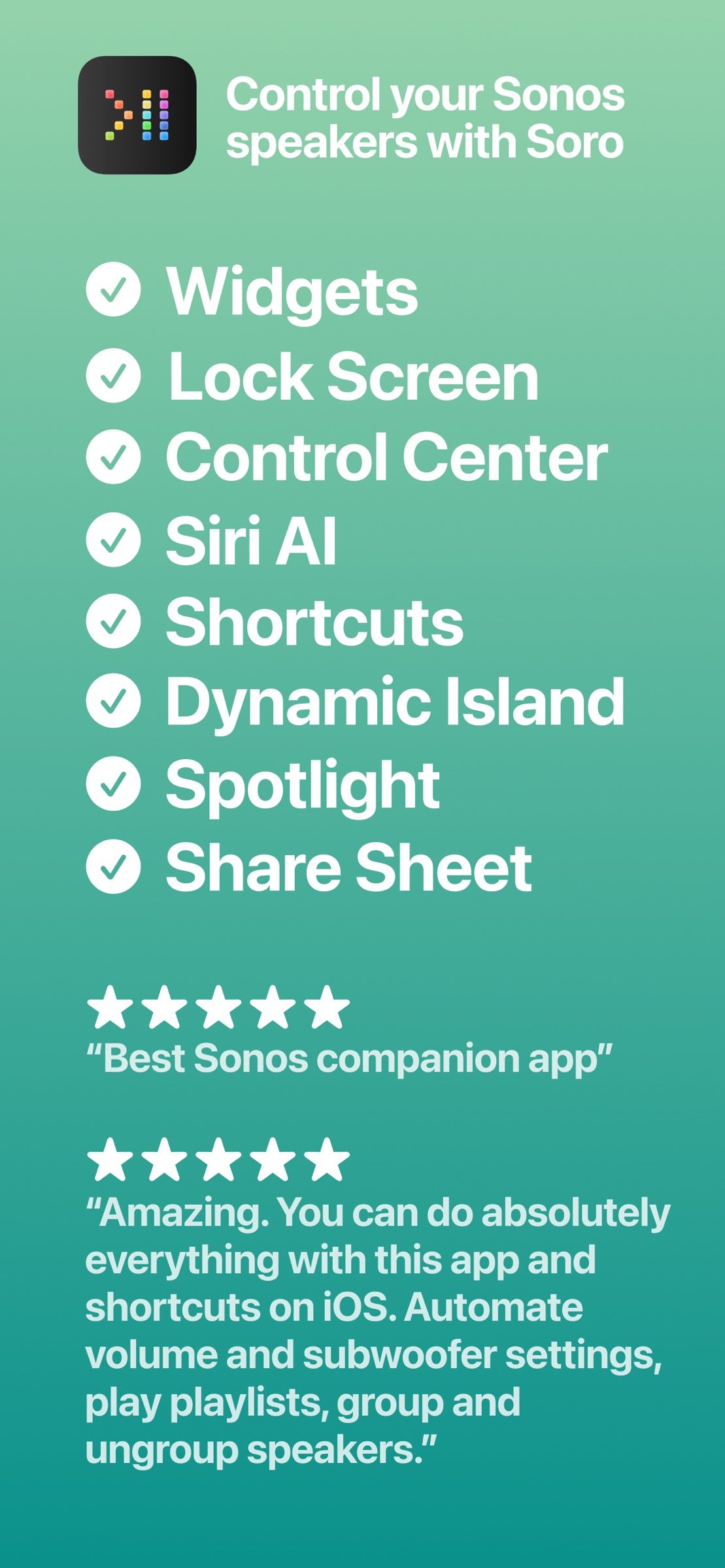
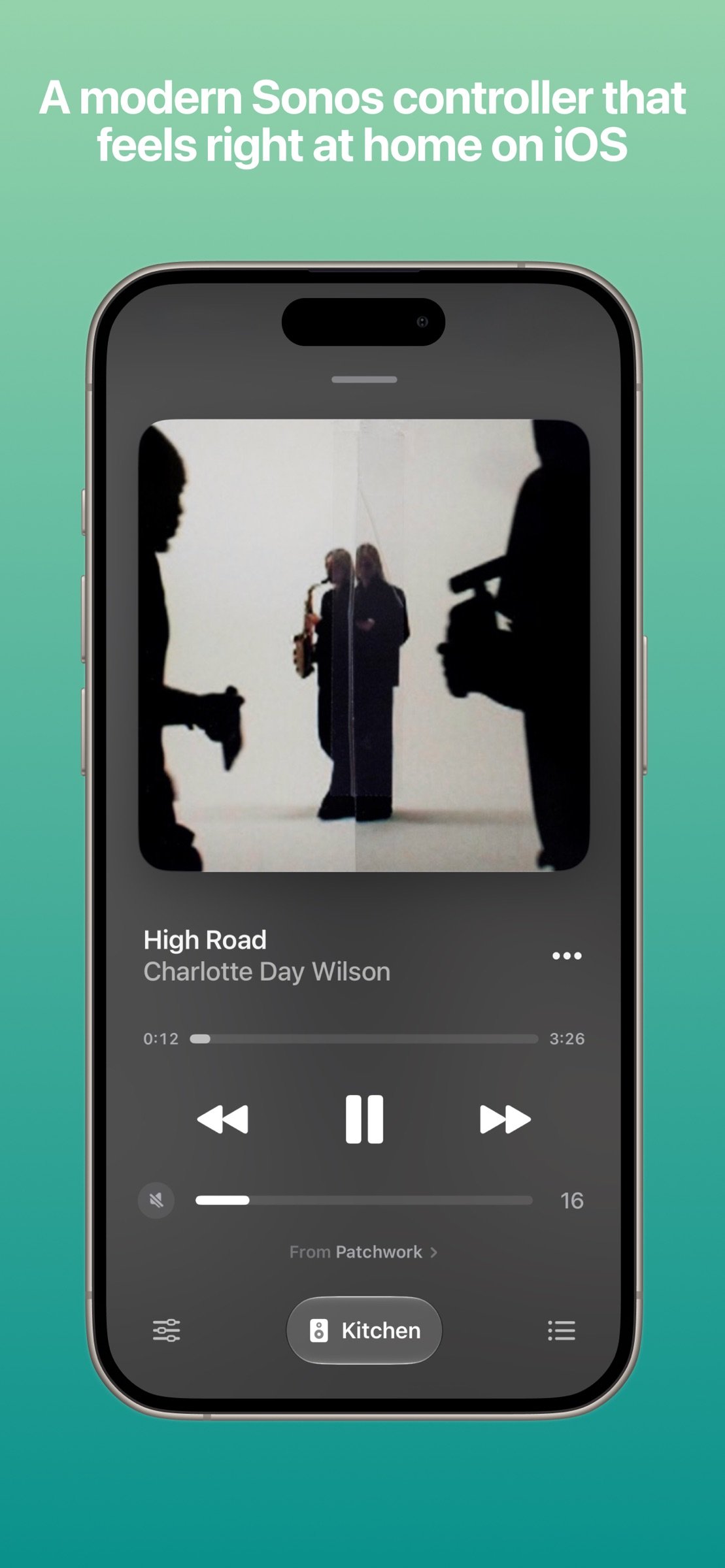
Soro provides a modern, intuitive interface to control your speakers, extends your iPhone, iPad, and Mac with Siri AI, Control Center and Home Screen widgets, Live Activities and 30+ powerful Shortcuts actions.
Download
86.39 MB
28downloads
4this week
FreeCommercial
0reviews
Screenshots
About Soro
Soro provides a modern, intuitive interface to control your speakers, extends your iPhone, iPad, and Mac with Siri AI, Control Center and Home Screen widgets, Live Activities and 30+ powerful Shortcuts actions. Soro lets you create quick actions or extensive workflows to control your speakers with the Shortcuts app using widgets, Siri voice commands or automations.
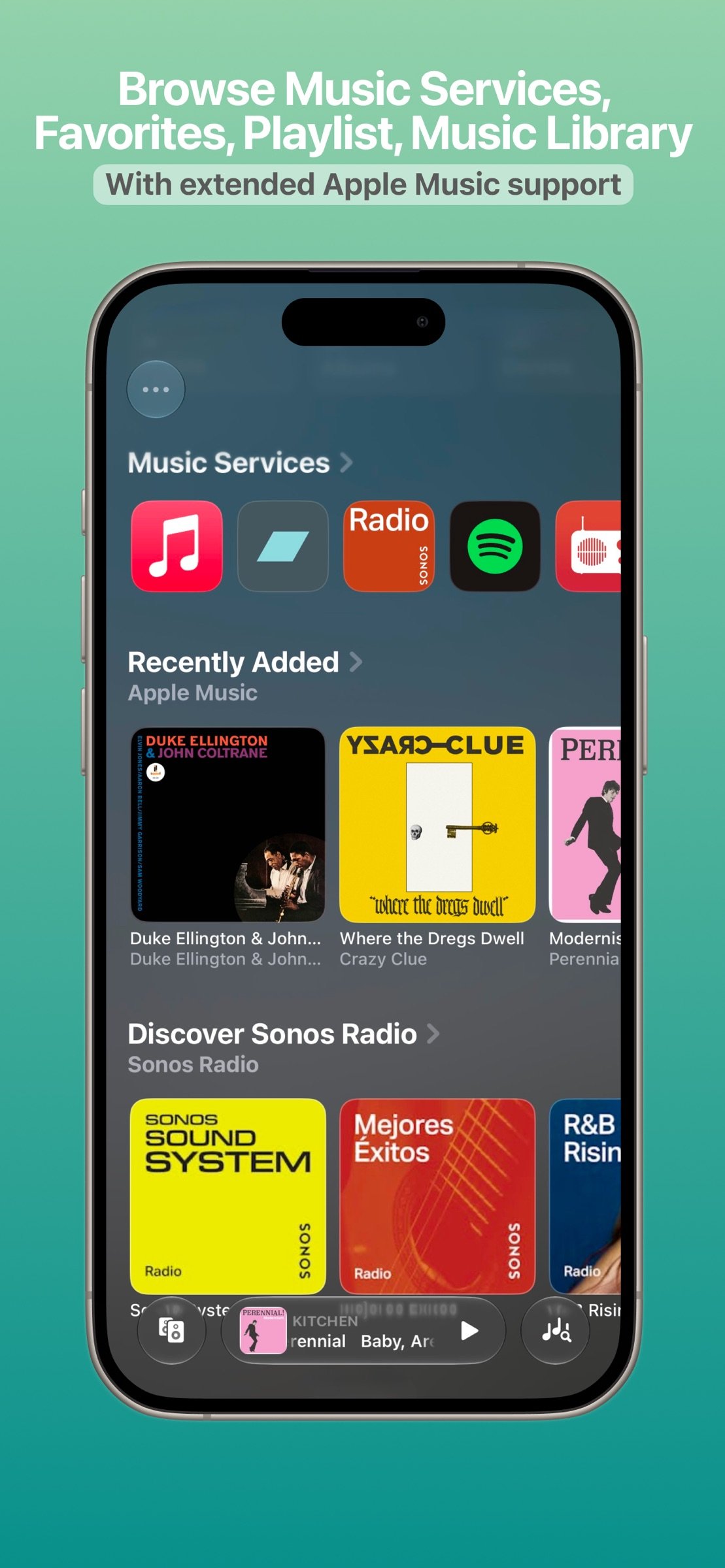
? Browse Your Music
* Support for Music Services you already added in the Sonos app
* Browse your Sonos Music Library
* Extended Apple Music Integration:
* Add tracks, albums to your Apple Music playlists or favourites (in-app and via Shortcuts action)
* Play artist stations
* See additional details of albums and artists, such as related items and notes
? Shortcuts & Automations
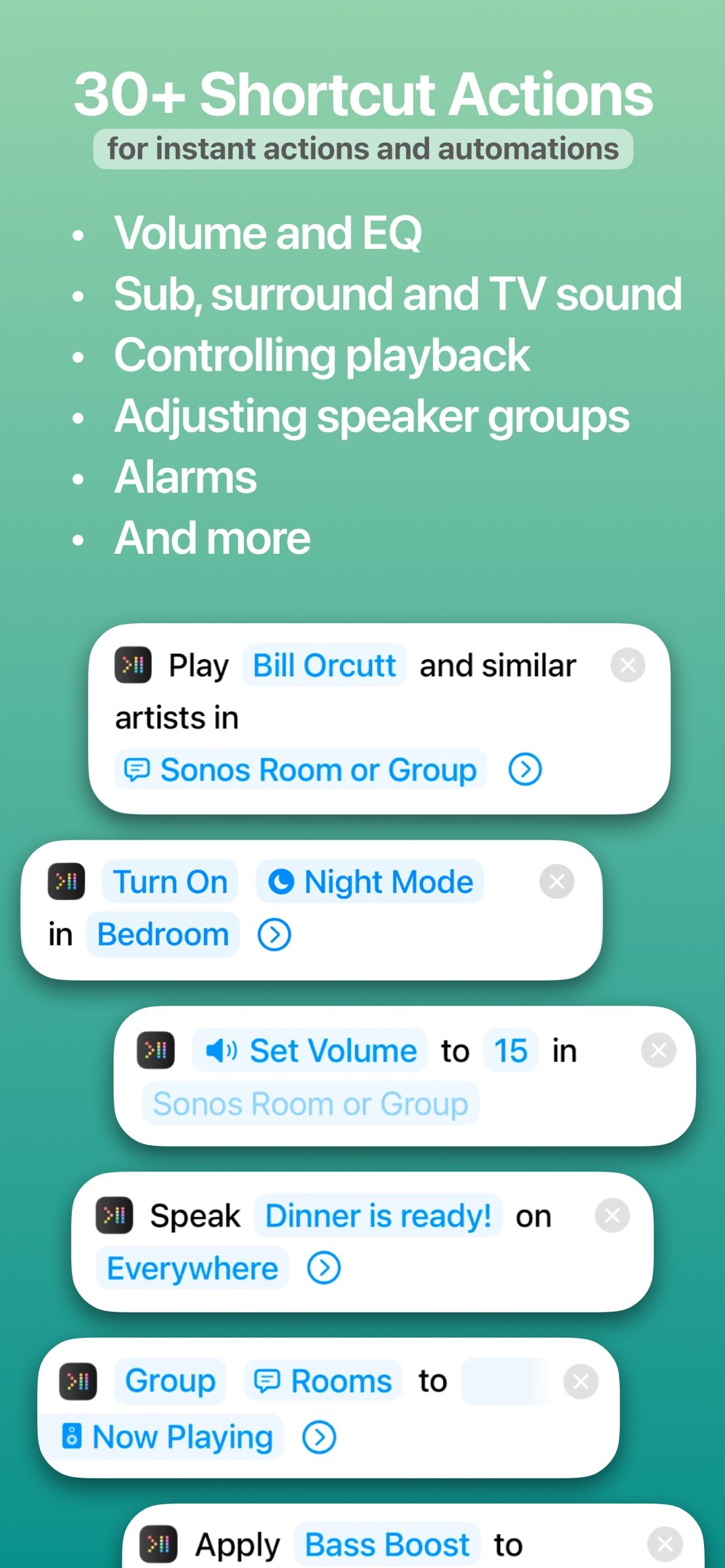
* 30+ actions to control your speakers and automate the settings in the Shortcuts app
* Build quick actions or extensive automations or integrate with other third-party apps
* Start creating shortcuts in the Shortcuts app or use one of the examples included in Soro as a starting point
* Use the actions to
- Play music from any of your music services, favorites, playlists
- Broadcast a message
- See what's playing
- Change volume, adjust the EQ, home theatre settings such as speech enhancement and night mode, subwoofer and surround options
- Manage the music queue
- Select input
- Control playback
- Manage speaker grouping
- Load sound preset
- Control your alarms
? Search
* Search and filter across your Sonos Favorites, Sonos Playlists, Sonos Music Library, and connected music services
* Search directly from Siri AI: "Find the album Get Mean by Boy Harsher in Soro"
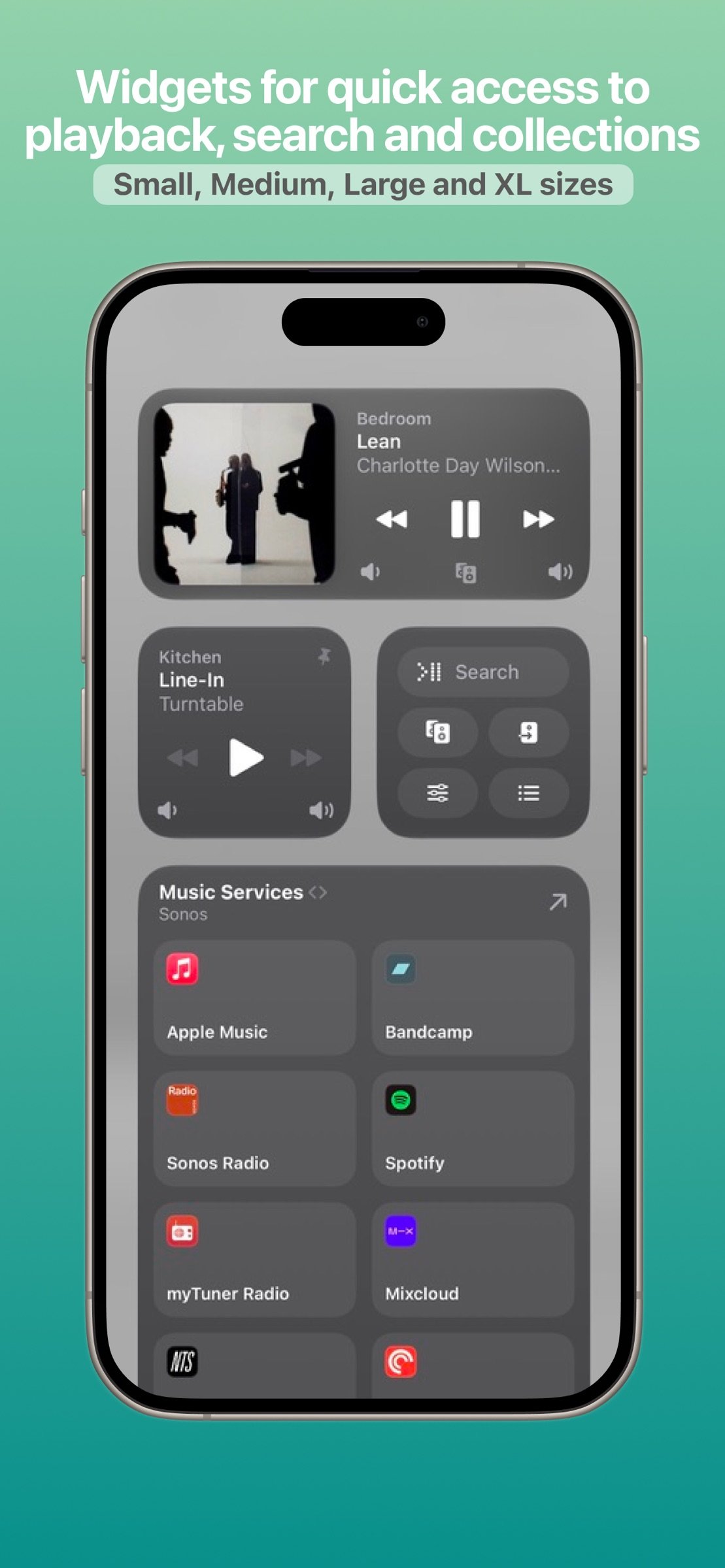
? Home Screen Widgets
* Now Playing: View current Sonos playback details, pick/configure rooms, adjust volume, play/pause, skip
* Quick Access: Jump into search, open queue/EQ/grouping or music services
* Collections: Quick access to items in your favourite collections
? Lock Screen Control and Dynamic Island
* Soro now integrates with the system media controls on the Lock Screen and in Control Center for better integration with system features, such as using the hardware buttons for volume control.
? Control Center Widgets
* Quickly change your speaker settings or instantly open the app to a specific view from the Control Center.
* All available speaker settings, such as volume, EQ parameters, etc. can be adjusted by adding and configuring an instance of the Sonos Settings widget
? Siri AI
* On iOS 27, ask Siri to play music with Soro, check what's playing on your speakers or learn more about what's on screen in Soro.
* Ask Siri what's playing in Soro or on Sonos: "What's playing in Soro?"
* Use Siri AI's conversational answers and broad world knowledge for open-ended music discovery, then ask to play it in Soro.
* Use Siri's onscreen awareness to play or find music you are looking at in other apps or Siri mode in the camera app.
* When in Soro, you can ask Siri for more details of the music you are looking at, either on the Now Playing screen or when browsing and looking at an album or artist.
* Siri can also run the custom Shortcuts you built with the various Soro actions in the Shortcuts app. Fine-tune the logic you want to execute, then tell Siri the Shortcut's name to run it.
? Spotlight
* Search for a room by its name in Spotlight to find and control it from outside Soro.
* Change volume, group or remove rooms from anywhere.
? Share Sheet
* Start playing music directly from supported apps (Apple Music, Spotify and Bandcamp) by using the share sheet.
? Surround to stereo switch
* Easily switch your surround speakers to stereo pair (and back) to fully utilize them when listening to music.
? Accessibility
* Dynamic Type and VoiceOver support
* Speak Text supported on Sonos One, Amp, Port, Play:5 (Gen 2), Beam, One SL, Move, SYMFONISK (table lamp & bookshelf), and all newer Sonos S2 speakers.
Soro is not affiliated with Sonos Inc. nor is it an official Sonos app. Sonos is trademarked by Sonos Inc.
License: Commercial
| Release info | Update on Nov 22, 2026 |
|---|---|
| Release notes | - Soro now allows managing your Sonos alarms in the app (along with the existing Shortcuts actions) - 'Alarms' section on Home Screen - Improved Shortcuts action performance - Visual updates - Updated share sheet layout Added in 5.0.7: You can now quickly turn your rear surrounds into a stereo pair with a tap of a button or Shortcuts action for better music listening experience. When time for a movie, the same button (or action) will reconfigure them as surrounds. |
| Listing data | App Store |
Reviews
No reviews yet. Be the first to review Soro.
Used Soro? Tell other visitors what you thought.
Log in to write a reviewOther products by this publisher
- "No Distractions" for YouTube 4.10 ----
- #Bible 11.6.1 "Incredible App - My sister shared this app with me a few weeks ago and it is truly incredible.
- #filmphotography 1.4.2 So, you decided to shoot on film?
- #LookBusy Fake Calendar Events 1.0.6 Look Busy scans your work calendar for open time slots and fills them with realistic-looking (but secretly fake) work events.
- #Small Talk Is Canceled 1.0.2 #Small Talk Is Canceled — Conversations That Matter
Most viewed iOS Utilities
-
1
 Device Lab 1.9.1
Device Lab is an on-device reference and toolkit for your hardware — hardware monitoring, spec references, chip and device comparisons, system information, and practical utilities, so you can understand and manage the devices you use with more struc…
-
2
 APTV 2.4.10
APTV,?????????????? IPTV M3U???,?????????????????
-
3
 V2Box 10.2.0
V2box - VPN Internet network proxy , Supports multiple proxy protocols, such as Shadowsocks, V2ray, Vmess, Trojan , SSH , Socks, Ping Tunnel, Hysteria2, DNSTT, Wireguard
-
4
 VibeSDR 11.0.16
VibeSDR is a mobile-first software-defined radio (SDR) receiver — and far more than a single-server client.
-
5
 ECHOCAT 1.6.0
ECHOCAT is the iPhone and iPad companion for POTACAT, the desktop app for amateur radio operators chasing Parks on the Air (POTA), Summits on the Air (SOTA), Worldwide Bunkers on the Air (WWBOTA), Tiles on the Air and DX.
-
6
 Ally Pro 1.4.0
Ally Pro – Amiibo & NFC Tool gives advanced collectors complete control over their Amiibo library.
-
7
 Demod 1.6
Demod turns your iPhone into a software-defined radio receiver.
-
8
 DXClock 4.0.0
Connect, collaborate, and operate smarter with DX Clock — the ultimate meeting place for amateur radio operators.
-
9
 Nextin 1.4.2
Nextin is a subscription-based configuration and connection tool designed to simplify the setup process and improve everyday usability.
-
10
 DuckDuckGo, optional Duck.ai 7.247.0
At DuckDuckGo, we believe the best way to protect your personal information from hackers, scammers, and privacy-invasive companies is to stop it from being collected at all.
Most downloaded iOS Utilities
-
1
 Rat And Mouse Sound Repeller 2.8
Keep mice and rats away overnight with ultrasonic waves and predator sounds.
-
2
Demod 1.6
Demod turns your iPhone into a software-defined radio receiver.
-
3
 Guardio 2026.111.3
Protect your identity, accounts, and online activity from scams and digital threats with Guardio.
-
4
 Screen Mirroring With Miracast 2.0
Turn your iPhone into a complete TV companion.
-
5
 Fontcase 2.0.1
Fontcase is an app that lets you install custom fonts on iOS and iPadOS.
-
6
 ParkenDD 2.0.2
ParkenDD shows a list of available public parking lots in several cities.
-
7
 Passepartout, VPN Client 3.12.8
Protect your online privacy with Passepartout, a smart VPN client seamlessly integrated with iOS, macOS, iPadOS, and tvOS.
-
8
 PickerFull 9.18
Export colors from photos as HEX, PDF, RGB, HSB/HSV, HSBA, HSL, LUV, LCH, YUV, YCBCR, YIQ, CMYK, Grayscale, XYZ, L*a*b* (CIE), CSSVAR, SASSVAR, CSSHSL, CSSRGB, AndroidXML, FlutterDart, UnityColor32, Float, Objective-C, Swift, SwiftLiteral, SwiftUI
-
9
 Royal TSi 2.5.4
Royal TSi provides easy and secure access to your remote systems (RDP, VNC, SSH, etc.) by allowing you to open your Royal TS documents created with Royal TSX (for macOS) or Royal TS (for Windows).
-
10
 Universal TV Remote Control* 2.6.9
Control your Smart TV effortlessly with iMote — the ultimate universal remote control for TV.