
2downloads
2this week
FreeCommercial
0reviews
Screenshots
About SidePilot
This is the BEST ardupilot companion app.
Works with ArduPilot autopilot via WiFi, Bluetooth Low Energy or Cellular connection, including 3DR Solo.
Supports ExpressLRS MAVLink telemetry.
NOTE: You must have either WiFi, Cellular or Serial Bluetooth connection to your drone.
User Manual is available at [link removed]
Features:
• Supports ArduCopter, ArduPlane and ArduRover via ELRS, WiFi or Bluetooth.
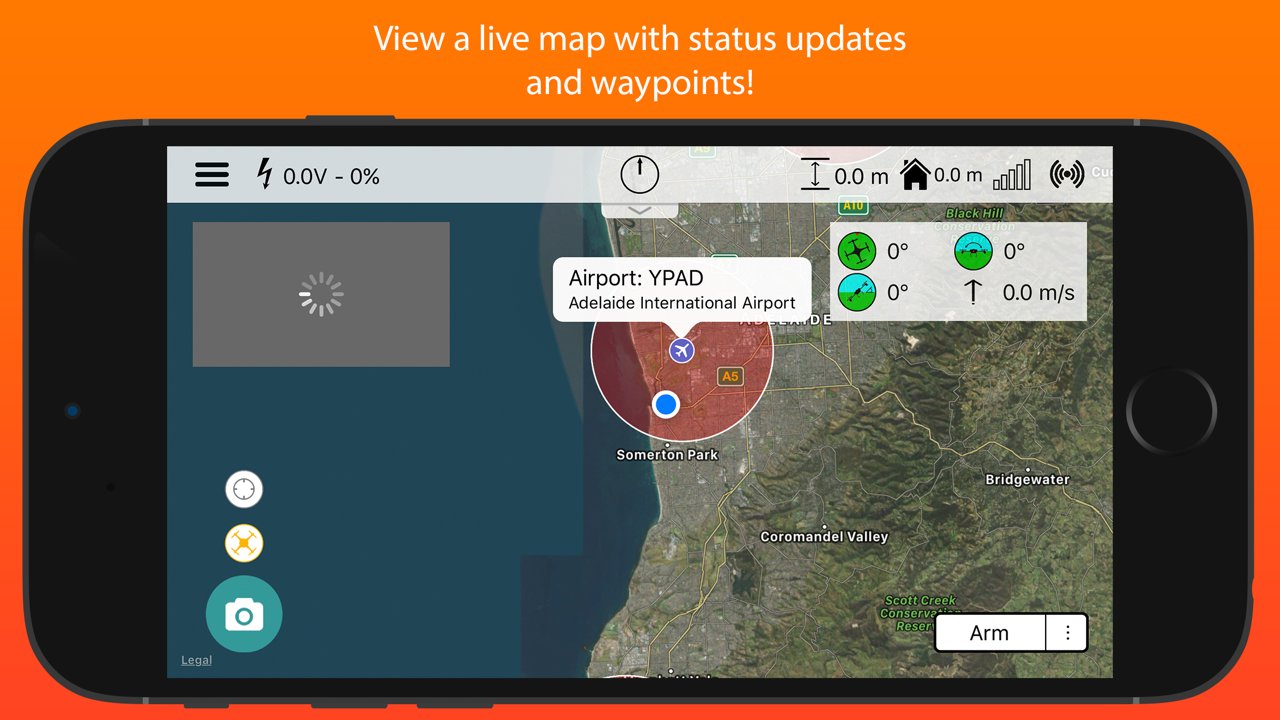
• Displays current drone location, with information such as altitude, yaw, pitch and roll.
• Internet ADSB to display nearby aircraft and provide warnings.
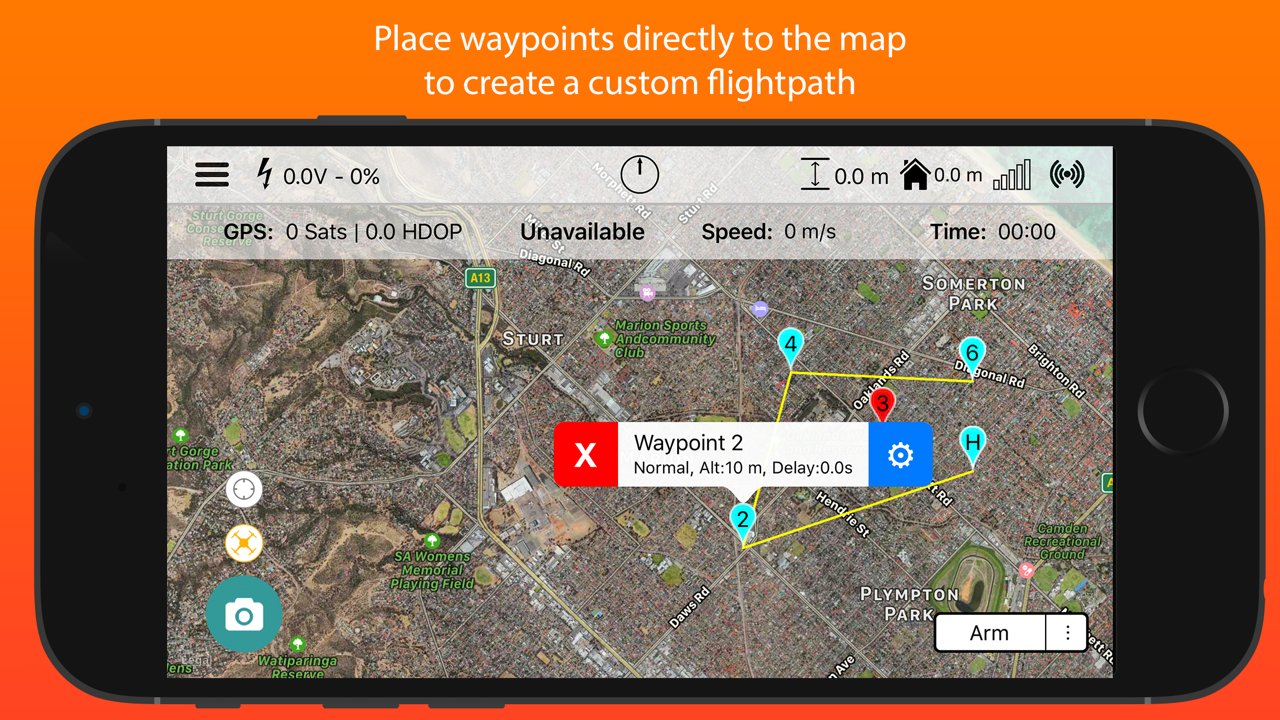
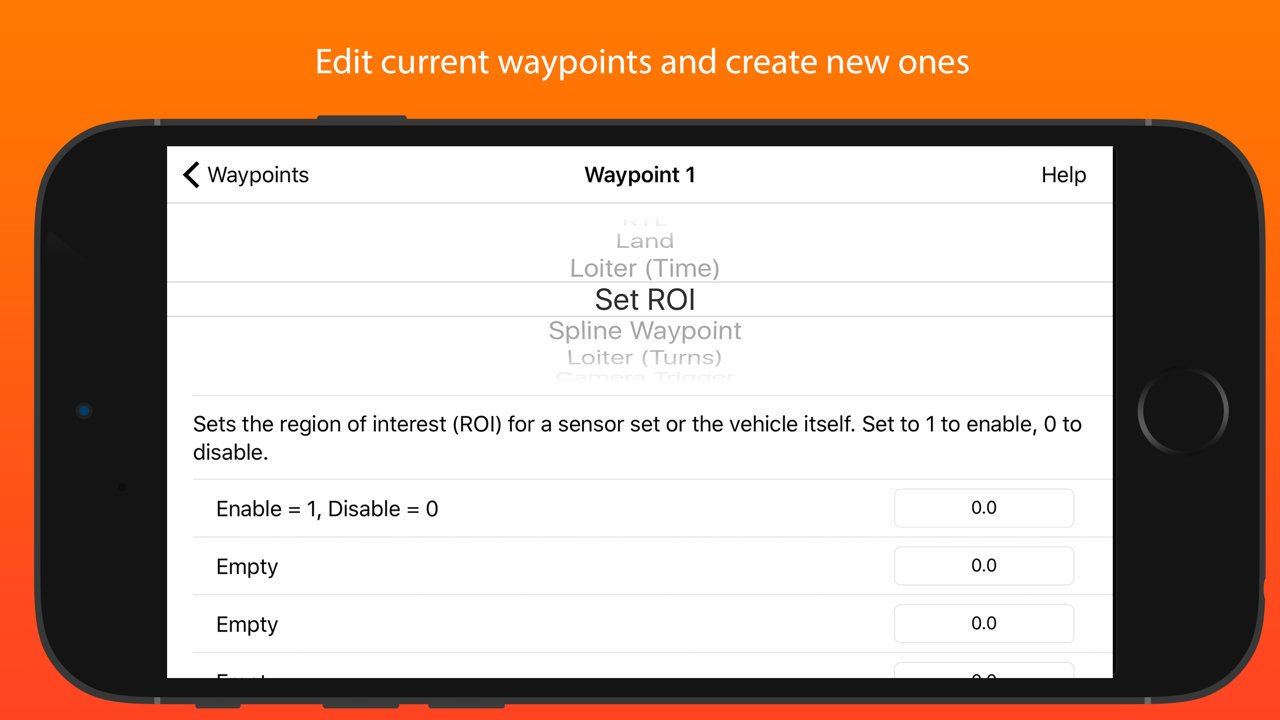
• Create, edit and delete waypoints and geofences.
• Audible alerts for important information.
• Edit, save and load parameters.
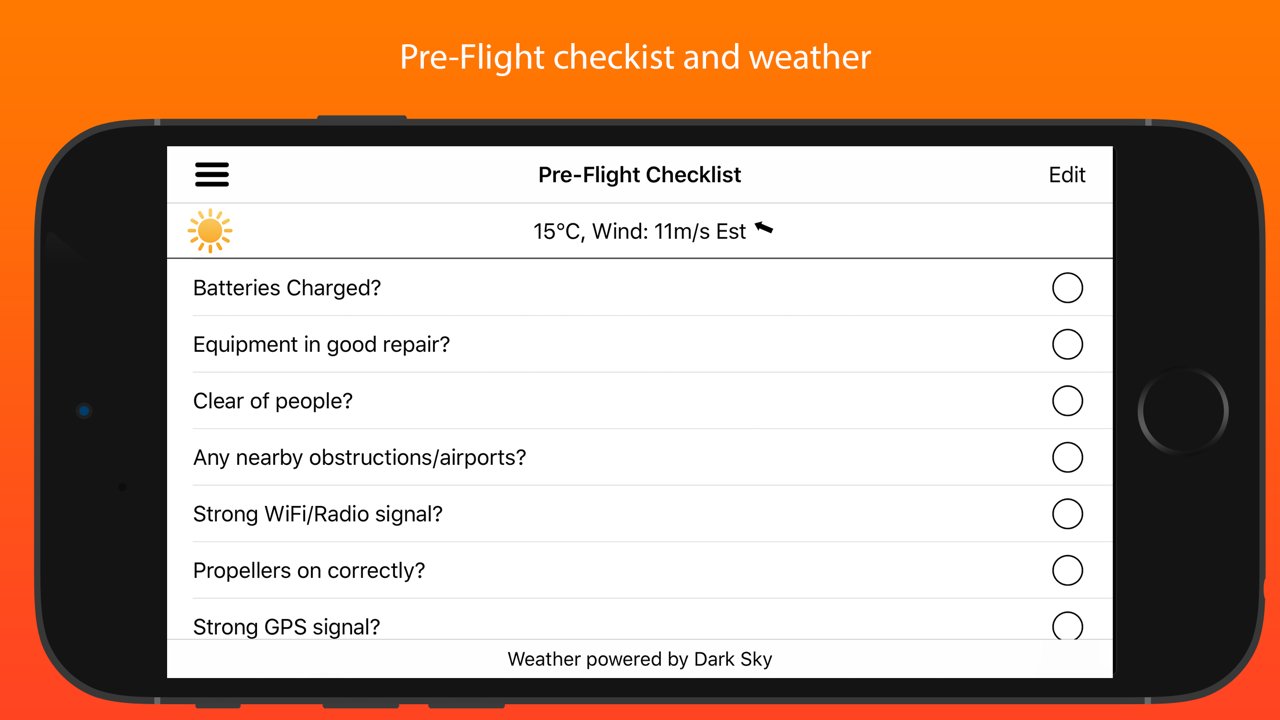
• Perform a Pre-Flight checklist with live weather information.
• Low battery warnings and alerts.
• View onboard video, and live stream it to YouTube.
• Record telemetry logs and export for sharing.
• Follow Me - Have your drone follow you using your devices GPS location, or visually with Object Tracking.
• Orbit mode - Automatically orbit an object for a fantastic cinematic shots!
• Grid Waypoints - Create a survey grid to fly.
• Tap to fly - Tap a location on the map to send your drone there!
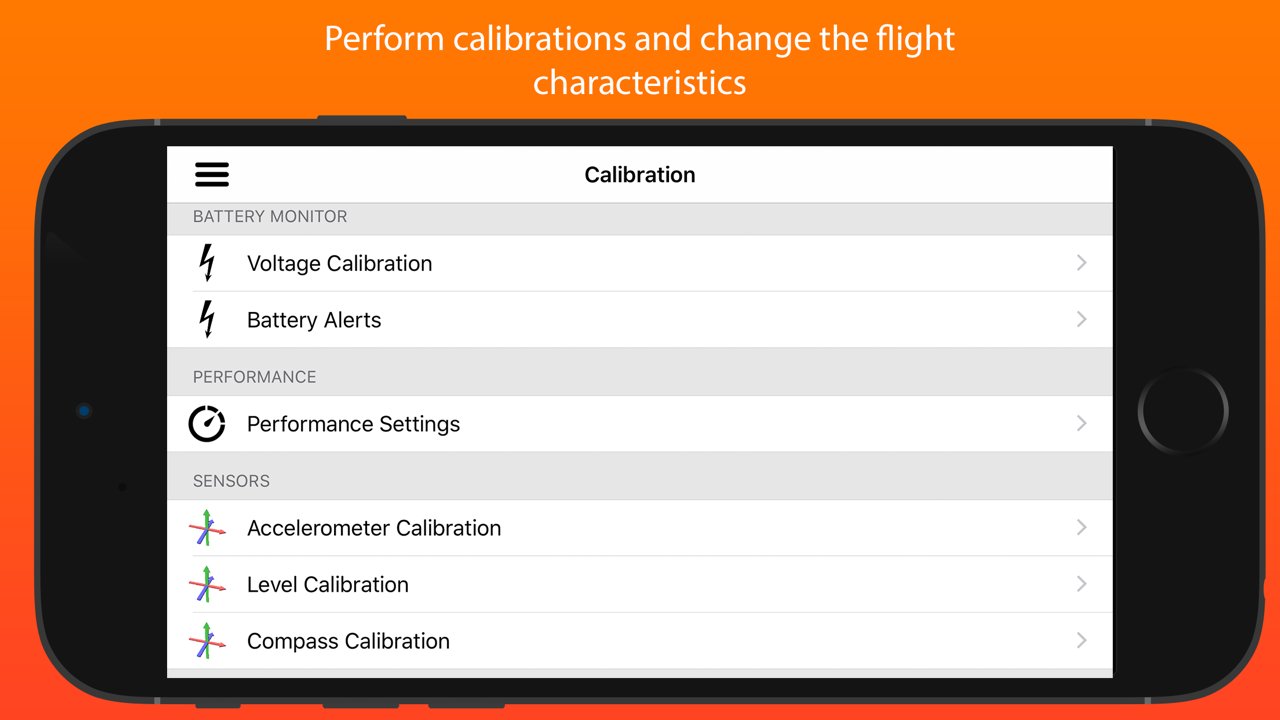
• Perform calibrations at the field.
• DroneCAN Viewer and parameter editor.
• And many, many more...
Quick-start guide (Using a WiFi connection):
1. Turn on drone and connect using WiFi.
2. Start SidePilot, navigate to settings and select either WiFi UDP, TCP or 3DR Solo (as applicable).
3. If setting up WiFi manually, click on WiFi Settings and input the correct IP address and port that the MAVLink protocol is running over.
4. Go back to the main screen and press the connect button on the top right. The app will begin displaying information about the drone. If not, double check your WiFi settings.
Please post suggestions and bug reports on the SidePilot Facebook page or via email to tom@sidepilot.net
WARNING: Continued use of GPS running in the background can dramatically decrease battery life.
Note: iPads without cellular do not have GPS capability unless tethered to a iOS Device with cellular, and even then it is poor and not suitable for navigation.
License: Commercial
Works with ArduPilot autopilot via WiFi, Bluetooth Low Energy or Cellular connection, including 3DR Solo.
Supports ExpressLRS MAVLink telemetry.
NOTE: You must have either WiFi, Cellular or Serial Bluetooth connection to your drone.
User Manual is available at [link removed]
Features:
• Supports ArduCopter, ArduPlane and ArduRover via ELRS, WiFi or Bluetooth.
• Displays current drone location, with information such as altitude, yaw, pitch and roll.
• Internet ADSB to display nearby aircraft and provide warnings.
• Create, edit and delete waypoints and geofences.
• Audible alerts for important information.
• Edit, save and load parameters.
• Perform a Pre-Flight checklist with live weather information.
• Low battery warnings and alerts.
• View onboard video, and live stream it to YouTube.
• Record telemetry logs and export for sharing.
• Follow Me - Have your drone follow you using your devices GPS location, or visually with Object Tracking.
• Orbit mode - Automatically orbit an object for a fantastic cinematic shots!
• Grid Waypoints - Create a survey grid to fly.
• Tap to fly - Tap a location on the map to send your drone there!
• Perform calibrations at the field.
• DroneCAN Viewer and parameter editor.
• And many, many more...
Quick-start guide (Using a WiFi connection):
1. Turn on drone and connect using WiFi.
2. Start SidePilot, navigate to settings and select either WiFi UDP, TCP or 3DR Solo (as applicable).
3. If setting up WiFi manually, click on WiFi Settings and input the correct IP address and port that the MAVLink protocol is running over.
4. Go back to the main screen and press the connect button on the top right. The app will begin displaying information about the drone. If not, double check your WiFi settings.
Please post suggestions and bug reports on the SidePilot Facebook page or via email to tom@sidepilot.net
WARNING: Continued use of GPS running in the background can dramatically decrease battery life.
Note: iPads without cellular do not have GPS capability unless tethered to a iOS Device with cellular, and even then it is poor and not suitable for navigation.
License: Commercial
| Release info | New Release on Aug 12, 2026 |
|---|---|
| Release notes | • New Servo Setup Page • New Vehicle Icons • Updated Link Quality Stats • Supports Ardupilot 4.7.0 Parameters • DroneCAN Viewer • Many bug fixes and other improvements! |
| Listing data | App Store |
Reviews
No reviews yet. Be the first to review SidePilot.
Used SidePilot? Tell other visitors what you thought.
Log in to write a reviewOther products by this publisher
- "No Distractions" for YouTube 4.10 ----
- #Bible 11.5 "Incredible App - My sister shared this app with me a few weeks ago and it is truly incredible.
- % Percentage Calculator Pro 1.41 This is the Pro version of % Percentage Calculator.
- (beat) for iOS 0.5.9 An elegant Fountain screenwriting app, created by a screenwriter for screenwriters.
- (Deep) HIARCS Chess Explorer 1.14 Chess database, analysis and game playing program
Most viewed iOS Utilities
-
1
 APTV 2.4.5
APTV,?????????????? IPTV M3U???,?????????????????
APTV 2.4.5
APTV,?????????????? IPTV M3U???,?????????????????
-
2
 Xfinity 6.14.0
Your Xfinity experience, enhanced.
Xfinity 6.14.0
Your Xfinity experience, enhanced.
-
3
 Plague Inc 1.27.3
Enter the lab and develop your own custom scenarios for Plague Inc.
Plague Inc 1.27.3
Enter the lab and develop your own custom scenarios for Plague Inc.
-
4
 Cleanup 6.24.0
Clean up your iPhone and optimize storage in seconds.
Cleanup 6.24.0
Clean up your iPhone and optimize storage in seconds.
-
5
 Rebel Inc 1.18.7
Rebel Inc: Scenario Creator
Rebel Inc 1.18.7
Rebel Inc: Scenario Creator
-
6
 Google 443.0
Download the Google app to find quick answers, explore your interests, and ask anything on your mind in any way.
Google 443.0
Download the Google app to find quick answers, explore your interests, and ask anything on your mind in any way.
-
7
 Google Authenticator 5.1.0
Google Authenticator adds an extra layer of security to your online accounts by adding a second step of verification when you sign in.
Google Authenticator 5.1.0
Google Authenticator adds an extra layer of security to your online accounts by adding a second step of verification when you sign in.
-
8
 My Verizon 22.2.1
Meet the My Verizon app.
My Verizon 22.2.1
Meet the My Verizon app.
-
9
 DuckDuckGo, optional Duck.ai 7.242.0
At DuckDuckGo, we believe the best way to protect your personal information from hackers, scammers, and privacy-invasive companies is to stop it from being collected at all.
DuckDuckGo, optional Duck.ai 7.242.0
At DuckDuckGo, we believe the best way to protect your personal information from hackers, scammers, and privacy-invasive companies is to stop it from being collected at all.
-
10
 Microsoft Edge 155.4283.61
Browse with Microsoft Edge, your everyday web browser with built-in Copilot.
Microsoft Edge 155.4283.61
Browse with Microsoft Edge, your everyday web browser with built-in Copilot.
Most downloaded iOS Utilities
-
1
 Rat And Mouse Sound Repeller 2.8
Keep mice and rats away overnight with ultrasonic waves and predator sounds.
Rat And Mouse Sound Repeller 2.8
Keep mice and rats away overnight with ultrasonic waves and predator sounds.
-
2
 TimeGlance 2.6
If the app does not show on your Watch after purchase please go to App Store on your watch (not phone) - scroll to bottom - Account - Purchased - and download from here.
TimeGlance 2.6
If the app does not show on your Watch after purchase please go to App Store on your watch (not phone) - scroll to bottom - Account - Purchased - and download from here.
-
3
APTV 2.4.5
APTV,?????????????? IPTV M3U???,?????????????????
-
4
 Facemoji AI Emoji Keyboard 4.63
Facemoji Emoji Keyboard is a Free AI-Powered Custom Keyboard with Cool Fonts.
Facemoji AI Emoji Keyboard 4.63
Facemoji Emoji Keyboard is a Free AI-Powered Custom Keyboard with Cool Fonts.
-
5
 ProMasters Only 2.0.0
Welcome to the ProMasters Only App version 2.0.
ProMasters Only 2.0.0
Welcome to the ProMasters Only App version 2.0.
-
6
 Proton VPN 7.5.2
Trusted by millions worldwide, Proton VPN is the world's only free VPN app that is safe to use and respects your privacy.
Proton VPN 7.5.2
Trusted by millions worldwide, Proton VPN is the world's only free VPN app that is safe to use and respects your privacy.
-
7
 V2Box Pro 10.1.9
V2box Pro - VPN Internet network proxy , Supports multiple proxy protocols, such as Shadowsocks, V2ray, Vmess, Trojan , SSH , Socks, hysteria2, Ping Tunnel, Wireguard, DNSTT
V2Box Pro 10.1.9
V2box Pro - VPN Internet network proxy , Supports multiple proxy protocols, such as Shadowsocks, V2ray, Vmess, Trojan , SSH , Socks, hysteria2, Ping Tunnel, Wireguard, DNSTT
-
8
Rebel Inc 1.18.7
Rebel Inc: Scenario Creator
-
9
 Pass 0.18.0
- Compatible with the Password Store command line tool.
Pass 0.18.0
- Compatible with the Password Store command line tool.
-
10
 Flirty Emoji Pro 2.0
This is the professional version of Flirty Emoji with much more adult emojis & stickers & animated emojis on iMessage sticker extension.
Flirty Emoji Pro 2.0
This is the professional version of Flirty Emoji with much more adult emojis & stickers & animated emojis on iMessage sticker extension.