
Screen Mirroring App 1.24
Ideal for iPhone owners who want to mirror their screen, cast web videos, and share photos or videos on a compatible Smart TV.
Download
207.48 MB
17downloads
5this week
FreeFreeware
0reviews
Screenshots
About Screen Mirroring App
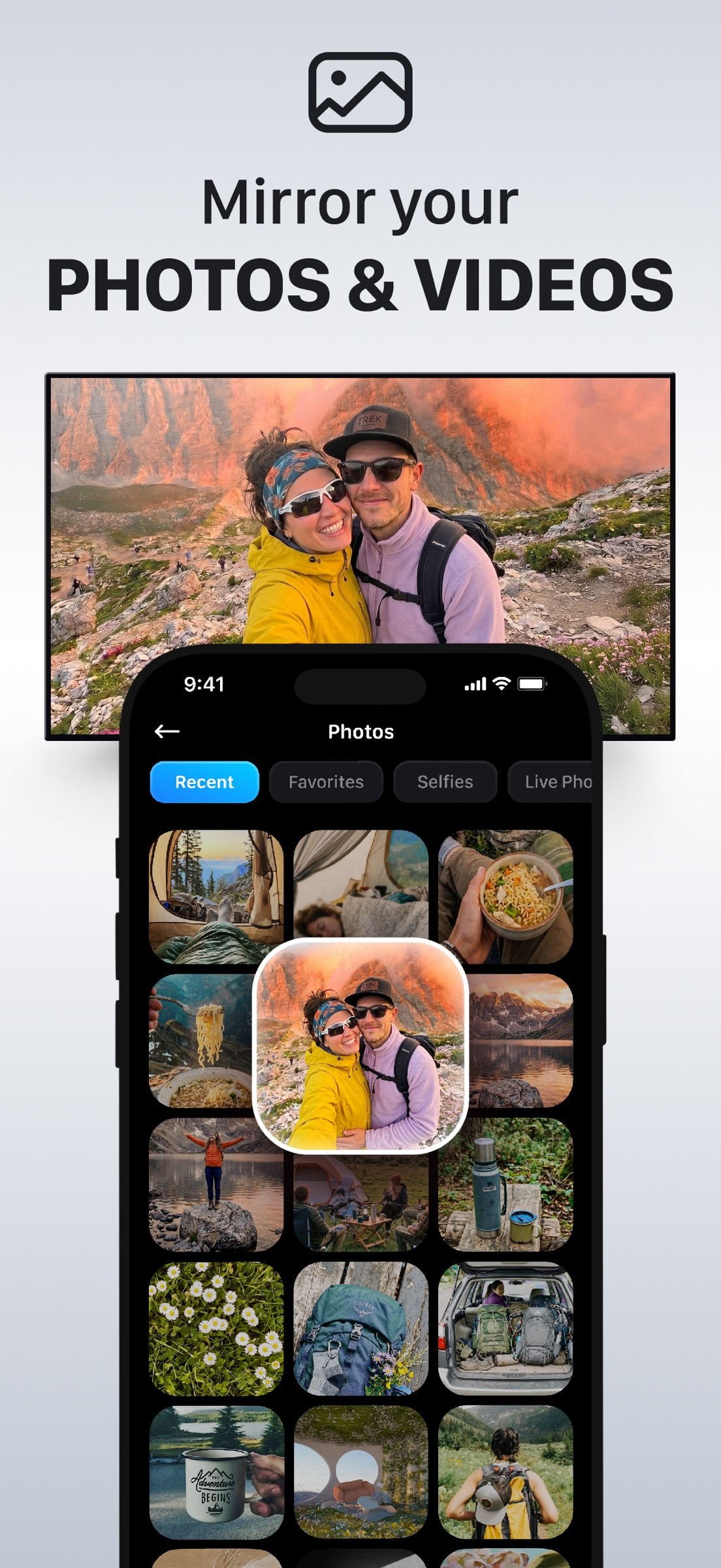
Ideal for iPhone owners who want to mirror their screen, cast web videos, and share photos or videos on a compatible Smart TV. Screen Mirroring | Cast to TV delivers fast, ad-free, low-latency casting without Apple TV, HDMI cables, extra hardware, or signing in to TV apps.
Join more than 12.5 million users who bring their favorite iPhone content to the big screen.
BEST FOR
o Watching anime, web videos, and streams not available in native TV apps
o Mirroring presentations, documents, apps, and websites
o Sharing family photos and home videos on a larger display
o Casting to hotel TVs while traveling without signing in on the TV
KEY FEATURES
? SCREEN MIRRORING
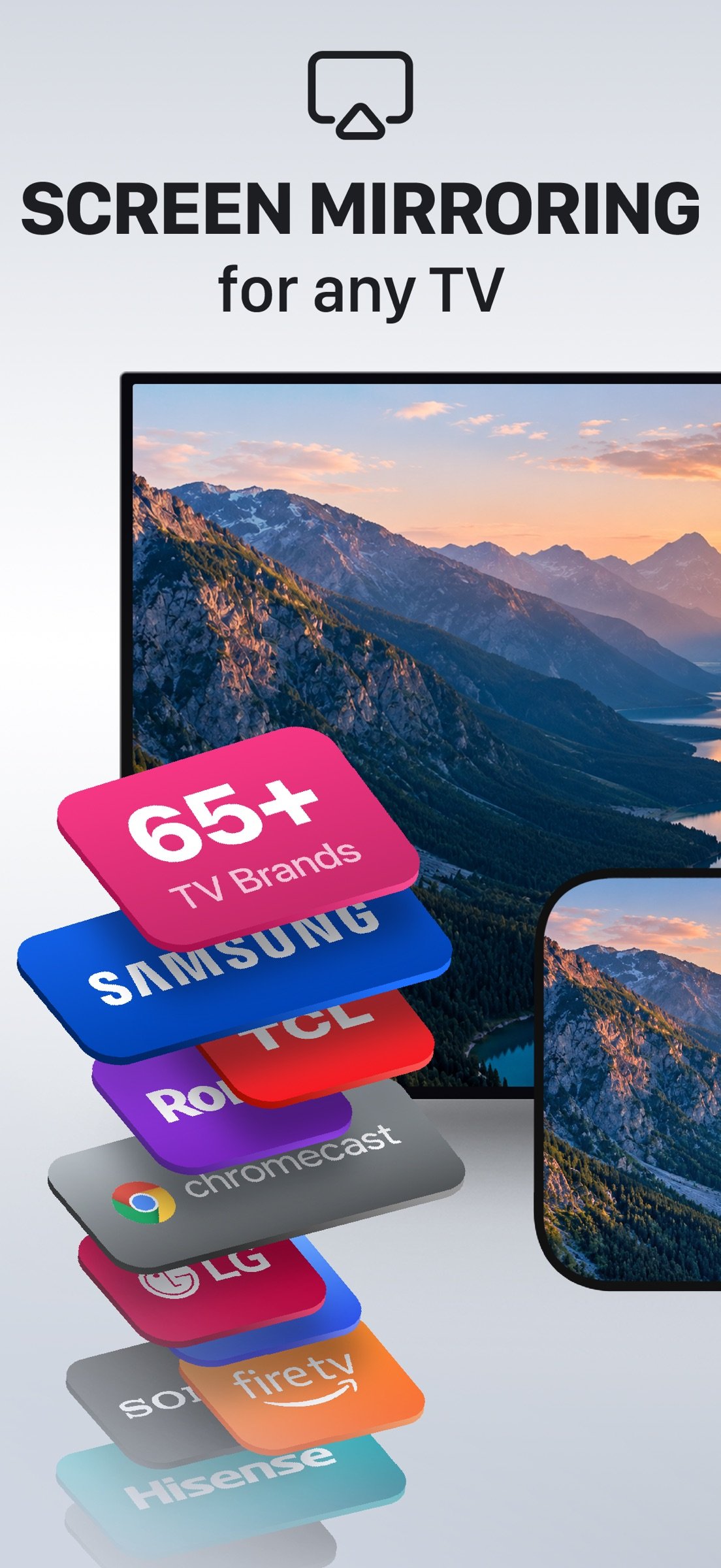
Mirror your entire iPhone display to your TV in real time -- run presentations without a projector, show games on a larger screen, or browse the web on your TV from the comfort of your couch.
? WEB VIDEO CAST
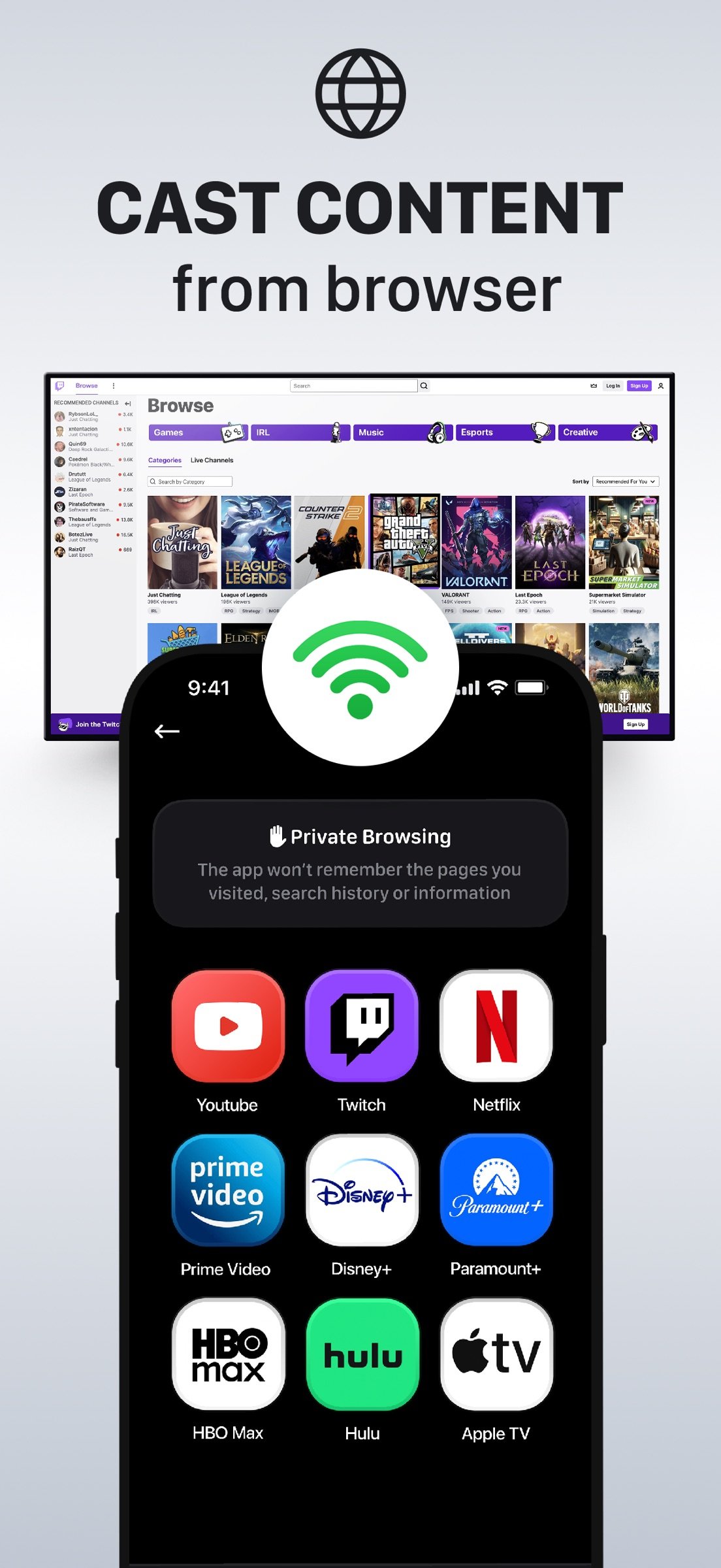
Use the built-in browser to find and cast online videos directly to your TV. Watch YouTube, anime, web series, news, live streams, and other supported content -- all controlled from your iPhone.
? PHOTO & VIDEO CASTING
Cast photos and videos from your iPhone gallery to your Smart TV. Share vacation memories, family milestones, and home videos together on the big screen.
? AD-FREE, SMOOTH STREAMING
The app is ad-free and optimized for fast connection and minimal delay, helping you stay focused on your content without interruptions.
HOW TO CONNECT IPHONE TO TV
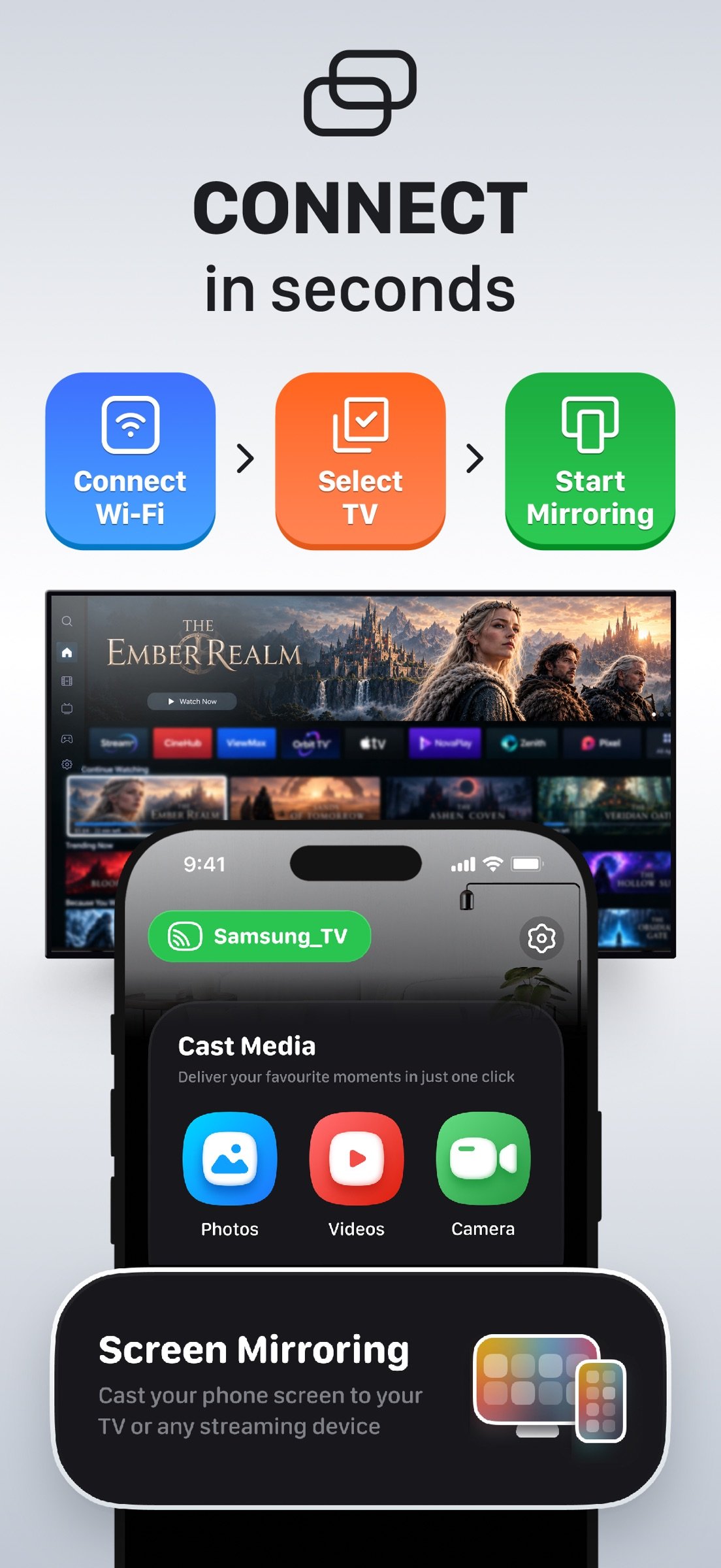
o Connect your iPhone and Smart TV to the same Wi-Fi network
o Open the app and tap "Connect TV"
o Select your TV from the available devices
o Choose Screen Mirroring, Web Video, Photos, Videos, or Live Camera
COMPATIBLE TVS & DEVICES
o Samsung Smart TVs
o LG Smart TVs
o Roku players and Roku TVs
o Amazon Fire TV and Fire TV Stick
o Google Chromecast
o Vizio Smart TVs
o Other compatible Smart TVs with Wi-Fi casting support
Compatibility may vary by TV model and supported casting technology.
FREQUENTLY ASKED QUESTIONS
Can I mirror my iPhone to a Samsung TV?
Yes. Connect to a compatible Samsung Smart TV over Wi-Fi to mirror your iPhone screen or cast content. No Samsung account or extra hardware required.
Does it work with Roku?
Yes. Screen Mirroring | Cast to TV supports compatible Roku players and Roku TVs. Connect your iPhone and Roku to the same Wi-Fi network and select your device in the app.
Can I cast YouTube or anime videos?
Yes. The built-in Web Video Cast lets you cast supported videos from YouTube, anime sites, news sites, live streams, and other websites directly to your TV.
Can I use Screen Mirroring | Cast to TV in a hotel while traveling?
Yes, if your iPhone and compatible TV are on the same Wi-Fi network. Some hotel or public Wi-Fi networks may block connections between devices.
Can I cast family photos and videos from my iPhone to my TV?
Yes. Cast photos, vacation videos, kids' milestones, and other memories from your iPhone to a compatible Smart TV so everyone can watch together.
Does screen mirroring require Apple TV?
No. Compatible Smart TVs and streaming devices connect directly over Wi-Fi without Apple TV, HDMI cables, or extra hardware.
SUBSCRIPTION INFORMATION
Subscriptions are billed to your iTunes Account upon purchase confirmation. Your subscription renews automatically unless auto-renewal is turned off at least 24 hours before the end of the current billing period. You can manage or cancel your subscription in your Account Settings.
Privacy Policy: [link removed]
Terms of Use: [link removed]
Support: support@screen-casting.app
Join more than 12.5 million users who bring their favorite iPhone content to the big screen.
BEST FOR
o Watching anime, web videos, and streams not available in native TV apps
o Mirroring presentations, documents, apps, and websites
o Sharing family photos and home videos on a larger display
o Casting to hotel TVs while traveling without signing in on the TV
KEY FEATURES
? SCREEN MIRRORING
Mirror your entire iPhone display to your TV in real time -- run presentations without a projector, show games on a larger screen, or browse the web on your TV from the comfort of your couch.
? WEB VIDEO CAST
Use the built-in browser to find and cast online videos directly to your TV. Watch YouTube, anime, web series, news, live streams, and other supported content -- all controlled from your iPhone.
? PHOTO & VIDEO CASTING
Cast photos and videos from your iPhone gallery to your Smart TV. Share vacation memories, family milestones, and home videos together on the big screen.
? AD-FREE, SMOOTH STREAMING
The app is ad-free and optimized for fast connection and minimal delay, helping you stay focused on your content without interruptions.
HOW TO CONNECT IPHONE TO TV
o Connect your iPhone and Smart TV to the same Wi-Fi network
o Open the app and tap "Connect TV"
o Select your TV from the available devices
o Choose Screen Mirroring, Web Video, Photos, Videos, or Live Camera
COMPATIBLE TVS & DEVICES
o Samsung Smart TVs
o LG Smart TVs
o Roku players and Roku TVs
o Amazon Fire TV and Fire TV Stick
o Google Chromecast
o Vizio Smart TVs
o Other compatible Smart TVs with Wi-Fi casting support
Compatibility may vary by TV model and supported casting technology.
FREQUENTLY ASKED QUESTIONS
Can I mirror my iPhone to a Samsung TV?
Yes. Connect to a compatible Samsung Smart TV over Wi-Fi to mirror your iPhone screen or cast content. No Samsung account or extra hardware required.
Does it work with Roku?
Yes. Screen Mirroring | Cast to TV supports compatible Roku players and Roku TVs. Connect your iPhone and Roku to the same Wi-Fi network and select your device in the app.
Can I cast YouTube or anime videos?
Yes. The built-in Web Video Cast lets you cast supported videos from YouTube, anime sites, news sites, live streams, and other websites directly to your TV.
Can I use Screen Mirroring | Cast to TV in a hotel while traveling?
Yes, if your iPhone and compatible TV are on the same Wi-Fi network. Some hotel or public Wi-Fi networks may block connections between devices.
Can I cast family photos and videos from my iPhone to my TV?
Yes. Cast photos, vacation videos, kids' milestones, and other memories from your iPhone to a compatible Smart TV so everyone can watch together.
Does screen mirroring require Apple TV?
No. Compatible Smart TVs and streaming devices connect directly over Wi-Fi without Apple TV, HDMI cables, or extra hardware.
SUBSCRIPTION INFORMATION
Subscriptions are billed to your iTunes Account upon purchase confirmation. Your subscription renews automatically unless auto-renewal is turned off at least 24 hours before the end of the current billing period. You can manage or cancel your subscription in your Account Settings.
Privacy Policy: [link removed]
Terms of Use: [link removed]
Support: support@screen-casting.app
| Release info | Update on Oct 30, 2026 |
|---|---|
| Release notes | We've polished the app to make your screen mirroring experience even better. Here's what's new: – Performance Boost: Enjoy faster and smoother casting – Bug Fix: We fixed minor issues for improved stability – UI Tweaks: Small changes are made for a cleaner look and feel Your feedback helps us grow! Drop us a line at support@tv-screen-mirroring.app or leave a review on the App Store. |
| Listing data | App Store |
Reviews
No reviews yet. Be the first to review Screen Mirroring App.
Used Screen Mirroring App? Tell other visitors what you thought.
Log in to write a reviewOther products by this publisher
- "No Distractions" for YouTube 4.10 ----
- #Bible 11.6 "Incredible App - My sister shared this app with me a few weeks ago and it is truly incredible.
- #filmphotography 1.4.2 So, you decided to shoot on film?
- $quirrel 1.5.1 $quirrel Budget & Finance helps you plan each paycheck, track spending, manage debt, and see what is safe to spend before the next payday.
- % Percentage Calculator Pro 1.41 This is the Pro version of % Percentage Calculator.
Most viewed iOS Utilities
-
1
 Device Lab 1.8.5
Device Lab ??????????????????????? App,?????????????????????????????????,????????????????????????
-
2
 APTV 2.4.8
APTV,?????????????? IPTV M3U???,?????????????????
-
3
 VibeSDR 11.0.16
VibeSDR is a mobile-first software-defined radio (SDR) receiver — and far more than a single-server client.
-
4
 DXClock 4.0.0
Connect, collaborate, and operate smarter with DX Clock — the ultimate meeting place for amateur radio operators.
-
5
 iNetTools 11.0
iNetTools Pro is the Pro Version of iNetTools.
-
6
 DRC 2.0.1
A simple to use app to help calculate any dilution ratio.
-
7
 ECHOCAT 1.5.2
ECHOCAT is the iPhone and iPad companion for POTACAT, the desktop app for amateur radio operators chasing Parks on the Air (POTA), Summits on the Air (SOTA), Worldwide Bunkers on the Air (WWBOTA), Tiles on the Air and DX.
-
8
 Ally Pro 1.4.0
Ally Pro – Amiibo & NFC Tool gives advanced collectors complete control over their Amiibo library.
-
9
 Demod 1.6
Demod turns your iPhone into a software-defined radio receiver.
-
10
 V2Box Pro 10.2.0
V2box Pro - VPN Internet network proxy , Supports multiple proxy protocols, such as Shadowsocks, V2ray, Vmess, Trojan , SSH , Socks, hysteria2, Ping Tunnel, Wireguard, DNSTT
Most downloaded iOS Utilities
-
1
 Rat And Mouse Sound Repeller 2.8
Keep mice and rats away overnight with ultrasonic waves and predator sounds.
-
2
Demod 1.6
Demod turns your iPhone into a software-defined radio receiver.
-
3
 Screen Mirroring With Miracast 2.0
Turn your iPhone into a complete TV companion.
-
4
 Guardio 2026.105.1
Guardio protects every part of your digital life: your devices, identity, accounts, and activity, so you can browse, shop, text, and bank online with confidence.
-
5
 Fontcase 2.0.1
Fontcase is an app that lets you install custom fonts on iOS and iPadOS.
-
6
DRC 2.0.1
A simple to use app to help calculate any dilution ratio.
-
7
 PickerFull 9.18
Export colors from photos as HEX, PDF, RGB, HSB/HSV, HSBA, HSL, LUV, LCH, YUV, YCBCR, YIQ, CMYK, Grayscale, XYZ, L*a*b* (CIE), CSSVAR, SASSVAR, CSSHSL, CSSRGB, AndroidXML, FlutterDart, UnityColor32, Float, Objective-C, Swift, SwiftLiteral, SwiftUI
-
8
 RigCalc 1.0
RigCalc puts the everyday drilling calculations you need on the rig floor, in the mud pit, or in the office into one fast, offline app.
-
9
 Google 446.3
Download the Google app to find quick answers, explore your interests, and ask anything on your mind in any way.
-
10
 DuckDuckGo, optional Duck.ai 7.245.0
At DuckDuckGo, we believe the best way to protect your personal information from hackers, scammers, and privacy-invasive companies is to stop it from being collected at all.