
11downloads
0this week
FreeCommercial
0reviews
Screenshots
About ScanWritr Pro
ScanWritr enables you to:
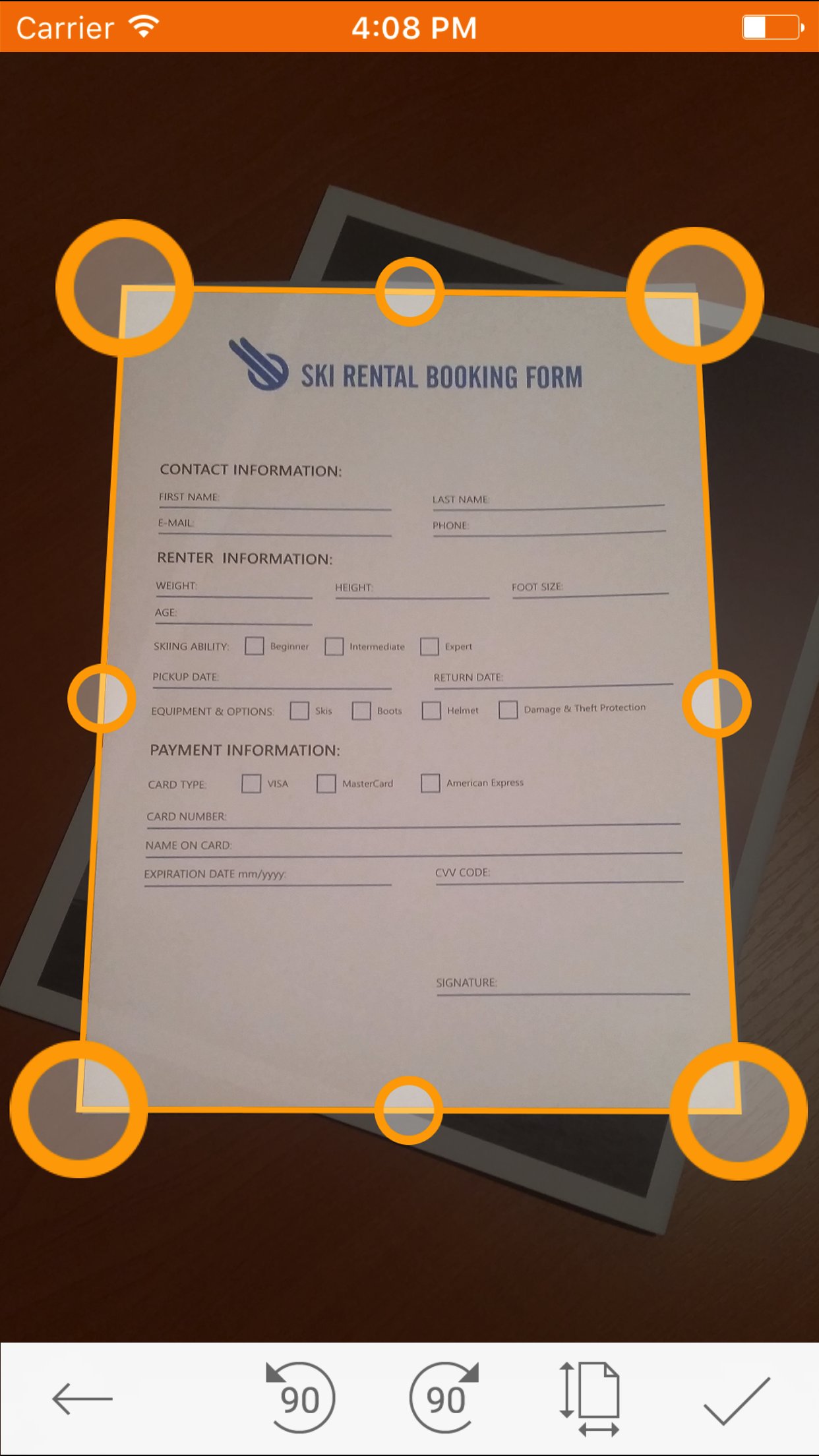
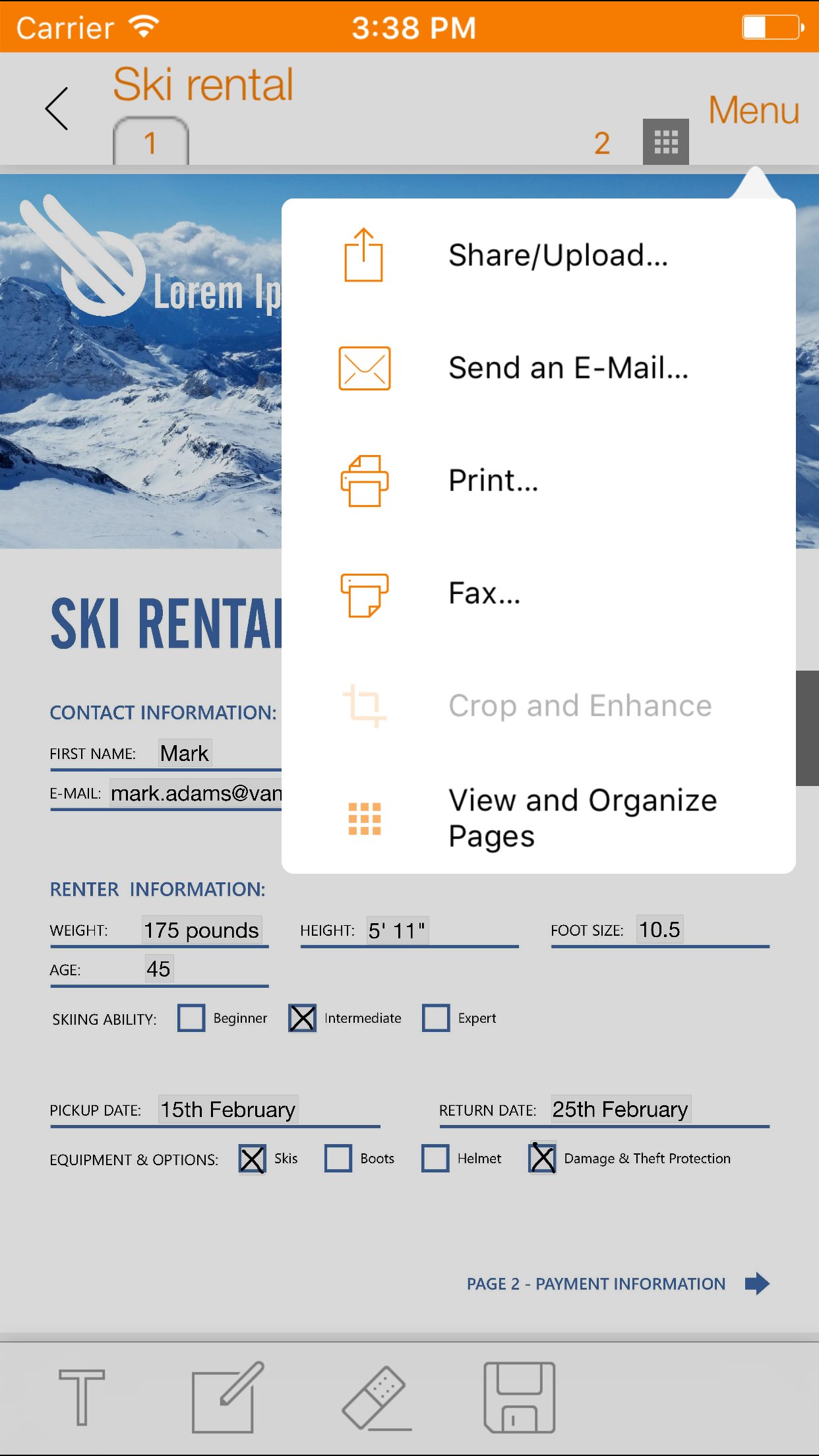
? Scan documents quickly using camera.
? Convert and open most used document formats easily.
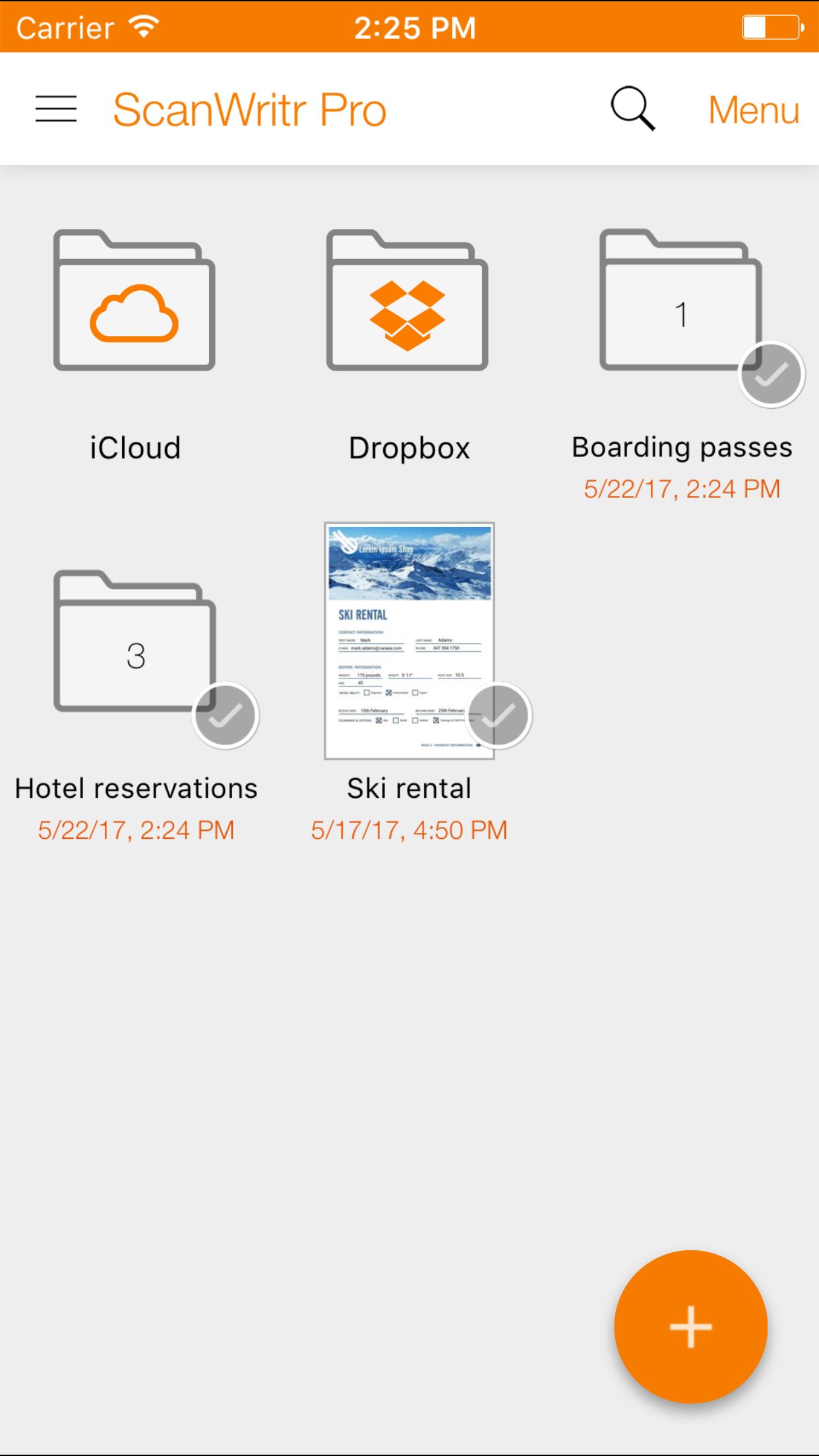
? Organize and store documents into multiple local and cloud archives.
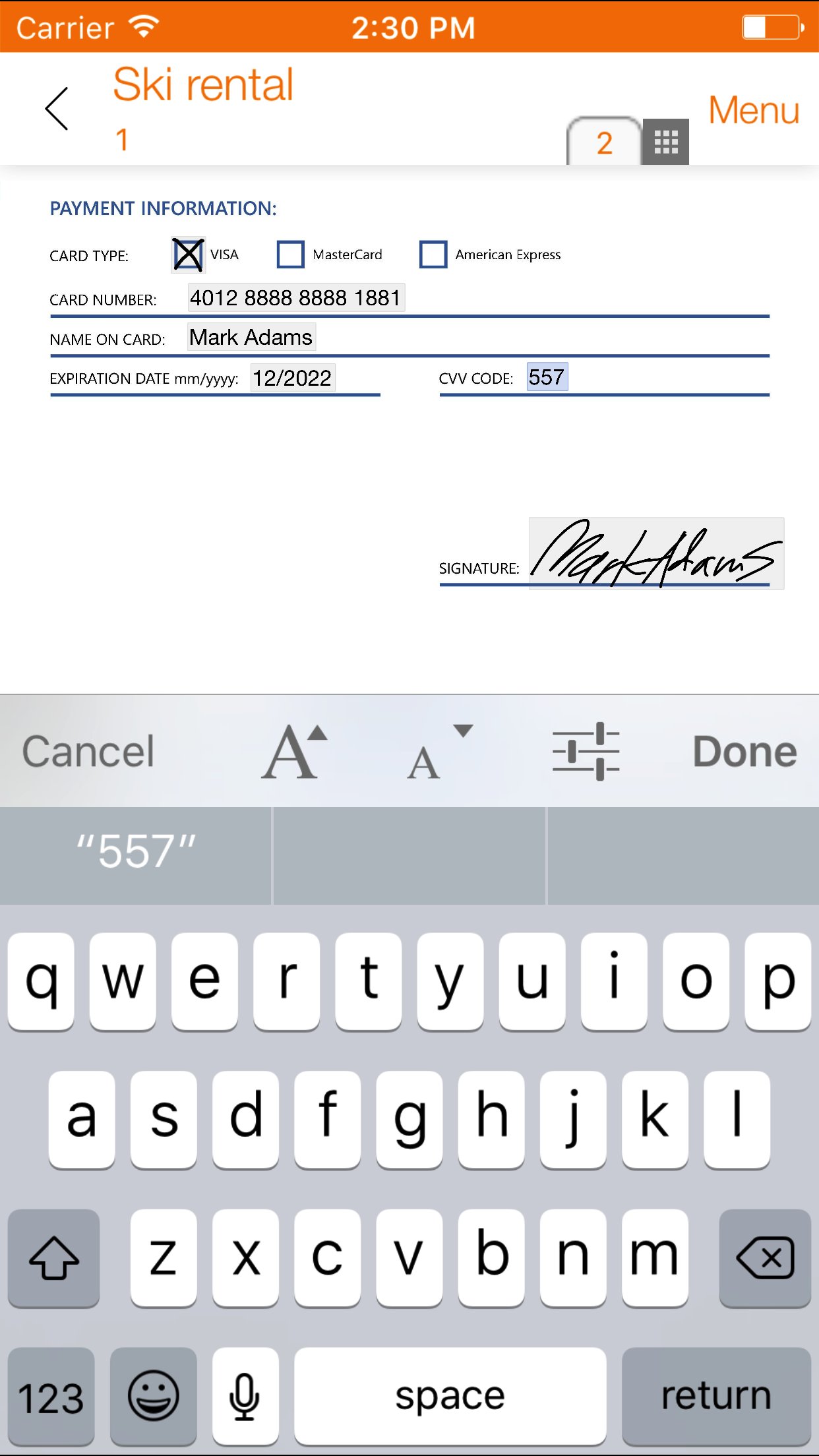
? Edit, fill, sign and annotate documents.
? Improve document quality and retouch.
? Print, fax and email documents to your partners and customers.
? Sync documents between phones, tablets and computers.
? Share notes, pages and tickets with your friends and colleagues.
? Export documents to the most popular apps and services.
ScanWritr is perfect for business, educational and home use. It turns your Apple device with a camera into a all-in-one scanner, document editor and arhiving tool, suitable for scanning, organizing, editing, printing, faxing, emailing, syncing with cloud, sharing and exporting of various documents like contracts, articles, business cards, notes, receipts, warranty papers etc. Image capture is done with the help of Real-Time Edge Detection (auto crop).
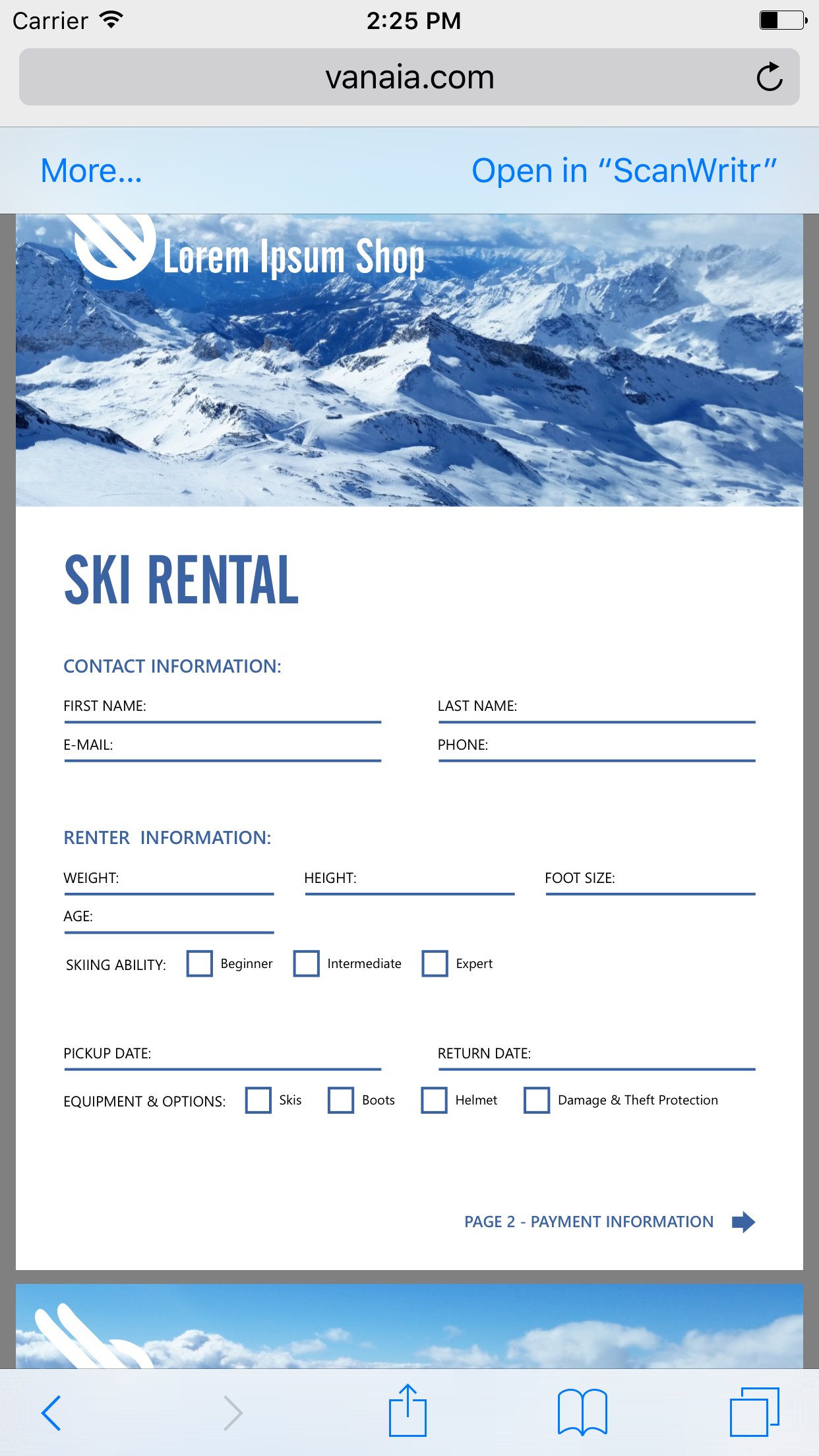
This scanner app also excels in import options. It imports variety of document formats, such as PDF, OpenOffice and LibreOffice documents (*.odt, *.ods, *.odp), Microsoft Office documents (Word, Excel, PowerPoint), Hancom documents (*.hwp), JPEG and PNG images, CSV, and more.
ScanWritr enables you to edit scanned and imported documents as an image. You can add signature, annotation, use eraser or pen, and fill out the blanks using writing tool. Convert the scanned document to PDF or JPG, save it to your phone's gallery, send it via e-mail, fax it, print it (with the help of Cloud Print) or synchronize and backup it to Dropbox or iCloud.
Support for synchronization of documents with the Dropbox and iCloud cloud storage providers enables you to:
? Share documents with your family members or team members at your work.
? Remote-site backup of your documents.
? Two-way shared folder synchronization.
? Access, edit and convert your documents anytime, everywhere from any device including smartphones, tablets and PCs.
? Transfer documents between your devices (phones, tablets and PCs).
Some services (i.e. faxing, converting) require a network connection, for which user's carrier fees may apply.
Sending faxes from ScanWritr requires the purcahse of fax tokens.
DO YOU HAVE QUESTIONS?
If you have any questions or require assistance don't hesitate to email us at support@vanaia.com
License: Commercial
? Scan documents quickly using camera.
? Convert and open most used document formats easily.
? Organize and store documents into multiple local and cloud archives.
? Edit, fill, sign and annotate documents.
? Improve document quality and retouch.
? Print, fax and email documents to your partners and customers.
? Sync documents between phones, tablets and computers.
? Share notes, pages and tickets with your friends and colleagues.
? Export documents to the most popular apps and services.
ScanWritr is perfect for business, educational and home use. It turns your Apple device with a camera into a all-in-one scanner, document editor and arhiving tool, suitable for scanning, organizing, editing, printing, faxing, emailing, syncing with cloud, sharing and exporting of various documents like contracts, articles, business cards, notes, receipts, warranty papers etc. Image capture is done with the help of Real-Time Edge Detection (auto crop).
This scanner app also excels in import options. It imports variety of document formats, such as PDF, OpenOffice and LibreOffice documents (*.odt, *.ods, *.odp), Microsoft Office documents (Word, Excel, PowerPoint), Hancom documents (*.hwp), JPEG and PNG images, CSV, and more.
ScanWritr enables you to edit scanned and imported documents as an image. You can add signature, annotation, use eraser or pen, and fill out the blanks using writing tool. Convert the scanned document to PDF or JPG, save it to your phone's gallery, send it via e-mail, fax it, print it (with the help of Cloud Print) or synchronize and backup it to Dropbox or iCloud.
Support for synchronization of documents with the Dropbox and iCloud cloud storage providers enables you to:
? Share documents with your family members or team members at your work.
? Remote-site backup of your documents.
? Two-way shared folder synchronization.
? Access, edit and convert your documents anytime, everywhere from any device including smartphones, tablets and PCs.
? Transfer documents between your devices (phones, tablets and PCs).
Some services (i.e. faxing, converting) require a network connection, for which user's carrier fees may apply.
Sending faxes from ScanWritr requires the purcahse of fax tokens.
DO YOU HAVE QUESTIONS?
If you have any questions or require assistance don't hesitate to email us at support@vanaia.com
License: Commercial
| Release info | New Release on Sep 16, 2026 |
|---|---|
| Release notes | Improved user experience. |
| Listing data | App Store |
Reviews
No reviews yet. Be the first to review ScanWritr Pro.
Used ScanWritr Pro? Tell other visitors what you thought.
Log in to write a reviewOther products by this publisher
- "No Distractions" for YouTube 4.10 ----
- #Bible 11.6 "Incredible App - My sister shared this app with me a few weeks ago and it is truly incredible.
- #filmphotography 1.4.2 So, you decided to shoot on film?
- $quirrel 1.5.1 $quirrel Budget & Finance helps you plan each paycheck, track spending, manage debt, and see what is safe to spend before the next payday.
- % Percentage Calculator Pro 1.41 This is the Pro version of % Percentage Calculator.
Most viewed iOS Business
-
1
 Navy Federal Credit Union 2026.10.2
Bank easy with the Navy Federal mobile app!
-
2
 Paycom 8.0.14
If you or your company use Paycom’s HR and software, the Paycom app helps you manage everyday HR and payroll tasks in one place — like checking your schedule, requesting time off and reviewing your pay.
-
3
 Entrust Identity 26.4.0
The Entrust Identity mobile application is the new Entrust mobile platform for delivering strong identity credentials to both employee and consumer users.
-
4
 Intune Company Portal 5.2610.0
Microsoft Intune helps organizations manage access to corporate apps, data, and resources.
- 5 % Percentage Calculator Pro 1.41 This is the Pro version of % Percentage Calculator.
-
6
 Shopify 11.2645.0
Shopify: build your online store, sell anywhere, run your business
-
7
 ParkNYC Powered by Flowbird 2.2
Have you ever been late to an important meeting and you can’t find a parking spot?
-
8
 Budget-Beacon 1.5
Budget Beacon connects to your Apple Wallet to help you understand and manage your spending.
- 9 $quirrel 1.5.1 $quirrel Budget & Finance helps you plan each paycheck, track spending, manage debt, and see what is safe to spend before the next payday.
-
10
 MiniVAN Touch 9.4.6
miniVAN Touch is a mobile canvassing application that integrates with websites provided by NGP VAN.
Most downloaded iOS Business
-
1
ParkNYC Powered by Flowbird 2.2
Have you ever been late to an important meeting and you can’t find a parking spot?
-
2
Budget-Beacon 1.5
Budget Beacon connects to your Apple Wallet to help you understand and manage your spending.
-
3
 Rocket.Chat 4.78.1
Rocket.Chat Secure CommsOS™ is a communication platform that unifies messaging, voice, video, AI, and mission-critical applications—ensuring uncompromising security, compliance, and operational efficiency for governments, defense, and critical infra…
-
4
 Business Timesheet 6.0
Are you looking for timesheet to track the work hours spent on hourly, daily or weekly basis accurately?
-
5
 Receivable Payment Ledger2026 1.1
Payment Ledger is a fully offline accounts receivable management tool for small businesses, shops, wholesalers, and salespeople who need to track customer debts and payment progress.
-
6
 Cvent Events 2.8.1
Cvent Events is your place to easily plan out your event experience, find where you need to go next, network with other attendees, and learn more about sponsors and exhibitors.
-
7
 Simple Budget Envelopes 2.2.1
An incredibly simple app, perfect for keeping track of how much money remains in your budget.
-
8
 Vola 4.9.01
Vola is the only cash advance app built for Real-Time Payments (RTP).
-
9
 Power Apps 3.26103.23
Get Power Apps to conveniently access your work or school apps no matter where you are: at home, on the road, in the field, off-campus, at the airport, or at the beach – anywhere life takes you.
- 10 $quirrel 1.5.1 $quirrel Budget & Finance helps you plan each paycheck, track spending, manage debt, and see what is safe to spend before the next payday.