
6downloads
1this week
FreeFreeware
0reviews
Screenshots
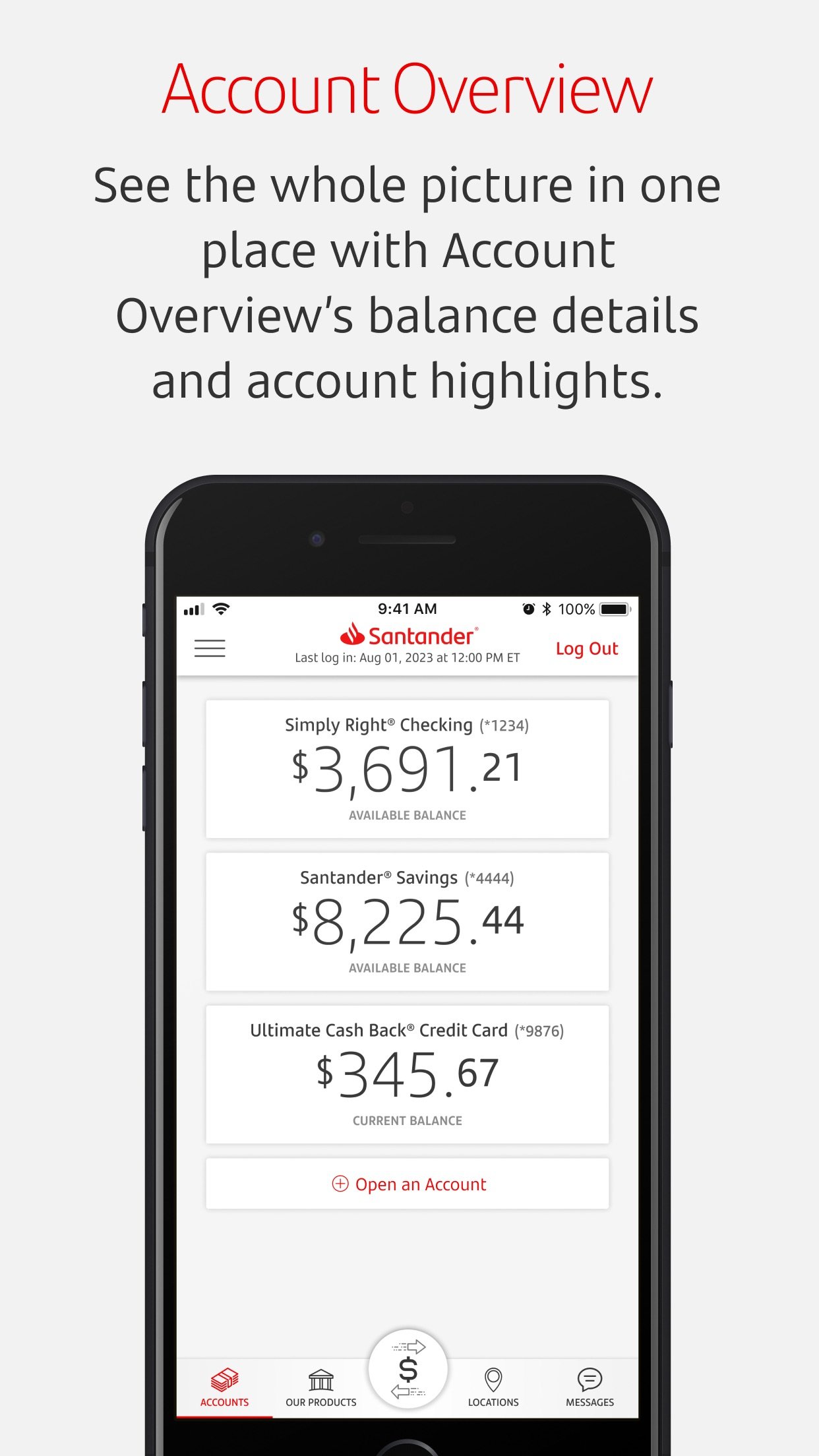
About Santander Bank US
Manage Your Account
• Enroll in Mobile and Online Banking through your app.
• Manage cards: activate debit and credit cards, create or change your card PIN, report lost or stolen cards, and order replacements.
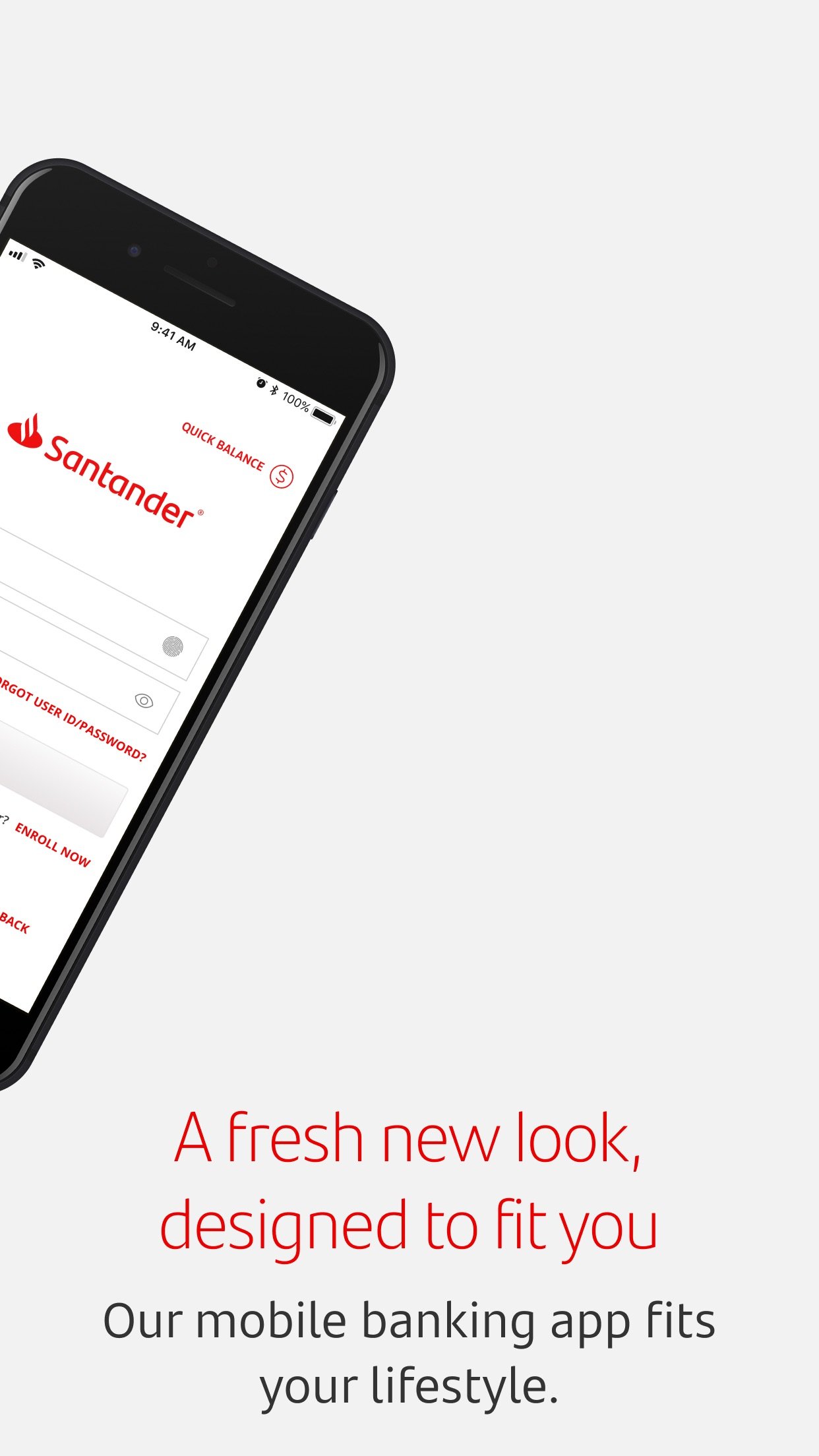
• View balances with one touch before logging in with Quick Balance or by using Siri®.
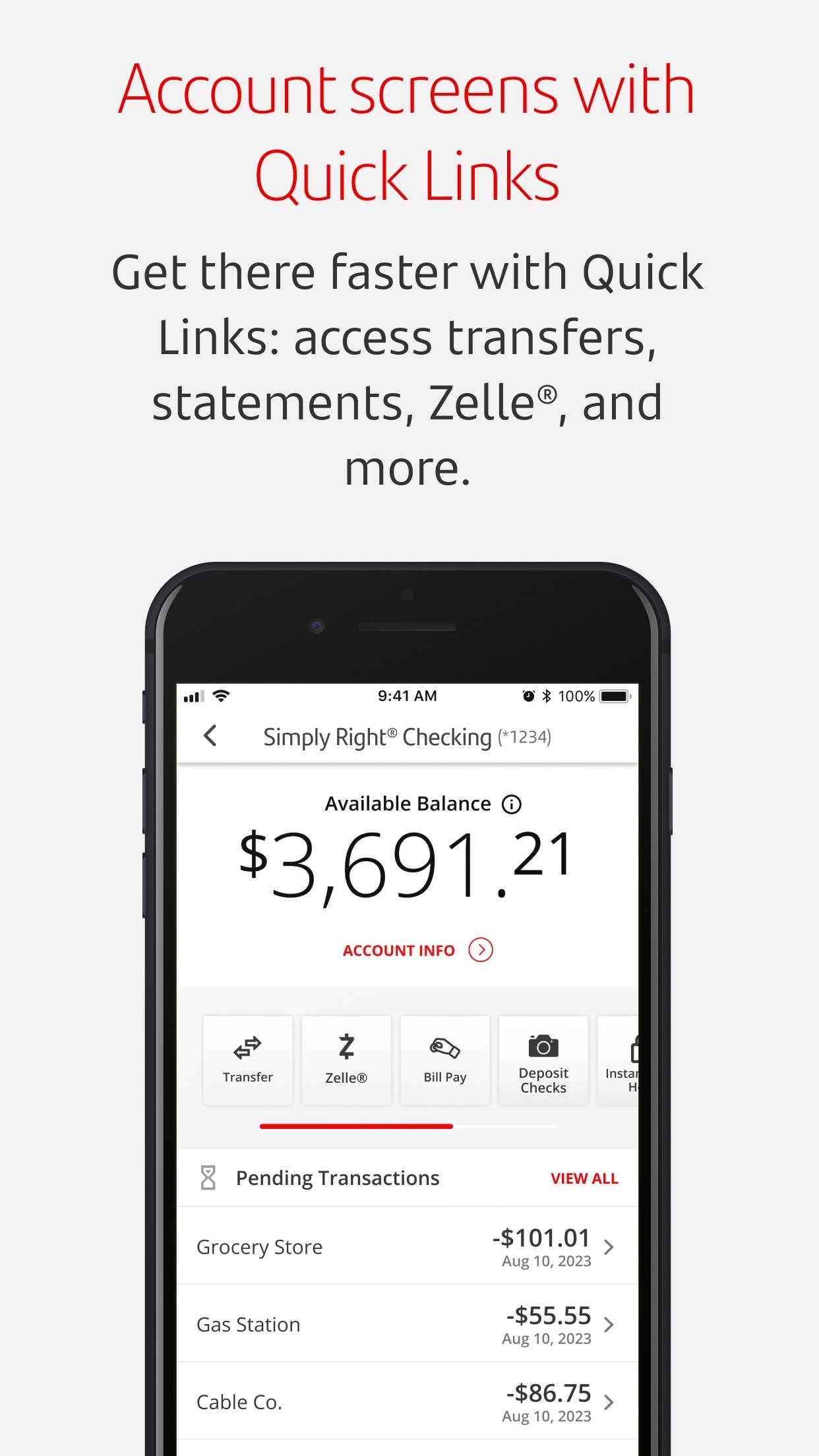
• View deposit, credit card, lending statements and loan/line of credit and investment* account balances.
• Manage, select, and customize your alerts; pick alert settings and choose how to receive them (text, email, or push messages).
• Set up, change, or cancel Autopay credit card payments.
• Manage your contact details: edit, add, or delete contact information.
Stay Secure
• Put your misplaced debit or credit card on hold with Santander® Instant Card Hold. (Santander® Instant Card Hold will block most types of transactions, including purchases made with your card. Please note that some types of transactions will continue to process, including recurring debit/credit transactions presented to us by certain merchants for monthly membership or subscription fees.)
• Retrieve your User ID and change or reset your Password securely from your mobile device using password reset.
• Verify your identity on certain transactions using One-Time Passcode (OTP) security.
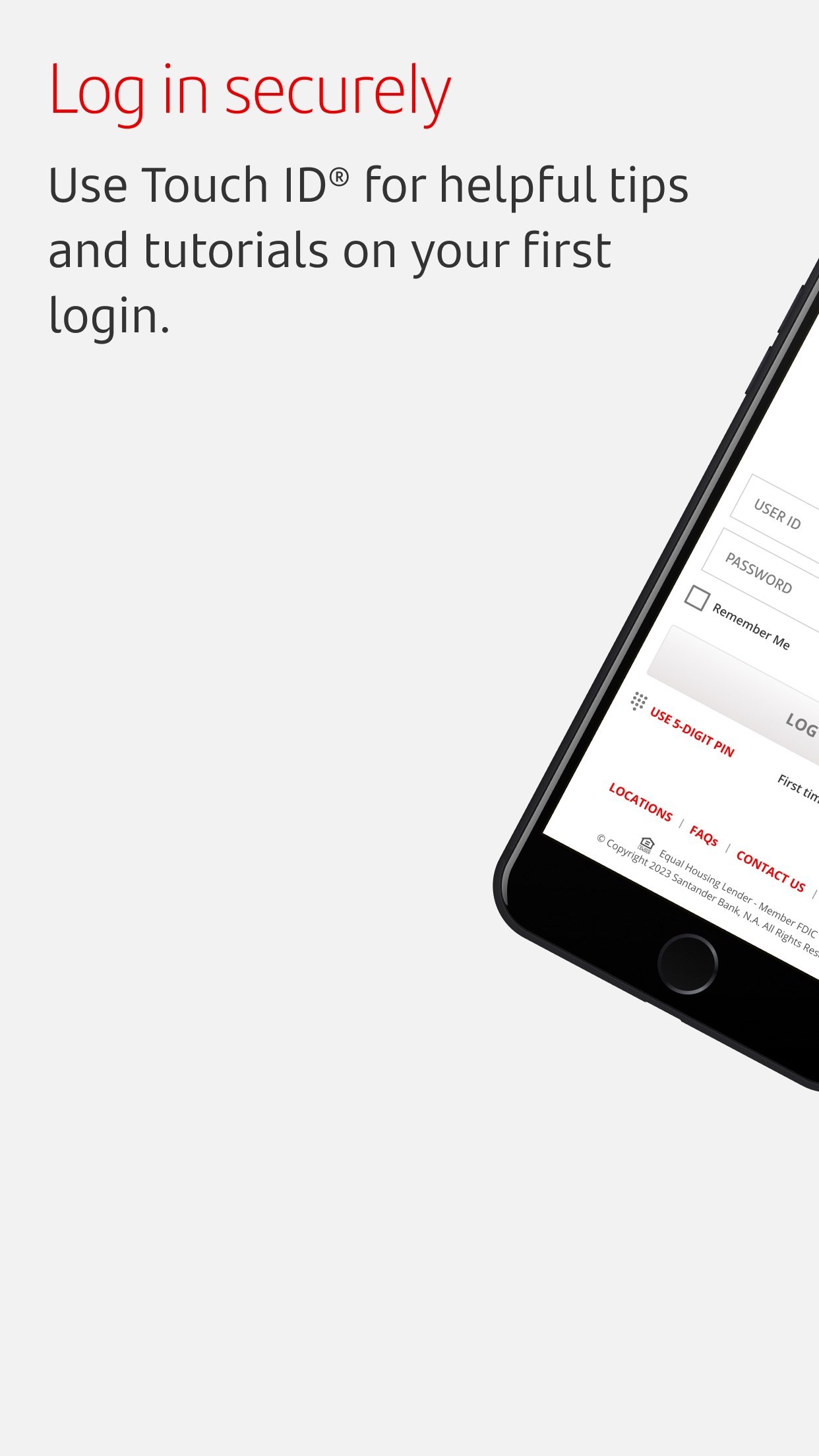
• Log in using Touch ID® or Face ID®. (If you share your device with other people, please note any fingerprints or face image stored on your device may be used to log in to the Santander Mobile Banking App and access your account.)
Navigate with Ease
• Tutorials and tips guide you through updates and improved Mobile Banking features when you first log in to your Mobile Banking App.
Deposit Checks
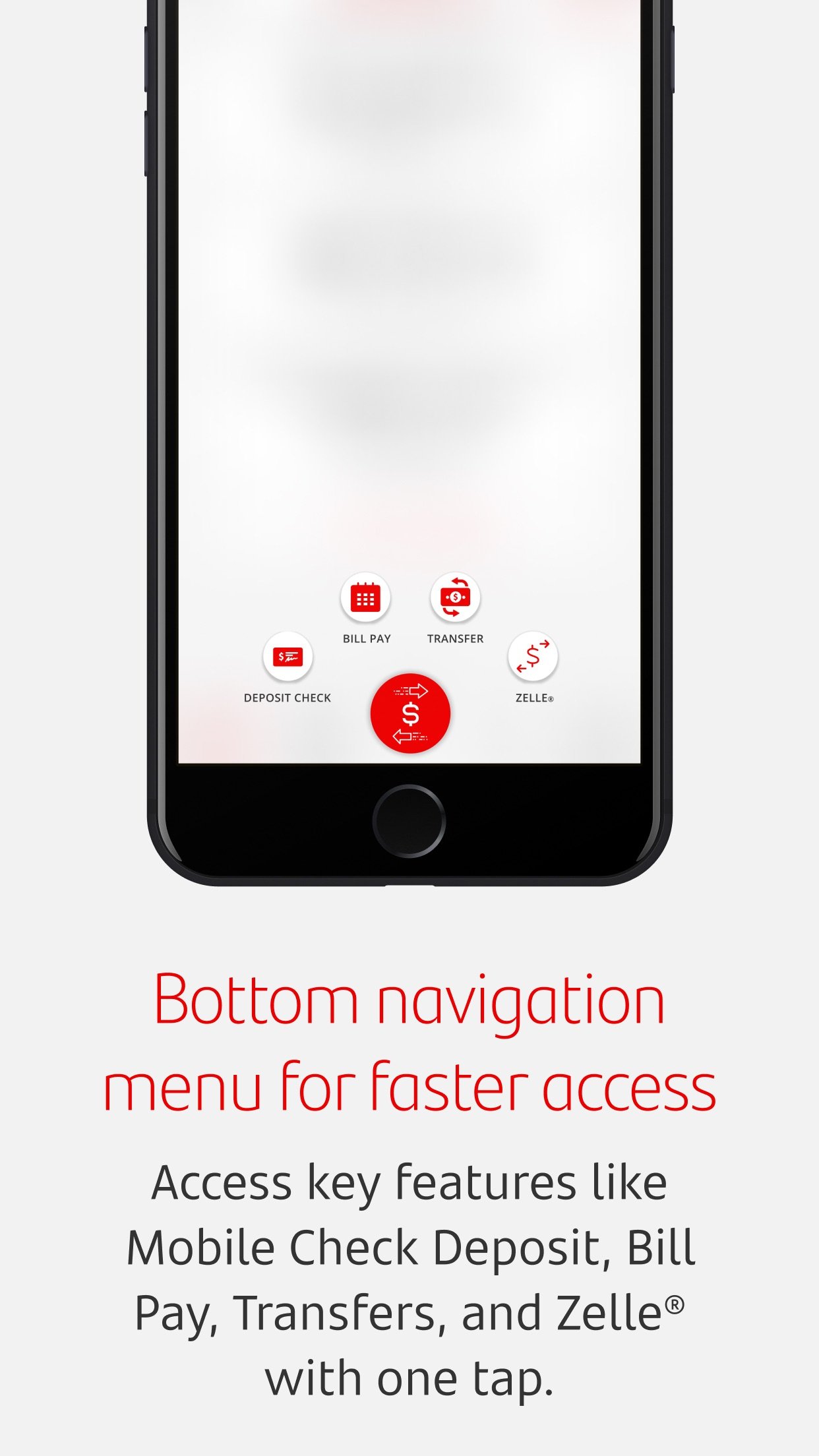
• Skip the ATM and deposit checks from your app.
Pay Bills
• Add and select Bill Pay payees to make payments.
• Schedule payments for future dates.
• Review your Bill Pay activity and pay your unpaid e-Bills.
Transfer Funds
• Make one-time and recurring transfers between your Santander accounts.
• Move money from your personal bank accounts at other financial institutions to your Santander checking, savings or money market accounts.
• Transfer money to other Santander customers.
• Make transfers to accounts at other banks within the U.S.
(Restrictions apply. Please refer to the Digital Banking Agreement for details).
Contact Us Anytime for Assistance
• Use One-touch calling to Santander Customer Service.
• Schedule a Meeting to meet with a banker.
• Find directions to the nearest Santander branch or ATM.
Get Started Today. It's Easy!
If you have a personal account with Santander Bank, download the Mobile Banking App today and bank when you want to!
*Securities and advisory services are offered through Santander Investment Services, a division of Santander Securities LLC. Santander Securities LLC is a registered broker-dealer, Member FINRA(finra.org) and SIPC(sipc.org) and a Registered Investment Adviser. Insurance is offered through Santander Securities LLC or its affiliates. Santander Investment Services is affiliated with Santander Bank N.A.
INVESTMENT AND INSURANCE PRODUCTS ARE:
• NOT FDIC INSURED
• NOT BANK GUARANTEED
• MAY LOSE VALUE
• NOT INSURED BY ANY FEDERAL GOVERNMENT AGENCY
• NOT A BANK DEPOSIT
------------------------------------------------------------------------------------------------------------------------
Santander Bank N.A., Equal Housing Lender - Member FDIC
©2026 Santander Bank, N.A. All rights reserved.
License: Free
| Release info | New Release on Oct 16, 2026 |
|---|---|
| Release notes | We’ve made improvements based on your feedback. This version includes: • Bug fixes and general improvements. We want to continually improve your Mobile Banking experience. If you have suggestions, please use the feedback option within the main menu in our Mobile Banking App. |
| Listing data | App Store |
Reviews
No reviews yet. Be the first to review Santander Bank US.
Used Santander Bank US? Tell other visitors what you thought.
Log in to write a reviewOther products by this publisher
- "No Distractions" for YouTube 4.10 ----
- #Bible 11.6.1 "Incredible App - My sister shared this app with me a few weeks ago and it is truly incredible.
- #filmphotography 1.4.2 So, you decided to shoot on film?
- #LookBusy Fake Calendar Events 1.0.6 Look Busy scans your work calendar for open time slots and fills them with realistic-looking (but secretly fake) work events.
- #Small Talk Is Canceled 1.0.2 #Small Talk Is Canceled — Conversations That Matter
Most viewed iOS Business
-
1
 Navy Federal Credit Union 2026.10.2
Bank easy with the Navy Federal mobile app!
-
2
 Paycom 8.0.16
If you or your company use Paycom’s HR and software, the Paycom app helps you manage everyday HR and payroll tasks in one place — like checking your schedule, requesting time off and reviewing your pay.
-
3
 Entrust Identity 26.4.0
The Entrust Identity mobile application is the new Entrust mobile platform for delivering strong identity credentials to both employee and consumer users.
- 4 % Percentage Calculator Pro 1.41 This is the Pro version of % Percentage Calculator.
-
5
 Intune Company Portal 5.2610.0
Microsoft Intune helps organizations manage access to corporate apps, data, and resources.
-
6
 Budget-Beacon 1.5
Budget Beacon connects to your Apple Wallet to help you understand and manage your spending.
-
7
 ParkNYC Powered by Flowbird 2.2.1
Have you ever been late to an important meeting and you can’t find a parking spot?
-
8
 Shopify 11.2646.0
Shopify: build your online store, sell anywhere, run your business
- 9 $quirrel 1.5.1 $quirrel Budget & Finance helps you plan each paycheck, track spending, manage debt, and see what is safe to spend before the next payday.
-
10
 MiniVAN Touch 9.4.7
miniVAN Touch is a mobile canvassing application that integrates with websites provided by NGP VAN.
Most downloaded iOS Business
-
1
ParkNYC Powered by Flowbird 2.2.1
Have you ever been late to an important meeting and you can’t find a parking spot?
-
2
Budget-Beacon 1.5
Budget Beacon connects to your Apple Wallet to help you understand and manage your spending.
-
3
 Business Timesheet 6.0
Are you looking for timesheet to track the work hours spent on hourly, daily or weekly basis accurately?
-
4
 Rocket.Chat 4.78.1
Rocket.Chat Secure CommsOS™ is a communication platform that unifies messaging, voice, video, AI, and mission-critical applications—ensuring uncompromising security, compliance, and operational efficiency for governments, defense, and critical infra…
-
5
 Receivable Payment Ledger2026 1.1
Payment Ledger is a fully offline accounts receivable management tool for small businesses, shops, wholesalers, and salespeople who need to track customer debts and payment progress.
-
6
 Simple Budget Envelopes 2.2.1
An incredibly simple app, perfect for keeping track of how much money remains in your budget.
-
7
 Cvent Events 2.9.0
Cvent Events is your place to easily plan out your event experience, find where you need to go next, network with other attendees, and learn more about sponsors and exhibitors.
-
8
 Vola 4.9.02
Vola is the only cash advance app built for Real-Time Payments (RTP).
-
9
 Power Apps 3.26112.10
Get Power Apps to conveniently access your work or school apps no matter where you are: at home, on the road, in the field, off-campus, at the airport, or at the beach – anywhere life takes you.
-
10
 Checkbook Pro 3.3.5
An easy & quick way to manage your daily finances, Checkbook Pro keeps track of your credit card charges, cash expenditures...etc.