Remote Mouse Pro 5.334
Remote Mouse™ transforms your mobile phone or tablet into an easy-to-use remote control for your computer, complete with a cross-device clipboard that enables seamless text and image transfer across platforms.
Download
50.61 MB
14downloads
3this week
FreeCommercial
0reviews
Screenshots
About Remote Mouse Pro
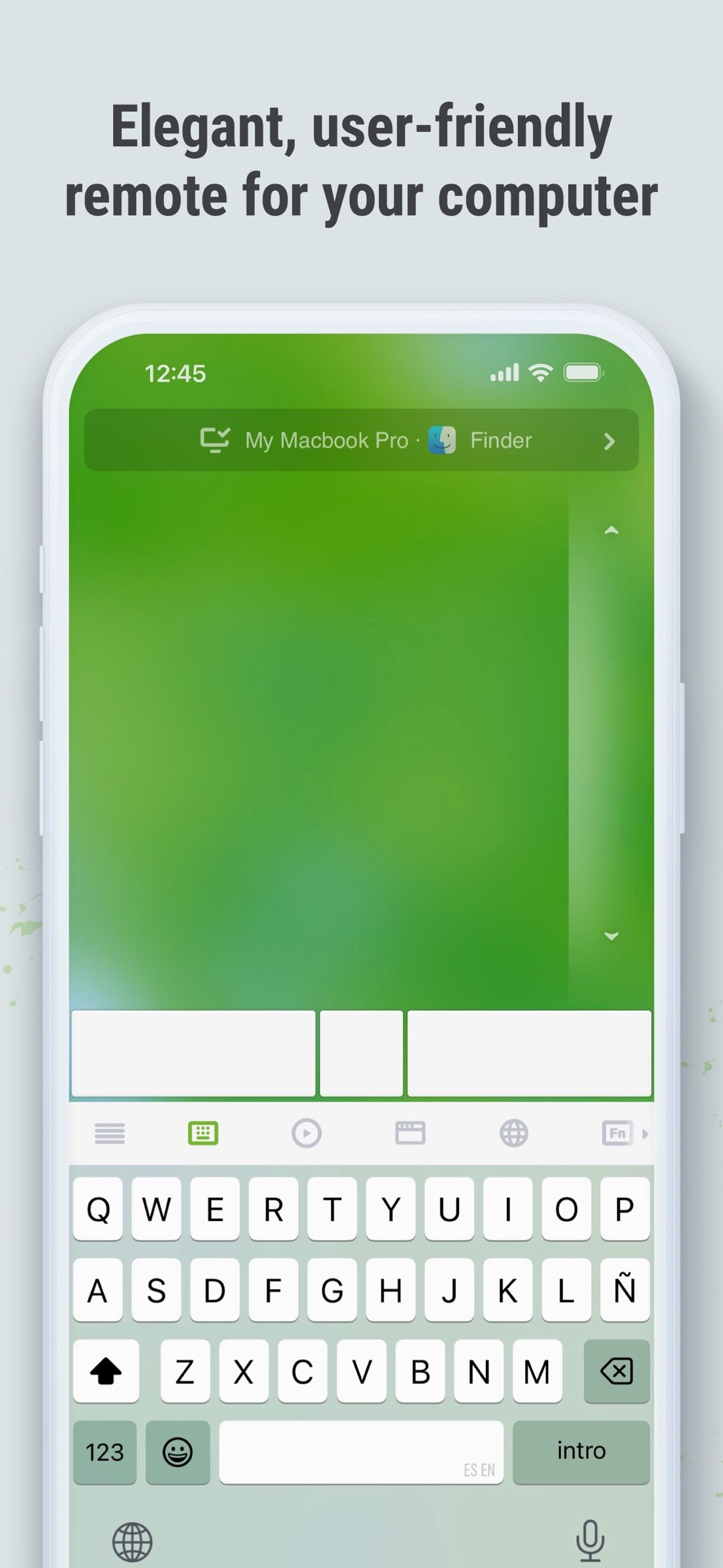
Remote Mouse™ transforms your mobile phone or tablet into an easy-to-use remote control for your computer, complete with a cross-device clipboard that enables seamless text and image transfer across platforms. It mimics the functions of a wireless mouse, keyboard, and touchpad, and also offers various specialized control panels that enhance your control over specific operations. The small features, designed for one-handed use or intuitive operations, will delight you.
Featured on CNET, Mashable, and Product Hunt, Remote Mouse is recognized as one of the most sophisticated and user-friendly computer remote apps. With over 20 million users worldwide, it's a trusted choice for effortless computer control.
Whether you're watching a movie online, giving a presentation, or shutting down your computer with one click, nothing can be more convenient than having a mobile phone remote at your fingertips.
Mouse
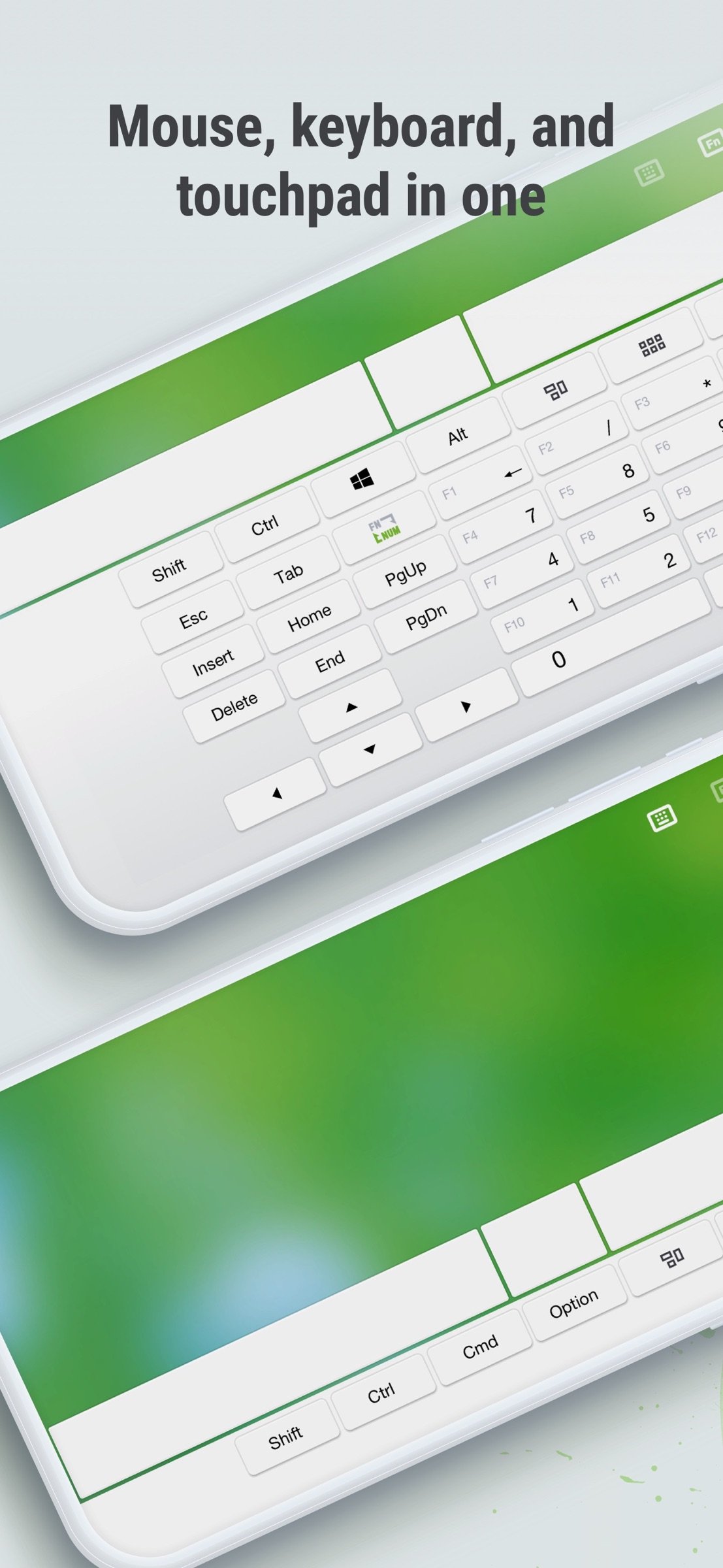
• Fully simulated mouse function
• Gyro mouse is a feature that allows you to move the mouse cursor with a gyro sensor
• Left-handed mode
Keyboard
• Integrated with system and third-party keyboards, supports typing in various languages
• Remotely typing by voice if the soft keyboard supports speech recognition
• Supports sending various shortcuts
• Displays different keypads for Mac or PC
Touchpad
• Simulates the Apple Magic Trackpad and supports multi-touch gestures
Specialty Control Panels
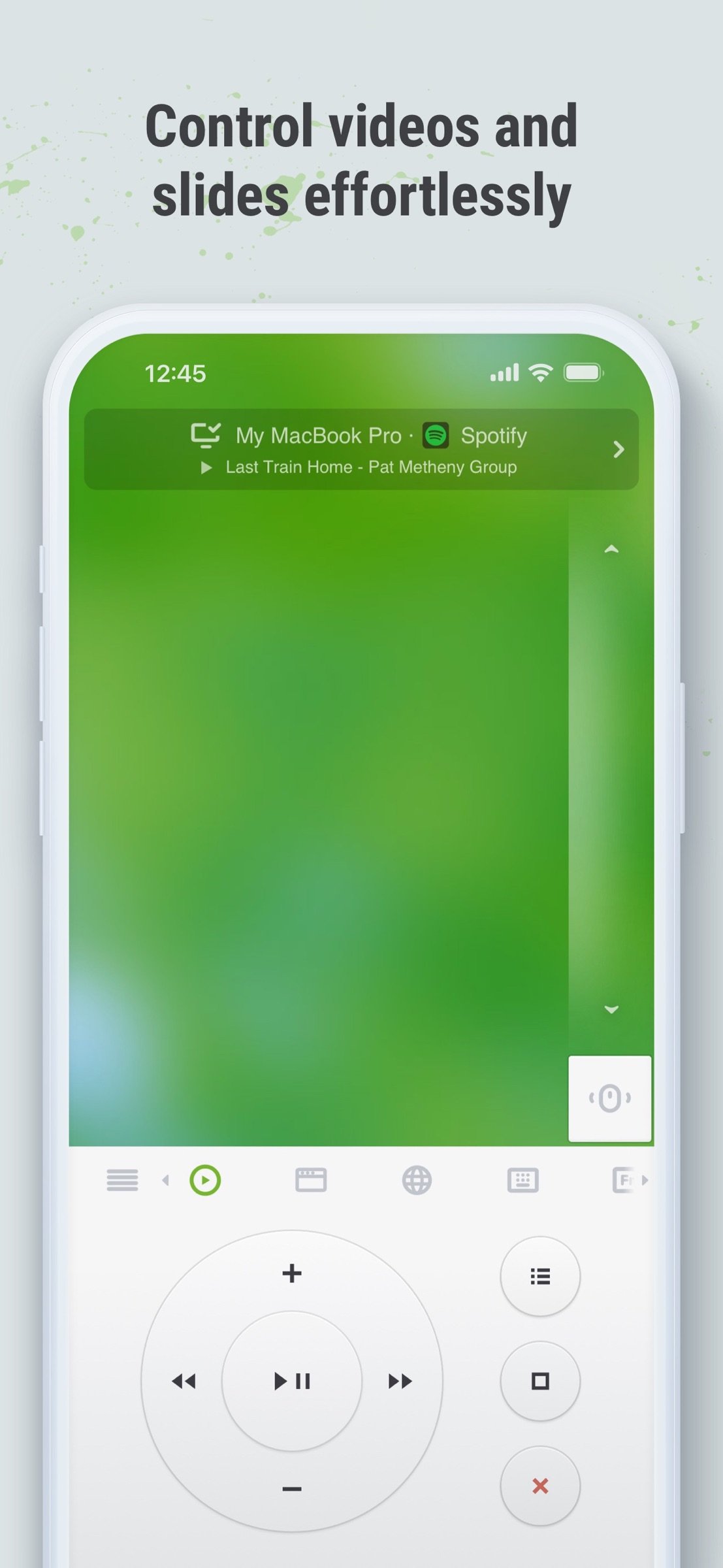
• Media Remote: Control videos, music, and presentations across apps and sites like YouTube, Netflix, Disney+, Apple TV+, VLC, Spotify, and more, automatically adapting to what’s playing.
• Web Remote: Supports Chrome, Firefox, and Opera
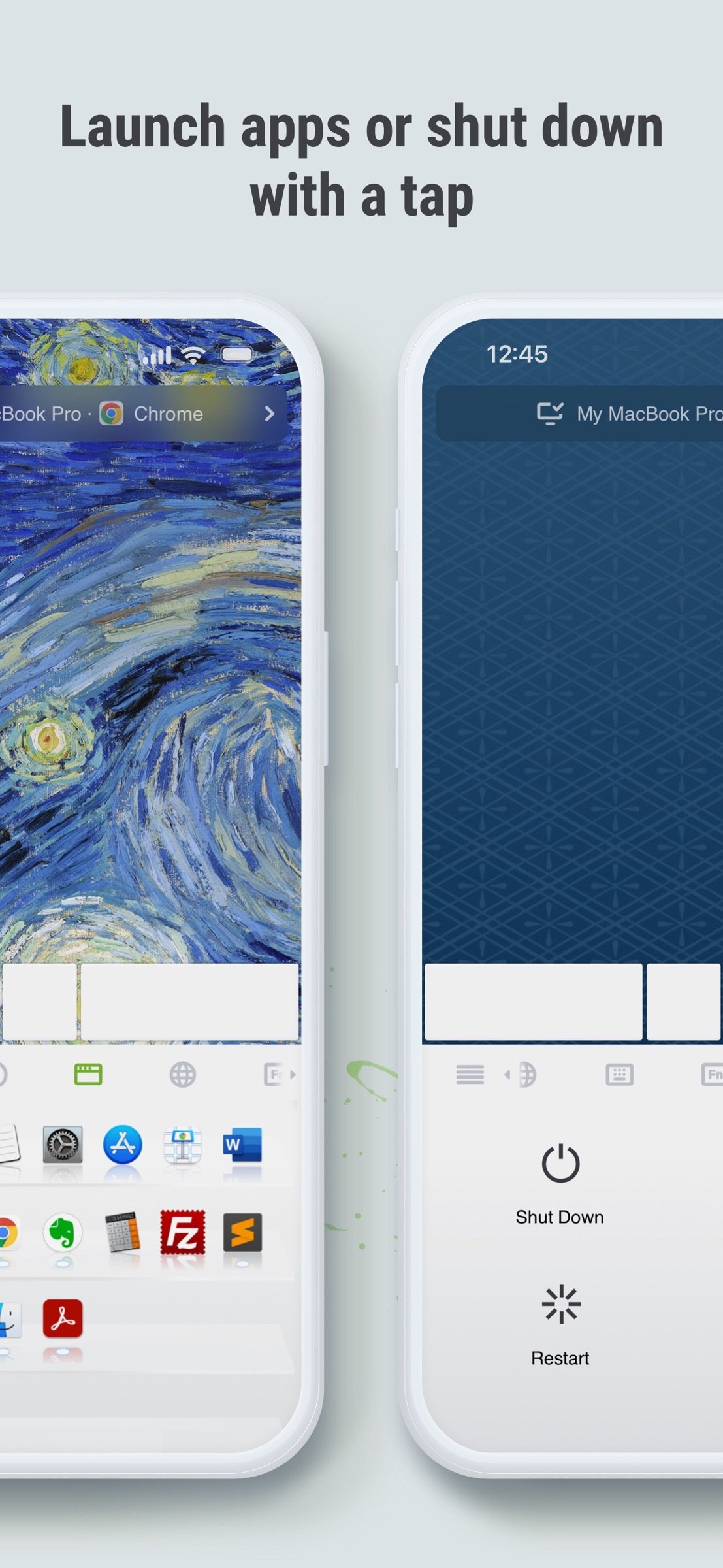
• Application Switcher: quickly launch and switch between programs
• Power Options: Supports remotely shutting down, sleeping, restarting, and logging off
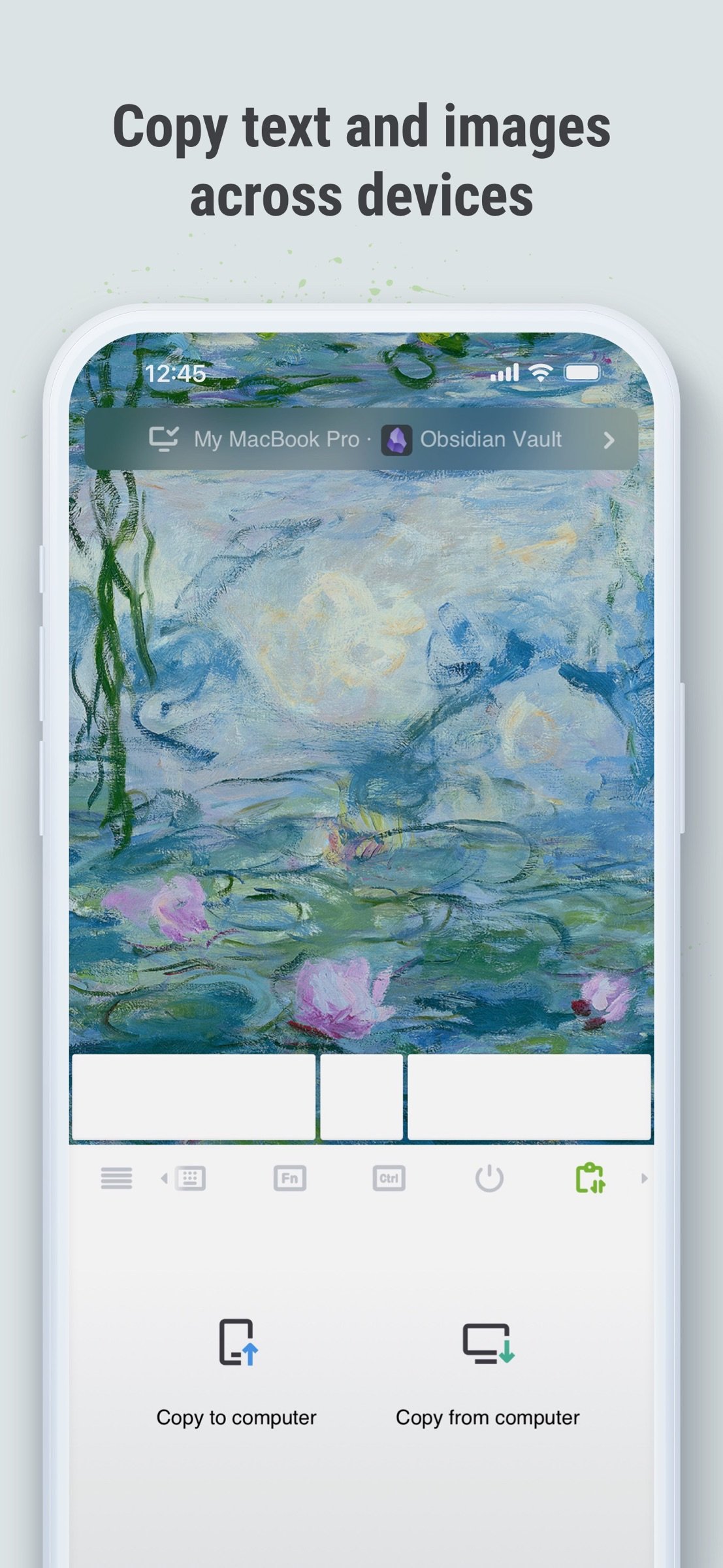
• Cross-device Clipboard: Allows for the transfer of text and images between your computer and mobile device
Other Features
• Use the physical volume buttons on the mobile device for remote control
• Set a password for the connection
• Customizable wallpaper
Connection Method
• Connect via IP address or QR code
• Connect via history
Operating Environment
• Compatible with Windows, Mac OSX, and Linux
• Works under Wi-Fi or Bluetooth
To Get Started
1. Visit [link removed] on your computer and download the Remote Mouse computer server software.
2. Install and run the computer server software.
3. Connect your mobile device to the same Wi-Fi network or use Bluetooth to pair with your computer.
License: Commercial
| Release info | Update on Nov 09, 2026 |
|---|---|
| Release notes | Compatible with iPhone Duo. |
| Listing data | App Store |
Reviews
No reviews yet. Be the first to review Remote Mouse Pro.
Used Remote Mouse Pro? Tell other visitors what you thought.
Log in to write a reviewOther products by this publisher
- "No Distractions" for YouTube 4.10 ----
- #Bible 11.6.1 "Incredible App - My sister shared this app with me a few weeks ago and it is truly incredible.
- #filmphotography 1.4.2 So, you decided to shoot on film?
- #LookBusy Fake Calendar Events 1.0.6 Look Busy scans your work calendar for open time slots and fills them with realistic-looking (but secretly fake) work events.
- #Small Talk Is Canceled 1.0.2 #Small Talk Is Canceled — Conversations That Matter
Most viewed iOS Utilities
-
1
 Device Lab 1.9.1
Device Lab is an on-device reference and toolkit for your hardware — hardware monitoring, spec references, chip and device comparisons, system information, and practical utilities, so you can understand and manage the devices you use with more struc…
-
2
 APTV 2.4.10
APTV,?????????????? IPTV M3U???,?????????????????
-
3
 VibeSDR 11.0.16
VibeSDR is a mobile-first software-defined radio (SDR) receiver — and far more than a single-server client.
-
4
 V2Box 10.2.0
V2box - VPN Internet network proxy , Supports multiple proxy protocols, such as Shadowsocks, V2ray, Vmess, Trojan , SSH , Socks, Ping Tunnel, Hysteria2, DNSTT, Wireguard
-
5
 DXClock 4.0.0
Connect, collaborate, and operate smarter with DX Clock — the ultimate meeting place for amateur radio operators.
-
6
 Demod 1.6
Demod turns your iPhone into a software-defined radio receiver.
-
7
 Ally Pro 1.4.0
Ally Pro – Amiibo & NFC Tool gives advanced collectors complete control over their Amiibo library.
-
8
 ECHOCAT 1.6.0
ECHOCAT is the iPhone and iPad companion for POTACAT, the desktop app for amateur radio operators chasing Parks on the Air (POTA), Summits on the Air (SOTA), Worldwide Bunkers on the Air (WWBOTA), Tiles on the Air and DX.
-
9
 DRC 2.0.1
A simple to use app to help calculate any dilution ratio.
-
10
 DuckDuckGo, optional Duck.ai 7.246.0
At DuckDuckGo, we believe the best way to protect your personal information from hackers, scammers, and privacy-invasive companies is to stop it from being collected at all.
Most downloaded iOS Utilities
-
1
Demod 1.6
Demod turns your iPhone into a software-defined radio receiver.
-
2
 Rat And Mouse Sound Repeller 2.8
Keep mice and rats away overnight with ultrasonic waves and predator sounds.
-
3
 Guardio 2026.110.3
Protect your identity, accounts, and online activity from scams and digital threats with Guardio.
-
4
 Screen Mirroring With Miracast 2.0
Turn your iPhone into a complete TV companion.
-
5
 Fontcase 2.0.1
Fontcase is an app that lets you install custom fonts on iOS and iPadOS.
-
6
 ParkenDD 2.0.2
ParkenDD shows a list of available public parking lots in several cities.
-
7
 PickerFull 9.18
Export colors from photos as HEX, PDF, RGB, HSB/HSV, HSBA, HSL, LUV, LCH, YUV, YCBCR, YIQ, CMYK, Grayscale, XYZ, L*a*b* (CIE), CSSVAR, SASSVAR, CSSHSL, CSSRGB, AndroidXML, FlutterDart, UnityColor32, Float, Objective-C, Swift, SwiftLiteral, SwiftUI
-
8
 Royal TSi 2.5.4
Royal TSi provides easy and secure access to your remote systems (RDP, VNC, SSH, etc.) by allowing you to open your Royal TS documents created with Royal TSX (for macOS) or Royal TS (for Windows).
-
9
 Passepartout, VPN Client 3.12.7
Protect your online privacy with Passepartout, a smart VPN client seamlessly integrated with iOS, macOS, iPadOS, and tvOS.
-
10
 Universal TV Remote Control* 2.6.8
Control your Smart TV effortlessly with iMote — the ultimate universal remote control for TV.