
Reference Board 1.6.3
Reference Board is a private visual workspace for collecting inspiration, developing ideas, and keeping creative research close at hand on Mac, iPhone, and iPad.
Download
24.06 MB
9downloads
2this week
FreeCommercial
0reviews
Screenshots

About Reference Board
Reference Board is a private visual workspace for collecting inspiration, developing ideas, and keeping creative research close at hand on Mac, iPhone, and iPad.
BUILD VISUAL BOARDS
• Collect images, videos, links, text, colors, and PDFs in one place.
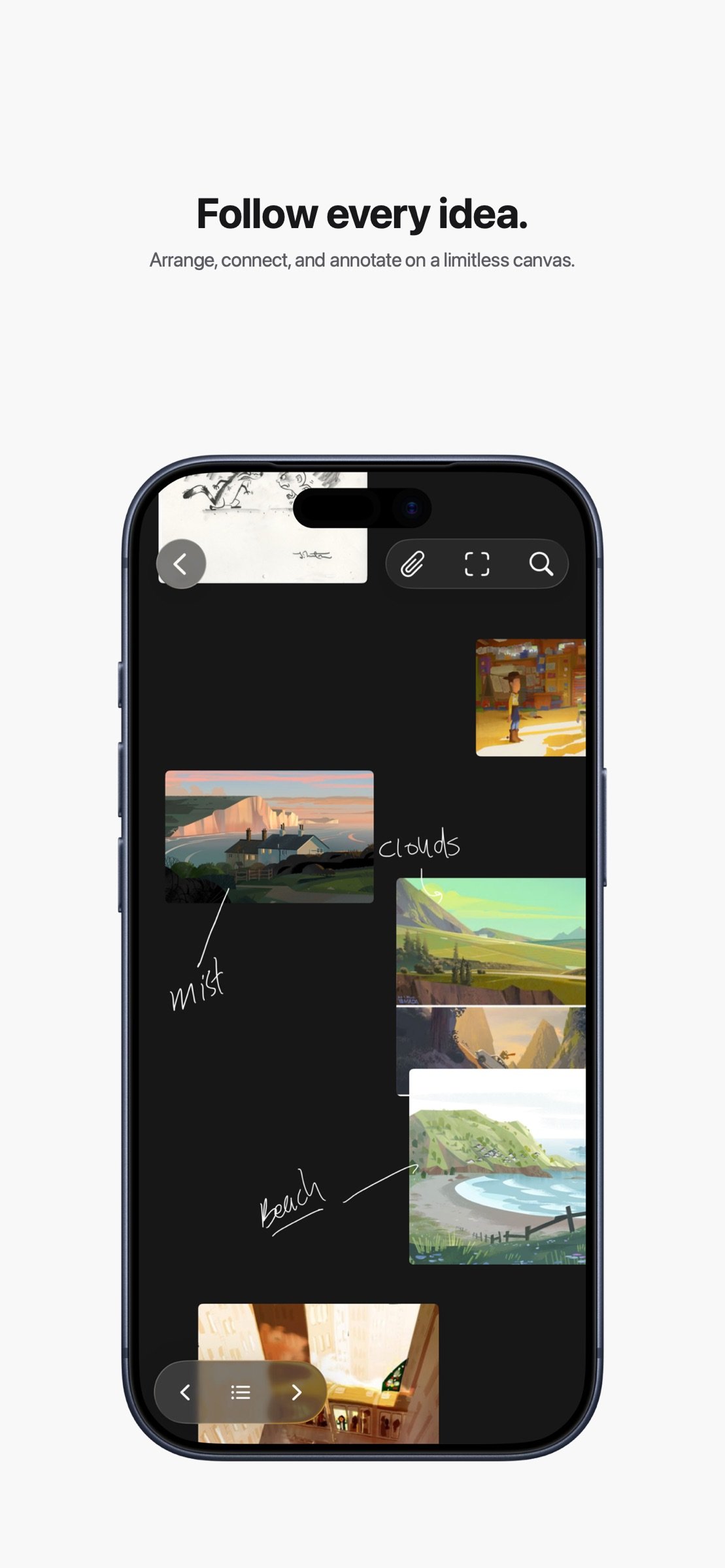
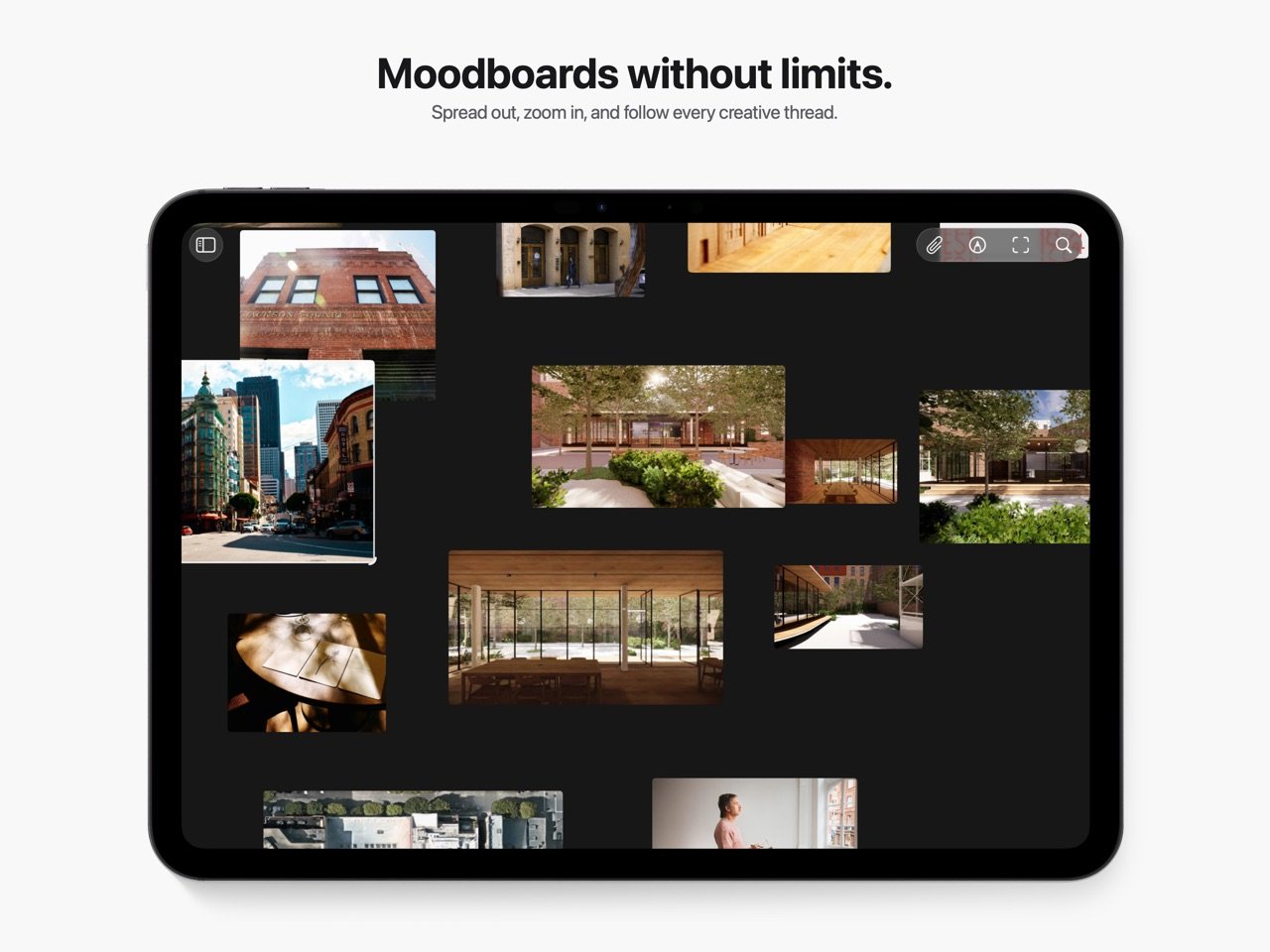
• Arrange references freely on an infinite canvas or switch to an organized grid.
• Move, resize, group, stack, crop, flip, and annotate without changing your original media.
• Use the loupe to inspect fine details in images and videos.
FIND WHAT YOU NEED
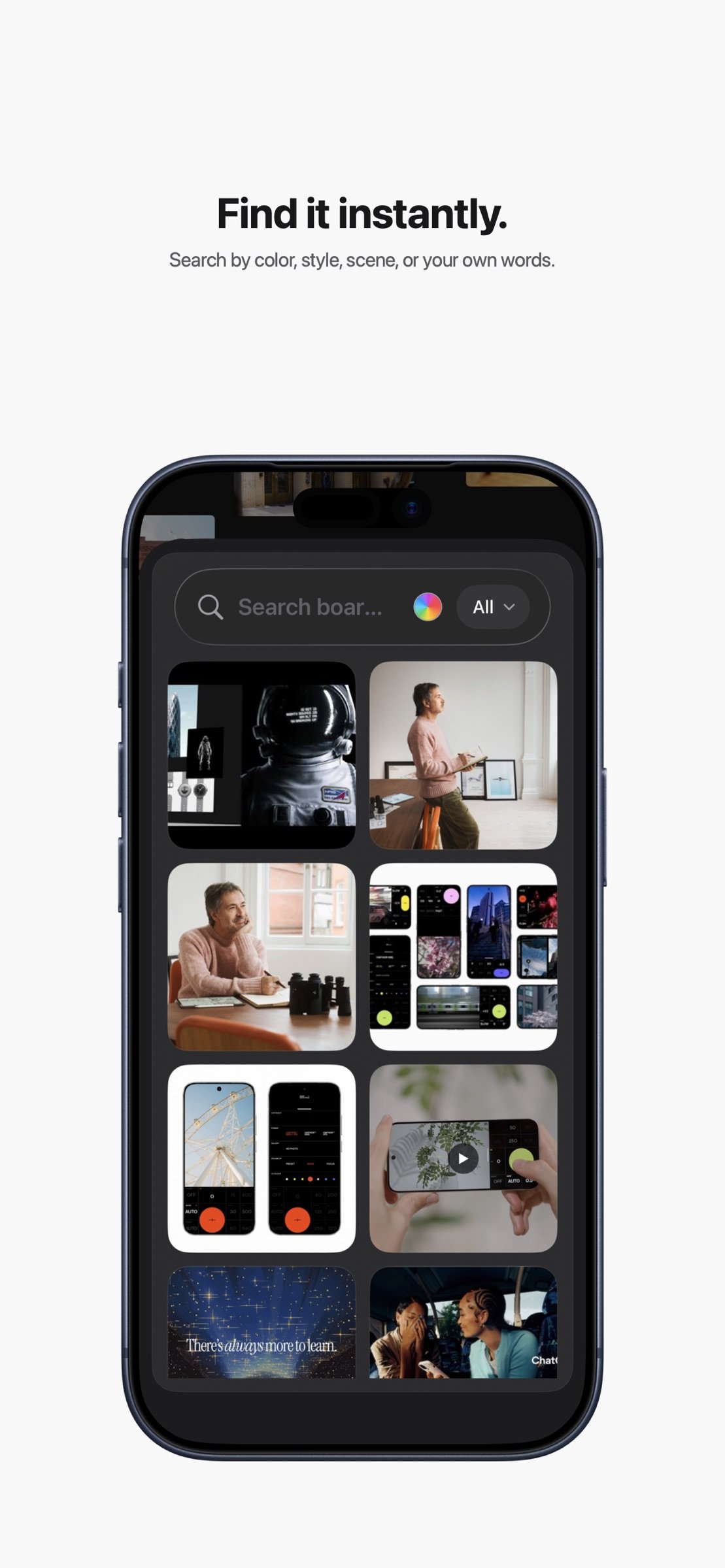
• Search across boards and references.
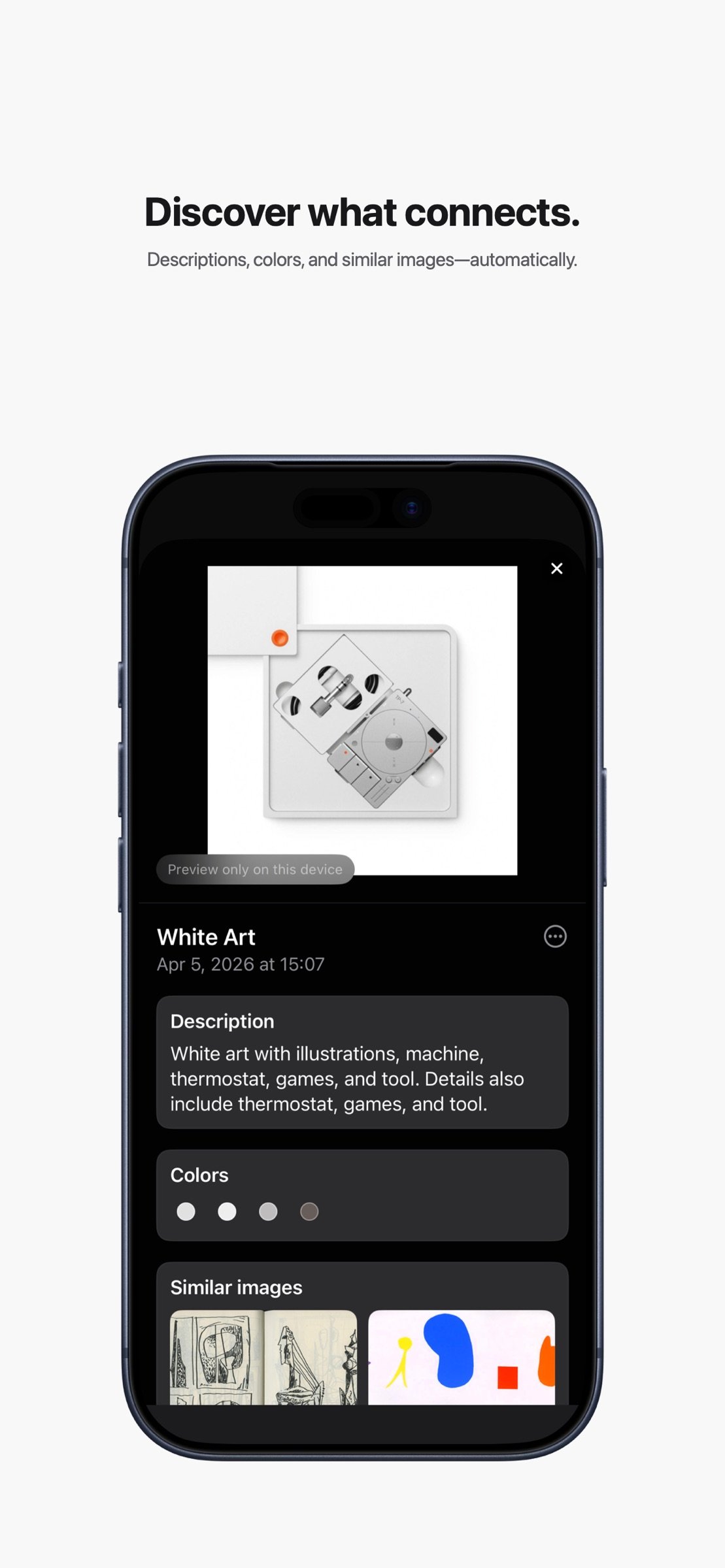
• Use on-device analysis, OCR, colors, metadata, and visual similarity to rediscover material quickly.
• Keep notes and details attached to the work they describe.
SYNC, COLLABORATE, AND SHARE
• Keep your library in sync across Mac, iPhone, and iPad with iCloud.
• Invite others to collaborate on shared boards.
• Publish a separate public, view-only webpage when you want to present your work more widely.
• Update or unpublish a published board whenever you like.
WORK YOUR WAY
• Import from Photos, Files, Safari, drag and drop, or the Share Sheet.
• Export boards as images, PDFs, or Reference Board archives.
• Use widgets, Shortcuts, the screen saver, and optional MCP automation to connect Reference Board to your workflow.
ONE PURCHASE. NO SUBSCRIPTION.
New customers receive Reference Pro with their App Store purchase, including unlimited private boards and items, Publish to Web, AI metadata and visual discovery, new collaborations, PDF export, and MCP automation.
People who acquired Reference while it was free keep their existing Free plan with one private board and up to 20 items. They can unlock lifetime Reference Pro with a one-time in-app purchase. Reaching a Free limit never deletes or hides existing work.
Original paid-app customers and people who already purchased lifetime Reference Pro keep permanent Pro access automatically.
License: Commercial
BUILD VISUAL BOARDS
• Collect images, videos, links, text, colors, and PDFs in one place.
• Arrange references freely on an infinite canvas or switch to an organized grid.
• Move, resize, group, stack, crop, flip, and annotate without changing your original media.
• Use the loupe to inspect fine details in images and videos.
FIND WHAT YOU NEED
• Search across boards and references.
• Use on-device analysis, OCR, colors, metadata, and visual similarity to rediscover material quickly.
• Keep notes and details attached to the work they describe.
SYNC, COLLABORATE, AND SHARE
• Keep your library in sync across Mac, iPhone, and iPad with iCloud.
• Invite others to collaborate on shared boards.
• Publish a separate public, view-only webpage when you want to present your work more widely.
• Update or unpublish a published board whenever you like.
WORK YOUR WAY
• Import from Photos, Files, Safari, drag and drop, or the Share Sheet.
• Export boards as images, PDFs, or Reference Board archives.
• Use widgets, Shortcuts, the screen saver, and optional MCP automation to connect Reference Board to your workflow.
ONE PURCHASE. NO SUBSCRIPTION.
New customers receive Reference Pro with their App Store purchase, including unlimited private boards and items, Publish to Web, AI metadata and visual discovery, new collaborations, PDF export, and MCP automation.
People who acquired Reference while it was free keep their existing Free plan with one private board and up to 20 items. They can unlock lifetime Reference Pro with a one-time in-app purchase. Reaching a Free limit never deletes or hides existing work.
Original paid-app customers and people who already purchased lifetime Reference Pro keep permanent Pro access automatically.
License: Commercial
| Release info | Update on Nov 11, 2026 |
|---|---|
| Release notes | Bring more of your references together, with audio, an optional linked-folder beta, and a little motion. • Try Linked Folders (Beta) from Settings. It is off by default. Enable it to browse a local or iCloud Drive folder on a board without importing another copy of the originals. Subfolders form groups, and source changes refresh the board. Enable the beta and grant folder permission separately on each device. • Add audio references with waveforms and playback controls. Audio starts paused unless you turn on Autoplay audio in Settings. • Deleting cards now dissolves them into particles. Undo brings them back, and supported devices give a light haptic when you delete. Contextual menus, multi-selection, and cutting cards use the same effect. Reduce Motion uses a short fade. • Improved responsiveness when browsing large linked libraries. |
| Listing data | App Store |
Reviews
No reviews yet. Be the first to review Reference Board.
Used Reference Board? Tell other visitors what you thought.
Log in to write a reviewOther products by this publisher
- "No Distractions" for YouTube 4.10 ----
- #Bible 11.6 "Incredible App - My sister shared this app with me a few weeks ago and it is truly incredible.
- #filmphotography 1.4.2 So, you decided to shoot on film?
- $quirrel 1.5.1 $quirrel Budget & Finance helps you plan each paycheck, track spending, manage debt, and see what is safe to spend before the next payday.
- % Percentage Calculator Pro 1.41 This is the Pro version of % Percentage Calculator.
Most viewed iOS Photo & Video
-
1
 ShortDiShow 2.0
Drama Quest Island — An offline interactive short-drama adventure.
-
2
 Infuse 8.5.10
Infuse: Enterprise provides the same great features as the standard version of Infuse and includes permanent access to all Pro features via a traditional paid app.
-
3
 AI Video Generator 2.0.2
Vixel – AI Video Generator
-
4
 OPlayer 4.8
Play all your videos directly without having to convert them!
-
5
 Necrometer II 1.2
Necrometer II is a paranormal investigation companion designed for ghost hunters and researchers.
-
6
 CapCut 20.1.0
CapCut offers easy-to-use video editing functions, in-APP fonts and effects, advanced features such as keyframe animation, smooth slow-motion, chroma key, and stabilization, to help you capture and snip moments.
-
7
 Ai Photo 1.1.2
AI Photo Retouch – BG Eraser
- 8 #filmphotography 1.4.2 So, you decided to shoot on film?
-
9
 Treblo 1.6.0
Make songs with the world's best AI music model.
-
10
 Pop Dot Comics 1.48
Create a comic worthy of the Sunday newspaper or your favorite pulp-fiction cover.
Most downloaded iOS Photo & Video
-
1
Infuse 8.5.10
Infuse: Enterprise provides the same great features as the standard version of Infuse and includes permanent access to all Pro features via a traditional paid app.
-
2
 DJI Fly 1.21.18
DJI Fly is designed to help pilots fly drones with ease.
-
3
 Analog Radio 3.0
The iPhone and iPad devices don't have the FM/AM radio antenna installed.
-
4
 TurboCollage Automatic 1.2.4
#1 Easy automatic photo collage maker for iPhone & iPad.
-
5
Treblo 1.6.0
Make songs with the world's best AI music model.
-
6
 ReelyGo 1.1.42
ReelyGo: Your Daily Drama Escape
-
7
 Rozeta Sequencer Suite 1.3.16
Rozeta is a suite of MIDI sequencers and controllers that lets you explore a new, freeform approach to sequencing and controlling mobile music apps.
-
8
 AGAIN. Rehearsal Notes 2.0.1
AGAIN. is the rehearsal app that remembers why the band stopped — and, new in Version 2, who said what in a writing session or a table read.
-
9
Pop Dot Comics 1.48
Create a comic worthy of the Sunday newspaper or your favorite pulp-fiction cover.
-
10
 SSS IPTV, Simple, Smart Super 1.0.2
An Easiest way to watch TV Online or Movies or Series, Bring your Own list M3u,