40downloads
16this week
FreeFreeware
0reviews
Screenshots
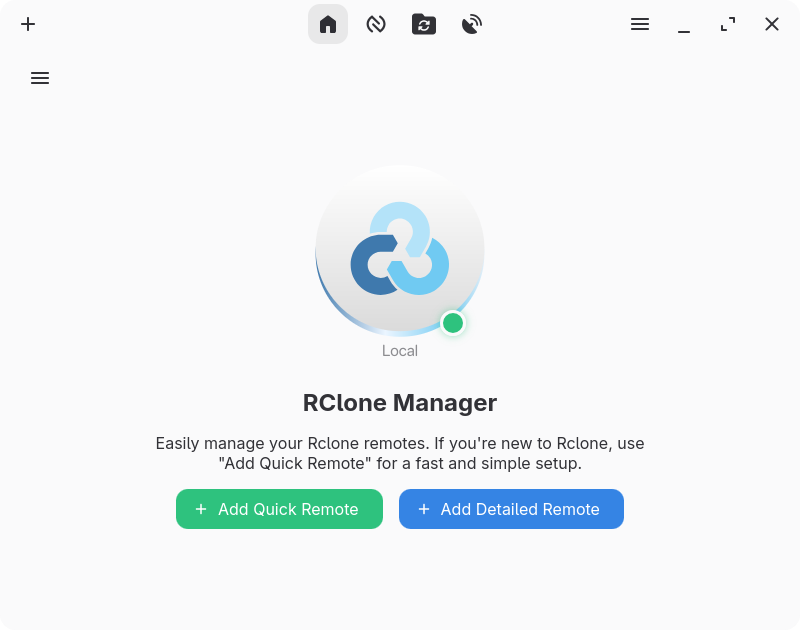
About RClone Manager
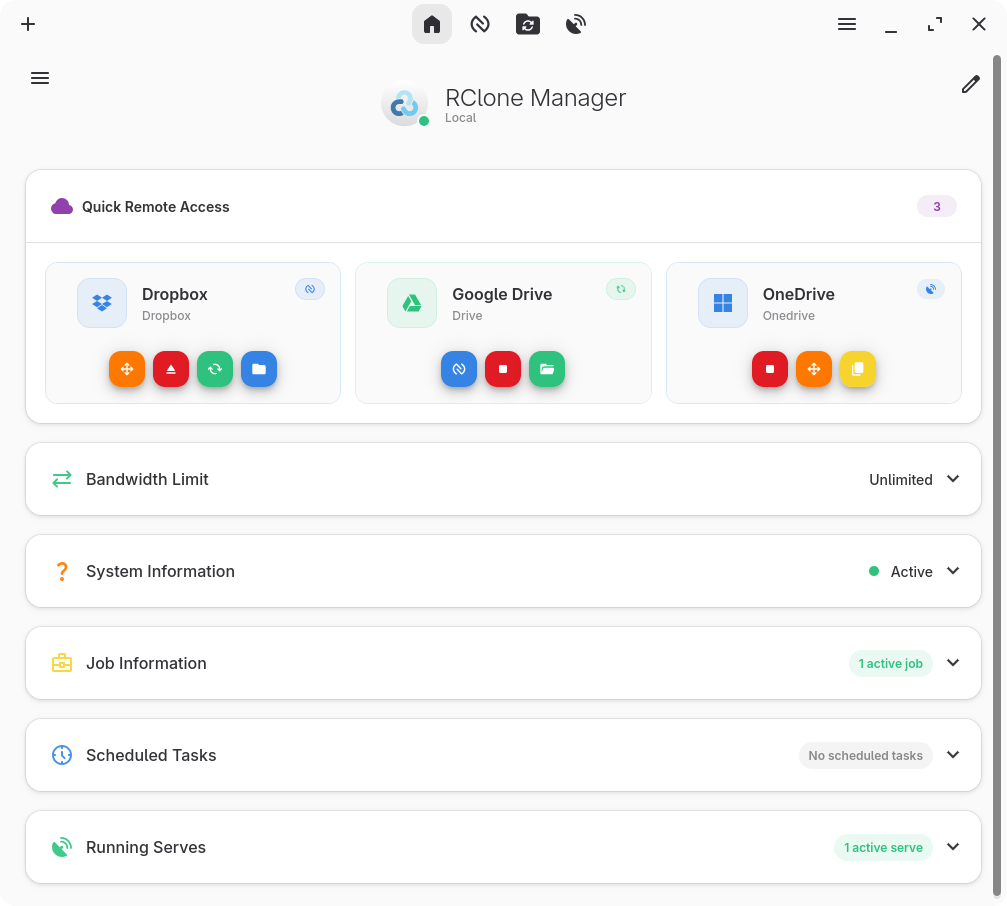
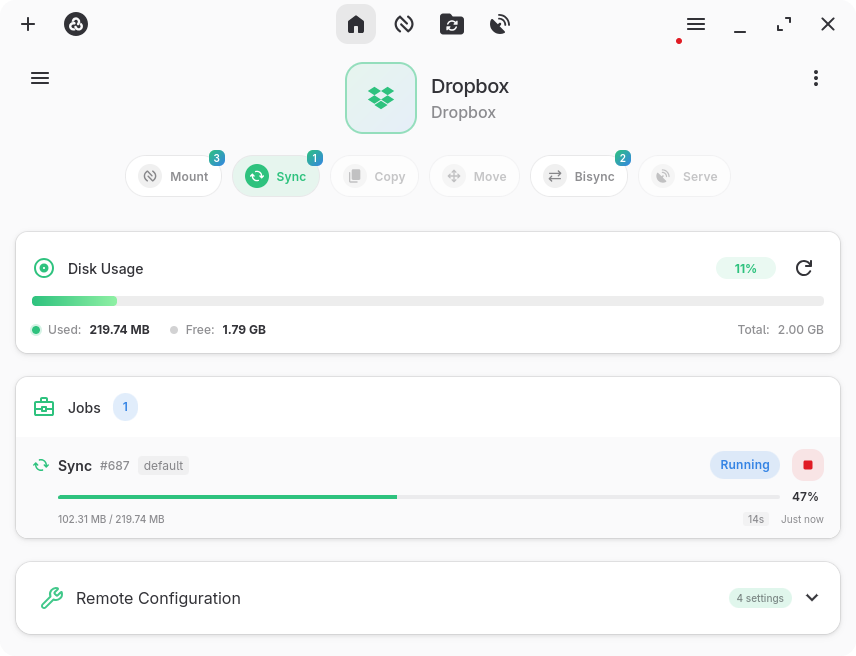
A graphical interface for rclone that lets you manage cloud storage accounts without using the command line. Supports dozens of providers including Google Drive, Dropbox, OneDrive, and S3.
Key features:
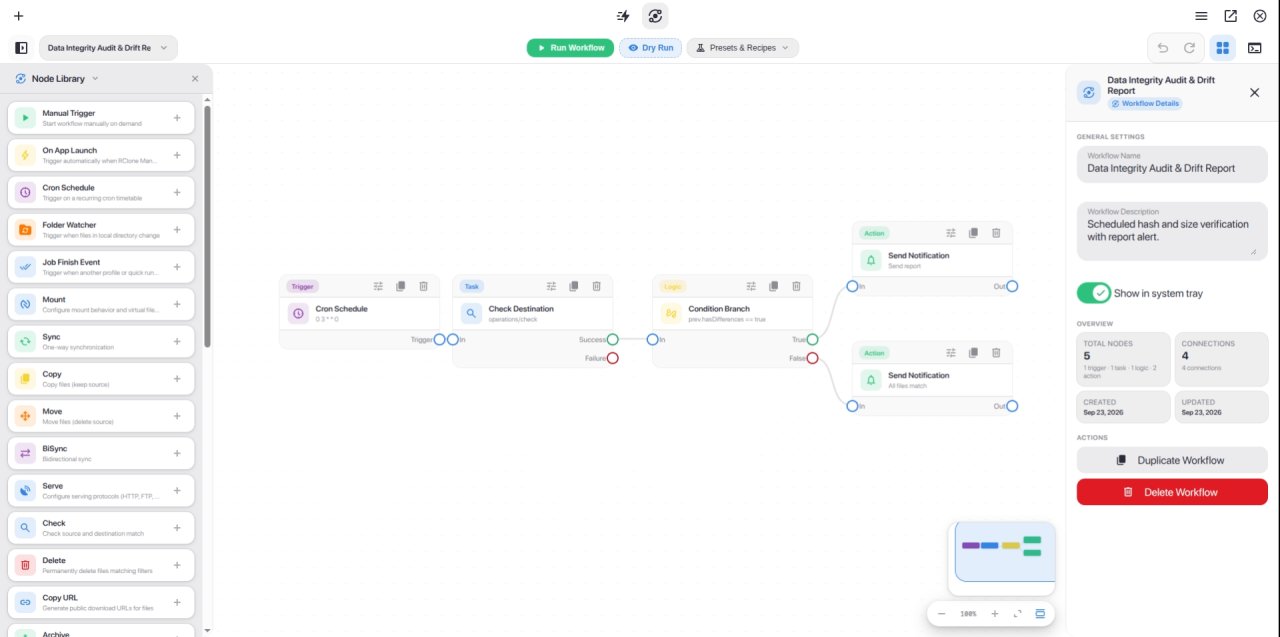
o Visual workflow builder: design multi-step automations with an interactive node-based canvas, triggers, logic, and notifications
o Quick Runs & Flow automation hub: one-click operation execution, CLI command import, and reusable templates
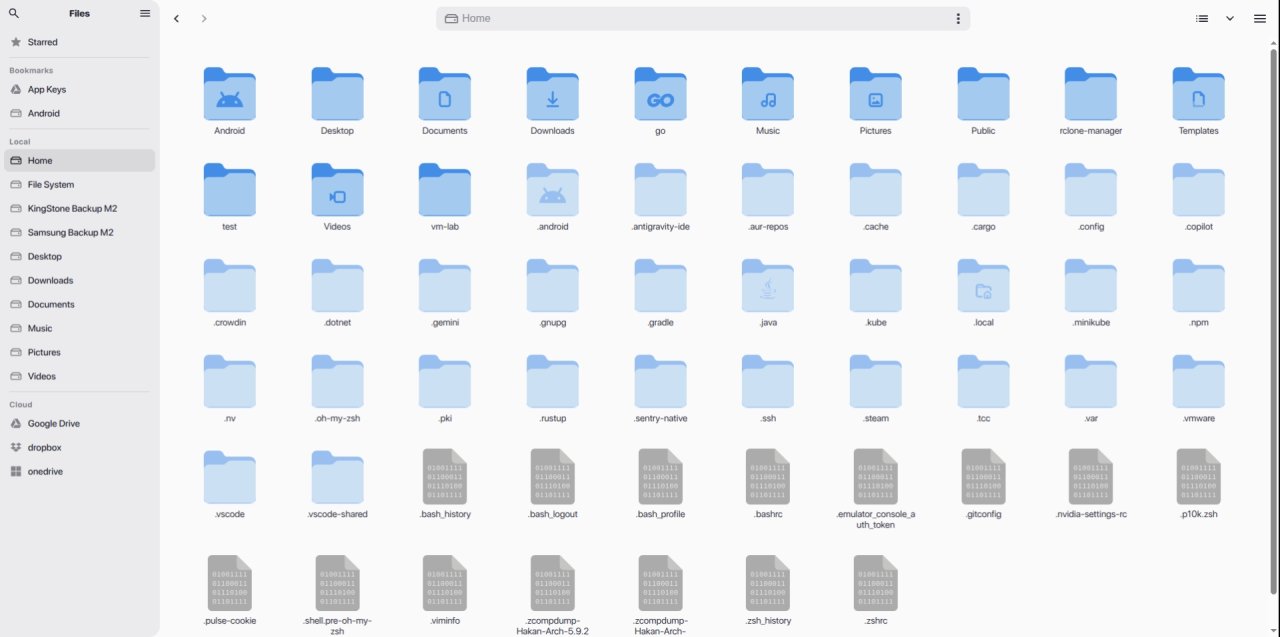
o Built-in file manager (Nautilus): browse, copy, move, rename, delete, archive, and preview remote files
o Rich media preview: support for images, videos, audio, PDFs, Markdown, and code with syntax highlighting
o Mount cloud storage as a local drive with VFS cache controls
o Automations: schedule operations using cron expressions or trigger transfers with real-time file system watchers
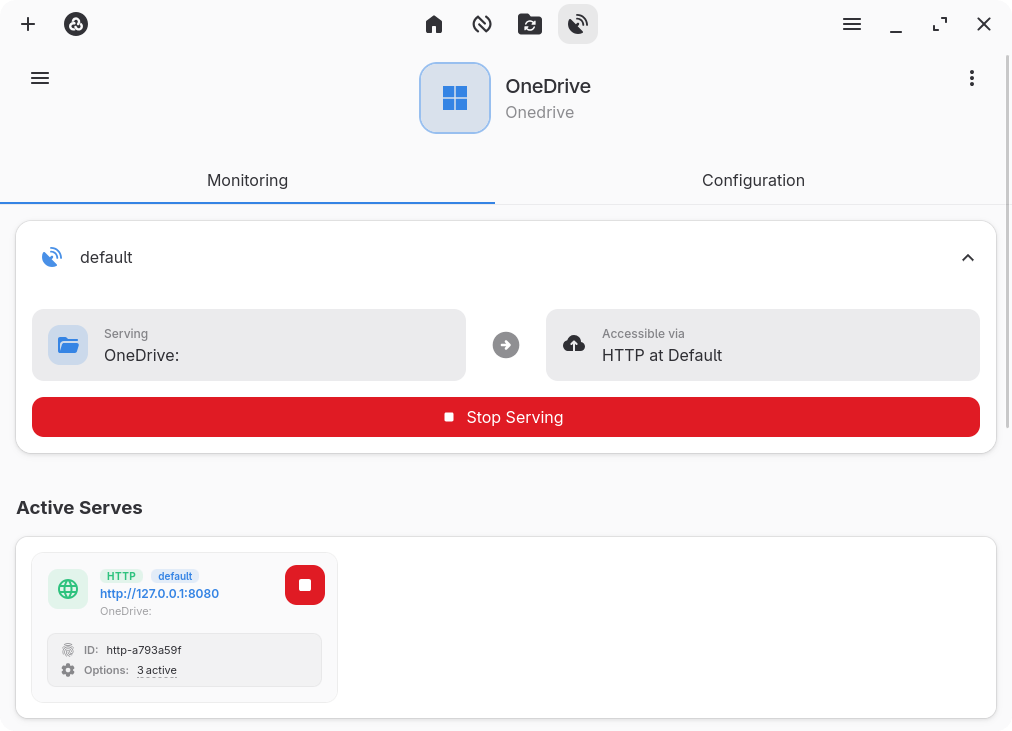
o Serve remote storage over HTTP or WebDAV
o Power management: prevents automatic system sleep while active transfers, mounts, or servers are running
o System tray integration and customizable keyboard shortcuts for quick control
o Theme support: dark and light modes with automatic system theme synchronization
o Encrypted configuration storage with full backup and restore support
o Multi-backend management with customizable per-operation profiles
Troubleshooting: If you encounter an "Invalid binary" error during setup, it is likely caused by an outdated system rclone binary. Go to Settings -> Core, clear the rclone binary path, and click Save & Reset Engine. When prompted, let the app download and install the latest rclone version automatically.
For other issues such as a blank screen or freezes on Linux, refer to the Linux Troubleshooting Guide linked below.
License: GPL-3.0-or-later
Key features:
o Visual workflow builder: design multi-step automations with an interactive node-based canvas, triggers, logic, and notifications
o Quick Runs & Flow automation hub: one-click operation execution, CLI command import, and reusable templates
o Built-in file manager (Nautilus): browse, copy, move, rename, delete, archive, and preview remote files
o Rich media preview: support for images, videos, audio, PDFs, Markdown, and code with syntax highlighting
o Mount cloud storage as a local drive with VFS cache controls
o Automations: schedule operations using cron expressions or trigger transfers with real-time file system watchers
o Serve remote storage over HTTP or WebDAV
o Power management: prevents automatic system sleep while active transfers, mounts, or servers are running
o System tray integration and customizable keyboard shortcuts for quick control
o Theme support: dark and light modes with automatic system theme synchronization
o Encrypted configuration storage with full backup and restore support
o Multi-backend management with customizable per-operation profiles
Troubleshooting: If you encounter an "Invalid binary" error during setup, it is likely caused by an outdated system rclone binary. Go to Settings -> Core, clear the rclone binary path, and click Save & Reset Engine. When prompted, let the app download and install the latest rclone version automatically.
For other issues such as a blank screen or freezes on Linux, refer to the Linux Troubleshooting Guide linked below.
License: GPL-3.0-or-later
| Release info | Update on Oct 29, 2026 |
|---|---|
| Release notes | RClone Manager v0.3.5 This release adds an auto-start delay, makes Quick Runs and Workflows per-backend, rebuilds the workflow engine's structure, and fixes a batch of Android background and file-manager problems. Highlights • Auto-start delay. Profiles and Quick Runs with auto-start can now wait a set number of seconds after the app starts, which helps when the network, a VPN or another mount isn't ready yet. Off by default. • Per-backend Quick Runs and Workflows. They now belong to the selected backend, like its remotes and settings. Existing ones move to the Local backend. • Android background reliability. Fixes the crash after about six hours in the background and adds a battery-optimization banner and a notification when Android ends the app while keep-alive was running. Added • Auto-Start Delay: Profiles and Quick Runs with auto-start on can now wait a set number of seconds after the app starts. Off by default. Changed • Faster Startup: Removed repeated loading of caches and settings at startup. The wait for the rclone engine now starts at 25 ms and backs off instead of al • Per-Backend Quick Runs and Workflows: Existing ones become the Local backend's. A new backend starts empty unless Copy Quick Runs & Workflows names a source in the Add Backend dialog. • Workflow Engine: Split the 4,800-line with one handler per node kind, and reducedcopying and polling while a workflow runs. Stored workflows are unchanged. Fixed Android • Background Crash: The app no longer cin the background. The background service now uses the special-use foreground type, which Android 15 does not limit. • Background Reliability: Added a banner to exempt the app from battery optimization and a notification when Android ends the app while keep-alive was rwed every 30 minutes, and automatic cloudbackup no longer uploads rclone.conf. • Background Service and Updates: With "Run in Background" off, the service now stays up while jobs, mounts or serves are running. In-app updates work… |
| Related tags | rclone s3 onedrive |
| Listing data | Flathub |
Reviews
No reviews yet. Be the first to review RClone Manager.
Used RClone Manager? Tell other visitors what you thought.
Log in to write a reviewOther products by this publisher
- "No Distractions" for YouTube 4.10 ----
- #Bible 11.6 "Incredible App - My sister shared this app with me a few weeks ago and it is truly incredible.
- #filmphotography 1.4.2 So, you decided to shoot on film?
- $quirrel 1.5.1 $quirrel Budget & Finance helps you plan each paycheck, track spending, manage debt, and see what is safe to spend before the next payday.
- % Percentage Calculator Pro 1.41 This is the Pro version of % Percentage Calculator.
Most viewed Linux Internet
-
1
 Revolt 1.0.8
Open source user-first messaging platform
-
2
 Bengal Download Manager 0.3.13
High speed downloader
-
3
 Forge Sparks 1.0.1
Get Git forges notifications
-
4
 Rocket.Chat 4.19.0
Open Source Team Communication
-
5
 VServer 1.6.1
Access your files from any device on the same network
-
6
 Delta Chat 2.65.0
Decentralized private messenger with chat-shared tools and games
-
7
 geteduroam 0.16
A geteduroam client for Linux. Geteduroam simplifies the process of connecting to eduroam
-
8
 Dialect 2.6.1
Translate between languages
- 9 Chatterino 2.5.5 Chat client for twitch.tv
-
10
 Cinny 4.12.8
Yet another Matrix client with simple, elegant and secure interface.
Most downloaded Linux Internet
- 1 PeaSyo4Desk 2.1.6 PeaSyo4Desk: A simple desktop application for Playstation remote play.
-
2
 Vieb 12.11.0
Vim Inspired Electron Browser
- 3 Icalingua++ 2.26.8 A Linux client for QQ and more
-
4
Delta Chat 2.65.0
Decentralized private messenger with chat-shared tools and games
-
5
 RClone Manager 0.3.5
Browse and sync cloud storage
-
6
 Mercurygram 7.3.3.2
Privacy-focused Telegram fork
-
7
 Meron 0.4.11
Fast/secure mail client with kanban and chat views
-
8
 Sharefi 1.0.5
Share files at the speed of your local network
-
9
 Aria for Misskey 1.5.16
Dive into the interplanetary microblogging platform
-
10
 Syncthing Tray 2.1.9
Tray application for Syncthing