
QuickPlan 17.3
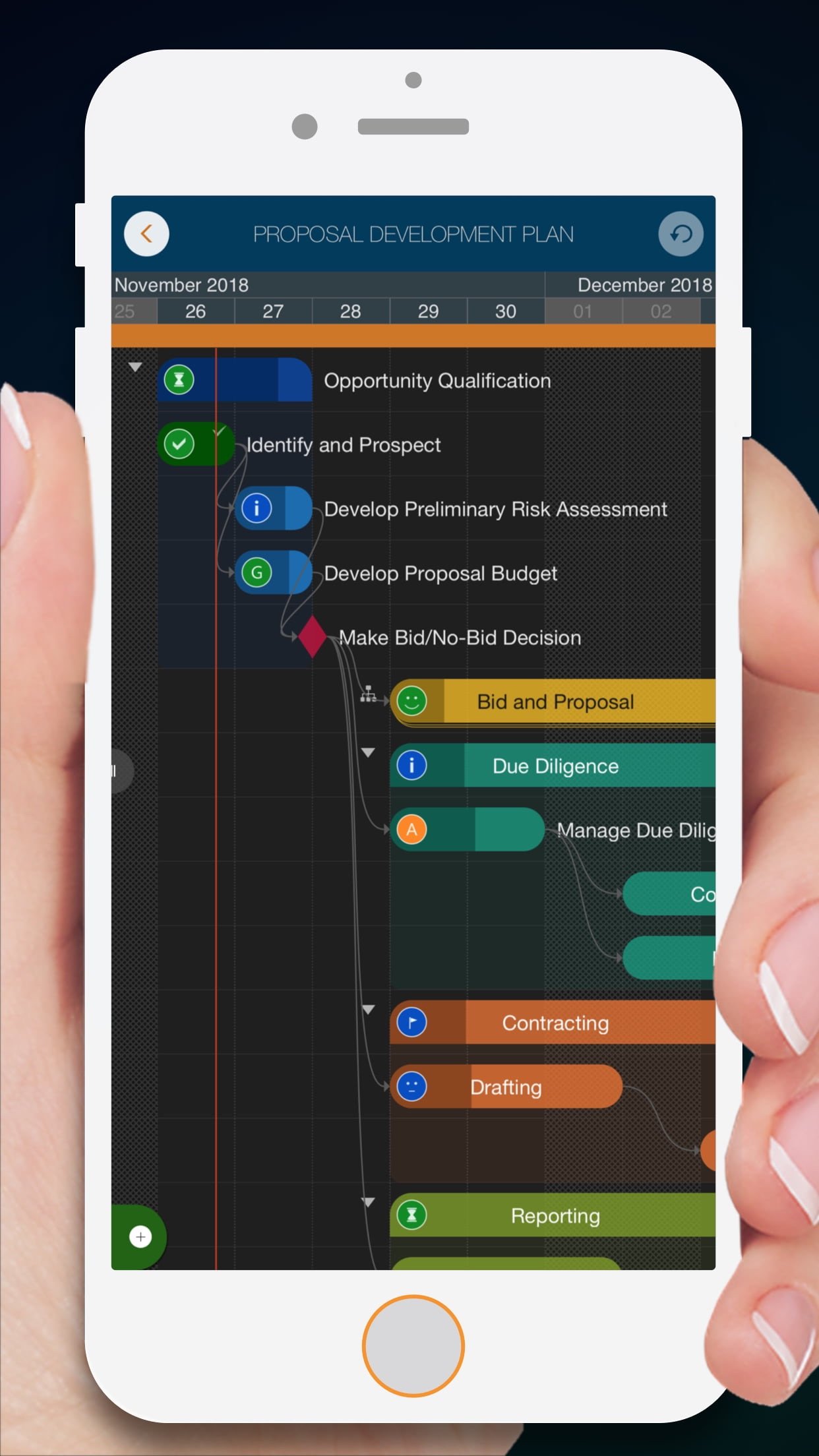
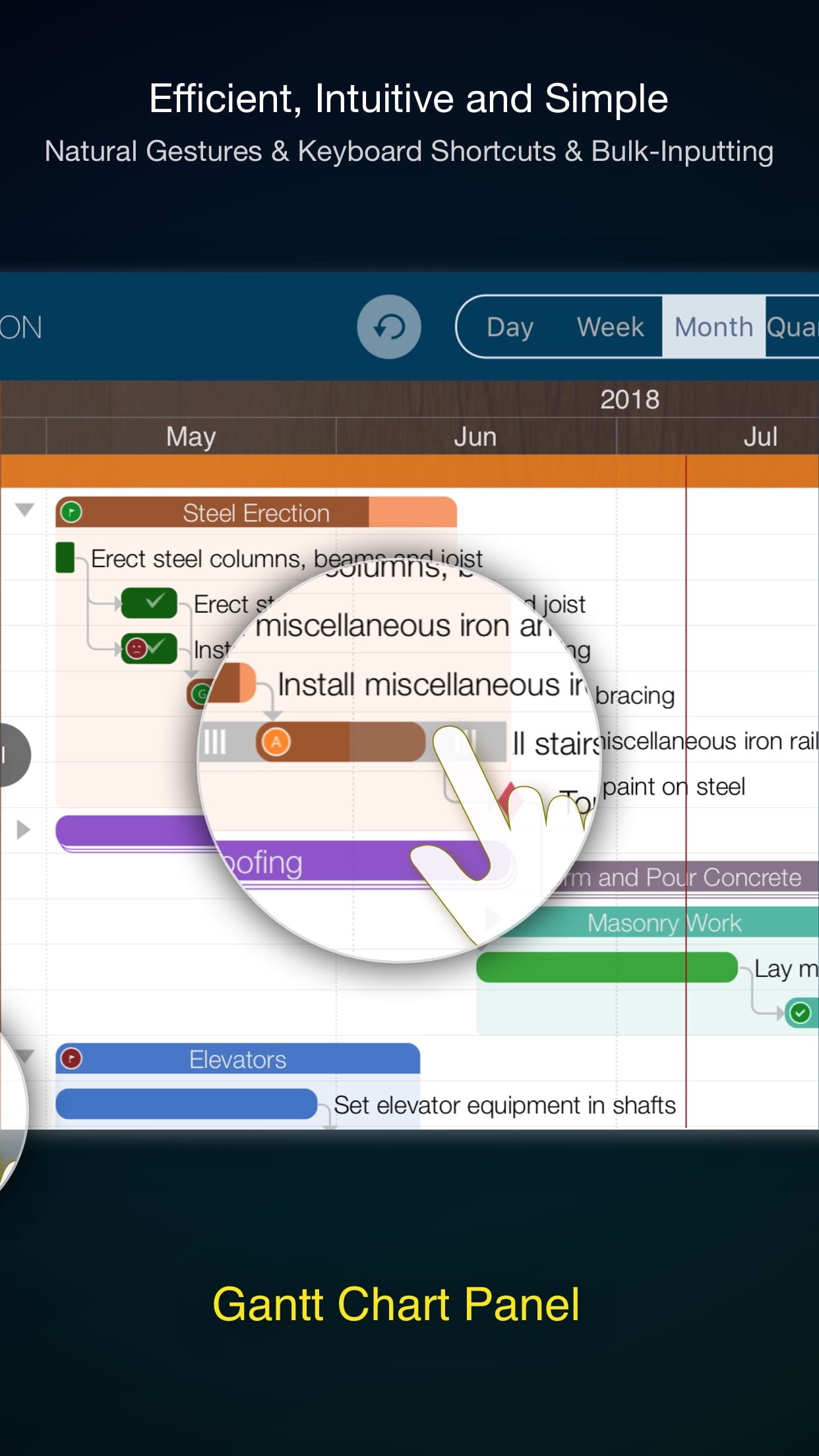
Project management with natural gestures on the Gantt chart designed for small touchscreens.
Download
193.69 MB
14downloads
2this week
FreeCommercial
0reviews
Screenshots
About QuickPlan
Project management with natural gestures on the Gantt chart designed for small touchscreens. Sync projects across multiple devices, and share projects in teams AND supports Microsoft Project Plan integration.
## PRIVACY FOCUSED:
User-created projects are stored on the user's device or in iCloud Drive, whichever the user chooses.
*** This app is ONLY for iPhone ***
QuickPlan has separate apps for iPhone and iPad. You can save money by buying the app for one device only, or pay the same price for both devices.
* Feature Video [link removed]
* No In-App Purchases.
* QuickPlan is now available for macOS (Free 15-day trial is at [link removed]).
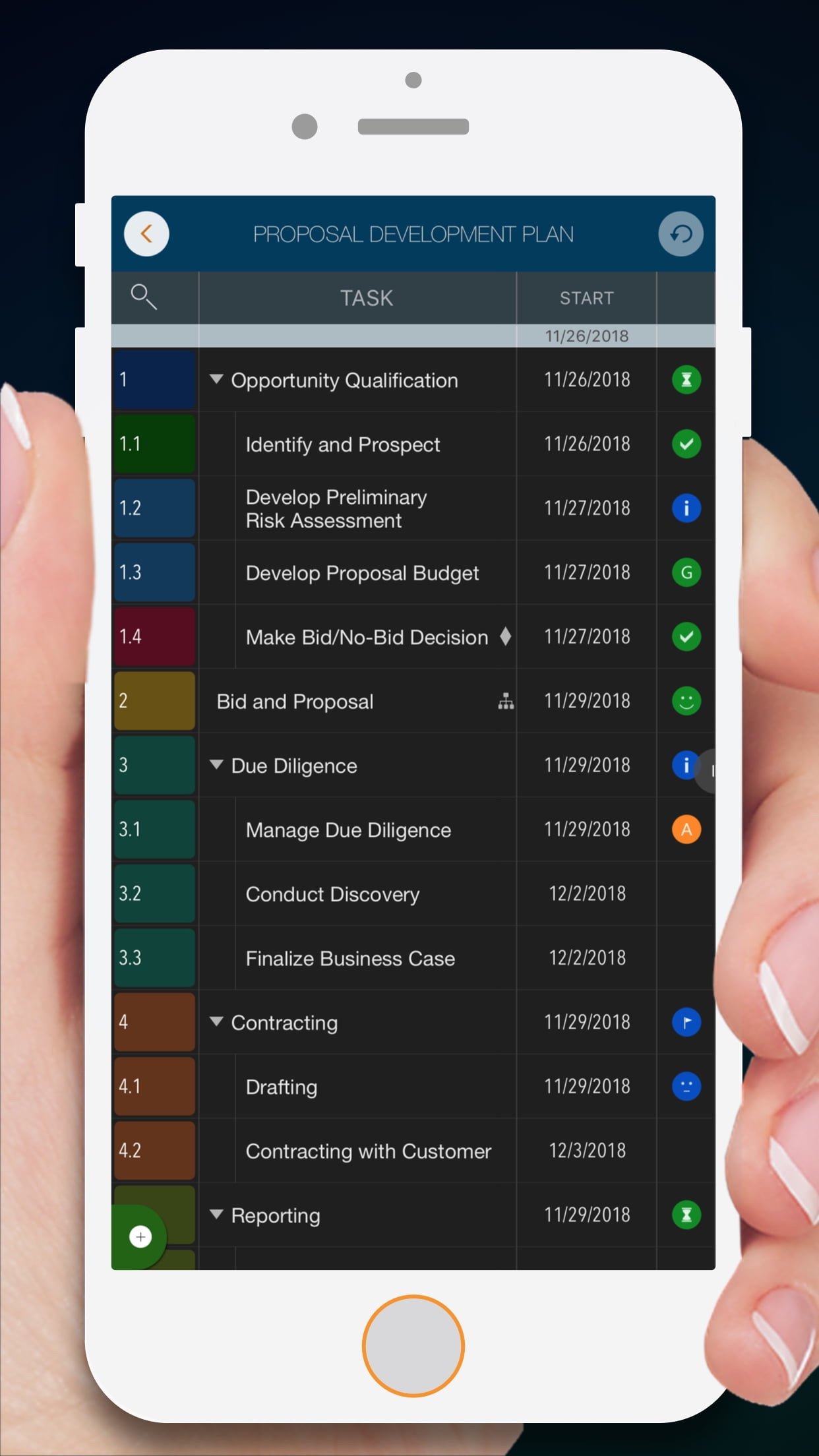
QuickPlan makes project planning more convenient than ever. NATURAL GESTUREs and keyboard shortcuts are used in a clean and elegant interface that makes project management more accessible, faster and more efficient than ever before. Visualize, manage and simplify projects in Gantt charts, structure tasks in a tree structure, organize your project calendar and resources, track task status. It's easier than you think, all at your fingertips with a minimum of effort and learning.
QuickPlan supports exporting projects to image, Excel, PDF, Microsoft Project and WBS files and importing projects from Microsoft Project (in XML format), WBS, Mindmap, and Excel files. Plans can be synchronized with multiple devices via iCloud Drive. They can be shared with other users and devices via AirDrop, email, and the iOS Files app.
QuickPlan optimizes the best features of Microsoft Project Plan and makes them work for iPhone - without the complexity. We bring INTUITIVE and discoverable project management to users of all experience levels.
## EFFICIENT MAINTENANCE
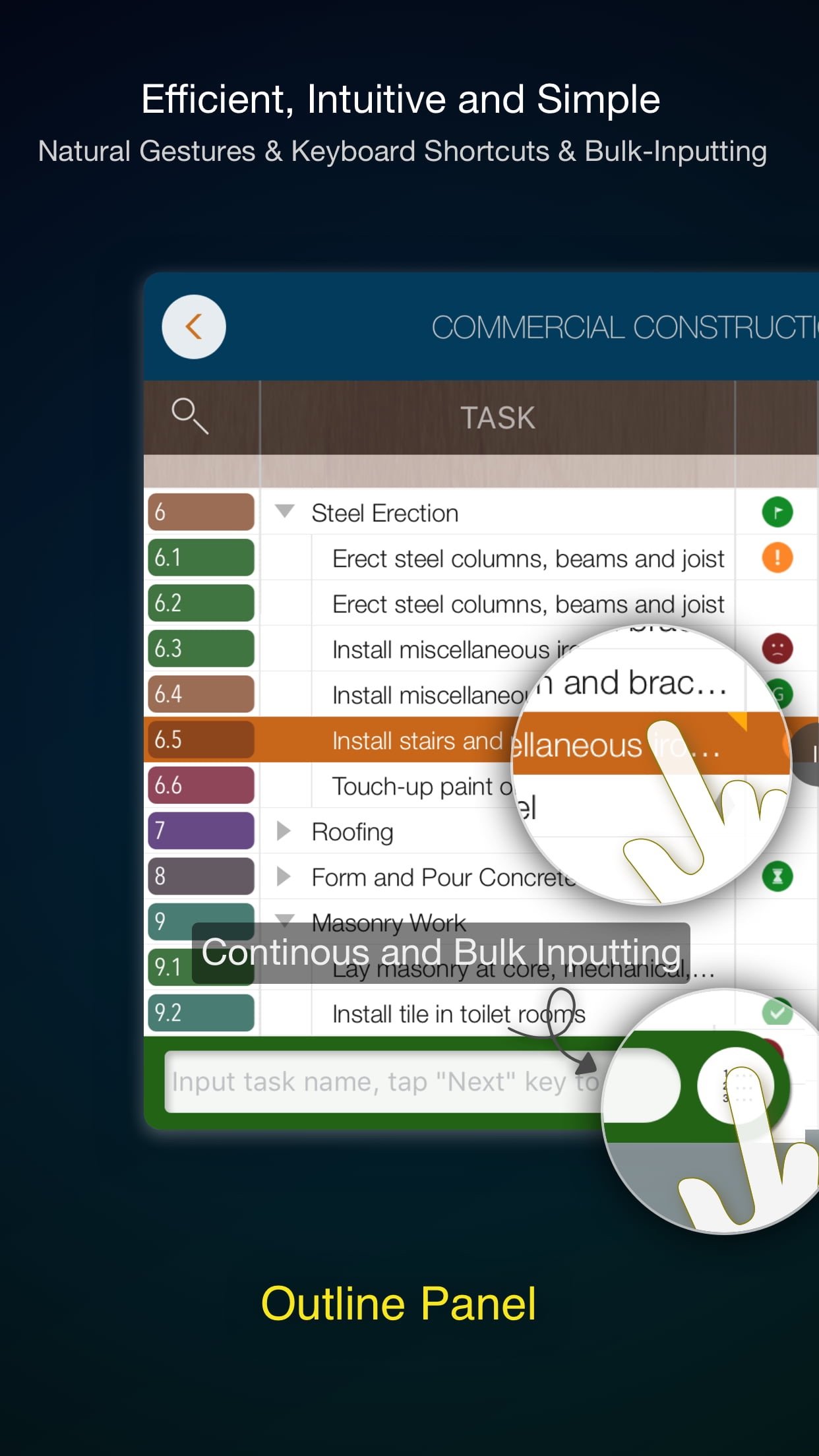
- Gestures for tasks: create, remove, move, indent and outdent, change order.
- Gestures to zoom in and out, collapse and expand.
- Dynamic context menu system makes scheduling a reality on a small touch screen
- Batch input
- The most fluid Gantt chart app on a clean interface.
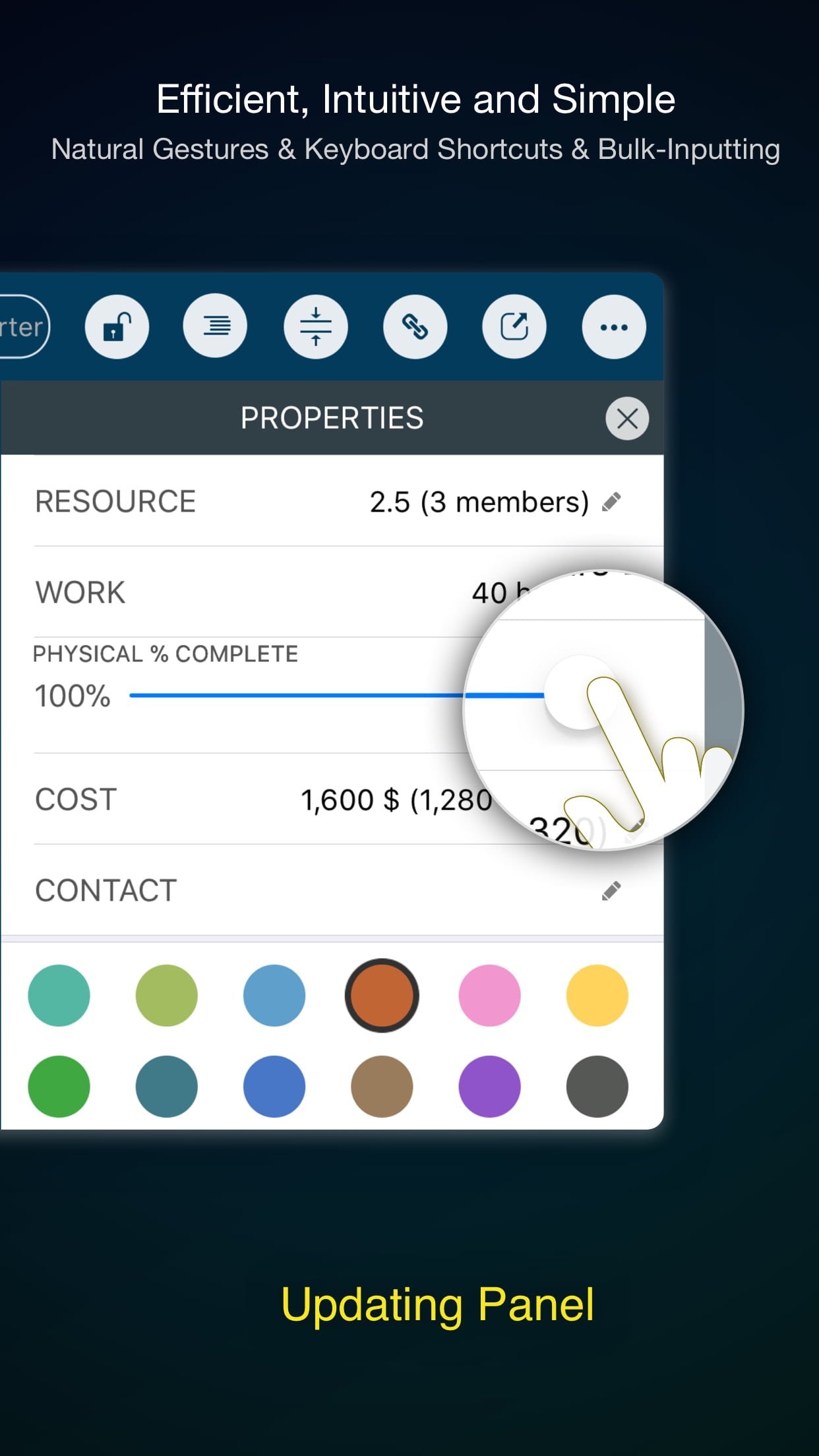
- Context-based editing of outline, Gantt chart and inspectors.
## STRONG PLANNING
- Multiple projects in groups, with support for duplication.
- Organize tasks into REAL task groups and sub-projects.
- Task color, icon, contact, URLs, and other necessary task fields.
- Five outline levels (plus sub-project, for a total of ten outline levels).
. Gesture-based management of task links.
. Project currency, charge rate, project resource, calendar, task date policy.
## TREE and LIST
- Rendering as a tree with support for key path display.
- Rendering as a list with support for sorting and filtering.
## UI CUSTOMIZATION
- Customization of the task column title and visibility.
- Style of the task bar.
## REPORTING
- Export as image, PDF, and Microsoft Excel (including three sheets).
- With options to customize the output.
## SYNC
- Sync projects between iOS and Mac devices via iCloud Drive, OneDrive, and Dropbox.
## INTEGRATION
- Export and import Microsoft Project XML files.
- Import and export SwiftApp WBS files.
- Import from Microsoft Excel files.
- Import from iThought Map files.
## SHARE
- Supports Airdrop, OneDrive, Dropbox.
## TEAM
- Supports creating a sub-plan for specific project members.
- The sub-plan contains only the tasks for the specific members.
## NOTIFICATION
- Widget to track ongoing tasks (iOS 14 or later).
- Today widget and Local Notification.
QuickPlan simplifies the complexity of project planning that sets ease as the ultimate goal in organizing your professional projects, plans, efforts, goals and life. The best project planning app for iPhone
- Initialize, discuss, present and share your plan, and export it to Microsoft Project Plan for future work.
- Strategic Planning
- Import MS Project file (in XML format) and reports, tracking.
- Plan new ideas
- Agree and confirm actions in meetings
- Discuss, plan and assign tasks
- Track project progress
License: Commercial
| Release info | New Release on May 16, 2026 |
|---|---|
| Release notes | Bug fixes and performance improvements. |
| Listing data | App Store |
Reviews
No reviews yet. Be the first to review QuickPlan.
Used QuickPlan? Tell other visitors what you thought.
Log in to write a reviewOther products by this publisher
- "No Distractions" for YouTube 4.10 ----
- #Bible 11.6.1 "Incredible App - My sister shared this app with me a few weeks ago and it is truly incredible.
- #filmphotography 1.4.2 So, you decided to shoot on film?
- #LookBusy Fake Calendar Events 1.0.6 Look Busy scans your work calendar for open time slots and fills them with realistic-looking (but secretly fake) work events.
- #Small Talk Is Canceled 1.0.2 #Small Talk Is Canceled — Conversations That Matter
Most viewed iOS Business
-
1
 Navy Federal Credit Union 2026.10.2
Bank easy with the Navy Federal mobile app!
-
2
 Paycom 8.0.16
If you or your company use Paycom’s HR and software, the Paycom app helps you manage everyday HR and payroll tasks in one place — like checking your schedule, requesting time off and reviewing your pay.
-
3
 Entrust Identity 26.4.0
The Entrust Identity mobile application is the new Entrust mobile platform for delivering strong identity credentials to both employee and consumer users.
- 4 % Percentage Calculator Pro 1.41 This is the Pro version of % Percentage Calculator.
-
5
 Intune Company Portal 5.2610.0
Microsoft Intune helps organizations manage access to corporate apps, data, and resources.
-
6
 ParkNYC Powered by Flowbird 2.2.1
Have you ever been late to an important meeting and you can’t find a parking spot?
-
7
 Budget-Beacon 1.5
Budget Beacon connects to your Apple Wallet to help you understand and manage your spending.
-
8
 Shopify 11.2646.0
Shopify: build your online store, sell anywhere, run your business
- 9 $quirrel 1.5.1 $quirrel Budget & Finance helps you plan each paycheck, track spending, manage debt, and see what is safe to spend before the next payday.
-
10
 MiniVAN Touch 9.4.7
miniVAN Touch is a mobile canvassing application that integrates with websites provided by NGP VAN.
Most downloaded iOS Business
-
1
ParkNYC Powered by Flowbird 2.2.1
Have you ever been late to an important meeting and you can’t find a parking spot?
-
2
Budget-Beacon 1.5
Budget Beacon connects to your Apple Wallet to help you understand and manage your spending.
-
3
 Rocket.Chat 4.78.1
Rocket.Chat Secure CommsOS™ is a communication platform that unifies messaging, voice, video, AI, and mission-critical applications—ensuring uncompromising security, compliance, and operational efficiency for governments, defense, and critical infra…
-
4
 Receivable Payment Ledger2026 1.1
Payment Ledger is a fully offline accounts receivable management tool for small businesses, shops, wholesalers, and salespeople who need to track customer debts and payment progress.
-
5
 Business Timesheet 6.0
Are you looking for timesheet to track the work hours spent on hourly, daily or weekly basis accurately?
-
6
 Simple Budget Envelopes 2.2.1
An incredibly simple app, perfect for keeping track of how much money remains in your budget.
-
7
 Cvent Events 2.9.0
Cvent Events is your place to easily plan out your event experience, find where you need to go next, network with other attendees, and learn more about sponsors and exhibitors.
-
8
 Power Apps 3.26112.10
Get Power Apps to conveniently access your work or school apps no matter where you are: at home, on the road, in the field, off-campus, at the airport, or at the beach – anywhere life takes you.
-
9
 Vola 4.9.02
Vola is the only cash advance app built for Real-Time Payments (RTP).
-
10
 Checkbook Pro 3.3.5
An easy & quick way to manage your daily finances, Checkbook Pro keeps track of your credit card charges, cash expenditures...etc.