
pwSafe 2 12.5.11
pwSafe 2 offers Dark Mode, Touch ID, Face ID, Safari and apps autofill, iPhone landscape mode, adaptive text, a new design and much more on top of pwSafe 1.
Download
35.98 MB
27downloads
2this week
FreeCommercial
0reviews
Screenshots
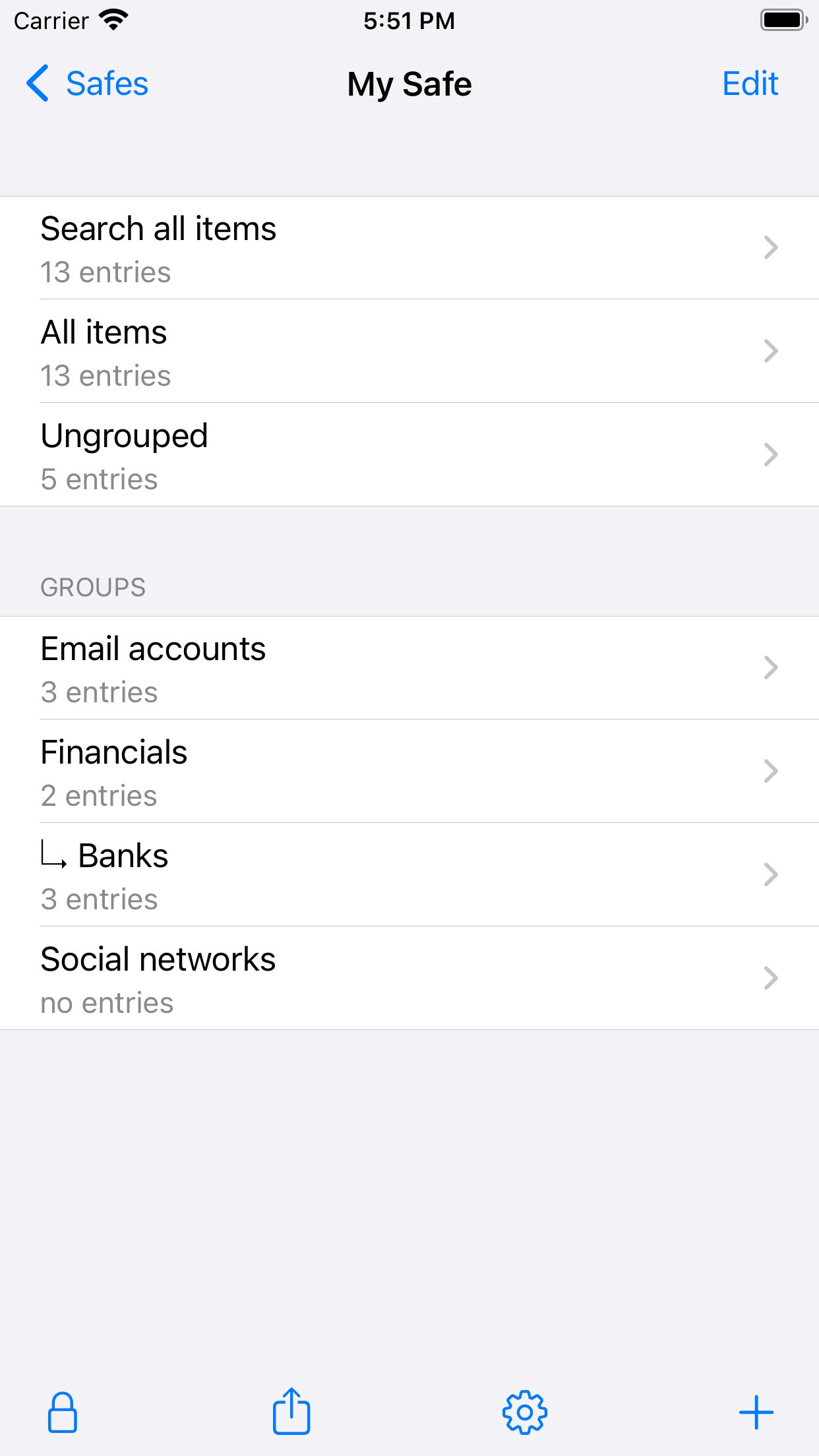
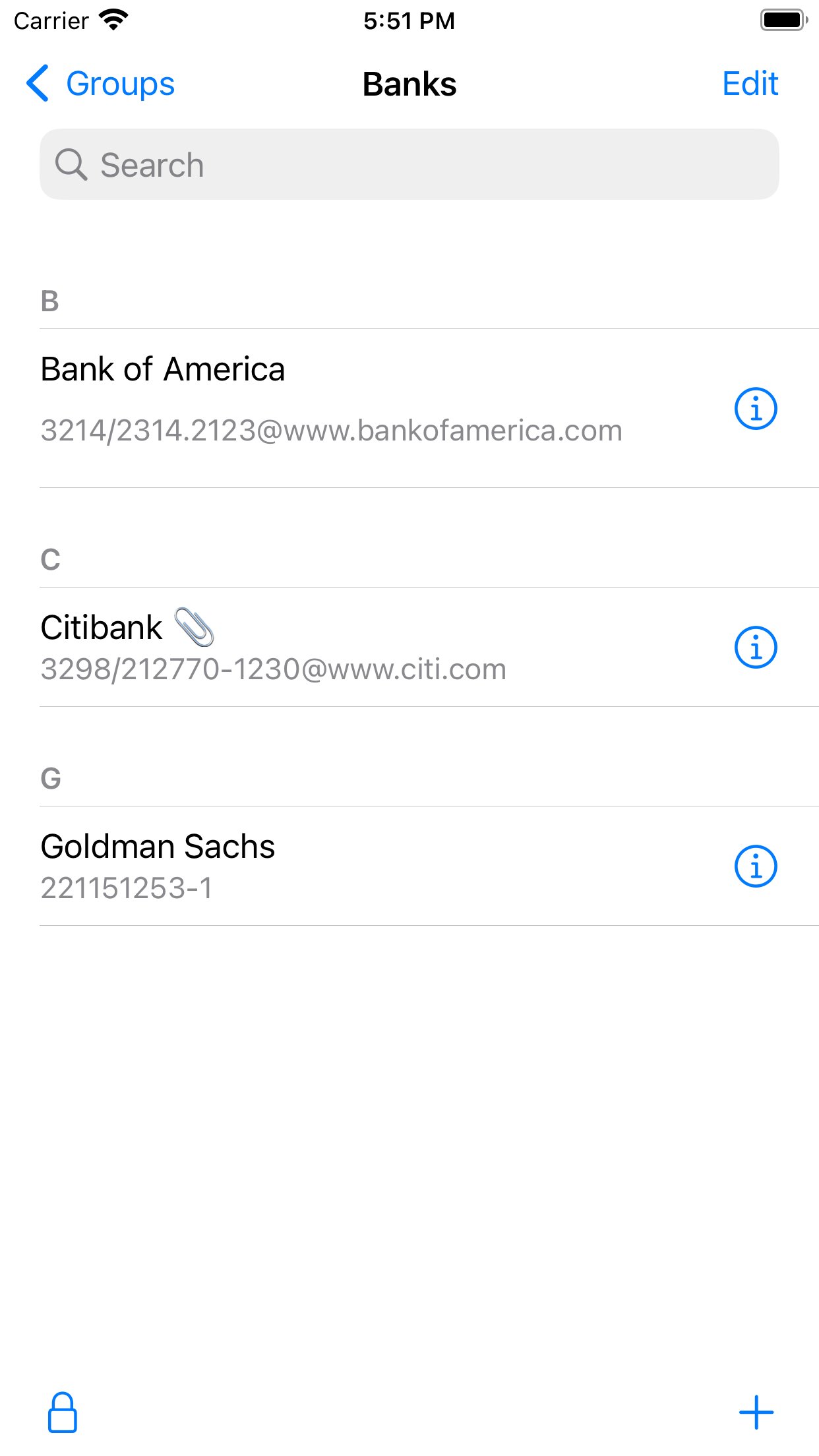
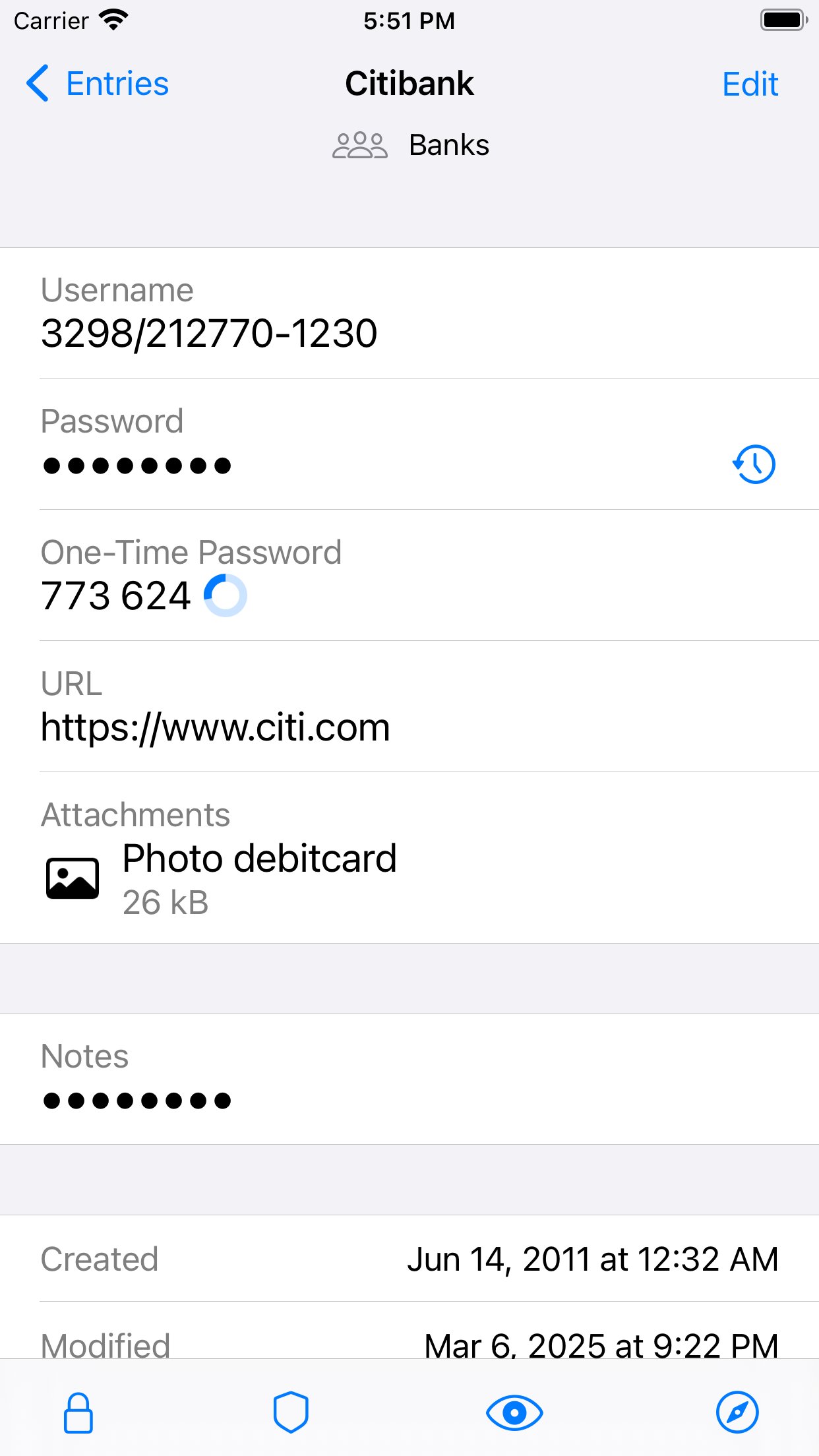
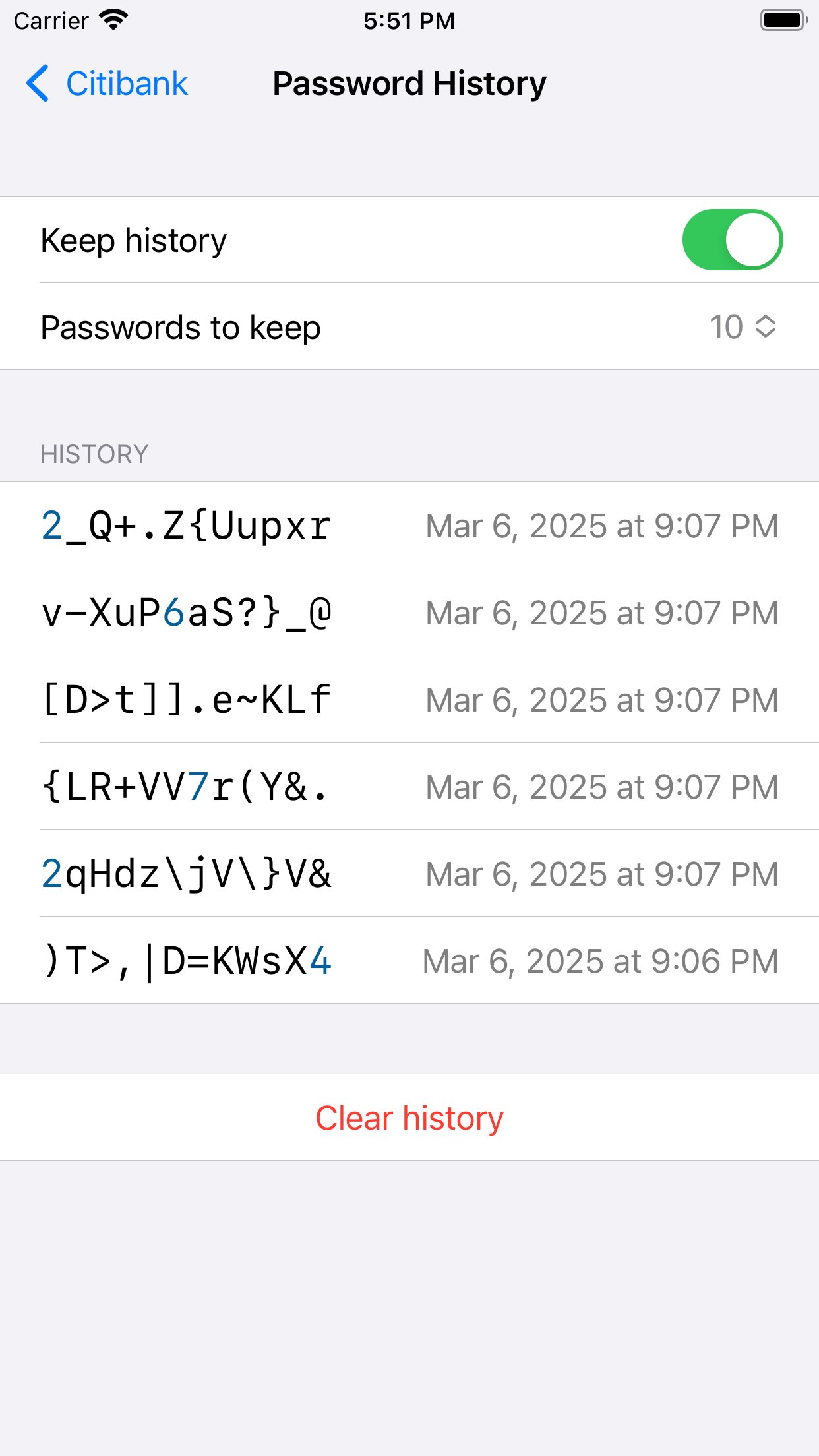
About pwSafe 2
pwSafe 2 offers Dark Mode, Touch ID, Face ID, Safari and apps autofill, iPhone landscape mode, adaptive text, a new design and much more on top of pwSafe 1.
Easy, secure and full featured password management across devices and computers. pwSafe uses iCloud or Dropbox to keep your password databases backed-up and synced between your iOS devices and computers. It is compatible with open source Password Safe. No in-app purchases are needed for unlimited usage, including iCloud sync (see below).
Now available for the Mac with iCloud Sync - [link removed]
This application is not related to any application developed and/or marketed by PSafe Tecnologia S/A, including PSafe Total.
== What people are saying about pwSafe:
***** "Brilliant! - Passwords in sync at last!" -- Daddio1946 from Australia
***** "Great integration and support - PasswordSafe is great and this app makes it even better! Easy to setup and use. Their support for big fixes is great and the turn around time is short." -- Joeartz from the USA
***** "Very good, better than it's rivals, does what it's supposed to do AND the copy-feature is EX-CELLENT!" -- WaiWera from New Zealand
***** "I highly recommend this app for anyone who has a large number of usernames or hard-to-remember passwords." -- razor11401 from Canada
***** "Excellent tool for multiplatform password storage - Excellent tool that enhances my online security by creating complex and long passwords without the inconvenience of retyping them time and time again." -- AmberTiara from Neaderland
== List of features:
- TouchID unlocks
- Safari and apps autofill (extension)
- Smart Pasteboard: tilt your device face down to switch between username and password when using other apps
- Can open safes from any cloud service with an iOS 8 Storage Provider Extension
- Print a hardcopy of your data
- New iPad with Retina display & iPhone 5 support
- iCloud sync, realtime and bi-directional
- Dropbox sync, fully automatic and bi-directional
- Password generation
- Passcode protection
- Universal binary - iPad, iPhone and iPod Touch optimized
- Compatible with the famous open source Password Safe desktop app
- Search all fields
- Organize entries in groups
- Single tap password copy to clipboard
- Single tap password copy to clipboard and open website
- Clear password from clipboard after one minute
- Multiple fields (title, username, password, URL, email and notes)
- Define custom fields
- Full unicode support
- iTunes file sharing
- Receives safes as e-mail attachments (please name your safes with a .psafe3 extension)
- Opens safes from Dropbox
- Export to PDF (encrypted, of course)
- Password history (per safe and per entry settings)
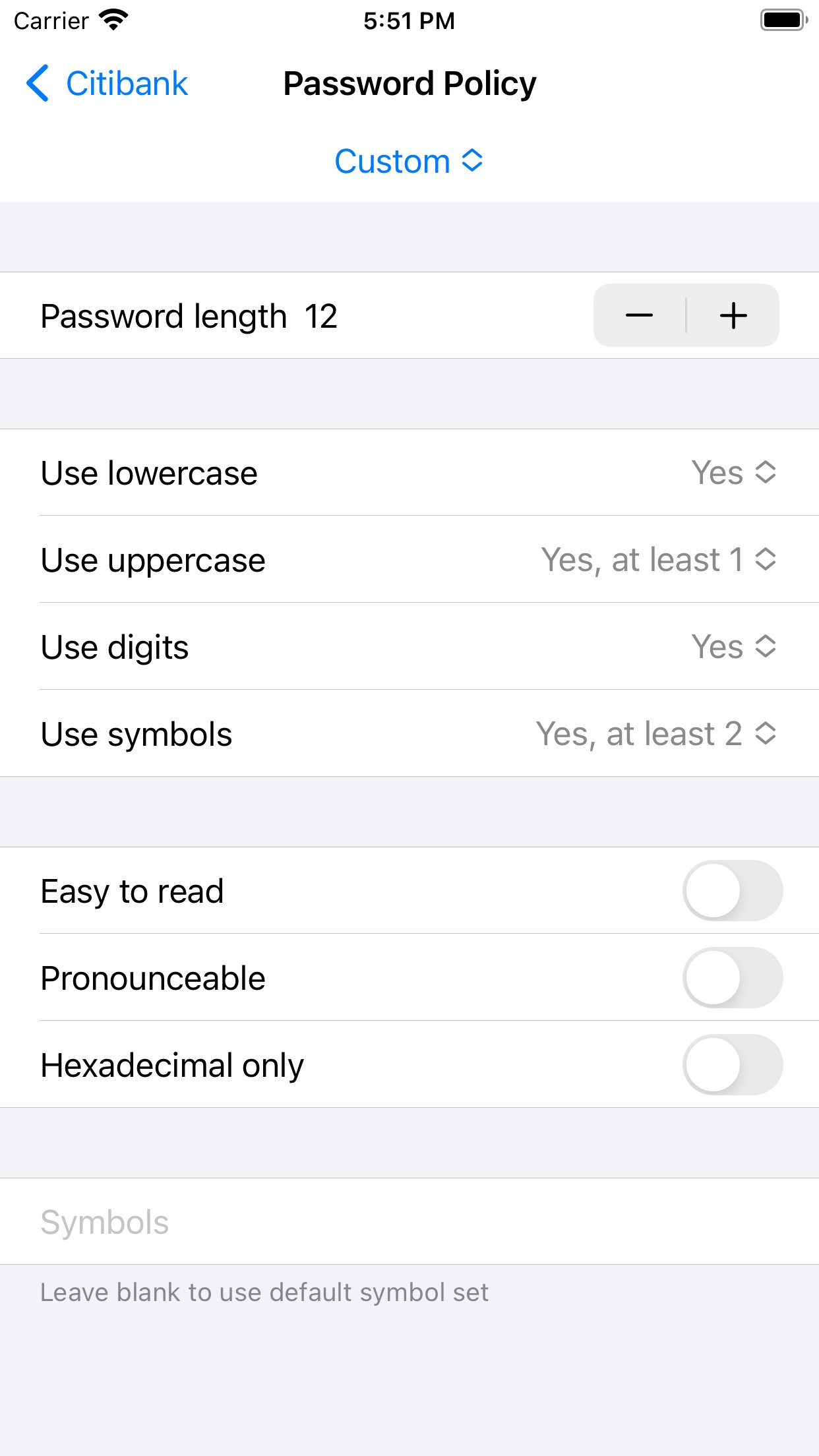
- Named password policies
- Fully compatible with Password Safe version 3.31 file format
- Multiple safes
- Unlimited passwords
- Unlimited password groups
- Two-factor authentication using YubiKey security token
- Generate TOTP authentication codes (two-factor authentication)
- Create and use Passkeys for password-free authentication
Instead of trusting on a single developer security knowledge, pwSafe borrows all its encryption code directly from the famous Password Safe open source password manager ([link removed]).
Password Safe has been originally created by security guru Bruce Schneier and nowadays is maintained by Rony Shapiro. Since it has been around as an open source project for more than two decades now, it has been extensively reviewed by many experts.
Apple’s standard end user license agreement (EULA) applies to the pwSafe app ([link removed])
The (optional) services provided by pwSafe Cloud are subject to our Terms of Use ([link removed])
License: Commercial
| Release info | Update on Nov 11, 2026 |
|---|---|
| Release notes | - Safe Settings now shows which app and version last saved your safe. - Fixed issues opening and saving safes stored outside pwSafe. - Fixed deleted entries remaining visible after deleting a group. - Improved handling of failed saves. |
| Listing data | App Store |
Reviews
No reviews yet. Be the first to review pwSafe 2.
Used pwSafe 2? Tell other visitors what you thought.
Log in to write a reviewOther products by this publisher
- "No Distractions" for YouTube 4.10 ----
- #Bible 11.6.1 "Incredible App - My sister shared this app with me a few weeks ago and it is truly incredible.
- #filmphotography 1.4.2 So, you decided to shoot on film?
- #LookBusy Fake Calendar Events 1.0.6 Look Busy scans your work calendar for open time slots and fills them with realistic-looking (but secretly fake) work events.
- #Small Talk Is Canceled 1.0.2 #Small Talk Is Canceled — Conversations That Matter
Most viewed iOS Utilities
-
1
 Device Lab 1.9.1
Device Lab is an on-device reference and toolkit for your hardware — hardware monitoring, spec references, chip and device comparisons, system information, and practical utilities, so you can understand and manage the devices you use with more struc…
-
2
 APTV 2.4.10
APTV,?????????????? IPTV M3U???,?????????????????
-
3
 V2Box 10.2.0
V2box - VPN Internet network proxy , Supports multiple proxy protocols, such as Shadowsocks, V2ray, Vmess, Trojan , SSH , Socks, Ping Tunnel, Hysteria2, DNSTT, Wireguard
-
4
 VibeSDR 11.0.16
VibeSDR is a mobile-first software-defined radio (SDR) receiver — and far more than a single-server client.
-
5
 ECHOCAT 1.6.0
ECHOCAT is the iPhone and iPad companion for POTACAT, the desktop app for amateur radio operators chasing Parks on the Air (POTA), Summits on the Air (SOTA), Worldwide Bunkers on the Air (WWBOTA), Tiles on the Air and DX.
-
6
 Ally Pro 1.4.0
Ally Pro – Amiibo & NFC Tool gives advanced collectors complete control over their Amiibo library.
-
7
 Demod 1.6
Demod turns your iPhone into a software-defined radio receiver.
-
8
 DXClock 4.0.0
Connect, collaborate, and operate smarter with DX Clock — the ultimate meeting place for amateur radio operators.
-
9
 DuckDuckGo, optional Duck.ai 7.247.0
At DuckDuckGo, we believe the best way to protect your personal information from hackers, scammers, and privacy-invasive companies is to stop it from being collected at all.
-
10
 Nextin 1.4.2
Nextin is a subscription-based configuration and connection tool designed to simplify the setup process and improve everyday usability.
Most downloaded iOS Utilities
-
1
Demod 1.6
Demod turns your iPhone into a software-defined radio receiver.
-
2
 Rat And Mouse Sound Repeller 2.8
Keep mice and rats away overnight with ultrasonic waves and predator sounds.
-
3
 Guardio 2026.111.3
Protect your identity, accounts, and online activity from scams and digital threats with Guardio.
-
4
 Screen Mirroring With Miracast 2.0
Turn your iPhone into a complete TV companion.
-
5
 Fontcase 2.0.1
Fontcase is an app that lets you install custom fonts on iOS and iPadOS.
-
6
 ParkenDD 2.0.2
ParkenDD shows a list of available public parking lots in several cities.
-
7
 Passepartout, VPN Client 3.12.8
Protect your online privacy with Passepartout, a smart VPN client seamlessly integrated with iOS, macOS, iPadOS, and tvOS.
-
8
 PickerFull 9.18
Export colors from photos as HEX, PDF, RGB, HSB/HSV, HSBA, HSL, LUV, LCH, YUV, YCBCR, YIQ, CMYK, Grayscale, XYZ, L*a*b* (CIE), CSSVAR, SASSVAR, CSSHSL, CSSRGB, AndroidXML, FlutterDart, UnityColor32, Float, Objective-C, Swift, SwiftLiteral, SwiftUI
-
9
 Royal TSi 2.5.4
Royal TSi provides easy and secure access to your remote systems (RDP, VNC, SSH, etc.) by allowing you to open your Royal TS documents created with Royal TSX (for macOS) or Royal TS (for Windows).
-
10
 Universal TV Remote Control* 2.6.9
Control your Smart TV effortlessly with iMote — the ultimate universal remote control for TV.