7downloads
2this week
FreeCommercial
0reviews
Screenshots
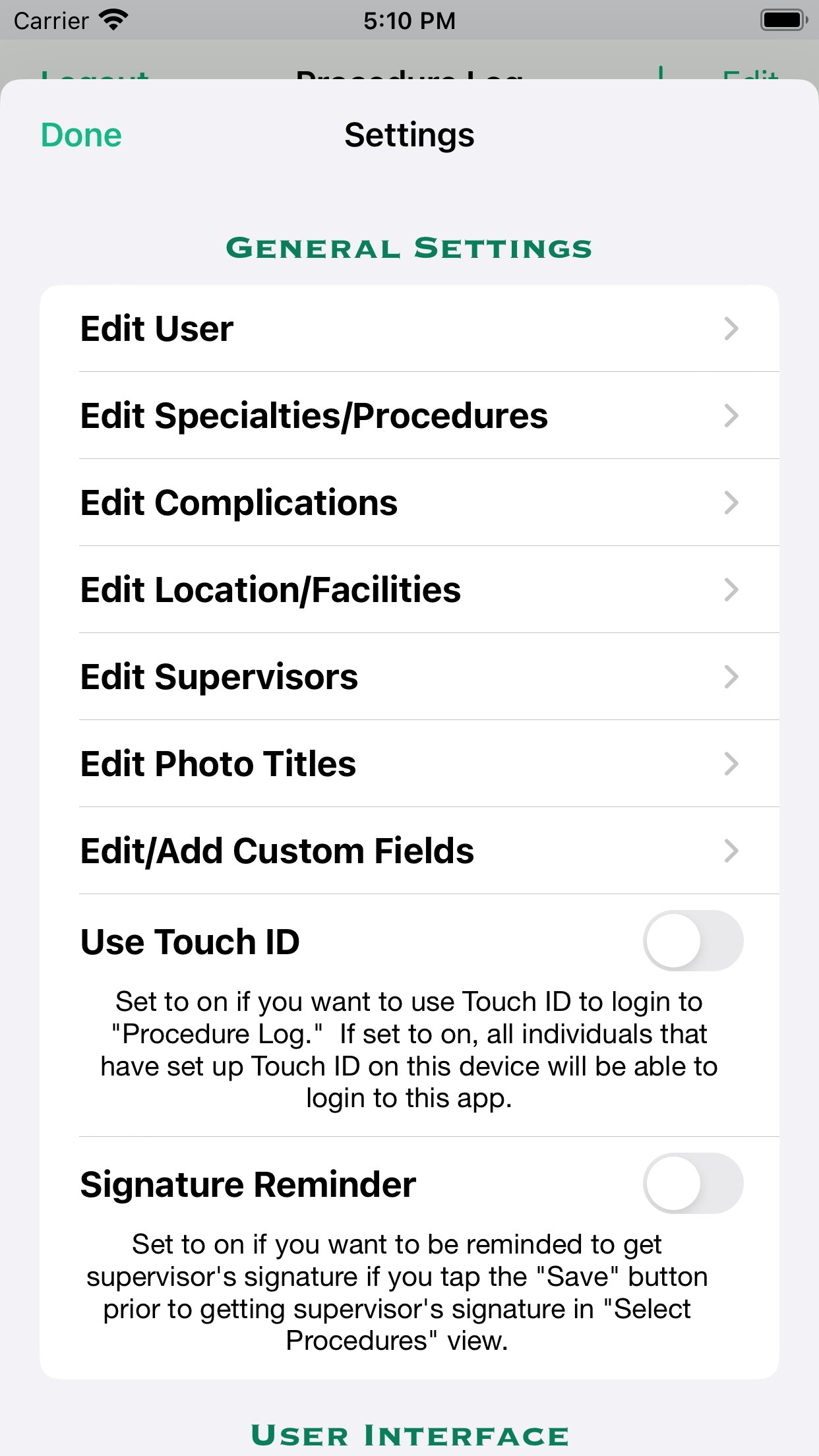
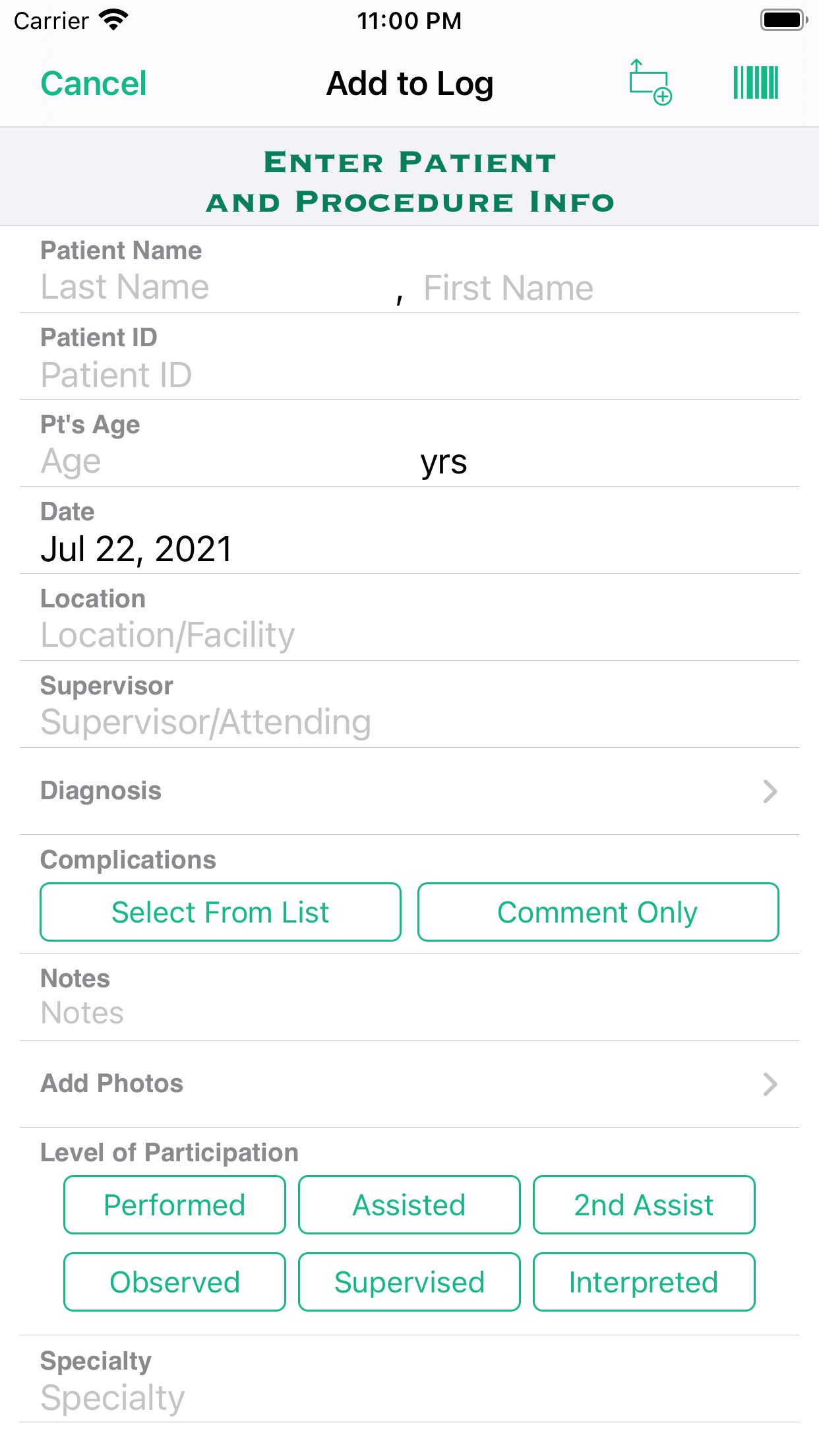
About Procedure Log
View demo videos on the app's website at [link removed]
This app was created for physicians, residents, medical students, and other students in the healthcare fields to keep track of and document procedures performed. The app is highly customizable and useful in all medical specialties.
Entries are securely kept in your iOS device and are not sent to any outside server, website or database. Reports are created and saved as a password protected PDF file (encrypted using AES-128) and a CSV (comma-separated values) file that is compressed to a ZIP file (which allows password protection and is encrypted using AES-256) to comply with HIPAA security requirements. The reports can then be emailed, accessed via iTunes and the Files app, sent using AirDrop, or copied to your iCloud Drive or DropBox. CSV files can be imported into a spreadsheet program.
One should not rely on this app alone to keep track of their procedures and is advised to frequently backup the files created. Information on backing up and restoring your data is included in the app's Help/Instructions view.
FEATURES
• Keep a log of the procedures you have performed, assisted in, were 2nd assist in, observed, supervised, and/or interpreted for documentation purposes.
• Document the patient's name, ID number, age, date performed, location, supervisor, diagnosis, complications and additional notes with the procedures performed. Also, one can take a photo with your device's camera or import a photo from your photos library from within the app, and include the photo in a record.
• Option to select one or multiple diagnoses from a list of either custom diagnoses or ICD-10 diagnoses for any given procedure.
• Select multiple procedures performed on a single patient.
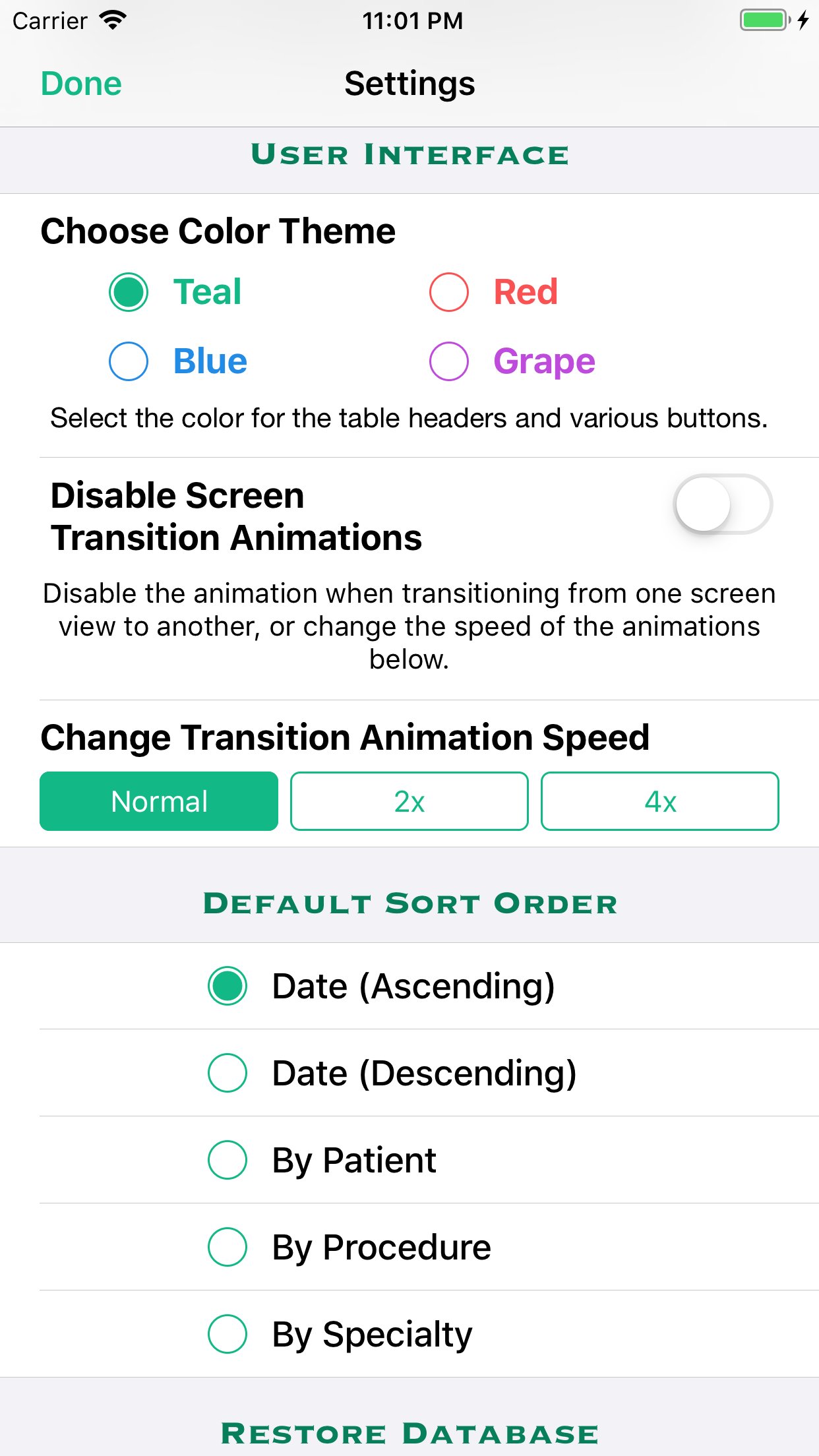
• Sort by date (ascending or descending), patient name, procedure name, medical specialty, and location/facility.
• Capture supervisor's signature to attest that you performed or assisted in the procedure(s) and include the signature images in your reports. Either obtain the supervisor's signature attestation at the time you create the log entry, or save the entry without the signature and obtain the signature attestation at a later time.
• Detailed help/instructions section.
CUSTOMIZABLE
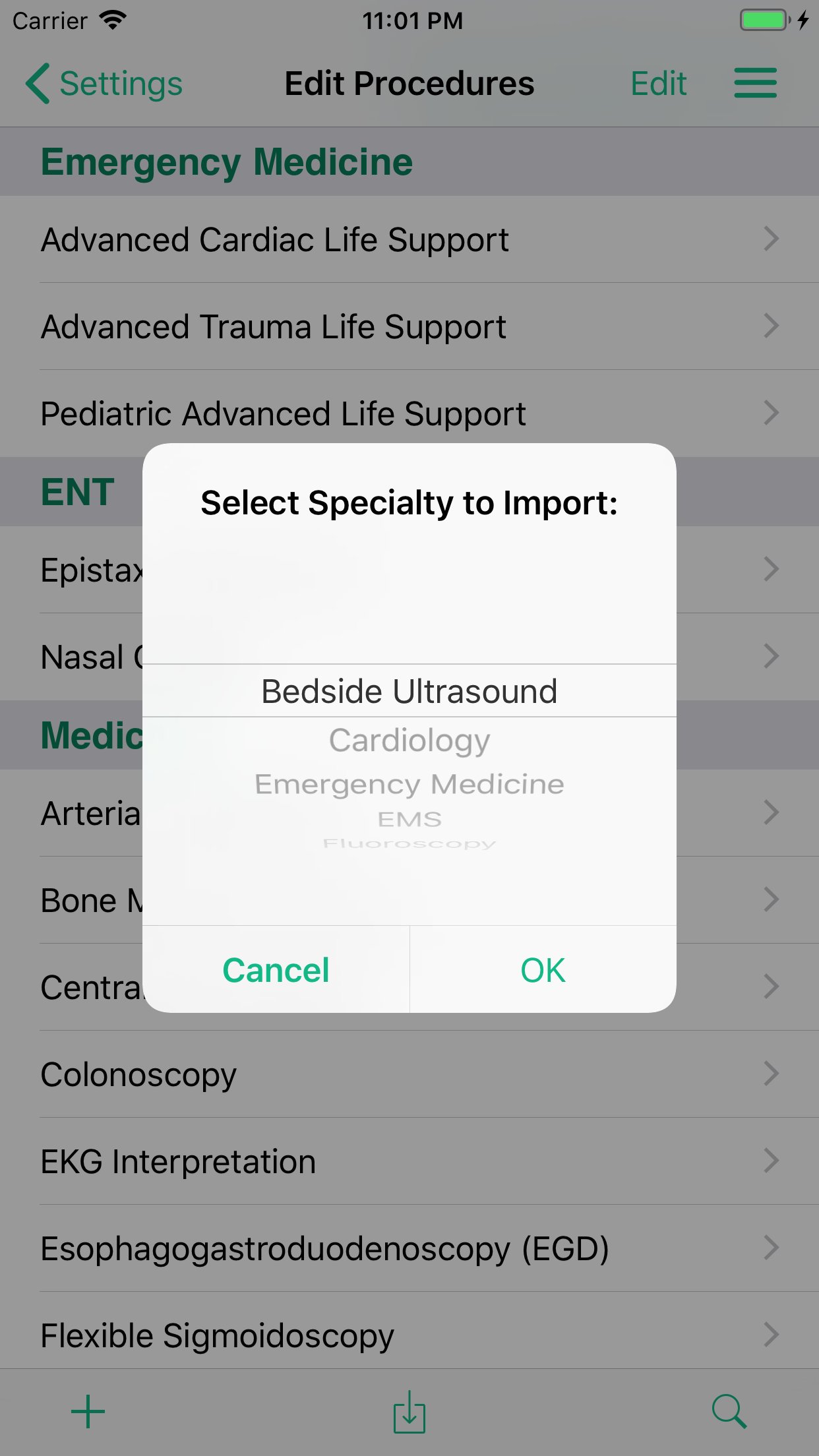
• List of procedures, favorite diagnoses, and complications are easily customizable (you can add procedures/diagnoses/complications to or delete them from the lists). (ICD-10 diagnoses cannot be edited or deleted.)
• Locations and Supervisor's names are saved and can be selected from a picker so you don't have to type them in again when adding another log entry.
• Add up to four custom fields in addition to the default fields listed above in Features.
REPORTS
• Create reports in password protected PDF format and as a CSV file that is password protected in a ZIP format, as well as a password protected backup of your data, that can then be emailed, sent via AirDrop, sent to your iCloud Drive or Dropbox account, or downloaded using iTunes when your iOS device is connected to your computer.
• Reports can be created for a specific date range, location/facility, and one can specify the primary, secondary and tertiary sort order of the PDF report.
BACKUP
• In addition to backing up to iCloud and/or iTunes, if you have a DropBox account, you can copy the password protected backup file and reports to DropBox from within the Procedure Log app.
• You can also use the Files app to transfer files to your iCloud Drive, Dropbox account, or, if you have a Mac computer, use AirDrop to transfer it to your Mac computer.
• You can also email the password protected backup file to yourself.
SECURITY
• App is password protected and all data is encrypted when you log off the app or the app is no longer the active app.
• PDF and CSV reports are encrypted and password protected.
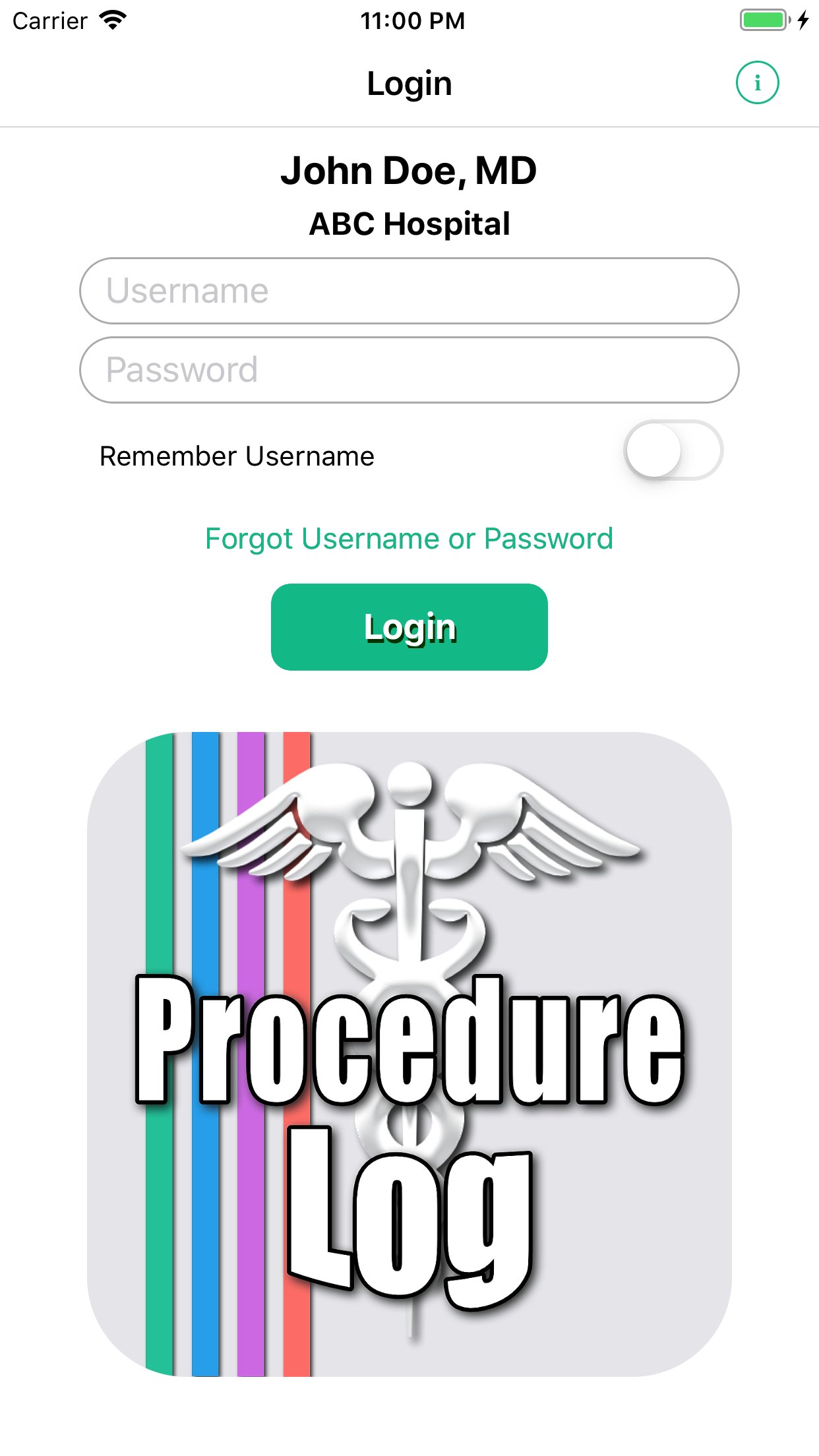
• Retrieve your username and password if you have forgotten them; you must first answer several security questions in the "Create User" or the "Edit User" views.
License: Commercial
This app was created for physicians, residents, medical students, and other students in the healthcare fields to keep track of and document procedures performed. The app is highly customizable and useful in all medical specialties.
Entries are securely kept in your iOS device and are not sent to any outside server, website or database. Reports are created and saved as a password protected PDF file (encrypted using AES-128) and a CSV (comma-separated values) file that is compressed to a ZIP file (which allows password protection and is encrypted using AES-256) to comply with HIPAA security requirements. The reports can then be emailed, accessed via iTunes and the Files app, sent using AirDrop, or copied to your iCloud Drive or DropBox. CSV files can be imported into a spreadsheet program.
One should not rely on this app alone to keep track of their procedures and is advised to frequently backup the files created. Information on backing up and restoring your data is included in the app's Help/Instructions view.
FEATURES
• Keep a log of the procedures you have performed, assisted in, were 2nd assist in, observed, supervised, and/or interpreted for documentation purposes.
• Document the patient's name, ID number, age, date performed, location, supervisor, diagnosis, complications and additional notes with the procedures performed. Also, one can take a photo with your device's camera or import a photo from your photos library from within the app, and include the photo in a record.
• Option to select one or multiple diagnoses from a list of either custom diagnoses or ICD-10 diagnoses for any given procedure.
• Select multiple procedures performed on a single patient.
• Sort by date (ascending or descending), patient name, procedure name, medical specialty, and location/facility.
• Capture supervisor's signature to attest that you performed or assisted in the procedure(s) and include the signature images in your reports. Either obtain the supervisor's signature attestation at the time you create the log entry, or save the entry without the signature and obtain the signature attestation at a later time.
• Detailed help/instructions section.
CUSTOMIZABLE
• List of procedures, favorite diagnoses, and complications are easily customizable (you can add procedures/diagnoses/complications to or delete them from the lists). (ICD-10 diagnoses cannot be edited or deleted.)
• Locations and Supervisor's names are saved and can be selected from a picker so you don't have to type them in again when adding another log entry.
• Add up to four custom fields in addition to the default fields listed above in Features.
REPORTS
• Create reports in password protected PDF format and as a CSV file that is password protected in a ZIP format, as well as a password protected backup of your data, that can then be emailed, sent via AirDrop, sent to your iCloud Drive or Dropbox account, or downloaded using iTunes when your iOS device is connected to your computer.
• Reports can be created for a specific date range, location/facility, and one can specify the primary, secondary and tertiary sort order of the PDF report.
BACKUP
• In addition to backing up to iCloud and/or iTunes, if you have a DropBox account, you can copy the password protected backup file and reports to DropBox from within the Procedure Log app.
• You can also use the Files app to transfer files to your iCloud Drive, Dropbox account, or, if you have a Mac computer, use AirDrop to transfer it to your Mac computer.
• You can also email the password protected backup file to yourself.
SECURITY
• App is password protected and all data is encrypted when you log off the app or the app is no longer the active app.
• PDF and CSV reports are encrypted and password protected.
• Retrieve your username and password if you have forgotten them; you must first answer several security questions in the "Create User" or the "Edit User" views.
License: Commercial
| Release info | New Release on Aug 25, 2026 |
|---|---|
| Release notes | • Fixed an issue that could cause a crash when entering a date field on the Retrieve Password screen on iOS 18.x. |
| Listing data | App Store |
Reviews
No reviews yet. Be the first to review Procedure Log.
Used Procedure Log? Tell other visitors what you thought.
Log in to write a reviewOther products by this publisher
- "No Distractions" for YouTube 4.10 ----
- #Bible 11.6 "Incredible App - My sister shared this app with me a few weeks ago and it is truly incredible.
- #filmphotography 1.4.2 So, you decided to shoot on film?
- $quirrel 1.5.1 $quirrel Budget & Finance helps you plan each paycheck, track spending, manage debt, and see what is safe to spend before the next payday.
- % Percentage Calculator Pro 1.41 This is the Pro version of % Percentage Calculator.
Most viewed iOS Health & Fitness
-
1
 Cal AI 26.44.0
HOW TO USE CAL AI:
-
2
 HealthPatch 1.0.2
Take Full Control of Your Apple Health Workout Data
-
3
 Dysphagia 2.3
Excellent visual tool to aid professionals in educating patients and families about swallowing disorders.
-
4
 Environments 1.7
Environments is a historic catalog of long form field recordings created for the way you live.
-
5
 Stromno 1.2
Stromno app allows you easily broadcast your heart rate data from Apple Watch and show it on live stream.
-
6
 I am 7.8.0
How many negative thoughts have been repeating in your mind?
-
7
 AllTrails 26.11.11
Whether you hike, bike, run, or walk, AllTrails is your companion and guide to the outdoors.
-
8
 Periodic Timer + 4.8
Keep track of time without being distracted by the device!
-
9
 Fitness Test Pro Elite 3.5.6
Fitness Test Pro Elite is a fitness test calculator for the Army, Navy, Air Force, Marine Corps, Coast Guard and special operations screening tests.
-
10
 2026 Long Beach Marathon 3.2.2
Long Beach Marathon app is for race day tracking to receive turn-by-turn instructions and for your friends and family to track your progress in real-time.
Most downloaded iOS Health & Fitness
-
1
HealthPatch 1.0.2
Take Full Control of Your Apple Health Workout Data
-
2
Stromno 1.2
Stromno app allows you easily broadcast your heart rate data from Apple Watch and show it on live stream.
-
3
 TonalBloom Sound Bath 1.0
TonalBloom turns your iPhone into a tactile sound bath instrument with singing bowl tones, warm drones, shimmer controls, and saved local patches.
-
4
 Fitness Data Sync 1.2
Tired of subscriptions just to sync your own fitness data?
-
5
 Adrian James 5.0.2019010401
Adrian James 6 Pack Abs Workout has become an international sensation.
-
6
 BrainWave 11.0.2
Advanced Binaural Brainwave Entrainment combined with Ambient Music, Nature Sounds, Other Audio Apps or your own iTunes Music.
-
7
Fitness Test Pro Elite 3.5.6
Fitness Test Pro Elite is a fitness test calculator for the Army, Navy, Air Force, Marine Corps, Coast Guard and special operations screening tests.
-
8
 Epic Haiku & Limerick 11.9.3
Haiku provides authorized clinical users of Epic’s Electronic Health Record with secure access to clinic schedules, hospital patient lists, health summaries, test results and notes.
-
9
 VagusCalm 1.5.0
WHY VAGUSCALM?
-
10
 Flo Cycle & Period Tracker 10.10.0
Flo Health is a science-backed cycle, ovulation, pregnancy, and period tracker with over 570 million downloads worldwide.*