
Omnitext 2.5
Private, offline editor for text, code, PDF, Word, spreadsheets and more.
Download
52.79 MB · app.omnitext_20500.apk
0downloads
0this week
FreeFreeware
0reviews
Screenshots
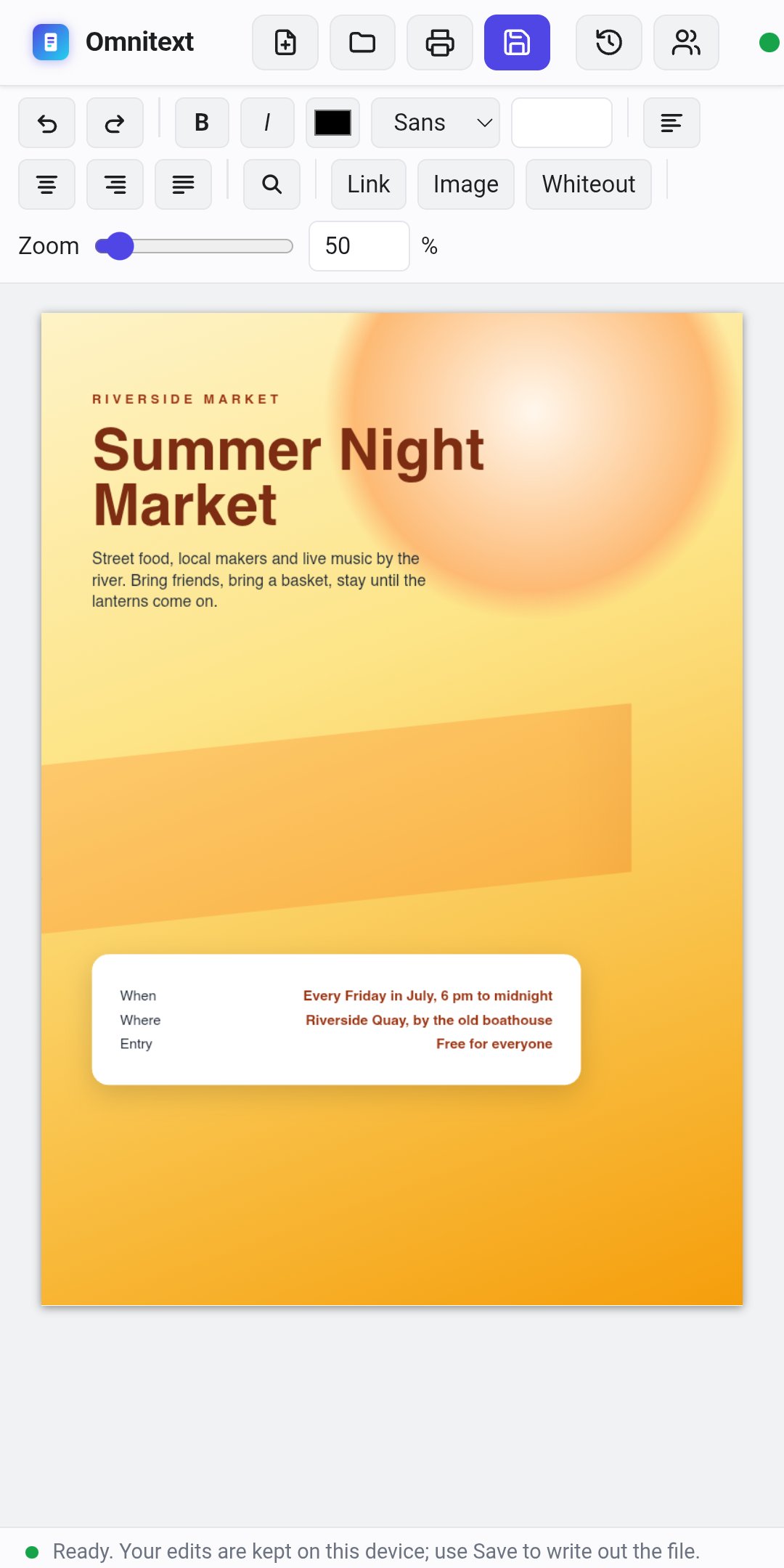
About Omnitext
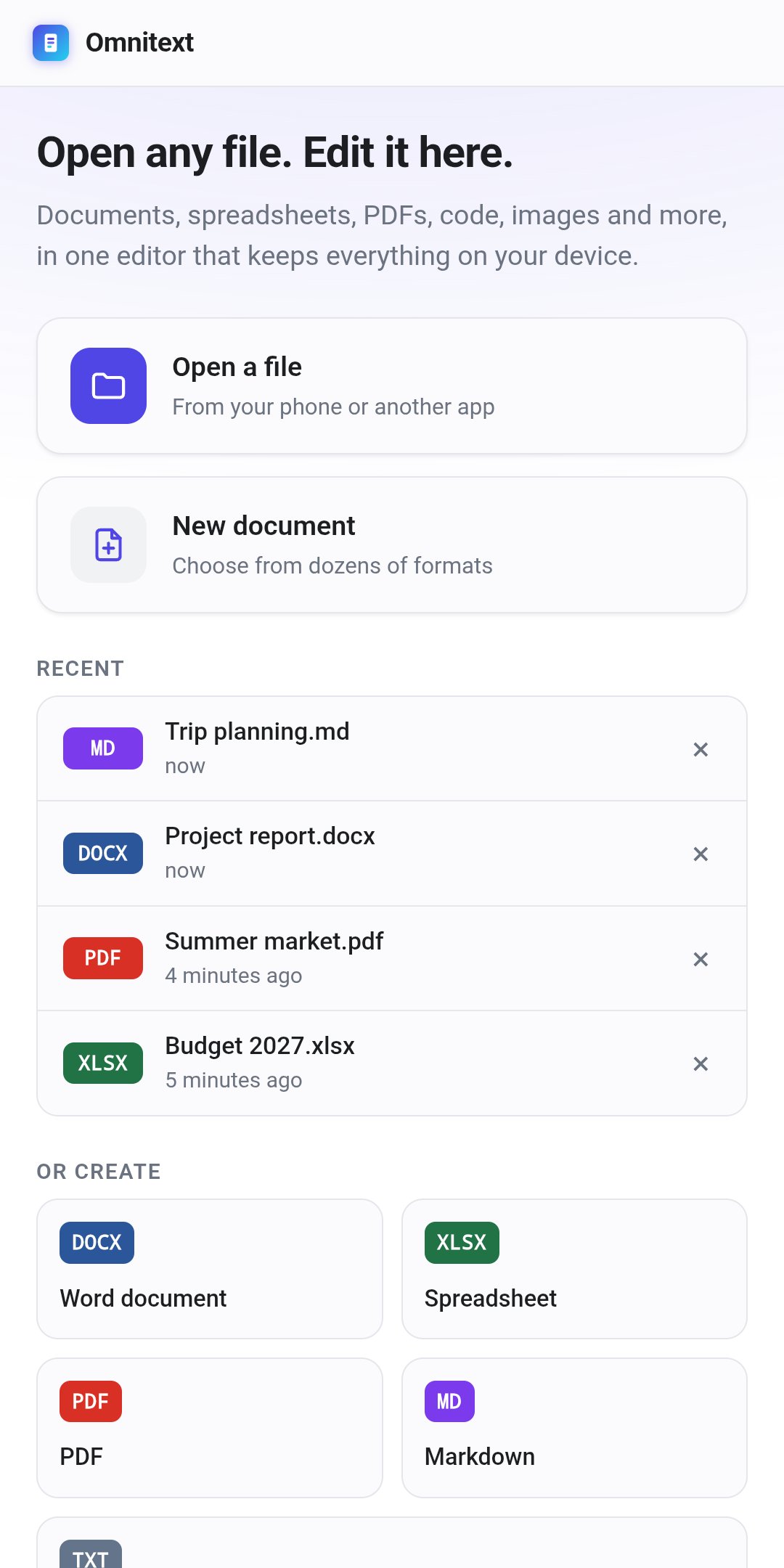
Omnitext opens practically any file you are sent, in one app. Instead of installing a separate app for each file type, often slow, with ads, upgrade banners, a mandatory account, or uploading your file, you get the right viewer or editor for each file: documents, spreadsheets, PDF, code, maps, subtitles, audio, video, archives and more. It opens quickly, saves back without breaking what it did not change, and never gives up on a file: anything unknown opens as text or hex.
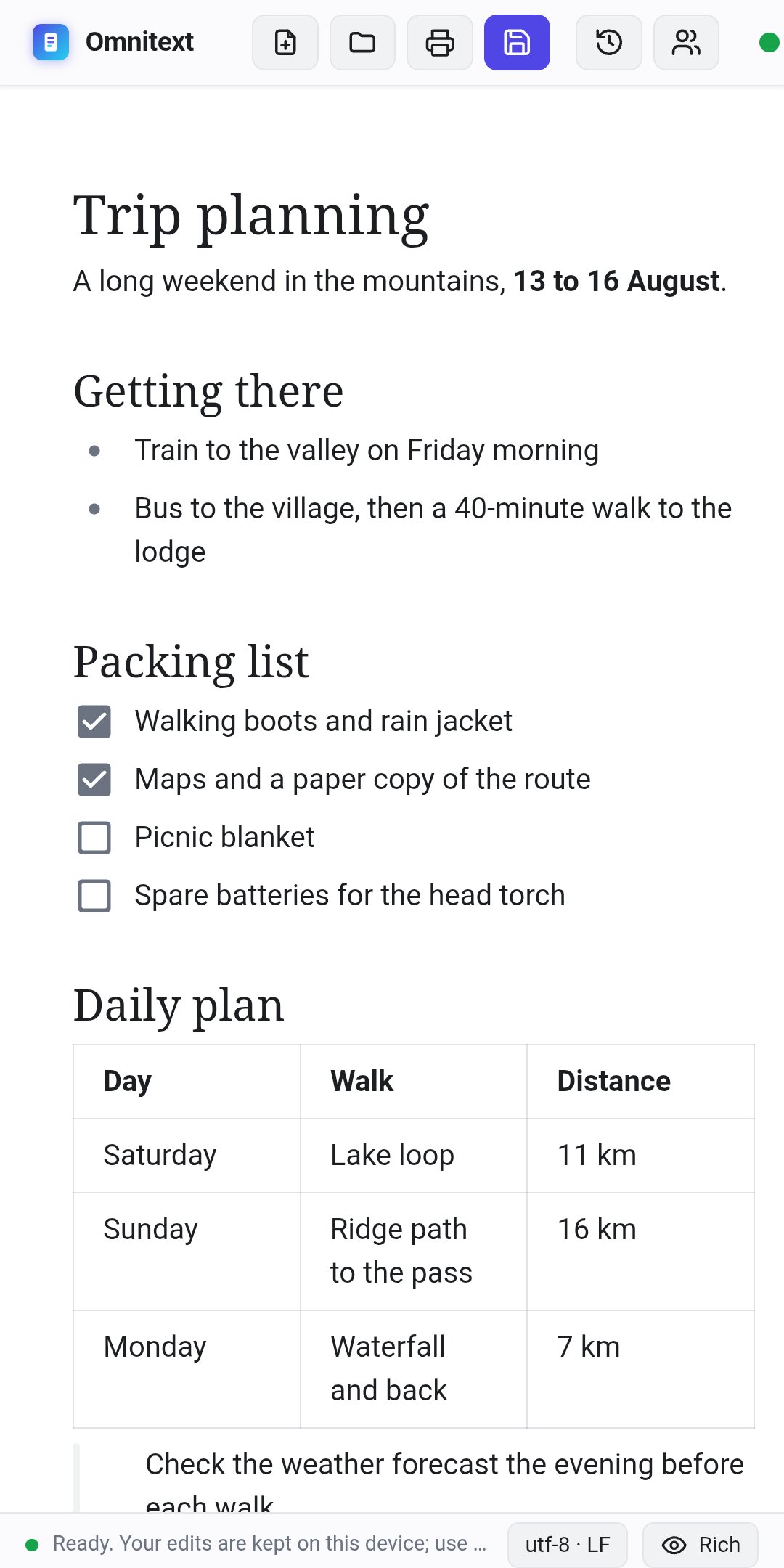
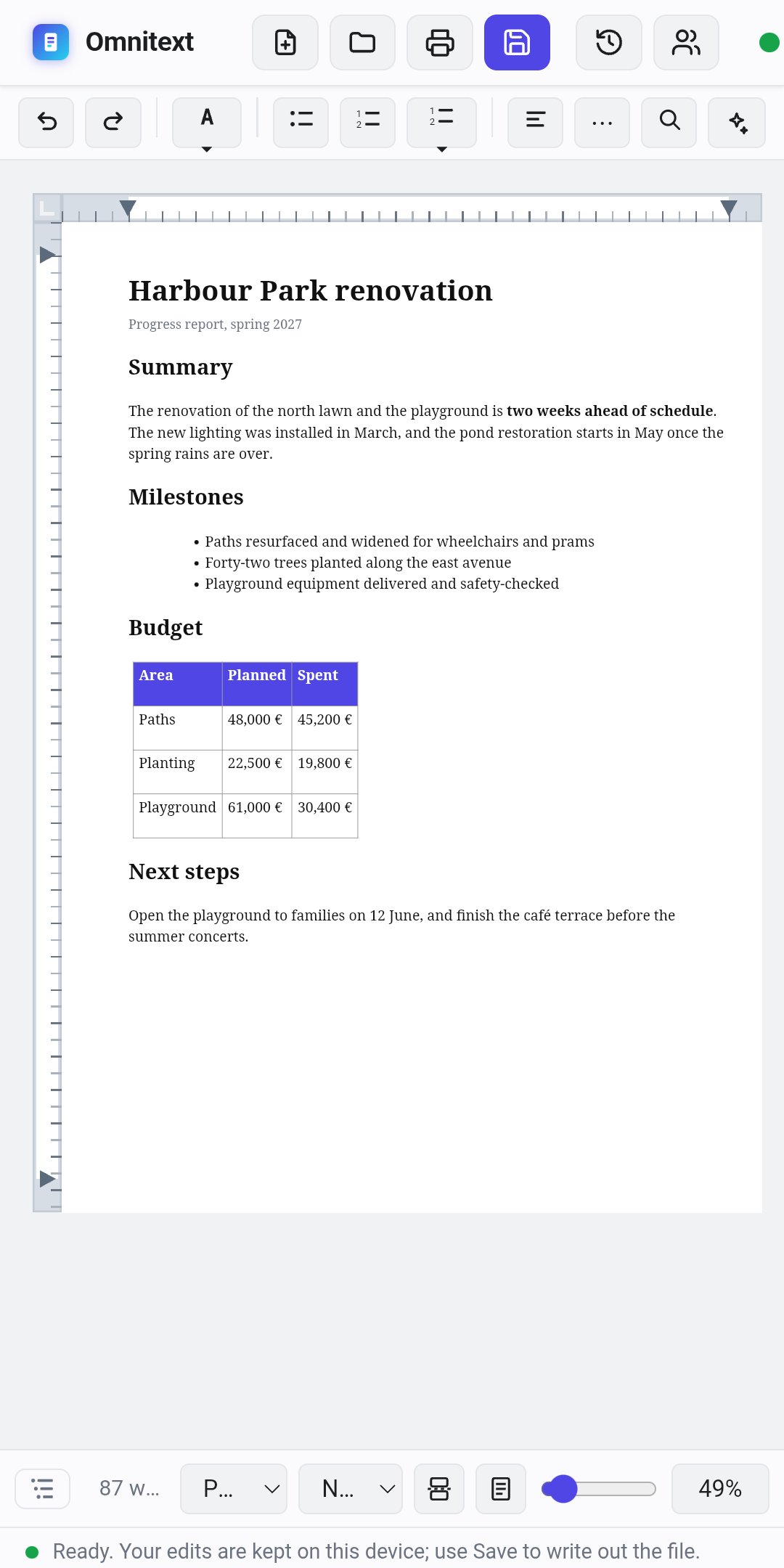
It is a private, offline editor that adapts to whatever file you open: code and data formats (JSON, YAML, XML, CSV, Markdown and more) in a proper editor, and PDF, Word (.doc/.docx), OpenDocument (.odt) and spreadsheets (.xlsx/.ods) in dedicated editors, all on your device.
Opening, editing and saving a file runs entirely on your device. Your files are never uploaded, there is no account, no tracking, and no ads. Install it, turn the network off, and every format above still opens.
• Edit PDFs: change text in place, add text and images, fill and sign forms (including complex government forms), redact, watermark, add bookmarks and attachments, pinch to zoom.
• Edit Word (including legacy .doc), OpenDocument and spreadsheets, preserving the parts you do not touch.
• Edit PowerPoint presentations: text, shapes, pictures, tables, charts, video, transitions and animations, with a slideshow and a presenter view.
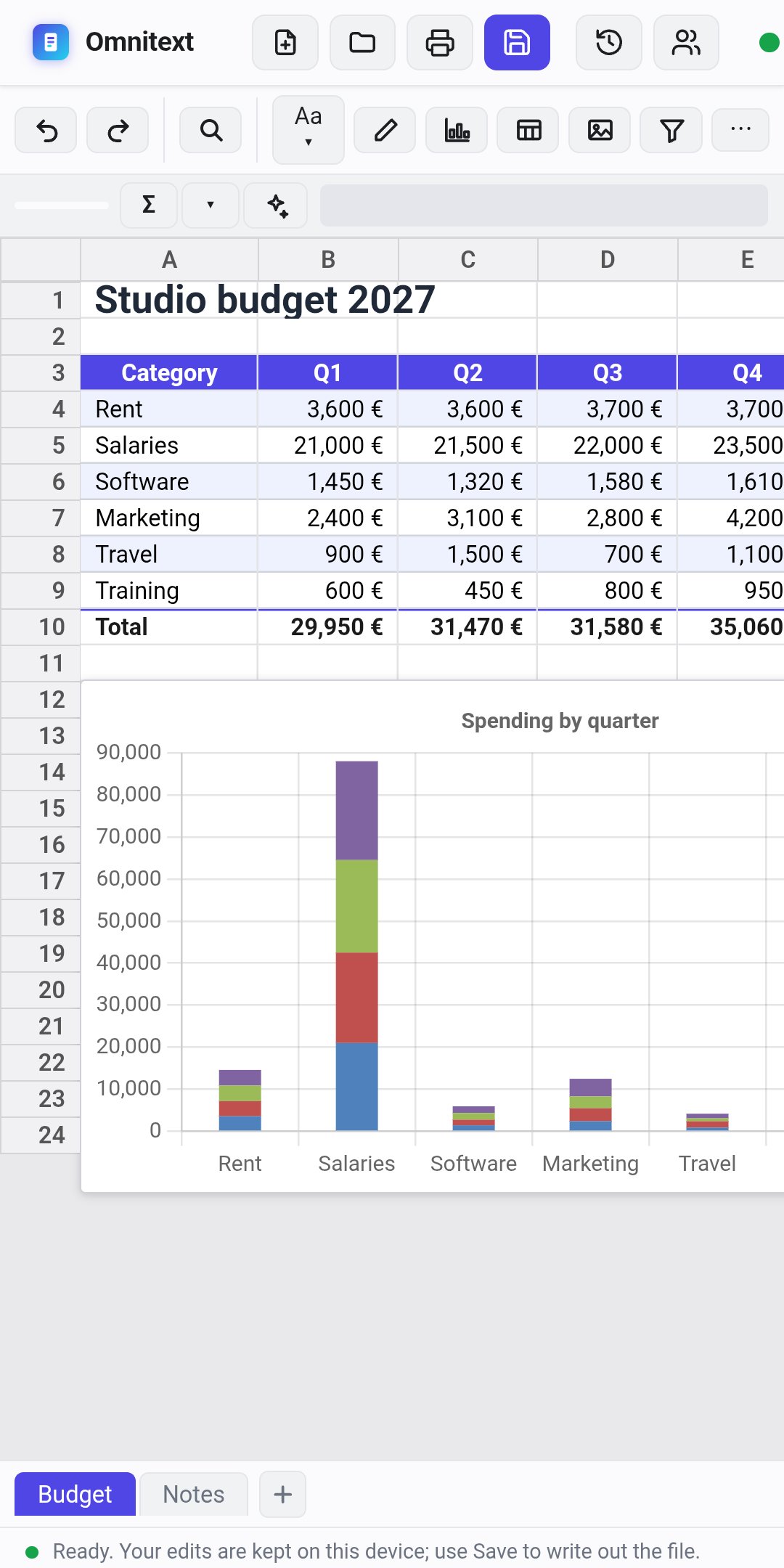
• Spreadsheets with charts, pivot tables, Power Query, conditional formatting, printing, freeze and split panes, form controls and VBA macros that run.
• Code and data editor with syntax highlighting for many formats, and a tree editor for JSON and YAML.
• Edit subtitles (SRT, VTT, ASS and more) and play video and audio with subtitles, including Dolby audio tracks and Apple Lossless.
• Edit maps (GeoJSON, KML, GPX) and view many more formats: ebooks, 3D models, fonts, SQLite databases, email, archives (zip, 7z, RAR) and images, with on-device text recognition.
• Command palette, light and dark themes, and version history to roll back changes.
Four optional features reach the network, and none of them starts on its own. Sharing a document, which you start yourself, sends it peer to peer to the people you invite, and the peers find each other through public nostr relays and public STUN servers (Google and Cloudflare by default, or your own); the document itself never goes to a server. The map editor can fetch background tiles from openstreetmap.org, and maps still open without them. The AI features (text recognition, translation, writing help, transcription) download their model once and then run on your device. The tiles and the model downloads each ask before the first fetch, and a refusal is remembered. The Check signature button on a health card fetches the issuer's public key from the issuer's website, only when you press it, and the button names the site. The app sends nothing else. Android's own web view, which draws the interface, may contact Google's autofill service on some devices; that is part of Android and cannot be switched off from the app.
Free software under the MIT licence. The same app also runs in any browser.
| Release info | New Release on Nov 25, 2026 |
|---|---|
| Release notes | New in this update: • Use the fonts installed on your device in documents, spreadsheets, slides and subtitles • Slides: add slides from the slide list • Spreadsheets on phones: grips to select cells, a Cut, Copy, Paste and Fill bar • Videos: sound starts at once on large files, and the volume slider is easier to reach • OpenDocument files show their own fonts • Fits better on small phones Still offline unless you choose to share. |
| Listing data | F-Droid |
Reviews
No reviews yet. Be the first to review Omnitext.
Used Omnitext? Tell other visitors what you thought.
Log in to write a reviewOther products by this publisher
- "No Distractions" for YouTube 4.10 ----
- #Bible 11.6.1 "Incredible App - My sister shared this app with me a few weeks ago and it is truly incredible.
- #filmphotography 1.4.2 So, you decided to shoot on film?
- #LookBusy Fake Calendar Events 1.0.6 Look Busy scans your work calendar for open time slots and fills them with realistic-looking (but secretly fake) work events.
- #Small Talk Is Canceled 1.0.2 #Small Talk Is Canceled — Conversations That Matter
Most viewed Android Video Players & Editors
-
1
 Apollo 1.7.9
Apollo Music Player
-
2
 SicMu Neo 2.5.1
Simple, full-featured, file-based music player
- 3 Marmalade TTS 1.3.4 Fast, natural, private text-to-speech for your whole phone. Works offline.
-
4
 PlusPlay 1.0.67
A minimal, lightweight Android video player app written in Kotlin
- 5 Udderance AAC 2026110800 TTS based AAC
- 6 CastLab 1.7.0 Cast your media to DLNA/UPnP and FCast devices
-
7
 Blazify 9.19.0
Stream millions of songs with synced lyrics, an equalizer and offline downloads
- 8 PipePipe 5.6.0 A FLOSS Android app to let you browse YouTube, NicoNico and BiliBili freely.
- 9 Stims 1.5 Keep your screen awake while specific apps are in the foreground.
- 10 Animation Maker 1.0.1 A tool to convert image sequences into video files
Most downloaded Android Video Players & Editors
-
1
 phiola 2.14
Fast audio player, recorder, converter
- 2 IPTV Mine Pro 1.1.3 Watch live TV channels, movies, and shows from M3U playlists.
- 3 cmus music player (android) 7 Lightweight music player with touch-friendly controls and system integration.
-
4
 Soul Searching 0.17.3
A complete and powerful music player for Android.
-
5
Blazify 9.19.0
Stream millions of songs with synced lyrics, an equalizer and offline downloads
-
6
 Rubber Ring 0.14
A looper for practicing song parts.
-
7
 Void Player 2.4.0
Modern, high-performance music player with dynamic UI
-
8
 SideDeck 1.1.4
Free DJ app. Mix on your phone. No subscriptions.
-
9
 Resonance 0.8.3
Stream music from your Subsonic or Navidrome server
-
10
 Aucards 2.6.4
Create reusable cards for quick access when non-verbal communication is needed.