Office Word:Edit Word Document 1.0.25
Office Word: Edit Word Documents is a powerful and user-friendly app that lets you create, edit, view, share, and manage your documents and files on the go.
Download
227.38 MB
22downloads
4this week
FreeFreeware
0reviews
Screenshots
About Office Word:Edit Word Document
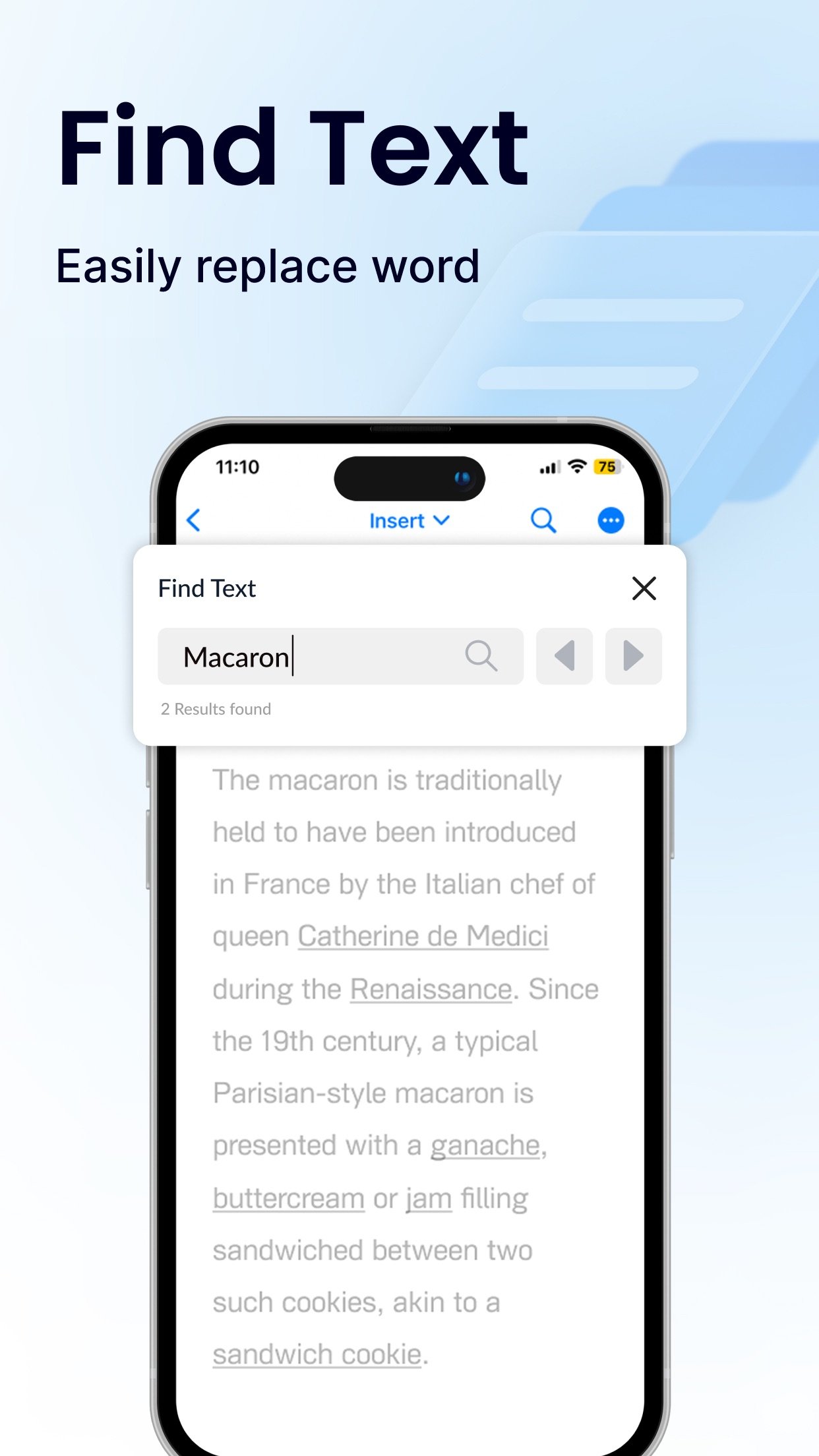
Office Word: Edit Word Documents is a powerful and user-friendly app that lets you create, edit, view, share, and manage your documents and files on the go. Whether you're one busy professional crafting reports and proposals, a student juggling assignments, or simply need to jot down quick notes, this app equips you with everything you need to conquer your docs needs.
1. Interface and Formatting Tools
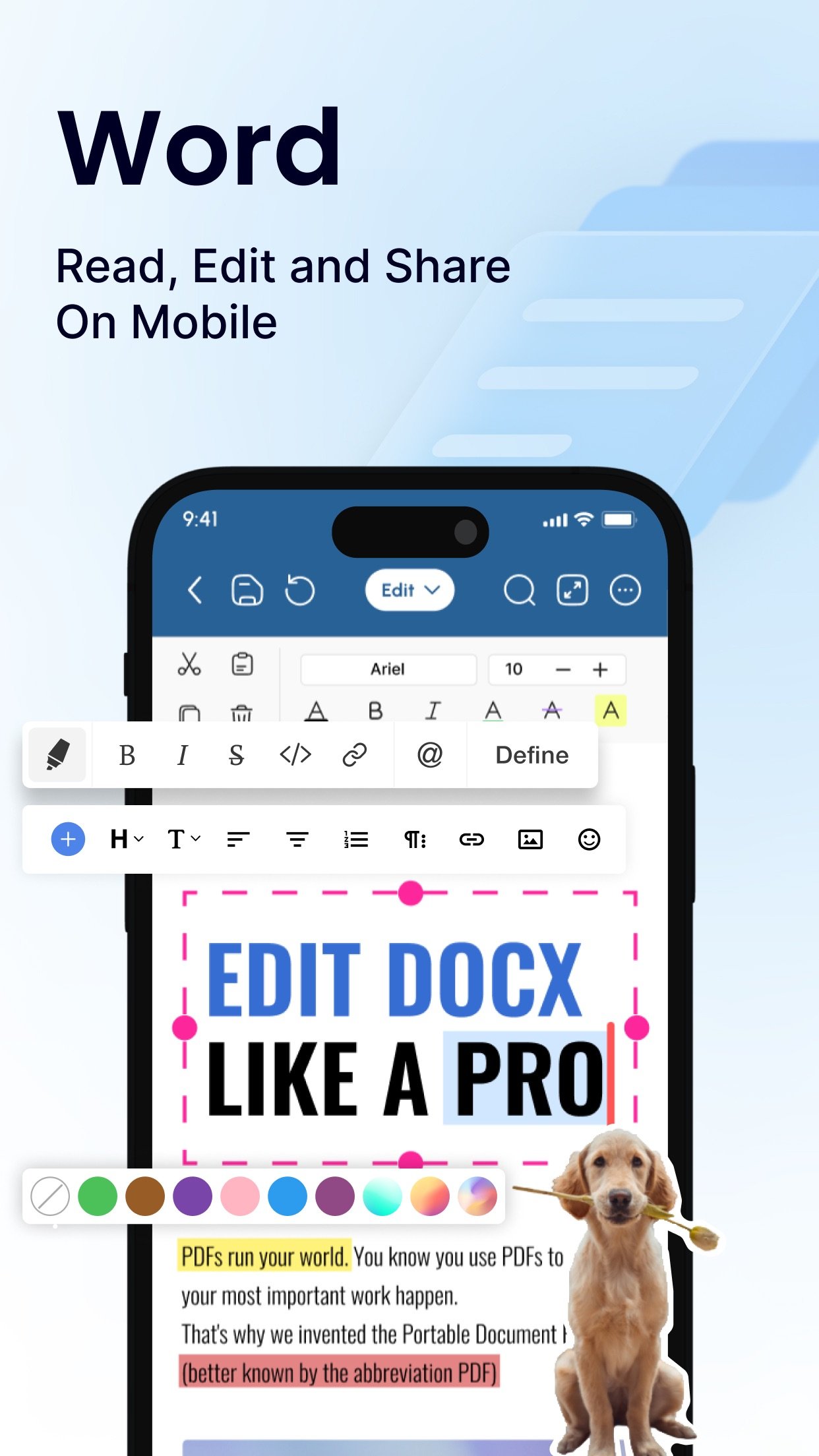
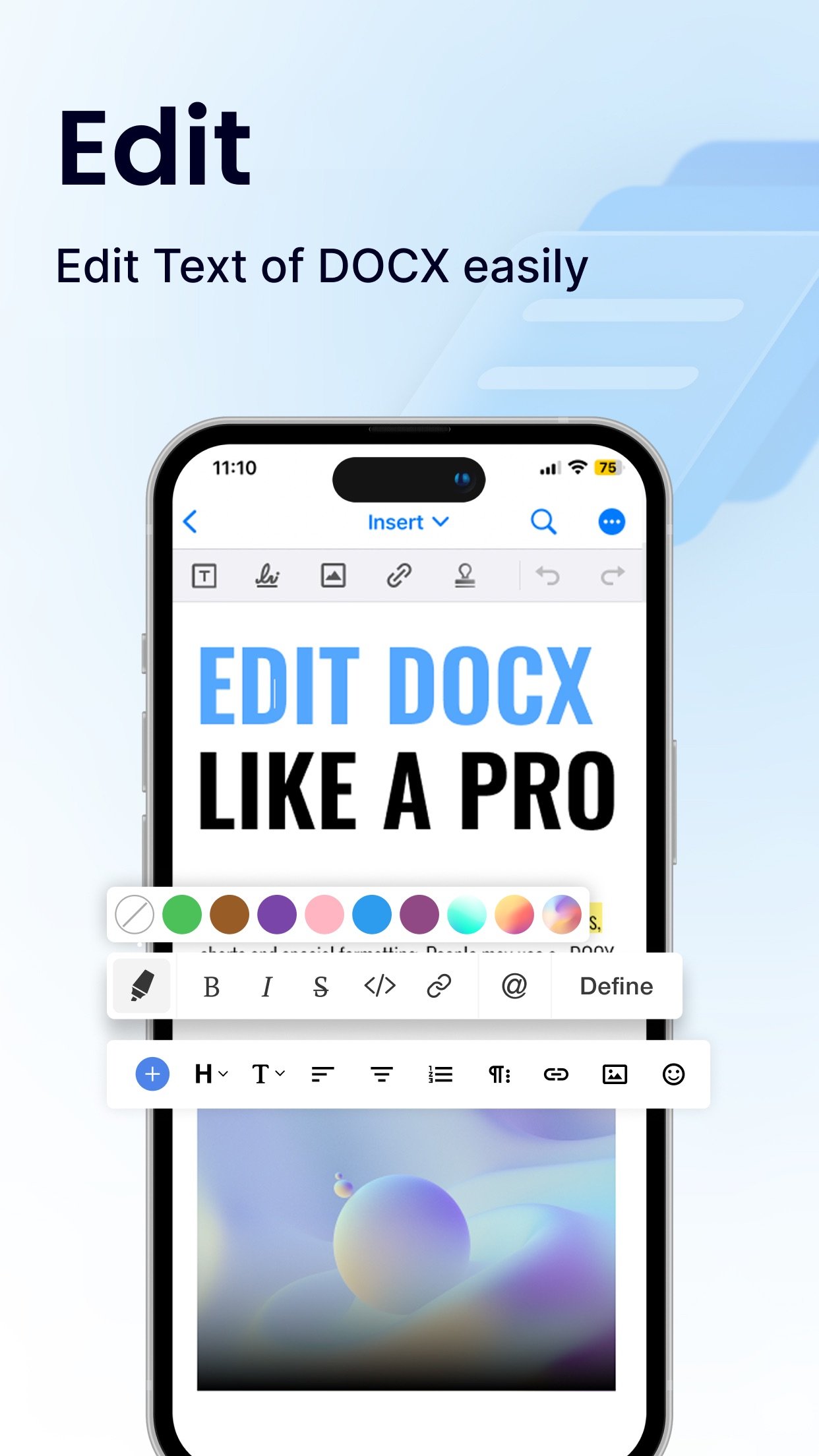
Sleek and intuitive interface for effortless document and file navigation and editing.
Variety of formatting tools to customize and edit your Word docs (fonts, text sizes, bold, italic, underline, highlight).
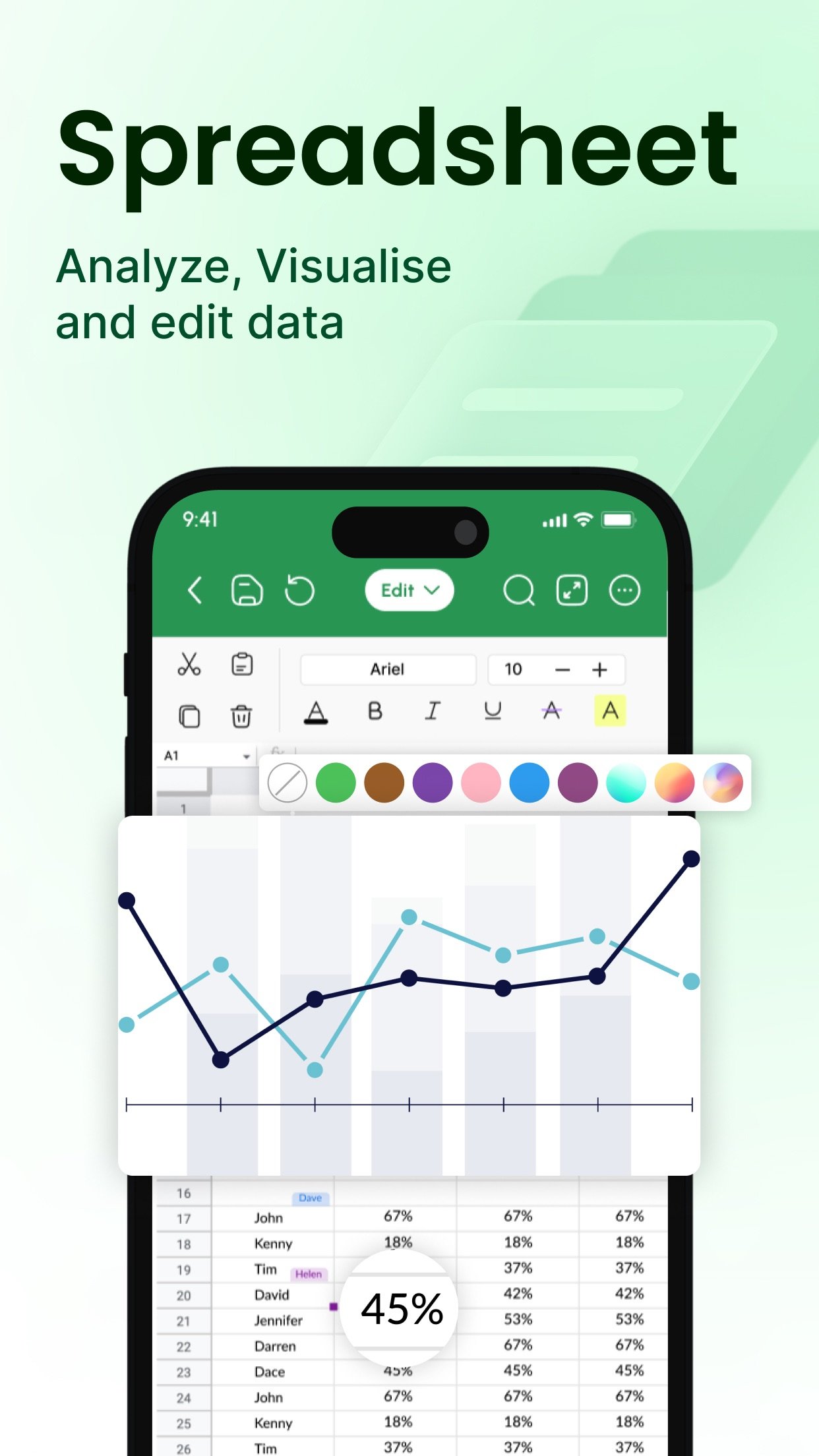
Ability to seamlessly insert tables, images, and charts into your Word files.
2. Collaboration Features
Real-time collaboration capabilities to create, edit, or annotate documents simultaneously with team members.
Commenting directly on specific parts of the document or file to facilitate clear communication and feedback.
3. Security Options
Password protection for your Word files to ensure security.
Two-factor authentication for authorized access to your documents.
Robust security features to keep your documents safe.
4. Personal and Professional Use
Suitable for both personal and professional document and file creation and editing.
Ideal for students, freelancers, and business owners to edit, create, or manage their documents.
Seamless integration with popular cloud services like Google Drive and Dropbox for easy document and file sharing.
5. Free trials and subscriptions
Try out all paid features for free for 3 days to experience the power of editing your documents and files.
Select a plan that best suits your needs to edit or create Word docs.
Cancel anytime without any obligations. Subscription will be charged to your credit card through your App Store account. Your subscription will automatically renew unless canceled at least 24 hours before the end of the current period. Manage your subscription in the Account Settings on the App Store after purchase.
Here's what makes Office Word: Edit Word Documents stand out:
Effortlessly create, edit, view, share, and manage Word docs.
Collaborate in real-time with colleagues on documents and files.
Ensure security with password protection and two-factor authentication for your Word docs.
Manage documents and files for personal or professional use.
Enjoy a free trial and flexible subscription options.
Read and manage all file formats such as Word, docx, pdf, xls, pptx, etc.
Create professional resumes and cover letters with existing templates.
Empowering Users in Every Role:
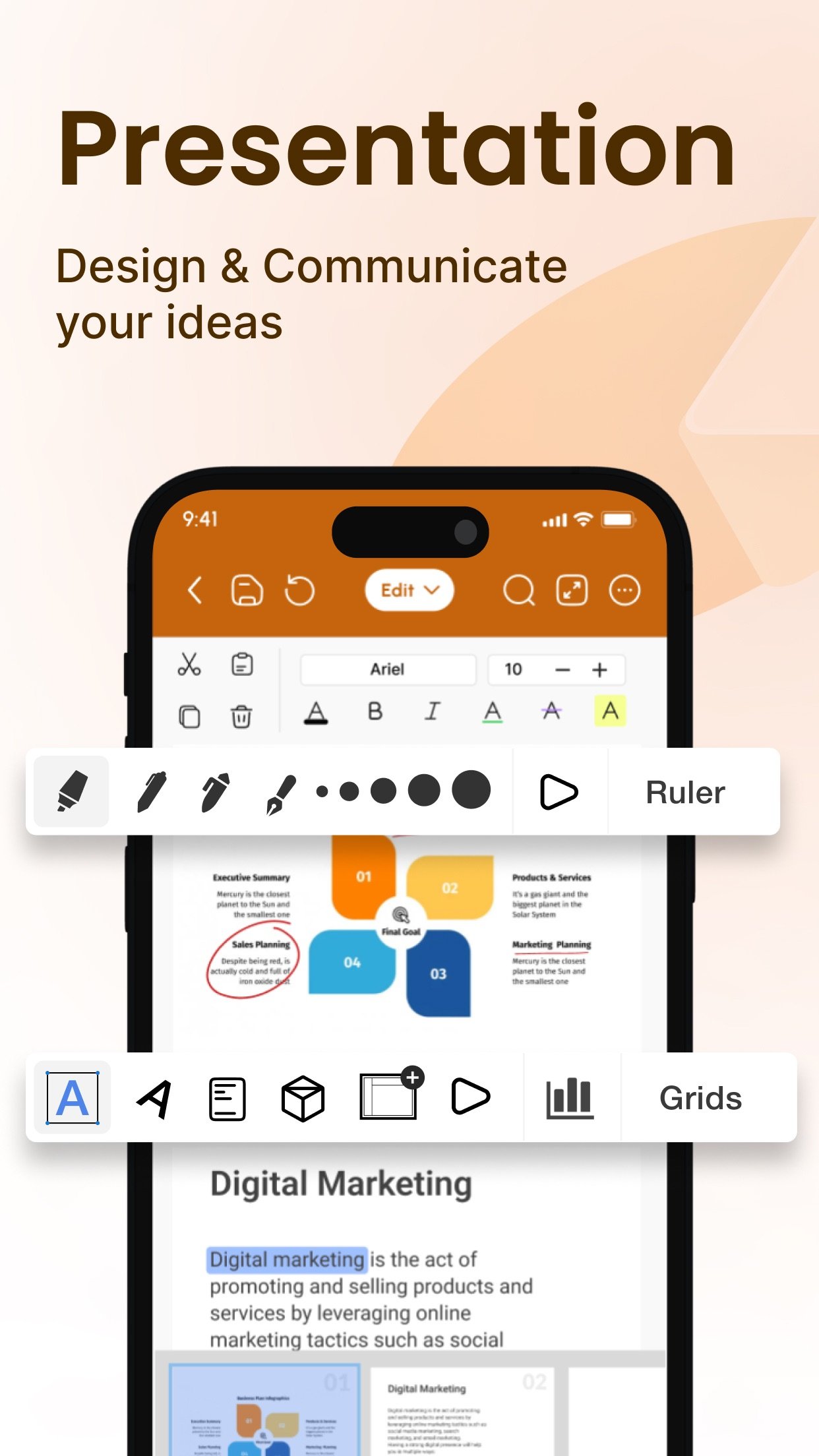
Students: Streamline your workflow and excel in your studies with this powerful mobile app. Effortlessly create, edit, view, and share all your school documents. Manage or edit assignments, take clear and organized notes, and create polished reports and presentations that will impress your professors.
Freelancers: Enhance your workflow and productivity with Office Word: Edit Word Documents. Create, edit professional Word documents, proposals, and invoices, leaving a lasting impression on clients. Work efficiently with clients, deliver high-quality projects on time, and manage your freelance business effectively with seamless file sharing and collaboration features. Create, edit, view, and share all your freelance docs and files on the go, keeping you organized and on top of your projects
Business Owners: Manage essential word files, collaborate with teams across locations, and create impactful presentations to showcase your business with Office Word: Edit Word Documents
Additional Information
• Link to the app's Terms of Use - [link removed]
Link to the app's Privacy Policy - [link removed]
Download Office Word: Edit Word Documents today and experience the future of mobile document and file management!
1. Interface and Formatting Tools
Sleek and intuitive interface for effortless document and file navigation and editing.
Variety of formatting tools to customize and edit your Word docs (fonts, text sizes, bold, italic, underline, highlight).
Ability to seamlessly insert tables, images, and charts into your Word files.
2. Collaboration Features
Real-time collaboration capabilities to create, edit, or annotate documents simultaneously with team members.
Commenting directly on specific parts of the document or file to facilitate clear communication and feedback.
3. Security Options
Password protection for your Word files to ensure security.
Two-factor authentication for authorized access to your documents.
Robust security features to keep your documents safe.
4. Personal and Professional Use
Suitable for both personal and professional document and file creation and editing.
Ideal for students, freelancers, and business owners to edit, create, or manage their documents.
Seamless integration with popular cloud services like Google Drive and Dropbox for easy document and file sharing.
5. Free trials and subscriptions
Try out all paid features for free for 3 days to experience the power of editing your documents and files.
Select a plan that best suits your needs to edit or create Word docs.
Cancel anytime without any obligations. Subscription will be charged to your credit card through your App Store account. Your subscription will automatically renew unless canceled at least 24 hours before the end of the current period. Manage your subscription in the Account Settings on the App Store after purchase.
Here's what makes Office Word: Edit Word Documents stand out:
Effortlessly create, edit, view, share, and manage Word docs.
Collaborate in real-time with colleagues on documents and files.
Ensure security with password protection and two-factor authentication for your Word docs.
Manage documents and files for personal or professional use.
Enjoy a free trial and flexible subscription options.
Read and manage all file formats such as Word, docx, pdf, xls, pptx, etc.
Create professional resumes and cover letters with existing templates.
Empowering Users in Every Role:
Students: Streamline your workflow and excel in your studies with this powerful mobile app. Effortlessly create, edit, view, and share all your school documents. Manage or edit assignments, take clear and organized notes, and create polished reports and presentations that will impress your professors.
Freelancers: Enhance your workflow and productivity with Office Word: Edit Word Documents. Create, edit professional Word documents, proposals, and invoices, leaving a lasting impression on clients. Work efficiently with clients, deliver high-quality projects on time, and manage your freelance business effectively with seamless file sharing and collaboration features. Create, edit, view, and share all your freelance docs and files on the go, keeping you organized and on top of your projects
Business Owners: Manage essential word files, collaborate with teams across locations, and create impactful presentations to showcase your business with Office Word: Edit Word Documents
Additional Information
• Link to the app's Terms of Use - [link removed]
Link to the app's Privacy Policy - [link removed]
Download Office Word: Edit Word Documents today and experience the future of mobile document and file management!
| Release info | New Release on Aug 15, 2024 |
|---|---|
| Release notes | Better Navigation experience Introduced Ipad Friendly UI & UX Design Fixed Minor Bugs |
| Listing data | App Store |
Reviews
No reviews yet. Be the first to review Office Word:Edit Word Document.
Used Office Word:Edit Word Document? Tell other visitors what you thought.
Log in to write a reviewOther products by this publisher
- "No Distractions" for YouTube 4.10 ----
- #Bible 11.6 "Incredible App - My sister shared this app with me a few weeks ago and it is truly incredible.
- #filmphotography 1.4.2 So, you decided to shoot on film?
- $quirrel 1.5.1 $quirrel Budget & Finance helps you plan each paycheck, track spending, manage debt, and see what is safe to spend before the next payday.
- % Percentage Calculator Pro 1.41 This is the Pro version of % Percentage Calculator.
Most viewed iOS Productivity
-
1
 WordPress 27.4
Manage or create your WordPress blog or website right from your iOS device: create and edit posts and pages, upload your favorite photos and videos, view stats and reply to comments.
- 2 Voice Translator - Alive 1.6 Translation app that turns your iPhone into an interpreter instantly.
-
3
 Claude by Anthropic 1.261109.19
Meet Claude, your AI problem solver and thinking partner.
- 4 "No Distractions" for YouTube 4.10 ----
- 5 (beat) for iOS 0.5.10 An elegant Fountain screenwriting app, created by a screenwriter for screenwriters.
-
6
 DeepSeek 2.7.5
Experience seamless interaction with DeepSeek's official AI assistant for free!
-
7
 Life360 26.43.0
Whether at home, online, or on the move, our comprehensive family safety features bring peace of mind to your loved ones AND help safeguard your personal belongings.
-
8
 WristMemo 2.0
WristMemo turns your Apple Watch into an all-day voice recorder.
-
9
 Howbout 16.7.0
The shared calendar for friends, couples, and family
-
10
 Plot Digitizer 1.4.1
Plot Digitizer is an app to extract numerical data from plot images.
Most downloaded iOS Productivity
- 1 Voice Translator - Alive 1.6 Translation app that turns your iPhone into an interpreter instantly.
-
2
DeepSeek 2.7.5
Experience seamless interaction with DeepSeek's official AI assistant for free!
-
3
 SessionsAI 1.2.1
Sessions AI is a private AI workspace that runs entirely on your iPhone, iPad, or Mac.
-
4
 Voices AI 1.16.15
Discover Voices, the premier voice transformation app designed exclusively for iOS.
-
5
 Block Distracting Websites 1.11
"It's a great way to save time, and stop browsing Reddit when you should be doing coursework."
-
6
Plot Digitizer 1.4.1
Plot Digitizer is an app to extract numerical data from plot images.
-
7
 Google Docs 1.2026.45104
Create, edit, and collaborate on online documents with the Google Docs app.
-
8
 Pixy Mood Tracker 1.110.0
Track your mood, one pixel at a time.
-
9
 VPN 2.61.0
VPN - Super Unlimited Proxy is a free VPN and proxy app for iPhone, iPad, Mac and Apple Vision Pro.
-
10
Life360 26.43.0
Whether at home, online, or on the move, our comprehensive family safety features bring peace of mind to your loved ones AND help safeguard your personal belongings.