
1downloads
1this week
FreeCommercial
0reviews
Screenshots
About Nuke Keyboard
Nuke Keyboard is a keyboard built for speed and accuracy.
A little more precision. A lot less work.
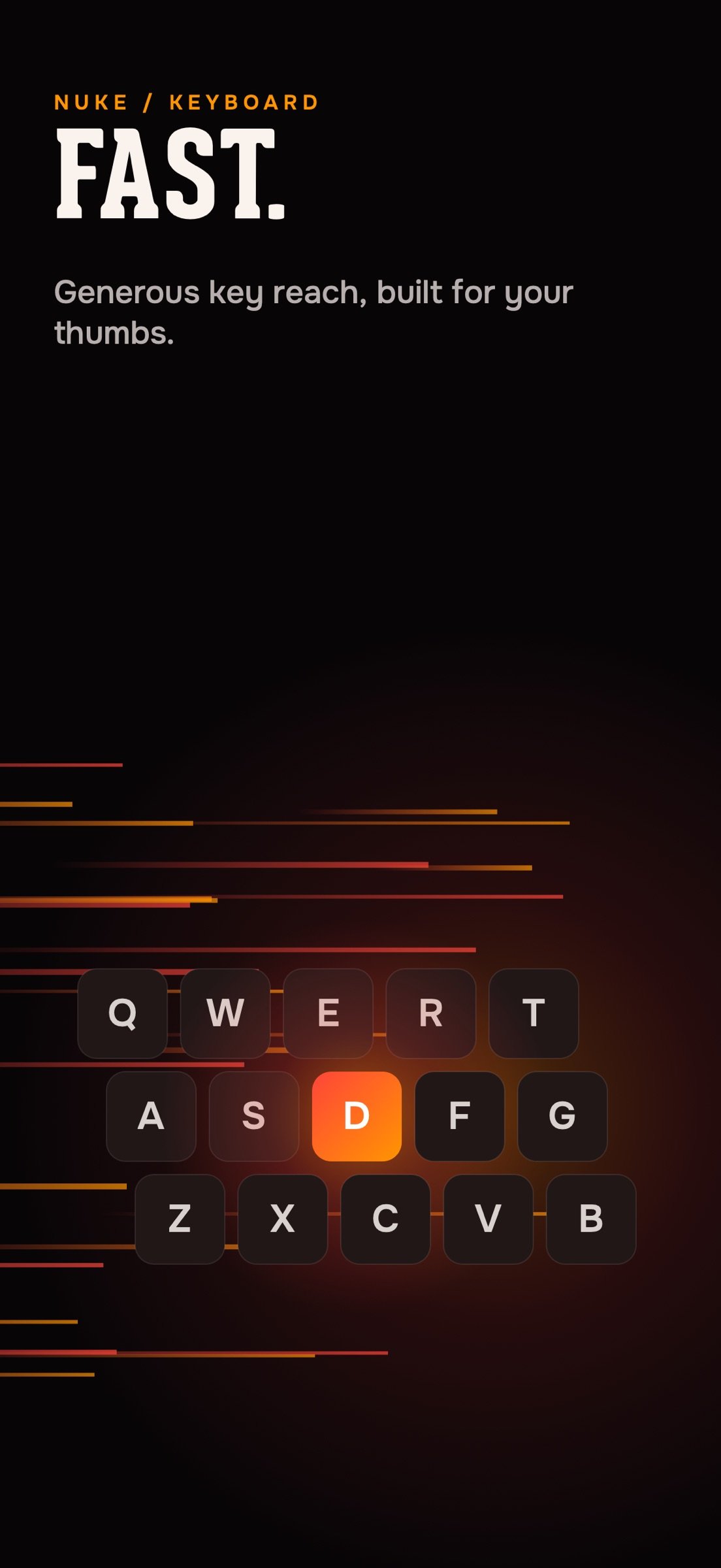
FAST
• Generous key reach, built for your thumbs, so more of your taps land where you meant them
• Haptic and sound feedback you can tune
• Quick Text: save the phrases you type all the time and drop them in with one tap
• A full emoji panel with skin tones, and a number pad
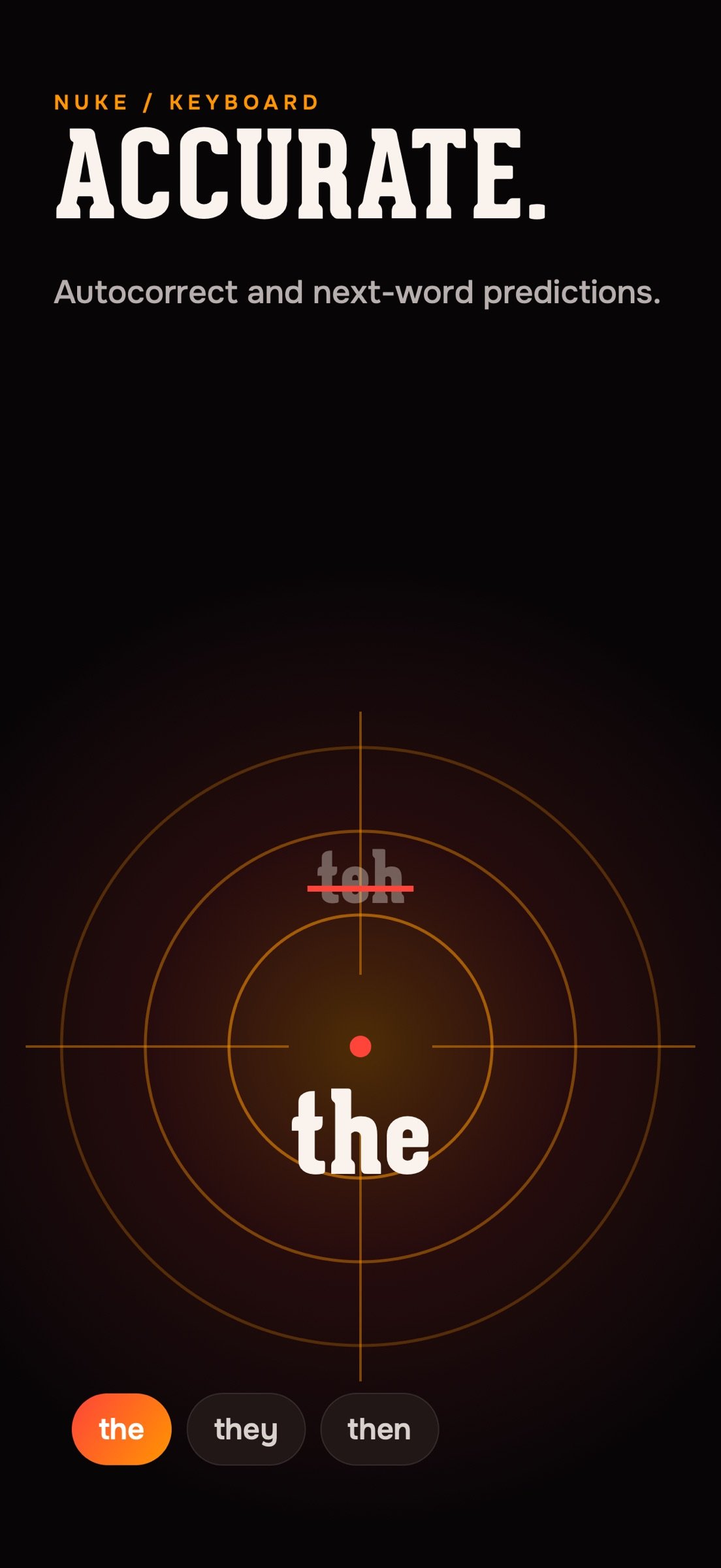
ACCURATE
• Smart autocorrect that learns the way you type
• Next-word predictions as you go
• Fix grammar, then review each change word by word
• Rewrite a sentence shorter, friendlier or more formal
DICTATION
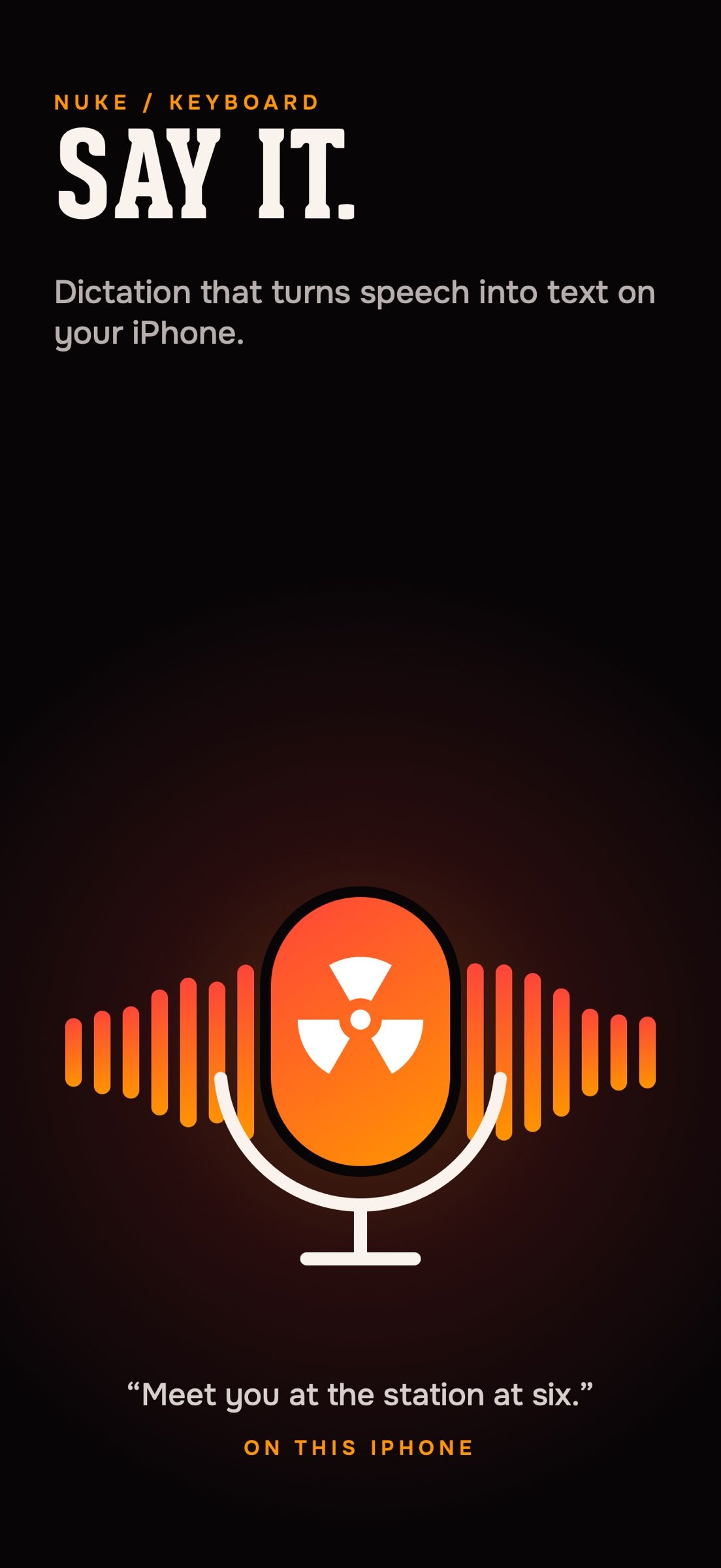
• Hold to dictate and your words are turned into text on your iPhone
• The microphone is only on while you are dictating
PRIVATE
• Typing, autocorrect and dictation run on your iPhone
• Cloud proofreading is optional. Connect your own model and key, and nothing is sent anywhere until you do
MAKE IT YOURS
• Choose the keyboard font, size and weight
• Choose your top row
• Try everything out in the app before you switch
SET UP
1. Open Settings > General > Keyboard > Keyboards > Add New Keyboard and choose Nuke Keyboard.
2. Hold the globe key to switch to it.
3. Allow Full Access if you want the optional features that need it, such as your own cloud key.
License: Commercial
| Release info | Update on Nov 28, 2026 |
|---|---|
| Release notes | • Faster space bar and more accurate taps with the new Adapt option • Swipe typing • Hold a key for accents and symbols • Drag the space bar to move the cursor in any direction • Swipe across delete to remove whole words • Split / full keyboard toggle on iPad and foldables • Returns to letters after a symbol • Proofreading is much more intelligent • New fine tune section |
| Listing data | App Store |
Reviews
No reviews yet. Be the first to review Nuke Keyboard.
Used Nuke Keyboard? Tell other visitors what you thought.
Log in to write a reviewOther products by this publisher
- "No Distractions" for YouTube 4.10 ----
- #Bible 11.6.1 "Incredible App - My sister shared this app with me a few weeks ago and it is truly incredible.
- #filmphotography 1.4.2 So, you decided to shoot on film?
- #LookBusy Fake Calendar Events 1.0.6 Look Busy scans your work calendar for open time slots and fills them with realistic-looking (but secretly fake) work events.
- #Small Talk Is Canceled 1.0.2 #Small Talk Is Canceled — Conversations That Matter
Most viewed iOS Utilities
-
1
 Device Lab 1.9.2
Device Lab is an on-device reference and toolkit for your hardware — hardware monitoring, spec references, chip and device comparisons, system information, and practical utilities, so you can understand and manage the devices you use with more struc…
-
2
 V2Box 10.2.0
V2box - VPN Internet network proxy , Supports multiple proxy protocols, such as Shadowsocks, V2ray, Vmess, Trojan , SSH , Socks, Ping Tunnel, Hysteria2, DNSTT, Wireguard
-
3
 APTV 2.4.10
APTV,?????????????? IPTV M3U???,?????????????????
-
4
 Nextin 1.4.2
Nextin is a subscription-based configuration and connection tool designed to simplify the setup process and improve everyday usability.
-
5
 VibeSDR 11.0.17
VibeSDR is a mobile-first software-defined radio (SDR) receiver — and far more than a single-server client.
-
6
 ECHOCAT 1.6.0
ECHOCAT is the iPhone and iPad companion for POTACAT, the desktop app for amateur radio operators chasing Parks on the Air (POTA), Summits on the Air (SOTA), Worldwide Bunkers on the Air (WWBOTA), Tiles on the Air and DX.
-
7
 Ally Pro 1.4.0
Ally Pro – Amiibo & NFC Tool gives advanced collectors complete control over their Amiibo library.
-
8
 Demod 1.6
Demod turns your iPhone into a software-defined radio receiver.
-
9
 DXClock 4.0.0
Connect, collaborate, and operate smarter with DX Clock — the ultimate meeting place for amateur radio operators.
-
10
 DRC 2.0.1
A simple to use app to help calculate any dilution ratio.
Most downloaded iOS Utilities
-
1
Demod 1.6
Demod turns your iPhone into a software-defined radio receiver.
-
2
 Rat And Mouse Sound Repeller 2.8
Keep mice and rats away overnight with ultrasonic waves and predator sounds.
-
3
 Guardio 2026.111.3
Protect your identity, accounts, and online activity from scams and digital threats with Guardio.
-
4
 Screen Mirroring With Miracast 2.0
Turn your iPhone into a complete TV companion.
-
5
 Fontcase 2.0.1
Fontcase is an app that lets you install custom fonts on iOS and iPadOS.
-
6
 ParkenDD 2.0.2
ParkenDD shows a list of available public parking lots in several cities.
-
7
 Find Air 2026.11.9
Easily find Bluetooth devices with Find Air!
-
8
 PickerFull 9.18
Export colors from photos as HEX, PDF, RGB, HSB/HSV, HSBA, HSL, LUV, LCH, YUV, YCBCR, YIQ, CMYK, Grayscale, XYZ, L*a*b* (CIE), CSSVAR, SASSVAR, CSSHSL, CSSRGB, AndroidXML, FlutterDart, UnityColor32, Float, Objective-C, Swift, SwiftLiteral, SwiftUI
-
9
 Passepartout, VPN Client 3.12.8
Protect your online privacy with Passepartout, a smart VPN client seamlessly integrated with iOS, macOS, iPadOS, and tvOS.
-
10
 Royal TSi 2.5.4
Royal TSi provides easy and secure access to your remote systems (RDP, VNC, SSH, etc.) by allowing you to open your Royal TS documents created with Royal TSX (for macOS) or Royal TS (for Windows).