Nero Streaming Player Pro 2.9.0
-------------------------------------------------------
Download
43.12 MB
8downloads
1this week
FreeCommercial
0reviews
Screenshots
About Nero Streaming Player Pro
-------------------------------------------------------
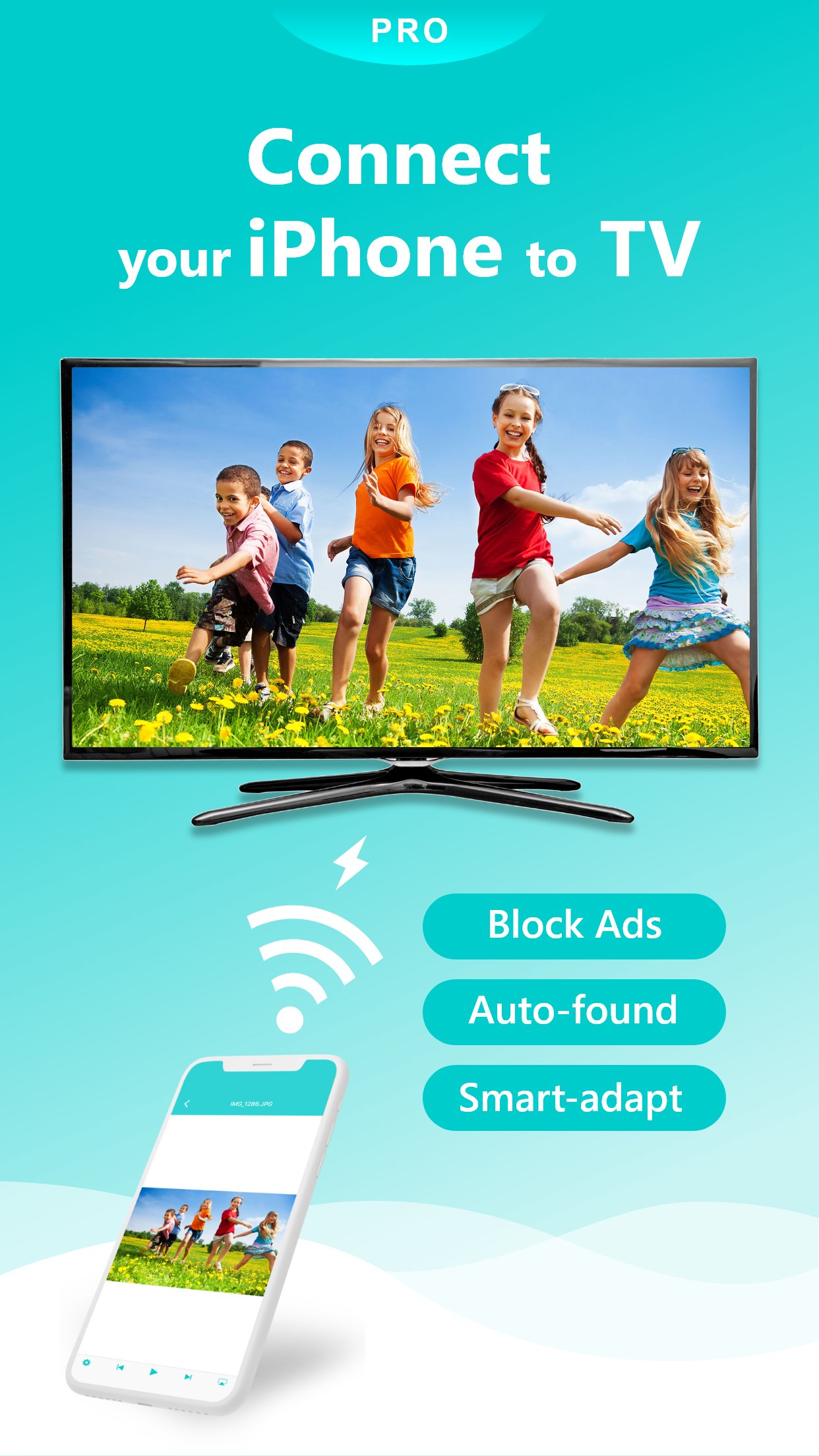
Compared to Nero Streaming Player, this PRO version blocks all advertisements!
* You can try Nero Streaming Player for free before paying PRO version.
-------------------------------------------------------
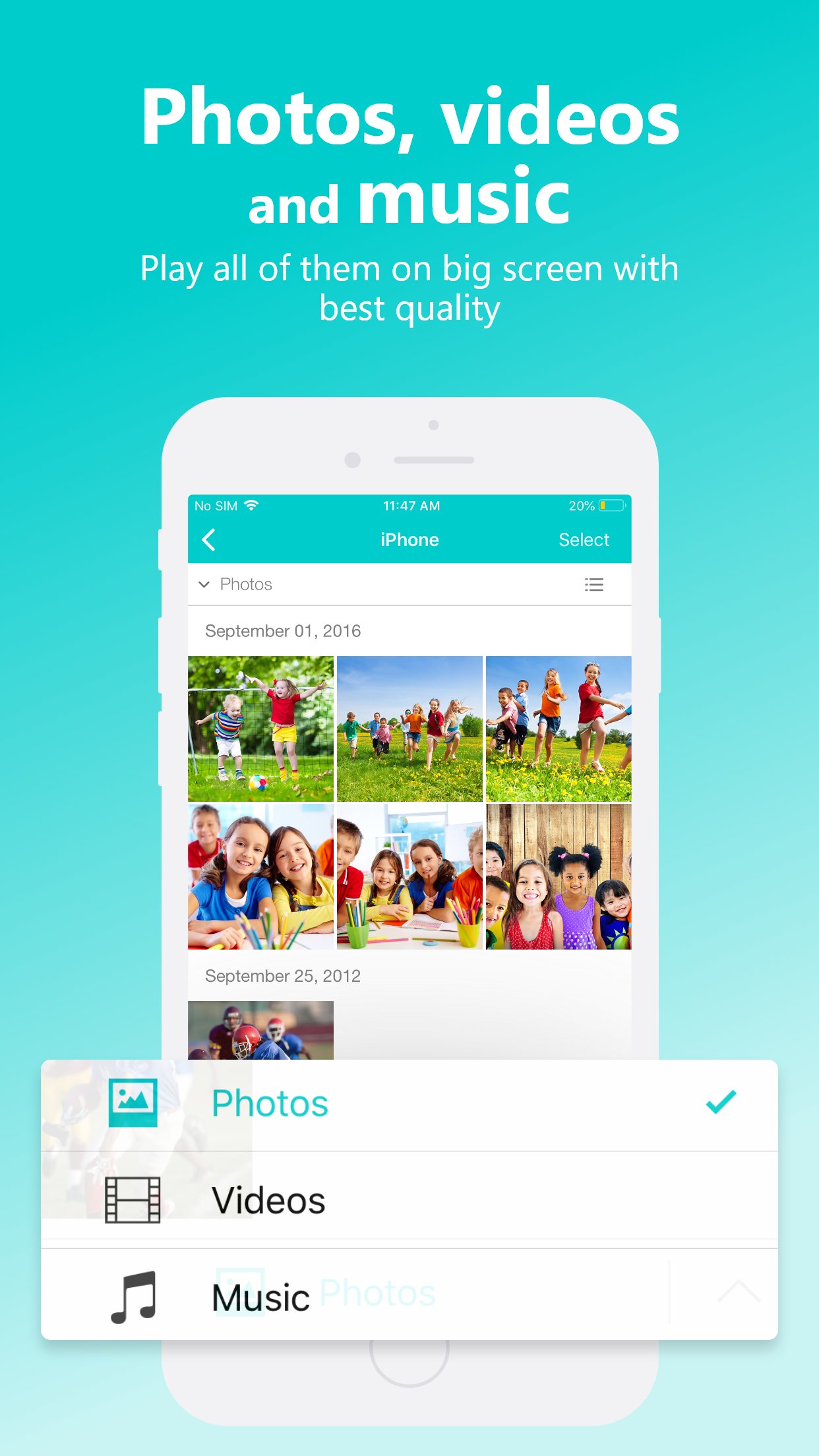
• Music streaming: play your favorite songs or playlists on your TV or connected speakers via WiFi.
• Photo casting: display your photos on the big screen – single or slideshow – with 4K support.
• Video casting: enjoy videos in Full HD & 4K on Smart TVs, Chromecast, Roku, Fire TV, and more.
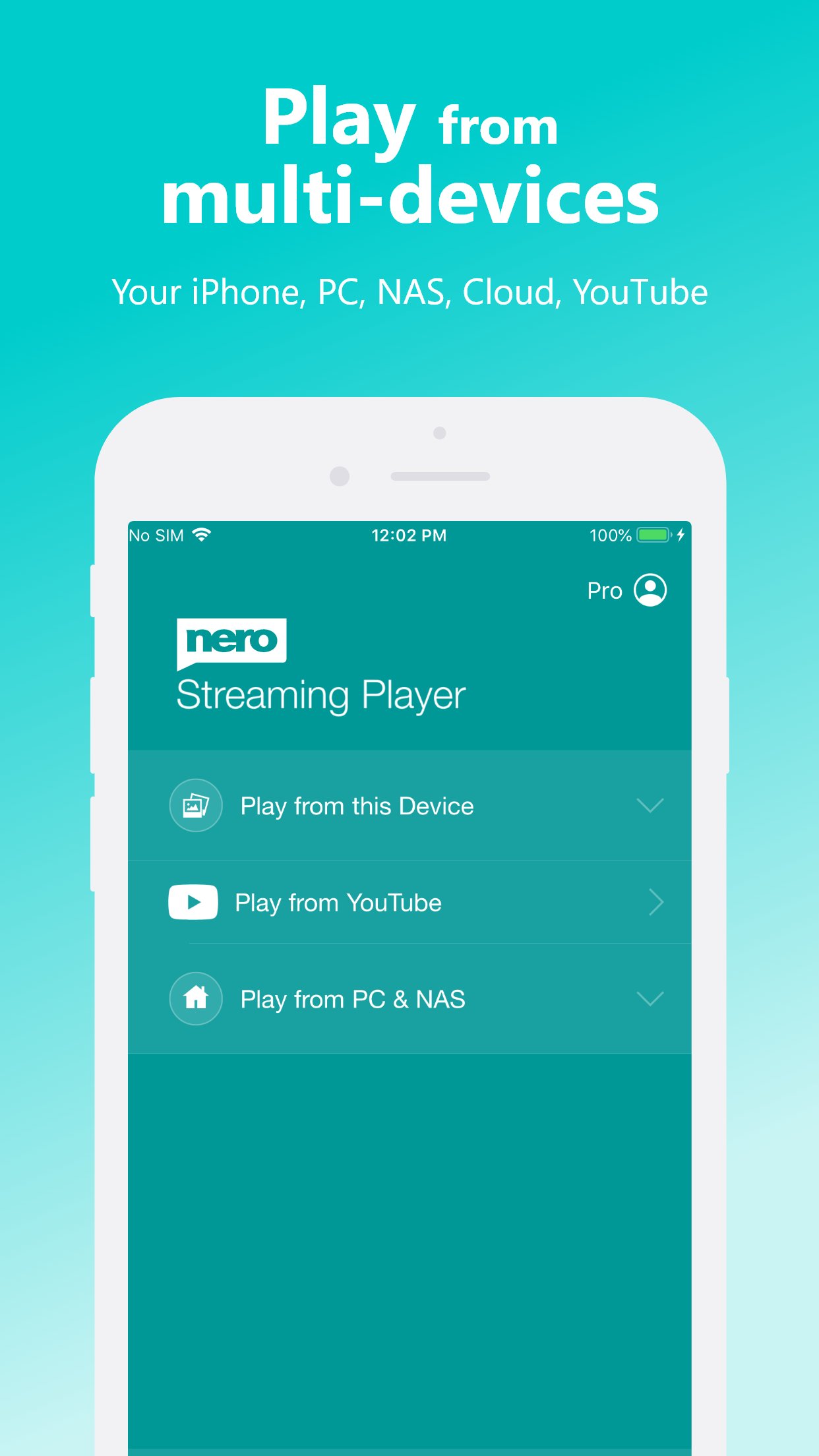
• Stream from iPhone/iPad, PC & NAS: access and play photos, HD movies, and TV shows stored on your devices – no phone storage used.
• Stream from SMB share: cast network-stored photos, movies, and music – easy setup.
• Stream from iOS Files & iCloud: access media stored on iCloud Drive, OneDrive, and other cloud services.
The easiest casting app for all your media – music, photos, videos, and more!
• NEW! SMB Sharing: stream files from network folders directly to your Smart TV.
• Supports Chromecast, Chromecast Audio, Sonos, and many other devices.
• Stream by category: select all files from a location or multiple albums at once.
• Launch other Nero mobile apps directly from Nero Streaming Player.
• Send feedback easily for improvements and issues.
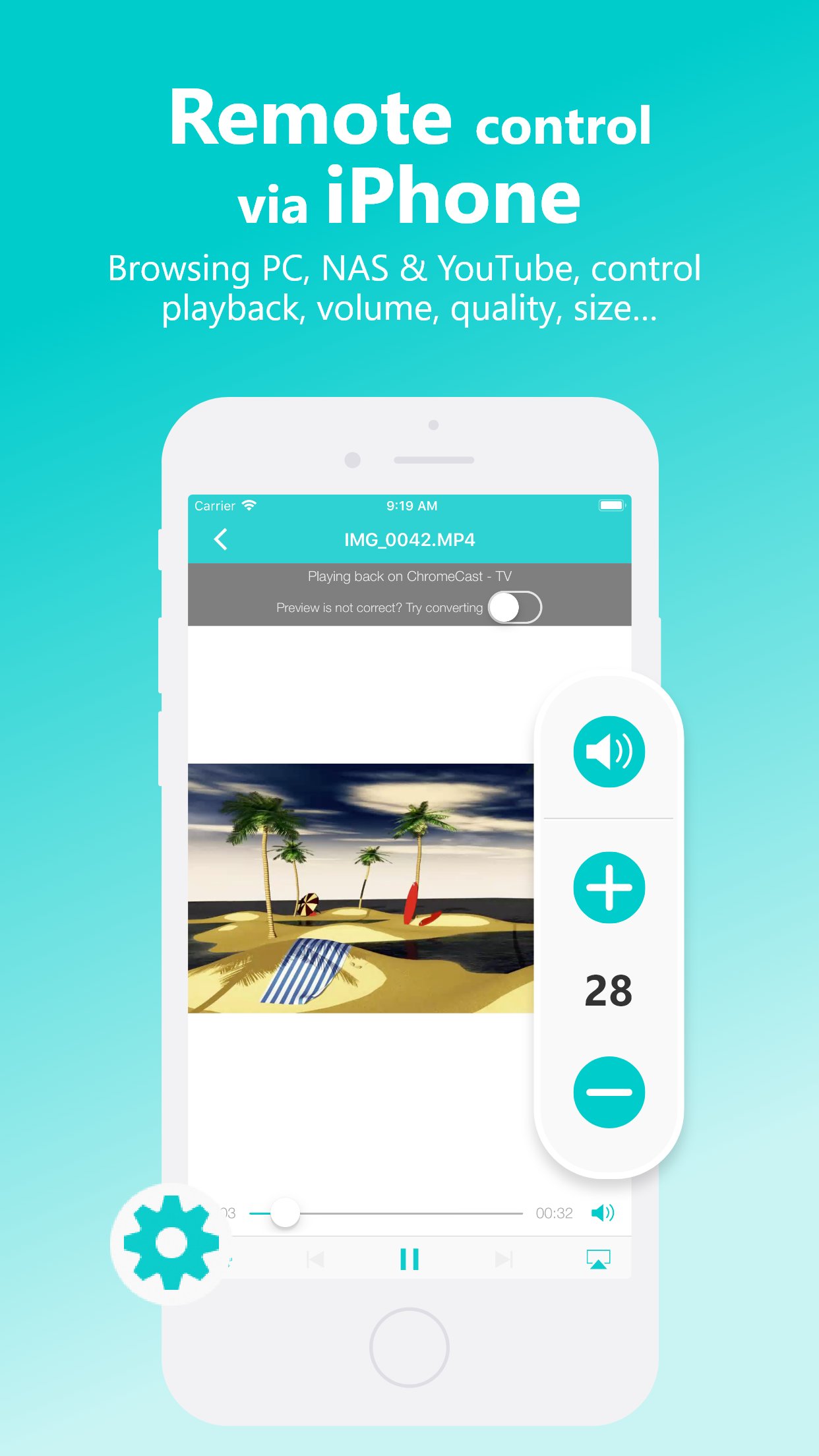
• Use your iPhone/iPad as a remote control: play, pause, stop, skip, adjust volume.
• Zoom & rotate photos with intuitive two-finger gestures while casting.
• Sort your music by artists, songs, albums, or genres and stream to Sonos or other supported devices.
Supported devices:
• Smart TVs from Samsung, Sony, LG, TCL, Panasonic, Sharp, and more
• AV devices from Yamaha, Onkyo, Sonos, Bose, Pioneer, and more
• Chromecast and other compatible streaming devices
• Media servers from Plex, Serviio, Subsonic, Twonky, Windows Media Player, and more
• NAS from Western Digital, Netgear, Synology, QNAP, Seagate, and more
PRO Features & VIP Privileges:
• No Ads – block all ads permanently
• Unlimited Streaming – browse and stream content from servers and YouTube without limits
• Advanced Player – support more formats, better quality playback
• Smart Casting – adaptive conversion for fast, smooth streaming
• VIP Customer Support
• Lifetime Updates – access all new features without limits
How it works:
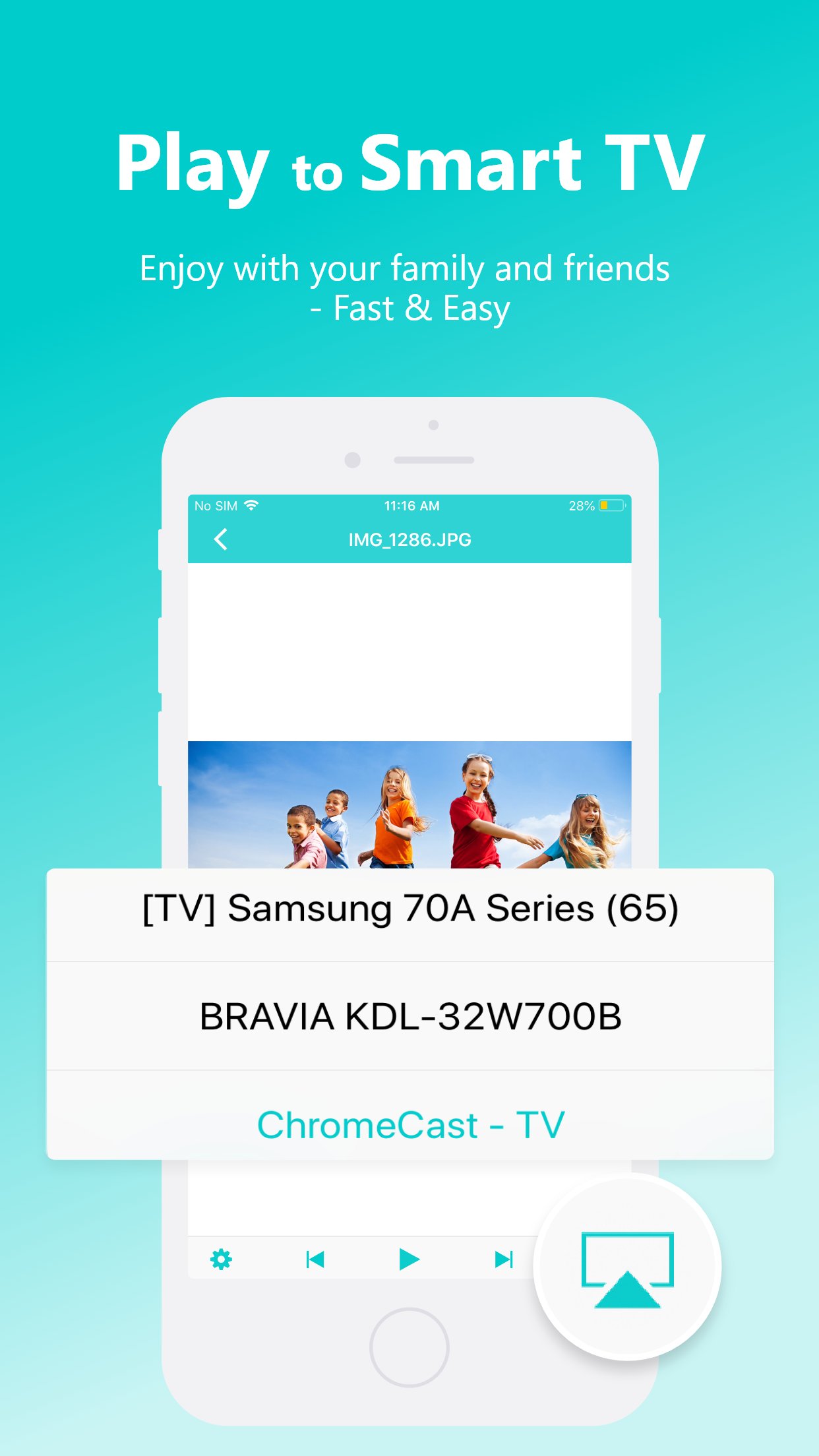
Install Nero Streaming Player Pro to cast photos, videos, and music from iPhone/iPad to your Smart TV. No HDMI cable or extra hardware needed. Connect iPhone, PC/NAS, and Smart TV to the same WiFi network. Open the app, select media, tap the TV icon, and choose a device to enjoy your content on the big screen or audio system.
PC & NAS streaming:
Launch a media server on your PC/NAS. Nero Streaming Player Pro displays all available servers. Select one and stream all media to your TV.
No media server yet?
Download and install Nero MediaHome (2016 or later) on PC. In Nero Streaming Player Pro, one touch brings you to the timeline of all your photos & videos. Enhanced features include:
• Face recognition to view family & friends
• Explore places you’ve visited
• Browse personal movie & TV show collections with poster thumbnails
• Listen to favorite songs & playlists
License: Commercial
Compared to Nero Streaming Player, this PRO version blocks all advertisements!
* You can try Nero Streaming Player for free before paying PRO version.
-------------------------------------------------------
• Music streaming: play your favorite songs or playlists on your TV or connected speakers via WiFi.
• Photo casting: display your photos on the big screen – single or slideshow – with 4K support.
• Video casting: enjoy videos in Full HD & 4K on Smart TVs, Chromecast, Roku, Fire TV, and more.
• Stream from iPhone/iPad, PC & NAS: access and play photos, HD movies, and TV shows stored on your devices – no phone storage used.
• Stream from SMB share: cast network-stored photos, movies, and music – easy setup.
• Stream from iOS Files & iCloud: access media stored on iCloud Drive, OneDrive, and other cloud services.
The easiest casting app for all your media – music, photos, videos, and more!
• NEW! SMB Sharing: stream files from network folders directly to your Smart TV.
• Supports Chromecast, Chromecast Audio, Sonos, and many other devices.
• Stream by category: select all files from a location or multiple albums at once.
• Launch other Nero mobile apps directly from Nero Streaming Player.
• Send feedback easily for improvements and issues.
• Use your iPhone/iPad as a remote control: play, pause, stop, skip, adjust volume.
• Zoom & rotate photos with intuitive two-finger gestures while casting.
• Sort your music by artists, songs, albums, or genres and stream to Sonos or other supported devices.
Supported devices:
• Smart TVs from Samsung, Sony, LG, TCL, Panasonic, Sharp, and more
• AV devices from Yamaha, Onkyo, Sonos, Bose, Pioneer, and more
• Chromecast and other compatible streaming devices
• Media servers from Plex, Serviio, Subsonic, Twonky, Windows Media Player, and more
• NAS from Western Digital, Netgear, Synology, QNAP, Seagate, and more
PRO Features & VIP Privileges:
• No Ads – block all ads permanently
• Unlimited Streaming – browse and stream content from servers and YouTube without limits
• Advanced Player – support more formats, better quality playback
• Smart Casting – adaptive conversion for fast, smooth streaming
• VIP Customer Support
• Lifetime Updates – access all new features without limits
How it works:
Install Nero Streaming Player Pro to cast photos, videos, and music from iPhone/iPad to your Smart TV. No HDMI cable or extra hardware needed. Connect iPhone, PC/NAS, and Smart TV to the same WiFi network. Open the app, select media, tap the TV icon, and choose a device to enjoy your content on the big screen or audio system.
PC & NAS streaming:
Launch a media server on your PC/NAS. Nero Streaming Player Pro displays all available servers. Select one and stream all media to your TV.
No media server yet?
Download and install Nero MediaHome (2016 or later) on PC. In Nero Streaming Player Pro, one touch brings you to the timeline of all your photos & videos. Enhanced features include:
• Face recognition to view family & friends
• Explore places you’ve visited
• Browse personal movie & TV show collections with poster thumbnails
• Listen to favorite songs & playlists
License: Commercial
| Release info | New Release on Feb 04, 2026 |
|---|---|
| Release notes | A fresh new video player for smoother, easier playback: - 10-second skip forward/back with a single tap - Playback speed control for videos on your device or from your media server - Simplified playback settings — adjust options without leaving your video - Picture in Picture (PiP) keeps your video playing while you use other apps New: AirPlay support for streaming video to your TV |
| Listing data | App Store |
Reviews
No reviews yet. Be the first to review Nero Streaming Player Pro.
Used Nero Streaming Player Pro? Tell other visitors what you thought.
Log in to write a reviewOther products by this publisher
- "No Distractions" for YouTube 4.10 ----
- #Bible 11.6 "Incredible App - My sister shared this app with me a few weeks ago and it is truly incredible.
- #filmphotography 1.4.2 So, you decided to shoot on film?
- $quirrel 1.5.1 $quirrel Budget & Finance helps you plan each paycheck, track spending, manage debt, and see what is safe to spend before the next payday.
- % Percentage Calculator Pro 1.41 This is the Pro version of % Percentage Calculator.
Most viewed iOS Photo & Video
-
1
 ShortDiShow 2.0
Drama Quest Island — An offline interactive short-drama adventure.
-
2
 Infuse 8.5.10
Infuse: Enterprise provides the same great features as the standard version of Infuse and includes permanent access to all Pro features via a traditional paid app.
-
3
 AI Video Generator 2.0.2
Vixel – AI Video Generator
-
4
 OPlayer 4.8
Play all your videos directly without having to convert them!
-
5
 Necrometer II 1.2
Necrometer II is a paranormal investigation companion designed for ghost hunters and researchers.
-
6
 CapCut 20.1.0
CapCut offers easy-to-use video editing functions, in-APP fonts and effects, advanced features such as keyframe animation, smooth slow-motion, chroma key, and stabilization, to help you capture and snip moments.
-
7
 Ai Photo 1.1.2
AI Photo Retouch – BG Eraser
-
8
 Treblo 1.6.0
Make songs with the world's best AI music model.
-
9
 CNU 3.0.12
CNU?????????????????????,???????????????
-
10
 Pop Dot Comics 1.48
Create a comic worthy of the Sunday newspaper or your favorite pulp-fiction cover.
Most downloaded iOS Photo & Video
-
1
Infuse 8.5.10
Infuse: Enterprise provides the same great features as the standard version of Infuse and includes permanent access to all Pro features via a traditional paid app.
-
2
 DJI Fly 1.21.18
DJI Fly is designed to help pilots fly drones with ease.
-
3
 Analog Radio 3.0
The iPhone and iPad devices don't have the FM/AM radio antenna installed.
-
4
 TurboCollage Automatic 1.2.4
#1 Easy automatic photo collage maker for iPhone & iPad.
-
5
 ReelyGo 1.1.42
ReelyGo: Your Daily Drama Escape
-
6
 AGAIN. Rehearsal Notes 2.0.1
AGAIN. is the rehearsal app that remembers why the band stopped — and, new in Version 2, who said what in a writing session or a table read.
-
7
Treblo 1.6.0
Make songs with the world's best AI music model.
-
8
 Rozeta Sequencer Suite 1.3.16
Rozeta is a suite of MIDI sequencers and controllers that lets you explore a new, freeform approach to sequencing and controlling mobile music apps.
-
9
 SSS IPTV, Simple, Smart Super 1.0.2
An Easiest way to watch TV Online or Movies or Series, Bring your Own list M3u,
-
10
Pop Dot Comics 1.48
Create a comic worthy of the Sunday newspaper or your favorite pulp-fiction cover.